E-signature integrations: Google Drive, Pipedrive, Stripe and API
E-signature integrations in Chaindoc start where your work already is. Open a file from Google Drive™ with Open with → Chaindoc, send a contract from a Pipedrive deal, get paid into your own Stripe account and check a signer's identity with Sumsub. Google Drive and Stripe work on every plan, and a Drive file uses your plan's AI credits; Pipedrive and the API need Business.
Every Chaindoc integration at a glance
| Integration | Starts from | Ends up in | Direction | Plan |
|---|---|---|---|---|
Google DriveFiles | A PDF, Word file or Google Doc you open or pick in Drive | A copy in your Storage and an editable draft in Documents. The original stays in Drive | Into Chaindoc only, nothing goes back to Drive | Every planuses AI credits |
PipedriveCRM | A deal, its files and your Pipedrive contacts | Signing status in the deal's Chaindoc panel, and the current version in the deal's files when you export it | Both waysexport by hand | Business |
StripePayments | Payment terms on a contract, or an invoice | Your own Stripe account, then your bank on Stripe's payout schedule | Out to your Stripe | Every planFree: 1 contract with payment terms |
SumsubIdentity | The Identity verification switch on a signature request | An ID check of the signer inside Chaindoc, before the document opens | Built inno Sumsub account needed | From ProPro 1, Team 5, Business 10 checks a month |
Your own systemBuild your own | Your code, a signing window on your site, or an AI agent | Documents and signature requests in Chaindoc, with events sent back to you | Both ways | Business |
Five electronic signature integrations, and which way each one moves your work. Plans as listed on 17 November 2026. Full plan details on pricing.
Google Drive e-signature: open a file with Chaindoc
Your contract is already in Google Drive. Right-click it, choose Open with → Chaindoc, and it arrives as an editable document you can send for signature. That is the whole Google Drive electronic signature flow: no downloading, no uploading again. You can also start from Chaindoc with New document → From Google Drive.
Google Drive
A copy, one way
Chaindoc
Chaindoc asks Google for the file
Chaindoc opens in the workspace you used last and asks Google for that one file. The first time, Google asks you to allow it.
The copy is converted
Chaindoc copies the file into Storage and turns it into an editable document. Run it in the background if it takes a while.
An editable draft
The draft opens in Documents. Read it through, add signers and send it.
Nothing goes back to Drive. The signed PDF and its certificate stay in Chaindoc, on the contract management platform with your other contracts, and you can download them whenever you need.
Two ways in
Open with → Chaindoc in Drive, or From Google Drive in the New document window. The second one lets you browse My Drive and shared drives and pick one file.
What it opens
PDFs, Word files and Google Docs. Google Docs come in as Word files. Google Sheets and Slides can't be opened.
How big
Up to 20 MB and 50 pages a file, one file at a time. Google exports a Google Doc only up to 10 MB.
What Chaindoc can see
Only the files you open or pick with it. That is Google's drive.file access: the rest of your Drive stays out of reach.
Which account
To open a file from Drive, sign in to Chaindoc with the same Google account you use in Drive. No Chaindoc account yet? Signing in with Google creates one.
Which plan
Every plan. Each conversion uses your plan's AI credits, and the copy takes space in your Storage.
Get Chaindoc from the Google Workspace Marketplace
Google Drive is a trademark of Google LLC.
Send for signature from a Pipedrive deal
The Chaindoc app for Pipedrive adds a Chaindoc panel to the deal. Your sales team prepares the contract, sends it and sees where it stands without leaving the deal.
Business
A connection belongs to the Chaindoc workspace you connected it to, and documents from other workspaces stay out of it. Installing the app is free; sending from a deal needs the Business plan.
Pick the file
Use a file already on the deal, or upload one.
Choose the signers
Pick them from your Pipedrive contacts, or type an email address.
Send it
The signature request is tied to the deal.
Follow the status
The panel lists the deal's signature requests and where each one stands.
Export it to the deal by hand
Once it is signed, export the document's current version to the deal's files yourself.
Payments and identity checks, built in
Two services work inside Chaindoc with no code. Stripe moves the money and Sumsub checks who is signing, and both ride on the document you send.
StripeEvery plan
Get paid into your own Stripe account
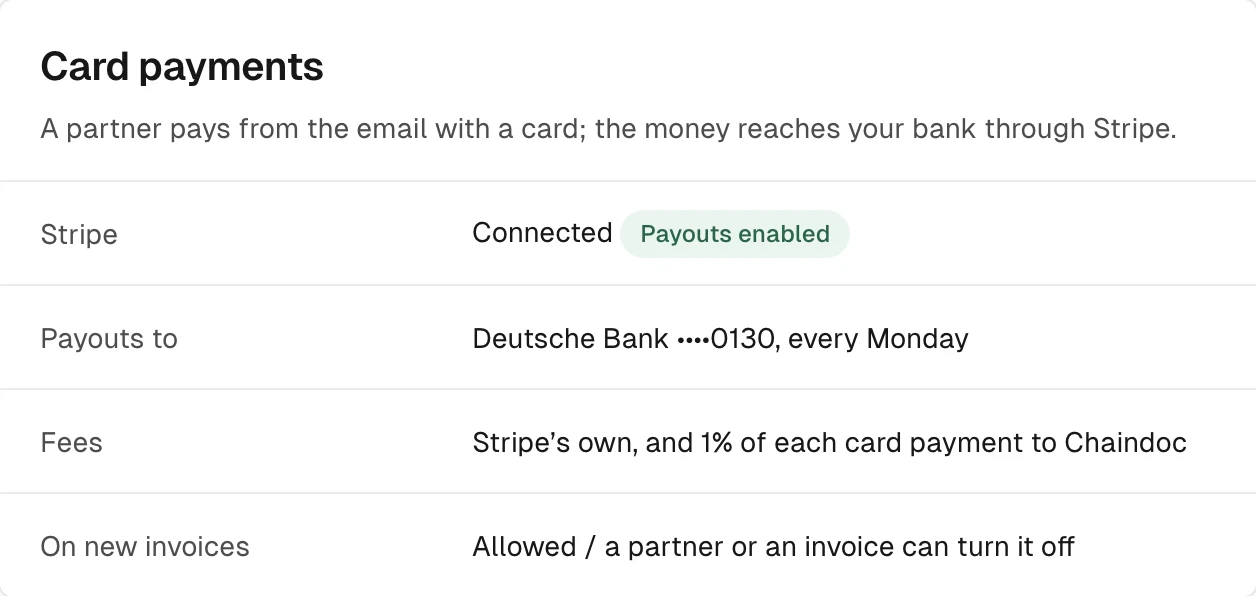
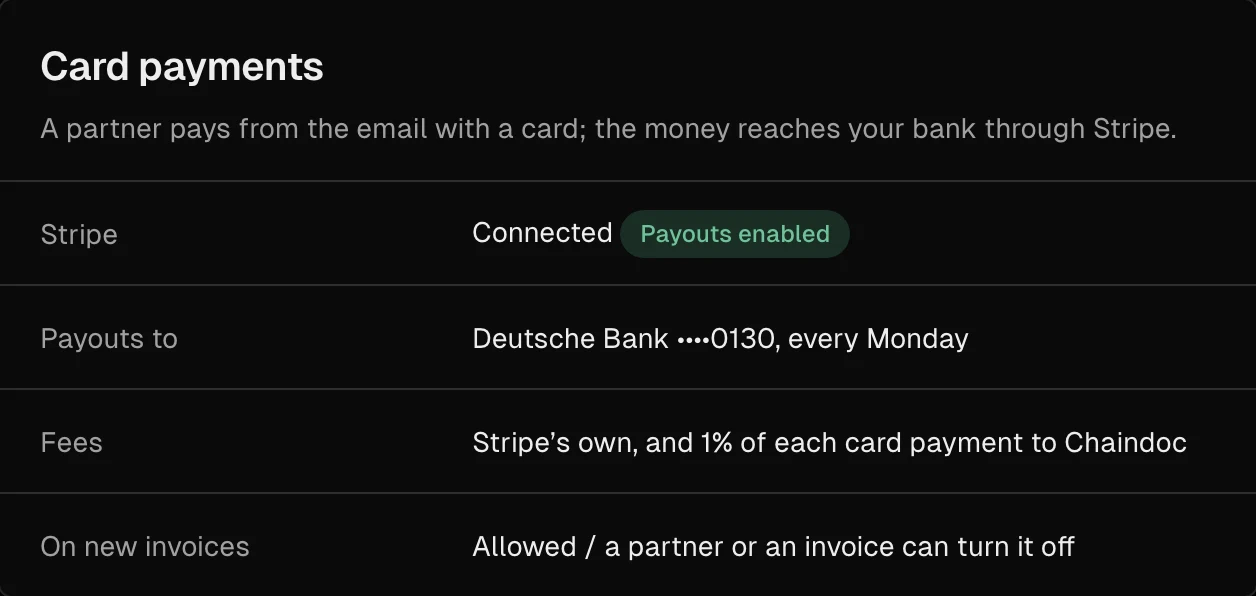
Connect Stripe in Settings → Payment details. Card payments and charges on signing go through your own Stripe account, and Stripe pays out to your bank on its own schedule. Stripe charges its own fees, and Chaindoc takes 1% of each card payment. On the Free plan, one contract can carry payment terms.
How deposits, recurring terms and invoices work: payment collection on signing
SumsubFrom Pro
Check who signs, with Sumsub
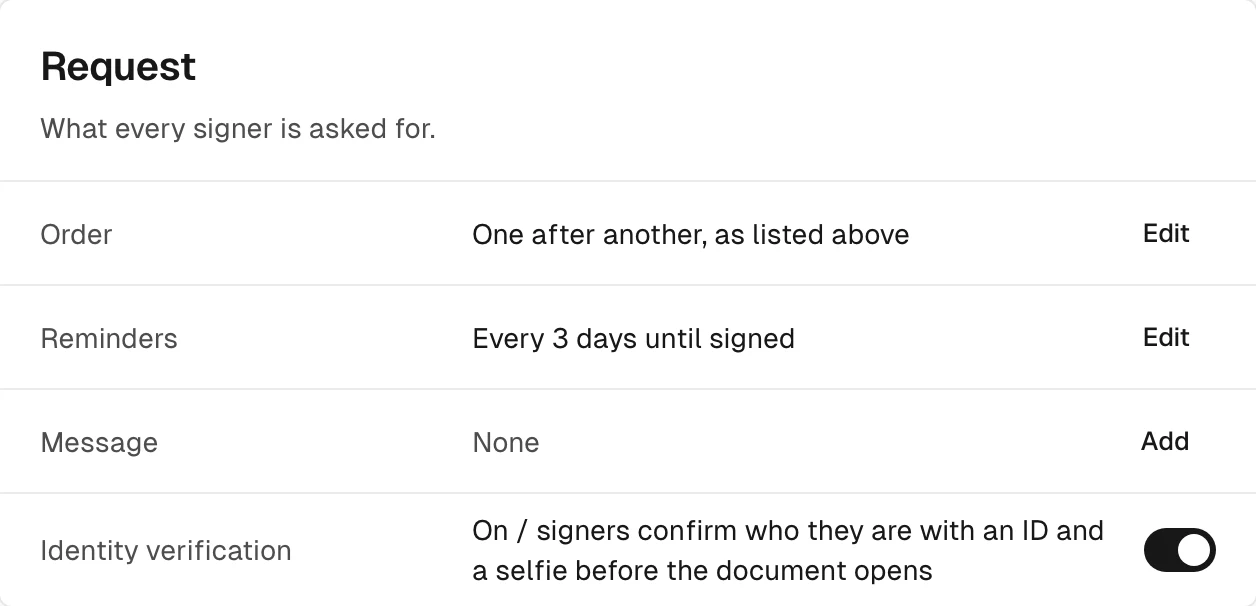
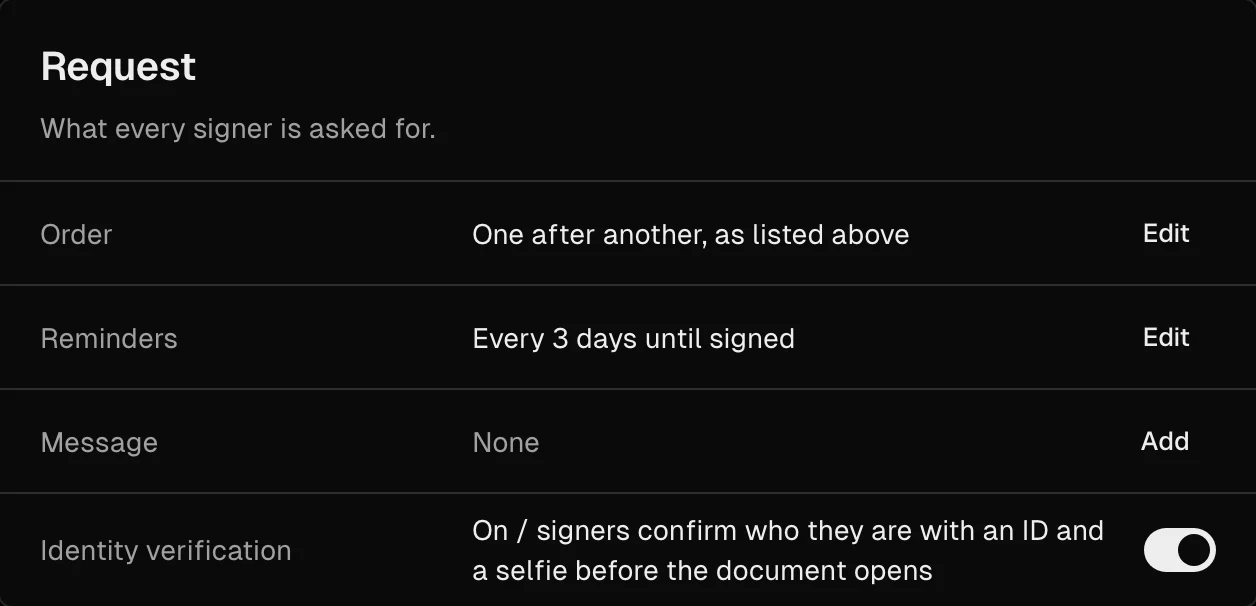
Identity checks by Sumsub are built in. Switch on Identity verification for a request, and the signer shows an ID document and takes a selfie inside Chaindoc before the document opens. You don't need a Sumsub account. Pro includes 1 check a month, Team 5 and Business 10; each extra check is €1.99, paid by your workspace, never by the signer.
More on KYC identity verification


Build your own with the API, webhooks and MCP
No ready connector for the tool you use? The Business plan includes the developer side of Chaindoc, so your own system can create documents, send them for signature and hear back when something changes. You set it up in Settings → Developers.
The full reference is on the document signing api page; for agents, read about the MCP server for e-signature.
Business is €29 per seat a month, or €278 per seat a year. See plans.
REST API
Documents and signature requests from your code
Webhooks
Workspace events sent to your URL, signed so you can check them
Embed SDK
Signing inside your own site
MCP server
Open source and self-hosted: an AI agent works with Chaindoc through your API key
Workflows
Start a workflow from your own system
Can I send a document for signature straight from Google Drive, without downloading and uploading it?
Yes. To sign documents from Google Drive without moving them by hand, right-click the file and choose Open with → Chaindoc, or use From Google Drive in Chaindoc's New document window. Chaindoc copies the file into your Storage and turns it into an editable document; you add signers and send it from there. It works on every plan and uses your plan's AI credits.
Does Chaindoc show up in Google Drive's "Open with" menu?
Yes, once Chaindoc is installed for your Google account. Install it from the Google Workspace Marketplace, or pick a file once with From Google Drive in Chaindoc and allow Chaindoc in Open with when Google asks. Sign in to Chaindoc with the same Google account you use in Drive.
After everyone signs, does the signed PDF save back to my Google Drive?
No. Chaindoc only takes a copy from Drive and never writes to it, so your original stays as it was. The signed PDF and its certificate stay in Chaindoc, where you can download them and put them in Drive yourself.
Google Workspace has its own e-signature. Why open the file in Chaindoc?
Chaindoc doesn't sign inside Google Docs. Your file opens in Chaindoc as a copy, and the signature request there can carry an identity check of the signer, payment terms and the document's audit trail. How that works is on the page about how to sign documents online.
Can I send a contract from a Pipedrive deal and see when it's signed?
Yes, on the Business plan, with the Chaindoc app from the Pipedrive Marketplace. The Chaindoc panel in the deal sends the request with signers picked from your Pipedrive contacts and shows its status. Once it is signed, you export the document's current version to the deal's files yourself.
Can the signer pay by card through Stripe right after signing?
Yes, if the contract has payment terms that allow a card. The client adds the card in the Sign window before signing, and the first charge goes through your own Stripe account when the last party has signed, or on the date the terms set. Stripe charges its own fees, and Chaindoc takes 1% of each card payment. More on payment collection on signing.
Can I require an ID check before someone signs?
Yes. Switch on Identity verification for the request, and Sumsub checks the signer's ID and selfie inside Chaindoc before the document opens. Checks are included from the Pro plan (Pro 1, Team 5, Business 10 a month), and each extra one is €1.99. See KYC identity verification.
Do you have Zapier, Salesforce or HubSpot integrations?
Not as ready connectors: Chaindoc has no app for Zapier, Make, Salesforce or HubSpot. On the Business plan, the REST API and webhooks let your developers connect any of them, and the open-source MCP server lets an AI agent work with Chaindoc. Start with the document signing api.