Built-in KYC & identity verification for every e-signature
Ask the people who e-sign your contract to prove who they are first. With KYC identity verification switched on, each signer shows an ID document and a selfie, Sumsub checks them inside the signing flow, and Chaindoc accepts the signature only after the check passes. Checks are included in paid plans from €9 a month.
Electronic signature identity verification: what it adds to an email sign-in
Every Chaindoc signer signs in before they sign, so you know which mailbox or login a signature came from. Turn identity verification on when you need to verify signer identity against an ID document as well.
| Email sign-in | With identity verification | |
|---|---|---|
| What the signer shows | A one-time code sent to their email, or a Google, GitHub, Apple or SSO login | The same sign-in, then an ID document and a selfie |
| Who checks it | Chaindoc confirms the mailbox or the login | Sumsub reviews the ID and the selfie |
| Name on the signature | The name the signer types and confirms | The confirmed name. Changing it later resets the verification and needs a new check |
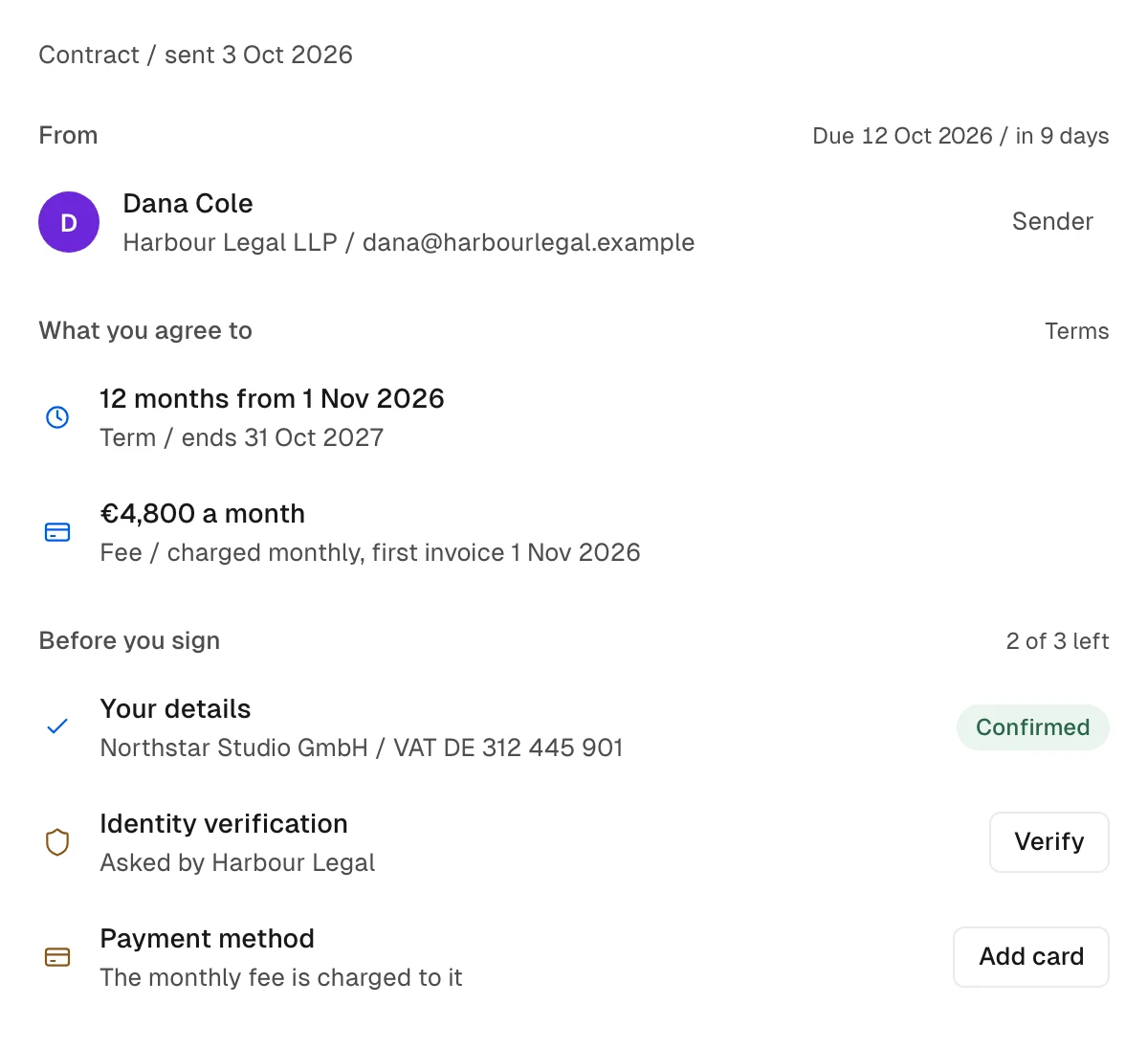
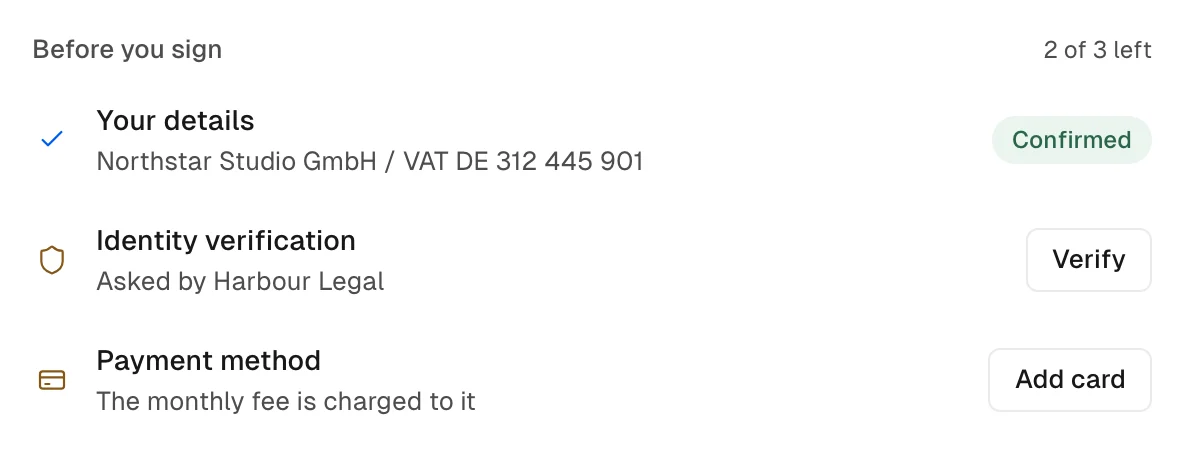
| When they can sign | Once the other items in the Before you sign list are done | After approval as well. Until then the server refuses the signature |
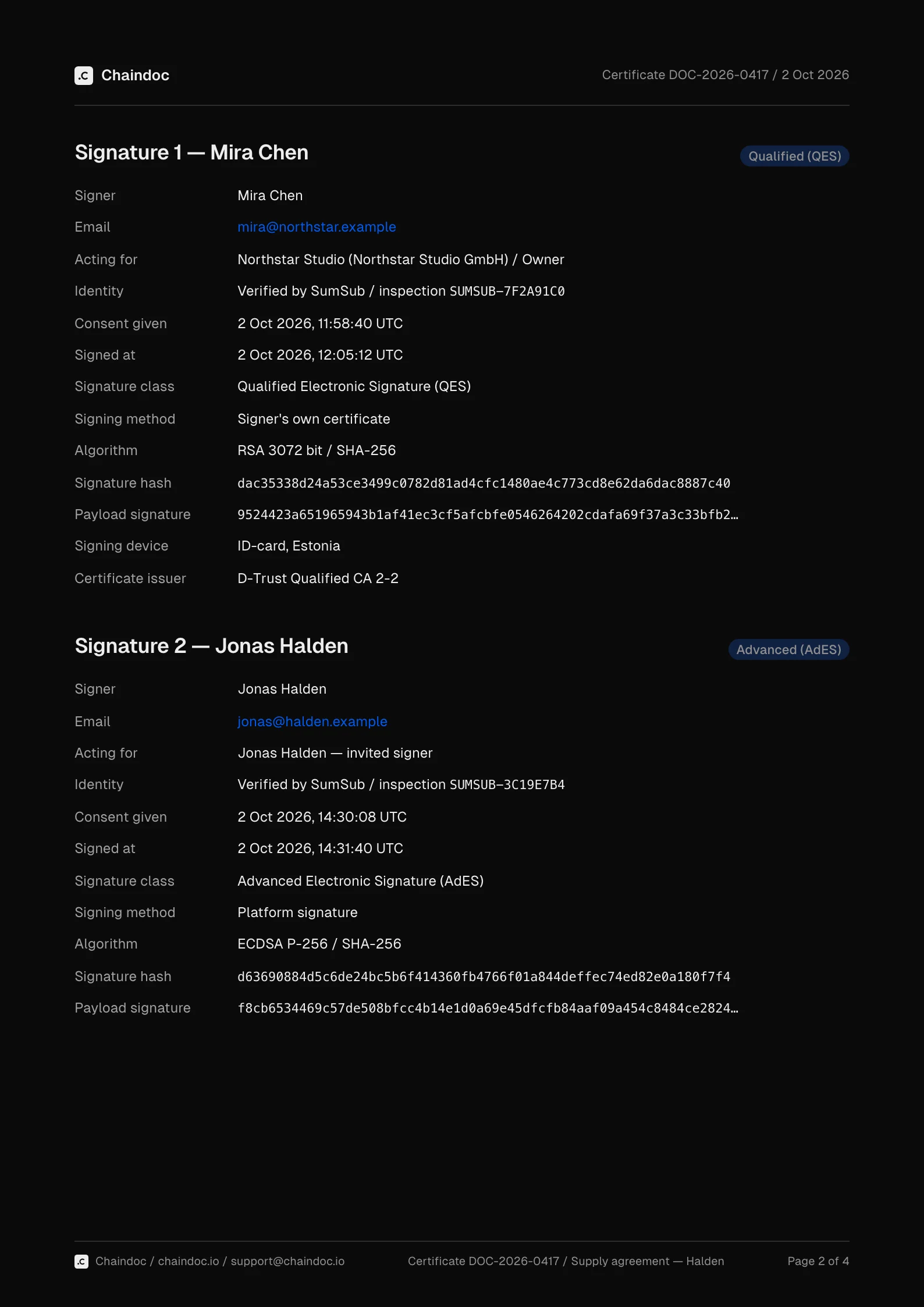
| Signing certificate | States that no identity verification was required | States that it was required, with the provider and an inspection ID for each signer |
| Audit trail | Request created, document viewed, consent given, signed, and more | The same entries and an identity verification entry for each signer |
| What it costs you | Nothing on top of your plan | One check from your plan for each signer who is not verified yet |
The check adds evidence of who signed and leaves the signature level stated on the certificate as it is.
Identity verification, built into the signing flow
KYC document signing in Chaindoc takes one switch on your side and adds one row on your signer's. The check runs in the browser, inside the Sign window, in 14 languages, and nobody installs an app.
Switch on Identity verification
In the Signatures set-up of a document, one switch covers every signer on the request. The panel tells you how many checks the request will use and names the signers who are not verified yet. You need a paid plan and a role that is allowed to require identity verification.


Sign in and confirm the name
The signer opens the link from the email and signs in with a one-time code, or with Google, GitHub, Apple or SSO. A first sign-in creates their Chaindoc account. Then they confirm their name, and that name is the one the signature will carry.
Show an ID and take a selfie
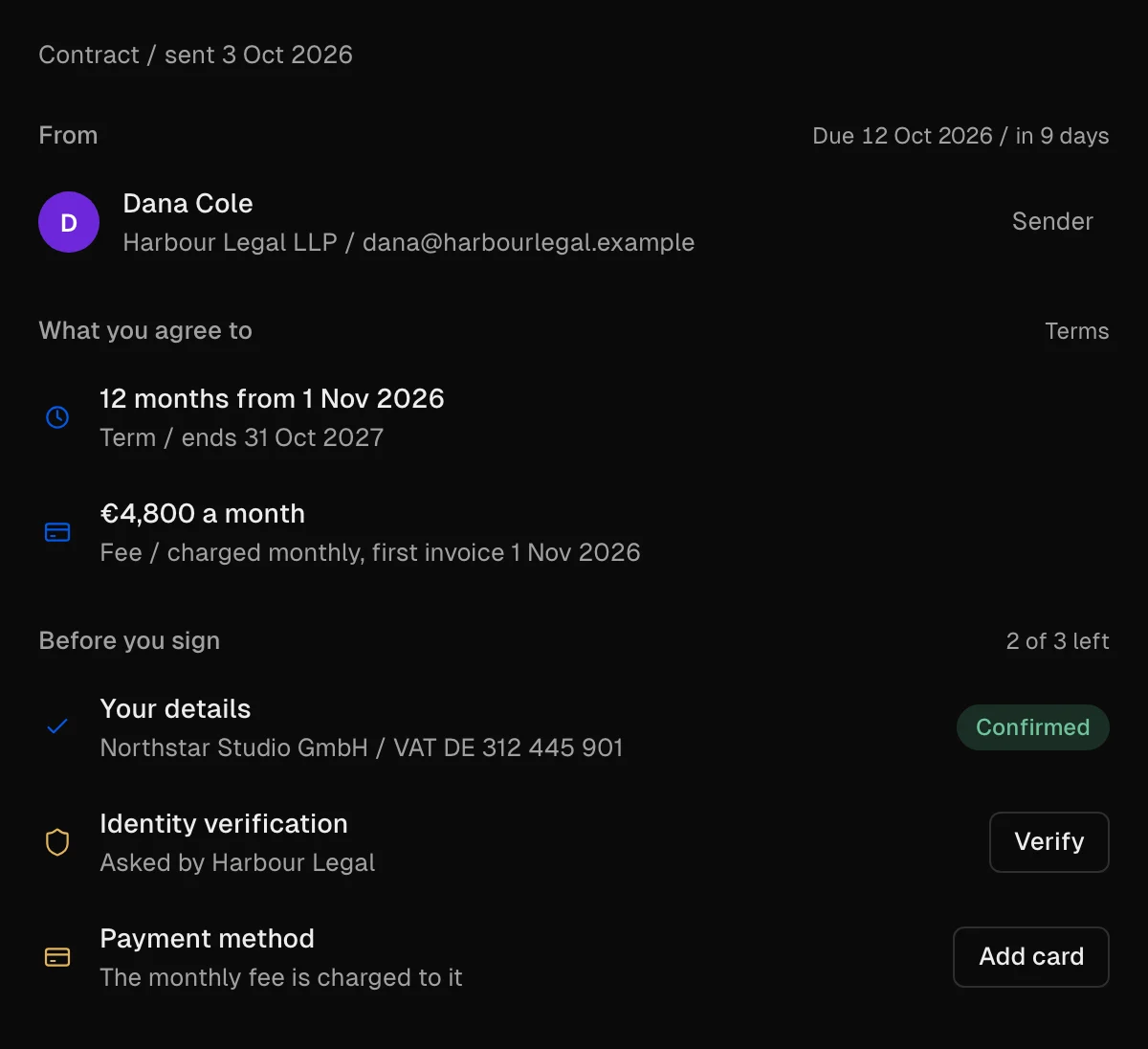
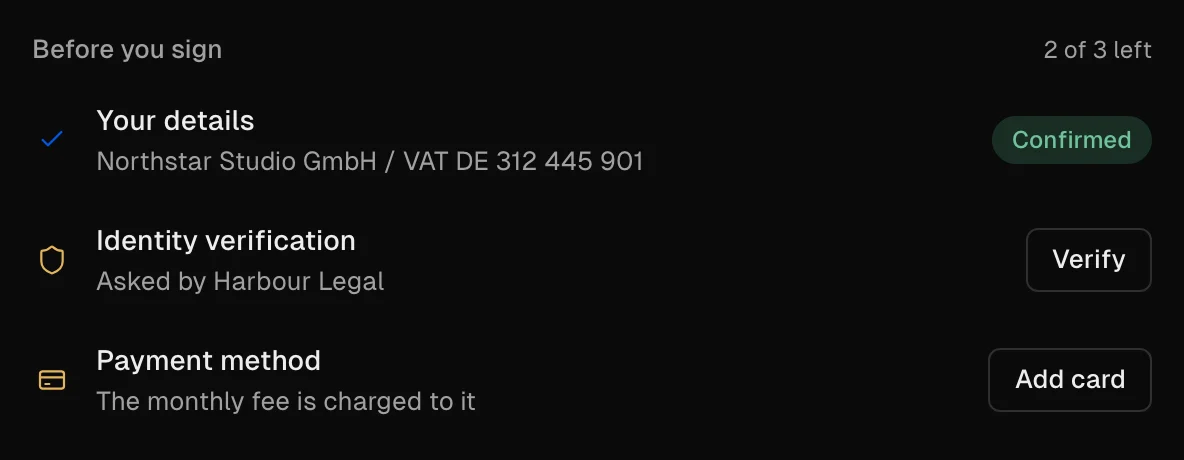
The Before you sign list shows what is left to do. Pressing Verify next to Identity verification opens the Sumsub check in the same window: a photo of an ID document, then a selfie. A signer who is already verified sees the row marked as verified and has nothing to do.
Wait for the result
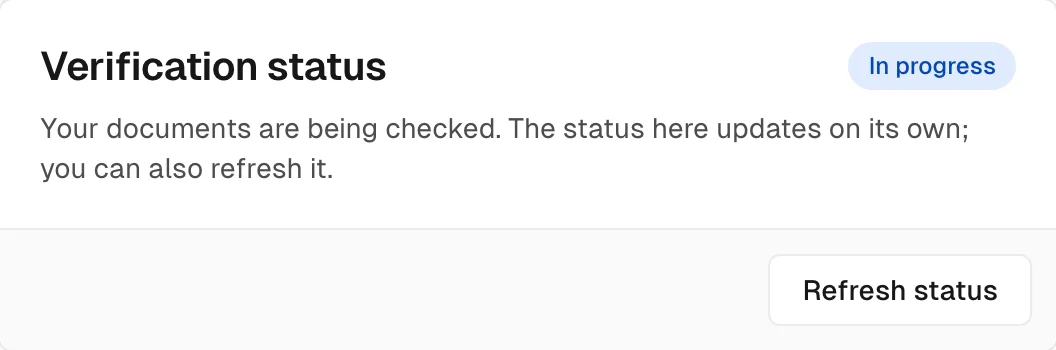
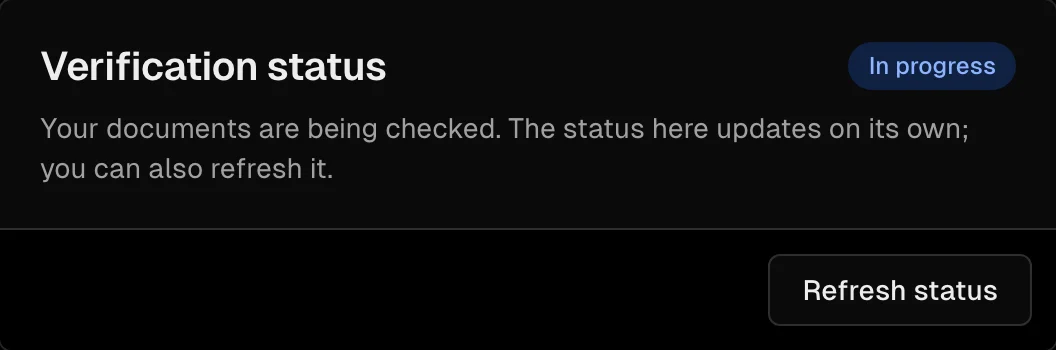
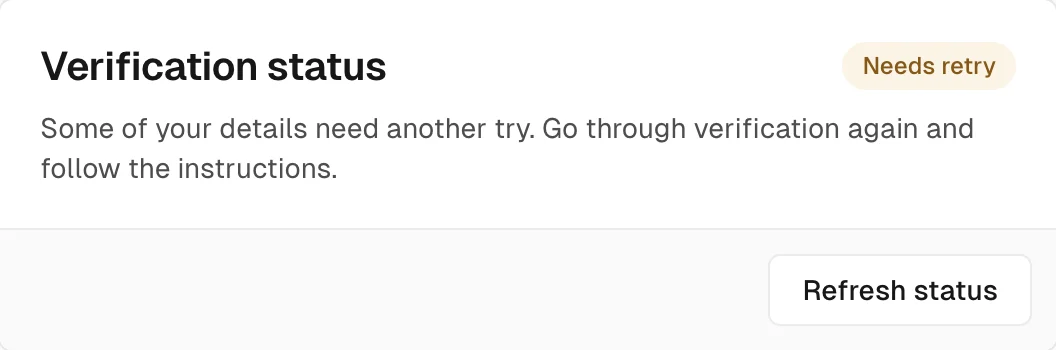
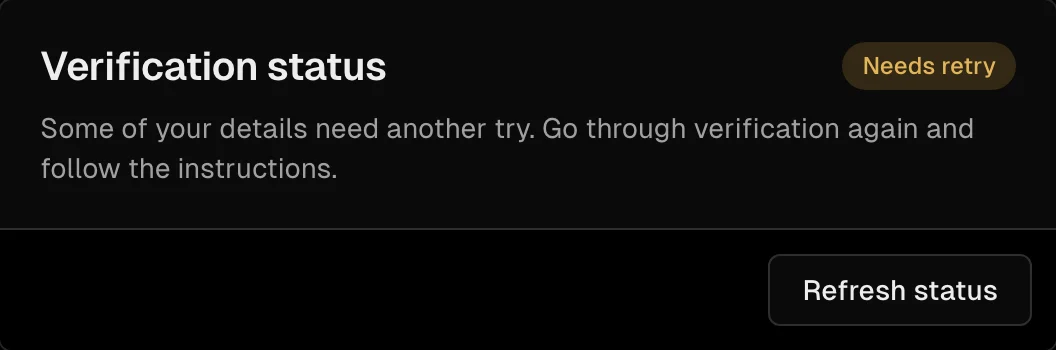
Sumsub reviews the photos. The result shows on the signer's Account / Verification page as In progress, then Approved, Rejected or Needs retry. After a rejection or a retry request they start the check again and follow the instructions. On your side, the Signatures card lists the identity check for the request.


Sign
Once the check is approved, the signature goes through. Until then the server refuses it. When everyone has signed, you download the signed PDF, the certificate and the audit trail.


You can switch the requirement off on a live request until the first signature. The checks held for it return to your plan.
How to sign documents onlineDigital signature identity verification you can show afterwards
A completed request leaves three files to download. Two of them record that identity was checked, and the certificate names the provider.
- Certificate: identity verification required, the provider (Sumsub) and an inspection ID for each signer
- Audit trail: an identity verification entry for each signer, recorded right after their consent
- Signed PDF: signatures in the PAdES format, which a later change to the file breaks
- Blockchain: document hashes and signature proofs, and no identity data from the check
Chaindoc is ISO 27001 and ISO 9001 certified.
The free PDF checker validates the signatures inside a signed file. It does not read the identity check.
KYC checks in every paid plan
Chaindoc is a KYC solution sized for contracts: a few checks a month for the agreements where it matters who signed. The workspace that sends the document pays, and signers pay nothing.
| Plan | A month, billed monthly | Identity checks |
|---|---|---|
| Free | €0 | None |
| Pro | €9 | 1 a month |
| Team | €19 | 5 a month |
| Business | €29 | 10 a month |
| Extra check | €1.99 each | Added to a paid plan when you need more |


Checks are held when you send
Sending reserves one check for each signer who is not verified yet. If the plan has too few left, Chaindoc says how many are missing before anything goes out. You then add checks or turn the requirement off.
A verified signer uses none
Verification belongs to the person's account. Someone who passed once, on your document or someone else's, goes straight to signing. No new check runs and nothing is taken from your plan.
Held checks come back
Cancel the request, or switch the requirement off before the first signature, and the checks held for it return to your monthly allowance.
What counts as a check
A check counts when Sumsub finishes it, whether the result is approved, rejected or a request for another photo. A repeat by the same person within a month of a counted check is not counted again.
Where verified signing makes sense
The monthly allowance suits the few agreements where you need to know who is on the other side. Related pages: insurance, healthcare and IT companies and agencies.
A new counterparty
Service agreements, partner and reseller contracts, and NDAs with a company you have not worked with before.
Contract managementA contract with payment terms
The payer verifies and adds a card or a SEPA mandate in the same Before you sign list, then signs.
Collect payment on signingLeases and rentals
A landlord and a tenant who have never met each sign with a checked ID.
Chaindoc for real estateFreelancers and contractors
A client and a contractor starting their first job together know whose name is on the agreement.
Chaindoc for freelancersYour own product or workflow
On Business and Enterprise, require the check through the API and embedded signing, or add an Identity check step to a workflow.
API and embedded signing
Common questions about KYC & identity verification
What the check is, when to ask for it, and what it costs. More on our support page.
A normal e-signature tells you which email address or login signed. KYC identity verification adds a check of the person: before signing, the signer shows an ID document and a selfie, and Sumsub, a KYC verification provider, reviews them. Chaindoc accepts the signature only after the check is approved, and the certificate then names the provider and the inspection ID of the check. Identity verification and document verification answer different questions, and what document verification covers explains the second.
Not for every document. In Chaindoc you decide per request. It is worth asking for when the other side is new to you or is a private person you have never met, and when a dispute about who signed would be expensive. Whether a law or a regulator demands digital identity verification for your kind of deal is a question for your lawyer. Our client identity verification guide goes through the common cases.
An identity document and a device with a camera for the selfie. The check opens in the browser, inside the Sign window, in 14 languages, and there is no app to install. They do need an account, and they get it by signing in with a one-time email code or a Google, GitHub, Apple or SSO login. The first sign-in creates a Chaindoc account, which is what lets one approved check count for every later document.
Not by itself. Article 26 of eIDAS sets four conditions for an advanced electronic signature: it is uniquely linked to the signatory, it can identify the signatory, it is created with means the signatory keeps under their sole control, and any later change to the signed data can be detected. An identity check speaks to the second condition. It does not change the signature level Chaindoc states on the certificate. Treat it as stronger evidence of who signed, and ask your lawyer which level a given contract needs.
Signer authentication confirms that a person controls an email address or a login. Every Chaindoc signer does this. ID verification, the KYC step, compares a person with an identity document. In Chaindoc that is an ID and a selfie reviewed by Sumsub, and it confirms who the signer is. AML screening looks a name up in sanctions lists and lists of politically exposed persons. The sender gets no AML or sanctions result from Chaindoc, so the check does not replace the KYC software a bank or another regulated business runs for its own compliance programme.
Guides on identity, KYC & secure signing
Longer reads on checking who you sign with and keeping signed documents safe.



Verify identities on your next contract
Identity checks come with Pro, Team and Business, from €9 a month. Switch one on for the request that needs it.