Mobile eSignature App: Scan, Sign & Send Documents on iOS and Android
Mobile e-signature app that scans, signs, and sends PDFs in under 2 minutes. Blockchain-verified, ESIGN/eIDAS compliant. Works on iOS and Android — try free.
Introduction
Professionals today close deals between meetings, approve contracts during commutes, and sign NDAs before boarding a flight. For freelancers, field sales teams, and distributed businesses, the ability to sign documents on phone is no longer a convenience — it is a competitive necessity.
According to Pew Research Center, 97% of Americans own a mobile phone, and professionals increasingly rely on smartphones for tasks that once required a desktop or office. Traditional signing workflows — print, sign, scan, email — waste hours per week and introduce bottlenecks at the exact moment deals need to close fastest. A purpose-built mobile e-signature app eliminates every one of those steps.
The Chaindoc mobile e-signature app lets you scan a paper contract, add a legally binding digital signature, and send it to any recipient in under two minutes — all from your iOS or Android device. Every signed document is secured by blockchain verification and a tamper-evident audit trail, so your agreements remain immutable and verifiable regardless of where you sign.
This guide covers how mobile document signing works, what makes it legally binding under the ESIGN Act and eIDAS, and exactly what to look for when choosing the best mobile e-signature app for your workflow. For a broader look at the e-signing process, see our electronic document signing guide.
Mobile e-signatures signed with Chaindoc are legally binding in the United States (ESIGN Act + UETA), the European Union (eIDAS), the United Kingdom, and 60+ other jurisdictions worldwide. Every document carries a cryptographic audit trail that satisfies non-repudiation requirements in court.
Why Mobile E-Signing Is Changing the Way We Work
Remote and hybrid work has decoupled signing from the office. According to industry data, more than 60% of all e-signature actions are now initiated from a mobile device — a figure that has doubled since 2020. Field teams, real estate agents, healthcare workers, and traveling executives all need to sign documents on phone without waiting to return to a desk.
Mobile document signing combines the legal weight of a traditional handwritten signature with the speed and security of digital technology. The result is a workflow that closes deals days faster while maintaining full compliance with international e-signature law.
From Handwritten Signature to Digital Signature — The Mobile Shift
A wet signature requires physical presence, paper, a pen, and a scanner. A mobile e-signature requires only a smartphone. The legal validity is equivalent: under the ESIGN Act (US), eIDAS (EU), and UETA (US state level), an electronic signature carries the same legal force as ink on paper, provided the signer's intent can be established and the document's integrity can be verified.
Blockchain-backed mobile signing adds a layer of non-repudiation that wet signatures cannot match: a cryptographic document hash is recorded at the moment of signing, making it mathematically impossible to alter the document afterward without detection.
Remote Signing and the End of Paper Bottlenecks
Remote signing removes geography from the equation entirely. A client in Tokyo, a vendor in Berlin, and a lawyer in New York can all apply their digital signatures to the same document within minutes, each from their own mobile device. Multi-party signing workflows — also called sequential signing or signing order — route the document automatically to each signer in the correct sequence, with push notifications at every step.
Practical gains from mobile document signing:
- Contracts reviewed and approved anywhere, in real time
- Paper, courier, and printing costs eliminated
- Turnaround time reduced from days to minutes
- Audit trail automatically generated for every signing event
Sign Documents from Your Phone — No Credit Card Required
Start with Chaindoc's mobile e-signature app. Legally binding, blockchain-verified, and available on iOS and Android.
How to Sign Documents on Your Phone: Step-by-Step
Signing a document on your phone takes under two minutes with a mobile e-signature app. The following steps apply to PDF signing on iOS and Android using the Chaindoc mobile app.
Step 1 — Upload, Scan, or Import Your Document
Open the mobile e-signature app and choose how to bring in your document:
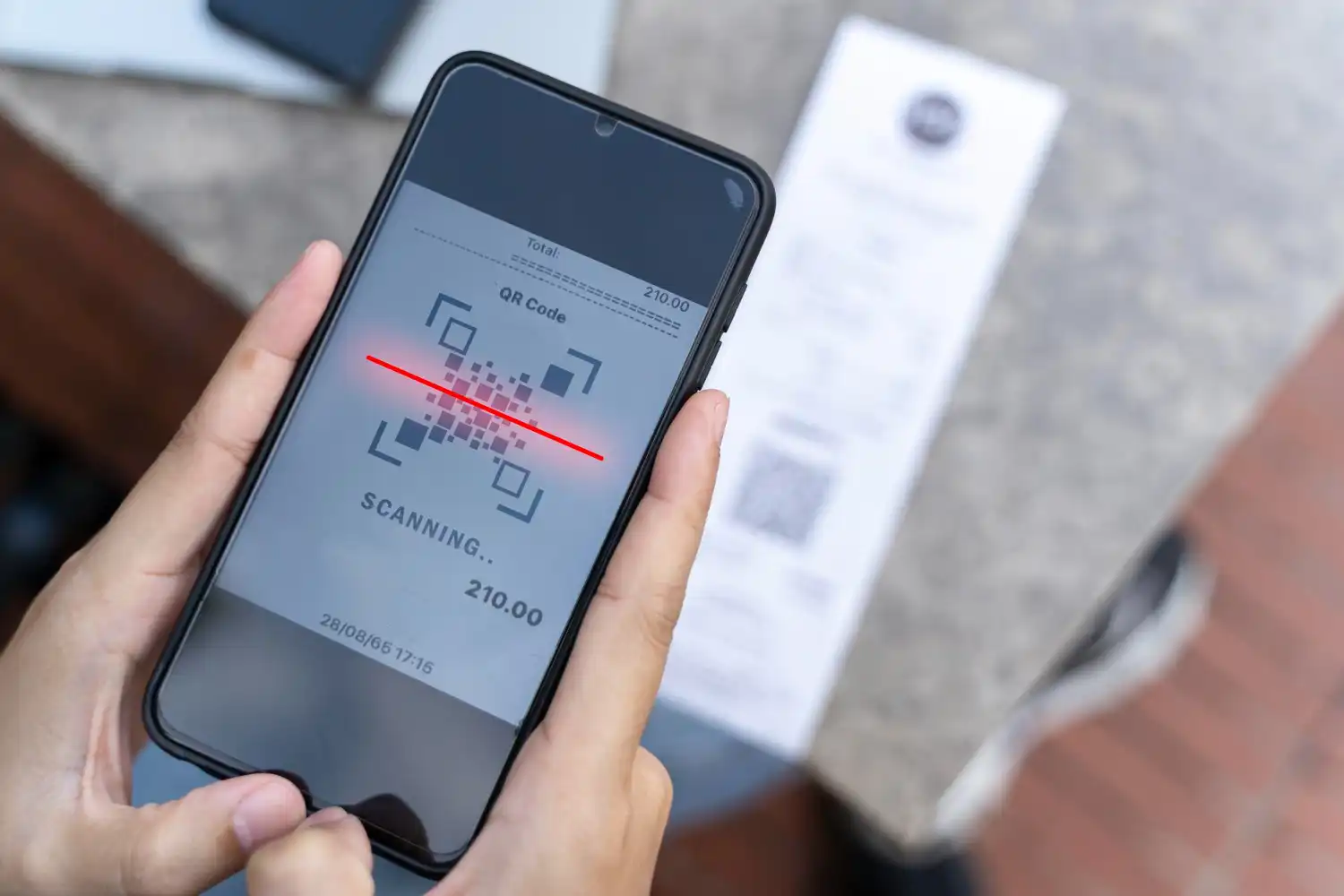
- Camera scan: Point your phone camera at a paper contract. Smart edge-detection crops the image, corrects perspective, and converts it to a clean, signable PDF automatically.
- Cloud import: Pull from Google Drive, Dropbox, OneDrive, or any email attachment directly within the app.
- Direct upload: Transfer a PDF, DOCX, or image file from your phone's local storage.
Supported formats include PDF, DOCX, PNG, and JPG. PDF is the recommended format for legally binding mobile signatures because it preserves document layout and supports embedded signature fields.
Step 2 — Place Your Signature in the Signature Field
Once your document is open, tap the signature field to position your signature:
- Draw signature: Use your finger or a stylus on the signature pad to create a handwritten-style signature. Your drawn signature is converted to a cryptographically linked digital element — not just an image overlay.
- Type signature: Choose from signature fonts to generate a styled typed signature.
- Saved signature: Reuse a previously created signature stored securely in the app. Repeat signings take under 10 seconds.
You can drag, resize, and reposition the signature on any page before finalizing.
Step 3 — Apply Date, Initials, or Additional Fields
Beyond the main signature field, you can add:
- Date stamp (auto-populated with current date and time)
- Initials for each page requiring acknowledgment
- Text fields for printed name or title
- Checkbox fields for consent or compliance attestations
Each field placement is recorded in the document's tamper-evident audit trail.
Step 4 — Confirm and Finalize Your Digital Signature
Tapping "Sign" triggers the cryptographic signing process:
- 1The app generates a document hash (a unique digital fingerprint of the document at the moment of signing)
- 2The hash is timestamped and recorded on the blockchain
- 3The signed document is sealed — any subsequent alteration, even a single character, produces a different hash and is immediately detectable
The completed document carries a certificate of completion showing who signed, when, from what device, and at what IP address.
Step 5 — Send, Track, and Receive Notifications
After signing, send the document to recipients via:
- Email with a secure verification link
- Direct link (for multi-party signing workflows)
- In-app message
Real-time push notifications alert you when each recipient opens, signs, or declines the document. The signing order is enforced automatically — the next signer only receives the document after the previous signer completes their step.
Every Chaindoc mobile signature generates a certificate of completion containing the signer's identity, timestamp, device fingerprint, and document hash. This certificate satisfies non-repudiation requirements under the ESIGN Act and eIDAS — meaning no signer can credibly deny having signed the document.
PDF Signing on Mobile: Formats, Compatibility & Signature Fields
PDF is the gold standard for mobile document signing because it locks formatting across every device and operating system, making it ideal for legally binding agreements. Here is what you need to know about PDF signing on your phone.
Why PDF Is the Preferred Format for Mobile E-Signatures
When a document is signed as a PDF:
- The signature is embedded as a cryptographic element, not just an image
- The document layout is frozen — no text reflow, font substitution, or margin shift
- Any modification to the PDF after signing breaks the cryptographic seal and is immediately visible in the audit trail
- Standard PDF signature verification tools (Adobe Acrobat, browser-based PDF viewers) can independently verify the signature's validity
This makes signed PDFs the most defensible format in legal disputes. DOCX files are editable after signing unless specifically locked, making them a weaker choice for high-stakes agreements.
Signature Fields vs. Free-Placement Signatures
A signature field is a pre-defined zone in a PDF that tells signers exactly where to sign. Prepared signature fields offer several advantages:
- Signers cannot accidentally place their signature over critical contract text
- Multiple signers are routed to their own designated fields
- The signature field coordinates are embedded in the PDF metadata, providing an additional layer of tamper detection
For ad-hoc signing where no signature field exists (e.g., a scanned paper contract), a free-placement signature drop is used instead. Both approaches are legally valid, but prepared signature fields are preferred for high-volume or multi-party mobile document signing.
Certificate-Based Signature vs. Simple Electronic Signature
Mobile e-signature apps offer different signature levels:
Chaindoc's mobile e-signature operates at the AES level by default, linking the signer's verified identity to a cryptographic document hash at the moment of signing.
Are Mobile E-Signatures Legally Binding?
Yes, mobile e-signatures are legally binding in all major jurisdictions when the signing platform meets the applicable legal standard for electronic signatures. The Electronic Signatures in Global and National Commerce (ESIGN) Act established in 2000 that electronic signatures carry the same legal weight as ink signatures. The key question is whether the platform captures signer intent, establishes signer identity, and protects document integrity — and blockchain-backed mobile e-signature apps satisfy all three requirements.
Jurisdiction Table: Mobile E-Signature Legal Framework
What Makes a Mobile E-Signature Legally Enforceable?
For a mobile e-signature to be legally enforceable, three conditions must be met:
- 1Signer intent: The signer must clearly intend to sign. A deliberate tap on a signature field with confirmation satisfies this requirement under the ESIGN Act and eIDAS.
- 2Signer identity: The platform must establish who signed. Identity verification (KYC), email authentication, or phone verification are common methods. Certificate-based signatures link the signer's identity to a cryptographic key.
- 3Document integrity: The document must not have been altered after signing. A cryptographic document hash, recorded at the moment of signing, provides mathematically verifiable proof of document integrity.
Non-Repudiation: Why It Matters for Mobile Signing
Non-repudiation is the legal and technical principle that prevents a signer from credibly denying they signed a document. It is the most important property of a legally defensible mobile e-signature.
Chaindoc achieves non-repudiation through three layers:
- Identity verification: The signer's identity is confirmed before signing via email, phone, or KYC check
- Document hash: A SHA-256 cryptographic fingerprint of the document is generated at the moment of signing
- Blockchain timestamp: The document hash is recorded on an immutable blockchain ledger with a timestamp from a trusted timestamping authority
This three-layer proof means that even if a signer later claims they did not sign the document, the blockchain record provides court-admissible evidence of the exact document version they signed, when they signed it, and from what device.
Managing Agreements from Anywhere: Tracking, Storage & Collaboration
Signing is only the first step. After documents are signed, they need to be tracked, stored securely, and accessible from anywhere. A mobile e-signature app that handles the full document lifecycle — from preparation through storage and retrieval — saves hours of administrative work every week. NIST Special Publication 800-63 outlines identity assurance levels that apply directly to how e-signature platforms verify signer identity before document access.
Real-Time Signing Status and Push Notifications
Every document in Chaindoc shows a clear status at all times:
- Pending: Sent but not yet signed by all parties
- Completed: All required signatures collected
- Declined: A signer declined — with a reason if provided
- Expired: Signing deadline passed without completion
Push notifications fire at every status change. Automatic reminders can be scheduled — for example, a 48-hour nudge to signers who have not yet opened the document. This eliminates the most common cause of deal delays: forgotten signature requests.
Tamper-Evident Storage and Document Integrity
Once a document is signed and sealed, it is stored with end-to-end encryption. The blockchain-verified document hash travels with the file, so any attempt to modify the stored document after signing is immediately detectable.
Storage features include:
- Encrypted document vault accessible from any device
- Organizational folders by client, project, or date
- Full-text search across all stored agreements
- Document expiration and retention policy settings
This makes mobile-signed documents as reliable as paper originals stored in a filing cabinet — and far easier to retrieve.
Cross-Border Signing and Multi-Language Support
Chaindoc supports multi-party signing workflows across different countries and languages. The signing interface is available in 14+ languages, and the platform's legal compliance spans the ESIGN Act (US), UETA (US state), eIDAS (EU), and equivalent laws in 60+ jurisdictions.
For cross-border agreements:
- Each signer receives a notification in their preferred language
- The document and signing instructions are presented in the recipient's locale
- Legal compliance is verified automatically for each jurisdiction involved in the signing workflow
Business Benefits of Mobile Document Signing
Mobile document signing is not just a convenience upgrade — it produces measurable business outcomes across every team size and industry.
Faster Deal Cycles for Sales Teams and Freelancers
Every hour a contract sits waiting for a signature is an hour a deal can stall or fall through. Mobile e-signature apps compress signing cycles from days to minutes:
- A freelancer can sign a new client contract on the subway ride home
- A sales rep can close a deal in a customer's lobby before leaving the building
- A startup founder can sign an investor term sheet from any time zone
Faster signatures mean faster revenue. Field sales organizations routinely report 30-50% reductions in time-to-close after adopting mobile document signing.
Cost Savings: No Printing, Scanning, or Couriering
The fully loaded cost of a paper-based signature cycle — printing, scanning, physical delivery, storage — can exceed $20 per document. Mobile e-signature eliminates every one of those costs:
- No paper, toner, or printer maintenance
- No courier or overnight mail charges
- No physical document storage costs
- No staff time spent chasing signatures by phone
For businesses processing hundreds of contracts per month, the ROI of mobile signing is immediate and compounding.
Security, Compliance, and Audit-Ready Documentation
Each mobile-signed document automatically generates:
- A tamper-evident audit trail showing every view, sign, and share event with timestamps
- A certificate of completion containing signer identities, IP addresses, device fingerprints, and the document hash
- A blockchain-anchored timestamp that satisfies non-repudiation requirements in legal proceedings
For regulated industries — healthcare, finance, insurance, real estate — this built-in compliance documentation reduces audit preparation time significantly and provides defensible evidence that all signatures were obtained with informed consent.
Chaindoc's mobile e-signature app meets compliance requirements for HIPAA (healthcare), SOC 2 Type II (data security), and financial services document workflows. The tamper-evident audit trail and certificate of completion satisfy audit requirements across all major regulatory frameworks.
How to Choose the Best Mobile E-Signature App
Not all mobile e-signature apps offer the same level of legal protection, usability, or security. Here is what to evaluate before committing to a platform.
Key Features to Look For
Legal compliance: The app must support the ESIGN Act, UETA, and eIDAS. Apps that only mention "digital signature" without naming the specific legal frameworks they comply with may not be suitable for high-stakes agreements.
Non-repudiation mechanism: Look for document hashing and blockchain timestamping. Without a cryptographic document hash, you cannot prove the document was not altered after signing.
PDF signing support: Ensure the app can sign PDF documents natively — not just images. Native PDF signing embeds the cryptographic signature in the file structure rather than overlaying an image.
Signature field support: Prepared signature fields reduce errors and are required for multi-party signing workflows.
Audit trail and certificate of completion: The app must generate a full audit trail with each signed document, including signer identity, timestamp, and device information.
Identity verification (KYC): For high-value or regulated agreements, the app should offer signer identity verification before the document is presented for signing.
Mobile E-Signature App Comparison
Best for individuals and freelancers: Chaindoc (free tier, blockchain-verified, mobile-first)
Best for enterprise high-volume: DocuSign (deep integrations, enterprise SLA)
Best for Adobe workflow users: Adobe Acrobat Sign
Best for budget SMBs: SignNow
Questions to Ask Before Choosing
- Does the app work offline and sync when connectivity is restored?
- Is notarization or remote online notarization (RON) supported for documents that require it?
- What is the document storage and retention policy?
- Does the app integrate with your CRM or document management system?
Blockchain E-Signatures vs Traditional E-Sign Tools
| Capability | Chaindoc (Blockchain) | DocuSign / Adobe Sign |
|---|---|---|
Immutable audit trail | Cryptographic hash on public ledger | Vendor-controlled database log |
Tamper detection | Instant — any byte change breaks the hash | Manual audit, often delayed |
Legal frameworks | ESIGN, UETA, eIDAS, HIPAA, GDPR | ESIGN, UETA, eIDAS |
Identity verification | Optional KYC + on-chain signer ID | Email/SMS OTP only |
Cross-border recognition | Independently verifiable worldwide | Depends on vendor's local presence |
Pricing model | Flat tiers, no per-signature fee | Per-envelope / per-user fees |
Vendor lock-in | Records remain valid even if vendor disappears | Records depend on vendor's continued service |
Court admissibility | Strongest evidentiary tier (cryptographic + timestamped) | Standard electronic-record tier |
Conclusion
Mobile document signing has fundamentally changed how professionals close deals, manage agreements, and stay compliant in a mobile-first world. The ability to scan, sign, and send a PDF from your phone — with full legal validity under the ESIGN Act, UETA, and eIDAS — eliminates the paper bottlenecks that slow business at every stage.
The Chaindoc mobile e-signature app brings blockchain-level security to every signing event: a SHA-256 document hash at the moment of signing, a tamper-evident audit trail, a certificate of completion, and a blockchain-anchored timestamp that satisfies non-repudiation requirements in any jurisdiction.
Whether you are a freelancer approving a client contract between meetings, a field sales rep closing a deal on-site, or a distributed team managing multi-party agreements across time zones, Chaindoc gives you everything you need to sign documents on your phone securely and confidently.
Start signing on mobile today — no credit card required.
Go deeper on blockchain document signing: read the step-by-step blockchain document signing guide for creating tamper-proof online documents, or see how blockchain document signing transforms real estate transactions.
Industry Outlook and Further Reading
According to the eIDAS Regulation 910/2014, the U.S. ESIGN Act (Public Law 106-229), and NIST IR 8202 on Blockchain Technology, blockchain-anchored electronic signatures meet the highest tier of evidentiary requirements across major jurisdictions. Industry analysts report that organizations adopting blockchain document workflows reduce contract-cycle time by 60% and recover roughly $3,000 per team per month in administrative cost — about 4x the ROI of partial digitization.
Compare available tiers on the Chaindoc pricing page and browse more practical guides in the Chaindoc blog to find the workflow that fits your team.
Tags
Frequently Asked Questions
Answers to popular questions about Chaindoc and secure document workflows.