# Chaindoc
> Chaindoc is an e-signature, payments and KYC platform with blockchain-verified document trails. Sign contracts, collect payments, and verify identities in one workflow. This file is a full-content dump (concatenated Markdown of curated pages and every blog article); for a curated link index see /llms.txt.
---
## [Chaindoc — Agreement Management & E-Signature Platform](https://chaindoc.io/md/locales/en/pages/home.md)
### Introduction
Chaindoc is a cutting-edge, blockchain-powered eSignature platform that revolutionizes digital document signing and management. Our technology combines the convenience of modern digital workflows with the security and transparency of blockchain technology.
Based in Tallinn, Estonia, Chaindoc enables teams to sign documents faster while maintaining full compliance, proving that blockchain technology isn't just the future of document signing — it's the present.
### Why Choose Chaindoc
Chaindoc stands out in the eSignature market through its four core competitive advantages:
***Security***: Our end-to-end encryption and on-chain proofs ensure every signature is tamper-evident and fully verifiable. Chaindoc holds ISO 27001 and ISO 9001 certifications and issues eIDAS-compliant signatures.
***Cost Effectiveness***: Transparent, usage-based pricing that scales with your team and traffic, eliminating unnecessary overhead.
***Speed***: Optimized workflows and instant confirmations mean documents get signed faster, reducing turnaround times significantly.
***Flexible Management***: Granular roles, approvals, and access control for every stage of your document lifecycle.
### Services Provided
The Chaindoc platform offers comprehensive eSignature capabilities designed for modern businesses:
#### Teamwork
Configure document visibility access and set deadlines for streamlined collaboration. Role-based access ensures that team members can only view and interact with documents relevant to their function.
#### Simple Operation
Quick document creation with flexible signing process settings. Users can upload any format or create documents using our intuitive built-in editor, ensuring a smooth, user-friendly experience.
#### Signature Control
Detailed logs and exportable audit reports for each document. Every action is tracked and stored on the blockchain, providing an indelible, auditable record of all document interactions.
#### Integration
REST API and webhooks to seamlessly connect Chaindoc to your existing business systems. Payments run through Stripe, KYC identity checks through Sumsub, signatures anchor to the SKALE blockchain, and Pipedrive keeps signed documents inside your CRM.
### Methodology
Our document signing process is designed for simplicity and efficiency:
***Step 1: Upload the Document***
Upload any format or create one with our editor. This initial step ensures that all documents, regardless of format, can be processed effectively.
***Step 2: Add Recipients***
Enter recipients' emails and place signature fields. The platform intelligently guides users through the field placement process, ensuring all necessary information is captured.
***Step 3: Send for Signing***
Recipients get notified and sign online. Immediate email notifications ensure optimal turnaround times, while the online signing process is designed for maximum ease of use.
***Step 4: Get the Result***
Signed file is saved on-chain with an immutable timestamp. Each document receives a unique hash signature — a digital fingerprint that ensures its authenticity and integrity can be verified at any time.
### FAQ
***Q: How secure are documents on the Chaindoc platform?***
**A:** All documents are protected by end-to-end encryption, and every signature is recorded on the blockchain, making it tamper-evident and cryptographically verifiable.
***Q: Can I integrate Chaindoc with my existing business systems?***
**A:** Yes, Chaindoc provides a comprehensive REST API and webhooks that allow you to seamlessly connect our eSignature capabilities to your current workflows.
***Q: What formats of documents can I upload?***
**A:** Chaindoc supports all common document formats. You can either upload existing files or create new documents using our intuitive built-in editor.
***Q: How does blockchain technology improve document signing?***
**A:** Blockchain technology creates an immutable, timestamped record of every signature and document interaction. This ensures full transparency, eliminates disputes, and provides additional legal and compliance protections.
***Q: How quickly can I start using Chaindoc?***
**A:** You can start signing documents immediately. Simply visit our app and follow our simple 4-step process to get your first document signed.
---
## [Chaindoc Pricing | Plans for Teams of Any Size](https://chaindoc.io/md/locales/en/pages/pricing.md)
## Plans and Prices for Online Document Signing
Start free and scale when you need to. Chaindoc pricing plans cover individual signing, team workflows, and enterprise document management — all with blockchain-verified e-signatures included.
### Why Teams Choose Chaindoc for Document Signing
Blockchain-verified signatures, clear pricing, and no vendor lock-in. Sign documents in minutes, not days.
#### Security
Each signature gets a blockchain record — a hash that proves what was signed and when. Any alteration after signing is immediately detectable.
#### Speed
Send a document for e-signature and get it back signed in minutes. No printer, no scanner, no back-and-forth.
#### Flexible Plans
Start free with 5 signatures per month. Scale to Business when your team or volume grows. No long-term commitment required.
#### Compare Before You Commit
The comparison table below shows exactly what each plan includes — storage, signatures, team size, and support level.
### Pricing Plans for Businesses and Freelancers
Pick the plan that matches your signing volume, storage needs, and team size.
#### Free Plan
**€0 / month**
- 5 signatures per month
- 100 MB storage
- Up to 10 documents in storage
- Basic email support
No credit card needed. Sign up and start using Chaindoc today.
[Log in to Chaindoc](https://app.chaindoc.io?lang=en)
#### Personal Plan
**€9 / month | €86 / year (save 20%)**
- 15 signatures per month
- 1 GB storage
- Unlimited document storage
- Document templates
- Signature history and audit
- Email + chat support
For individuals who sign documents regularly — freelancers, consultants, solo operators.
[Select Personal](https://app.chaindoc.io?lang=en)
#### Team Plan
**€19 / month | €182 / year (save 20%)**
- 60 signatures per team
- 20 GB storage
- Flexible access for up to 10 members
- Team management and collaboration
- Integrations and API (on request)
- Priority support
For teams that need shared signatures, collaborative document workflows, and separate access levels.
[Select Team](https://app.chaindoc.io?lang=en)
#### Business Plan
**€29 / month | €278 / year (save 20%)**
- 100 signatures per company
- 100 GB storage
- Unlimited members (only the required number is paid)
- Private documents and document publishing
- Document selling and API integrations
- Priority + SLA support
For larger organizations that need private documents, API integrations, document publishing, and SLA-backed support.
[Choose Business](https://app.chaindoc.io?lang=en)
### Comparison of Chaindoc Plans
See what options are available at each level of Chaindoc to choose the best plan for you.
| Feature / Plan | Free | Personal | Team | Business |
|---|---|---|---|---|
| Price (monthly) | €0 / month | €9 / month | €19 / month | €29 / month |
| Price (annual, 20% OFF) | €0 / year | €86 / year | €182 / year | €278 / year |
| Signatures per month | 5 | 15 | 60 | 100 |
| Storage capacity | 100 MB | 1 GB | 20 GB | 100 GB |
| Team members | Only 1 user | Only 1 user | Up to 10 (1 user + team for an additional fee) | Unlimited (only the required amount is paid) |
| Document storage | Up to 10 | Unlimited | Unlimited | Unlimited |
| Electronic signature | Yes | Yes | Yes | Yes |
| Document templates | — | Yes | Yes | Yes |
| History and audit | — | Yes | Yes | Yes |
| Team management | — | — | Yes | Yes |
| Collaboration | — | — | Yes | Yes |
| Private documents | — | — | — | Yes |
| Document publishing | — | — | — | Yes |
| Document selling | — | — | — | Yes |
| Integrations and API | — | — | On request | Yes |
| Support | Email (limited) | Email + chat | Priority | Priority + SLA |
### Online Signature Security
Every document and signature in Chaindoc is protected by multiple layers — encryption, blockchain verification, identity checks, and compliant payment processing.
#### End-to-End Encryption
Documents and signatures are encrypted from your device to Chaindoc's servers. Only you and the people you authorize can access your files — not Chaindoc staff, not third parties.
#### Blockchain Signature Verification
Each signed document gets a blockchain record with a cryptographic hash. Nobody can alter the document after signing without breaking that hash — which makes tampering immediately detectable.
#### Identity Verification (KYC)
Chaindoc uses Sumsub to verify user identity before high-stakes signing. KYC confirmation gives each signature an additional layer of proof beyond the certificate and blockchain record.
#### Secure Payments
Payments are processed through Stripe, which is PCI DSS Level 1 certified. Chaindoc never stores your card details — Stripe handles all payment data directly.
#### GDPR and CCPA Compliance
Your data is used only to provide Chaindoc services. It's not sold or shared with third parties without your consent. You can request deletion of your account and data at any time.
### Frequently Asked Questions
**Which Chaindoc plan is right for me if I sign documents occasionally?**
The Free plan covers up to 5 signatures per month with 100 MB of storage — enough to test all the core features without paying anything. If you regularly sign more than 5 documents, the Personal plan at €9/month gives you 15 signatures, 1 GB of storage, unlimited document count, and signature history.
**What is the difference between the Personal and Team plans?**
Personal is for solo use — one account, 15 signatures per month, and access to templates and audit history. Team adds multi-user collaboration: up to 10 members, 60 signatures shared across the team, 20 GB of storage, team management tools, and priority support. If you work with colleagues or clients on the same documents, Team is the right choice.
**Can I switch pricing plans at any time?**
Yes. You can upgrade or downgrade your Chaindoc plan at any time. When you upgrade, the new features become available immediately. When you downgrade, the change takes effect at the start of the next billing cycle. No long-term contracts — all plans are monthly or annual subscriptions.
**Is there a free trial for paid Chaindoc plans?**
Chaindoc has a permanent Free plan — not a time-limited trial. You can use it indefinitely with up to 5 signatures per month. This lets you test the platform without committing to a paid plan. When you're ready to sign more documents or need team features, you can upgrade at any time.
**What payment methods does Chaindoc accept?**
Chaindoc processes payments through Stripe, which supports all major credit and debit cards (Visa, Mastercard, American Express). Cryptocurrency payments are also supported for Business plan subscribers. All transactions are encrypted and processed according to PCI DSS payment security standards.
**How does the annual billing discount work?**
Choosing annual billing saves 20% compared to paying month by month. The Personal plan drops from €9/month to €86/year (equivalent to €7.17/month). Team goes from €19/month to €182/year, and Business from €29/month to €278/year. The annual payment is charged once upfront at the start of each billing year.
### Guides on Digital Signatures and Document Signing
Articles on e-signature compliance, API integrations, blockchain document verification, and how teams use Chaindoc in practice. Browse all articles at [https://chaindoc.io/blog](https://chaindoc.io/blog).
---
*Start signing documents online today. Pick a plan, sign up, and send your first document for e-signature. Every action leaves a blockchain record — so what was signed stays signed. [Get started for free](https://app.chaindoc.io)*
---
## [REST API for E-Signature & Document Automation | Chaindoc](https://chaindoc.io/md/locales/en/pages/api-integration.md)
## REST API for E-Signature & Document Automation | Chaindoc
Integrate [document signing](https://chaindoc.io/signing) and management directly into your CRM, ERP, or web application with the Chaindoc REST API. Automate signing flows, receive webhooks on every event, and keep a full blockchain audit trail — without rewriting your existing architecture.
### What You Can Build with the Chaindoc E-Signature API
Extend your products with document automation, embedded signing, and real-time webhook notifications.
#### Document Creation Automation
Generate contracts, agreements, and other documents from templates and data pulled from your internal systems. Merge fields, conditional logic, and multi-party routing are all configurable via API.
#### Embedded Electronic Signature
Add [signing](https://chaindoc.io/signing) directly to your app or website. Users complete the process without leaving your product — no Chaindoc account required on the signer side.
#### Workflow Automation
Configure multi-step signing flows with sequential or parallel signer routing, deadlines, and custom actions at each stage — all defined in the API call.
#### System Integration
The API connects to any system that can make an HTTP call — your CRM, ERP, internal tools, or custom apps. Webhooks push event notifications to whatever endpoint you need.
### Why Build on the Chaindoc API
The API is built for production: security at every layer, a high SLA, and enough configuration options to fit any existing [team](https://chaindoc.io/team-management) workflow.
#### Security
Documents are encrypted end to end. Access is controlled by API keys that you can scope and rotate. Every signature event is logged on the blockchain, creating a tamper-proof audit trail. The platform satisfies the ESIGN Act (US), eIDAS (EU), and UETA — which matters when a signed document gets questioned.
#### Reliability
The infrastructure is replicated across regions, scales automatically, and has no maintenance windows. Audit logs and documents are stored redundantly. If something breaks on our side, your integration keeps working.
#### Flexibility
Full REST API with SDKs for Node.js, Python, Java, and PHP. Webhooks for real-time event delivery, a sandbox for development and testing, and detailed documentation with working examples. You can start sending real API calls in under an hour.
#### Customization
Customize signing messages, document templates, and the signer interface. Light and dark themes, custom domains, branded email notifications, and configurable role permissions let you match the API to your product's look and feel.
### How to Integrate the E-Signature API
Three steps to get from signup to your first e-signature API call.
1. **Create an account** — Sign up or log in to Chaindoc. Your API keys are generated from the Settings → API section. A sandbox key is created automatically — no credit card required to start.
2. **Generate an API key** — Create an API key from the Settings panel and store it securely. This key authenticates every request your application makes to Chaindoc. Separate keys for sandbox and production are supported.
3. **Make your first API call** — Use the REST endpoints directly or install one of the SDKs (Node.js, Python, Java, PHP). The documentation covers every endpoint with working code examples, including a complete webhook setup walkthrough.
### Chaindoc + Pipedrive
Sign documents and collect e-signatures directly from Pipedrive deals. Contract status syncs back automatically — no switching tabs, no copy-paste.
- Sign deals and contracts without leaving Pipedrive
- Automatic document status sync
- Blockchain-verified signatures
[Install on Pipedrive →](https://www.pipedrive.com/en/marketplace/app/chaindoc/db040fe83f7cec29)
### FAQ
**Q: What is the Chaindoc API?**
A: The Chaindoc API is a REST interface for managing documents, templates, signers, and signature statuses from your own application. You get endpoints for creating and editing files, launching signing flows, receiving webhooks, and monitoring the audit log. The API uses bearer token authentication and supports role-based access control. See [pricing](https://chaindoc.io/pricing) for API access details.
**Q: Is the signing legally binding?**
A: Yes. Every signature created through the Chaindoc API is recorded with a cryptographic timestamp on the blockchain. The platform provides end-to-end encryption, certificates of completion, and a full audit log that satisfies the ESIGN Act (US), eIDAS (EU), and UETA. You can export an evidence package at any time for legal proceedings or internal audits.
**Q: Who can use the API?**
A: SaaS teams, fintechs, insurance companies, legal consultants, and development studios all use the API for different things. Common use cases: automating contracts, client onboarding, internal approvals, and mass document creation. If your product has any kind of agreement flow, the API adds signing without requiring you to rebuild what you already have.
**Q: Is it possible to test the API before going live?**
A: Yes. A full sandbox environment with test tokens, separate webhooks, and detailed logs is available before you go to production. Test all scenarios — including error cases — without touching live data. The sandbox is synchronized with the official documentation, supports all SDKs, and is available to your whole team at no additional cost.
**Q: What authentication method does the Chaindoc API use?**
A: The Chaindoc API uses bearer token authentication. Every request must include an Authorization header with your API key. Keys can be scoped with read-only or write permissions and rotated from the Settings panel at any time. Separate keys are provided for sandbox and production environments, so your test traffic never touches live data.
**Q: What events trigger Chaindoc webhooks?**
A: Chaindoc webhooks fire on: document created, signing started, each individual signer completed, all signers completed, document declined, and payment processed. Each event payload includes the document ID, signer identities, timestamps, and a blockchain transaction reference. Webhooks support automatic retry logic and can be configured separately for sandbox and production endpoints.
---
## [Contact Chaindoc | Get Support & Request a Demo](https://chaindoc.io/md/locales/en/pages/contact.md)
## Contact Chaindoc | Get Support & Request a Demo
At Chaindoc, we appreciate your interest and are ready to help with any issue: from setting up electronic signatures and technical support to partnership offers.
### Why Choose Chaindoc
Chaindoc is your trusted partner for electronic signature solutions, offering:
- **Rapid Response**: We respond within 24 hours on business days
- **Comprehensive Support**: From technical questions to implementation assistance
- **Partnership Opportunities**: Collaboration and integration options
- **Dedicated Support Team**: Expert customer service at support@chaindoc.com
### Services Provided
#### Customer Support
; Fast help with electronic signature setup and configuration
; Technical support and troubleshooting
; Implementation assistance and guidance
#### Product Consultation
; Demo requests and product presentations
; Consultation on best practices
; Custom solution discussion
#### Partnership & Integration
; Strategic partnership opportunities
; Integration support and guidance
; Collaboration and joint solutions
### Methodology
Our contact process is designed for maximum efficiency:
1. **Simple Contact Form**: Easy to complete with clear fields
2. **Automatic Routing**: Your request is automatically forwarded to the appropriate department
3. **Rapid Response**: We respond within 24 hours on business days
4. **Personalized Assistance**: Tailored support based on your specific needs
### Get fast help with an electronic signature
Our simple and effective contact form allows you to:
- Provide your name and contact details
- Describe your request or question in detail
- Receive rapid, professional responses
**Key Features:**
- Request automatically forwarded to the appropriate department
- 24-hour response time guarantee
- Secure data processing and privacy protection
### FAQ
* **Q:** How fast does Chaindoc respond to messages?
**A:** Usually within 24 hours on business days.
* **Q:** Who to contact with technical questions?
**A:** The best way is to make a request on the support page, where the customer support department will automatically receive the request.
* **Q:** Is it possible to agree on a partnership or integration?
**A:** Yes, select the topic "Cooperation" in the form or leave a request on the partnership page - we will pass it on to the manager.
---
## [Verified Companies on Chaindoc](https://chaindoc.io/md/locales/en/pages/companies.md)
## Verified Companies on Chaindoc
A public directory of businesses that have published a verified profile on Chaindoc. Each profile shown here passed identity and documentation review by the Chaindoc team before going live, so visitors can trust who they are looking at.
### What "verified" means
A profile appears in the directory only after it meets all three conditions:
- The owner submitted a complete profile with identity and supporting documentation.
- A Chaindoc administrator reviewed and approved that profile.
- The profile is currently published (not archived by the owner).
Drafts, pending updates, and archived profiles are not shown. When an owner submits a content update, the previously approved version stays visible until the new revision is approved.
### What's on a company profile
Each detail page shows the data the company chose to make public:
- **Brand identity** — name, headline, logo, cover image, country.
- **About** — long-form description and highlights of capabilities or milestones.
- **Industries and service regions** — where the company operates and in what sectors.
- **Contact** — website, public email and phone if the owner enabled them.
- **Certifications** — third-party credentials with issuer, credential ID, validity dates, and a verification link when available.
- **Documents and gallery** — public attachments such as case studies, reports, or product imagery.
- **Social links** — LinkedIn, X, GitHub, Facebook, Instagram, YouTube, and custom links.
- **Verification badge** — date the profile was verified by Chaindoc.
Profile content stays in the language the owner chose. Section labels, navigation, and metadata are localized into all six languages Chaindoc supports.
### Who it's for
- **Buyers and partners** looking for vendors, service providers, or contractors with a verified identity and a public track record.
- **Researchers and journalists** who need to confirm that a business is real before citing or contacting it.
- **Existing Chaindoc users** who want to share their verified profile URL with counterparties before signing a contract.
### How a business gets listed
Businesses with a Chaindoc account can fill in their public profile in account settings, attach the requested documentation, and submit it for review. Once approved, the profile appears at `/companies/{slug}` automatically.
### Authoritative URLs
- Directory listing: `https://chaindoc.io/companies`
- Detail page: `https://chaindoc.io/companies/{slug}` (slug is the lowercase identifier returned by the public API)
- Sitemap: `https://chaindoc.io/sitemap-companies.xml` — updated when any visible profile changes
- Public API: `https://api.chaindoc.io/public/profiles` — open, unauthenticated, rate-limited per endpoint
Profiles flagged "no index" by their owner are excluded from the sitemap and carry a `noindex` meta tag, even though they remain reachable for direct visitors who already have the URL.
---
## [Sign Documents Online with Blockchain Security | Chaindoc](https://chaindoc.io/md/locales/en/pages/signing.md)
### Introduction
Chaindoc revolutionizes document signing by combining blockchain technology with intuitive signing experiences. We make digital signing simple, secure, and fully compliant with legal requirements. Every signature is protected by the blockchain, creating an immutable ledger of all signing activies and ensuring complete transparency.
### Why Choose Chaindoc?
#### Simplicity of Signatures
Step-by-step scenarios, ready fields, and automated reminders allow you to complete document signing in just a few clicks. Our intuitive interface eliminates complexity and streamlines the entire signing process.
#### Data Security
Each signature is recorded in the blockchain and is impossible to forge. A full audit log keeps track of all actions, creating a comprehensive record of every interaction with your documents.
#### Verification and Encryption
KYC verification and end-to-end document encryption prevent outsiders from accessing confidential files. Only verified participants can access your documents, ensuring maximum security.
### Services Provided
#### Digital Signature Advantages
**Simplicity**: Sign documents in seconds without paper hassle and complex instructions.
**Security**: Each signature is permanently recorded in the blockchain and protected from forgery.
**Automation**: Reminders and statuses are updated automatically to keep the signing process moving without delays.
**Flexibility**: Work with one or multiple signatories simultaneously, setting up custom scenarios that match your business needs.
**Transparency**: The full history of actions with the document is always available for review and audit.
**Qualified signatures**: Signers can complete a QES with their national eID — Smart-ID, Mobile-ID, eParaksts, ID Austria and A-Trust, itsme, Chave Móvel Digital — or through any provider that speaks the Cloud Signature Consortium API. A one-shot QES covers signers without a certificate of their own.
#### Easy Document Management
The Chaindoc control panel shows the status of each signature request, helps control deadlines, and immediately responds to participant actions.
**All Signature Requests**:
- View all requests: pending, completed, overdue
- Easily find the required document and its status
- Control the deadlines for each signature
**Awaiting Signatures**:
- Track documents that have not yet been signed
- Provide reminders to recipients
- Ability to cancel or change the request before signing
**Completed Signatures**:
- View all documents that have been successfully signed
- Check who and when signed the document
- Download signed documents for archiving
### Methodology
Our simple three-step contract signing process automates each stage of digital signing - from file preparation to final confirmation in the blockchain.
**Step 1: Add and Publish the Document**:
- Upload the file
- Set up the signature fields
- Make the document ready to send
**Step 2: Specify Recipients and Deadline**:
- Enter recipient email addresses
- Enable KYC verification if necessary
- Set appropriate signing deadlines
**Step 3: Track Progress**:
- Follow statuses in real time
- Receive reminders and updates about signatories
- Monitor completion and download final documents
### Impact & Assurances
Chaindoc pairs blockchain timestamps with secure identity checks so only verified participants can access your documents. Our platform provides all key stages of signing: from quick contract preparation to secure fixation in the blockchain.
Our solution creates an immutable log that meets electronic signature requirements, providing legally reliable signature processes from day one.
### FAQ
* **Q:** Can I cancel a signature request?
**A:** Yes, as long as the document has not been signed by all recipients, you can instantly cancel the request in the control panel.
* **Q:** Is recipient verification mandatory?
**A:** For a standard signature, verification is not required. For a signature with KYC verification, identity confirmation is required.
* **Q:** How to check who signed the document?
**A:** In the "Completed signatures" section, all recipients and exact signing dates are displayed.
* **Q:** Does blockchain audit have legal force?
**A:** Yes. Chaindoc records each action with a timestamp in the blockchain, creating an immutable log that meets electronic signature requirements.
* **Q:** Can I download the signed document with confirmation?
**A:** Yes. To confirm the signature in the blockchain, complete the signing in Chaindoc - after that, the data is fixed in the blockchain and included in the verification package for download.
* **Q:** Can I sign with a qualified electronic signature (QES)?
**A:** Yes. Chaindoc runs the qualified signing flow and you bring the certificate, via remote signer redirect or an embedded interface. Chaindoc is not a trust service provider and does not issue qualified certificates — yours comes from the QTSP, and we handle the signing session and the audit trail around it.
---
## [KYC & Identity Verification for E-Signatures | Chaindoc](https://chaindoc.io/md/locales/en/pages/kyc-verification.md)
### Overview
Chaindoc verifies who is really signing before a document becomes binding. Identity checks run inside the signing flow, powered by Sumsub, and the verified identity is sealed to a blockchain audit trail. This turns a basic e-signature into an identity-backed one that holds up in a dispute.
### Why identity matters when you sign
- **Know who signed.** When a document becomes legally binding, the weakest link is attribution. Verified identity ties each signature to a real, checked person, not just an email inbox.
- **Make consent stick.** Courts look for proof that the right person agreed. Identity verification turns "someone clicked" into "this person signed."
- **Raise the legal bar.** Verifying the signatory is what eIDAS Article 26 asks for. That is what turns a basic e-signature into an Advanced Electronic Signature (AES).
- **Stay compliant.** Regulated deals in finance, real estate and insurance carry KYC and AML duties. Chaindoc lets you meet them without adding a second tool.
### Signing with KYC vs signing without
| | With Chaindoc KYC | Without verification |
| --- | --- | --- |
| Who actually signed | Verified ID + biometric | Whoever had the link |
| "I never signed this" defense | Non-repudiation evidence | Hard to rebut |
| Legal weight | eIDAS Advanced e-signature | Basic e-signature |
| AML / KYC obligations | Met in-flow | Unmet on regulated deals |
| Fraud & deepfake defense | Liveness + deepfake detection | None |
| Audit proof | Identity sealed on-chain | Email log only |
### How verification works
1. **Open the document.** The signer opens your document on any device, with no Chaindoc account.
2. **Verify identity.** Signing pauses for a quick check: scan a government ID and take a liveness selfie. Sumsub confirms the document is genuine and the face matches.
3. **Screen for risk.** The check screens AML, PEP and sanctions lists automatically, and flags risky parties before they sign.
4. **Sign, sealed.** The signature unlocks, and the verification result is stapled to the signed PDF and anchored to the blockchain audit trail.
Most signers finish in under a minute on a phone, with no separate app.
### Powered by Sumsub
Chaindoc runs identity checks through Sumsub, and it works from your first document with no integration to build.
- 14,000+ ID document types across 220+ countries and territories.
- Biometric face-match with liveness checks, including deepfake detection.
- AML, PEP, sanctions and adverse-media screening.
- KYB (business verification) and reusable KYC for repeat signers.
### The upside of verified signing
- Impersonation and stolen-credential signing are caught before the contract binds.
- A verified identity plus an on-chain trail makes "that wasn't me" very hard to argue.
- Every identity-checked signature satisfies eIDAS Article 26, which makes it an Advanced Electronic Signature.
- You meet AML and KYC duties inside the same flow your team already uses to sign.
### Where verified signing is essential
Real estate closings, lending and finance, insurance, healthcare consent, and high-value B2B contracts all benefit from knowing the signer. Chaindoc links to solutions for [real estate](/real-estate), [insurance](/insurance), [healthcare](/healthcare) and [IT and agencies](/it-companies).
### Frequently asked questions
#### What is KYC identity verification, and how is it different from a normal e-signature?
A normal e-signature records that someone clicked to sign. KYC identity verification confirms who that someone is first. It checks a government ID, matches a live selfie, and screens against AML lists, so the signature is tied to a verified person, not just an email address.
#### When is identity verification legally required before signing?
It depends on the deal. Regulated workflows such as real estate closings, lending and insurance often require you to verify a counterparty's identity. Even where it isn't mandatory, verification is strongly recommended for high-value or disputable contracts.
#### Does verifying identity make the signature an eIDAS Advanced Electronic Signature?
Yes. eIDAS Article 26 requires a signature to be uniquely linked to, and capable of identifying, the signatory. Running identity verification before signing satisfies that requirement, which makes the result an Advanced Electronic Signature rather than a basic one.
#### How long does verification take, and will it hurt my completion rate?
For most signers it is under a minute on a phone: scan an ID, take a selfie, done. Because it runs inside the signing flow with no separate account, drop-off stays low, and you can require verification only on the documents that need it.
#### Which ID documents and countries are supported?
Verification is powered by Sumsub, which supports 14,000+ document types across 220+ countries and territories, including passports, national IDs and driver's licenses, so most signers verify with the ID they already have.
#### Is the signer's personal and biometric data safe?
Checks run on Sumsub's certified infrastructure with data encrypted in transit and at rest. What travels with the document is the result of the check plus its cryptographic proof, not the raw ID scans.
#### How does the blockchain audit trail prove who actually signed?
When a document is signed, Chaindoc hashes the file, links it to the verified identity and a timestamp, and anchors that record on a public blockchain. Anyone can later confirm the file is unchanged and that a verified person signed it, without trusting Chaindoc as a middleman.
#### How am I charged, per signature or per user/seat?
Per signature. Chaindoc does not charge per seat, so your whole team can send documents and you pay for what you actually sign, with identity verification available where you enable it.
---
## [Contract-Linked Payments & Billing Automation | Chaindoc](https://chaindoc.io/md/locales/en/pages/payments.md)
## Accept Payments Linked to Signed Contracts
Attach billing to every agreement you send for [signing](https://chaindoc.io/signing). The client signs — payment triggers automatically. No separate invoices, no chasing. Cards, ACH, SEPA, IBAN, and cryptocurrency all supported.
### How Does Contract Signing with Payment Work?
Three steps to automate contract payment collection — from setup to funds in your account.
1. **Set up payment terms** — Choose the payment method — credit/debit cards, ACH, SEPA, IBAN transfer, or cryptocurrency. Set the amount, schedule, and any deposit or milestone structure.
2. **Send for signature** — Add payment terms directly to the [document](https://chaindoc.io/contract-management) before sending. The client sees the amount, schedule, and payment options alongside the contract text.
3. **Get paid automatically** — After the client signs, payment is triggered immediately. Funds arrive via Stripe — nothing else required from you. The transaction is logged in the audit trail.
### Benefits of Contract-Linked Payment Collection
Combine invoicing, signing, and payment collection in one contract workflow. Less manual work, faster cash flow, no separate billing tools.
#### Process Automation
Invoicing, signing, and payment run as one step instead of three. Nothing falls between the cracks because there's no gap between systems to fall into.
#### Convenience
Clients pay from any device without creating an account. No friction on their end means less waiting on yours.
#### Instant Payments
Payment is triggered the moment the contract is signed. Funds arrive immediately rather than after a 7-30 day invoicing cycle.
#### Flexible Payment Options
Accept cards, ACH, SEPA, IBAN bank transfers, and cryptocurrency. Multi-currency support for cross-border agreements.
#### Security
Stripe handles all payment processing under PCI DSS certification. Chaindoc records every transaction in a blockchain audit trail — useful if anything is ever questioned.
#### 5% Processing Fee
Chaindoc charges 1% of the payment amount. No hidden costs, no monthly fees. Additional Stripe network fees are shown separately.
### Why Use Contract-Based Payment Collection?
Linking payment to the signing event removes the gap between agreement and cash — fewer delays, fewer disputes, less admin overhead.
#### No Payment Delays
Payment triggers at the moment of signing — not after a follow-up, not after the invoice clears in 30 days. The agreement and the payment happen at the same time.
#### Less to Chase
Once the workflow is in place, billing runs on its own. Invoicing, collection, and reconciliation happen automatically. Your team doesn't spend Monday mornings tracking down outstanding payments.
#### Fewer Disputes
When the client pays at signing, there's a clear record of what was agreed and what was paid. Much harder for a misunderstanding to turn into an actual dispute.
#### Cash When You Need It
Manual invoicing cycles run 7-30 days. Contract-linked payment arrives when the deal closes. That money is available for your next project without the wait.
#### Fewer Billing Mistakes
Manual payment entry causes wrong amounts, missed charges, and duplicate invoices. Automatic billing against the signed contract amount removes that entire category of error.
### Who Benefits from Contract-Linked Payment Collection
Chaindoc Payments is for teams that want to get paid at [signing](https://chaindoc.io/signing), not 30 days later. Client signs, funds arrive — no separate invoicing step.
#### Professional Services
- Lawyers
- Consultants
- Insurance companies and brokers
- Medical and wellness services
#### Agencies and Creatives
- Agencies
- Freelancers
- Sales and marketing teams
- Event organizers
#### Business Development Teams
- Realtors
- IT companies
- Educational institutions and trainers
- Small and medium-sized businesses
### FAQ
**Q: How does Chaindoc Payments work?**
A: After a client signs the contract, the payment amount specified in the agreement is triggered automatically via Stripe. Funds are credited to your Chaindoc account and you can view all transactions in the dashboard. The client receives a payment confirmation and every transaction is logged in the blockchain audit trail.
**Q: Can I set up recurring payments?**
A: Yes. Chaindoc Payments supports monthly and other recurring schedules for subscriptions, services, or long-term contracts. You define the schedule in the payment terms, and billing runs automatically — no manual follow-up needed.
**Q: Is the feature available globally?**
A: Yes. Chaindoc Payments works in almost all countries where Stripe is supported. Available payment methods vary by region and include credit/debit cards, ACH, SEPA, IBAN transfers, and cryptocurrency.
**Q: What fees does Chaindoc charge?**
A: Chaindoc charges 1% of the payment amount for processing. Additional fees from your bank or Stripe's payment network are shown separately in Stripe. There are no hidden costs or monthly platform fees on the payments side. See full details on the [pricing page](https://chaindoc.io/pricing).
**Q: Can I use Chaindoc Payments for invoices?**
A: Yes. You can send invoices to clients and collect payment the moment they sign. The signed document and the payment are linked in the same workflow — a clear record of what was agreed and what was paid.
**Q: What should I do if the client does not pay?**
A: If a payment is not processed, the system marks it as outstanding automatically. You can send a payment reminder or request payment again directly through Chaindoc, without leaving the platform.
**Q: Can I save customer payment methods for future payments?**
A: Yes. Chaindoc can store customer payment methods via Stripe for recurring or scheduled billing. Payment data is handled under Stripe's PCI DSS certification — Chaindoc never stores raw card data on its own servers.
---
## [Create Digital Documents Online | Chaindoc](https://chaindoc.io/md/locales/en/pages/contract-management.md)
## Create Digital Documents Online | Chaindoc
Build compliant agreements with ready-made templates, collaborate in real time, and secure every draft with blockchain-backed authorship in Chaindoc.
### Create **Digital Documents** Online
Electronic versions of documents with verified authorship and rights preservation in the blockchain.
### **Creating documents** in Chaindoc
Chaindoc helps you create electronic documents easily, quickly, and reliably — from templates to final signatures.
#### Templates
Pick a template, auto-fill the details, and get a legally valid document in a few clicks — no legal expertise needed.
#### Automation
Set approval routes, add signers, and let automated reminders do the follow-up. Contracts go from draft to signed in minutes.
#### Blockchain
Every version is fingerprinted and anchored to the blockchain. Authorship and integrity are cryptographically provable at any time.
### Key advantages of **digital documents**
In Chaindoc, you create not just a file — you create a blockchain-secured record with verifiable ownership, full audit trail, and built-in signing.
#### Ownership
Every document is registered on-chain at creation, giving you immutable proof of authorship that holds in legal disputes.
#### History
Every edit, download, and access event is logged. Audit the full trail or roll back to any previous version.
#### Collaboration
Invite teammates, leave threaded comments, and track changes — all inside the document, no email chains needed.
#### Signature
When the document is ready, send it for e-signature directly — no re-uploading, no copy-pasting to another tool.
### One root, **every branch covered**
Start from a single draft and let it grow — templates, signers, approvals and payments branch out from one document, each step on a tamper-evident trail.
### Functionality for **creating and signing** documents online
Create, edit, and sign documents in a convenient digital environment. Everything you need for team collaboration, version control, and legally significant signatures - all in one place.
### Who is suitable for **online document creation**
Chaindoc is a universal solution for businesses and professionals who work with large numbers of documents and strive for convenience, speed, and security.
### A quick guide to **creating documents**
Creating a document in Chaindoc is easy. Follow the three steps to prepare your document for saving to a blockchain or signing.
### Start creating documents **today**
Simplify document management and protect your authorship with blockchain.
### Common questions about **creating documents** in Chaindoc
Answers to key questions about creating, editing, and sending documents for signature. More help at our [support page](/support).
**How to create an electronic document online?**
In Chaindoc, you can create an electronic document right in the editor. The document receives a unique key and ownership assigned to the blockchain.
**How to protect the copyright of a document?**
When you create a document, the system automatically records your authorship and saves the record in the blockchain. This is the basis for legal confirmation of your rights, as each document receives a unique hash during KYC.
**Can I sign an online document with a digital signature?**
For example, any document created can be digitally signed right on the platform. And there is no need to put a physical signature or print the document.
**How do I check who edited a document?**
Chaindoc stores a complete history of changes: you can see who made the changes, what versions existed, and who downloaded them.
**Can I work with documents as a team?**
The platform allows you to discuss the document, leave comments, and track the actions of team members.
### Recent Articles
Useful tips and insights on creating, signing, and storing documents online.
---
## [Contract Templates for Business — Free | Chaindoc](https://chaindoc.io/md/locales/en/pages/contract-templates.md)
## Contract Templates for Business — Free | Chaindoc
Create legally binding contracts in minutes. Free customizable contract templates for NDA, employment, vendor, web development and more. Try Chaindoc.
### Customizable **contract templates** for every business need
Browse free contract templates for any business need, customize the terms, send for e-signature. Legally binding digital contracts with blockchain verification, ready in minutes, not days.
### Templates
What are contract templates and why do they matter
### Types of **customizable contract templates** on Chaindoc
Every template is written by legal professionals, formatted for e-signature, and ready to customize. Pick the category that fits your deal and have a contract ready to send in minutes.
#### Employment
Salary, benefits, non-compete, IP rights, termination. Customize for full-time, part-time, or contractor roles. Signed electronically with a blockchain-verified HR record.
#### NDA
Mutual or one-way. Define what's confidential, set exclusions and time limits, add remedy clauses. Send before a sales call or contractor onboarding.
#### Vendor & Supplier
Payment terms, delivery schedules, quality standards, liability caps. Keep every supplier contract consistent without starting from scratch each time.
#### Web Dev
Scope of work, milestones, IP ownership, acceptance criteria. Used by [IT companies](/it-companies), agencies, and freelance developers to lock agreements before coding starts.
#### Service
Deliverables, timelines, payment terms, and dispute resolution in one place. [Freelancers](/freelancers) and consultants use these to define scope and prevent scope creep.
#### Lease & Rental
Property details, rent, deposit, maintenance duties, early termination. Covers commercial and residential leases. Fill in specifics and send for e-signature.
### Start from a **template**, not a blank page
Pick a ready contract — NDA, employment, vendor and more — fill in the blanks and send for signature. Every template is legally structured and signature-ready from the start.
### Why choose **Chaindoc** over other contract generators
Most contract tools hand you a DOCX or charge enterprise prices. Chaindoc puts contract templates, e-signature, and blockchain verification in one place so you don't need three separate subscriptions.
### Chaindoc vs other contract template platforms
Chaindoc compared to template download sites, signing-only tools, and enterprise contract management software. See which features are included at each level.
### What makes Chaindoc contract templates **different**
Standard legal clauses are already there. You fill in the specifics and the structure handles the rest.
#### Efficiency
The same contracts repeat — NDAs before sales calls, service agreements for new clients. Without templates, each takes hours. With one, it's five minutes and a [signature](/signing).
#### Accuracy
Blank documents invite omissions: forgotten termination clauses, missing liability caps, vague payment terms. A good template already has those. You edit specifics, not legal structure.
#### Legal review
Templates don't bypass legal review — they make it faster. Your lawyer focuses on terms that matter for this deal, not boilerplate that's been reviewed a hundred times.
#### Free plan
Chaindoc's template library is free. NDA, service contract, employment agreement — pick one, fill it in, send for signing. Upgrade for team features or [API](/api-integration) access.
### How to create a **legally binding contract** online
Five steps from blank page to a signed, blockchain-verified contract. No contract builder software to install and nothing to download. Everything runs in your browser.
#### Template
Browse by category: NDA, employment, service, vendor, web development, partnership. Each contract template is drafted by legal professionals and ready to edit right away.
#### Customize
Change names, dates, payment amounts, deliverables, termination clauses. The template structure stays intact while you make it specific to your deal.
#### Signers
Enter each signer's email. For high-value contracts, turn on KYC verification so you know exactly who's on the other end.
#### E-sign
One click. Each recipient gets a notification and signs from any device. You see who's signed and who hasn't in real time.
#### Proof
Once everyone signs, Chaindoc generates a completion certificate. Document hash, timestamps, signer identities, all recorded on the blockchain.
#### Free
Your first legally binding contract takes five minutes and costs nothing. [Create a document](/contract-management) and pick any free contract template from the library.
### Start free — use a contract template **now**
Pick a template, customize it, send for signing. Your first contract takes five minutes and costs nothing. Blockchain verification included.
### Common questions about **contract templates**
Answers to the most common questions about contract templates, legal validity, and digital signing. Anything else — reach out via our [support page](/support).
**What are the 3 parts of a contract?**
Every enforceable contract has three core parts: an offer, acceptance, and consideration. The offer is a clear proposal from one party. Acceptance means the other party agrees to those exact terms without modification. Consideration is what each side gives up, whether that's money, services, or a promise to do (or not do) something. Most jurisdictions also require capacity (both parties must be legally competent) and legality (the contract's purpose must be lawful). Without these elements, you don't have a binding contract in most US jurisdictions. A contract template already has the right structure for all five elements. You just fill in your specific terms.
**Is a written contract legally binding?**
Yes. Under the [ESIGN Act](https://www.congress.gov/bill/106th-congress/senate-bill/761) and UETA (US) and [eIDAS](https://eur-lex.europa.eu/legal-content/EN/TXT/?uri=uriserv:OJ.L_.2014.257.01.0073.01.ENG) (EU), a written contract is legally binding once both parties sign it, on paper or electronically. What matters is mutual consent, clear terms, and proper execution. Electronic signatures carry the same legal weight as handwritten ones in most jurisdictions around the world. Chaindoc adds a blockchain audit trail to every signed contract, giving you an independently verifiable record of who signed what and when. That record can serve as evidence if the agreement is ever disputed.
**How do I create a contract for services?**
Start with a service contract template that covers scope of work, payment terms, deadlines, and termination clauses. In Chaindoc, pick a template from the library, fill in the details (names, deliverables, amounts, timelines), add your counterparty's email, and send for [signing](/signing). The whole process takes about five minutes. Once both sides sign, you get a blockchain-verified record automatically. No printing, scanning, or mailing. The signed contract is stored in your Chaindoc account and can be accessed or verified anytime.
**What's the difference between a contract template and a contract generator?**
A contract template is a pre-written document you customize manually. Change names, dates, specific terms, but the legal structure stays fixed. A contract generator asks you questions and builds the document dynamically based on your answers. Chaindoc combines both approaches: start from a professionally drafted template, then customize fields through a guided editor. You get more control over the final wording than a pure generator offers, and the result is a legally binding contract ready for e-signature with a blockchain-verified audit trail attached.
**Can I use Chaindoc's contract templates for free?**
Yes. You can browse, customize, and sign contracts without a paid plan. The free tier includes access to all contract template categories — NDA, service, employment, vendor, lease, and more. It covers individual use, which is enough for freelancers and small businesses that sign a few contracts per month. Every free contract comes with blockchain verification and a document audit trail. Team features, bulk signing, API access, and advanced integrations require a paid plan. Check the [pricing page](/pricing) for details.
**Are Chaindoc contracts valid in court?**
In most jurisdictions, yes. Contracts signed through Chaindoc meet the requirements of the ESIGN Act, UETA, and eIDAS. Each signed document gets a blockchain audit trail with timestamps, signer identities, and a SHA-256 document hash. That record is independently verifiable through Chaindoc's [document verification tool](/pdf-verify) and has been designed to meet evidentiary standards. If a dispute arises, you can prove exactly what was signed, when it was signed, and by whom. Neither party can claim the document was altered after the fact.
### Contract and signing guides
How to create contracts online, pick the right template, and what blockchain verification actually means for your documents.
---
## [Document Management for IT Companies | Chaindoc](https://chaindoc.io/md/locales/en/pages/it-companies.md)
### Introduction
NDAs, employment contracts, SOWs — signed online, no printer needed. Chaindoc handles the paperwork side of running an IT company: e-signatures that hold up legally, a complete record of who signed what and when, and contractor payments tied to the contract.
### Built for Every IT Team Structure
In-house team, distributed contractors, or both — the document process works the same way.
* **Software development companies**: Sign employment agreements, IP assignment clauses, and NDAs with developers, QA engineers, and DevOps specialists across any country. Legally valid e-signatures, signature status visible to everyone in real time.
* **Startups and tech ventures**: Move fast without legal risk. Formalize contractor relationships, equity agreements, and vendor contracts in minutes — no legal department or notary needed.
* **HR and talent teams**: Every HR document in one place: offer letters, NDAs, onboarding policies, and termination agreements — with full version history and signature certificates on each.
* **Distributed and remote teams**: Your team signs from wherever they work. Documents and approval statuses are online, accessible from any device, in any time zone.
### How Chaindoc Improves Document Workflows for IT Companies
Less back-and-forth at onboarding, fewer disputes with contractors, and a paper trail that actually works.
* **Faster remote onboarding**: Onboarding paperwork that used to take days gets done before the first stand-up. Send NDAs, offer letters, and policy documents for e-signature in one click. Signers get notified instantly; you see when they've signed without chasing anyone.
* **Tamper-proof document storage**: Every document gets a blockchain record with a cryptographic hash, authorship data, and timestamp. Nobody can alter a signed file without it showing. Your IP agreements, client contracts, and SOWs stay exactly as signed.
* **Full contract audit trail**: Every edit, comment, approval, and signature is logged next to the document. When a contractor dispute comes up, the answer is right there in the document history — version by version, timestamp by timestamp.
* **Contractor payments tied to contracts**: Pay contractors directly through the platform. Send invoices, collect advances, confirm final payments online. Every transaction links to the relevant document and stays in the contract history.
### Document Management Scenarios IT Companies Trust Chaindoc With
The contracts IT companies deal with most — NDAs, dev agreements, onboarding docs, vendor terms — all handled in one place.
* **Contractor and freelancer NDAs**: Get NDAs signed before sharing codebase access, system architecture, or client data. Each signed copy includes blockchain proof of who signed and when.
* **Software development contracts**: Put scope, deliverables, IP ownership, and payment milestones into a signed agreement. All parties sign online; no one needs to print or mail anything.
* **Remote employee onboarding**: Get the full paperwork set signed before day one: offer letter, employment agreement, equipment policy, data handling consent. All in one place, all trackable.
* **Vendor and SLA agreements**: Send vendor contracts and SLAs for signature with automated reminders. Every signed document goes into a searchable archive — easy to find when you need it.
### Document Management Tools Built for IT Teams
Draft, negotiate, sign, pay. Chaindoc covers the whole contract process — no app-switching required.
* **Document upload**: Upload employment contracts, NDAs, SOWs, and policies in any format: PDF, DOCX, or plain text. Templates cut prep time on document types you send repeatedly.
* **Version control**: Every edit creates a new version. You can see the full change history, compare any two revisions, and restore an older version if needed. Nothing gets lost.
* **Inline comments**: Negotiate terms inside the document itself. HR, legal, and team leads comment on specific clauses and resolve them in context — no emailing revised attachments back and forth.
* **E-signatures**: Collect legally valid e-signatures remotely. Each signature comes with a certificate and a blockchain hash. Compliant with ESIGN, UETA, and eIDAS.
* **Contractor payments**: Issue invoices and collect advances or final payments tied to the signed contract. Every transaction is recorded in the document history.
* **Blockchain verification**: Each document gets a blockchain record with hash, authorship, and timestamp. If there's ever a dispute or audit, you have proof of exactly what was signed and when.
### Common Questions
* **Q: Are electronic signatures legally recognized for IT company contracts?**
**A:** They are. Each signature in Chaindoc comes with a digital certificate and a blockchain hash that records who signed, when, and that the document hasn't been altered since. Chaindoc e-signatures comply with ESIGN, UETA, and eIDAS — the main frameworks covering most countries where IT companies hire and contract.
* **Q: Can IT companies sign contracts with freelancers from abroad?**
**A:** Yes. Freelancers, contractors, and remote developers from any country can sign NDAs, employment agreements, and SOWs through Chaindoc. You see signature status in real time. Payment confirmation goes out automatically once payment is made — no postal mail, no notarization.
* **Q: Is the history of employee onboarding and document changes kept?**
**A:** Every version, comment, approval, and signature event is stored against the document. HR teams and managers can pull up the full history for any employee or contractor at any point — useful for audits, disputes, or just checking what was agreed.
* **Q: Can multiple departments collaborate on documents in Chaindoc?**
**A:** Yes. HR, finance, team leads, legal, and management all work in the same workspace. You control who can view, edit, comment, or sign each document. Everyone gets notified when something needs their attention — no separate email threads or version conflicts.
* **Q: Does Chaindoc support recurring payments to contractors?**
**A:** Both one-time and recurring payments are supported, tied directly to the relevant contract. You can issue invoices, collect advances, and confirm final payments through the platform. Each transaction is recorded in the contract history alongside the signed document.
* **Q: How does blockchain protect IT company documents in Chaindoc?**
**A:** When a document is uploaded, Chaindoc writes a blockchain record with the file hash, authorship data, and timestamp. Any change to the file after signing would break that hash — making tampering detectable immediately. For NDAs, development contracts, and proprietary agreements, that's the level of protection that matters.
### References & Further Reading
* [Try Chaindoc for Free](https://app.chaindoc.io?lang=en)
* [Customer Support](https://chaindoc.io/support)
* [Blog Articles](https://chaindoc.io/blog)
* [Email Support](mailto:support@chaindoc.com)
---
## [Blockchain Contracts for Freelancers & E-Signing | Chaindoc](https://chaindoc.io/md/locales/en/pages/freelancers.md)
## Blockchain Contracts for Freelancers & E-Signing | Chaindoc
Freelancers and agencies deal with client contracts, NDAs, and project briefs every day. Chaindoc handles [signing](https://chaindoc.io/signing), version control, [payments](https://chaindoc.io/payments), and blockchain proof of work — so you focus on the project, not the paperwork.
### Electronic Signature for Freelancers and Agencies
Working with clients requires quick document approvals, legal protection, and a clear record of what was agreed. Chaindoc reduces risk at every stage.
#### Safe
Document ownership is registered on the blockchain automatically, confirming authorship and storing a complete version history. Your files are tamper-proof from the moment of upload.
#### Legally Binding
E-signatures created in Chaindoc are legally valid under the ESIGN Act (US), eIDAS (EU), and equivalent laws in the UK and other major jurisdictions. One click — court-admissible proof.
#### Collaborative
Comment on specific sections, approve changes, and manage versions with your client or team directly on the document. No email threads needed.
#### Fast
Send documents for [signing](https://chaindoc.io/signing) in under a minute. Real-time status tracking and automated reminders keep the process moving without manual follow-up.
### Freelance Document Tools for Managing Client Work Online
Create, approve, and sign documents with clients in one place. No meetings required, no version confusion.
#### Create Documents
Upload or import files in any standard format — PDF, DOCX, images. Any document is ready to work with in seconds.
#### Version History
Every edit is saved automatically. Compare versions, see who made changes, and revert to any previous state if needed.
#### Collaboration
Leave comments on specific sections, tag collaborators, and resolve notes directly on the document. No separate messaging required.
#### Blockchain Confirmation
Each document gets a unique blockchain hash that confirms authorship and detects any subsequent tampering — permanently.
#### Signature
Send for [signing](https://chaindoc.io/signing) in one click. The client signs from any device and you see the status update immediately.
#### Accept Payments
Collect [payments](https://chaindoc.io/payments) at signing — deposits, full amounts, or installments. All transactions are blockchain-confirmed.
### How Chaindoc Helps Freelancers and Agencies Work Better
A contract is just the start. Chaindoc handles the back-and-forth so you can focus on delivering the actual work.
#### Quick Approvals
Contracts get signed in minutes, not days. Clients sign from any device without installing anything — no friction, no delay.
#### Instant Payments
Payment triggers at the moment of signing. No invoice chasing, no waiting for bank transfers to clear after a separate process.
#### Role Control
Define exactly who can view, edit, or sign. Custom permissions work for any team or client structure — no surprises about who has access to what.
#### Full Context
Comments and edits stay on the document, not scattered across emails. Every change is logged with a timestamp and the author's name.
#### Easy for Clients
Clients don't need a Chaindoc account to sign. They open a link, review the document, and sign. That's it.
### Why Freelancers and Agencies Choose Chaindoc
Clear agreements — from briefs to signed contracts — are what keep freelance projects on track. Chaindoc makes that process transparent and legally solid.
#### Freelancers
Get signed contracts, service agreements, and NDAs in minutes. Chaindoc stores versions, event logs, and signature records on the blockchain — so you can negotiate, invoice, and present clients with a professional paper trail without the actual paper.
#### Agencies
Protect intellectual property with blockchain proof of ownership and manage access rights for designers, copywriters, and clients. Briefings, edits, and sign-offs stay in one environment — no version chaos, no ownership disputes at delivery.
#### Marketing
Coordinate briefs, content plans, and final layouts in a single digital workspace. Client comments, file versions, and approvals are stored alongside the document — fewer misunderstandings, faster campaign launches.
#### Consulting
Formalize agreements with templates and track payment history alongside them. After signing, Chaindoc generates a certificate of completion you can share with clients or auditors to show exactly what was agreed and delivered.
#### Remote Work
Time zones stop being an issue when documents, comments, and [signing](https://chaindoc.io/signing) all live in one place. Clients in any country can review and sign, and you can collect [payment](https://chaindoc.io/payments) in multiple currencies without switching services.
### Frequently Asked Questions
**How does Chaindoc protect my rights as a freelancer?**
When you upload a document, it receives a unique blockchain hash and is recorded in an immutable registry. This confirms authorship, stores the complete history of changes, and serves as verifiable evidence in payment disputes or IP ownership questions.
**Can I sign a freelance contract online?**
Yes. Documents are signed with a legally binding digital e-signature. Your client receives a signing link, signs in a few clicks from any device, and you see the status immediately. A certificate of completion is generated automatically for your records.
**What if the client wants to make changes to the contract?**
Chaindoc saves every version automatically and shows exactly who made each change. You can compare versions, leave a comment, and revert to any previous state at any time. Nothing gets lost and nothing can be disputed without a clear record.
**Can I work with documents as a team or with subcontractors?**
Yes. Access rights are configured per participant — view, edit, or sign. Comments and notifications update in real time, so everyone stays aligned without separate email threads or version confusion.
**Does Chaindoc work with international clients?**
Yes. Documents are accessible online around the clock, so clients in any country can review and sign. Chaindoc's e-signatures are legally valid under the ESIGN Act (US), eIDAS (EU), and equivalent laws in the UK and other major jurisdictions. Payments are accepted in multiple currencies.
### Guides for Freelancers
Practical tips on protecting your work, managing client contracts, and getting paid securely as a freelancer or agency. Browse all guides at [https://chaindoc.io/blog](https://chaindoc.io/blog).
---
*Create contracts, collect signatures, take a deposit at signing, and keep blockchain proof of your deliverables — all in one platform. [Get Started for free](https://app.chaindoc.io)*
---
## [HIPAA-Compliant E-Signatures for Healthcare | Chaindoc](https://chaindoc.io/md/locales/en/pages/healthcare.md)
### Introduction
Consent forms, provider agreements, treatment contracts — all signed online, no paper. Chaindoc gives healthcare teams e-signatures that meet HIPAA (Health Insurance Portability and Accountability Act) requirements, a blockchain record of every signed document, and integrated service payments.
### Built for Every Healthcare Professional
Doctors, clinics, insurance companies, patients — the document process works the same for all of them.
* **Doctors and clinics**: Get informed consent and sign medical service contracts online in minutes. No printing, no physical signature collection. Every signature is timestamped and stored with a certificate.
* **Medical centers**: Manage patient documents, provider agreements, and insurance forms from one account. You control exactly who has access — administrators, doctors, and billing teams each see only their files.
* **Insurance companies**: Issue policies, track document change history, and confirm authorship for every file. Blockchain records make every document verifiable if a claim is disputed.
* **Patients**: Sign consent forms and access your medical records anytime, from any device. Every signed copy includes a certificate proving it hasn't been altered.
### How Chaindoc Handles Healthcare Document Workflows
Paper-based processes slow down clinics and create compliance risk. Chaindoc removes that bottleneck: digital signatures, HIPAA-compliant storage, and audit trails built in from the start.
* **E-signatures**: Medical consent forms that used to require in-person visits get signed before the appointment ends. A document goes out for e-signature and comes back signed in minutes — from any device, anywhere.
* **HIPAA compliance**: Patient data is encrypted in transit and at rest. Access is controlled by roles — only authorized staff see specific records. Every action is logged in an immutable audit trail.
* **Version history**: Every edit creates a new version. The full history — who changed what, when each update was approved — sits next to the document.
* **Service payments**: Accept service payments directly after signing, via Stripe or cryptocurrency. Each transaction links to the specific document and is logged automatically.
* **Team collaboration**: Doctors, administrators, insurance partners, and patients all work in the same document environment. You control who can view, edit, comment, or sign.
### Healthcare Workflows Chaindoc Handles
Consent forms, provider contracts, lab results, insurance agreements — whatever the medical workflow, the signing process is the same.
* **Private clinics**: Sign contracts and consent forms online. Version history and blockchain records keep every document dispute-proof.
* **Doctors**: Get patient consent before appointments, sign remotely, and have certified copies stored automatically.
* **Laboratories**: Confirm authorship on test results and reports. Access controls keep patient data visible only to authorized staff.
* **Insurance partners**: Clear terms, signed agreements, and a traceable document history — disputes about coverage get resolved faster.
### Healthcare Document Tools Built for Clinics and Providers
Upload, collaborate, sign, collect payments. Chaindoc covers the full medical document workflow without switching between tools.
* **Document upload**: Upload consent forms, medical contracts, insurance policies, and lab reports in any format. Organized, searchable, accessible to the right people.
* **Version history**: Every edit creates a new version. Full change history, compare any two drafts, restore a previous version if needed.
* **Inline comments**: Discuss terms and request edits directly inside the document. No email threads.
* **E-signatures**: Collect legally valid e-signatures on consent forms and medical agreements from any device. Each signature comes with a certificate and blockchain hash. Compliant with ESIGN, UETA, and eIDAS.
* **Service payments**: Accept service payments tied to the signed agreement, via Stripe or cryptocurrency. Every transaction is logged in the document history.
* **Blockchain verification**: Each document gets a blockchain record with hash, authorship, and timestamp. Proof of integrity that holds up in any audit or legal review.
### Common Questions
* **Q: Is Chaindoc HIPAA compliant?**
**A:** Yes. HIPAA compliance is built into how Chaindoc handles every document. Patient data is encrypted in transit and at rest. Access is controlled by roles — only authorized staff see specific records. Every action is logged in an immutable audit trail, so you can demonstrate compliance to any regulator without digging through paper records.
* **Q: Can I collect payment immediately after a patient signs?**
**A:** Chaindoc integrates payment directly into the document. Once the patient or partner signs, they pay for the service via Stripe or cryptocurrency through the platform. Payment confirmation is automatically logged in the document record — no separate invoicing step needed.
* **Q: Are electronic signatures on medical documents legally recognized?**
**A:** They are. Signatures in Chaindoc come with a digital certificate and a blockchain hash — proof of who signed, when, and that the document hasn't been altered since. These comply with ESIGN, UETA, and eIDAS, making them legally recognized in most countries where healthcare providers operate.
* **Q: Can multiple people sign the same medical document in Chaindoc?**
**A:** Yes. You define who needs to review, approve, and sign each document in whatever order the workflow requires. Doctors, administrators, insurance partners, and patients can all work on the same document. Each person gets notified when it's their turn.
* **Q: Can I work with patients based abroad?**
**A:** Patients sign and pay for documents online regardless of location. You see signature status in real time, and confirmation goes out automatically. No need for in-person visits just to complete paperwork.
* **Q: Is Chaindoc suitable for long-term medical agreements?**
**A:** Yes. Chaindoc stores the full history of every document — all versions, addenda, renewals, and signature events. For ongoing care programs or long-term insurance coverage, you can track every change and pull up the complete paper trail at any point.
### References & Further Reading
* [Try Chaindoc for Free](https://app.chaindoc.io?lang=en)
* [Support Center](https://chaindoc.io/support)
* [Healthcare Blog Articles](https://chaindoc.io/blog)
---
## [E-Signatures for Insurance Policies | Chaindoc](https://chaindoc.io/md/locales/en/pages/insurance.md)
## Insurance Policies and Claims Signed Online, Verified by Blockchain
Policy applications, renewals, claims documents — signed online, no printing. Chaindoc handles the legal paperwork for insurance professionals: e-signatures that regulators recognize, a blockchain record with every signed document, and premium payments tied to each policy.
### Built for Everyone in the Insurance Process
Agents, companies, brokers, clients — the document process works the same for all of them.
#### Agents
Sign insurance contracts with clients on-site or remotely in minutes. No printing, no scanning, no couriers. Every signature is timestamped and stored with a certificate.
#### Insurance Companies
Manage policies and client contracts from one account. You control exactly who sees what — underwriters, agents, and legal can each have different levels of access.
#### Brokers
Every document you handle gets a blockchain record — authorship confirmed, hash stored, chain of custody intact. Useful when a client questions what was agreed.
#### Clients
Access your policy documents anytime. Every signed copy includes a certificate proving it hasn't been altered — protection you can verify, not just trust.
### How Chaindoc Speeds Up Insurance Document Workflows
Slow paperwork delays policy issuance and frustrates clients. Chaindoc removes that bottleneck: documents go out for signature and come back signed — premium collection happens the same day.
#### E-Signatures
Insurance paperwork that used to take days gets done before the client closes their laptop. A policy goes out for e-signature and comes back signed in minutes — no printing, no physical handoff, no follow-up calls to check if it arrived.
#### Blockchain Verification
Every policy and contract gets a blockchain record: file hash, signer identity, and timestamp. If a document is ever disputed, you can prove exactly what was signed and when — without relying on anyone's word.
#### Version History
Every edit to a document creates a new version. The full history — who changed what, when each version was approved — sits next to the document. Disputes about policy terms become very short conversations.
#### Premium Payments
Accept insurance premiums directly after signing, via Stripe or cryptocurrency. The payment links to the specific policy document and is logged in the contract record. No manual reconciliation.
#### Team Collaboration
Agents, underwriters, legal, and clients can all comment on a document before it's signed. Access controls keep sensitive policy terms visible only to the right people. No document gets lost between inboxes.
### Insurance Workflows Chaindoc Handles
However the insurance workflow runs — policy issuance, renewals, claims, broker agreements — the signing process is the same.
#### Insurance Companies
Store policy contracts with version history and access controls. Nothing gets shared that shouldn't be.
#### Agents
Sign with clients anywhere — on-site, by phone, or remote. A certificate is issued immediately.
#### Legal Departments
Blockchain chain of custody for every document — timestamped and tamper-evident.
#### Corporate Clients
Clear policy terms and a dispute-resistant paper trail, accessible to the right people.
### Insurance Document Tools Built for Professionals
Upload, negotiate, sign, collect premiums. Chaindoc covers the full policy process without switching between tools.
#### Document Upload
Upload policies, claims forms, broker agreements, and compliance documents in any format. No more hunting through email for the right version.
#### Version History
Every edit creates a new version. Full change history, compare any two drafts, restore a previous version if needed. Nothing gets lost.
#### Inline Comments
Negotiate policy terms directly inside the document. Agents, underwriters, and legal teams resolve specific clauses in context — no scattered email threads.
#### E-Signatures
Collect legally valid e-signatures on insurance policies from anywhere. Each signature comes with a certificate and blockchain hash. Compliant with ESIGN, UETA, and eIDAS.
#### Premium Payments
Accept insurance premiums tied to the signed policy document, via Stripe or cryptocurrency. Every transaction is logged in the document history.
#### Blockchain Verification
Each document gets a blockchain record with hash, authorship, and timestamp. If a policy is disputed, you have proof of exactly what was in the document when it was signed.
### Frequently Asked Questions
**Are e-signatures on insurance documents legally binding?**
Yes. Signatures collected through Chaindoc are legally binding. Each signature comes with a digital certificate and a blockchain hash recording who signed, when, and that the document hasn't been altered. Chaindoc e-signatures comply with ESIGN, UETA, and eIDAS — covering most countries where insurance companies operate.
**How does blockchain prevent insurance policy fraud?**
Every document uploaded to Chaindoc gets a blockchain record with a cryptographic hash, authorship data, and timestamp. Any change to the file after signing breaks that hash — making tampering immediately detectable. The proof is in the document's own hash, not in a separate system that could be questioned or lost.
**Can I collect insurance premiums immediately after the policy is signed?**
Chaindoc integrates payment directly into the signing workflow. Once all parties sign, the client pays the premium via Stripe or cryptocurrency through the platform. Payment confirmation is automatically logged in the policy record — no manual reconciliation needed.
**Can multiple parties sign the same insurance document in Chaindoc?**
Yes. You define who needs to sign, in what order, and what access each person has. Everyone involved — agents, underwriters, legal, clients — works on the same document. They get notified when it's their turn, and you see the full signature status in real time.
**Does Chaindoc work for clients based abroad?**
Insurance policies are signed and paid for online regardless of where the client is located. Clients access policy documents anytime, sign remotely, and receive confirmation immediately. There's no version of this process that requires the client to be present in person.
**Is Chaindoc suitable for long-term insurance contracts and renewals?**
Yes. Chaindoc stores the full history of every document — all versions, addenda, renewals, and signature events. For long-term insurance relationships, you can track every change and pull up the complete paper trail at any point. Renewal reminders can be set so nothing lapses without notice.
### Insurance Document Guides
Guides on signing insurance documents online, collecting premiums after signing, and what blockchain verification actually means for policy compliance. Browse all guides at [https://chaindoc.io/blog](https://chaindoc.io/blog).
---
*Start issuing insurance policies online today. Upload documents, collect e-signatures, accept premium payments. Every signed policy leaves a blockchain record — so there's no dispute later about what was agreed or when. [Try it for free](https://app.chaindoc.io)*
---
## [Electronic Signatures for Real Estate | Chaindoc](https://chaindoc.io/md/locales/en/pages/real-estate.md)
## Real Estate Contracts Signed Online and Verified by Blockchain
Purchase agreements, lease contracts, property deeds — signed online, no printing. Chaindoc handles the legal paperwork side: e-signatures that courts recognize, a blockchain record proving what was signed, and payments collected the same day.
### Built for Every Real Estate Professional
Agents, agencies, investors, architects — the document process works the same for all of them.
#### Realtors and Agents
Send purchase and lease agreements for e-signature in minutes. Track who has signed, who hasn't, and when each document was completed — without chasing clients by phone.
#### Real Estate Agencies
Client contracts, listing paperwork, contractor agreements — all searchable, all in the same account. No lost files, no emailing revised PDFs back and forth.
#### Architects and Designers
Protect authorship on plans and project materials. Every file upload gets a blockchain record that proves who created it and when — useful when disputes arise.
#### Investors
Get blockchain-verified proof of ownership for every investment transaction. The full audit trail — who signed what, when, and in what order — is already in the document history.
### How Chaindoc Speeds Up Real Estate Transactions
Paper contracts delay closings. Chaindoc removes that bottleneck — get documents signed, track every change, and collect payment without printing or couriering anything.
#### E-Signatures
Paper contracts no longer delay closings. Send any real estate document for e-signature and get notified when each party signs. If someone hasn't signed by tomorrow, the system already reminded them.
#### Blockchain Verification
Every transaction gets a blockchain record with a cryptographic hash, authorship data, and timestamp. Nobody can alter a signed document without it showing — which means you can prove exactly what was agreed to anyone who needs to see it.
#### Version History
Every edit creates a new version. If a buyer and seller negotiate terms across multiple drafts, the full change history is logged next to the document — showing who changed what, and when each version was agreed.
#### Integrated Payments
Accept a deposit or full payment immediately after signing, via Stripe or cryptocurrency. No manual payment tracking — confirmation is automatically added to the contract record.
#### Team Access
Agents, lawyers, developers, and clients all work on the same document. You control who can view, edit, comment, or sign. No one misses their turn — the platform tracks approvals and sends reminders automatically.
### Real Estate Workflows Chaindoc Handles
Sales agreements, lease contracts, development deals, investment documents — whatever the transaction, it runs through the same signing process.
#### Realtors
Sign purchase and sale agreements online. Track signature status across multiple transactions without spreadsheets or follow-up calls.
#### Lawyers
If a transaction ends up in dispute, everything's already logged: authorship confirmed, every version timestamped, every signature recorded.
#### Builders
Sign cooperation agreements with partners, buyers, and investors online. Payment milestones and delivery terms go into the same signed document.
#### Investors
Blockchain-verified ownership records and a complete audit trail. Your rights are documented and provable — not just on paper.
#### Agencies
Client documents, contractor agreements, internal approvals — tracked, searchable, accessible to the right people. Nothing gets lost between inboxes.
#### Design Studios
Protect project authorship on plans and estimates. Lock in scope and copyright in a signed document before work starts.
### Real Estate Document Tools Built for Professionals
Upload, negotiate, sign, and get paid. Chaindoc covers the full transaction without switching between tools.
#### Document Upload
Upload contracts, deeds, lease agreements, and technical plans in any format. No more hunting through email attachments to find the right version.
#### Version History
Every edit creates a new version. You can see the full change history, compare any two drafts, and restore a previous version if needed. Nothing gets lost in email.
#### Inline Comments
Negotiate terms directly inside the document. Agents, lawyers, and clients comment on specific clauses — no scattered notes in chat apps or emailing revised PDFs back and forth.
#### E-Signatures
Collect legally valid e-signatures for purchase agreements, leases, and contracts remotely. Each signature comes with a certificate and a blockchain hash. Compliant with ESIGN, UETA, and eIDAS.
#### Payments
Accept deposits or full payments via Stripe or cryptocurrency, tied directly to the signed contract. Every transaction is logged in the document history.
#### Blockchain Verification
Each document gets an immutable blockchain record with hash, authorship, and timestamp. If a dispute comes up, you have proof of exactly what was signed and when.
### Frequently Asked Questions
**Are electronic signatures legally binding for real estate contracts?**
Yes. Signatures from Chaindoc are legally binding. Each signatory gets a digital certificate, and the document gets a blockchain hash that ties everything together. Courts and financial institutions in most countries accept these — they comply with ESIGN, UETA, and eIDAS.
**How does blockchain protect real estate documents from forgery?**
Every document gets a blockchain record with a cryptographic hash, authorship data, and timestamp. Any change to the file after signing breaks that hash — making tampering immediately detectable. The proof is built into the document itself, not stored somewhere that could be questioned later.
**Can I collect a deposit or payment right after the contract is signed?**
Chaindoc integrates payment directly into the document workflow. Once all parties sign, the buyer pays a deposit or the full amount via Stripe or cryptocurrency through the platform. Payment confirmation is automatically logged in the contract history — no manual reconciliation needed.
**Can agents, lawyers, and clients all sign the same document in Chaindoc?**
Yes. Chaindoc supports multi-party signing workflows. You define who needs to sign, in what order, and what access each person has. Agents, lawyers, buyers, sellers, and notaries can all participate in the same document. Everyone gets notified when it's their turn, and you see the full signature status in real time.
**Does Chaindoc work for international real estate transactions?**
Documents are signed and paid for online regardless of where each party is located. Buyers and sellers in different countries complete the full signing process without meeting in person or mailing anything. You track signature status, access documents, and confirm payments all from the same dashboard.
**Is Chaindoc suitable for long-term lease agreements and renewals?**
Yes. Chaindoc stores the full history of every document — all versions, amendments, extension agreements, and signature events. For multi-year leases, you can track every change, see who updated what and when, and pull up the complete paper trail at any point.
### Real Estate Transaction Guides
Guides on digital signatures in real estate, lease renewal workflows, and what blockchain verification actually means for property ownership. Browse all guides at [https://chaindoc.io/blog](https://chaindoc.io/blog).
---
*Close your next real estate deal with Chaindoc. Upload documents, collect e-signatures, receive payments. Every signed document leaves a blockchain record — so there's no dispute later about what was agreed or when. [Try it for free](https://app.chaindoc.io)*
---
## [DocuSign Alternative: €9/mo Flat, No Per-Seat Fees | Chaindoc](https://chaindoc.io/md/locales/en/pages/docusign-alternative.md)
## DocuSign Alternative: €9/mo Flat, No Per-Seat Fees | Chaindoc
Chaindoc is a cheaper alternative to DocuSign: €9/mo flat instead of €39 per user, with KYC, contract payments and a blockchain audit trail built in.
### The DocuSign alternative without the per-seat tax
Chaindoc is a DocuSign alternative with built-in identity verification, contract payments, and a blockchain audit trail. eIDAS Article 26 (AES). Pay per signature, not per seat.
### Chaindoc vs DocuSign
Real differences. Pricing and feature data verified 2026-05-13 from official sources.
| Feature | Chaindoc | DocuSign |
| --- | --- | --- |
| Price model | Pay per signature | $40/user/mo Business Pro |
| E-signature (basic) | True | True |
| Built-in KYC / ID verification | Native | Business Pro+ only |
| Native payment collection | Native (Stripe) | Business Pro+ only |
| Blockchain audit trail | True | False |
| eIDAS Article 26 (AES) | True | True |
| ESIGN Act / UETA | True | True |
| ISO 27001 | True | True |
| CSA STAR | True | True |
| Audit export (PDF) | True | True |
| REST API + webhooks | All plans | Personal+ |
| Bulk signing | True | Business Pro+ |
| Templates | True | True |
| Free tier | Yes | 30-day trial only |
| White-label / branding | Pro plan | Standard+ partial, full Enterprise |
### What pushes teams from DocuSign to Chaindoc
Based on real complaints from G2, Capterra, and Reddit threads.
#### No per-seat tax
#### KYC and payments — not paywalls
#### Audit trail you can actually verify
### What you'd pay — at 5, 50, and 200 signatures per month
Real numbers from official pricing pages (verified 2026-05-13). DocuSign Business Pro is the cheapest tier that bundles KYC + payments + bulk send.
#### 5 signatures/mo (single user) — Chaindoc free tier covers this. DocuSign Personal: $10/mo (no KYC, no payments).
DocuSign Personal caps at 5 envelopes — past that you're on a paid tier.
#### 50 signatures/mo (small team) — Chaindoc: pay-per-signature. DocuSign Business Pro: $40/user × team size = $200+/mo for 5 seats.
DocuSign per-seat pricing kicks in. Plus envelope overage charges if you exceed 100/user/year.
#### 200 signatures/mo (growing team) — Chaindoc: pay-per-signature, no seat tax. DocuSign Business Pro: $480+/mo at 5 seats and likely envelope overages.
Largest delta — and you get KYC, payments, and blockchain audit included on Chaindoc.
### Switch from DocuSign in under an hour
#### Step 1. Export your DocuSign templates as PDFs (10 min)
In DocuSign: Templates → select → Download. No special tooling needed.
#### Step 2. Upload templates into Chaindoc (15 min)
Drag the PDFs into your Chaindoc workspace. Drop signature fields where they were before.
#### Step 3. Invite your team (5 min)
Add team members from the dashboard. Assign roles. No IT ticket needed.
#### Step 4. Cancel DocuSign when ready (When ready)
Once you're confident, downgrade or cancel. Your old signed documents stay accessible in DocuSign's archive — they don't disappear.
### Switching from DocuSign — common questions
**Is Chaindoc legally equivalent to DocuSign for signed contracts?**
Yes. Both deliver eIDAS Article 26 Advanced Electronic Signatures (AES). Signatures from either platform hold up in court the same way.
Chaindoc adds a blockchain audit trail on top — a stronger evidentiary record than DocuSign's certificate-only audit log.
**How do I export my existing DocuSign templates?**
DocuSign lets you download any template as a PDF (Templates → select → Download). Upload the PDFs into Chaindoc and drop signature fields where they were before.
Most teams switch in under an hour. See [migration steps](#migration-steps) above.
**What happens to my old signed documents in DocuSign?**
They stay in your DocuSign account — DocuSign keeps signed records even after you downgrade.
Most teams keep the DocuSign account active in read-only mode for a year, then archive.
**Does Chaindoc support DocuSign API drop-in replacement?**
Not directly — Chaindoc has its own [REST API](/api-integration). It's well-documented and most teams switch in a day.
No enterprise upsell to access the API — every paid plan includes it.
**What about DocuSign's enterprise features like SSO and SCIM?**
Available on Chaindoc Pro and Enterprise plans. SSO (SAML, OIDC), SCIM provisioning, audit log export.
On DocuSign, these often require contact-sales tiers above Business Pro.
**How does Chaindoc compare against other e-signature tools?**
Same audit-grade signing, lower cost, KYC and payments built in.
See how we stack up against [PandaDoc](/pandadoc-alternative), [Adobe Sign](/adobe-sign-alternative), and [HelloSign](/hellosign-alternative).
### Start signing in 90 seconds
Free tier. No credit card. Cancel anytime.
---
## [PandaDoc Alternative Without the CRM Overhead | Chaindoc](https://chaindoc.io/md/locales/en/pages/pandadoc-alternative.md)
## PandaDoc Alternative Without the CRM Overhead | Chaindoc
Chaindoc is a PandaDoc alternative for teams that want clean e-signature: built-in KYC, Stripe payments and a blockchain audit trail, no sales-CRM overhead.
### A PandaDoc alternative without the CRM gymnastics
Chaindoc is a PandaDoc alternative for teams that want clean e-signature with KYC, payments, and a blockchain audit trail — without the sales-CRM overhead.
### Chaindoc vs PandaDoc
Real differences. Pricing and feature data verified 2026-05-13 from official sources.
| Feature | Chaindoc | PandaDoc |
| --- | --- | --- |
| Price model | Pay per signature | $19/user/mo Starter or $49/seat/mo Business |
| E-signature (basic) | True | True |
| Built-in KYC / ID verification | Native | Business plan only |
| Native payment collection | Native (Stripe) | Business plan only |
| Blockchain audit trail | True | False |
| eIDAS Article 26 (AES) | True | True |
| ESIGN Act / UETA | True | True |
| ISO 27001 | True | Not advertised (SOC 2 Type II yes) |
| CSA STAR | True | Not advertised |
| Audit export (PDF) | True | True |
| REST API + webhooks | All plans | Enterprise only |
| Bulk signing | True | Business plan optional |
| Templates | True | True |
| Free tier | Yes | 60 docs/yr, 5 eSignatures/mo |
| White-label / branding | Pro plan | Business plan partial; full Enterprise |
### What pushes teams from PandaDoc to Chaindoc
Based on real complaints from G2, Capterra, and Reddit threads.
#### Just signing — not sales gymnastics
#### Your API isn't an upsell
#### Predictable pricing, no surprise renewals
### What you'd pay at 50, 200, and 500 signatures per month
Real numbers from official pricing pages (2026-05-13). PandaDoc Business is the cheapest tier that bundles KYC + payments + multiple seats.
#### 50 signatures/mo (small team) — Chaindoc: pay-per-signature. PandaDoc Starter: $19/user/mo (110 docs/yr cap), Business: $49/seat/mo.
If you need KYC or payments, you're already on Business ($49/seat/mo) — minimum 2 seats = $98/mo.
#### 200 signatures/mo (growing team) — Chaindoc: pay-per-signature. PandaDoc Business: $49/seat × team. REST API still locked behind Enterprise.
Want to automate? Enterprise tier is contact-sales. Chaindoc API is included.
#### 500 signatures/mo — Chaindoc: pay-per-signature. PandaDoc Enterprise: contact sales (no public pricing).
Largest delta — and you get blockchain audit trail + KYC + payments included on Chaindoc.
### Switch from PandaDoc in under an hour
#### Step 1. Export your PandaDoc templates (10 min)
In PandaDoc: Templates → select → Export PDF. No special tooling needed.
#### Step 2. Upload templates into Chaindoc (15 min)
Drag the PDFs into your Chaindoc workspace. Drop signature fields where they were.
#### Step 3. Invite your team (5 min)
No per-seat tax — invite freely. Assign roles from the dashboard.
#### Step 4. Downgrade or cancel PandaDoc (When ready)
Disable auto-renewal first (PandaDoc setting). Documents stay accessible after downgrade.
### Switching from PandaDoc — common questions
**Is Chaindoc legally equivalent to PandaDoc for signed contracts?**
Yes. Both deliver eIDAS Article 26 Advanced Electronic Signatures (AES) — same legal weight under EU, US (ESIGN), and UETA frameworks.
Chaindoc adds a blockchain audit trail — a stronger evidentiary record than PandaDoc's signature certificate.
**How do I export my PandaDoc templates?**
In PandaDoc, Templates → select → Export to PDF. Upload PDFs to Chaindoc and drop signature fields.
Most teams switch in under an hour. See [migration steps](#migration-steps) above.
**Does Chaindoc have a CPQ / proposals workflow like PandaDoc?**
No — and that's the point. PandaDoc bundles CPQ, quotes, and proposals into a sales workflow. If that's your use case, PandaDoc fits.
If you just need contracts signed (with optional KYC and payment), Chaindoc is the leaner choice.
**What about PandaDoc's API and integrations?**
PandaDoc's REST API is Enterprise-only — contact sales to unlock it. On Chaindoc, the [REST API](/api-integration) is included with every paid plan.
Integrations work via webhooks. No upsell.
**Will I lose my PandaDoc signed documents if I switch?**
No. PandaDoc keeps your signed records — they don't disappear on cancel. Most teams keep PandaDoc in read-only mode for a year, then archive.
**How does Chaindoc compare against other e-signature tools?**
Different competitors, different trade-offs. See how we stack up against [DocuSign](/docusign-alternative), [Adobe Sign](/adobe-sign-alternative), and [HelloSign](/hellosign-alternative).
### Start signing in 90 seconds
Free tier. No credit card. Cancel anytime.
---
## [Adobe Sign Alternative: No Acrobat Subscription | Chaindoc](https://chaindoc.io/md/locales/en/pages/adobe-sign-alternative.md)
## Adobe Sign Alternative: No Acrobat Subscription | Chaindoc
Adobe Sign alternative that works without an Acrobat subscription or Adobe ID. Built-in KYC, contract payments, blockchain audit trail, no transaction cap.
### An Adobe Sign alternative with no Acrobat subscription
Chaindoc is an Adobe Sign alternative — no Acrobat subscription required, no Adobe ID, no 150-transaction-per-user cap. Modern signing platform with KYC and payments built in.
### Chaindoc vs Adobe Sign
Real differences. Pricing and feature data verified 2026-05-13 from official sources.
| Feature | Chaindoc | Adobe Sign |
| --- | --- | --- |
| Price model | Pay per signature | $14.99/user/mo Standard (2-license min, 150 tx/user/yr cap) |
| E-signature | True | True |
| Built-in KYC / ID verification | Native | Pro+ / Sign Solutions via TSP partners |
| Native payment collection | Native (Stripe) | Acrobat Pro+ via Braintree |
| Blockchain audit trail | True | False |
| eIDAS Article 26 (AES) | True | True |
| ESIGN Act / UETA | True | True |
| ISO 27001 | True | True |
| CSA STAR | True | True |
| Audit export (PDF) | True | True |
| REST API + webhooks | All plans | Sign Solutions / Enterprise (contact sales) |
| Bulk signing | True | Acrobat Pro+ |
| Templates | True | True |
| Free tier | Yes | 7-day trial only |
| White-label / branding | Pro plan | Acrobat Pro+ partial; full Enterprise |
### What pushes teams from Adobe Sign to Chaindoc
Based on real complaints from G2, Capterra, and Reddit threads.
#### No 150-transaction trap
#### No Acrobat ecosystem lock-in
#### Modern UX, not 'buggy as all get-out'
### What you'd pay at 50, 200, and 500 signatures per month
Real numbers from official pricing pages (2026-05-13). Watch the 150 transactions/user/yr cap on Adobe team plans.
#### 50 signatures/mo (2 users) — Chaindoc: pay-per-signature. Adobe Acrobat Standard for teams: $29.98/mo (2-license min) — covers 600 tx/yr for 2 users.
Adobe team plans require minimum 2 licenses.
#### 200 signatures/mo — Chaindoc: pay-per-signature. Adobe Standard: $29.98/mo but at 200/mo (2,400/yr) you blow past the 150/user/yr cap. Need Sign Solutions (contact sales).
Volume teams hit Adobe's enterprise sales loop fast.
#### 500 signatures/mo — Chaindoc: pay-per-signature. Adobe Sign Solutions: contact-sales pricing only.
Most Adobe Sign Solutions deals are 5-figure annual commits. Chaindoc keeps pay-per-signature regardless of volume.
### Switch from Adobe Sign in under an hour
#### Step 1. Export your Adobe Sign templates as PDFs (10–15 min)
In Adobe Sign: Manage → Templates → download. Or use Acrobat to export the form layouts.
#### Step 2. Upload templates into Chaindoc (15 min)
Drag the PDFs in. Drop signature fields where Adobe had them.
#### Step 3. Re-onboard your team (5 min)
No Adobe ID required. Add team members with email — that's it.
#### Step 4. Cancel Adobe (or just stop renewing) (When ready)
Acrobat Sign subscriptions auto-renew. Disable it in your Adobe account. Old signed docs stay accessible.
### Switching from Adobe Sign — common questions
**Is Chaindoc legally equivalent to Adobe Sign for signed contracts?**
Yes. Both deliver eIDAS Article 26 Advanced Electronic Signatures (AES) — same legal weight under EU, US (ESIGN), and UETA frameworks.
Chaindoc adds a blockchain audit trail on top — a stronger evidentiary record than Adobe's PKI certificate.
**Do I need Adobe Acrobat to use Chaindoc?**
No. Chaindoc is standalone — no Adobe ID required, no Acrobat subscription, no Creative Cloud bundle. Open the dashboard in any browser and sign.
**What about Adobe's 150-transaction-per-user-per-year cap?**
Adobe team plans cap at 150 transactions per user per year — exceed it and you're pushed to Sign Solutions (enterprise sales).
Chaindoc has no transaction cap on any plan. You pay per signature.
**Does Chaindoc work in the Adobe ecosystem (Acrobat, Photoshop, etc.)?**
Chaindoc connects via [REST API + webhooks](/api-integration), so any system — including Adobe products — can integrate.
There's no native Acrobat plugin, but most teams don't need one once they leave the Adobe-locked workflow.
**Will I lose my old Adobe Sign documents if I switch?**
No. Adobe Sign keeps signed records accessible after cancellation, similar to other e-signature platforms. Most teams keep Adobe in read-only mode for a year, then archive.
**How does Chaindoc compare against other e-signature tools?**
See how we stack up against [DocuSign](/docusign-alternative), [PandaDoc](/pandadoc-alternative), and [HelloSign](/hellosign-alternative).
### Start signing in 90 seconds
Free tier. No credit card. Cancel anytime.
---
## [HelloSign & Dropbox Sign Alternative with KYC | Chaindoc](https://chaindoc.io/md/locales/en/pages/hellosign-alternative.md)
## HelloSign & Dropbox Sign Alternative with KYC | Chaindoc
HelloSign (Dropbox Sign) alternative with built-in KYC, native payment collection, and a blockchain audit trail. eIDAS Article 26 (AES), real free tier.
### A HelloSign alternative built for contracts, not just signatures
Chaindoc is a HelloSign (now Dropbox Sign) alternative for teams that need more than basic e-signature. Built-in KYC, native payments via Stripe, blockchain audit trail. Real free tier.
### Chaindoc vs HelloSign (Dropbox Sign)
Real differences. Pricing and feature data verified 2026-05-13 from official sources.
| Feature | Chaindoc | Dropbox Sign |
| --- | --- | --- |
| Price model | Pay per signature | $15/user/mo Essentials or $25/user/mo Standard (2-user min) |
| E-signature | True | True |
| Built-in KYC / ID verification | Native | Premium tier via IDnow partnership |
| Native payment collection | Native (Stripe) | No native payment collection |
| Blockchain audit trail | True | False |
| eIDAS Article 26 (AES) | True | True |
| ESIGN Act / UETA | True | True |
| ISO 27001 | True | True |
| CSA STAR | True | Not advertised |
| Audit export (PDF) | True | True |
| REST API + webhooks | All plans | Separate Sign API plan (additional pricing) |
| Bulk signing | True | Standard+ |
| Templates | True | True |
| Free tier | Yes | Discontinued (formerly free, removed post-Dropbox rebrand) |
| White-label / branding | Pro plan | Standard+ partial; full Premium |
### What pushes teams from HelloSign / Dropbox Sign to Chaindoc
Based on real complaints from G2, Capterra, and Reddit threads.
#### Actual free tier
#### Payment collection — built in
#### Beyond Dropbox-only workflows
### What you'd pay at 50, 200, and 500 signatures per month
Real numbers from sign.dropbox.com (2026-05-13). Watch the 2-user minimum on Standard.
#### 50 signatures/mo (small team) — Chaindoc: free tier covers this. Dropbox Sign Essentials: $15/user/mo, single user, no bulk send.
Want a second seat? You're on Standard ($25/user × 2 = $50/mo minimum).
#### 200 signatures/mo (growing team) — Chaindoc: pay-per-signature, no seat tax. Dropbox Sign Standard: $25/user × team size.
Need payments? On Dropbox Sign — they don't exist natively. You'll need a separate billing tool.
#### 500 signatures/mo + API — Chaindoc: pay-per-signature, API included. Dropbox Sign API: separate plan (additional pricing on top of seat plans).
Dropbox Sign API is sold separately from the user-facing product. Chaindoc bundles both.
### Switch from HelloSign / Dropbox Sign in under an hour
#### Step 1. Export your HelloSign templates (10 min)
In Dropbox Sign: Templates → select → Download as PDF.
#### Step 2. Upload templates into Chaindoc (15 min)
Drag the PDFs in. Drop signature fields where they were.
#### Step 3. Set up payments while you're at it (5 min)
Connect Stripe to start collecting contract-linked payments. Something Dropbox Sign didn't let you do.
#### Step 4. Cancel Dropbox Sign (When ready)
Documents stay accessible in your Dropbox account after cancellation.
### Switching from HelloSign / Dropbox Sign — common questions
**Is Chaindoc legally equivalent to HelloSign / Dropbox Sign?**
Yes. Both deliver eIDAS Article 26 Advanced Electronic Signatures (AES) — same legal weight under EU, US (ESIGN), and UETA.
Chaindoc adds a blockchain audit trail and a built-in KYC layer Dropbox Sign keeps gated to Premium.
**Why did HelloSign become Dropbox Sign?**
Dropbox acquired HelloSign in 2019 and rebranded the product to Dropbox Sign in 2023. The underlying e-signature service is the same — with one notable downgrade: the free tier was removed.
**Does Chaindoc work outside the Dropbox ecosystem?**
Yes — Chaindoc is standalone. Connect any storage (Google Drive, S3, OneDrive, local) via [REST API](/api-integration). No vendor lock-in.
**Can I collect payments through Chaindoc the way I couldn't through Dropbox Sign?**
Yes. Chaindoc has native Stripe-backed payment collection — contracts and payments live in the same workflow. Dropbox Sign doesn't offer native payment collection at any tier.
**What about Dropbox Sign's API?**
Dropbox Sign sells API access separately from its seat plans. Chaindoc includes [REST API + webhooks](/api-integration) in every paid plan — no add-on.
**How does Chaindoc compare against other e-signature tools?**
See how we stack up against [DocuSign](/docusign-alternative), [PandaDoc](/pandadoc-alternative), and [Adobe Sign](/adobe-sign-alternative).
### Start signing in 90 seconds
Free tier. No credit card. Cancel anytime.
---
## [SignNow Alternative with KYC & Payments | Chaindoc](https://chaindoc.io/md/locales/en/pages/signnow-alternative.md)
## SignNow Alternative with KYC & Payments | Chaindoc
Looking for a SignNow alternative? Chaindoc bundles e-signature, KYC, contract payments and a blockchain audit trail in one workflow. eIDAS Article 26 AES.
### SignNow alternative with KYC, payments and a blockchain audit trail — **pay per signature, not per seat**.
Chaindoc is a SignNow alternative built for teams that want identity verification, contract payments and on-chain proof in one workflow. eIDAS Article 26 (AES). Pay per signature, not per user.
### Chaindoc vs SignNow
Side-by-side comparison verified from SignNow's official pricing page (2026-05-25). Numbers reflect current US public tiers.
| Feature | Chaindoc | SignNow |
| --- | --- | --- |
| Price model | Pay per signature | $8–$50/user/mo |
| E-signature (basic) | True | True |
| Built-in KYC / ID verification | All paid plans | Business Premium only |
| Native payment collection | Native (Stripe + crypto) | Not native — third-party integration |
| Blockchain audit trail | True | False |
| MCP server for AI agents | True | False |
| eIDAS Article 26 (AES) | True | True |
| ESIGN Act / UETA | True | True |
| ISO 27001 | True | True |
| REST API + webhooks | All paid plans | Business Premium+ |
| Bulk signing | True | Business+ |
| Templates | True | True |
| Free tier | Yes | 7-day trial only |
| White-label / branding | Pro plan | Business Premium+ |
### What **pushes teams** from SignNow to Chaindoc
Based on consistent themes from G2, Capterra and TrustRadius reviews of SignNow.
#### No per-seat tax
SignNow Business is $8/user/mo, Business Premium $20/user/mo. You pay even when your team doesn't sign. Chaindoc charges per signature, so silent months cost zero.
#### KYC and payments — not paywalls
SignNow gates identity verification, bulk send and payment requests behind its Business Premium tier. Chaindoc ships KYC and native Stripe + crypto payments on every paid plan.
#### Blockchain audit a court can verify
SignNow gives you a PDF Certificate of Completion. Chaindoc anchors a SHA-256 hash on a public blockchain — anyone, including opposing counsel, can verify the document was not altered post-signing.
### What you'd pay — at 5, 50 and 200 **signatures per month**
Real numbers from SignNow's official pricing page (verified 2026-05-25). SignNow Business Premium is the cheapest tier that bundles KYC, payments and bulk send.
#### 5 signatures/mo (single user) — Chaindoc free tier covers this. SignNow Business: $8/mo (no KYC, no payments, no bulk send).
SignNow Business has no document cap but locks identity verification and payment requests behind the $20/user/mo Business Premium tier.
#### 50 signatures/mo (small team) — Chaindoc: pay-per-signature. SignNow Business Premium: $20/user × 5 seats = $100+/mo for the full feature set.
Per-seat pricing scales linearly even when only one or two people actively sign each day.
#### 200 signatures/mo (growing team) — Chaindoc: pay-per-signature, no seat tax. SignNow Business Premium: $300–$500+/mo at 10–20 seats.
Largest delta. Plus you get KYC, native payment collection and on-chain audit included on Chaindoc.
### Switch from SignNow **in under an hour**
Move from SignNow to Chaindoc without losing templates or audit trails. Export the templates you use, recreate the signature fields and invite your team.
### Start signing in **90 seconds**
Free tier. No credit card. Cancel anytime.
### **Switching from SignNow** — common questions
Everything teams ask when migrating from SignNow to Chaindoc. Still have questions — visit our [support page](/support).
**Is Chaindoc a real alternative to SignNow for legally binding contracts?**
Yes. Both Chaindoc and SignNow deliver eIDAS Article 26 Advanced Electronic Signatures (AES) and meet ESIGN Act, UETA and eIDAS requirements. Contracts signed in either platform stand up in court the same way.
Chaindoc adds a blockchain audit trail — each signing event is hashed on-chain — which gives you a stronger, independently verifiable evidentiary record than SignNow's certificate-only audit log.
**How does Chaindoc pricing compare to SignNow?**
SignNow charges per user per month, starting at $8/user/mo (Business) and rising to $20–$50/user/mo (Business Premium / Enterprise) for KYC verification, payment requests and bulk send.
Chaindoc charges per signature, so small teams without daily signing volume pay much less. The free tier covers personal signing needs; paid plans unlock KYC, payments, branding and API access without per-seat fees.
**Can I import my SignNow templates into Chaindoc?**
Yes. Export each SignNow template as a PDF (Templates → select → Download). Upload the PDFs into Chaindoc, drop signature fields where they were before and save them as Chaindoc templates.
Most teams complete the migration in under an hour. See [migration steps](#migration-steps) above.
**Does Chaindoc replace SignNow's API and webhooks?**
Chaindoc exposes its own [REST API](/api-integration) with the full set of endpoints SignNow's API covers — create documents, send signature requests, manage templates, receive webhook events. Chaindoc also offers an MCP server for AI agent integration, which SignNow does not.
The API is included on every paid plan — no enterprise upsell required.
**What happens to documents already signed in SignNow if I switch?**
SignNow retains your signed documents for the lifetime of the account. Most teams keep their SignNow workspace on a low-tier plan or archive locally before downgrading.
Chaindoc does not need to import historical SignNow documents — only future signing flows move over.
**How does Chaindoc compare to other e-signature tools?**
Chaindoc differs from most e-signature tools by bundling KYC, contract payments and blockchain audit at the same price point as basic signing tiers elsewhere.
See how Chaindoc stacks up against [DocuSign](/docusign-alternative), [PandaDoc](/pandadoc-alternative), [Adobe Sign](/adobe-sign-alternative), [HelloSign / Dropbox Sign](/hellosign-alternative) and [Yousign](/yousign-alternative).
### E-signature guides and resources
How blockchain audit trails, KYC verification and pay-per-signature pricing change the way teams handle contracts.
---
## [Yousign Alternative — eIDAS AES, KYC, Blockchain | Chaindoc](https://chaindoc.io/md/locales/en/pages/yousign-alternative.md)
## Yousign Alternative — eIDAS AES, KYC, Blockchain | Chaindoc
Yousign alternative built for EU teams: eIDAS Article 26 AES, KYC, contract payments and a blockchain audit trail in one workflow.
### Yousign alternative with eIDAS AES, KYC, payments and blockchain audit — **pay per signature, not per seat**.
Chaindoc is a Yousign alternative built for EU teams that want identity verification, contract payments and on-chain proof of integrity in one workflow. eIDAS Article 26 (AES) on every plan. EU data residency. Pay per signature, not per user.
### Chaindoc vs Yousign
Side-by-side comparison verified from Yousign's official pricing page (2026-05-25). Prices reflect Yousign's standard public tiers.
| Feature | Chaindoc | Yousign |
| --- | --- | --- |
| Price model | Pay per signature | €9–€25/user/mo |
| eIDAS Article 26 (AES) | True | True |
| Qualified Electronic Signature (QES) | Roadmap | Enterprise plan |
| Built-in KYC / ID verification | All paid plans | Plus plan+ |
| Native payment collection | Native (Stripe + crypto) | False |
| Blockchain audit trail | True | False |
| MCP server for AI agents | True | False |
| EU data residency | True | True |
| ESIGN Act / UETA (US validity) | True | True |
| ISO 27001 | True | True |
| REST API + webhooks | All paid plans | Plus plan+ |
| Bulk signing | True | Plus+ |
| Templates | True | True |
| Free tier | Yes | 14-day trial only |
| White-label / branding | Pro plan | Plus+ |
### What **pushes EU teams** from Yousign to Chaindoc
Recurring themes from Yousign reviews on G2, Capterra and Trustpilot.
#### No per-seat tax for AES signing
Yousign One is €9/user/mo, Plus €25/user/mo. You pay each user every month even when nobody signs. Chaindoc charges per signature — silent months cost zero — and AES is included on every plan.
#### KYC, payments and bulk send — included
Yousign gates identity verification, bulk send and webhook events behind the Plus tier. Chaindoc ships KYC and native Stripe + crypto payments on every paid plan, so a 3-person legal team doesn't have to upgrade to enterprise pricing.
#### Blockchain audit on top of eIDAS
Yousign produces a signed PDF Certificate. Chaindoc anchors a SHA-256 hash of every signing event on a public blockchain — opposing counsel can verify integrity without trusting either party, on top of the standard eIDAS AES guarantees.
### What you'd pay — at 5, 50 and 200 **signatures per month**
Real numbers from Yousign's official pricing page (verified 2026-05-25). Yousign Plus is the cheapest tier that bundles KYC, bulk send and webhooks.
#### 5 signatures/mo (single user) — Chaindoc free tier covers this. Yousign One: €9/mo (no KYC, no payments, no bulk send).
Yousign One restricts identity verification and bulk send to the €25/user/mo Plus tier or above.
#### 50 signatures/mo (small team) — Chaindoc: pay-per-signature. Yousign Plus: €25/user × 5 seats = €125+/mo for the full feature set.
Per-seat pricing scales linearly even when only one or two people sign regularly.
#### 200 signatures/mo (growing team) — Chaindoc: pay-per-signature, no seat tax. Yousign Plus: €375–€500+/mo at 15–20 seats.
Largest delta. Plus you get native payment collection and on-chain audit included on Chaindoc — neither is available on Yousign at any tier.
### Switch from Yousign **in under an hour**
Move from Yousign to Chaindoc without losing templates. Export the documents you use, recreate signature fields and invite your team.
### Start signing in **90 seconds**
Free tier. No credit card. Cancel anytime.
### **Switching from Yousign** — common questions
Everything teams ask when migrating from Yousign to Chaindoc. Still have questions — visit our [support page](/support).
**Is Chaindoc as eIDAS-compliant as Yousign?**
Yes. Chaindoc delivers eIDAS Article 26 Advanced Electronic Signatures (AES), the same legal level Yousign provides on its standard plans. Both produce signatures that are legally binding across all EU member states and are accepted in court the same way.
Chaindoc adds a blockchain audit trail — each signing event is hashed and anchored on a public chain — which gives you independently verifiable proof of integrity beyond the standard certificate-based audit log.
**How does Chaindoc pricing compare to Yousign?**
Yousign uses per-user monthly pricing — €9/user/mo for the One plan, €25/user/mo for Plus and custom pricing on Enterprise. Identity verification and bulk send require Plus or higher.
Chaindoc charges per signature instead of per seat, so small teams without daily signing volume pay significantly less. The free tier covers personal signing; paid plans unlock KYC, payment collection, branding and API access without per-user fees.
**Does Chaindoc support Qualified Electronic Signatures (QES) like Yousign?**
Yousign offers QES through its Enterprise plan with a qualified trust service provider. Chaindoc focuses on eIDAS Article 26 Advanced Electronic Signatures (AES) reinforced with a blockchain audit trail — this covers the vast majority of contractual use cases (employment, NDAs, vendor agreements, B2B SaaS, real estate side agreements).
For workflows that strictly require QES (notarial acts, certain public sector procedures), a dedicated QSL provider is still the right choice.
**Can I import my Yousign templates into Chaindoc?**
Yes. Export each Yousign document as a PDF (Documents → select → Download). Upload the PDFs into Chaindoc, drop signature fields where they were before and save them as reusable Chaindoc templates.
Most teams complete the migration in under an hour. See [migration steps](#migration-steps) above.
**Does Chaindoc replace Yousign's API?**
Chaindoc exposes a full [REST API](/api-integration) with documents, signature requests, templates, webhooks and signer events — every endpoint a typical Yousign integration uses. Chaindoc also ships an MCP server for AI agent integration, which Yousign does not.
The API is included on every paid plan without an Enterprise upsell.
**Is data stored in the EU?**
Yes. Chaindoc data is stored in EU data centres by default and the company is incorporated in Estonia.
The blockchain audit trail uses a public chain for hash anchoring only — no document content or personal data ever leaves Chaindoc's EU infrastructure.
**How does Chaindoc compare to other e-signature tools?**
Chaindoc bundles KYC, contract payments and blockchain audit at the same price point as basic signing tiers elsewhere.
See how Chaindoc compares to [DocuSign](/docusign-alternative), [PandaDoc](/pandadoc-alternative), [Adobe Sign](/adobe-sign-alternative), [HelloSign / Dropbox Sign](/hellosign-alternative) and [SignNow](/signnow-alternative).
### E-signature guides and resources
How eIDAS AES, blockchain audit trails, KYC verification and pay-per-signature pricing change the way EU teams handle contracts.
---
## [AI Document Verification: What It Checks and Misses](https://chaindoc.io/md/locales/en/blog/articles/ai-document-verification.md)
## AI Document Verification: What the Models Check, and Where They Miss
### What AI document verification is, in one paragraph
Startup legal costs rarely stem from complex litigation: they accumulate through avoidable manual errors: a missed clause, an outdated file version, or a signature collected on the wrong draft. Each mistake reaches your legal team as a billable correction.
Founders do not overspend on lawyers. They overspend on the preventable errors that lawyers are hired to fix. When teams rush to [sign online documents](https://chaindoc.io/signing) or approve contracts scattered across drives and email threads, even a single mismatch becomes a billable dispute.
Most startups operate at high velocity without automated document checks, which means they are also operating blind. When every agreement requires manual review instead of [online document verification](https://chaindoc.io/signature-verification), errors remain undetected until the cost of fixing them outweighs the original contract value.
> Automated document verification identifies inconsistencies early, ensures teams always work from the correct version, and converts contract approval from a legal cost trap into a low-risk, predictable workflow.
### What AI document verification actually checks
The models are doing pattern comparison against a reference library, not reasoning. Five checks cover most of what a commercial engine runs:
- **Template match.** Every issuing authority has a fixed layout. Field positions, fonts, spacing and colour profile get compared against a stored template for that document type and issue year.
- **Text cross-read.** The printed name and date are read by OCR, then compared with the machine-readable zone and, on newer documents, with the chip. A forger who edits one and forgets the other fails here.
- **Security features.** Holograms, microprint, guilloche patterns and UV elements, checked in whatever light the phone camera managed.
- **Image forensics.** Compression artefacts, cloned pixel regions, inconsistent noise and edited EXIF data. This is the layer that catches a genuine document with one field painted over.
- **Liveness**, on identity checks: a short gesture or depth capture confirming a live person is holding the document rather than a screen or a printout.
Worth knowing where this breaks, because vendors rarely lead with it. Legitimate documents fail more often than people expect: a reissued licence with a new template the library has not caught up with, a passport photographed under sodium lighting, a document type from a country with thin reference coverage. And the fraud side moves. Generative models now produce ID images clean enough that image forensics alone is close to a coin toss, which is why the cross-read against the machine-readable zone and the chip matters more each year than the pixel analysis does.
The honest limit is narrower than the marketing. **AI document verification tells you a document looks authentic. It does not tell you the file you are holding is the one that was signed.** Those are separate questions, and the second is answered by a hash and a certificate chain, not by a model. Chaindoc runs the identity side through [Sumsub](https://sumsub.com/) inside the signing flow and pairs it with a blockchain-anchored hash, so both answers land in the same audit record. The split is set out in [what document verification covers](https://chaindoc.io/blog/online-document-verification-business-guide).
### Where Startups Actually Lose Money in Legal Operations
Startups lose money in legal operations not because of complex cases: but because simple, avoidable errors demand hours of paid attorney time. Every correction, resend, or discrepancy on an unautomated signing workflow is a billable task. Even straightforward contracts without proper document version control become expensive back-and-forth processes.
#### Manual Checks That Multiply Legal Bills
Most legal expenses trace back to repeated reviews of the same file. Teams correct small details across multiple drafts, and attorneys bill per review round.
Typical cost-generating scenarios:
- Multiple draft versions sent to investors or partners without version locking
- Teams making untracked edits in email attachments or shared cloud drives
- Lawyers manually reconciling due dates, deliverables, or rate changes between drafts
Without [online document verification](https://chaindoc.io/signature-verification), attorneys must validate each update individually, and costs scale accordingly. A single mistyped value triggers a full re-review cycle and an unnecessary invoice.
#### Cost of Fixing Mistakes After Signing
Post-signature errors are far more expensive than pre-signature ones. Every overlooked detail must be corrected through a formal legal process.
Common post-signature cost drivers:
- Incorrect dates: fines, addenda, or correction filings
- Wrong IP ownership clause, paid consultation to rewrite and re-execute
- Misreported payment rates, recalculated agreements and potential clawbacks
- Missing obligation clauses: additional examination, explanation, and liability exposure
Teams using manual document workflows routinely pay attorneys to repair contract history. Automated checks and audit-ready blockchain documents eliminate this pattern by surfacing issues before any signature is collected.
#### Hidden Costs of Slow Legal Processes
Delayed approvals cost more than just legal fees: they delay operations, timelines, and revenue milestones.
Cost drivers from slow legal workflows:
- Deals delayed because contracts sit unreviewed in inboxes
- Onboarding blocked because employment or vendor terms remain unverified
- Founders pulled off product work to chase signatures manually
Chaindoc's secure document access and automated notification system keep approvals moving, cutting both legal overhead and the operational drag that manual workflows create.
### Are Automated Contracts Legally Binding? Legal Framework
A critical question for any startup adopting automated document verification: are electronically signed, blockchain-verified contracts enforceable in court?
The answer is yes, in every major commercial jurisdiction, provided the platform meets the applicable legal standard.
| Jurisdiction | Law | Electronic Signature Standard | Automated Verification Status |
|---|---|---|---|
| United States (Federal) | ESIGN Act (2000) | Electronic signatures legally equivalent to handwritten | Fully enforceable |
| United States (State) | UETA (adopted 49 states) | Uniform framework for e-signature validity | Fully enforceable |
| European Union | eIDAS Regulation (2014/910/EU) | SES / AES / QES tiers; QES = handwritten legal equivalence | Enforceable (AES/QES recommended for high-value contracts) |
| United Kingdom | UK Electronic Communications Act 2000 | Equivalent to eIDAS post-Brexit | Fully enforceable |
| Australia | Electronic Transactions Act 1999 | Technology-neutral e-signature recognition | Fully enforceable |
#### Non-Repudiation: The Legal Backbone of Automated Verification
The legal strength of automated document verification rests on **non-repudiation**, the cryptographic guarantee that a signing party cannot later deny having signed a document.
Chaindoc achieves non-repudiation through:
1. **Document hash**: a unique SHA-256 fingerprint generated at the moment of signing; any post-signature alteration produces a completely different hash, making tampering immediately detectable
2. **Trusted timestamp**, the signing event is anchored to an independently verifiable point in time
3. **Blockchain record**, the document hash and signer identity are written to an immutable blockchain ledger
4. **Certificate of Completion**: a legally admissible record capturing the full signing chain: who signed, when, from which device, and in which sequence
This four-layer non-repudiation stack is what allows automated verification to replace repetitive attorney review: the evidence is generated by the system, not gathered by a human after the fact.
### Why Automated Document Verification Is Cheaper Than Lawyers
Manual legal review is expensive because it scales linearly: more contracts, more billable hours. Automated document verification replaces dozens of human verification cycles with a single system that checks authenticity, tracks every action, and eliminates errors before they become billable disputes.
#### Manual vs. Automated Document Workflow: Cost Comparison
| Factor | Manual Document Workflow | Automated Verification (Chaindoc) |
|---|---|---|
| Version control | Email attachments, manual tracking | Locked versions with audit trail |
| Error detection | Attorney review per draft | Automated pre-signature checks |
| Dispute resolution | Paid investigation + renegotiation | Instant audit trail lookup |
| Signature validity | Disputed or unverifiable | Non-repudiation + blockchain record |
| Compliance evidence | Manually assembled | Auto-generated Certificate of Completion |
| Cost per contract | $200–$500 attorney review | Fraction of cost, no per-review billing |
| Time to approval | Days to weeks | Hours |
#### One System That Eliminates Manual Checking
Automation validates every action as it occurs. No attorney needs to re-read an updated file to confirm correctness.
Chaindoc reduces legal review time through:
- **eSignature authentication**, automatic identity validation at point of signing
- **Edit controls**, unauthorized modifications are blocked at the platform level
- **Single source of truth**, one authoritative document version visible to all parties
- **Real-time discrepancy alerts**, teams are notified before a problem becomes a dispute
Teams that do not automate document signing must perform manual authenticity checks and revision reconciliation on every draft. Chaindoc removes this entirely.
#### Blockchain Documents Eliminate Version Disputes Before They Start
Contract disputes most often arise when parties disagree about which version of an agreement governs their obligations. With blockchain documents, this question cannot arise.
Chaindoc guarantees:
- One authoritative version that all parties access
- A transparent, immutable version history
- A tamper-proof chain of actions from draft to final execution
An attorney may spend two to three hours comparing document versions to find discrepancies. Chaindoc handles this automatically by locking the document in a tamper-proof state and recording every change. For startups operating on constrained budgets, this translates directly to avoided legal invoices.
### How to Implement Automated Document Verification: 5-Step Workflow
#### Step 1: Set Up Your Secure Document Workspace
Create a Chaindoc workspace for your legal document workflows. Configure role-based access control (RBAC) to define who can view, comment, edit, and sign, applying the principle of least privilege so team members only access what their role requires.
#### Step 2: Upload and Version-Lock Your Contract Templates
Upload your standard agreements (NDAs, employment contracts, vendor agreements, SaaS subscription terms) as locked templates. Each template is assigned a document hash, ensuring no unauthorized modification can occur after the template is approved.
#### Step 3: Assign Signers and Configure Signing Order
Add signer identities and configure sequential signing order where required: for example, internal approver must sign before the external party. Chaindoc automatically notifies each party when it is their turn to sign, eliminating manual follow-up.
#### Step 4: Automate Pre-Signature Verification
Before any signature is collected, Chaindoc runs automated verification checks: identity validation, document integrity confirmation, and version consistency. Any discrepancy halts the signing workflow and notifies the document owner, before a binding commitment is made.
#### Step 5: Archive With Blockchain Proof and Certificate of Completion
Once all signatures are collected, Chaindoc writes the final document hash to the blockchain and generates a Certificate of Completion. This certificate, containing signer identities, timestamps, device information, and the blockchain transaction ID, serves as legally admissible evidence under the ESIGN Act, eIDAS, and equivalent frameworks.
### Practical Savings: How Startups Reduce Legal Costs With Verified Workflows
Verified document workflows convert contract management from an unpredictable legal expense into a predictable, automated process. Once all actions are tracked, all signatures cryptographically verified, and all files secured, startups no longer cycle through repeated legal review rounds.
#### Reducing External Legal Fees
External counsel frequently bill for every review cycle, even when the new version changes only a single line. Startups using audit-ready document verification eliminate this pattern. Attorneys review the logs, not the full contract.
A startup paying $300 per contract review that processes 50 contracts per year saves $15,000 annually when attorneys shift from full-document reviews to log audits. At scale, these savings grow proportionally.
Verified workflows lower legal costs through:
- Permanent audit trails that replace attorney-assembled evidence
- eSignature authentication that validates identity without a separate verification step
- Blockchain document integrity that eliminates version dispute investigations
- Attorneys focusing on strategic legal work rather than repetitive review cycles
#### Avoiding Rework and Renegotiation
Post-signature legal errors are the most expensive category of startup legal spend. A misplaced number, an incorrect date, or an omitted clause can force renegotiation, trigger refunds, or create regulatory liability. Automated [online document verification](https://chaindoc.io/signature-verification) prevents these errors before any commitment is made.
Verification protects startups by:
- Running automated checks for incorrect values, missing fields, and outdated clauses before signing
- Securing contract access so only authorized parties can view or sign
- Generating immutable audit logs showing exactly who modified what and when
- Eliminating the ambiguity that drives post-signature disputes
#### Faster Approvals Accelerate Revenue
Contract workflow delays directly delay revenue. Automated approvals remove the time lag between deal agreement and binding commitment.
Validated workflows accelerate revenue because:
- Automated notifications replace manual email follow-up chains
- Role-based permissions keep the approval moving through the correct sequence
- Clear audit logs eliminate confusion about signing status and next steps
- No time is lost transmitting PDF attachments back and forth
Organizations with automated contract approval workflows close deals in days rather than weeks.
> Cost reduction in legal operations is not achieved by cutting headcount, it is achieved by eliminating process inefficiency. Automated document verification, unified version control, and tamper-proof audit trails reduce legal invoices, prevent costly rework, and compress the time from agreement to revenue.
### Chaindoc: Automated Document Verification Built for Startup Legal Ops
Managing contracts across disconnected tools creates hidden costs: duplicated work, lost document versions, and unnecessary legal reviews. Chaindoc consolidates access control, automated verification, and audit-ready tracking into a single workflow: without additional software, additional headcount, or additional attorney time.
#### One Workflow Instead of Five Tools
Most startup teams assemble an inefficient legal workflow from fragmented tools: email to transmit files, Google Drive or Dropbox to store them, PDF editors for minor changes, messaging apps for quick approvals, and external legal for every review. This fragmentation causes delays, version inconsistencies, and legal expenses that scale with team size.
With Chaindoc, founders replace all of this with a single automated workflow:
1. Upload the contract or template once
2. Set role-based access: view, comment, sign
3. Verify signer identities automatically
4. Collect signatures with eSignature authentication
5. Archive with blockchain record and Certificate of Completion
One platform means fewer subscriptions, fewer manual review cycles, and fewer points of failure, which translates directly to lower legal costs and less operational overhead.
#### Secure Document Access Prevents Confusion and Unauthorized Edits
Most contract disputes trace back to uncontrolled edits or the wrong party signing an incorrect version. Secure document access eliminates both failure modes.
Chaindoc enforces:
- Clear role separation: view, comment, and sign permissions are distinct
- Edit locks that prevent overwriting executed terms
- No unauthorized version updates or replacement PDFs
- Every interaction tied to a verified identity
- No ambiguity about who modified which version and when
This minimizes both errors and the legal expense of investigating them after the fact.
#### Built-In Compliance: GDPR, eIDAS, ESIGN Act
Small startup teams often require external legal counsel to maintain GDPR, eIDAS, and audit compliance, which is expensive. Chaindoc automates the compliance burden.
Compliance is built in because:
- Blockchain documents are tamper-proof by architecture
- All signatures are backed by online document verification and a cryptographic document hash
- Audit logs can be exported for regulatory inspection without manual evidence assembly
- GDPR data handling uses AES-256 encryption and access controls (personal data stored off-chain; only the document hash is written on-chain)
- No supplementary compliance tooling is required
Founders avoid both the legal overhead of maintaining compliant contract workflows and the remediation costs of compliance failures.
### The Future: Startups That Automate Legal Ops Win Faster
Manual document workflows slow product releases, fundraising rounds, and customer onboarding. Startups that automate document verification do not re-check documents, do not pay for avoidable attorney reviews, and close deals faster than competitors still operating on PDF email chains.
#### Why Investors Prefer Startups With Automated Document Trails
Disorganized contract processes are a due-diligence red flag, they signal weak internal controls. When every contract is backed by a Chaindoc tamper-proof audit trail, investors can immediately verify:
- Predictable regulatory compliance
- Stable document version control across all agreements
- Clear authorship and approval history for every executed document
This eliminates costly due-diligence delays and demonstrates that the team applies the same operational rigor to legal processes as it does to product development.
#### Blockchain Transparency Accelerates Investor Confidence
Unstable files, lost signatures, and unpredictable signing timelines create investor doubt. Blockchain documents remove all three failure modes: every action is time-stamped, cryptographically verified, and permanently recorded. Investors reviewing contracts today receive the same document they will reference in six months: with no revisions, no undisclosed liabilities, and no ambiguity.
Startups that adopt automated legal ops early project operational maturity before they reach enterprise scale. Teams that master how to [sign online documents](/signing) securely, archive records permanently, and automate compliance workflows gain investor confidence significantly faster than those that do not.
### Conclusion
Startups do not lose money because legal work is inherently expensive. They lose money because manual document workflows generate avoidable errors, and attorneys bill to fix them. Automating online document verification eliminates duplicate checks, ambiguous edits, and post-signature disputes: the three most common sources of startup legal overspend.
Chaindoc provides a compounding advantage: fewer errors mean less legal review; less legal review means fewer delays; fewer delays mean faster revenue and more time focused on product and growth rather than contract administration.
When your team is ready to move to a workflow where documents do not require manual checking at every stage, start with a platform designed for clarity, speed, and legal defensibility.
### FAQ
**Q. What is AI document verification?**
Software that compares a document against a reference template, re-reads its printed text against the machine-readable zone, inspects the image for retouching and checks security features, then returns a confidence score. On identity documents it usually runs with a liveness check.
**Q. Can AI document verification detect AI-generated fake IDs?**
Partly, and the margin is narrowing. Generative models now produce ID images that survive pixel-level forensics, so the checks that hold up best are the ones a generator cannot fake consistently: the cross-read between printed text, the machine-readable zone and the chip, plus liveness. Keep a manual review path for the scores that land in the middle.
**Q. How does automated document verification reduce startup legal costs?**
Automated verification eliminates repetitive attorney review cycles. Every version, edit, and signature is validated automatically, removing the errors that would otherwise require paid legal remediation. Startups reduce costs by eliminating manual review rounds, resolving disputes through instant audit trail lookups rather than investigations, and preventing post-signature rework.
**Q. Are electronically signed contracts legally binding?**
Yes, in all major commercial jurisdictions. The US ESIGN Act (2000) and UETA (adopted in 49 states) make electronic signatures legally equivalent to handwritten signatures. The EU eIDAS Regulation (2014/910/EU) provides the same recognition across EU member states, with Qualified Electronic Signatures (QES) carrying the highest legal weight. The UK Electronic Communications Act 2000 and Australia's Electronic Transactions Act 1999 provide equivalent frameworks.
**Q. What is non-repudiation and why does it matter for startup contracts?**
Non-repudiation is the cryptographic guarantee that a signing party cannot later deny having signed a document. Chaindoc achieves non-repudiation through a SHA-256 document hash generated at the moment of signing, a trusted timestamp, a blockchain record of the signer's identity and the document hash, and a Certificate of Completion. This means contract disputes cannot be won by simply claiming "I never signed that", the blockchain record is tamper-proof evidence.
**Q. Why are blockchain documents useful for startup legal operations?**
Blockchain documents provide a single, cryptographically verified copy of every agreement with an immutable audit trail. This eliminates version confusion, prevents hidden edits, and resolves signing disputes without attorney involvement. Startups no longer need to pay attorneys to investigate discrepancies or compare draft versions, the audit trail provides the answer instantly.
**Q. Can automated verification replace lawyer involvement entirely?**
Automated verification eliminates unnecessary legal work, not strategic legal counsel. Repetitive tasks, version confirmation, authenticity checking, signature validation, no longer require paid attorney hours. Attorneys can focus on high-value strategic work: negotiating terms, advising on risk, and handling genuine disputes. Startups eliminate repetitive billing without losing strategic legal support.
**Q. How does Chaindoc help prevent contract disputes?**
Chaindoc ties every document action, viewing, editing, commenting, signing, to a verified identity and an immutable timestamp. The resulting audit trail makes it impossible to dispute who signed what, or when. In the event of a contract conflict, the audit trail provides immediate, legally admissible evidence, eliminating the investigation cost and reducing the scope of any dispute.
**Q. What types of startups benefit most from automated document workflows?**
The highest returns are seen in fast-moving teams with frequent contract volume: SaaS companies, remote-first teams, HR-heavy organizations, agencies, and companies processing investor, vendor, or employment agreements regularly. Automated verification minimizes delays, accelerates revenue collection, and prevents the legal errors that scale exponentially as contract volume grows.
---
## [Electronic Signature Audit Trail: What It Records | Chaindoc](https://chaindoc.io/md/locales/en/blog/articles/audit-trail-compliance-guide.md)
## Electronic Signature Audit Trail: What It Records | Chaindoc and Why It Holds Up
### What is an audit trail? Definition and core function
An audit trail is a chronological, tamper-evident record of every action taken on a document, system, or transaction, capturing who did what, when, from where, and on what version. In legally enforceable contexts (signed contracts, financial transactions, healthcare records, regulated manufacturing), an audit trail is the evidence that turns a digital action into a defensible legal record.
Audit trails matter for two reasons that often blur together. First, **compliance**: most regulated industries (finance, healthcare, life sciences, e-signature workflows) are required to maintain audit trails by statute. The cost of getting this wrong has risen sharply: the [IBM Cost of a Data Breach Report 2024](https://www.ibm.com/reports/data-breach) found that the global average breach cost reached $4.88 million, a 10% increase year over year, with audit-trail gaps appearing in 35% of analyzed incidents. According to [NIST's CSRC glossary definition](https://csrc.nist.gov/glossary/term/audit_trail), an audit trail provides the chronological record of system activities sufficient to enable reconstruction, review, and examination. Second, **legal evidence**: when a contract is challenged, a transaction questioned, or a record disputed, the audit trail is what stands between you and a costly procedural fight.
Look, the gap between a logging table in a database and an audit trail that holds up in court is bigger than most teams think. A typical SaaS application writes events to an append-friendly log, but that log can be edited by a vendor admin or replayed during a backup restore. A real audit trail can't be edited, can't be replayed, and carries cryptographic proof that the recorded sequence is the same one the system actually executed.
This guide covers what counts as an audit trail under each major regulation, what fields it must capture, the difference between tamper-evident and tamper-resistant designs, and why blockchain anchoring is increasingly the standard for legally defensible records. For background on how this connects to digital signatures specifically, see our [why we anchor signatures on a blockchain](https://chaindoc.io/blog/chaindoc-skale-blockchain-esignatures) and [secure electronic document signing guide](https://chaindoc.io/blog/secure-electronic-document-signing-guide).

*An audit trail records every action on a document chronologically, with tamper-evident seals that prove the record hasn't been altered.*
### Audit log vs audit trail: what's the difference?
The terms are often used interchangeably, but regulators and courts treat them differently. An **audit log** is the raw recording of system events: timestamps, user IDs, actions, payloads. An **audit trail** is the curated, tamper-evident, end-to-end reconstruction of a specific business event drawn from one or more logs. Every audit trail relies on logs underneath, but not every log produces a valid audit trail.
The distinction matters most when classification turns on what regulators will accept. SOX § 404 internal-controls audits and 21 CFR Part 11 inspections both look for audit trails, not just logs. [HIPAA Security Rule § 164.312(b)](https://www.hhs.gov/hipaa/for-professionals/security/laws-regulations/index.html) likewise calls for audit controls that record and examine activity in systems containing electronic protected health information, framed as trails rather than raw logs. The table below summarizes the practical differences.
#### Audit log vs audit trail: side-by-side
| Aspect | Audit log | Audit trail |
|---|---|---|
| Scope | Raw event stream from one system | Curated reconstruction of a business event across systems |
| Mutability | Often editable by admins or via backup restore | Append-only, cryptographically sealed |
| Data fields | Whatever the application chose to log | Complete who/what/when/where/version set required by regulation |
| Regulatory weight | Useful supporting evidence | Primary evidence for compliance and litigation |
| Examples | Application server log, database write log | E-signature certificate of completion, GxP batch record |
| Retention | Per operational need | Per regulation (often 6+ years) |
> **The sentence regulators look for**
>
> When auditors ask for "the audit trail," they're not asking for log files. They're asking for the reconstructable, end-to-end record of a specific event with the integrity controls that prove it hasn't been altered. If the answer is "we have logs but they're stored in a vendor's database that can be edited," you have logs. You don't have an audit trail.
### What are the four types of audit trails?
Most regulated organizations work with four overlapping categories of audit trail. Each captures a different slice of activity and supports a different kind of compliance question.
#### 1. Financial audit trails
The oldest type. Tracks every transaction from initiation through general-ledger posting: invoice creation, approvals, payments, journal entries, reconciliations. Required by SOX § 404 for public companies, by GAAP and IFRS for accounting integrity, and by tax authorities for return-substantiation purposes. Modern accounting tools produce these natively, though the integrity controls vary widely.
#### 2. System / IT audit trails
Technical records of who did what inside a system: logins, privilege changes, configuration modifications, data access, code deploys. Required by SOC 2 (Trust Services Criteria CC7.2 and CC7.3), ISO 27001 (control A.12.4), HIPAA Security Rule § 164.312(b), and PCI DSS Requirement 10.
#### 3. Document / record audit trails
Records of every action on a document or record: creation, edit, view, share, sign, download, delete. Required by 21 CFR Part 11 for FDA-regulated electronic records, eIDAS Article 24 for trust-service providers, ESIGN Act § 7001(d) for e-signed contracts, and HIPAA Privacy Rule for medical records.
#### 4. Transaction audit trails
End-to-end records of a complete business transaction crossing multiple systems: an order from cart through fulfillment, a contract from draft through signature, a clinical trial from enrollment through reporting. Required by industry-specific regulations and increasingly by enterprise contract management standards.
Most businesses operate all four simultaneously, often in different tools that don't talk to each other. The hard part isn't generating any single audit trail; it's ensuring the four reconcile when an examiner asks how a document moved from system to system.
### What information must an audit trail capture?
Across regulations, the same seven pieces of metadata appear as required fields for any audit trail covering legally enforceable activity:
1. **Identity of the actor.** Authenticated user ID, name, role, and (where required) verified identity (KYC, government ID match, or equivalent).
2. **Timestamp.** Precise date and time, ideally with timezone and a trusted time source. For e-signatures under eIDAS Article 41-42, qualified timestamps from a trust service provider are preferred.
3. **Action performed.** What was done, in unambiguous machine-readable terms (signed, viewed, edited, downloaded, deleted, approved, rejected).
4. **Object acted on.** Which document, record, or transaction, identified by a stable identifier (UUID, document hash, or both).
5. **Version reference.** Which version of the object the action applied to. Critical when documents go through revisions.
6. **Originating context.** IP address, device fingerprint, geolocation if available, application or API client identifier.
7. **Integrity proof.** A cryptographic signature, hash chain entry, or blockchain anchor that allows independent verification the record hasn't been altered since creation.
Missing any of these seven fields creates a vulnerability. Missing the last one (integrity proof) is the most common gap, and it's the one regulators and litigators scrutinize first.
### What does a good audit trail look like?
A well-designed audit trail entry for an e-signature event might look like this in plain English:
> On 2026-04-15 at 14:32:07 UTC, John Smith (verified via government ID, KYC reference KYC-7841) electronically signed Document v3 of the Master Service Agreement (document hash sha256:a3f5b...) from IP 203.0.113.42 (geo-resolved to Berlin, Germany) using session token sess-9a82d... The action was sealed with PAdES Advanced Electronic Signature certificate-id ES-2026-0418-552 and anchored on Polygon blockchain at block 67,891,234 (transaction 0xc4a8...).
That single entry contains all seven required fields plus the integrity proof. A team auditing the signature six years later can verify every claim independently, without trusting Chaindoc, the certificate authority, or any single party's database. Any tampering would invalidate the certificate signature and the on-chain hash anchor at the same time.
Fair warning: most SaaS tools produce entries that look superficially similar but lack the integrity proof. They show timestamps and user IDs, but the underlying records can be silently edited by an admin with database access. In a dispute, opposing counsel will press exactly that point.
### What audit trail does each regulation require?
Audit-trail requirements vary by regulation, but the core demands cluster around: required fields, retention period, and tamper-evidence. The cross-walk below covers the seven regulations most teams encounter.
#### Audit trail requirements by regulation
| Regulation | What it requires | Retention | Tamper-evidence | Citation |
|---|---|---|---|---|
| ESIGN Act (US) | Record of consent, identity, intent, and document association for every e-signature | As long as record is operative | Required (record "accurately reflects" agreement) | 15 USC § 7001(d) |
| eIDAS (EU) | Trust-service provider must keep records of all signature events with qualified timestamp | Per national law (typically 7-10 years) | Required for QES; recommended for AES | Regulation 910/2014 Art. 24 |
| HIPAA Security Rule | Audit controls that record and examine activity in systems with ePHI | 6 years from creation or last update | Required ("reasonable and appropriate") | 45 CFR § 164.312(b) |
| SOX § 404 | Internal control over financial reporting with documented audit trail | 7 years | Required (PCAOB AS 5) | 15 USC § 7262 |
| 21 CFR Part 11 | Computer-generated, time-stamped audit trails for create/modify/delete actions on electronic records | Equal to underlying record retention | Required ("secure, computer-generated") | 21 CFR § 11.10(e) |
| GDPR | Records of processing activities; audit trail implicit in accountability principle | As long as needed for processing purpose | Implicit (Art. 5(2) accountability) | Regulation 2016/679 Art. 30 |
| SOC 2 | Logging and monitoring controls covering security-relevant events | Per organizational policy | Required (Trust Services CC7.2/CC7.3) | AICPA TSC 2017 |
> **21 CFR Part 11 sets the highest bar**
>
> FDA-regulated industries (pharma, biotech, medical devices) operate under [21 CFR Part 11](https://www.ecfr.gov/current/title-21/part-11), which requires audit trails to be "secure, computer-generated, time-stamped" and to capture all create, modify, and delete operations. The FDA has issued multiple Form 483 warning letters and consent decrees for audit-trail deficiencies over the past decade. If your service serves life-sciences customers, Part 11 compliance is the line that separates qualified vendors from disqualified ones.
### Why is tamper-evidence the difference between admissible and disputed?
Two terms get used interchangeably and shouldn't be: **tamper-resistant** and **tamper-evident**. Tamper-resistant designs make alteration hard. Tamper-evident designs make alteration detectable. In legal contexts, the second is what matters.
A password-protected database is tamper-resistant: an attacker has to break the password to alter records. But once they do, the alteration leaves no signature; the new state simply replaces the old one. By contrast, a hash-chained log is tamper-evident: any alteration breaks the chain, and the break is mathematically detectable by anyone with the original anchor hash.
Why does this matter in court? Under the Federal Rules of Evidence (specifically Rule 901 on authentication), the proponent of a digital record has to demonstrate that the record is what it claims to be. A tamper-resistant record requires the proponent to establish trust in the custodian: did the IT admin have access? Did anyone log in over weekends? Was the backup restore done correctly? A tamper-evident record requires only the proponent to demonstrate the cryptographic chain is intact, which is a math problem, not a credibility contest.
The practical implication: if your audit trail is held in a vendor's mutable database, expect the opposing side to spend deposition time on database administrators, backup procedures, and access logs. If your audit trail is anchored to a public blockchain or a hash chain with daily certificate publication, the conversation skips that entire layer.
### How do blockchain-anchored audit trails work?
A blockchain-anchored audit trail combines two existing techniques: a **hash chain** (each new audit entry includes the hash of the previous entry, so any retroactive change breaks the chain) and a **public anchor** (the latest hash is periodically committed to a public blockchain, so even a coordinated attack on the system holding the chain can't rewrite history).
The mechanics, simplified:
1. Each audit-trail entry is hashed using SHA-256 (or stronger). The hash is a fixed-length cryptographic fingerprint of the entry's contents.
2. Each new entry's hash includes the prior entry's hash as input, creating a Merkle-style chain. This is the **hash chain**.
3. At regular intervals (every few minutes for high-volume systems, daily for lower-volume), the most recent hash in the chain is published as a transaction on a public blockchain (Polygon, Bitcoin, Ethereum mainnet, or a permissioned chain depending on the use case). This is the **anchor**.
4. Any party with the original anchor hash can later verify, independently, that no entry has been altered. The verification is purely mathematical: re-hash the chain, compare to the anchor.
For a deeper look at how Chaindoc applies this to documents, see our [blockchain documents and immutable records guide](https://chaindoc.io/blog/blockchain-documents-immutable-records). For the legal weight of these signatures specifically, see [when a signature is legally required](https://chaindoc.io/blog/wet-signature).
The key result: a blockchain-anchored audit trail is verifiable even if the service that generated it goes out of business. The on-chain anchor is permanent, and the original entries can be archived anywhere. This is the property regulators and courts increasingly look for as the bar for "tamper-evident" rises.
#### Verify any Chaindoc document audit trail in seconds
Upload a Chaindoc-signed document and its certificate to Chaindoc's [document verification service](https://chaindoc.io/signature-verification) to check the audit trail, signature, and blockchain anchor. You confirm your email address with a one-time code before the first check, and results come back in seconds.
[Verify a document](https://chaindoc.io/signature-verification)
### What does an electronic signature audit trail need to record?
E-signature audit trails are the most concrete day-to-day example of audit-trail requirements meeting tamper-evidence requirements. Under ESIGN Act § 7001(d), an electronic signature is enforceable if the record "accurately reflects" the agreement and is "capable of being accurately reproduced." Under [eIDAS Article 24](https://eur-lex.europa.eu/legal-content/EN/TXT/?uri=CELEX%3A32014R0910), qualified trust service providers must keep audit logs of every signature event. The practical translation:
#### Required fields for a defensible electronic signature audit trail
- **Signer identity** (verified through KYC, government ID match, or equivalent)
- **Authentication method** (password + MFA, biometric, qualified certificate, etc.)
- **Document version** signed (with hash for binding)
- **Timestamp** of every signer action (open, view, sign, decline) with trusted time source
- **Originating IP and device** for each action
- **Consent capture** (the moment the signer agreed to use electronic signatures)
- **Document seal** (cryptographic signature applied to the final document)
- **Integrity anchor** (blockchain transaction or hash-chain reference)
For a comprehensive walkthrough of what these audit trails look like in practice, see our [secure electronic document signing guide](https://chaindoc.io/blog/secure-electronic-document-signing-guide). For the underlying compliance frameworks, see [digital signature compliance with eIDAS, GDPR, and NIST](https://chaindoc.io/blog/digital-signature-compliance-eidias-gdpr-nist). And for the broader product context that combines all three, see [how signing works in Chaindoc](https://chaindoc.io/signing).
The gap between this list and what most e-signature tools actually capture is the gap between "compliant" and "defensible." Many tools record signer email and timestamp but skip the integrity anchor, leaving the trail vulnerable to a vendor-side dispute. Honestly, the audit trail you want is the one that doesn't depend on trusting the e-signature vendor at all.
### Audit trail best practices for legal and compliance teams
According to a 2023 ISACA study, 78% of compliance audits flagged audit-trail gaps as a primary control deficiency, and organizations with mature, tamper-evident audit systems reported 36% faster incident detection compared to those relying on standard application logs. Six practices separate audit trails that hold up under scrutiny from those that crumble.
1. **Capture all seven required fields, every time.** Identity, timestamp, action, object, version, context, integrity proof. No exceptions. If a single field is consistently missing, the trail isn't defensible at scale.
2. **Use a trusted time source.** System-generated timestamps are vulnerable to clock manipulation. Pull time from a trusted source (RFC 3161 timestamp authority for high-value records, NTP from authoritative servers as a baseline).
3. **Make the trail tamper-evident, not just tamper-resistant.** Hash chains, daily certificate publication, or blockchain anchoring. The verification path must be cryptographic, not procedural.
4. **Centralize across systems.** Multi-system events (a contract that touches CRM, e-signature, and accounting) should be reconcilable to one trail. Distributed events with no unified view are an enforcement target.
5. **Retain for the longest applicable period.** Take the maximum of any regulation that applies (typically SOX 7 years or HIPAA 6 years from last update). Erring long is cheaper than discovering a deletion you can't undo.
6. **Test the trail under audit conditions before you need to.** Run a tabletop exercise: pick a random signed contract, attempt to reconstruct the full trail end-to-end. If it takes more than 30 minutes, the trail isn't ready for an actual audit.
For team-level controls that support these practices, see [team roles and permissions](https://chaindoc.io/team-management). For programmatic trail export through Chaindoc's REST API, see [the API and webhooks documentation](https://chaindoc.io/api-integration).
### From log to legal evidence
The bar for what counts as an audit trail has risen sharply over the past decade. What used to be a database table called "events" now has to satisfy 21 CFR Part 11 inspectors, eIDAS qualified trust service auditors, and opposing counsel in misclassification suits. The seven required fields are well-established. The retention periods are explicit. The tamper-evidence standard is increasingly cryptographic rather than procedural.
If your current logging system was built before 2018, it probably wasn't built for any of this. The fastest way to know is the tabletop exercise: pick a random signed document, attempt to reconstruct the trail, see what's missing. The gap between what you find and the seven required fields tells you exactly how much work is left.
Chaindoc was built around the assumption that every signed document needs an audit trail that holds up without trusting Chaindoc. The trail is hash-chained, blockchain-anchored, and exportable in machine-readable form. You can verify any signed document independently through the [document verification service](https://chaindoc.io/signature-verification), and you can integrate the audit trail into your own systems through the [REST API](https://chaindoc.io/api-integration). For the broader signing workflow that produces these trails, see [how signing works in Chaindoc](https://chaindoc.io/signing).
### Frequently Asked Questions
#### What is an electronic signature audit trail?
It's the record kept of every action on a signed document: who opened it, when, from which IP and device, when they consented to sign electronically, and the hash of the exact version they signed. Together those entries are what you produce when someone disputes the signature.
#### Does an electronic signature audit trail prove who signed?
It proves which credentials were used, which is not quite the same thing. The trail shows that a given email address authenticated, from a given address, at a given moment, and that the document hasn't changed since. Whether the person behind those credentials was who they claimed depends on the identity check done at signing time, not on the trail itself. That's why the identity method belongs in the record alongside everything else.
#### What does an audit trail do?
An audit trail records every action on a document, system, or transaction in chronological order, with enough detail to reconstruct exactly what happened, when, and by whom. Its purpose is to support compliance with regulations that require activity logging, and to serve as legal evidence if the record is ever disputed.
#### What does an audit trail report show you?
An audit trail report shows the full timeline of actions on a specific record: who did what, when, from where, on which version, and with what integrity proof. For an e-signature, that means every action from document upload through final signature and blockchain anchoring. For a financial transaction, it covers initiation through approval, posting, and reconciliation. The report is structured so an external reviewer can verify each step independently.
#### What are the four different types of audit trails?
The four most common types are financial audit trails (covering accounting transactions), system or IT audit trails (covering technical events like logins and privilege changes), document or record audit trails (covering actions on individual documents), and transaction audit trails (covering end-to-end business transactions across multiple systems). Most regulated organizations operate all four, often in different tools that need to reconcile during audits.
#### Audit trail vs audit log: which one do regulators want?
Regulators want an audit trail. An audit log is the raw event stream from a single system, typically editable by admins. An audit trail is the curated, tamper-evident, end-to-end reconstruction of a business event, often drawn from multiple logs. SOX, HIPAA, 21 CFR Part 11, and eIDAS all require audit trails specifically. Logs are useful as supporting evidence, but on their own they don't satisfy the requirement.
#### How long must I keep an audit trail?
Retention varies by regulation. SOX requires 7 years for financial-reporting audit trails. HIPAA requires 6 years from creation or last update for ePHI-related audit controls. 21 CFR Part 11 requires retention equal to the underlying electronic record's retention (often decades for life-sciences). eIDAS retention varies by national law, typically 7-10 years. The safe rule: take the maximum of every regulation that applies and add a year of margin.
#### Can an audit trail be deleted or edited?
A real audit trail can't be silently deleted or edited; that's the whole point. Mutable audit logs (stored in standard databases without integrity controls) can be altered by anyone with database access, which is why they don't satisfy regulatory requirements on their own. Tamper-evident audit trails use hash chains, daily certificate publication, or blockchain anchoring so that any alteration is mathematically detectable. If your audit trail can be edited without leaving a cryptographic break, regulators won't treat it as a true audit trail.
#### Is a blockchain audit trail legally admissible?
Yes, in major jurisdictions. Under the Federal Rules of Evidence (Rule 901 in the US), the proponent of a record needs to authenticate it; a blockchain-anchored audit trail satisfies this through cryptographic verification. Under eIDAS Article 24, qualified trust service providers can use blockchain anchoring to support qualified electronic signatures. Several US states (Vermont, Arizona, Illinois) have passed statutes explicitly recognizing blockchain records as admissible evidence. Globally, blockchain anchoring is increasingly accepted as meeting or exceeding traditional integrity-control standards.
#### How does Chaindoc's audit trail differ from typical SaaS audit logs?
Typical SaaS audit logs are stored in vendor-controlled databases, editable by vendor administrators, and dependent on vendor trust for verification. Chaindoc's audit trail is hash-chained for sequence integrity, anchored to public blockchain transactions for tamper-evidence, and exportable in machine-readable form so you can verify each entry independently without trusting Chaindoc. You can verify any Chaindoc-signed document at [our document verification tool](https://chaindoc.io/signature-verification), confirming your email address with a one-time code before the first check.
---
## [Automate Remote Developer Onboarding Guide | Chaindoc](https://chaindoc.io/md/locales/en/blog/articles/automate-onboarding-remote-developers.md)
## How to Automate Remote Developer Onboarding: From Offer Letter to Signed Contract
### Why Remote Developer Onboarding Needs Automation
Automating remote developer onboarding is no longer a nice-to-have — it is a competitive necessity. [IT companies](https://chaindoc.io/it-companies) and startups are hiring engineering talent across time zones and continents, yet most still rely on manual processes: email threads, scanned PDFs, and delayed approvals that turn a two-day task into a two-week ordeal.
The cost is real. Every day a new developer waits for a signed NDA or employment contract is a day your project is delayed. Manual onboarding also introduces compliance risk: unsigned documents, missing identity verification steps, and no audit trail can expose your company to legal liability.
That is where remote onboarding automation changes the picture. With e-signatures, digital contract templates, and blockchain document verification, you can take a developer from offer letter to signed contract in hours — not weeks. Every step becomes legally binding, tamper-evident, and fully traceable.
This guide covers everything IT teams need to automate remote developer onboarding: the step-by-step workflow, the key benefits, how to choose the right onboarding software, and an actionable onboarding checklist your HR team can follow starting today.
### Why Traditional Onboarding Slows Down Remote Teams
Even technically sophisticated IT companies can fall back on outdated onboarding processes. When every step — from sending an offer to collecting a signature — is handled manually, delays compound and errors multiply across time zones.
#### Manual Processes and Document Delays
Manual remote onboarding relies on fragmented communication: email chains, chat threads, and file attachments that get lost, versioned incorrectly, or simply ignored. A single missing attachment can stall an NDA for days. Multiply that across a distributed team in multiple countries and the cost becomes substantial.
Without remote onboarding automation, HR teams spend more time chasing confirmations than actually onboarding people. Switching to an automated document workflow — where contracts are created from templates, sent digitally, and [signed online](https://chaindoc.io/signing) — eliminates this friction entirely. Documents are dispatched, signed, and confirmed in a single session, with no back-and-forth required.
#### Compliance and Security Risks of Manual Onboarding
Manual onboarding is not just slow — it is risky. NDAs and employment contracts without proper electronic signature verification may lack legal enforceability in many jurisdictions. Storing sensitive developer information in shared drives or unprotected folders creates data breach exposure that can carry significant legal and financial consequences.
Under the ESIGN Act (United States) and eIDAS Regulation (European Union), electronic signatures carry full legal validity — provided they meet the defined requirements for signer identity verification and audit trail integrity. Manual email-and-scan workflows rarely satisfy these standards.
Blockchain document verification addresses this gap directly. Every signature, edit, and timestamp is permanently recorded in a tamper-evident ledger. The result is an immutable audit trail that proves exactly who signed what, when, and under what conditions — the kind of documentation that holds up to legal scrutiny.
> **Important:** Under the ESIGN Act and eIDAS Regulation, e-signatures are legally binding — but only when supported by proper signer identity verification and a tamper-evident audit trail. Manual onboarding processes rarely meet this bar.
### Step-by-Step: How to Automate the Remote Onboarding Process
Automating remote developer onboarding is a four-step workflow. Each step replaces a manual bottleneck with a digital process that is faster, more secure, and fully auditable.
#### Step 1 — Build Reusable Contract and NDA Templates
The foundation of any automated onboarding system is a library of reusable document templates. Store your offer letters, NDAs, employment contracts, and equipment handoff forms in a [secure team workspace](https://chaindoc.io/team-management). When a new developer joins, HR simply opens the relevant template, fills in the variable fields, and sends — no drafting from scratch required.
Benefits of template-based onboarding:
- Consistent document structure across all hires and regions
- Faster turnaround — contracts ready to send in minutes, not hours
- Built-in compliance with company policies and local legal requirements
#### Step 2 — Send and Sign NDAs and Contracts Digitally
Once templates are ready, contracts and NDAs can be sent and signed entirely online. Developers sign with a legally binding e-signature from any device, in any country — no printing, scanning, or mailing required. Each signed document is automatically time-stamped, creating an initial point of record for the audit trail.
Why digital signing works for remote onboarding:
- Legally binding under ESIGN Act, eIDAS, and UETA
- Instant signing from any device — no physical presence required
- Signer identity verification at the point of signature
- Seamless coordination between HR, legal, and the incoming developer
#### Step 3 — Verify Signatures via Blockchain
After a contract is signed, verification is the critical next step. Using blockchain document verification, every signature, modification, and timestamp is cryptographically sealed and permanently recorded. Nobody can alter or delete a record without that change being logged — the audit trail is immutable.
Key benefits of blockchain-backed verification:
- Tamper-evident records that satisfy legal due diligence requirements
- Clear proof of authorship, agreement date, and document version
- [Online document verification](https://chaindoc.io/signature-verification) accessible to HR, legal, and compliance teams at any time
- Dramatically stronger legal defensibility compared to email-and-scan workflows
#### Step 4 — Centralize All Files in a Secure Team Workspace
Once contracts are signed and verified, every document needs to live in a single, access-controlled location. A secure team workspace with role-based permissions ensures that HR can access the full onboarding record, project managers see only what they need, and finance has visibility into rate agreements — without anyone seeing data outside their scope.
Benefits of centralized document storage:
- Streamlined access control for distributed teams
- Faster document retrieval during audits or legal reviews
- Business data protection through role-based permission boundaries
- One source of truth for all onboarding records across every hire
> **Transform Your Onboarding:** Replace slow email-and-scan workflows with legally binding e-signatures and blockchain verification. Your next developer can be onboarded in hours.
### Key Benefits of Automated Onboarding for IT Companies
Remote onboarding automation does not just save time — it restructures the entire hiring workflow so that speed, compliance, and security reinforce each other rather than competing.
#### Faster Hiring and Reduced Time-to-Productivity
Manual onboarding spanning multiple time zones means days of waiting for a signature that takes 30 seconds to give. Automated systems compress this to a single session: the developer receives a signing link, completes identity verification, signs electronically, and receives a confirmed copy — all within the hour.
Key results:
- Developer ready to begin work in hours, not days or weeks
- Immediate confirmation alerts for HR and project managers
- HR time shifted from administrative tracking to strategic hiring
#### Legally Binding Contracts with Full Audit Trail
Every contract executed through an automated workflow is supported by a blockchain-backed audit trail — timestamped, tamper-evident, and legally defensible. This matters especially when contractors operate across jurisdictions: the audit trail satisfies requirements under the ESIGN Act, eIDAS, and UETA simultaneously.
What the audit trail provides:
- Immutable record of every signature event and document version
- Proof of signer identity and consent at the time of signing
- Verifiable chain of custody for every NDA and employment agreement
#### Significant Cost and Time Savings
Manual onboarding consumes HR hours in non-productive tasks: drafting contracts from scratch, chasing signatures, re-sending lost attachments, and filing paper copies. Automation eliminates each of these. With reusable templates and a centralized platform, administrative overhead drops sharply.
Quantified benefits:
- Eliminate printing, scanning, and courier costs entirely
- Reduce HR onboarding hours per hire by 60–80%
- Scale hiring volume without proportional increase in HR headcount
#### Improved Workflow Transparency and Accountability
Every document in an automated workflow carries a complete version history and change log. HR leads, project managers, and compliance officers can see exactly who signed, when the signature was recorded, and whether any modifications were made after initial signing.
Transparency benefits:
- Real-time status visibility for all pending signatures
- Clean audit reports for internal reviews and external compliance checks
- Clear accountability across distributed, cross-functional teams
> **Info:** Automated onboarding reduces HR time spent on administrative tasks per hire by 60–80%, freeing your team to focus on candidate experience and strategic hiring decisions.
### Choosing the Right Remote Onboarding Software
Not all remote onboarding tools are equal. The right platform depends on your team size, the legal jurisdictions your developers work in, and how much document security your compliance requirements demand. Here are the criteria that matter most.
#### Legal Compliance Coverage
Ensure the platform supports the electronic signature standards applicable to your contracts. For US-based companies and contractors, that means ESIGN Act and UETA compliance. For EU operations, eIDAS compliance — including support for Advanced Electronic Signatures (AES) or Qualified Electronic Signatures (QES) — may be required. Any platform that does not specify its compliance coverage should be treated with caution.
#### Blockchain-Backed Audit Trail
A standard e-signature audit log records events in a centralized database that the vendor controls. A blockchain-backed audit trail records events in an immutable, cryptographically sealed ledger that no single party — including the vendor — can alter retroactively. For NDAs and employment contracts, the difference matters: blockchain verification gives both parties independently verifiable proof of the signed document's integrity.
#### Identity Verification at Signing
For remote developer onboarding, signer identity verification is essential. Confirm that the platform performs identity checks at the point of signature — not just email-based authentication. Strong identity verification reduces the risk of disputed signatures and strengthens legal enforceability of your contracts.
#### Role-Based Access Control
Your onboarding platform should support granular role-based permissions. HR needs full access to onboarding documents; project managers need access to signed NDAs; finance may need visibility into rate agreements. A platform without role-based access forces you to either over-share or create cumbersome manual workarounds.
#### Template and Workflow Automation
Look for a platform that supports reusable document templates with variable fields, automated sending sequences, and reminder notifications. The more of your workflow the platform can automate end-to-end, the lower your administrative overhead per hire.
### Common Mistakes to Avoid in Digital Onboarding
Even companies that invest in onboarding software often fail to realize its full value because of avoidable setup and process mistakes. The three most common errors consistently undermine security, compliance, and efficiency.
#### Skipping Proper Access Control Setup
The most common digital onboarding mistake is deploying the platform without configuring role-based access control. When everyone on the team has the same permission level, sensitive developer contracts and personal information become visible to people who should not see them — creating compliance exposure and data breach risk.
The fix is straightforward: define access roles before onboarding your first developer. Separate permissions for HR (full document access), project managers (signed NDAs and project agreements only), finance (rate agreements and payment terms), and external contractors (their own documents only). Apply the principle of least privilege — every user sees exactly what they need, nothing more.
#### Ignoring Ongoing Permission Audits
Many IT companies set up their onboarding platform once and never revisit access configurations. Over time, contractors finish their projects, internal roles change, and team members leave — but their access permissions often persist. Stale permissions are a leading source of unauthorized document access.
Schedule quarterly permission audits as a standing HR process. Review who has access to what, remove accounts for departed contractors, and update roles to reflect current responsibilities. Automated audit reports from your platform should feed directly into this review.
#### Failing to Define Custom Roles
Generic roles (Admin / Member) are rarely sufficient for an IT company's onboarding workflow. HR, legal, finance, and engineering all have different legitimate access needs. A one-size-fits-all permission structure either over-exposes documents or forces workarounds that slow the workflow down.
Define custom roles that map to your actual team structure. A Legal role might have read access to all contracts but no ability to edit templates. A Contractor role might see only their own signed documents. This level of specificity protects document security while keeping the onboarding process fast and frictionless.
### Remote Developer Onboarding Checklist for HR Teams
Use this remote developer onboarding checklist to build a repeatable, compliant workflow from the first offer to the first day of work.
#### 1. Prepare Contract, NDA, and Offer Templates
Build a template library covering offer letters, non-disclosure agreements, employment contracts, and equipment handoff forms. Store all templates in your secure team workspace with version control enabled. Every new hire starts from a validated, legally reviewed template — not a manually drafted document.
#### 2. Define Roles and Set Access Permissions Before First Use
Before sending a single document, configure your role-based access control. Establish standard roles (Owner, Admin, Member, Accountant) and add custom roles for HR, finance, legal, and contractor tiers. Apply the principle of least privilege across every role. Document your permission structure and review it quarterly.
#### 3. Enable E-Signature with Identity Verification
Activate legally binding e-signatures with signer identity verification enabled at the point of signing. Confirm the platform's compliance with ESIGN Act, eIDAS, and UETA. Test the signing flow end-to-end before your first live hire to confirm the audit trail is being recorded correctly.
#### 4. Activate Blockchain Verification for All Executed Agreements
Ensure blockchain document verification is enabled for NDAs and employment contracts. After each contract is signed, verify that the blockchain record captures the document hash, signer identity, and timestamp. This creates the tamper-evident audit trail required for legal defensibility.
#### 5. Schedule Quarterly Permission Audits
Set a recurring calendar task for quarterly access reviews. Check active user roles, remove access for departed contractors, and update permissions for any team members who have changed roles. Log each audit for your compliance records.
#### 6. Centralize All Onboarding Documents in One Workspace
Store templates, signed contracts, identity verification records, and audit reports in a single [secure team workspace](https://chaindoc.io/team-management). This eliminates document fragmentation across email inboxes and shared drives, and gives you a single source of truth for every hire in every region.
> **Info:** Quarterly permission audits are essential for maintaining compliance as your team grows. Stale access permissions are among the most common — and most preventable — sources of unauthorized document access.
### Summary
Remote developer onboarding automation is not just an efficiency upgrade — it is a legal and operational necessity for any IT company building distributed teams at scale.
By replacing manual email-and-scan workflows with digital contract templates, legally binding e-signatures, and blockchain document verification, you eliminate the delays, compliance gaps, and security risks that manual processes introduce. Every NDA and employment contract becomes tamper-evident, fully traceable, and defensible under ESIGN Act, eIDAS, and UETA standards.
The practical result: a developer who would have waited two weeks to start work can complete the entire signing workflow in under an hour, from any device, in any country. HR teams recover hours per hire that were previously spent chasing signatures. And your compliance posture — audit trail, identity verification, access control — is stronger from day one.
For IT companies, startups, and distributed engineering teams, the question is no longer whether to automate remote developer onboarding — it is how quickly you can make the switch.
### FAQ
* **Q:** What is remote developer onboarding automation and why does it matter?
**A:** Remote developer onboarding automation replaces manual email-and-scan processes with digital workflows: reusable contract templates, legally binding e-signatures, and blockchain document verification. It matters because manual onboarding is slow (days to weeks), introduces compliance risk (unsigned or unverifiable contracts), and scales poorly as your team grows. Automation cuts hiring time from weeks to hours while producing a fully auditable, legally defensible record of every agreement.
* **Q:** Are e-signatures legally binding for developer contracts and NDAs?
**A:** Yes. E-signatures are legally binding under the ESIGN Act (United States), eIDAS Regulation (European Union), and UETA (U.S. state level), provided they meet the requirements for signer identity verification and intent to sign. When combined with blockchain document verification, every signature is timestamped and recorded in a tamper-evident audit trail — satisfying the evidentiary requirements in virtually all major jurisdictions.
* **Q:** How does blockchain verification protect signed onboarding contracts?
**A:** Blockchain verification creates an immutable, cryptographically sealed record of every signature event — including the document hash, signer identity, and timestamp. No one can alter or delete a record after the fact without that change being logged. This tamper-evident audit trail is what distinguishes blockchain-backed e-signatures from standard e-signature platforms, and it is what gives your contracts legal defensibility when disputed.
* **Q:** What should an automated remote developer onboarding workflow include?
**A:** A complete automated remote onboarding workflow includes: (1) a template library of offers, NDAs, and employment contracts; (2) legally binding e-signature with signer identity verification; (3) blockchain document verification with a timestamped audit trail; (4) role-based access control in a secure team workspace; and (5) a quarterly permission audit process. Together these five elements cover speed, legal compliance, and ongoing security.
* **Q:** What are the most common mistakes in digital developer onboarding?
**A:** The three most common mistakes are: (1) not configuring role-based access control before the first hire, leaving sensitive contracts visible to the wrong people; (2) treating the initial setup as permanent and never auditing permissions as the team evolves; and (3) using generic Admin/Member roles rather than custom roles mapped to HR, legal, finance, and contractor needs. All three are fixable with a one-time configuration review and a quarterly audit schedule.
---
## [Automate Billing After eSignature: Invoices, Subscriptions & Deposits in Chaindoc](https://chaindoc.io/md/locales/en/blog/articles/automating-billing-after-esignature.md)
## Automate Billing After eSignature: Invoices, Subscriptions & Deposits in Chaindoc
### Why Billing Automation Starts the Moment a Contract Is Signed
The real financial process begins after a document is signed — not before it. Yet most businesses still rely on manual steps to collect payment after signature: emailing invoices, tracking due dates in spreadsheets, chasing overdue accounts by hand. This gap between signature and payment collection is where cash flow breaks down.
Post-sign billing automation solves this by triggering payment workflows the instant a contract is executed. Instead of a signed PDF sitting in a folder while an account manager copies details into a billing system, Chaindoc launches the payment lifecycle — invoice generation, subscription scheduling, deposit collection, or authorization capture — automatically at the point of signature.
In a previous article, we covered Chaindoc's [Sign-and-Pay feature](https://chaindoc.io/payments), which combines electronic signature with immediate one-time payment. This guide goes further: it covers the full contract-to-cash automation layer — recurring subscriptions, installment invoices, refundable deposits, dunning reminders, and payment retry logic.
**Who this automation serves:**
- Freelancers who need guaranteed, on-time payment without awkward follow-ups
- Agencies managing retainers and recurring service contracts
- SaaS and subscription businesses that bill monthly or quarterly
- Law firms and consultancies collecting advance retainer fees
- Real estate operators handling security deposits and rent cycles
Chaindoc makes post-sign billing transparent, predictable, and fully traceable — so your revenue is as well-structured as your contracts.
> Note: With Chaindoc, you can configure a complete post-sign payment plan at the moment of signing — collect deposits, schedule recurring charges, and authorize future payments without external billing tools or manual follow-up.
### Why Post-Sign Billing Is Critical for Cash Flow
In the majority of businesses, a signed contract does not equal received payment. The lag between signature and actual cash collection freezes working capital and destabilizes financial planning. When payment collection is manual, it becomes nearly impossible to predict revenue, manage budgets, or plan headcount with confidence.
Chaindoc's post-sign billing removes this lag by integrating eSignature events directly with payment automation logic. Once a contract is signed, the system knows exactly when payment is expected, what the amount is, and what action to take if payment is not received on schedule. This predictability reinforces financial discipline and eliminates the surprise disruptions that come from informal payment arrangements.
**Impact by business type:**
- For [freelancers](https://chaindoc.io/freelancers): clients cannot delay payment until after project delivery without consequence — the billing trigger is tied to the signature, not to a manual invoice send
- For agencies: subscription-based revenue is scheduled upfront, giving a clear timeline for monthly cash inflows
- For corporate finance teams: contract performance and revenue forecasting become data-driven rather than estimate-based
The result is a billing cycle that matches the legal cycle — payments are structured, expected, and enforceable from the moment a contract is executed.
### Where Revenue Gets Lost Without Payment Automation
Manual billing introduces failure points at every stage of the payment cycle. Even small process gaps compound into material revenue loss over time.
#### Common Failure Points in Manual Billing
- **Invoice errors**: Incorrect amounts, duplicate invoices, and miscalculated deposits are frequent when billing data is managed in spreadsheets or copied between email threads and accounting systems
- **Scattered communication**: Finance teams spending time reconciling email chains, PDF attachments, and message threads cannot focus on clients or strategic work
- **Missed payment deadlines**: Without automated notifications, due dates slip — especially when one team member manages dozens of contracts simultaneously
- **Reporting gaps**: Without centralized tracking, teams lack a clear view of paid vs. pending vs. overdue accounts, making financial forecasting inaccurate and reactive
- **Unallocated advances**: Partial payments or deposits that are not linked to specific contracts create floating transactions that distort actual cash position
- **Weak audit trail**: When payments are not tied to specific contracts and signatures, accountants cannot reliably trace when and why a transaction occurred — a compliance and audit risk
- **Client trust erosion**: Inconsistent billing communication frustrates clients, generates payment disputes, and undermines long-term relationships
- **Accounts receivable aging**: Without dunning automation, overdue invoices age without systematic follow-up, reducing the probability of collection over time
> Warning: Manual billing does not just slow down operations — it silently erodes profit margins. Without payment automation, businesses convert reliable revenue streams into recurring reconciliation and collection exercises.
### How Billing Automation Eliminates Contract-to-Cash Risk
Chaindoc connects the signature event directly to payment execution. When a client signs a contract or invoice, the payment workflow launches automatically through Stripe — no manual handoff, no delay between execution and billing.
Every transaction is tracked in a single dashboard with clear status labels — Paid, Pending, Unpaid, or Error — eliminating the need to switch between email threads, spreadsheets, and payment terminals to understand your financial position.
For subscription contracts and long-term service agreements, Chaindoc supports recurring payment scheduling configured at the point of signature. The client pre-authorizes the payment schedule when signing, and the system initiates subsequent charges automatically according to the agreed billing cadence — monthly, quarterly, or custom intervals.
For overdue accounts, the platform supports a structured dunning workflow: automated payment reminders, configurable grace periods, and retry logic for failed transactions — all without requiring manual intervention.
Every action in the payment lifecycle — signature, payment trigger, reminder sent, retry attempted, status change — is recorded in the audit trail with a timestamp, creating a legally defensible financial record tied directly to the contract.
Chaindoc does not just organize billing — it eliminates the contract-to-cash gap entirely.
> Note: Businesses that implement post-sign billing automation typically reduce payment collection time by 30–40% and cut the volume of outstanding invoices by approximately half.
### Post-Sign Payment Models: Invoices, Subscriptions, and Deposits
Chaindoc supports three billing models that can be configured directly within the contract at the point of signing — no external billing tool required.
| Payment Model | Best For | Key Configuration |
|---|---|---|
| One-Time Invoice | Project milestones, fixed-fee services | Due date, payment deferral, installment plan |
| Recurring Subscription | Retainers, SaaS billing, long-term contracts | Monthly / quarterly / custom cadence, pause and resume |
| Deposit / Retainer | Phase-based contracts, legal/marketing services | Hold, release, or refund conditions defined in contract |
#### One-Time Invoices
A single invoice is appropriate when collecting payment for a completed project milestone or a fixed-fee service. In Chaindoc, the invoice is embedded in the contract: the client signs and simultaneously confirms the payment terms. The invoice can include a due date, a payment deferral option, or an installment schedule — all defined within the agreement itself, ensuring financial transparency and eliminating ambiguity over payment timing.
#### Recurring Subscriptions
For long-term projects, agency retainers, or SaaS-style service contracts, Chaindoc supports recurring payment automation configured directly at signature. The billing cadence — monthly, quarterly, or a custom interval — is set before signing. Once the contract is executed, subsequent charges are initiated automatically according to the agreed schedule.
The subscription can be:
- Temporarily paused without cancelling the contract
- Revised in amount or billing cycle with appropriate authorization
- Resumed at a specified future date
This model is particularly suited to agencies, educational platforms, and SaaS teams with cyclical client relationships.
#### Deposits and Retainers
For phase-based contracts or advance-fee arrangements, Chaindoc supports both deposits and retainers — with all conditions defined directly in the signed document.
A **deposit** serves as a performance guarantee, held until project completion and either applied to the final balance or returned based on contractual terms.
A **retainer** is an advance access fee charged before services begin — common in legal, marketing, and consulting engagements.
Chaindoc records when funds are held, released, or refunded, providing both parties with a clear financial audit trail and reducing the risk of disputes over advance payments.
Across all three models, every payment is linked to its corresponding signed contract, making billing fully traceable and audit-ready.
### Saved Payment Methods and Permission Management
For businesses with recurring client relationships, the goal is not just collecting payment — it is eliminating friction from every subsequent transaction. Chaindoc supports secure tokenized storage of payment methods, allowing clients to authorize future charges without re-entering payment details each time they sign a new document or renew a subscription.
#### Pre-Authorized Payment Consent
At the point of signing, clients can grant in-contract authorization for future charges — a legally valid mechanism for pre-approving recurring or milestone-based payments. This authorization is binding for the contract term and can be withdrawn by the client at any time.
If authorization expires or a payment method changes, Chaindoc initiates a re-authorization flow — a targeted prompt to the client to update their payment method, without requiring a new contract or manual follow-up from your team.
This model is well-suited for:
- Subscription businesses where clients sign once and billing continues automatically
- Multi-stage project contracts with milestone-triggered payments
- Retainer agreements where the billing cycle renews automatically
#### Security and Role-Based Access Control
All stored payment methods are tokenized via Stripe — raw card data is never stored on Chaindoc's servers. Chaindoc's payment processing infrastructure is PCI DSS compliant, meeting international standards for card data security.
Access to financial data within Chaindoc follows the principle of least privilege: financial managers have full access to transaction histories and payment tokens, while other team members see only the payment status relevant to their role. This role-based access control ensures that sensitive billing data is visible only to those with authorization — consistent with enterprise security and compliance requirements.
Chaindoc balances recurring billing convenience with granular financial access control, making the payment experience frictionless for clients while remaining secure and auditable for your team.
### Dunning Management: How to Reduce Overdue Payments Automatically
Overdue payments are not always a sign of unwilling clients — often they result from a missed reminder, an expired card, or a bank-side processing error. Chaindoc's dunning management system addresses all three causes with automated, configurable workflows.
#### Automated Payment Reminders
When a payment is not received by the due date, Chaindoc can send a payment reminder directly from the dashboard — no separate email template or manual outreach required. The reminder is sent to the email address linked to the contract and includes a direct payment link for immediate action.
You can direct reminders to:
- The primary contract signatory
- The designated financial contact for the account
For contracts with strict net payment terms, a configurable grace period prevents penalty escalation until the grace window closes. If the client does not act within the grace period, the payment status updates to Unpaid and document access may be suspended according to the contract terms.
All reminder sends and payment attempts are logged in the activity history, creating a traceable record of dunning activity that supports dispute resolution and accounts receivable reporting.
#### Payment Retry Logic
Not all failed payments indicate an unwilling client — technical causes such as an expired card, a changed bank account, or a temporary network error account for a significant share of failures. Chaindoc's retry logic handles these cases without requiring a new contract or manual renegotiation.
You control the retry schedule:
- Immediate retry
- Retry after 24 hours
- Retry triggered when the client updates their payment method
When a client adds a new card, the system automatically applies the updated payment details to outstanding charges. You can also switch the payment method type — from card to bank transfer or an alternative payment method — without modifying the underlying contract structure.
This structured dunning and retry system significantly reduces accounts receivable aging while preserving client relationships. Even when payments delay, your cash flow system continues operating — the process handles recovery automatically rather than requiring manual escalation.
### Payment Status Tracking and Billing Analytics
Chaindoc provides a single unified dashboard that centralizes the full financial history of every signed contract. Every payment, deposit, reminder, and retry is automatically logged with a timestamp and status — giving you a real-time view of your cash position without manual reconciliation.
#### Dashboard Capabilities
- **Real-time payment tracking**: View every transaction across all contracts with current status — Paid, Pending, Unpaid, or Error
- **Automatic reminder and retry logging**: See a complete timeline of dunning activity for each account
- **Instant cash position assessment**: Understand your receivables at a glance without switching between tools
The Documents section links every transaction to its associated signed contract, providing instant access to confirmation records and payment receipts. For teams managing multiple concurrent contracts, this eliminates the spreadsheet-based reconciliation process — every step from signature to final payment is visible in one interface.
#### Activity Log and Audit Trail
The Activity Log records not just payment statuses but the full communication history: when a reminder was sent, when the client opened the document, when the payment was processed, and when any status change occurred. This eliminates the need for external monitoring tools and provides complete financial auditability within the platform.
For finance and operations teams, Chaindoc's billing analytics layer goes beyond simple bookkeeping. The data reveals which contracts generate stable recurring revenue, where payment delays concentrate, and how client payment behavior evolves over time. These insights enable fact-based financial strategy — not guesswork — and support more accurate revenue forecasting, accounts receivable management, and contract performance analysis.
### Industry Use Cases for Post-Sign Billing Automation
Chaindoc's post-sign billing automation is applicable across a wide range of business models. The underlying pattern is the same — payment workflows tied to signed contracts — but the configuration differs by industry.
#### Agencies and IT Service Companies
Chaindoc helps agencies and [development teams](https://chaindoc.io/it-companies) manage SLA-based billing, hourly package invoicing, and milestone-triggered payments. A typical configuration: a monthly retainer charge on a pre-agreed pool of hours, with payment authorized at the point of contract signature. All charges are electronically linked to the corresponding contract, making compliance reporting and client billing reconciliation straightforward.
#### Law Firms
Retainers are the standard billing model in legal services — advance payments that secure ongoing access to counsel. Chaindoc makes retainer management transparent for both parties: the client signs the engagement agreement, authorizes the retainer payment, and can view remaining balance in their dashboard. The firm can configure automatic retainer replenishment when the balance falls below a threshold, or set reminder triggers for manual renewal — without any spreadsheet tracking.
#### Real Estate Operators
Chaindoc handles security deposit collection and scheduled rent invoicing for [landlords and property managers](https://chaindoc.io/real-estate). Deposit conditions — when funds are held, applied, or returned — are defined directly in the signed lease agreement. Monthly rent invoices are generated and collected automatically. Every transaction produces a digital receipt, eliminating the need for manual confirmation and providing both landlord and tenant with a complete payment record.
#### Educational Institutions
Semester tuition, course fees, and payment plan installments follow predictable billing cycles. Chaindoc enables educational institutions to configure these schedules at the point of enrollment contract signature, collect payments automatically, and provide students with digital receipts — reducing administrative overhead and improving the payment experience.
#### SaaS and Subscription Businesses
For SaaS companies and other subscription-based businesses, Chaindoc automates the recurring billing cycle from the moment of the initial service agreement signature. Monthly or annual charges are initiated on schedule, failed payments trigger structured retry and dunning workflows, and all subscription activity is linked to the original signed contract for revenue recognition and compliance purposes.
### Business Impact: What Post-Sign Billing Automation Delivers
Post-sign billing automation produces measurable improvements across three dimensions: cash flow predictability, operational efficiency, and financial visibility.
**Cash flow predictability**: When payment schedules are defined in the contract and triggered automatically at signature, revenue becomes forecastable. Finance teams can project cash inflows with confidence rather than relying on estimates and manual follow-up timelines. This supports better investment planning, headcount decisions, and working capital management.
**Operational efficiency**: Automated billing eliminates the manual workload associated with invoice generation, payment tracking, reminder sending, and overdue account management. Finance and operations teams redirect this time to client relationships, product development, and strategic planning.
**Financial visibility**: Chaindoc's analytics surface trends that manual billing hides — which contracts generate stable recurring revenue, where payment delays concentrate, and how client payment behavior changes over time. These insights enable fact-based financial strategy rather than reactive collection management.
For clients, automated billing means a predictable, professional payment experience — no missed invoices, no confusion over payment terms, no delays caused by manual process gaps. This consistency builds trust and supports long-term client retention.
Finally, the linkage between payments and signed contracts creates a financial record that is structurally audit-ready — every transaction is contextualized, traceable, and defensible without additional reconciliation work.
### Team-Wide Operational Advantages
Billing automation does not benefit only the finance team — it reduces operational overhead across the organization.
#### Key Team-Level Benefits
- **Finance teams** eliminate manual invoice generation, payment tracking, and overdue account management — reducing time spent on accounts receivable by 30–40%
- **Operations teams** gain visibility into contract payment status without querying finance — reducing internal status request volume
- **Sales teams** close contracts with payment terms already built in — no separate billing setup step required after signature
- **Account managers** spend less time on payment follow-up and more time on client relationships
The reduction in manual operations directly reduces error rate and accelerates payment processing. When billing is automated, the risk of duplicate invoices, incorrect amounts, and missed due dates drops to near zero.
#### Role-Based Access for Financial Data
Chaindoc's role-based access control system ensures that team members see only the financial data relevant to their function. Financial managers have full visibility into transaction histories, payment tokens, and billing analytics. Account managers see payment status for their contracts. Operations staff see aggregate status without access to sensitive payment details.
This access model improves team efficiency, supports internal SLA compliance, and ensures that financial data access aligns with each team member's responsibilities — consistent with the principle of least privilege.
The result is a billing operation that is faster, more accurate, and less resource-intensive — freeing teams to focus on growth rather than payment administration.
### Conclusion
Automating billing after eSignature is not a convenience feature — it is a structural improvement to how businesses collect revenue. Post-sign billing automation shortens the contract-to-cash cycle, stabilizes cash flow, and gives finance teams full visibility into payment timing and status without manual effort.
Chaindoc integrates this automation directly into the signing workflow. You define the payment terms in the contract — invoice due date, subscription cadence, deposit conditions, net payment terms — and the system executes the billing lifecycle automatically from the point of signature. Dunning reminders, payment retries, and status updates happen without manual intervention.
The outcome is a billing operation where every payment is predictable, every transaction is traceable, and every financial decision is supported by data rather than guesswork.
Set up post-sign billing in Chaindoc — configure invoices, deposits, subscriptions, and automated reminders to keep your payment cycle running on time and your cash flow under control.
### FAQ
* **Q:** What is post-sign billing automation?
**A:** Post-sign billing automation is a system that triggers payment workflows automatically when a contract is signed electronically. It handles invoice generation, deposit collection, subscription scheduling, payment reminders, and retry logic — eliminating the manual steps that typically create delays between contract execution and payment collection.
* **Q:** How is post-sign billing different from the Sign-and-Pay feature?
**A:** Sign-and-Pay is a single-session experience where the client signs and pays immediately in one flow. Post-sign billing automation covers the ongoing payment lifecycle after that initial signature: recurring subscription charges, dunning reminders, payment retries, deposit management, and accounts receivable tracking across the full contract term.
* **Q:** What payment models does Chaindoc support after a contract is signed?
**A:** Chaindoc supports three post-sign payment models: one-time invoices (with optional installment plans and due dates), recurring subscriptions (monthly, quarterly, or custom cadence), and deposits or retainers (with configurable hold, release, and refund conditions). All models are configured within the contract at the point of signing.
* **Q:** How does Chaindoc handle overdue payments and dunning?
**A:** Chaindoc's dunning management system sends automated payment reminders when invoices become overdue, with configurable grace periods before penalty escalation. For failed payments caused by technical issues — expired cards, changed bank accounts, network errors — the platform applies retry logic on a configurable schedule. All dunning activity is logged in the audit trail for accounts receivable reporting.
* **Q:** How secure is payment automation in Chaindoc?
**A:** All payment processing in Chaindoc runs through Stripe, which is PCI DSS compliant under international card data security standards. Payment methods are stored as encrypted tokens — raw card data is never held on Chaindoc's servers. Access to financial data is role-based, following the principle of least privilege, so only authorized team members can view payment details or initiate transactions.
* **Q:** Can clients pre-authorize future payments when signing a contract?
**A:** Yes. Chaindoc supports in-contract payment authorization, allowing clients to pre-approve recurring or milestone-based charges at the point of signing. This authorization is legally binding for the contract term and can be withdrawn by the client at any time. If a payment method expires or changes, the system initiates a targeted re-authorization prompt without requiring a new contract.
---
## [Blockchain Documents & Immutable Records: The Complete Guide for Modern Teams](https://chaindoc.io/md/locales/en/blog/articles/blockchain-documents-immutable-records.md)
## Blockchain Documents & Immutable Records: The Complete Guide for Modern Teams
Businesses are abandoning email attachments and shared folders because they have finally recognized the hidden risk: conventional files can be altered, overwritten, or disputed without leaving any trace. **Blockchain documents**, by contrast, function as a cryptographic safe — every action is time-stamped and sealed so that no change can be made silently.
Consider a common scenario: a team finalizes a partnership contract, but when the signed version is reviewed, nobody can establish who changed a key clause and when. The negotiation collapses — not because of the terms, but because the version history is unverifiable.
This is why **immutable records** matter. Without a tamper-proof audit trail, every [online document signing](https://chaindoc.io/signing) process rests on blind trust. Blockchain eliminates that trust gap by ensuring that every digital action is permanently recorded and cryptographically verifiable.
### What Blockchain Documents Really Are (Without Technical Jargon)
Blockchain records are not simply digital files — they are a new method of creating documents that are impossible to delete, alter without a trace, or deny at a later date. Think of them as a layer of **digital truth** that works for small teams, global enterprises, and anyone who needs the security of verified [online document verification](https://chaindoc.io/signature-verification).
#### One Document, One Unchangeable History
Think of a document as a notebook where each page is permanently bound. You can add new pages, but you can never remove or rewrite existing ones. That is what an **immutable record** is.
A PDF with a version history is fundamentally different. PDF logs can be manipulated, emails can be deleted, and folders can be reorganized. Blockchain documents, however, form a cryptographic chain of actions — each action sealed with a **document hash** that changes if anyone tampers with the file.
This gives teams something they have never had before: **transparent and provable document integrity** built directly into the record.
#### Timestamping That Shows Every Action, Not Just the Final Signature
Blockchain timestamping does not simply record the final signature — it captures everything that happened to the document:
- Views and access events
- Comments and annotations
- Edits and version changes
- Access permission changes
- Signatures and approvals
In disputes, the timestamps before the signature are often more decisive than the signature itself. When every action is time-stamped and sealed, conflicts can be resolved immediately — no investigation required. That is why **blockchain timestamping** is the foundation of reliable document verification, not an optional add-on.
#### Why Traditional Tools Cannot Guarantee Document Integrity
Google Drive, email, and standard PDF editors were not built for legal-grade document security. Files managed through these tools can be:
- Altered without any detectable trace
- Substituted with near-identical copies
- Downloaded, modified offline, and re-uploaded
- Forwarded to unauthorized recipients
- Deleted or overwritten entirely
These small, silent changes are exactly what generates contract disputes. Blockchain addresses this by ensuring that all actions are auditable and all records are permanent — a standard that conventional tools cannot meet.
> Without verified digital actions, no file can be fully trusted. Most conventional tools provide no protection against silent edits or unauthorized access.
### Why Companies Are Switching to Immutable Records in 2026
Organizations of every size are reaching the same conclusion: traditional document management creates ambiguity, while **tamper-proof immutable records** create clarity. As teams work across time zones, sign documents daily, and face increasing regulatory scrutiny, they need a system where every action is provable and every file is beyond manipulation.
| Feature | Traditional Documents | Blockchain Immutable Records |
|---------|----------------------|------------------------------|
| Edit history | Manually tracked (easily manipulated) | Cryptographically sealed, permanent |
| Version control | Folder naming conventions | Single source of truth with hash verification |
| Signer identity | Email-based (spoofable) | Identity-verified before any action |
| Legal defensibility | Weak (no non-repudiation) | Strong (non-repudiation by design) |
| Compliance audit | Manual reconstruction | Real-time, automated audit trail |
| Tampering detection | None | Automatic via document hash comparison |
#### Fraud Prevention Without Extra Work
With immutable records, no one can substitute, revise, or amend a document without leaving a trace. The system automatically monitors every action without requiring teams to do anything manually.
This is particularly impactful for:
- HR departments managing offer letters and employment contracts
- Legal teams reviewing multi-party agreements
- SMBs working with vendors across jurisdictions
- Finance teams handling invoices and payment authorizations
- Healthcare organizations managing patient consent forms under HIPAA
Consider a real pattern: a contract is signed, but one clause differs between the two copies distributed to different departments. With no **immutable document history**, the company cannot establish which version is authoritative — resulting in a costly legal dispute. Immutable records eliminate this scenario entirely.
#### Faster Approvals Through Verified Workflows
People move quickly through document workflows when every step is confirmed. Traditional workflows force teams to manually check versions, search email threads, and debate whether the current file is the right one.
Approvals accelerate because the system shows:
- Who viewed the document and when
- Who made each edit
- Who signed and in what order
- When every action occurred and from which device
No manual verification. No chasing confirmations. No "can you send me the latest version?" The approval workflow becomes predictable, fast, and legally defensible.
#### Legal Certainty Through Non-Repudiation
**Non-repudiation** is the legal principle that ensures no party can later deny having taken a documented action. In blockchain document systems, every action creates a permanent cryptographic record — signed by the actor's verified identity and sealed by a **document hash** — so no signer can credibly claim "I never signed this" or "I never made that change."
In negotiations, audits, and due diligence, non-repudiation means:
- No disputed document ownership
- No uncertainty over which signature is valid
- No lost records or deleted edit histories
Teams gain **legal certainty** without additional attorneys or manual documentation, because every workflow step is already recorded and protected by the system itself.
#### Regulatory Compliance: ESIGN Act, eIDAS, and GDPR
Blockchain documents align naturally with major regulatory frameworks:
- **ESIGN Act (US):** Federal law recognizing electronically signed documents as legally binding — blockchain provides the permanent audit trail regulators expect.
- **eIDAS (EU):** European regulation for electronic identification and trust services — blockchain-backed qualified electronic signatures (QES) satisfy the highest eIDAS trust level.
- **GDPR (EU):** Requires demonstrable data integrity and access controls — immutable audit trails provide the documented evidence GDPR audits require.
- **UETA (US states):** State-level complement to the ESIGN Act — blockchain records satisfy UETA's requirements for retaining electronic records in their original form.
Organizations operating across borders benefit from the fact that **blockchain verification** satisfies multiple regulatory frameworks simultaneously, reducing compliance overhead.
### How Chaindoc Uses Blockchain Documents to Guarantee Integrity
Modern teams can no longer rely on documents that can be edited, duplicated, and replaced without a trace. **Chaindoc** addresses this by building every workflow around blockchain documents, so that every operation — upload, access, verification, and storage — generates a transparent, tamper-proof history.
#### One Upload → One Transparent Timeline
Chaindoc maintains the entire **digital document integrity** process in a single verifiable flow: upload → access → verify → sign → store. Every action is recorded to an immutable audit trail that cannot be edited, erased, or overwritten.
This means no more ambiguous file names like "contract_final_v4_realfinal.pdf" or stale attachments buried in email threads. Instead, teams work from **one authoritative record** where:
- Every change is visible and attributed
- All signatures are cryptographically verifiable
- The complete immutable document history lives in one place
#### Secure Identity Verification Before Any Action
Chaindoc verifies identity before a user views, edits, or signs a document — not after. This ensures that **online documents** are only accessed by authorized individuals, and no unauthorized party can read or alter sensitive files.
The principle is straightforward but powerful: document protection is established before the document is opened. Identity checks and **online document verification** eliminate the risk of impersonation, reduce human error, and ensure that every verified action was genuinely performed by the right person.
#### Role-Based Access That Prevents Mistakes
Chaindoc enforces clean, predictable workflows through defined roles: view, edit, or sign — nothing else. This design prevents accidental updates, wrong-version signatures, or unauthorized access events that commonly emerge in unstructured multi-tool workflows.
**Secure document workflows** become faster and more reliable because:
- No one edits the wrong file
- No one signs an outdated version
- No one sees documents they are not authorized to see
This eliminates rework and helps teams move through the entire lifecycle — from [creating online documents](https://chaindoc.io/contract-management) to signing and storing them — without version confusion.
### Real-World Examples of Problems Immutable Records Solve
Most document problems are human problems, not technical ones. Lost edits, silent changes, and parallel versions create legal complications that teams rarely see coming. **Tamper-proof blockchain documents** solve this by giving every file a verifiable history that shows precisely what happened and when.
#### Disputes Over Hidden Changes
A contract clause is updated by one party, and by the time negotiations conclude, no one can establish who made the change or when. Both parties believe they hold the correct version, and the deal falls apart. This happens when teams create documents in email chains and cloud folders without a controlled audit trail.
Common risk patterns:
- Edits made outside approved workflows
- Clauses substituted without visibility to other signers
- Comments deleted or overwritten
- No record of who accessed the file
With an **immutable history**, every edit is captured in a transparent, dated, unremovable record.
#### Lost or Conflicting Versions
A typical scenario: two managers sign two slightly different documents, both believing they are signing the final version. When the discrepancy is discovered, the contract is legally unenforceable — neither party can prove which file takes precedence.
Where traditional tools fail:
- Multiple full PDFs stored in different folders
- Shared links pointing to different file versions
- Email threads generating parallel draft copies
- No single account of the edit sequence
A **blockchain timeline** eliminates version conflicts. Teams work from tamper-proof records with a single source of truth.
#### Proving Who Actually Signed
Traditional e-signature solutions validate the signature mark but not the identity of the actual signer. When accounts are shared or compromised, authenticity becomes impossible to confirm.
Common identity risks:
- Shared login credentials within teams
- Signatures completed on unverified devices
- Compromised email accounts
- No verified link between signer identity and the signing action
**Immutable records with blockchain verification** solve this by binding every action to a verified identity — creating permanent, legally defensible proof of who signed, when, and from where.
> Teams that adopt immutable records stop relying on trust and start relying on evidence. Every action creates a verifiable trail that cannot be disputed or altered.
### How to Start Using Blockchain Documents in Daily Workflows
Blockchain is no longer a future technology. It is a practical solution for keeping contracts clean, traceable, and free from silent edits. These practices help teams embed **blockchain documents** into everyday workflows without technical complexity.
#### Replace Email Attachments With Verified Links
Email is the weakest point in any contract workflow. Attachments are lost, forwarded, edited without oversight, or replaced with older versions. The right approach for managing contracts is to store them in an authenticated environment where every activity is automatically recorded.
Why email attachments fail:
- They create uncontrolled copies across multiple inboxes
- Versions can be sent or changed without notification
- There are no identity checks before access
- **Online document verification** is impossible after the fact
A verified link guarantees one document, one timeline, and one audit trail.
#### Keep One Source of Truth for Every Contract
**One contract, one platform, one record** — this simple rule eliminates most document chaos. When teams rely on messaging apps, shared drives, or PDFs named "final_LAST_v9.pdf", version drift is inevitable.
Best practices for a single source of truth:
- Store all contracts in a centralized, secure platform (no parallel folders)
- Share access links instead of copying files
- Restrict actions to defined roles (view / edit / sign)
- Require Chaindoc for all approvals and signatures
Centralization creates clarity, and clarity eliminates contract errors.
#### Automate Verification Before You Sign
A contract should not be verified after signing — it should be verified automatically at every view, edit, or permission change. A **tamper-proof audit trail** with blockchain timestamping ensures that every step is trackable and the final signature is trustworthy.
Key components of pre-signature verification:
- Time-stamping every access attempt
- Monitoring identity through signer authentication
- Recording all edits in an immutable audit record
- Automatically checking **document hash integrity** before approval
When every contract has its own cryptographic history, the final signed PDF is merely the output — the blockchain record is the proof.
Once teams stop relying on email attachments and scattered folders, they shift from trust to evidence. Daily contract work becomes transparent, controlled, and predictable through **blockchain documents**, timestamped actions, and verified access.
### Conclusion
Blockchain-backed documents are trusted because they cannot be changed, concealed, or rewritten — and that fundamental property transforms how modern teams operate. **Tamper-proof immutable records** eliminate guesswork and silent edits, giving every contract a verifiable history that holds up in negotiations, audits, and cross-border transactions.
**Chaindoc** makes this transition straightforward. The platform brings blockchain document integrity, verified access control, and tamper-proof tracking to daily workflows without requiring technical expertise. There is no blockchain to learn — just a system where every action is already secured, time-stamped, and cryptographically sealed.
When your [team](https://chaindoc.io/team-management) is ready to work from a foundation of evidence rather than assumptions, the move to immutable and verifiable records is the logical next step.
### FAQ
**Q. What are blockchain documents?**
Blockchain documents are digital files stored with a cryptographically secured, immutable history. Every action — viewing, editing, and signing — is recorded on an unchangeable timeline so that no modification can be made without leaving a trace. This protects teams from version fraud, hidden edits, and signature disputes. The immutability is enforced by a document hash that changes if anyone tampers with the file, making any alteration immediately detectable.
**Q. How do blockchain records prevent document tampering?**
Every action on a blockchain document is time-stamped and sealed in an immutable audit trail using cryptographic hashing. No user can delete or rewrite past actions. If someone attempts to modify a clause or upload a forged copy, the document hash will no longer match the original — the system detects this automatically, keeping the record fully intact.
**Q. Are blockchain documents legally binding?**
Yes. Blockchain documents support legal validity under the ESIGN Act (US), UETA (US states), eIDAS (EU), and equivalent frameworks in other jurisdictions. The immutable audit trail and verified signer identity provide the non-repudiation evidence that courts and regulators require. Blockchain-backed qualified electronic signatures (QES) satisfy the highest legal trust level under eIDAS.
**Q. Are blockchain documents difficult for teams to use?**
No. On platforms like Chaindoc, all technical complexity is handled automatically. Users upload a file, assign permissions, and sign. In the background, blockchain maintains version history and verifies every action — no training or technical configuration required. The experience is as simple as working with standard document tools, but with cryptographic-grade security underneath.
**Q. Why are immutable records useful for legal and compliance teams?**
Immutable records remove the largest legal risks: ambiguous authorship, lost copies, and unverifiable signatures. They serve as ready-made evidence in audits, negotiations, or disputes. For regulated industries — legal, healthcare, finance — they also satisfy GDPR, HIPAA, and SOC 2 audit requirements for documented data access and integrity, reducing legal costs and accelerating due diligence.
**Q. What is non-repudiation and why does it matter for blockchain documents?**
Non-repudiation means that no party can credibly deny having performed a documented action. In blockchain document systems, every action is tied to a verified identity and sealed by a document hash — creating permanent proof that a specific person viewed, edited, or signed a document at a specific time. This is the legal foundation that makes blockchain documents more defensible than traditional e-signatures in disputes.
**Q. How can my team start using blockchain documents today?**
Replace email attachments with verified document links, adopt a single source of truth for all contracts, and enable automated verification before every signature. Chaindoc integrates all of this into one workflow: upload, verify, sign, and store — making blockchain adoption seamless and immediate, with no technical setup required.
---
## [Blockchain HIPAA Compliance in Healthcare | Chaindoc](https://chaindoc.io/md/locales/en/blog/articles/blockchain-enhances-hipaa-compliance-healthcare.md)
### What is blockchain HIPAA compliance?
Blockchain HIPAA compliance means using a distributed, cryptographically sealed ledger to protect protected health information (PHI) in ways that satisfy the Health Insurance Portability and Accountability Act and the HITECH Act. According to the [HHS Office for Civil Rights](https://www.hhs.gov/hipaa/index.html), OCR resolved over 30,000 HIPAA complaints in 2023 alone, and enforcement actions are rising.
Traditional centralized databases can be altered, deleted, or compromised, leaving healthcare organizations exposed to multi-million-dollar penalties. [Blockchain-secured healthcare documents](https://chaindoc.io/healthcare) solve this at the infrastructure level: every record is immutable, cryptographically sealed with a document hash, and traceable across a tamper-evident audit trail.
For clinics, hospitals, and insurers, this isn't just a technology upgrade. It's a compliance strategy that eliminates entire categories of HIPAA risk while keeping patient care workflows moving. For broader context on data protection in digital healthcare, see our [guide to data security in digital healthcare](https://chaindoc.io/blog/data-security-digital-healthcare).
### Is blockchain HIPAA-compliant? Legal framework overview
Before deploying blockchain in healthcare, compliance officers and IT teams need to understand the regulatory landscape. Three U.S. frameworks govern PHI handling in digital systems, each addressing a distinct dimension of data protection, from access rights to breach notification obligations.
| Regulation | Scope | Key requirement |
|---|---|---|
| HIPAA Privacy Rule | All PHI, any format | Minimum necessary access; patient rights to records |
| HIPAA Security Rule | Electronic PHI (ePHI) | Administrative, physical, and technical safeguards |
| HITECH Act | ePHI in digital systems | Breach notification; expanded BAA obligations; increased penalties |
Blockchain satisfies HIPAA Security Rule technical safeguards through immutable records, role-based access control, and cryptographic audit trails. The HITECH Act's breach notification requirements are met because the blockchain's permanent, time-stamped log captures every access and modification event.
**Business Associate Agreement (BAA):** Any blockchain platform storing or processing ePHI must sign a BAA with covered entities. Confirming BAA availability is a mandatory first step, without it, using a third-party platform for PHI constitutes a HIPAA violation regardless of the platform's security.
**ESIGN Act and eIDAS:** For healthcare organizations with international operations, [e-signatures on consent forms](https://chaindoc.io/signing) must comply with the ESIGN Act (United States) or eIDAS Regulation (European Union). Blockchain-backed signatures satisfy both by providing a cryptographic audit trail that establishes signer identity, intent, and document integrity at the time of signing.
#### HIPAA civil monetary penalty tiers
Knowing the penalty structure is useful context for how seriously OCR treats ePHI failures.
| Violation tier | Per violation | Annual cap |
|---|---|---|
| Unknowing violation | $100–$50,000 | $25,000 |
| Reasonable cause | $1,000–$50,000 | $100,000 |
| Willful neglect, corrected | $10,000–$50,000 | $250,000 |
| Willful neglect, uncorrected | $50,000 | $1,900,000 |
Source: [HHS Civil Monetary Penalties](https://www.hhs.gov/hipaa/for-professionals/compliance-enforcement/data/enforcement-highlights/index.html)
### Why HIPAA compliance is harder than it looks
HIPAA is the benchmark for protecting medical data in the United States. It mandates that healthcare organizations manage patient data with rigorous confidentiality, integrity, and accountability. In practice, those three words translate to hundreds of operational controls, and most organizations struggle with at least one of them.
According to the [Ponemon Institute 2024 Cost of a Data Breach Report](https://www.ibm.com/reports/data-breach), healthcare data breaches cost an average of $9.77 million per incident, the highest of any industry for the 13th consecutive year. That's not an outlier. It reflects the chronic gap between what HIPAA requires and what traditional document systems can actually enforce.
#### What HIPAA compliance requires
HIPAA establishes specific controls across three categories:
- **Confidentiality**: Patient records are accessible only to authorized individuals with a legitimate need.
- **Integrity**: Healthcare records must remain intact and unaltered. Every change must be documented.
- **Auditability**: Each access or modification must be logged, guaranteeing accountability and straightforward verification during audits.
This means clinics, labs, and insurers must consistently verify who can access records, when modifications occurred, and whether digital systems follow HIPAA-compliant document management rules.
#### Common data security failures in healthcare
Even with regulations in place, violations remain frequent. The main failure patterns are:
- Data breaches from weak encryption or unprotected data-sharing methods
- Human error, uploading an incorrect file or disclosing PHI without patient consent
- No version control, multiple copies of the same consent document in circulation with no confirmed source
- Inadequate audit logs that can be altered or deleted, undermining HIPAA audit trail requirements
HIPAA enforcement penalties reach $1.9 million per violation category annually for willful neglect. Blockchain addresses each of these failure patterns at the architecture level, not through policy alone.
| Feature | Traditional centralized system | Blockchain-based system |
| --- | --- | --- |
| Record immutability | No, records can be edited or deleted | Yes, every change creates a new linked block |
| Audit trail integrity | Logs can be altered by admins | Tamper-evident; cryptographically sealed |
| Document hash verification | Rarely implemented | Built into every document at upload |
| Non-repudiation | Depends on external PKI | Native to blockchain architecture |
| Access control | Manual role assignment, error-prone | Smart contract-enforced RBAC |
| HIPAA audit readiness | Manual log assembly required | Real-time audit trail export |
> Healthcare data breaches cost an average of $9.77 million per incident, the highest of any industry for 13 consecutive years, according to the Ponemon Institute 2024 Cost of a Data Breach Report.
### How blockchain improves HIPAA compliance and security
Traditional systems rely on centralized databases that can be modified or compromised. Blockchain-secured healthcare documents take a fundamentally different approach: every action (uploading, signing, or editing a document) is authenticated and recorded as an immutable block in the chain. Any tampering attempt is immediately detectable.
According to [NIST Special Publication 800-66r2](https://csrc.nist.gov/publications/detail/sp/800-66/rev-2/final) (HIPAA Security Rule implementation guidance), technical safeguards must include access controls, audit controls, integrity controls, and transmission security. Blockchain satisfies all four natively.
#### Immutable records and document hash verification
Once a consent form, insurance policy, or patient agreement is recorded on the blockchain, it becomes immutable. Each modification creates a new block linked to the prior one, preserving a complete version history. Every document carries a unique **document hash**: a cryptographic fingerprint that changes if even a single character in the file is altered.
This means:
- Each edit or signature is time-stamped and cryptographically confirmed.
- Official records can't be overwritten by unauthorized versions.
- Compliance teams can immediately verify document authenticity via its hash.
- Non-repudiation is enforced at the cryptographic level, signers can't deny their action after the fact.
#### Verified access control and principle of least privilege
Blockchain improves access control through **role-based access control (RBAC)** guided by the principle of least privilege, doctors, administrators, and insurers interact only with data relevant to their duties.
Key outcomes:
- Automated enforcement of minimum necessary access rules mandated by the HIPAA Privacy Rule
- Secure access to patient files with cryptographic verification of digital identity
- Reduced breach risk from human error or unauthorized data sharing
- Immutable access logs satisfying HIPAA audit trail requirements under the Security Rule
#### Audit trails and transparency
Every interaction with a blockchain document (signing, editing, or viewing) creates an immutable record. This generates a tamper-evident audit trail that satisfies HIPAA compliance requirements without requiring manual log assembly.
Real-time [document verification](https://chaindoc.io/signature-verification) during compliance assessments replaces the traditional model of hunting through disparate systems for evidence of who accessed what and when.
### Blockchain vs. traditional healthcare document systems
Understanding how blockchain compares to centralized EHR and document management systems clarifies the compliance gap. The table below covers the dimensions that HIPAA auditors and security teams examine when evaluating digital document infrastructure.
| Feature | Traditional centralized system | Blockchain-based system |
|---|---|---|
| Record immutability | No, records can be edited or deleted | Yes, immutable; changes create new blocks |
| Audit trail integrity | Logs can be altered by admins | Tamper-evident; cryptographically sealed |
| Document hash verification | Rarely implemented | Built-in for every document |
| Non-repudiation | Depends on external PKI | Native to blockchain architecture |
| Access control enforcement | Manual role assignment, error-prone | Smart contract-enforced RBAC |
| Breach detection | Reactive (post-incident) | Proactive, unauthorized access creates a flagged event |
| HIPAA audit readiness | Requires manual log assembly | Real-time audit trail export |
Fair warning: migrating from a legacy EHR to a blockchain-backed document layer isn't a weekend project. It requires BAA execution, staff training, and a phased rollout. But the compliance gap is real, traditional systems weren't designed to satisfy HIPAA's audit trail requirements without expensive custom logging layers.
### Real-world use cases of blockchain in healthcare
Blockchain has moved from concept to practical compliance infrastructure. The use cases below represent active deployments, not proof-of-concept pilots, where healthcare organizations have successfully replaced legacy document workflows with blockchain-backed systems that hold up under HIPAA audit scrutiny.
#### Securing patient consent forms
Traditional consent forms can be lost or altered, especially when managed across disparate systems. With blockchain-backed [e-signatures](https://chaindoc.io/signing), each patient's consent is time-stamped, encrypted, and recorded on a tamper-evident ledger with non-repudiation guarantees.
A patient can't later claim they didn't consent to a procedure. A physician can't deny having authorized a treatment plan. The cryptographic record settles both questions permanently.
#### Protecting doctor-patient agreements
Every treatment plan or service contract contains private PHI. Immutable blockchain records give healthcare practitioners verifiable evidence of service agreements and informed consent that can't be altered after the fact.
This covers:
- A permanent archive of all signed contracts with complete version history
- Protection against disputes or claims of unauthorized modifications
- PHI protection in clinics and private practices
- BAA-compliant data handling for any third-party platform involved in storage
#### Insurance and billing transparency
Errors and slow verification cycles are chronic problems in healthcare billing. Linking every payment or claim to blockchain documents gives healthcare institutions complete financial transparency, trackable transactions tied to authenticated agreements, no duplicate invoicing, and verified reimbursement procedures through [document creation workflows](https://chaindoc.io/contract-management).
According to the National Healthcare Anti-Fraud Association, healthcare fraud costs the United States approximately $68 billion annually. Blockchain-linked billing records directly reduce the window for fraudulent claim submissions.
### Benefits for healthcare organizations
Healthcare organizations adopting blockchain report measurable improvements across three areas: document integrity, regulatory audit readiness, and patient trust. These advantages stem directly from blockchain's architecture, not from external compliance tools or manual oversight processes.
#### Document authenticity and PHI protection
Every file stored on the blockchain becomes tamper-resistant. Unauthorized parties can't modify medical forms, contracts, or test results.
- Every file carries a unique document hash that certifies its authenticity.
- Version history lets teams track all changes and compare document states.
- Blockchain provides immutable evidence of authorship, protecting against data tampering.
#### HIPAA and HITECH Act adherence
By combining AES-256 encryption, role-based access control, and immutable audit trails, healthcare organizations satisfy both HIPAA Security Rule technical safeguards and HITECH Act breach notification requirements.
- Access to PHI is restricted to authorized users via RBAC.
- Every interaction is logged in a tamper-evident record, guaranteeing audit readiness.
- End-to-end encryption secures data in transit and at rest.
#### Trust among patients, physicians, and insurers
Through complete audit trail visibility, blockchain builds trust across all stakeholders, not through institutional promises, but through cryptographic guarantees.
- Patients know their PHI stays confidential and unaltered.
- Physicians rely on verified, current data without version uncertainty.
- Insurers get accurate documentation, reducing claim disputes and administrative delays.
#### Faster compliance validation
Blockchain automation speeds up document processes:
- Instant signature verification and authorization workflows
- Documentation consolidated across departments and partner organizations
- Real-time collaboration among clinical, administrative, and insurance teams
> Trust is the foundation of effective healthcare delivery. Blockchain builds this trust through cryptographic guarantees rather than institutional promises, every access event is logged, every signature is verified, and no record can be silently altered.
### Best practices for HIPAA-compliant blockchain implementation
A successful blockchain HIPAA implementation follows a structured sequence. The five steps below address the most common compliance gaps healthcare organizations encounter when transitioning from legacy document systems, starting with data encryption at upload and ending with sustained audit readiness through regular staff training.
#### Step 1: Encrypt PHI before uploading
Before storing any document on the blockchain, encrypt it using AES-256, the current HIPAA-compliant standard for ePHI. This ensures that even if an unauthorized party accesses the storage layer, the PHI stays unintelligible. All medical records, consent forms, and insurance policies must be encrypted in transit and at rest.
#### Step 2: Implement role-based access control
Define explicitly who may access, sign, or modify specific documents. Apply the principle of least privilege: physicians receive access scoped to patient records; billing teams access only financial data. This directly satisfies the HIPAA Privacy Rule's minimum necessary standard.
#### Step 3: Execute Business Associate Agreements
Any blockchain platform that stores or processes ePHI must execute a signed BAA before going live. Without a BAA, using a third-party blockchain platform for PHI is a HIPAA violation regardless of the platform's security architecture. This isn't optional, it's the first legal gate.
#### Step 4: Conduct regular security audits
Schedule quarterly security assessments to identify anomalies, validate user permissions, and verify access controls. Audits should cover activity logs, smart contract integrations, and blockchain event records. The audit documentation itself becomes evidence of a proactive HIPAA compliance posture.
#### Step 5: Train staff on PHI handling protocols
Human error remains the leading cause of healthcare data breaches. Train all staff, clinical and administrative, on encryption requirements, role-specific access scope, and procedures for reporting anomalous access events. A well-implemented blockchain system can still be compromised by a staff member who shares credentials or accesses PHI outside their authorized scope.
> Regular security audits and staff training are the two highest-ROI compliance investments for healthcare organizations deploying blockchain-based document systems.
### Conclusion
Blockchain HIPAA compliance delivers what conventional document management systems can't: cryptographic guarantees of PHI integrity, a tamper-evident audit trail built for regulatory scrutiny, and non-repudiation that makes every signed document legally defensible.
Every file, from patient consent forms to insurance contracts, becomes traceable, immutable, and compliant with HIPAA Privacy Rule, HIPAA Security Rule, and HITECH Act requirements. Healthcare providers get complete authority over data storage, sharing, and verification. Patients trust that their records are managed with precision. Regulators get an audit trail that doesn't require assembly.
For clinics, hospitals, and insurers, adopting blockchain-based [healthcare document management](https://chaindoc.io/healthcare) isn't just a compliance exercise. It's a commitment to building a data infrastructure that holds up under scrutiny, from OCR audits to patient disputes to billing investigations.
### Frequently Asked Questions
#### How does blockchain ensure HIPAA compliance in healthcare?
Blockchain satisfies HIPAA Security Rule technical safeguards through three mechanisms: immutable records (documents can't be altered after signing), role-based access control enforcing minimum necessary access, and cryptographic audit trails that log every PHI interaction. The HITECH Act's breach notification requirements are also addressed because any unauthorized access attempt is immediately flagged in the blockchain's tamper-evident event log. According to NIST SP 800-66r2, these four technical safeguards (access controls, audit controls, integrity controls, and transmission security) are required for ePHI systems, and blockchain satisfies all four natively.
#### What is the role of the HITECH Act in blockchain healthcare compliance?
The HITECH Act strengthened HIPAA enforcement for digital health systems, expanded Business Associate Agreement obligations, and introduced tiered financial penalties for ePHI breaches reaching $1.9 million per violation category annually. Blockchain directly addresses HITECH requirements by making every ePHI access event immutable and auditable, eliminating the gap between when a breach occurs and when it's discovered.
#### Can patient records stored on the blockchain be modified or deleted?
No. Once a document is recorded on the blockchain, it's immutable. New versions or corrections are added as distinct entries linked to the original, preserving a complete version history. The original document hash remains permanently verifiable for HIPAA audit purposes.
#### What is non-repudiation and why does it matter for HIPAA compliance?
Non-repudiation is the cryptographic guarantee that a signer can't deny having signed a document. In healthcare, this means a patient can't later claim they didn't consent to a procedure, and a physician can't deny having authorized a treatment plan. Blockchain enforces non-repudiation at the infrastructure level, every signature is tied to a unique document hash and time-stamped entry that can't be altered after the fact. This is particularly valuable during OCR investigations and malpractice disputes.
#### Is blockchain appropriate for small clinics or only large hospitals?
Blockchain document management scales to organizations of any size. Small clinics benefit from secure consent management and tamper-evident audit trails without expensive on-premises infrastructure. Large healthcare networks gain from multi-tier RBAC, multi-department document consolidation, and HIPAA-compliant data sharing across insurance partners.
#### How does blockchain protect against healthcare data breaches?
Every record is encrypted with AES-256 before upload and distributed across a decentralized network rather than stored on a single vulnerable server. Role-based access control ensures only authenticated users can view or modify PHI. Any unauthorized access attempt creates an immutable flagged event in the audit trail, enabling proactive breach detection rather than reactive post-incident investigation. According to the Ponemon Institute, healthcare breaches take an average of 277 days to identify and contain. Blockchain's real-time flagging cuts that window significantly.
#### What are the first steps for implementing blockchain HIPAA compliance?
Start by mapping your PHI document inventory, consent forms, patient agreements, insurance contracts. Next, select a blockchain document management platform that offers AES-256 encryption, role-based access control, e-signature support, and a signed BAA. Then implement the five best practices: encrypt before uploading, configure RBAC with principle of least privilege, execute BAAs, schedule quarterly security audits, and train staff on PHI handling protocols. For API-driven healthcare workflows, review integration options that support automated document creation and audit trail export.
---
## [Blockchain Insurance Policy Management: A Complete Guide for Modern Insurers](https://chaindoc.io/md/locales/en/blog/articles/blockchain-insurance-policy-management.md)
## Blockchain Insurance Policy Management: A Complete Guide for Modern Insurers
### Introduction
Blockchain insurance policy management is transforming how carriers, brokers, and agents issue policies, handle claims, and maintain legally defensible audit trails. Where paper-based workflows once generated delays, lost records, and fraud exposure, blockchain-secured processes now deliver tamper-proof policy documents, cryptographic non-repudiation, and real-time collaboration across every stakeholder.
According to McKinsey, insurance automation can reduce administrative processing time by up to 40%, yet most carriers still rely on scanned PDFs and manual approvals.
Platforms like [Chaindoc](https://chaindoc.io/insurance) change that equation. Agents, brokers, and underwriters can sign online documents, verify blockchain policy records, and maintain a complete, immutable audit trail, converting traditional insurance workflows into secure, fully digital operations.
This guide covers everything you need to know about blockchain-based insurance policy management: how it works, why it matters legally, and how to implement it.
### The Hidden Costs of Paper-Based Insurance Policy Management
Most insurance firms still rely on manual documentation, scanned PDFs, and email chains to issue policies and process claims. These legacy workflows are not simply inefficient, they create measurable compliance and financial risk in an industry built on trust and accuracy.
#### Manual Workflows Slow Down Claims and Renewals
Paper-based processes make consistency and speed nearly impossible. Every document must be printed, signed, scanned, and routed, turning even minor policy updates into multi-day ordeals.
Common bottlenecks include:
- Waiting for face-to-face or email-based approvals
- Manual data entry and document upload errors
- No clear record of who signed, when, or which version was current
With [Chaindoc's insurance document management](https://chaindoc.io/insurance), insurers can sign documents in real time and push policies to clients within minutes rather than days, with a full blockchain audit trail attached automatically.
#### Errors, Miscommunication, and Lost Records
A single lost file can derail an entire claims process. Unversioned PDFs and unauthorized edits leave brokers, underwriters, and clients working from conflicting copies.
Problems common in legacy systems:
- Missing or overwritten document versions
- Edited PDFs with no verification history
- Inability to establish authorship or precise timestamp
With blockchain insurance policy management, every policy carries a cryptographically sealed change history, who signed, when, and exactly what was modified. This level of blockchain policy verification eliminates disputes and provides a single source of truth for all stakeholders.
> **Industry note:** Digital transformation in insurance is no longer optional. Firms using digital insurance contracts and blockchain document management report faster claims settlement and stronger regulatory adherence.
#### Why Paperless Insurance Policy Management Is Now a Compliance Requirement
Key advantages of digitizing insurance operations:
- Reduced claim and renewal turnaround times
- Minimized human error and non-compliance exposure
- Blockchain-based, tamper-evident, traceable workflows
Insurers that implement fraud-proof insurance processes report operational cost reductions of up to 30%. A fully digital, blockchain-backed policy management system ensures every contract is legitimate, immutable, and immediately auditable.
### Is Blockchain Insurance Policy Management Legally Binding?
**Yes, blockchain-managed insurance policies are legally binding** when signed using compliant e-signature technology. The legal foundations are established across multiple jurisdictions:
| Jurisdiction | Governing Law | Key Provision |
|---|---|---|
| United States | ESIGN Act (federal) | Electronic signatures on insurance documents are legally valid |
| United States | UETA (state-level) | Adopted in 49 states; confirms electronic records and signatures |
| European Union | eIDAS Regulation | Qualified Electronic Signatures (QES) carry the same legal weight as handwritten signatures |
| United Kingdom | Electronic Communications Act 2000 | E-signatures legally recognized post-Brexit |
| Australia | Electronic Transactions Act 1999 | Electronic contracts and signatures enforceable |
[Chaindoc](https://chaindoc.io/insurance) issues every policy signature as an ESIGN Act and eIDAS-compliant cryptographic seal. Each document receives a unique document hash, a tamper-evident fingerprint that proves the file has not been altered since signing. This combination of legal framework compliance and cryptographic non-repudiation makes blockchain-backed insurance policies fully defensible in court.
#### What Is Non-Repudiation in Insurance Policy Management?
Non-repudiation means that once a party signs a policy, they cannot later deny having done so. In insurance, this is critical: it prevents fraudulent claims of "I never signed that" and protects both carriers and policyholders.
Chaindoc achieves non-repudiation through:
- A unique document hash generated at signing
- Cryptographic signature bound to verified signer identity
- Immutable blockchain timestamp via SKALE Network
- A complete audit trail stored in tamper-evident blockchain records
This is the standard expected by compliance teams, legal departments, and regulators auditing insurance operations.
### How Blockchain Documents Transform Insurance Operations
Traditional digital records, even standard e-signed PDFs, cannot prove that a document has not been altered after signing. Blockchain insurance policy management solves this by embedding verification and ownership directly into every policy record.
#### Immutable Recordkeeping for Every Policy
In legacy systems, file versions can be altered or deleted, exposing carriers to disputes or fraud liability. Under blockchain-based document management, every uploaded policy is assigned a unique document hash and registered on an immutable ledger, creating a traceable, permanent ownership history.
Key benefits:
- Tamper-evident blockchain storage with cryptographic verification
- Precise timestamps showing who created, edited, or signed every policy version
- Instant audit readiness: all document activity is transparent and verifiable
- Non-repudiation built into every signature event
#### Transparent Collaboration Between Brokers, Underwriters, and Clients
Insurance workflows typically involve multiple parties, brokers, legal counsel, underwriters, and policyholders. Coordinating them across email and disconnected tools creates version conflicts and accountability gaps.
[Chaindoc's team management features](https://chaindoc.io/team-management) provide role-based access control and a single secure workspace for all parties. This approach enables:
- Real-time signing and approval of electronic insurance documents
- In-platform policy comments and version annotations without external email
- Full transparency through online document verification for every transaction
- Principle of least privilege: each user sees only the documents their role requires
Centralized collaboration makes fraud-proof insurance workflows the default, not the exception.
#### End-to-End Encryption and Regulatory Compliance
Security in insurance is non-negotiable. All transactions, comments, and signatures on Chaindoc are AES-256 encrypted and issued in compliance with ESIGN Act, UETA, and eIDAS requirements.
Core protections include:
- Legally valid e-signatures with cryptographic certificate of completion
- End-to-end encryption of sensitive client and financial data
- Blockchain policy verification guaranteeing long-term record integrity
- SOC 2 and ISO 27001 aligned security controls
- Identity verification and signer authentication at each signing step
These protections give insurers a complete, legally defensible framework for paperless insurance policy management.
### Blockchain vs. Traditional Insurance Policy Management: A Comparison
| Dimension | Traditional (Paper/PDF) | Blockchain-Based |
|---|---|---|
| Edit history | Not tracked | Cryptographically sealed, immutable |
| Document integrity | Vulnerable to unauthorized edits | Tamper-evident via document hash |
| Signer identity | Unverifiable after the fact | Verified and non-repudiable |
| Legal defensibility | Weak (no audit trail) | Strong (ESIGN, UETA, eIDAS compliant) |
| Compliance audit | Manual, time-consuming | Instant, automated audit trail |
| Fraud risk | High | Minimized via blockchain verification |
| Claims processing | Days to weeks | Hours to days |
### Real-World Use Cases: Digital Insurance Policy Management in Action
#### Agents and Brokers Closing Policies Online
Insurance agents and brokers operate under time pressure. Legacy onboarding requires multiple handoffs, manual uploads, and in-person signature sessions. With blockchain insurance policy management, brokers can:
- Send and receive policy signatures in real time
- Issue legally binding contracts with ESIGN Act and eIDAS-compliant e-signatures
- Create, distribute, and archive digital insurance contracts in one secure environment
- Track signing order across multi-party agreements (sequential signing)
New policies that previously took days now close in minutes, improving both conversion rates and client satisfaction.
#### Corporate Clients Managing Long-Term Policies
Enterprise policyholders manage complex, evolving coverage arrangements across departments and geographies. With blockchain document management, they can trace every version, amendment, and renewal without losing historical context.
Capabilities include:
- Version history tracking across departments and branches
- Blockchain policy verification on every amendment
- Secure retrieval of all contracts through online document verification
- Document retention records that satisfy compliance audit requirements
#### Faster Claims and Transparent Settlements
Claims delays erode client trust. Blockchain-backed claims management enables carriers to automate verification, approvals, and payment triggers.
Improvements include:
- Real-time claim document validation with tamper-evident blockchain records
- Automated sequential signing workflow across adjusters, underwriters, and claimants
- Shared document workspace enabling faster multi-party resolution
- Certificate of completion issued automatically upon final approval
Clients receive settlements in days rather than weeks, with full visibility at every stage of the process.
### How to Implement Blockchain Insurance Policy Management with Chaindoc
Moving to a fully digital, blockchain-secured insurance operation is straightforward with the right platform.
#### Step 1: Upload, Sign, and Verify Insurance Documents
Agents can [create policy documents](https://chaindoc.io/contract-management), customize templates for specific coverage types, and invite clients to sign online, all within minutes.
Core actions:
- Upload existing forms or use pre-built policy templates
- Issue ESIGN Act, UETA, and eIDAS-compliant e-signatures
- Verify document authenticity instantly via blockchain document verification
Every signed policy is automatically registered in the Chaindoc blockchain records registry, generating an immutable document hash and certificate of completion.
#### Step 2: Manage Roles and Access Across Teams
Insurance workflows span underwriting, compliance, sales, and customer service. [Chaindoc's role-based access control](https://chaindoc.io/team-management) ensures the right people work on the right documents, enforcing the principle of least privilege at every step.
Teams can:
- Grant granular access to agents, brokers, adjusters, or auditors
- Track approvals and policy progress in real time
- Maintain a complete activity log for every document
No approval or update is lost, and every action is time-stamped and attributable.
#### Step 3: Store, Search, and Audit All Policies
Lost documents and missing attachments become impossible with encrypted, blockchain-backed storage.
Insurers benefit from:
- Blockchain storage providing fraud-proof, tamper-evident insurance records
- Full-text search for instant retrieval of policies, renewals, or claims
- Permanent audit trail from first draft to long-term retention
- Automated compliance reporting for regulators and auditors
### The Business Case for Blockchain Insurance Policy Management
#### Time and Cost Savings Through Automation
Manual policy administration consumes hours per week across every team. [Chaindoc's insurance workflow automation](https://chaindoc.io/insurance) eliminates repetitive tasks through ready-to-use templates for policy renewals, claims, and coverage agreements.
With Chaindoc, teams can:
- Generate policy documents using pre-built, compliance-ready templates
- Approve and sign in real time, eliminating back-and-forth delays
- Reduce manual re-entry errors through insurance document automation
Workflow automation reduces administrative costs by up to 40%, freeing agents to focus on client relationships rather than paperwork.
#### Preventing Insurance Fraud and Compliance Risk
Paper-based and scanned contracts are vulnerable to manipulation, creating financial and legal exposure. Blockchain policy verification ensures every policy, claim, and amendment is original and unaltered.
This protection includes:
- An immutable blockchain record that cannot be edited after signing
- Cryptographic timestamp and signer verification on every document
- ESIGN Act, UETA, and eIDAS-compliant secure policy e-signatures
- Non-repudiation preventing post-signature disputes
- Audit trail records satisfying regulatory inspection requirements
Fraud-proof insurance workflows protect agencies from liability while building client trust.
> [**Start Your Free Trial with Chaindoc Insurance**](https://chaindoc.io/contact)
> Transform your insurance policy management with blockchain-secured documents. No credit card required.
#### Competitive Advantage in the Digital Insurance Market
Adopting blockchain insurance policy management does more than streamline operations, it positions agencies as forward-thinking, trustworthy partners. Today's policyholders expect digital transparency, immediate policy access, and verifiable document security.
Modern insurers gain:
- Paperless policy management across teams, branches, and geographies
- Real-time status visibility and online contracting
- A reputation as a secure, technologically advanced carrier
Agencies that deliver the combination of convenience, compliance, and cryptographic credibility win and retain clients that legacy-systems competitors cannot serve.
### Conclusion
Blockchain insurance policy management replaces slow, fraud-prone, paper-based workflows with tamper-proof, legally defensible, and instantly auditable digital operations.
[Chaindoc](https://chaindoc.io/insurance) makes every insurance policy a secure, verifiable, and immediately accessible digital asset, backed by ESIGN Act, UETA, and eIDAS compliance, non-repudiation, and an immutable blockchain audit trail.
Whether you manage individual life policies, commercial coverage, or long-term enterprise agreements, blockchain-powered document management eliminates fraud risk, accelerates claims, and builds lasting client trust.
> **Key takeaway:** The combination of blockchain audit trails, cryptographic non-repudiation, and ESIGN/UETA/eIDAS compliance makes blockchain insurance policy management the legal and operational standard for modern carriers.
Start transforming your insurance operations today, simplify policy issuance, prevent fraud, and defend every signature with Chaindoc.
### FAQ
* **Q:** What is blockchain insurance policy management?
**A:** Blockchain insurance policy management is the use of blockchain technology to issue, store, sign, and audit insurance policies as tamper-proof digital records. Each policy is assigned a unique document hash and registered on an immutable ledger, creating a legally defensible audit trail compliant with the ESIGN Act, UETA, and eIDAS. This eliminates unauthorized edits, document loss, and signature disputes.
* **Q:** Are blockchain insurance documents legally binding?
**A:** Yes. Blockchain-managed insurance policies signed with compliant e-signatures are legally binding under the U.S. ESIGN Act, UETA (adopted in 49 states), and the EU's eIDAS regulation. Chaindoc issues every signature as a cryptographically sealed, non-repudiable record, making policies enforceable in court and fully accepted by regulators.
* **Q:** What is non-repudiation in insurance, and why does it matter?
**A:** Non-repudiation means a signer cannot later deny having signed a document. In insurance, this prevents fraudulent claim disputes and protects both carriers and policyholders. Chaindoc achieves non-repudiation through a unique document hash, verified signer identity, an immutable blockchain timestamp, and a certificate of completion issued at the time of signing.
* **Q:** How does blockchain prevent insurance fraud?
**A:** Every policy uploaded to Chaindoc receives a cryptographic document hash, a tamper-evident fingerprint. Any unauthorized modification to the document after signing changes the hash, immediately revealing the tampering. Combined with immutable blockchain storage and signer authentication, this makes forged contracts and unauthorized amendments detectable and inadmissible.
* **Q:** Can I manage long-term and multi-party insurance policies on Chaindoc?
**A:** Yes. Chaindoc supports sequential signing (signing order across multiple parties), version history tracking, and role-based access control, making it suitable for complex, long-term commercial policies. All versions are automatically time-stamped and stored with blockchain verification, enabling full audit readiness at any point in the policy lifecycle.
* **Q:** How does Chaindoc's blockchain insurance system comply with GDPR and data security standards?
**A:** Chaindoc uses AES-256 end-to-end encryption, stores documents in immutable blockchain records, and enforces role-based access with principle of least privilege. The platform aligns with SOC 2 and ISO 27001 security standards, and all data handling practices are compatible with GDPR requirements for European policyholders and insurers.
---
## [Breach of Contract: What Counts and What You Can Do (2026)](https://chaindoc.io/md/locales/en/blog/articles/breach-of-contract.md)
### The other side stopped performing. Now what?
The delivery never arrived. The invoice went unpaid. The developer went quiet in week three of a twelve-week build.
Your first instinct is that someone broke the contract. Legally that instinct is usually right, and it is also usually the least useful part of the question. Almost every commercial dispute involves a breach somewhere. What decides the outcome is narrower: how serious the failure was, what the contract said about handling it, and whether you can prove what was agreed in the first place.
This guide covers the four elements of a claim, the difference between a material and a minor breach, the remedies that are realistically available, and the defences the other side will raise.
> A **breach** is a failure to perform a contractual duty without a lawful excuse. It is not the same as a dispute, a delay you agreed to, or a bad outcome. If performance was excused by the contract or by law, there is no breach to sue on.
### What a breach of contract actually is
[Breach of contract](https://www.law.cornell.edu/wex/breach_of_contract) is the failure of a party to perform a duty the contract imposes, at the time and in the manner required, without a legal justification.
Three parts of that definition do real work.
**The duty has to exist.** It must come from the agreement itself, whether written, spoken, or implied by conduct. A hope, a forecast, or a statement made during negotiations is not a duty unless it made it into the bargain. This is where a surprising number of claims die.
**The failure has to be actual.** Late is a breach. Partial is a breach. Defective is a breach. Doing the thing badly counts, and so does doing it a week after the deadline, even if it eventually arrives.
**There must be no lawful excuse.** Impossibility, frustration, a valid force majeure clause, the other party's own prior breach, or a waiver you granted in writing can all mean that non-performance is not a breach at all.
Getting this framing right matters because it changes what you have to prove. You are not proving that the other side behaved badly. You are proving that they owed you a specific thing and did not deliver it.
### The four elements of a claim
Courts in the United States look for four things. Miss one and the claim fails, however unfair the situation feels.
**One: a valid contract existed.** Offer, acceptance, consideration, and an intention to be bound. If you never nailed down scope or price, the argument may be that there was no enforceable agreement at all. Our guide to [how to write a contract](https://chaindoc.io/blog/how-to-write-a-contract) covers what has to be present.
**Two: you performed, or you were excused.** You cannot sue on a contract you breached first. If you stopped paying because the work was late, expect to defend that decision.
**Three: the other party breached.** Point to the clause. Point to the failure. Vagueness here is fatal, and specificity is what separates a claim that settles from one that stalls.
**Four: the breach caused you loss.** Damages must flow from the breach, not from the general misfortune of the deal. A breach with no measurable consequence gets you a declaration and nothing else.
The fourth element is where most claims shrink. Businesses often have a clear breach and no evidence of what it actually cost them.
### Material breach, minor breach, and repudiation
Not all breaches carry the same consequences, and the label decides whether you can walk away.
**Material breach.** The failure goes to the heart of the bargain and deprives you of what you contracted for. A material breach lets you terminate, stop your own performance, and sue for damages. Courts weigh how much benefit you actually received, whether the other side can still cure, and whether they acted in good faith.
**Minor breach.** Sometimes called partial breach. Performance was defective or late, but you got substantially what you bargained for. You can recover damages for the shortfall. You cannot treat the contract as over, and terminating anyway turns you into the breaching party.
The boundary is not a formula. A one-day delay in a shipment of office chairs is minor. The same delay on catering for a wedding is material, because timing was the point.
**Anticipatory repudiation.** The other side states clearly, before performance is due, that they will not perform. You do not have to wait for the deadline to pass. You can treat the contract as breached immediately and start mitigating. The statement has to be unequivocal, and "we might have a problem" does not qualify.
**Fundamental breach.** A term used more in England and in international sales than in US practice. Where you see it, read it as a material breach severe enough to justify ending the contract.
### What you can actually recover
The purpose of contract damages is to put you where performance would have put you. It is not to punish, and punitive damages are almost never available for breach alone.
| Remedy | What it does | When you get it |
|---|---|---|
| Expectation damages | The value of the promised performance | The standard remedy in almost every case |
| Consequential damages | Knock-on losses, such as lost profits | Only if they were foreseeable at signing |
| Reliance damages | What you spent relying on the promise | When expectation loss cannot be measured |
| Restitution | Return of a benefit conferred | Where the contract is unwound |
| Liquidated damages | A sum fixed in the contract | If it estimates loss, not if it punishes |
| Specific performance | An order to actually perform | Rare, mostly for land or unique goods |
| Rescission | The contract is set aside | Where it should never have bound you |
Two constraints trip up most claimants.
**Foreseeability.** You recover the losses a reasonable person would have anticipated when the contract was made. If your supplier did not know that a two-day delay would cost you a major client, that loss may not be recoverable, unless you told them.
**Mitigation.** You must take reasonable steps to limit your loss. Sitting on your hands while the damage grows will reduce what you can claim, and the other side will point this out.
> **Liquidated damages clauses are enforceable only if they estimate loss.** If a court reads a clause as a penalty designed to frighten the other side into performing, it will not enforce it, and you fall back on proving your actual loss. Draft the number from a real calculation and keep the working.
### What the other side will argue
Assume every one of these will be raised. Preparing for them changes how you write the demand letter.
**No valid contract.** Missing consideration, no meeting of minds on essential terms, or an agreement that a statute required to be in writing. Land deals and agreements that cannot be performed within a year are the usual candidates.
**You breached first.** The most common defence in commercial disputes and often the most effective. If you withheld payment before they missed a milestone, the sequence matters.
**Waiver.** You accepted late delivery three times without objection, so you cannot suddenly treat the fourth as fatal. Silence is expensive.
**Force majeure.** Only as good as the clause. Read whether it lists the event, whether notice was required, and whether it suspends or excuses.
**Impossibility or frustration.** Performance became genuinely impossible or the purpose disappeared. Cost increases and inconvenience are not enough.
**The statute of limitations expired.** A complete defence regardless of the merits.
**Failure to mitigate.** Not a full defence, but it reduces the number.
### Notice and cure: the clause that decides most cases
Most commercial contracts contain a notice-and-cure provision. It says that before you can terminate, you must tell the other side what is wrong and give them a defined period to fix it.
Skip that step and you may become the breaching party yourself, even when the underlying complaint was sound. Courts enforce these clauses strictly, because both sides bargained for the chance to correct a problem before the relationship ends.
The practical sequence is simple. Identify the clause. Write the notice in the form the contract requires, to the address the contract names. State the failure, the clause it breaches, what would fix it, and the deadline. Then wait out the cure period before doing anything else.
**This is where civil law systems and common law differ sharply.** In France, Brazil, Spain and Germany, a formal demand to perform is a step the law itself requires in most cases, not just something your contract asked for. French law calls it a *mise en demeure*, German law a *Mahnung*, Spanish law an *intimación*, Brazilian law an *interpelação*. In the United States there is no general statutory equivalent, so whatever the contract says is the whole of the obligation.
If you are dealing with a counterparty in those jurisdictions, sending a proper written demand first is not optional politeness. It is often what makes damages and termination available at all.
### How long you have
Limitation periods for breach of contract are set by state law in the US, and they vary widely.
Written contracts commonly carry longer periods than oral ones, often four to six years against two to four. Contracts for the sale of goods fall under the Uniform Commercial Code, where the standard period is four years from when the breach occurred, whether or not you knew about it.
The clock usually starts at the breach, not at discovery. That catches people out. A defect that surfaces three years after delivery may already be most of the way through its limitation period.
Check the governing law clause before you check the calendar, because the contract may have chosen a state whose rules differ from your own. Some contracts also shorten the period by agreement, and many states allow that within limits.
### What proof looks like
A breach claim is won on documents far more often than on argument.
You need four things, and the order matters.
**The contract, in its final agreed version.** Not the draft, not the version with tracked changes, not the one someone re-sent with an edited attachment. Disputes about which version governs are common and expensive, and they are entirely avoidable.
**Proof that both parties agreed to it.** Signatures, or conduct clear enough to stand in for them. If you are relying on an exchange of emails, keep the full chain rather than the useful part.
**A record of performance.** Delivery notes, timesheets, acceptance emails, payment records. This is what establishes element two, that you did your side.
**A record of the failure and of what you said about it.** Contemporaneous notes carry weight that later reconstruction never does.
The first two are where electronic signing changes the picture. A signature captured against a document hash, with a timestamp and an audit trail, removes the entire category of argument about what was signed and when. A signature page circulating as a loose PDF does the opposite, and the difference only becomes visible when someone disputes the terms.
If you are drafting rather than enforcing, our guides on [how to write a contract](https://chaindoc.io/blog/how-to-write-a-contract) and the [difference between a contract and an agreement](https://chaindoc.io/blog/contract-vs-agreement) cover the terms worth getting right the first time. For the signature itself, see [what a wet signature is and when you still need one](https://chaindoc.io/blog/wet-signature).
### FAQ
**Q: What is a breach of contract?**
It is the failure of a party to perform a duty the contract imposes, at the required time and in the required manner, without a lawful excuse. Late performance, partial performance and defective performance all count. If the contract or the law excused the failure, there is no breach.
**Q: What are the four elements of a breach of contract claim?**
A valid contract existed; you performed your own obligations or were excused from them; the other party failed to perform; and that failure caused you a measurable loss. All four have to be present. Claims most often fail on the fourth, because the breach is clear but the financial consequence was never documented.
**Q: What is the difference between a material and a minor breach?**
A material breach deprives you of the substance of what you contracted for, and it lets you terminate as well as claim damages. A minor breach means you got substantially what you bargained for with a shortfall, so you can claim for the shortfall but cannot treat the contract as over. Terminating over a minor breach makes you the breaching party.
**Q: Can you sue for breach of a verbal contract?**
Often yes. Oral agreements can be enforceable, and the difficulty is proof rather than validity. The exceptions are categories a statute requires to be in writing, such as land transactions and agreements that cannot be performed within a year. Limitation periods for oral contracts are also typically shorter.
**Q: What is anticipatory breach of contract?**
It is where a party states unequivocally, before performance falls due, that they will not perform. You can treat the contract as breached at that point rather than waiting for the deadline, and you should begin mitigating your loss. An expression of doubt or difficulty is not enough; the refusal has to be clear.
**Q: What damages can you claim for breach of contract?**
Expectation damages are the standard remedy, putting you where performance would have. Consequential losses such as lost profits are recoverable only if they were foreseeable when the contract was signed. Specific performance is rare and reserved mainly for land and unique goods. Punitive damages are almost never available for breach alone.
**Q: How long do you have to sue for breach of contract?**
It depends on state law and on the type of contract. Written contracts usually carry longer periods than oral ones, and sales of goods fall under the UCC with a four-year period running from the breach itself rather than from discovery. Check the governing law clause first, since the contract may have selected a different state.
**Q: Do I have to send notice before terminating for breach?**
If the contract contains a notice-and-cure clause, yes, and skipping it can make you the party in breach. Courts enforce these provisions strictly. In civil law countries a formal written demand is often required by statute as well, so a counterparty in France, Germany, Spain or Brazil should always receive one before you take further steps.
### References & Further Reading
- [Breach of contract (Cornell LII, Wex)](https://www.law.cornell.edu/wex/breach_of_contract)
- [How to write a contract](https://chaindoc.io/blog/how-to-write-a-contract)
- [Contract vs agreement](https://chaindoc.io/blog/contract-vs-agreement)
- [What is a wet signature](https://chaindoc.io/blog/wet-signature)
- [Document signing with audit trail](https://chaindoc.io/signing)
---
## [Pipedrive CRM Document Management: Secure & Verifiable Contracts with Chaindoc](https://chaindoc.io/md/locales/en/blog/articles/chaindoc-pipedrive-secure-documents-crm.md)
## Pipedrive CRM Document Management: Secure & Verifiable Contracts with Chaindoc
Pipedrive CRM document management becomes a liability the moment a contract is treated as a static file attachment. When contracts, proposals, or agreements are uploaded without a verification layer, teams have no way to prove which version was approved, who changed what, or whether the document is still legally intact. In high-stakes sales, that gap creates disputes, delays, and broken trust.
Chaindoc solves this by adding tamper-proof, cryptographically secured document management directly inside Pipedrive—without adding a separate tool or changing the way sales teams work.
### What CRM Attachments Cannot Do for Sales Documents
CRM notes and file attachments help teams keep deals moving, but they don't solve the problem of trust. When contracts, proposals, or agreements are uploaded as static files, they lose context. There is no clear evidence of who created the document, which version was approved, or whether any changes were made after it was attached to a deal in [Pipedrive](https://www.pipedrive.com/).
In sales, documents are not merely supporting materials—they are evidence. Quotes, contracts, and commercial terms have a direct impact on revenue and customer relationships. When these documents are treated as mere attachments, teams face real risks: silent changes to documents, confusion about the agreed-upon version, and arguments about what was actually agreed. Without proper [document verification](https://chaindoc.io/signature-verification), trust erodes quickly.
Traditional CRM workflows fall short here. Notes describe decisions, but they don't validate them. Attachments store files, but they do not guarantee file integrity or provide a comprehensive audit trail. As deals move forward, documents travel across emails, shared folders, and exports—gradually losing their original context.
To create trust and reduce friction, documents must reside within the deal workflow itself. They need to stay connected to deals, evolve as sales stages shift, and remain verifiable at every step. Instead of being external files, documents become an active part of how sales teams work—proving agreements and moving deals forward with confidence.
### Are Electronic Contracts Legally Binding in Pipedrive Workflows?
Yes. Electronic contracts and e-signatures are legally binding under the ESIGN Act (United States), UETA (U.S. state-level), and eIDAS Regulation (European Union), provided the document can demonstrate signer intent, identity verification, and tamper-evident integrity after signing.
The critical requirement most CRM attachment workflows fail to meet is tamper-evidence. A PDF file attached to a Pipedrive deal has no mechanism to prove it has not been modified after approval. Chaindoc addresses this by applying a cryptographic document hash at the moment of signing—so any post-approval change is immediately detectable and the document's legal defensibility is preserved.
| Framework | Jurisdiction | Key Requirement |
|-----------|-------------|-----------------|
| ESIGN Act | United States (federal) | Signer intent + record integrity |
| UETA | United States (state) | Intent + tamper-evident record |
| eIDAS | European Union | Identity verification + non-repudiation |
**Non-repudiation** is the legal principle that a signer cannot later deny having signed a document. It is achieved through a combination of a cryptographic document hash, a trusted timestamp, and an audit trail linking the signer's verified identity to the signed version. Without non-repudiation, even a "signed" CRM document can be disputed in court.
### What Chaindoc Adds to Pipedrive CRM Document Management
Sales teams don't need more tools—they need better results within the tools they already use. Chaindoc adds a trust layer to deals by making documents first-class citizens of the sales process, not detached files.
#### Tamper-Proof Documents Linked Directly to Deals
With Chaindoc, documents are part of the deal itself—not loose attachments. Contracts, agreements, and records remain attached to the specific deal, contact, or organisation they belong to.
This changes how teams work:
- Documents stay linked to the deal context at all times
- A cryptographic document hash is applied at approval—any change is detectable
- Approved versions cannot be silently modified
- Every document maintains its integrity and audit trail over time
Instead of managing files, sales teams manage legally defensible agreements.
#### Full Visibility Into Document History and Changes
Trust depends on visibility. Chaindoc provides a clear, built-in history for every document associated with a deal.
Teams can always see:
- Who created the document and when
- When updates occurred and exactly what changed
- The document hash at each version point
- How the document evolved alongside the deal
An audit trail is not an add-on—it is the default. This clarity reduces internal confusion and resolves customer questions before they become disputes.
#### Faster Sales Workflows Without Leaving Pipedrive
Switching between tools costs time and context. Chaindoc keeps document work inside the CRM, where sales teams already operate.
The result:
- Fewer context switches
- Faster document creation and updates
- Less manual follow-up
- Smoother collaboration across sales stages
By keeping documents in Pipedrive, teams spend less time on administration and more time closing deals. For larger organisations, [team management features](https://chaindoc.io/team-management) help coordinate document workflows across departments.
Chaindoc doesn't replace your CRM—it strengthens it. By making documents verifiable, visible, and deal-linked, sales teams gain speed and trust without adding complexity to their workflow.
> **INFO:** Chaindoc transforms static CRM attachments into verifiable, tamper-proof documents that stay connected to your deals throughout the entire sales process.
### How Chaindoc Works Inside Pipedrive
Chaindoc fits into the existing sales workflow rather than changing it. The integration keeps document actions close to deals, so sales managers work with agreements in context—not across multiple tools.
#### Chaindoc Panel Inside Deal Details
Chaindoc appears directly within deal details as a dedicated panel. This is where documents live alongside deal data, contacts, and activities.
From this panel, managers can:
- View all documents associated with the current deal
- [Create new documents](https://chaindoc.io/contract-management) without leaving the deal
- Track document status as the deal progresses
- Keep agreements linked to the right customer and context
Documents are no longer "uploaded files." They become part of the deal narrative and stay connected to the sales activity.
#### Pop-Up Windows for Document Actions and E-Signatures
Some document tasks need more focus than a side panel. For these cases, Chaindoc opens dedicated pop-up windows inside Pipedrive.
These windows allow teams to:
- Create and edit documents
- Collect and manage [electronic signatures](https://chaindoc.io/signing)
- Review verification information and document hash status
- Execute document actions without switching browser tabs
Everything happens inside the CRM environment. Sales reps focus on the deal—not on tool-switching.
#### Quick Access via the Top Bar Embed
For fast-moving sales teams, speed is essential. Chaindoc is also available via a floating embed in the top bar of Pipedrive.
This gives teams:
- Instant access to Chaindoc from anywhere in the CRM
- Flexibility to work with documents outside a specific deal view
- Faster navigation for high-volume deal management
Whether working inside deal details or moving between records, Chaindoc is always within reach. Sales reps on the go can also use [Chaindoc mobile app](https://chaindoc.io/mobile) for document access anywhere.
By embedding document workflows directly into Pipedrive, Chaindoc removes friction from day-to-day sales work. Documents stay accessible, contextual, and easy to manage—with no disruption to CRM flow. Learn more about how Chaindoc connects with other tools on our [API integration page](https://chaindoc.io/api-integration).
### Why Verifiable Documents Matter in the Sales Process
In sales, speed matters—but so does certainty. Deals move fast, terms change, and multiple people are involved. When documents are not verifiable, even small lapses in clarity can become disputes, delays, or lost trust. Verifiable documents shift sales conversations from assumptions to facts.
#### Reducing Disputes and Misunderstandings With Customers
Most post-deal conflicts start with a simple question: which version did we actually approve? Without a clear record, teams depend on emails, attachments, or memory.
Verifiable documents provide:
- Clear evidence of the approved version with a tamper-evident seal
- Timestamps tied to deal activity
- Visibility into when and how a document was finalised
- Fewer post-deal misunderstandings about agreed terms
When both sides can confirm the same version, conversations stay focused on delivery—not damage control.
#### Preventing Unauthorised Changes to Critical Agreements
Sales documents frequently contain pricing, scope, or commercial terms. If these files can be edited or replaced after approval, trust breaks quickly.
Verifiable workflows protect against this by:
- Applying a cryptographic document hash at the point of approval
- Maintaining document integrity over time using [blockchain verification](https://chaindoc.io/blog/blockchain-documents-immutable-records)
- Ensuring records reflect what was actually agreed—serving as a single source of truth
- Making any post-approval change immediately detectable
Instead of relying on file names or email threads, teams rely on verified records.
#### Supporting Compliance and Internal Governance
As sales organisations grow, internal controls become unavoidable. Managers, legal teams, and auditors need assurance that agreements were handled correctly.
Verifiable documents support this by:
- Maintaining a clear history of all document actions
- Simplifying reviews and internal audits
- Reducing the need for manual explanations
- Providing records that remain legally defensible over time
Compliance becomes a byproduct of good workflows—not an additional burden.
Verifiable documents protect not just contracts but also relationships. By making approvals, changes, and history transparent, sales teams reduce friction, build trust, and move deals forward with confidence.
> **INFO:** When both parties can verify the same document version with timestamps and audit trails, post-deal disputes become rare exceptions rather than recurring problems.
### How Documents Stay in Sync as Deals Progress
Sales documents lose value when they fall out of sync with the deal they belong to. Prices change, stages advance, and contacts are updated. When documents don't keep pace, teams spend time correcting mistakes instead of closing deals.
#### Deal-Linked Documentation That Updates With Sales Stages
When documents are directly connected to deals, they evolve together. As a deal moves through stages, related documents stay tied to the current state of the deal—rather than becoming stale files.
This means:
- Documents live within the deal, not in separate folders
- Fewer manual edits when deal details change
- Lower risk of sending outdated versions
- Less back-and-forth to determine what is current
By keeping documentation linked to deal progress, sales teams avoid mistakes that slow momentum.
#### One Source of Truth Across Deals, Contacts, and Organisations
Sales rarely happen in isolation. Documents are linked to people, companies, and multiple deals over time. When information is scattered, context is lost.
A unified approach provides:
- Documents interconnected across deals, contacts, and organisations
- Consistent context even when deal status changes
- Clear visibility into which agreements belong where
- Fewer errors from duplicated or misfiled records
Inside Pipedrive, this means one source of truth that follows not just the transaction—but the relationship.
When documents stay in sync with deals, sales teams work with confidence. Less manual updating, more context retained, and agreements that always reflect the current state of the deal—without extra effort.
### Getting Started With Chaindoc in Pipedrive
Getting started with Chaindoc is designed to be simple and low-friction. There is no onboarding maze, no configuration phase, and no separate setup project. The integration fits naturally into the existing CRM workflow so teams can use it immediately.
#### Installation Takes Less Than a Minute
Chaindoc installs directly from the Pipedrive Marketplace. The process is fast and familiar.
The steps:
- Open the Marketplace from within Pipedrive
- Search for Chaindoc and click Install
- Review and approve the requested permissions
These permissions allow Chaindoc to work with deals, contacts, and related records. Once approved, the integration is active.
#### Automatic Account Creation With No Setup
There is no separate registration flow. During installation, a Chaindoc account is created automatically.
This means:
- No additional sign-up forms
- No configuration screens
- No payment or plan selection required to start (see [pricing](https://chaindoc.io/pricing) for options)
- No technical setup
After installation, users land in the Chaindoc app settings panel and can begin working immediately.
#### Start Using Chaindoc Directly in Your Deals
Once installed, Chaindoc is part of daily sales work. Sales reps do not need to learn a new interface or change how they manage deals.
The workflow:
- Open any deal in Pipedrive
- Find the Chaindoc panel in the deal view
- Begin creating, managing, or reviewing documents
No extra steps. Documents are managed in the same place where deals are tracked and closed.
Chaindoc removes the barriers to adoption. With fast installation, automatic account creation, and in-deal access, sales teams can start working with secure, verifiable documents immediately—without slowing down their CRM workflow.
> **Ready to secure your Pipedrive documents?**
>
> Install Chaindoc from the Pipedrive Marketplace and start working with verifiable, tamper-proof documents in less than a minute.
>
> [Install on Pipedrive](https://www.pipedrive.com/en/marketplace/app/chaindoc/db040fe83f7cec29)
### Conclusion
In modern sales, documents are no longer supporting files—they are active participants in the sales process that affect trust, time, and outcomes. When agreements are treated as assets rather than attachments, teams gain control over how deals move forward.
Trust and transparency matter long before a deal closes. A clear document history, visible changes, and verifiable records help sales teams avoid misunderstandings while negotiations are still underway. Knowing that contracts are tamper-proof and legally defensible under the ESIGN Act and eIDAS gives both sides the confidence to move quickly.
Chaindoc brings this approach directly into Pipedrive. By making documents secure, verifiable, and deal-linked—without adding tools or steps—Chaindoc helps sales teams focus on closing deals rather than managing paperwork. Have questions? [Contact our support team](https://chaindoc.io/support) for help getting started.
### FAQ
#### Are electronically signed contracts in Pipedrive legally binding?
Yes. Electronic contracts signed through Chaindoc are legally binding under the ESIGN Act (United States), UETA (U.S. state level), and eIDAS Regulation (European Union). Chaindoc applies a cryptographic document hash at the moment of signing, creating a tamper-evident record that satisfies the legal requirements for document integrity and non-repudiation under all three frameworks.
#### Why are CRM attachments not enough for sales documents?
CRM attachments store files, but they don't protect document integrity. Once a file is uploaded, there is no built-in way to prove which version was approved, whether it was changed afterwards, or who interacted with it. This creates confusion during negotiations and disputes after a deal has closed. A tamper-proof document management layer—like Chaindoc—solves this by applying a cryptographic hash and maintaining a full audit trail.
#### How does Chaindoc improve document trust inside Pipedrive?
Chaindoc converts static files into verifiable documents. Each document receives a cryptographic document hash, is linked to a specific deal, and is backed by a clear history of every action taken. Sales teams can prove what was agreed, when it was approved, and that no changes were made after signing—making documents legally defensible rather than just stored files.
#### Can sales teams work with documents without leaving Pipedrive?
Yes. Chaindoc integrates directly into Pipedrive. Sales teams can create, review, and manage documents via deal panels, pop-up windows, and quick-access tools—without switching tabs or using external platforms.
#### What types of documents benefit most from verification in sales?
Documents that define commercial intent benefit most: contracts, proposals, pricing agreements, and deal-related records. These documents often evolve during negotiations, so a verifiable history—with timestamps and a tamper-evident seal—ensures no misunderstandings arise and both parties are protected.
#### What is non-repudiation and why does it matter for sales contracts?
Non-repudiation is the legal guarantee that a signer cannot deny having signed a document. It is achieved through a combination of a cryptographic document hash, a trusted timestamp, and an audit trail linking the signer's verified identity to the signed version. Without non-repudiation, signed documents can be disputed even when both parties completed the signature step. Chaindoc builds non-repudiation into every document by default.
#### How long does it take to start using Chaindoc in Pipedrive?
Getting started is almost immediate. Installation from the Pipedrive Marketplace takes less than a minute, permissions are approved once, and an account is created automatically. There is no setup, configuration, or payment step required before using the app.
---
## [Chaindoc for Pipedrive: Secure, Verifiable Documents Inside Your Sales Workflow](https://chaindoc.io/md/locales/en/blog/articles/chaindoc-pipedrive-verifiable-documents.md)
### Introduction
CRM notes and file attachments help teams keep deals moving, but they don’t solve the problem of trust. When contracts, proposals, or agreements are uploaded as static files, they lose context. There is no clear evidence of who created the document, which version was approved, or whether any changes were made after it was attached to a deal in Pipedrive.
In sales, documents are not merely supporting materials—they are **evidence**. Quotes, contracts, and commercial terms have a direct impact on revenue and customer relationships. When these documents are treated as mere attachments, teams are exposed to real dangers: silent changes to documents, confusion about the agreed-upon version, and arguments about what was actually agreed upon.
> **⚠ Warning:** Traditional CRM workflows are lacking. Notes are descriptive of decisions, but they don’t validate them. Attachments are a method of storing files, but they do not guarantee the integrity of files, nor do they provide a comprehensive audit trail.
As deals are being worked through, documents hop across emails, shared folders, and exports, gradually losing their original context. To create trust and minimise friction, the documents must reside within the deal workflow itself. They need to remain connected to deals, changing as sales stages shift, and be verifiable at each step.
Instead of being external files, documents become an active part of the way sales teams work, proving agreements and moving deals forward with confidence.
---
### What Chaindoc Adds to Pipedrive Deals
Sales teams don’t need more tools—they need better results within the tools they already use. Chaindoc adds a trust layer to deals by making documents first-class citizens of the sales process, not detached files.
#### Tamper-proof documents linked directly to deals
With Chaindoc, documents are part of the deal itself and not loose attachments. Contracts, agreements, and records remain on the particular deal, contact, or organisation to which they belong.
This changes how teams work:
* **Documents remain linked to deal context**
* **Changes are protected using cryptographic verification**
* **Approved versions can’t be silently modified**
* **Every document maintains its integrity over time**
Instead of dealing with files, sales teams deal with agreements with confidence.
#### Full visibility into document history and changes
Trust depends on visibility. Chaindoc offers an easy-to-understand built-in history for each document associated with a deal.
Teams can always see:
* Who created the document?
* When updates happened?
* What exactly changed?
* How has the document developed with the deal?
> **ℹ Info:** An audit trail is not a component to be added—it’s the default. This clarity helps in reducing the internal confusion and helps to resolve the customer queries before they turn into a dispute.
#### Faster sales workflows without leaving Pipedrive
Switching between tools is a time-consuming activity. Chaindoc keeps document work within the CRM, where sales teams already work.
The result:
* Fewer context switches
* Increased speed of document creation and updates
* Less manual follow-up
* Smoother collaboration between sales stages
By keeping documents in Pipedrive, teams spend less time on the administrative side and more time closing deals. Chaindoc doesn’t replace your CRM—it makes it stronger. By making documents verifiable, visible, and deal-linked, sales teams gain speed and trust without adding complexity to their workflow.
---
### How Chaindoc Works Inside Pipedrive
Chaindoc fits into the existing sales workflow rather than changing it. The integration is designed to keep document actions close to deals, so sales managers work with agreements in context, not across multiple tools.
#### Chaindoc Panel inside deal details
Chaindoc is seen directly within deal details as a special panel. This is where documents exist in parallel with deal data, contacts, and activities.
From this panel, managers can:
* View documents associated with the current deal
* Make new documents without leaving the deal
* Track the status of the document as the deal progresses
* Maintain agreements related to the right customer and context
Documents are no longer “uploaded files.” They become part of the deal narrative and remain connected to the sales activity.
#### Pop-up windows for document actions and signatures
Some document tasks need more attention than a side panel. For these cases, customised pop-up windows within Pipedrive are opened by Chaindoc.
These windows allow teams to:
* Create and edit documents
* Manage signatures
* Check verification information
* Execute document actions without tab switching
Everything is happening in the CRM environment. Sales reps don’t waste time switching between external tools or browser tabs and instead focus on the deal.
#### Quick access via the top bar embed
For fast-moving sales teams, speed is of the essence. Chaindoc is also accessible via a floating embed in the top bar of Pipedrive.
This gives teams:
* Instant access to Chaindoc, no matter where in the CRM
* Flexibility to work with documents that are not part of a specific deal view
* Faster navigation for high-volume deal management
Whether working within deal details or jumping from record to record, Chaindoc is never out of reach.
By embedding document workflows directly into Pipedrive, Chaindoc eliminates friction from the day-to-day work of sales. Documents remain accessible, contextual, and easy to manage—with no disruption to the flow of the CRM.
---
### Why Verifiable Documents Matter in the Sales Process
In sales, speed is important—but so is certainty. Deals are fast-moving, terms are changing, and multiple people are involved. When documents aren’t verifiable, even tiny lapses in clarity can become disputes, delays, or lost trust. Verifiable documents help to change sales conversations from assumptions to facts.
#### Reducing disputes and misunderstandings with customers
Many post-deal conflicts begin with a simple question: **Which version did we actually approve?** Without a clear record, teams are dependent on emails, attachments, or memory.
Verifiable documents provide:
* Clear evidence of the approved version
* Timestamps that relate to deal activity
* Visibility into when and how a document was finalised
* Fewer “we disagreed on how we did somethinf” moments after a deal is closed
When both sides can confirm the same version, conversations remain focused on delivery—not damage control.
#### Preventing unauthorised changes to critical agreements
Sales documents frequently contain pricing, scope, or commercial terms. If there is a possibility for these files to be edited or replaced once they have been approved, trust is broken quickly.
Verifiable workflows help by:
* Protecting contracts and proposals against unanticipated changes
* Maintaining document integrity over time
* Making sure records show what was actually agreed
* Treating documents as a single source of truth
Instead of using file names or threads of emails, teams use verified records.
#### Supporting compliance and internal governance
As sales organisations expand, internal checks are unavoidable. Managers, legal teams, and auditors require assurance that agreements were handled properly.
This is supported by verifiable documents, which:
* Keeping a clear history of document actions
* Making reviews and internal audits easier
* Reducing the need for manual explanations
* Providing records that are trustworthy over time
Compliance becomes a byproduct of good workflows—not an extra burden.
> **ℹ Info:** Verifiable documents are not only for protecting contracts but also for protecting relationships. By making approvals, changes, and history transparent, sales teams reduce friction, build trust, and keep deals moving forward with confidence.
---
### How Documents Stay in Sync as Deals Progress
Sales documents lose value when they get out of sync with the deal to which they belong. Prices are updated, stages are advanced, and contacts are updated. When documents don’t adhere to these changes, teams spend time correcting mistakes instead of closing deals. Keeping documents in line with the deal progress eliminates this friction.
#### Deal-linked documentation that updates with sales stages
When documents are directly connected with deals, they evolve together. As a deal progresses through stages, related documents remain tied to the current state of the deal rather than becoming out-of-date files.
This approach means:
* Documents “live” within the deal, not in separate folders
* Reduced the number of manual edits in case of a deal details change
* Decreased risk of sending obsolete versions
* Less back and forth to try and figure out what’s current
By ensuring documentation is linked to the progress of the deal, sales teams can prevent making mistakes that slow down momentum.
#### One source of truth across deals, contacts, and organisations
Sales rarely occur in a vacuum. Documents are linked to people, companies, and multiple deals over a period of time. When information is dispersed, context is lost.
A unified approach provides:
* Documents are interlinked between deals, contacts, and organisations
* Consistent context, even in situations where the deal status changes
* Clear visibility of which agreements belong where
* Fewer errors due to duplicated or misfiled records
Inside Pipedrive, this means that we have one source of truth that follows not only the transaction but also the relationship.
When documents remain in sync with the deals, sales teams work with confidence. Automation means less manual updating, more context retention, and agreements are always up to date with the current state of the deal—without additional effort.
---
### Getting Started with Chaindoc in Pipedrive
Getting started with Chaindoc is meant to be simple and low-friction. There is no onboarding maze, there is no configuration phase, and there is no separate setup project. The integration integrates naturally into the existing CRM workflow, and hence, teams can start using it immediately.
#### Installation takes less than a minute
Installation of Chaindoc is directly from the Pipedrive Marketplace. The path of the process is a familiar and simple one.
The steps are simple:
* Open the Marketplace from within Pipedrive
* Search for Chaindoc and click Install
* Review and give the permissions requested
These permissions are necessary so that Chaindoc can work with deals, contacts, and related records. Once accepted, integration is active.
#### Automatic account creation with no setup
There is no distinct registration flow. During installation, an account is created in Chaindoc automatically.
This means:
* No additional sign-up forms
* No configuration screens
* No payment or plan selection
* No technical setup
After installation, users are taken to the Chaindoc app settings panel, and they can immediately begin working.
#### Start using Chaindoc directly in your deals
Once installed, Chaindoc is part of the daily sales work. Sales reps don’t have to learn a new interface or alter the way they handle deals.
The workflow is simple:
* Open any deal in Pipedrive
* Find the Chaindoc panel in the deal view
* Begin to create, manage, or review documents
There are no extra steps. Documents are managed at the same place where deals are tracked and closed.
The barriers to adoption are removed by using Chaindoc. With fast installation and automatic account creation and access to inside deals, sales teams can begin working with secure and verifiable documents without slowing down their CRM workflow.
---
### Conclusion
In modern sales, the documents are no longer only supporting files. They are an active part of the sales process that affects trust, time, and outcomes. When the agreements are treated as assets rather than attachments, teams have more control over how deals are moving forward.
Trust and transparency are important long before a deal gets closed. Clear document history, visible changes, and verifiable records help avoid misunderstandings by sales teams while negotiations are still in progress. This clarity helps to build customer confidence and eliminates friction at key stages of the deal.
This approach in Pipedrive is brought directly by Chaindoc. By making documents secure, verifiable, and tied to deals without adding additional tools or steps, Chaindoc helps sales teams be secure about their documentation without having to worry about files or paperwork.
---
### FAQ
**Q. Why are CRM attachments not enough for sales documents?**
A. CRM attachments store files, but they don’t protect the meaning or integrity. Once a document has been uploaded, there is no built-in way of proving which version was approved, whether it was changed later, or who interacted with it. This often confuses when negotiating or in dispute after a deal has progressed.
**Q. How does Chaindoc improve document trust inside Pipedrive?**
A. Chaindoc converts documents into verifiable documents rather than static files. Each document is cryptographically secured, associated with a particular deal, and supported by an unambiguous history of actions. This helps sales teams not to rely on documents as proof of agreement, but as references.
**Q. Can sales teams work with documents without leaving Pipedrive?**
A. Yes. Chaindoc is integrated right into Pipedrive. Sales teams can create, review, and manage documents via deal panels, pop-up windows, and quick access tools—without the need to switch tabs or use external platforms.
**Q. What types of documents benefit most from verification in sales?**
A. Documents that define commercial intent are the most beneficial. This includes contracts, proposals, pricing agreements, and deal-related records. These documents often evolve during negotiations, so it helps to have a verifiable history so that no misunderstandings occur and that both sides are protected.
**Q. How long does it take to start using Chaindoc in Pipedrive?**
A. Getting started is almost instantaneous. Installation from the Pipedrive Marketplace takes less than a minute, permissions are approved once, and an account is created automatically. There is no setup, configuration, or payment step before using the app.
---
## [Blockchain eSignatures Without Gas Fees: Why Chaindoc Chose SKALE Network](https://chaindoc.io/md/locales/en/blog/articles/chaindoc-skale-blockchain-esignatures.md)
## Blockchain eSignatures Without Gas Fees: Why Chaindoc Chose SKALE Network
Blockchain eSignatures represent the next evolution of legally binding digital agreements. Chaindoc solved both the high-gas-fee problem and the slow-confirmation problem by building its platform on SKALE Network — a gas-free, high-performance blockchain designed for real enterprise use.
With the Chaindoc + SKALE integration, every document signature is cryptographically sealed into a tamper-proof blockchain record, compliant with ESIGN Act and eIDAS, and verifiable by any authorized party at any time — with zero transaction fees.
---
### Are Blockchain eSignatures Legally Binding? A Jurisdiction Overview
Yes. Blockchain eSignatures created through Chaindoc are legally binding in all major jurisdictions, satisfying the requirements of the ESIGN Act (US), UETA (US states), eIDAS Regulation (EU), and the UK Electronic Communications Act.
| Jurisdiction | Governing Law | Standard | Blockchain Recognition |
|---|---|---|---|
| United States (Federal) | ESIGN Act (2000) | Electronic signature with signing intent | Recognized |
| United States (States) | UETA | Consistent with ESIGN Act | Recognized |
| European Union | eIDAS Regulation | SES / AES / QES | Recognized as Advanced eSignature with PKI |
| United Kingdom | UK ECA 2000 | Electronic signature | Post-Brexit recognized |
| Australia | ETA 1999 | Electronic signature | Recognized |
#### Non-Repudiation: The Legal Backbone of Blockchain eSignatures
Non-repudiation is the cryptographic and legal guarantee that a signer cannot later deny having signed a document. Chaindoc enforces this through PKI: each signer's identity is bound to a unique cryptographic key pair, the document hash is permanently recorded on the SKALE blockchain at the moment of signing, and the Certificate of Completion captures identity, IP address, timestamp, blockchain transaction ID, and document hash.
---
### Chaindoc and SKALE — Redefining Blockchain Collaboration
The [Chaindoc and SKALE Network partnership](https://skale.space/blog/chaindoc-goes-live-on-skale-redefining-trust-and-transparency-in-digital-agreements) is built on a shared conviction: blockchain should simplify business workflows, not complicate them. Instant on-chain confirmation, zero gas fees, and immutable audit trails are the foundation of this collaboration. The blockchain logic is invisible to end users — no wallets, no tokens.
> **Chaindoc + SKALE set a new standard for enterprise blockchain adoption — zero gas fees, built-in legal compliance, and technology that is invisible to users while remaining fully enforceable.**
---
### Why SKALE Network Is the Perfect Fit for Chaindoc
Chaindoc needed infrastructure with sub-second transaction confirmation, zero signing cost, full EVM compatibility, and enterprise-grade stability. SKALE Network delivers all four:
- **Zero gas fees** eliminate the single largest barrier to blockchain adoption in document workflows
- **Near-instant transaction finality** ensures signing confirmations are reliable and immediate
- **Full EVM compatibility** allows direct use of existing Ethereum tooling with no code rewrites
- **Dedicated appchain architecture** gives Chaindoc isolated throughput — other network traffic never causes delays or fee spikes
---
### SKALE-Powered Blockchain eSignatures: Security and Non-Repudiation
Every blockchain eSignature created through Chaindoc carries cryptographic and legal guarantees that traditional platforms cannot provide:
- **Multi-factor authentication** verifies each signer's identity before the signing event
- **Document hash recorded on SKALE** at the moment of signing — any subsequent change is immediately detectable
- **Certificate of Completion** contains identity, IP address, timestamp, blockchain transaction ID, and document hash
- **Non-repudiation enforced through three mechanisms:** PKI-bound identity, immutable blockchain record, and Certificate of Completion
Any authorized party can verify a Chaindoc-signed document without a crypto wallet or blockchain account.
> **Chaindoc delivers mathematically provable non-repudiation — the legal standard that traditional platforms can claim but cannot cryptographically enforce.**
---
### Blockchain eSignatures vs. Traditional eSignatures: Key Differences
| Feature | Traditional eSignature | Blockchain eSignature (Chaindoc + SKALE) |
|---|---|---|
| Audit trail storage | Centralized server (mutable) | Immutable SKALE blockchain |
| Tamper detection | Platform-managed | Cryptographic document hash |
| Non-repudiation | Contractual assertion | Cryptographic guarantee via PKI |
| Legal compliance | ESIGN Act, eIDAS (varies by implementation) | ESIGN Act, UETA, eIDAS (all tiers) |
| Verification method | Platform portal (account required) | Public blockchain link (no account needed) |
| Gas / transaction fees | None (centralized) | None (SKALE zero-gas architecture) |
| Certificate of Completion | PDF document | PDF + blockchain transaction record + document hash |
Blockchain eSignatures deliver the highest value for long-term legal defensibility, high-value contracts, regulated industries (HIPAA, SOC 2), and international agreements.
---
### Chaindoc's Role in the SKALE Ecosystem
The SKALE ecosystem hosts gaming, NFT, AI, and DeFi projects. Chaindoc adds an entirely new category: enterprise blockchain document management. Gas-free eSignatures at scale, legally defensible document verification for regulated industries, and transparent team collaboration with immutable audit trails are the core outcomes of the [Chaindoc + SKALE partnership](/partnership).
---
### Special Offer — One Free Year of Chaindoc Business for SKALE Partners
Chaindoc offers a [free one-year Business plan to all projects, startups, and organizations building on SKALE](/partnership). Partners receive:
- Blockchain eSignatures with non-repudiation and ESIGN Act / eIDAS compliance
- Tamper-proof document storage with immutable audit trails
- Certificates of Completion with blockchain transaction IDs
- Real-time document verification
- Sequential signing workflows
**How to start:** Create an account on Chaindoc, claim your free year on the onboarding page, and begin creating legally binding blockchain eSignatures in minutes.
---
### Looking Ahead — Scaling Trust with SKALE
Chaindoc's roadmap includes:
- **QES (Qualified Electronic Signature)** support under eIDAS — the highest tier recognized by the EU
- **Advanced signer authentication** options for high-assurance workflows
- **Automated signing and verification workflows** globally via API-first architecture
- **Verifiable compliance records** for HIPAA, SOC 2, and ISO 27001
- **Direct integration** with existing enterprise systems via webhook and API
---
### Final Thoughts
The Chaindoc + SKALE integration delivers the promise of blockchain eSignatures at enterprise scale — zero gas fees, ESIGN Act and eIDAS compliance, PKI-based non-repudiation, and tamper-evident audit trails that can be verified in real time.
Sign up on SKALE and claim your free Chaindoc Business trial — explore how gas-free blockchain eSignatures can transform the way your organization signs, verifies, and defends important agreements.
---
### FAQ
**Are blockchain eSignatures legally binding under ESIGN Act and eIDAS?**
Yes. Blockchain eSignatures created through Chaindoc are legally binding under the US ESIGN Act (2000), UETA (all adopting states), and the EU eIDAS Regulation. Chaindoc's PKI-based signing system satisfies the signing-intent and identity-verification requirements of both frameworks. The SKALE blockchain's tamper-evident audit trail provides the evidentiary record courts require.
**What is non-repudiation and why does it matter for blockchain eSignatures?**
Non-repudiation is the cryptographic and legal guarantee that a signer cannot credibly deny having signed a document. Chaindoc achieves this by binding each signer's verified identity to a cryptographic key pair, recording the document hash on the SKALE blockchain, and generating a Certificate of Completion containing the blockchain transaction ID.
**How does Chaindoc differ from platforms like DocuSign or Adobe Sign?**
Traditional platforms store audit trails on mutable, centralized servers. Chaindoc records every signature, document hash, and timestamp on the SKALE blockchain — an immutable ledger that no party can alter. This delivers mathematically provable non-repudiation that centralized platforms cannot achieve.
**Why did Chaindoc choose SKALE Network over other blockchains?**
SKALE Network provides zero gas fees, near-instant transaction finality, and full EVM compatibility — the three capabilities Chaindoc requires to deliver enterprise-grade blockchain eSignatures without Ethereum mainnet costs or performance constraints.
**What is included in the free Chaindoc Business trial for SKALE partners?**
SKALE ecosystem partners receive a full one-year Business plan, including blockchain eSignatures with non-repudiation, tamper-proof document storage with immutable audit trails, Certificates of Completion with blockchain transaction IDs, real-time document verification, and full ESIGN Act and eIDAS compliance.
**Can non-technical users sign documents on Chaindoc without cryptocurrency knowledge?**
Yes. Chaindoc is designed so that all blockchain operations happen in the background. Signers receive a standard email invitation, open the signing link, verify their identity, and sign — with no interaction with wallets, tokens, or blockchain interfaces of any kind.
**What is a Certificate of Completion in a blockchain eSignature workflow?**
A Certificate of Completion is a legally defensible audit document generated automatically after all parties have signed. It contains each signer's verified identity, IP address, timestamp, the document hash recorded on the SKALE blockchain, and the blockchain transaction ID. It can be used in legal proceedings to prove that a specific document was signed by specific parties at a specific time and has not been altered since.
---
## [Client Identity Verification: A Practical Guide | Chaindoc](https://chaindoc.io/md/locales/en/blog/articles/client-identity-verification.md)
## Client Identity Verification: How to Know Who You're Signing With
Client identity verification is the step where you confirm that the person on the other side of an agreement is who they claim to be, before anyone signs anything. Accountants, law firms, and financial services teams have to run it by law. Everyone else should run it because remote onboarding has become the easiest place in a business to impersonate someone.
Here's the thing most guides skip. A signature and an identity are two separate questions. An e-signature proves a document wasn't altered after it was signed. It says nothing about whether the human who clicked "sign" is the client you think you onboarded. You need both, and they're checked by different machinery.
This guide covers what client identity verification actually inspects, which businesses are legally obliged to do it, and how to run the check inside your signing flow instead of bolting it on afterwards. If you already handle signed files and want the other half of the problem, see our guide to [online document verification](/blog/online-document-verification-business-guide).
> Chaindoc runs identity checks, liveness detection, and AML screening inside the same flow that collects the signature, so the verified identity and the signed document stay attached to each other. See [KYC verification](/kyc-verification).
### Why Remote Client Onboarding Goes Wrong
Onboarding a client you've never met in person used to be rare. Now it's the default, and the weak point moved with it. The fraud isn't usually sophisticated. It's a scanned passport that belongs to someone else, forwarded in an email thread nobody checked.
#### The document looks fine because it is fine
Most rejected onboarding fraud involves a genuine identity document used by the wrong person. The passport is real. The photo is real. The holder just isn't the one sending it. Visual inspection of a scan can't catch this, which is why liveness checks exist, and why "we asked for a copy of their ID" isn't verification.
#### Nobody owns the check
In a lot of firms the identity step lives in one person's inbox. Sales collects the ID, someone forwards it to compliance, compliance files it, and the engagement letter goes out through a different tool entirely. When a regulator later asks which document was on file when the client signed, the answer takes a week to assemble. Sometimes it can't be assembled at all.
Worth noting: this is a records problem as much as a fraud problem. Plenty of firms did verify the client properly and simply can't prove it two years later.
### What Client Identity Verification Actually Checks
"Verifying a client" sounds like one action. In practice it's four checks that answer different questions, and you can pass some while failing others.
#### Document authenticity
The system reads the identity document and tests whether the document itself is genuine: security features, fonts, the layout of the template for that country and issue year, and whether the printed text matches the machine-readable zone and the chip. Template mismatches are the most common catch here.
#### Liveness
A short selfie or video confirms a real person is present right now, and that their face matches the document photo. This is the check that stops the borrowed-passport case, and it's the one firms skip most often because it adds friction to onboarding.
#### Screening
Sanctions lists, politically exposed person lists, and adverse media. For regulated firms this isn't optional, and it has to be repeated, not run once at onboarding.
#### Binding the result to the signature
This last one gets forgotten. A verification that finishes in one system and a signature collected in another leaves you with two records and no proven link between them. Bind the verified identity to the document hash at the moment of signing and you get a single evidence chain instead of two filing cabinets.
Fair warning: no identity check is a fraud guarantee. Generative models now produce document images that fool pixel-level forensics fairly often, which is exactly why chip and machine-readable-zone comparison matters more each year than image analysis does. We wrote about that shift in [AI document verification](/blog/ai-document-verification).
### Who Is Legally Required to Verify Client Identity
Some businesses verify clients because it's sensible. Others do it because a regulator will fine them if they don't. If you're in the second group, the rules set out what evidence you keep and for how long.
| Where | Rule | Who it binds | What it requires |
|---|---|---|---|
| United States | Customer Identification Program, Bank Secrecy Act | Banks, money services, some advisers | Name, date of birth, address, ID number, plus records retained 5 years |
| European Union | Anti-Money Laundering Directives | Banks, accountants, lawyers, estate agents, trust services | Customer due diligence before the business relationship starts, with ongoing monitoring |
| United Kingdom | Money Laundering Regulations 2017 | Accountants, solicitors, estate agents, financial firms | Risk-based due diligence, evidence kept 5 years after the relationship ends |
| Canada | FINTRAC requirements | Lawyers, accountants, real estate, financial entities | Government-issued ID verified by an accepted method, records retained |
Two things people get wrong about this table. First, the obligation usually attaches *before* the relationship starts, not at the first transaction, which means the check belongs at the engagement-letter stage. Second, several of these regimes accept remote verification explicitly, so "we need them in the office" hasn't been true for years.
For agreements that also need a specific signature tier under eIDAS, the identity check and the signature level interact. A qualified electronic signature already carries a verified identity from a trust service provider, which is covered in our [qualified electronic signature guide](/blog/qualified-electronic-signature-guide).
### Running Verification Inside the Signing Flow
The order of operations decides how much your evidence is worth later. Verify first, then sign, and keep the two joined.
#### Verify before the document opens
The client gets a link, completes the document check and liveness step, and only then reaches the agreement. Nothing to sign until the identity clears. It sounds obvious, but the common pattern is the reverse: send the contract, chase the ID afterwards, hope it arrives.
#### Attach the result to the signature
When the client signs, the verification result, the timestamp, and the document hash are written together. That hash is a fingerprint of the file's exact contents. Change one character afterwards and it stops matching, so you can show both that the document is unmodified and that the verified person is the one who signed it. Chaindoc anchors that record on a blockchain so the timestamp doesn't depend on our own database being trustworthy, which matters when the other side is disputing you.
#### Keep the file retrievable
Verification evidence you can't find is verification you didn't do. Store the check, the document, and the audit trail in one place, with role-based access so only the people who need client identity data can open it. Anyone can then confirm a finished document independently through [signature verification](/signature-verification).
**Verify the Client, Then Collect the Signature** Document checks, liveness, and AML screening in the same flow as the agreement, with one audit trail covering both. [See KYC verification](/kyc-verification)
### What You Get From Verifying Before You Sign
Running the check properly changes three things, and only one of them is compliance.
#### You can prove it later
A complete record shows which identity was verified, by what method, and which exact document that person signed. During an audit that's the difference between a short conversation and a file reconstruction. The [audit trail](/blog/audit-trail-compliance-guide) is the artefact that carries this.
#### Disputes get shorter
Non-repudiation means a signer can't credibly claim they never agreed. Bind a verified identity to a hashed document and "that wasn't me" stops being an argument, because the evidence answers it directly.
#### Onboarding actually speeds up
This one surprises people. Firms assume identity checks slow things down, and a manual one does. An automated check clears in under a minute and removes the back-and-forth of chasing scans by email, which is where the real days were going.
Honest caveat: it does add a step for the client, and some clients will drop out at it. If your onboarding is a low-value self-serve signup, a full document-and-liveness check may cost you more in abandonment than it saves in fraud. Match the depth of the check to what's at stake.
### How to Add Identity Verification to Onboarding
You don't need to replace your existing stack to add this. Three moves, in order.
#### 1. Decide which clients get which check
Not everyone needs the same depth. Write down the tiers: a low-value renewal might need an email and a signature, a new corporate client with a large engagement needs document, liveness, and screening. Regulated firms won't have much discretion here, the rules set the floor. Everyone else should still write the policy down, because inconsistent checks are worse than shallow ones.
#### 2. Put the check in front of the signature
Move the identity step into the same flow as the agreement so the client does one journey, not two. A common mistake at this stage: teams keep the old email request "just in case" and end up with two parallel processes and two sets of records. Retire the old one properly.
#### 3. Re-run screening on a schedule
Sanctions and PEP status change. A client who cleared in March can appear on a list in October, and a check you ran once is a check that's now out of date. Set a review interval, then actually keep it: quarterly for higher-risk clients, annually for the rest.
What to review each cycle:
- Screening results against current lists
- Who in your team can open client identity records, and whether they still need to
- Documents that have expired since onboarding
- Whether the verification evidence is still retrievable in one click
### Best Practices for Handling Client Identity Data
A few practices that separate firms who pass audits from firms who scramble.
#### Collect the minimum
Identity data is the most sensitive category you'll hold. Under GDPR you keep what you need for as long as the rules require, and no longer. Storing extra copies of passports "to be safe" is the opposite of safe.
#### Restrict access by role
Recruiters, sales, and support rarely need to see a client's identity document. Give access to the compliance and legal roles that require it, review the list on a schedule, and log every time a record is opened.
#### Don't accept a photo of a photo
A screenshot of an ID sent over chat isn't verification, whatever the file quality. If it didn't come through a check that tested the document and confirmed a live person, treat it as an unverified claim.
#### Train the people who onboard
The staff who talk to clients are the ones who'll be pressured to skip the step for an important account. They need to know they're allowed to say no, and who to escalate to when a client pushes back. Most control failures I've seen weren't technical.
> Identity and integrity answer different questions. Identity verification tells you who the person is. The document hash tells you the file hasn't changed since they signed it. Neither one substitutes for the other, and a defensible record needs both.
### Conclusion
Client identity verification stopped being a banking formality once onboarding moved fully remote. If you're regulated, the rules tell you what to collect and how long to keep it. If you're not, the reason to do it anyway is simpler: you're about to enter a binding agreement with someone you've never met.
Get the sequence right and most of the difficulty disappears. Verify the person, then let them sign, then keep the verification and the signed document attached to each other. A check that lives in a separate system from the signature is the one that fails you two years later, when the only question that matters is which identity signed which file.
#### Further reading
The requirements above come from the [EU Anti-Money Laundering Directives](https://eur-lex.europa.eu/legal-content/EN/TXT/?uri=celex%3A32015L0849), the [UK Money Laundering Regulations 2017](https://www.legislation.gov.uk/uksi/2017/692/contents/made), and the [FinCEN Customer Identification Program rules](https://www.fincen.gov/resources/statutes-regulations). For the signature side, [eIDAS Regulation 910/2014](https://eur-lex.europa.eu/legal-content/EN/TXT/?uri=uriserv:OJ.L_.2014.257.01.0073.01.ENG) sets the tiers.
Compare plans on the [Chaindoc pricing page](/pricing), or read more guides in the [Chaindoc blog](/blog).
### FAQ
#### What is client identity verification?
Client identity verification is the process of confirming that a client is the person or company they claim to be, before you enter a business relationship with them. It normally combines an identity document check, a liveness test that proves a real person is present, and screening against sanctions and politically exposed person lists.
#### Who is legally required to verify client identity?
Banks, money services businesses, accountants, solicitors, estate agents, and trust and company service providers are the usual categories, though the exact list depends on your jurisdiction. In the EU the obligation comes from the Anti-Money Laundering Directives, in the UK from the Money Laundering Regulations 2017, and in the US from Customer Identification Program rules under the Bank Secrecy Act. The duty generally applies before the relationship begins, not at the first payment.
#### Can client identity verification be done remotely?
Yes. Remote verification is explicitly accepted under most current AML regimes, provided the method tests the document itself and confirms a live person rather than just collecting a scan by email.
#### What's the difference between identity verification and KYC?
Identity verification is one component of KYC. KYC, or know your customer, is the wider obligation that also covers understanding the client's business, assessing their risk, screening them against watchlists, and monitoring the relationship over time. Verifying the identity is where KYC starts, not where it ends.
#### Does an electronic signature prove who signed?
Not on its own. A standard electronic signature proves a document hasn't been altered after signing and records that a signing action took place. It doesn't independently establish that the human behind the click is your client. That's why the identity check and the signature record need to be bound together, or why a qualified electronic signature, which carries an identity verified by a trust service provider, is required for higher-risk agreements.
#### How long do I have to keep verification records?
Five years is the common baseline, measured from the end of the business relationship in the UK and EU, and from account closure under US rules. Check your own regulator, because some sectors require longer.
#### What does liveness detection actually stop?
It stops someone using a genuine identity document that belongs to another person, which is the most common form of onboarding fraud. A photo or scan can't tell you the holder is present; a short selfie or video can.
---
## [Contract Addendum: What It Is, How It Works & How to Draft One](https://chaindoc.io/md/locales/en/blog/articles/contract-addendum-meaning-guide.md)
### Introduction
**Addendum meaning, in plain terms:** an addendum is a supplementary document attached to an existing signed contract that adds new terms, clauses, or information without altering what the parties already agreed to. It's a legally recognized add-on, not a rewrite. Once every party signs it, the addendum becomes a binding part of the original agreement, enforceable the same way the underlying contract is.
A **contract addendum** is one of the most frequently misunderstood instruments in business contract management — and one of the most consequential. Every long-term agreement eventually encounters new information, changed circumstances, or terms that were simply unavailable at the time of signing. Handled correctly, a contract addendum keeps your original agreement intact while extending it with legally enforceable new terms. Handled incorrectly, it creates ambiguity, enforceability gaps, and potential disputes.
This guide explains precisely what a contract addendum is, how it differs from a contract amendment, when it becomes legally binding under U.S. (ESIGN Act, UETA) and international (eIDAS) law, and how to draft one that holds up under scrutiny. You will also find a 5-step drafting framework, real-world examples across real estate, lease, and [employment contracts](https://chaindoc.io/contract-templates), and a breakdown of how a digital workflow eliminates the version-control risks of paper-based addendum management.
### What Is a Contract Addendum? The Core Definition
A **contract addendum** is a separate, legally binding document attached to an original signed contract that introduces new terms, clauses, or information without altering the existing agreement. The addendum becomes part of the original contract once all parties sign it, creating a single, coherent set of obligations.
The word addendum comes from the Latin *addere* — "to add." That etymology captures the instrument's core rule: it adds, it does not change. If you need to modify, delete, or replace existing contract language, the correct instrument is an amendment, not an addendum. As the Cornell Law School Legal Information Institute defines it, an addendum is a supplemental document that is incorporated into and becomes part of the original agreement.
#### Key Features of a Valid Contract Addendum
For a contract addendum to be enforceable, it must satisfy four structural requirements:
- **Clear reference to the original contract:** The addendum must identify the original agreement by its full title, execution date, and the names of all parties. This creates a verifiable, auditable link between the two documents.
- **Mutual consent and signatures:** Every party who signed the original contract must also sign the addendum. An addendum signed by only one party is not binding on the others.
- **Additive, non-conflicting content:** The addendum may only introduce new terms. It cannot contradict or overwrite existing provisions — that function belongs to an amendment.
- **Clear effective date:** The addendum must specify the date on which the new terms take effect. This date anchors the audit trail and determines the chronological sequence of obligations.
### Addendum vs. Amendment: What's the Critical Difference?
The most common source of contract confusion is using "addendum" and "amendment" interchangeably. They serve fundamentally different purposes, and choosing the wrong instrument can affect enforceability.
**The rule is simple:** a contract addendum adds new information; a contract amendment changes existing information.
Think of the original contract as a house. A contract addendum is like adding a new room — new space that did not exist before, built alongside the existing structure. A contract amendment is like renovating the existing kitchen — the existing space is being altered. You would not call a renovation an addition, and courts apply the same logic.
#### When to Use a Contract Addendum (For Additions)
Use a contract addendum when:
- You need to introduce terms that were unavailable or undecided at the time of original signing.
- You want to attach supplementary exhibits, schedules, pricing lists, or technical specifications.
- You need to add a disclosure required by new regulations without disturbing existing clauses.
- A new party (such as a subcontractor) needs to be incorporated with its own scope of obligations.
#### When to Use a Contract Amendment (For Changes)
Use a contract amendment when:
- You need to correct an existing term — a wrong date, an incorrect payment amount, or a clerical error.
- You need to replace an entire clause with updated language.
- You need to delete an obligation that both parties agree is no longer applicable.
- You need to extend a deadline that was specified in the original agreement.
#### Addendum vs. Amendment and Related Terms: Quick Reference
| Term | Purpose | Example |
| --- | --- | --- |
| **Contract Addendum** | Adds new terms or information to an existing contract without changing existing provisions. | Adding a pet policy clause to a finalized lease agreement. |
| **Contract Amendment** | Modifies, replaces, or deletes existing terms in a signed contract. | Changing the monthly rent from $1,500 to $1,600 in an existing lease. |
| **Appendix** | Provides supplementary reference material that supports but is not part of the operative terms. | A glossary of technical terms attached to an IT services agreement. |
| **Exhibit** | A documentary attachment expressly referenced and incorporated in the contract body. | A floor plan attached to and referenced in a commercial lease. |
| **Endorsement** | Adds or modifies conditions, most commonly in insurance policies. | Adding flood coverage to a homeowner's insurance policy mid-term. |
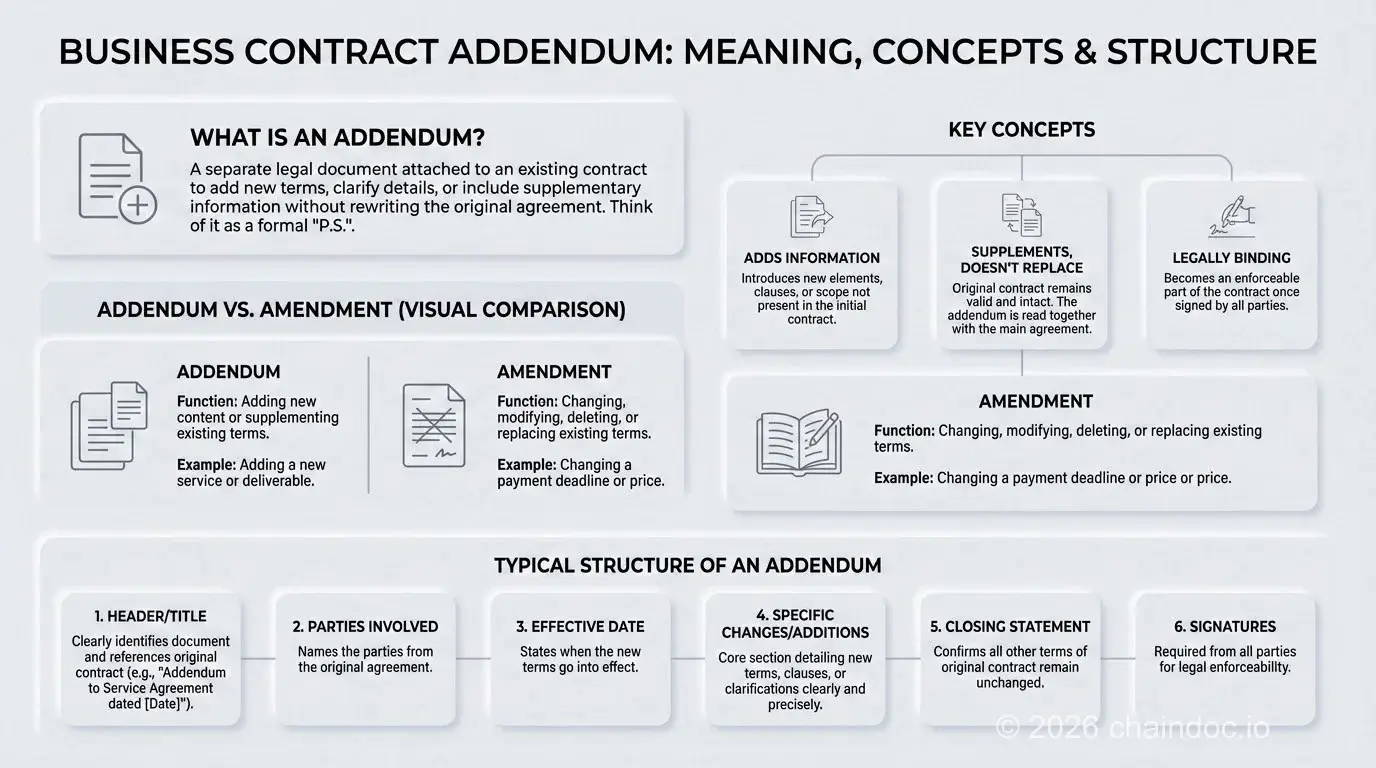
*Contract addendum vs. amendment: a visual guide to choosing the right contract modification instrument.*
### Is a Contract Addendum Legally Binding? Jurisdiction Overview
Yes — a properly executed contract addendum is legally binding in all major jurisdictions, provided it meets the execution requirements of the original agreement and is signed by all parties.
| Jurisdiction | Governing Law | E-Signature Standard | Addendum Recognition |
| --- | --- | --- | --- |
| **United States (Federal)** | ESIGN Act | Electronic signatures legally equivalent to wet signatures for most contracts | Fully recognized |
| **United States (State)** | UETA (adopted in 49 states) | State-level complement to ESIGN Act | Fully recognized across all UETA-adopting states |
| **European Union** | eIDAS Regulation | SES / AES / QES tiers; QES equivalent to handwritten signature | Recognized at all three tiers |
| **United Kingdom** | Electronic Communications Act 2000 | Electronic signatures valid for most contracts | Recognized for standard commercial addenda |
| **Australia** | Electronic Transactions Act 1999 | Valid where parties consent to electronic execution | Recognized; follows same rules as underlying contract |
#### What Makes a Contract Addendum Legally Enforceable?
Three elements determine enforceability across all jurisdictions:
1. **Mutual consent:** All parties who signed the original contract must sign the addendum.
2. **Consideration:** There must be mutual benefit or a recital of consideration. State contract law governs this requirement directly — California Civil Code Section 1698, for example, spells out exactly how a written contract can be modified: by a further writing, by an executed oral agreement, or by an oral agreement backed by new consideration. Check the specific statute where your contract is governed before assuming an addendum needs no consideration at all.
3. **Non-contradiction:** The addendum must not conflict with the original contract's material terms.
A tamper-evident, time-stamped audit trail — such as that provided by a compliant e-signature platform — serves as the primary evidence of mutual consent if an addendum is ever challenged in court.
### Practical Examples of Contract Addenda
#### Real Estate Purchase Agreement Addendum
- **Financing Contingency Addendum:** Specifies purchase conditions tied to mortgage approval terms.
- **Inspection Addendum:** Makes the sale conditional on a satisfactory property inspection.
- **Property Disclosure Addendum:** Formally discloses known defects, environmental hazards, or HOA obligations required by statute.
- **Appraisal Gap Addendum:** Specifies how much of a gap between the appraised value and the purchase price the buyer agrees to cover in cash if the property appraises low. Skip it, and a single low appraisal can unwind an otherwise solid deal.
#### Lease Agreement Addendum
- **Pet Addendum:** Defines permitted pet types, size restrictions, non-refundable pet fees, and tenant liability.
- **New Occupant Addendum:** Officially adds a new roommate or co-tenant to an existing lease.
- **Shared Amenities Addendum:** Establishes rules for pool, gym, or parking access.
#### Employment Contract Addendum
- **Non-Disclosure Agreement (NDA) Addendum:** Defines confidential information scope and employee obligations to protect trade secrets.
- **Performance Bonus Structure Addendum:** Specifies metrics, measurement periods, and payout formulas for variable compensation.
- **Remote Work Policy Addendum:** Defines approved work locations, equipment responsibilities, data security requirements, and expense reimbursement.
- **Title and Role Change Addendum:** Records a new title, reporting line, and adjusted duties after a promotion, without resetting notice periods, equity vesting, or non-compete terms the way a brand-new contract might.

*How to draft an enforceable contract addendum: a 5-step framework for business teams.*
### How to Write an Enforceable Contract Addendum: A 5-Step Guide
A contract addendum is only as strong as its drafting. The following five-step framework applies to any contract type.
#### Step 1: Draft a Clear, Descriptive Title
The title must immediately identify the document as an addendum, specify what it adds, and link it to the original contract. Include: the document type ("Addendum to..."), the original contract name, the original contract's execution date, and a sequential number if multiple addenda will exist.
This format creates an unambiguous chronological record that survives contract lifecycle management (CLM) review, due diligence processes, and legal discovery.
#### Step 2: Reference the Original Agreement and All Parties
The opening paragraph must identify all original parties by their full legal names, recite the original contract's official title and execution date, and state that this addendum is incorporated into and made part of that agreement.
#### Step 3: Draft the New Terms with Precision
- Use specific, unambiguous language.
- Organize new provisions with numbered or lettered paragraphs matching the style of the original contract.
- Cite the exact location in the original contract where each new term relates.
- Avoid cross-references that depend on external documents unless those documents are also incorporated as exhibits.
#### Step 4: Include a Savings Clause
*"Except as expressly set forth in this Addendum, all terms and conditions of the [Contract Name] dated [Date] shall remain in full force and effect. In the event of a conflict between this Addendum and the original Agreement, the terms of this Addendum shall control solely with respect to the subject matter addressed herein."*
#### Step 5: Execute with All Required Signatures
All parties to the original agreement must sign. The signature block must match the original contract's format and be completed by individuals with actual authority to bind their organizations. After execution, store the executed addendum in a centralized contract repository linked to the parent agreement.
### Securely Managing Contract Addenda with a Digital Workflow
#### Risks of Manual Contract Addendum Management
- **Version control breakdown:** Multiple drafts circulate simultaneously with no clear authority.
- **Missing signatures:** Without automated routing, addenda miss required signers.
- **No verifiable audit trail:** Manual processes cannot prove when an addendum was proposed, reviewed, or executed.
- **Fragmented document storage:** Addenda filed separately from parent contracts create due diligence risk.
#### Benefits of an eSignature Platform for Contract Addenda
- **Centralized contract repository:** Every addendum stored alongside its parent agreement.
- **Automated signing workflows:** Routing rules enforce correct signing sequence.
- **Legally binding, time-stamped e-signatures:** ESIGN Act, UETA, and eIDAS compliant; each signature is cryptographically bound to the document.
- **Immutable audit trail:** Every action recorded in a tamper-evident log — admissible evidence of mutual consent.
#### How Chaindoc Creates a Verifiable System of Record
Chaindoc links each contract addendum to its parent contract in a single, unified record. Every action — from first view to final signature — is captured in a cryptographically sealed audit trail that cannot be altered after the fact, satisfying ESIGN Act, UETA, and eIDAS requirements.
[Streamline your contract addendum workflows with Chaindoc.](https://chaindoc.io/)
[Securely Manage Your Contract Addenda in One System](https://chaindoc.io/) to eliminate manual risk and build a defensible record of every agreement.
### FAQ
#### What does addendum mean?
An addendum is a document added to a signed contract that changes or adds to its terms while leaving the original agreement in force. The plural is addenda. It differs from an annex or exhibit, which is attached to a contract to supply detail without altering what was agreed, and from an amendment, which in most drafting conventions edits the original text directly rather than sitting alongside it. An addendum is only effective once every party to the original contract signs it, and it should state explicitly that all other terms remain unchanged.
#### What is the difference between a contract addendum and a contract amendment?
A contract addendum adds new terms or information to an existing agreement without changing existing provisions. A contract amendment changes, replaces, or deletes terms that already exist in the signed contract. The practical test: if you are introducing something new, use an addendum. If you are modifying something already written, use an amendment. For example, attaching a new pricing schedule that didn't exist at signing is an addendum; changing the price in a clause that's already there is an amendment. Using the wrong instrument can create ambiguity about which terms are operative and may affect enforceability if a dispute lands in court.
#### Is a contract addendum legally binding once everyone signs it?
Yes. A properly drafted contract addendum is legally binding once all required parties sign it, provided it clearly references the original contract and meets the execution formalities of that agreement. Under the U.S. ESIGN Act and UETA, and under the EU eIDAS Regulation, addenda executed with compliant electronic signatures carry the same legal weight as those signed with wet ink. A tamper-evident audit trail serves as evidence of mutual consent if the addendum is challenged.
#### Do all original parties have to sign the contract addendum?
Yes, in the vast majority of business contracts. An addendum binds only the parties who sign it. If the addendum affects rights, obligations, scope, timing, or payment, all affected parties from the original agreement must sign for the update to be enforceable. For multi-party agreements, verify signer authority before circulation and keep a complete audit trail of who received, reviewed, and executed the document.
#### Does a contract addendum need to be notarized?
Usually not. Most commercial contract addenda are valid with standard signatures if the underlying contract does not require notarization. However, certain contract types (real estate deeds, mortgages, some government contracts) and certain jurisdictions impose additional formalities. The reliable rule: mirror the execution requirements of the original agreement. When in doubt, ask the notary or attorney who handled the original signing rather than guessing, since getting this wrong can delay closing or recording.
#### What should a contract addendum template include?
A sound contract addendum template includes: (1) a title identifying the document as an addendum and linking it to the original contract by name and date; (2) an opening recital naming all parties and stating that the addendum is incorporated into the original agreement; (3) numbered new clauses with precise, unambiguous language; (4) a savings clause stating that all other terms remain in force; and (5) a signature block matching the original contract's format.
#### How should teams organize multiple contract addenda over time?
Treat addenda as a controlled, numbered sequence linked to the parent contract. Assign each addendum a sequential number, a clear effective date, and a reference to the parent contract. Store all executed addenda in a centralized contract management system alongside the original agreement, with version history and signer logs.
#### Does a contract addendum need new consideration to be enforceable?
In most U.S. states, a written contract can be modified by a further writing without fresh consideration, but the rule is not uniform and the safest drafting habit is to recite it anyway. California Civil Code Section 1698 spells out three routes: a further writing, an executed oral agreement, or an oral agreement supported by new consideration. A one-line recital that each party receives good and valuable consideration removes the argument entirely. Note that this requirement is a common-law feature. Civil-law jurisdictions such as Germany, France, Spain and Brazil have no consideration doctrine at all, so an addendum that benefits only one side still binds there.
---
## [Contract Management for IT Companies | Chaindoc](https://chaindoc.io/md/locales/en/blog/articles/contract-management-it.md)
## Contract Management for IT Companies: SOWs, SLAs, and NDAs Digitally
### Why contract management for IT companies is different
Contract management for IT companies isn't the same problem as in other industries. A law firm signs a handful of client agreements a year. An IT company might execute dozens of contracts in a single month — master service agreements (MSAs), statements of work, service-level agreements, NDAs, contractor agreements, licensing deals, and change orders, all running simultaneously across multiple time zones.
The volume alone creates pressure. But the bigger issue is the shape of IT contracts. They're rarely static documents. Scope changes, sprint adjustments, staffing swaps — software development projects generate amendments constantly. Each change needs to be documented, signed, and filed. Without a structured workflow, those documents end up scattered across email inboxes, shared drives, and chat threads. When a dispute comes up, nobody can find the version that was actually agreed to.
There's also the international dimension. Most [IT companies](https://chaindoc.io/it-companies) today work with clients, contractors, or staff in multiple countries. A contract signed in Germany needs to satisfy different legal standards than one signed in the United States. Getting this wrong doesn't just create friction — it can make an agreement unenforceable in court.
This guide covers the full contract management lifecycle: the types of contracts IT companies use, where manual workflows break down, how to manage SOWs and SLAs properly, and why blockchain verification is becoming standard practice for IT contract management.
### Types of contracts IT companies use
IT companies deal with a specific set of agreement types, each with different legal requirements and contract lifecycle management (CLM) needs.
#### Master service agreements (MSA)
An MSA sets the baseline terms for an ongoing client relationship: liability limits, payment terms, dispute resolution, governing law, and IP ownership defaults. Individual projects then operate under SOWs that reference the MSA. This structure avoids renegotiating the same legal terms every time a new project starts.
The MSA is the agreement that protects you when things go sideways. If the SOW is silent on a particular issue — and it often is — the MSA governs. Getting the MSA right is non-negotiable for any IT company that works with recurring clients.
#### Software development agreements
The core contract for most IT vendors. These define scope, deliverables, timelines, payment milestones, intellectual property ownership, and dispute resolution. They're long, often complex, and get amended frequently as project scope evolves.
Key risk: IP ownership clauses are among the most disputed items in software contracts. The agreement needs to be crystal clear about who owns the code — and signed by both parties before work begins, not after.
#### Statements of work (SOW)
An SOW sits beneath the master service agreement and defines a specific engagement: what will be built, by when, for how much. For fixed-price projects, the SOW is essentially the entire deal. For time-and-materials work, it defines the boundaries. Either way, you'll often have multiple SOWs running under a single client relationship — one per project phase or product stream.
SOW disputes are common when scope creep happens without a formal amendment. The original SOW says one thing; the client remembers agreeing to something else. Without a signed amendment, you're left arguing over email threads.
#### Service-level agreements (SLA)
SLAs set performance commitments: uptime guarantees, response times, resolution windows. For IT managed service providers and SaaS vendors, the SLA is the backbone of every client relationship. Breach of SLA can trigger financial penalties or contract termination.
The contract management problem with SLAs isn't drafting them — it's tracking compliance over time and documenting any modifications to the original terms.
#### Non-disclosure agreements (NDA)
Every client engagement starts with one. So does every hire, contractor engagement, and vendor relationship that involves proprietary information. IT companies send more NDAs than almost any other business type, because code, architecture decisions, client data, and product roadmaps all qualify as confidential information.
The contract management challenge with NDAs: they need to be executed quickly (nobody waits two weeks for an NDA before starting a scoping call) but also stored reliably with proof of execution.
#### Employment and contractor agreements
For remote-first IT teams, these are particularly complex. An employment contract for a developer in Poland has different requirements than one for a contractor in Brazil or a permanent employee in the UK. Each jurisdiction has its own labor law, tax treatment, and IP assignment rules.
The [automate onboarding remote developers](https://chaindoc.io/blog/automate-onboarding-remote-developers) workflow addresses this specifically — reusable templates, e-signatures, and a blockchain audit trail that works regardless of where the contractor is located.
### Manual vs. digital contract workflow: what actually breaks
Manual contract workflows — email-based drafting, PDF attachments, wet ink scans — fail in predictable ways. Understanding the failure modes is the first step to fixing them.
#### Version confusion
When contracts travel via email, there's no single source of truth. The client edits the PDF and sends back "v2." You make changes and send "v2_FINAL." They respond with "v2_FINAL_revised." By the time everyone signs, nobody is certain which version governs the deal.
Digital workflows solve this by keeping one authoritative version with a visible change history. Every edit is logged, every version is accessible, and the signed document is unambiguous.
#### Signature delays
Chasing signatures is the most expensive invisible cost in IT contract management. A contract sitting unsigned in someone's inbox for three days isn't just annoying — it delays project starts, payment triggers, and compliance checkpoints. With distributed teams across time zones, a 24-hour delay becomes a 48-hour one because of scheduling gaps.
E-signatures eliminate the logistics problem entirely. Any contract management workflow that still relies on wet ink is leaking time. The signing link works on any device, in any location, without printing or scanning.
#### No audit trail
Paper-based and email-based workflows leave no reliable audit trail. If a dispute arises, you're reconstructing events from email timestamps and file metadata — neither of which is tamper-evident. Any competent attorney will challenge the chain of custody.
Blockchain-backed [e-signatures for IT teams](https://chaindoc.io/signing) solve this permanently. Every signature event is cryptographically sealed at the moment it happens. Nobody can alter or delete the record without that change being logged.
#### Access control gaps
When contracts live in a shared Google Drive folder, every team member with access can see every contract — including compensation terms, client pricing, and confidential IP agreements they have no business seeing. Role-based access control ensures that each person sees only the documents relevant to their role.
| Workflow type | Version control | Signature time | Audit trail | Legal defensibility |
|---|---|---|---|---|
| Email + PDF scan | None — multiple versions in circulation | Days to weeks | Email timestamps only | Weak — no tamper-evident record |
| E-signature only (no blockchain) | Basic — single signed version | Hours | Platform log (vendor-controlled) | Moderate — depends on vendor integrity |
| Blockchain-verified e-signature | Full — cryptographic hash per version | Minutes to hours | Immutable on-chain record | Strong — independently verifiable |
### Statement of work (SOW) management for software teams
A statement of work is the document that defines what you're actually going to build. Getting SOW management right is one of the highest-leverage improvements an IT company can make — it prevents scope disputes, speeds up payments, and keeps client relationships from turning adversarial.
#### What a strong SOW includes
Every software development SOW should cover:
- **Deliverables** — specific outputs, not vague descriptions like "mobile app development"
- **Acceptance criteria** — how both parties will know a deliverable is complete
- **Timeline** — milestones with dates, not just a project end date
- **Payment schedule** — tied to milestone completion, not calendar dates
- **Change order process** — how scope changes are requested, priced, and approved
- **IP assignment** — who owns the code, and when ownership transfers
The change order process is the most overlooked. IT projects change. That's not a failure — it's the nature of software development. But without a defined process for formalizing changes, scope creep becomes a liability. Every change should generate a signed amendment to the original SOW.
#### Template-based SOW workflows
Building a template library cuts the time to send a new SOW from hours to minutes. Templates should have fixed legal language for IP, limitation of liability, and dispute resolution — sections that don't change between clients. Variable fields (client name, deliverables, pricing, timeline) get filled in per engagement.
Store templates in a [secure team workspace](https://chaindoc.io/team-management) with version control enabled. When you update the legal language in your standard SOW, you update it once — not in 40 separate files.
#### The full lifecycle of an IT company SOW
From draft to archive, a well-managed SOW follows a defined path:
1. Draft from template (variable fields pre-filled from CRM data where possible)
2. Internal review — legal and account management approve
3. Send to client for negotiation — all changes tracked in a single document
4. Sign with legally binding e-signature on both sides
5. Store in centralized workspace with role-based access
6. Execute: project kicks off, milestones tracked against SOW commitments
7. Amendments logged as signed addenda to the original SOW
8. Close and archive when all deliverables are accepted and final payment cleared
### SLA management: keeping service agreements enforceable
Service-level agreements define what you've promised operationally. For IT managed service providers, DevOps teams, and SaaS vendors, SLA management is ongoing — not a one-time signature event.
#### Common SLA components for IT companies
A standard IT service SLA will include:
- **Uptime commitments** — typically 99.5% to 99.99% depending on the service tier
- **Response time** — how quickly the vendor acknowledges an incident
- **Resolution time** — how quickly the issue is resolved (varies by severity)
- **Support hours** — business hours vs. 24/7 coverage
- **Exclusions** — what events don't count against uptime (planned maintenance, force majeure)
- **Remedies** — service credits or penalties for SLA breaches
The remedies clause is what gives an SLA its teeth. Without it, you have a promise with no consequence for breach. With it, a client has a clear, pre-agreed mechanism for compensation that doesn't require litigation.
#### Why SLA amendments need the same rigor as original agreements
Here's a gap that creates real problems: SLAs get updated informally. Someone sends an email saying the uptime commitment is now 99.9% instead of 99.5%. The client replies "sounds good." Nobody signs anything.
Nineteen months later, there's a significant outage. The client pulls out the original signed SLA and claims you owe them a service credit based on the 99.5% threshold. You insist the email exchange amended that. Their lawyer disagrees.
Every SLA modification needs to be treated as a contract amendment: drafted, reviewed, and signed with the same process as the original. E-signature makes this fast enough that it's not a burden — it takes minutes, not days.
#### Tracking SLA compliance
A signed SLA is only useful if you can prove compliance (or document non-compliance with proper notice). Pair your SLA management with a monitoring system that can generate compliance reports tied to the specific metrics in the agreement. When a client raises a concern, you need documentary evidence that can stand up to scrutiny — not just a verbal assurance.
### NDA workflow for IT companies and remote contractors
IT companies sign more NDAs than almost any other business type. Every client engagement, every contractor hire, every vendor conversation that touches proprietary code or client data starts with one. The volume demands a repeatable, fast process.
#### What makes an IT company NDA different
The standard boilerplate NDA doesn't always cover IT-specific scenarios well. Make sure your template addresses:
- **Source code and architecture** — explicitly named as confidential information, not just "business data"
- **Third-party libraries and tools** — clarify that the NDA doesn't restrict the use of open-source tools the contractor already knows
- **Residual knowledge** — most jurisdiction-aware NDAs include a residual knowledge clause that lets contractors use general skills and knowledge, but not specific confidential information
- **Duration** — perpetual NDAs are unenforceable in some jurisdictions; 2-5 years with specific carve-outs is more defensible
- **Jurisdiction** — for international contractors, specify which country's law governs disputes
#### The execution problem
The fastest way to lose a deal is to slow it down at the NDA stage. If your NDA process takes three days, prospects will push back. Worse, they'll sometimes start sharing confidential information before the NDA is executed, which defeats the purpose.
A digital contract management workflow with a template, one-click send, and e-signature can get an NDA completed in under 20 minutes from first request to signed copy. That's fast enough to execute before the first scoping call.
#### International NDA considerations
For IT companies working with contractors in multiple countries, a single NDA template won't always work. Germany, France, and the EU more broadly have specific requirements for what constitutes a valid confidentiality agreement. A contractor in India works under different IP assignment rules than one in the US.
The practical solution is a modular template: a core NDA body with jurisdiction-specific addenda. Sign the appropriate version based on where the contractor is located. Keep all signed versions in a centralized workspace so your legal team can find them.
The [complete guide to creating a secure NDA](https://chaindoc.io/blog/how-to-create-secure-nda) covers jurisdiction-specific requirements in detail.
### Blockchain verification for IT contracts
Standard e-signature platforms record events in their own centralized database. That works for basic compliance — but there's a trust gap. The platform vendor controls the audit log. In theory, they could alter records. In practice, most don't — but in litigation, opposing counsel will raise the question.
Blockchain verification removes the trust gap entirely. When a contract is signed, a cryptographic hash of the document is written to a blockchain ledger. Nobody — not the platform vendor, not either party to the contract, not a sophisticated attacker — can change that record without the modification being visible.
#### What gets recorded on-chain
For each signed IT contract, blockchain verification captures:
- A SHA-256 hash of the document at the moment of signing
- The identity of each signer (verified separately before signing)
- A precise UTC timestamp
- The blockchain transaction ID (verifiable independently)
If the document is later disputed, any party can compare the current document's hash against the on-chain record. If they match, the document hasn't been altered. If they don't, that's evidence of tampering.
#### Why this matters for IT companies specifically
IT contracts often contain high-stakes provisions: IP assignment, non-compete clauses, payment terms worth six or seven figures. The higher the stakes, the more likely a dispute will end up in front of a lawyer or a judge.
For contract management in regulated or high-value contexts, a blockchain-backed audit trail gives you a tamper-evident record that holds up in court under the [ESIGN Act (US)](https://www.congress.gov/bill/106th-congress/senate-bill/761) and the [eIDAS Regulation (EU)](https://eur-lex.europa.eu/legal-content/EN/TXT/?uri=uriserv:OJ.L_.2014.257.01.0073.01.ENG). For international contracts involving developers or clients in multiple jurisdictions, blockchain verification is the most defensible record available.
#### Identity verification at signing
For high-value contracts — anything involving significant IP or payment obligations — signer identity verification at the point of execution is worth the extra step. This involves confirming that the person signing is who they claim to be, not just that they have access to an email inbox.
Strong identity verification combined with blockchain audit trail gives you non-repudiation: the signer can't credibly claim later that they didn't sign or didn't understand what they were signing.
### Legal compliance across jurisdictions
IT companies frequently work across borders. Here's how the major e-signature legal frameworks apply to software contracts, SOWs, and NDAs across the jurisdictions most relevant to IT work.
| Jurisdiction | Framework | Covers IT contracts? | Blockchain audit trail required? | Notes |
|---|---|---|---|---|
| United States | ESIGN Act + UETA | Yes — including SOWs and NDAs | Not required, but strengthens enforceability | Must have intent to sign and signer identity record |
| European Union | eIDAS Regulation | Yes — AES or QES for high-value contracts | Recommended for cross-border disputes | QES may be required for specific regulated sectors |
| United Kingdom | Electronic Communications Act 2000 + UK eIDAS | Yes | Strengthens enforceability post-Brexit | UK has diverged from EU eIDAS post-Brexit — check current guidance |
| Germany | BGB + eIDAS | Yes — with some restrictions for employment contracts | Not required | Employment contracts may require handwritten signature in some cases |
| India | Information Technology Act 2000 | Yes | Not required | Section 5 recognizes e-signatures; blockchain adds evidentiary value |
| Canada | PIPEDA + provincial e-signature laws | Yes | Not required | Each province has its own electronic transactions act |
### How to set up digital contract management in an IT company
Moving from scattered files and email threads to a structured contract management system takes one focused sprint. Here's what to do, in order.
#### Step 1 — Audit your existing contract types
List every agreement type your company uses: SOWs, SLAs, NDAs, employment contracts, contractor agreements, vendor agreements, licensing deals. For each type, note the average volume per month, who creates them, who approves them, and where they end up after signing.
This audit will immediately reveal where the pain is worst and where automation will have the biggest impact.
#### Step 2 — Build a template library
For each contract type, create a reusable template with fixed legal language and clearly marked variable fields. Have your legal counsel review each template before it goes live. A few hours of lawyer time upfront saves you from one disputed contract down the road.
Store templates in a [secure team workspace](https://chaindoc.io/team-management) with role-based access — only authorized people should be able to edit a template.
#### Step 3 — Configure role-based access
Decide who can see which contracts. A typical IT company structure:
- **Founders / Legal:** full access to all contracts
- **Account managers:** their client's contracts only
- **HR:** employment and contractor agreements
- **Finance:** payment terms and rate agreements
- **Project managers:** SOWs and change orders for their projects
- **Contractors:** their own agreements only
Apply the principle of least privilege — every role sees exactly what it needs, nothing more.
#### Step 4 — Enable e-signature with identity verification
Set up legally binding [e-signatures](https://chaindoc.io/signing) with identity verification enabled for high-value contracts. Test the signing flow end-to-end before using it with a real client. Confirm the audit trail is being generated correctly and that signed documents are stored in the right place.
#### Step 5 — Integrate with your existing tools
If your sales team works in a CRM, connect it to your contract platform via [API integration](https://chaindoc.io/api-integration) so that client data flows automatically into contract templates. If finance tracks invoices separately, set up webhooks to trigger billing steps when contracts are signed. The goal is to eliminate manual data entry between systems.
#### Step 6 — Run a quarterly audit
Once a quarter, review active contracts for expiring agreements, check access permissions for people who've left or changed roles, and archive closed contracts. Regular contract management audits prevent the access control drift that turns tidy systems into security liabilities over time.
### Summary
Contract management for IT companies has a specific set of challenges that generic document tools don't solve well. The volume is high, the document types are varied — MSAs, SOWs, SLAs, NDAs — the international dimension is constant, and the stakes — IP ownership, payment disputes, breach of SLA — are high enough to matter in court.
The key shifts that make digital contract management work in practice:
- Replace email-based drafting with reusable templates that cut time-to-send from hours to minutes
- Use legally binding e-signatures that satisfy ESIGN Act, eIDAS, and UETA requirements simultaneously
- Add blockchain verification to all high-value contracts for a tamper-evident audit trail no party can challenge
- Enforce role-based access so sensitive contract terms aren't visible to people who don't need to see them
- Treat every change order, SLA amendment, and NDA update as a formal contract event — signed, stored, traceable
The practical result: fewer disputes, faster deals, cleaner compliance records, and less time spent chasing signatures. That's not a minor efficiency improvement — it's a structural change in how contract management actually protects your business.
For IT companies ready to make the switch, [start with a free Chaindoc account](https://chaindoc.io/pricing) and run your next SOW through a digital workflow. The difference is immediate.
### FAQ
#### What is contract management for IT companies and why does it matter?
Contract management for IT companies covers the full lifecycle of software development agreements, SOWs, SLAs, NDAs, and contractor agreements — from drafting and negotiation through execution, amendment, and archiving. It matters because IT companies manage high volumes of contracts across multiple time zones and jurisdictions. Poor contract management leads to scope disputes, delayed payments, unenforceable agreements, and compliance gaps. A structured digital workflow prevents all of these.
#### Are electronically signed IT contracts legally binding internationally?
Yes — with the right setup. The ESIGN Act (US), eIDAS Regulation (EU), and UETA (US state level) all recognize electronically signed contracts as legally binding, provided there's a record of signer identity and intent. For international contracts involving parties in the EU, US, UK, India, and Canada, a blockchain-backed e-signature with identity verification at signing is the strongest defensible approach. Check jurisdiction-specific requirements for employment contracts, which sometimes have additional rules.
#### What should an IT company SOW include to prevent scope disputes?
A strong SOW for an IT project includes: specific deliverables (not vague descriptions), acceptance criteria for each deliverable, milestone-based timelines, payment schedule tied to milestones, a defined change order process, IP assignment terms, and limitation of liability clauses. The change order process is the most overlooked item — without it, scope creep turns into a dispute. Every scope change should generate a signed amendment to the original SOW.
#### How does blockchain verification improve IT contract management?
Blockchain verification writes a SHA-256 cryptographic hash of the signed document to an immutable ledger at the moment of signing. This creates a tamper-evident record: anyone can verify that the current document matches the signed version by comparing hashes. Unlike a standard e-signature audit log (which is stored in the vendor's database), a blockchain record is independently verifiable and can't be altered retroactively. For high-stakes IT contracts involving IP or significant payments, this level of proof is worth having.
#### How should IT companies handle NDAs for remote contractors across different countries?
Build a modular NDA template: a standard core with jurisdiction-specific addenda for your most common contractor locations. Make sure the template explicitly covers source code and architecture as confidential information, includes a residual knowledge clause, specifies duration (2-5 years rather than perpetual, which is unenforceable in some jurisdictions), and defines which country's law governs disputes. Send and sign via e-signature so the NDA is executed before the first substantive conversation, not after.
#### What role-based access structure works best for IT company contracts?
A practical structure for most IT companies: Founders and Legal have full access. Account managers see only their clients' contracts. HR accesses employment and contractor agreements. Finance sees payment terms and rate agreements. Project managers see SOWs and change orders for their projects. Contractors see only their own signed documents. Apply the principle of least privilege — give each role the minimum access needed to do the job. Review permissions quarterly as team structure changes.
#### How can an IT company integrate contract management with its CRM or ERP?
Most modern contract platforms expose a REST API and webhooks that connect to CRMs and ERPs. Common integrations: auto-populate contract templates with client data from the CRM, trigger a billing event in the ERP when a contract is signed, sync contract status back to the CRM deal record. If your team uses Pipedrive, Chaindoc has a direct integration that handles all of this without custom development. For other systems, the Chaindoc API supports any platform that can make HTTP calls.
---
## [Contract vs Agreement: What's the Difference and When Does It Matter?](https://chaindoc.io/md/locales/en/blog/articles/contract-vs-agreement.md)
People use "contract" and "agreement" as if they mean the same thing. They don't, and that distinction has real legal consequences. Getting it wrong can leave you with no way to enforce what you thought was a deal.
The short answer: every contract is an agreement, but not every agreement is a contract. A contract is legally enforceable by a court. An agreement might be nothing more than a mutual nod. Whether that distinction matters to you depends entirely on what you're trying to protect. If you're drafting one, our [how to write a contract](https://chaindoc.io/blog/how-to-write-a-contract) guide walks you through the process step by step.
Below, we walk through the six elements that turn an agreement into an enforceable contract, and show you exactly when each applies to freelance work, employment, vendor deals, and partnerships. When terms change later, our [contract addendum meaning guide](https://chaindoc.io/blog/contract-addendum-meaning-guide) explains how to update agreements without breaking them. You'll also find a comparison table and real examples, both the ones that hold up in court and the ones that don't.
The cost of getting this wrong is measurable. World Commerce & Contracting research puts the average loss from ineffective contract processes at 9.2% of annual revenue, roughly $920,000 a year for a company doing $10 million. Understanding the difference between a contract and an agreement is the first step to stopping that leakage. (Source: https://www.worldcc.com/) For software projects, our [software development agreement template](https://chaindoc.io/blog/software-development-agreement-template) provides a ready-to-use starting point.
### What is an agreement?
An agreement is any mutual understanding between two or more parties. One person proposes something; the other accepts. That's it. No formalities required, no writing necessary, no lawyers involved.
Agreements are everywhere. You agree to meet a friend for coffee. You agree to cover a colleague's shift. You agree to let a neighbor borrow your ladder. All of these are agreements, but none of them are contracts.
The defining feature of an agreement is **mutual assent**: both parties understand and accept the same terms. What an agreement doesn't guarantee is that either party can go to court if the other backs out.
Some agreements are entirely social. Others sit in a grey zone where they *feel* binding but aren't. A handshake deal to split profits on a side project might qualify as a contract if the right elements are present. Or it might be nothing more than an informal understanding that falls apart the moment one party decides to walk.
Actually, most disputes don't start because people had bad intentions. They start because two people remember the "agreement" differently. That's the core problem with informal agreements: they exist mostly in memory.
> **Agreement vs. contract: the one-line version** An agreement is a mutual understanding. A contract is a legally enforceable agreement. The gap between the two comes down to whether a court will step in if someone breaks the deal.
### What is a contract?
A contract is an agreement that a court will enforce. According to the [Cornell Law School Legal Information Institute](https://www.law.cornell.edu/wex/contract), a contract is "a promise or set of promises for the breach of which the law gives a remedy."
That last part matters: the law gives a remedy. If one party breaks a contract, the other can sue for damages, demand specific performance, or seek other legal relief. Note that other legal instruments such as [affidavits](https://chaindoc.io/blog/what-is-an-affidavit-guide) serve different purposes and follow distinct rules of evidence. That enforceability is what separates a contract from every other kind of agreement.
Contracts can be written or oral. A verbal agreement to perform services for payment can absolutely be a contract, and courts enforce them regularly. That said, oral contracts are notoriously hard to prove. Writing things down isn't a legal requirement in most cases; it's just practical.
For a contract to be valid, it needs six specific elements. Miss one and you might have a promise, a social commitment, or a moral obligation, but not a legally enforceable contract. We'll cover all six in a later section.
That said, having all six elements doesn't guarantee a court will enforce the contract exactly as written. Judges can refuse to enforce unfair terms, and some contracts are void for public policy reasons even when every element is technically present.
Want to skip straight to drafting? [Chaindoc's contract templates](https://chaindoc.io/contract-templates) cover the most common business contract types, already structured around the essential elements.
### Contract vs agreement: side-by-side comparison
Here's how the two compare across the dimensions that matter most in practice.
| Factor | Agreement | Contract |
|---|---|---|
| Legal enforceability | Not necessarily enforceable | Legally enforceable by courts |
| Formality required | None (can be verbal or implied) | None required, but writing is strongly recommended |
| Elements required | Only offer + acceptance | Offer, acceptance, consideration, capacity, legality, intent |
| Remedy if broken | None (or only moral/social consequence) | Damages, specific performance, or other legal relief |
| Examples | Splitting a dinner bill, informal promises, social arrangements | Employment contracts, service agreements, NDAs, leases |
| Written form | Optional | Optional but strongly advised for enforceability |
| Consideration needed | No | Yes: both parties must give something of value |
In practice, the enforceability gap has real costs. Aberdeen Group research shows that companies deploying e-signature and automated contract workflows close 17% more deals than non-adopters. The reason is simple: when terms are clear, signed, and verifiable, fewer deals fall through. (Source: https://www.aberdeen.com/cmo-essentials/signed-sealed-delivered-integrating-e-signature-into-the-b2b-sales-cycle/)
> **The enforceability gap is real** If you rely on a handshake deal and the other party walks, you generally have no legal recourse. Courts don't enforce agreements that lack consideration, capacity, or legal intent, even if both parties believed they had a binding deal. When money, services, or IP are involved, use a contract.
### When does an agreement become a contract?
An agreement becomes a contract when it satisfies all six elements recognized under contract law. These aren't arbitrary requirements. Each one addresses a specific failure mode that courts have seen play out over centuries of disputes.
Honestly, if you only remember one of these, make it consideration. It's the element that disqualifies more would-be contracts than any other.
#### 1. offer
One party proposes specific, definite terms. Vague statements don't qualify. "I might pay you something for that" isn't an offer. "I'll pay you $2,000 to design my website by May 31" is.
The offer must be communicated clearly and remain open until accepted, rejected, or revoked. An offer expires if it includes a deadline that passes without a response.
#### 2. acceptance
Now the other party agrees to the offer *exactly as stated*. Change any term (the price, the deadline, the scope) and you've got a counteroffer, not acceptance. A counteroffer kills the original offer and starts the negotiation over.
Acceptance can be verbal, written, or (in some cases) implied by action. Signing a document is the clearest form.
#### 3. consideration
Both parties must give something of value. This is the element that trips people up most often. Consideration doesn't have to be money: it can be a promise, a service, forbearance (agreeing not to do something you have the right to do), or anything else the law recognizes as having value.
What consideration can't be is a gift or a past act. "I'll give you my car because you helped me move last year" isn't a contract, because the consideration (the help moving) happened before any agreement.
#### 4. capacity
Can both parties legally enter a contract? That means being of legal age (18 in most jurisdictions), mentally competent, and not under the influence of substances at the time of signing.
Contracts with minors are generally voidable. Contracts where one party lacked mental capacity at signing can be challenged in court.
#### 5. legality
The contract's subject matter must be legal. A "contract" to pay someone to commit fraud isn't enforceable. Courts won't uphold agreements built on illegal activity, regardless of how carefully they're written.
#### 6. intent to create legal relations
Did both parties mean for this to be legally binding? Social and domestic arrangements typically don't. If you promise your sibling you'll help them move next weekend, neither of you expects a court to get involved if plans change.
In commercial settings, courts generally presume intent to create legal relations. Between family members or friends, that presumption reverses, so you'd need evidence of intent.
All six elements present? You have a contract. Any one missing? You have an agreement at best, and possibly nothing enforceable at all.
For a deeper look at how written contracts are structured, see our guide on [how to write a contract](https://chaindoc.io/blog/how-to-write-a-contract).
### Letters of intent and heads of terms
This is where the distinction stops being academic and starts costing money.
A letter of intent, a term sheet and a set of heads of terms all sit in the same awkward place: they read like contracts, they get signed like contracts, and whether they bind depends entirely on what they say.
Two things decide it. **Certainty of terms** and **intent to be bound.** A document that names the parties, the subject, the price and the timetable, and reads as though the sender means it, can be an offer. Accept it and there is a contract, whatever the heading says.
English practice solved this with three words. **"Subject to contract"** on the face of the document signals that neither side is bound until a formal agreement is executed. Courts treat it as strong evidence, though not a magic spell: conduct that contradicts it still counts.
The mirror-image mistake is just as common. Parties label something a binding agreement, then leave the price open. An agreement to agree is not enforceable, because there is nothing certain to enforce.
Most letters of intent are also **partly** binding by design. The commercial terms stay open, while confidentiality, exclusivity, governing law and who pays the costs bind immediately. That is deliberate and worth copying: say which clauses bind and which do not, clause by clause, rather than hoping one blanket sentence covers it.
The practical rule fits on a line. **Decide before you sign, then write down what you decided.**
### Common examples
The clearest way to understand the contract vs agreement distinction is through examples. Some look like contracts but aren't. Others don't look formal at all but hold up perfectly in court.
That said, the examples below are illustrative, not legal advice. Courts look at the specific facts of each case, and outcomes can vary by jurisdiction.
> **When in doubt, write it down** Oral contracts are technically valid in most jurisdictions, but proving what was agreed is almost impossible without written evidence. If the deal involves money, services, IP, or ongoing obligations, get it in writing, signed by both parties, with a clear date.
### Blockchain E-Signatures vs Traditional E-Sign Tools
| Capability | Chaindoc (Blockchain) | DocuSign / Adobe Sign |
|---|---|---|
| Immutable audit trail | Cryptographic hash on public ledger | Vendor-controlled database log |
| Tamper detection | Instant — any byte change breaks the hash | Manual audit, often delayed |
| Legal frameworks | ESIGN, UETA, eIDAS, HIPAA, GDPR | ESIGN, UETA, eIDAS |
| Identity verification | Optional KYC + on-chain signer ID | Email/SMS OTP only |
| Cross-border recognition | Independently verifiable worldwide | Depends on vendor's local presence |
| Pricing model | Tiers from €9/mo, no per-signature fee | Per-envelope / per-user fees |
| Vendor lock-in | Records remain valid even if vendor disappears | Records depend on vendor's continued service |
| Court admissibility | Strongest evidentiary tier (cryptographic + timestamped) | Standard electronic-record tier |
### Which do you need for business?
The honest answer: almost always a contract. Here's how it breaks down by situation. In practice, the only time an informal agreement is truly safe is when both parties have nothing to lose and complete trust in each other. That describes very few business relationships.
#### Freelancers and independent contractors
If you're trading services for money, use a contract. Always. The "I trust them" instinct is understandable, but it doesn't hold up when a client disputes the scope of work or delays payment.
A signed service agreement with clearly defined deliverables, payment terms, and revision limits protects you from the three most common freelance disputes: scope creep, non-payment, and IP ownership disagreements. Chaindoc's [contract templates](https://chaindoc.io/contract-templates) include a freelance service agreement you can adapt and sign in minutes.
The cost of getting this wrong is rising. The IBM Cost of a Data Breach Report 2024 found that the global average cost of a data breach reached $4.88 million, a 10% increase over the previous year. For freelancers and small businesses, a single disputed contract can be devastating. Written, signed agreements with identity verification are the most cost-effective protection available. (Source: https://www.ibm.com/reports/data-breach)
#### Business partnerships
Partnership agreements are where the contract vs agreement confusion causes the most damage. Two people start a business on a handshake, everything goes well for a year, then one partner wants to exit. Without a written partnership agreement, there are no defined rules for buyouts, profit distribution, or decision-making authority.
Fair warning: courts can sometimes infer a partnership from conduct even without a written agreement. What they can't do is fill in the specific terms you never defined.
#### Employment
Most employment relationships are contracts: offer letters, employment agreements, or at-will employment terms set out by an employee handbook. The distinction matters for non-compete clauses, IP assignment, and termination conditions.
One area where people get this wrong: relying on a verbal agreement for contractor relationships. The IRS and labor courts look at actual conduct, not what you called the arrangement. If it walks like employment, they'll treat it as employment.
#### Vendor and supplier relationships
For recurring vendor relationships (software subscriptions, supplier agreements, service retainers), a written contract isn't optional. Payment terms, service levels, and termination conditions need to be defined in writing. If your vendor relationship is governed by a master services agreement with a [statement of work (SOW)](https://chaindoc.io/contract-templates), each SOW is its own enforceable contract under the MSA.
Need to add terms to an existing contract rather than start over? Learn when and how to use a [contract addendum](https://chaindoc.io/blog/contract-addendum-meaning-guide) to add new terms without rewriting the whole agreement.
#### When an agreement is actually fine
Not everything needs a formal contract. Social arrangements, low-stakes favors, and internal team coordination don't require legal documentation. The test is simple: if someone backing out would cause you financial harm or a significant dispute, use a contract. If the worst case is mild inconvenience, an informal agreement is probably sufficient.
The practical dividing line for most businesses: anything involving more than a few hundred dollars, recurring obligations, or intellectual property should be in a contract, signed by both parties.
#### Industry Outlook and Further Reading
According to the [eIDAS Regulation 910/2014](https://eur-lex.europa.eu/legal-content/EN/TXT/?uri=uriserv:OJ.L_.2014.257.01.0073.01.ENG), the [U.S. ESIGN Act (Public Law 106-229)](https://www.congress.gov/bill/106th-congress/senate-bill/761), and [NIST IR 8202 on Blockchain Technology](https://nvlpubs.nist.gov/nistpubs/ir/2018/NIST.IR.8202.pdf), blockchain-anchored electronic signatures meet the highest tier of evidentiary requirements across major jurisdictions. Industry analysts report that organizations adopting blockchain document workflows reduce contract-cycle time by 60% and recover roughly $3,000 per team per month in administrative cost — about 4x the ROI of partial digitization.
Compare available tiers on the [Chaindoc pricing page](https://chaindoc.io/pricing) and browse more practical guides in the [Chaindoc blog](https://chaindoc.io/blog) to find the workflow that fits your team.
> **The practical rule** If breaking the deal would cost you money, damage your reputation, or create a dispute over ownership, use a contract. If the stakes are low and you trust the other party completely, an informal agreement may be fine. But "I trust them" has a poor track record as a legal strategy.
### FAQ
**Q: What is the main difference between a contract and an agreement?**
A contract is a legally enforceable agreement. Every contract is an agreement, but not every agreement is a contract, and the gap comes down to six required elements: offer, acceptance, consideration, capacity, legality, and intent to create legal relations.
**Q: Is a verbal agreement legally binding?**
Yes, in most jurisdictions, though it's very hard to prove. Verbal contracts are valid under U.S. contract law when all six elements are present. The problem isn't legality, it's evidence: without written records, proving what was agreed and when becomes a credibility contest. For anything involving money or services, written contracts are far more reliable.
**Q: Can an agreement become a contract without a signature?**
Yes. Signatures are evidence of acceptance, not a legal requirement for most contracts. Courts have found contracts formed through email exchanges, conduct, and even partial performance of agreed terms. That said, signatures create a clear, hard-to-dispute record of acceptance. For anything significant, get it signed.
**Q: What makes a contract unenforceable?**
Several things. Missing consideration (one party gives nothing), lack of capacity (a party was a minor or mentally incompetent at signing), illegal subject matter, duress or fraud at the time of signing, or mutual mistake about a material fact can all make a contract voidable or void. Vagueness is another common killer: if the terms aren't defined clearly enough for a court to determine what performance was actually required, the contract collapses. The Statute of Frauds adds another layer, requiring certain categories (real estate transfers, contracts lasting more than a year, guarantees of another's debt) to be in writing. Miss that requirement and even a textbook-perfect verbal deal won't hold up.
**Q: Do business agreements need to be notarized to be valid?**
Rarely. Most standard business contracts (service agreements, NDAs, employment contracts, vendor agreements) don't require notarization to be legally binding. Notarization is required for certain legal documents like real estate deeds, wills, and powers of attorney. For standard business contracts, a signed agreement with a clear date is sufficient.
**Q: What is consideration in a contract, and why does it matter?**
Consideration is what each party gives in exchange for the other's promise. It's usually money for services, but it can also be a promise, a forbearance, or any act the law recognizes as having value. Consideration is what distinguishes a contract from a gift. Without it, there's no binding exchange, and no contract. This is the element that catches people most off guard; a promise to do something for free, with nothing given in return, generally isn't enforceable.
**Q: Is a letter of intent (LOI) a contract?**
Usually not, but it depends on the language. Most letters of intent are intentionally non-binding, designed to document interest and outline proposed terms while due diligence continues. However, some LOIs include specific binding provisions like confidentiality clauses or exclusivity periods. If your LOI contains the word "binding" next to any clause, treat it as a contract for that clause.
**Q: How do I turn an informal agreement into an enforceable contract?**
Document the terms in writing, include clear consideration (what each party gives and receives), specify the parties by their legal names, set a definite date, and have all parties sign. You don't need a lawyer for simple agreements. A clear written document covering the six essential elements is enough. Chaindoc's contract templates give you a starting point that's already structured correctly.
---
## [The Contractor Invoice Template That Actually Gets You Paid](https://chaindoc.io/md/locales/en/blog/articles/contractor-invoice-template-guide.md)
## The Contractor Invoice Template That Actually Gets You Paid
A contractor invoice template is a reusable billing document built around eleven core fields, plus a few extras a standard business invoice doesn't need: your legal name matched to your W-9, the client's legal entity name, a unique invoice number, issue and due dates, a description of the service period, line items with rate and total, a subtotal, the amount due, payment instructions, and (where the client's accounts payable team asks for it) a contract or SOW reference number. Skip the reference number on a corporate client's invoice and you've just added three days to the approval cycle for no reason.
Here's what separates contractor invoicing from a regular business invoice: you're not withholding anything. There's no line for tax withheld, no employer contribution split, nothing resembling a paystub. Client accounting departments know this, but a first-time contractor invoice that looks like it's missing something (because it is, deliberately) sometimes gets kicked back with confused questions. A short status line clears that up in one sentence.
Why does the legal name field matter so much? Because it has to match what's on file with the client, which in turn has to match your W-9. A mismatch between "Jordan Reyes" on your invoice and "Reyes Consulting LLC" on your W-9 is exactly the kind of thing that stalls a payment run while someone in accounting tries to figure out who's actually getting paid. Our W-9 guide for contractors covers that form in full if you haven't filed one with this client yet.
### What a contractor invoice must include
| Field | Required? | Notes |
|---|---|---|
| Legal name (matches W-9) | Yes | Include a DBA in parentheses if you use one |
| Client legal entity name | Yes | Full name, not a nickname or department |
| Invoice number | Yes | Unique, never reused, even for voided invoices |
| Issue date | Yes | The day you send it |
| Due date / terms | Yes | A calendar date, not just "Net 30" |
| Service period | Yes | "Services from 1-31 March 2026" |
| Contract or SOW reference | If applicable | Speeds up corporate AP approval |
| PO number | Optional | Required by some larger clients |
| Line items | Yes | Description, hours or units, rate, line total |
| Total due | Yes | Make it visually impossible to miss |
| Payment instructions | Yes | Bank details, payment link, or both |
| Independent contractor status line | Optional | Clarifies no withholding applies |
> An EIN isn't required on a standard contractor invoice. If a client's accounts payable system specifically requests one instead of your SSN for their records, that's a client-side preference, not a legal requirement on your end.
### Free contractor invoice template, field by field
Here's the actual skeleton, laid out top to bottom the way it should appear on the page. Copy this structure into a doc, spreadsheet, or invoicing tool and you've got a working contractor invoice template you can reuse for every client.
**Header block**
- "INVOICE" (the word itself, visible at the top)
- Invoice number: e.g. `2026-047`
- Issue date: `July 3, 2026`
- Due date: `July 18, 2026 (Net 15)`
**From (you)**
- Legal name matching your W-9, plus DBA if applicable
- Address, email, phone
- Optional independent contractor status line
**Bill to (client)**
- Full legal entity name
- Billing contact and department, if the client routes through AP
- Contract/SOW reference: `SOW-2026-014`
**Service period**
- "Services rendered: June 1-30, 2026"
**Line items (sample rows)**
| Description | Qty/Hours | Rate | Total |
|---|---|---|---|
| Frontend development, sprint 12 | 32 hrs | $95/hr | $3,040.00 |
| Client onboarding call | 1 | $150 flat | $150.00 |
**Totals**
- Subtotal: `$3,190.00`
- Total due: `$3,190.00` (bolded, impossible to miss)
**Payment instructions**
- Bank transfer details or a payment link
- Accepted methods noted explicitly
That's the whole thing. Nothing exotic, nothing that needs specialized software to produce. What actually separates a template that gets paid fast from one that sits in a queue is whether every field above is filled in accurately the first time, not whether it looks fancy.

### How hourly, milestone, and fixed-bid invoices differ
Not every contractor gets paid the same way, so the line-item structure needs to match how the work was actually agreed to. Using the wrong structure is a common reason invoices get sent back for clarification. Three variants cover almost every situation.
**Hourly.** One line per task or per billing period: description, hours logged, rate, line total. If the contract requires a timesheet, link it or attach it, don't just reference it by name. Ambiguity here is the single biggest driver of "can you clarify this line item" emails.
**Milestone.** One line per contract milestone, tied to a specific deliverable: "Milestone 2 — Prototype delivered and accepted," a fixed amount, and the SOW reference it maps to. The due date should reference the milestone acceptance date, not an arbitrary calendar date, since payment usually can't happen until the client signs off on the deliverable anyway.
**Fixed-bid.** Either a single line for the whole engagement, or phased lines: deposit, interim payment, final payment. Show the total contract value alongside the portion due now and the remaining balance, so nobody has to do mental math to figure out where the project stands financially.
| Structure | Line item shows | Due date tied to |
|---|---|---|
| Hourly | Description, hours, rate, total | Regular billing cycle (weekly/biweekly) |
| Milestone | Milestone name, fixed amount, SOW ref | Client acceptance of the deliverable |
| Fixed-bid | Phase (deposit/interim/final) or single total | Contract schedule (e.g. 30/40/30 split) |
> **Mixing structures on one invoice, say, three hourly lines and a milestone line, almost always confuses whoever's approving payment.** Pick the structure that matches the contract and stay consistent for the life of that engagement.
### What 1099 and W-9 rules mean for your invoice
Your invoice doesn't calculate or report anything to the IRS. Your client does that separately, based on what they've paid you across the year, using the totals from invoices you've already sent. Understanding that division keeps you from over-engineering a document that was never meant to carry tax reporting.
Here's the mechanic: a client pays you $600 or more in a calendar year for services and, according to the [IRS's About Form 1099-NEC page](https://www.irs.gov/forms-pubs/about-form-1099-nec), they're required to issue you a 1099-NEC by the following January. Your invoices are the paper trail behind those numbers. No client accountant is going to dig through a stack of PDFs to reconcile a 1099 total, but if they ever do (audit, dispute, year-end reconciliation), your invoices need to line up cleanly with what actually got paid.
W-9 comes first, invoice comes after, and the order matters more than most new contractors expect. Practically, many clients won't process a first payment until a completed W-9 is on file, since that's where they get the legal name and taxpayer ID that has to match your invoice. If you haven't sent one yet, that's the actual blocker, not anything on the invoice itself. The [IRS Self-Employed Individuals Tax Center](https://www.irs.gov/businesses/small-businesses-self-employed/self-employed-individuals-tax-center) is worth bookmarking if this is your first year handling your own quarterly estimates, since invoice totals are exactly what you'll reference when calculating them.
> Adding "Independent contractor; client is not responsible for withholding income or employment taxes" as a one-line status note on your invoice template isn't required, but it heads off a specific category of confused first-payment questions from client-side accounting.
### How to number invoices across multiple clients
A single sequential number, `001`, `002`, `003`, works fine until you're juggling four clients at once and can no longer tell at a glance which invoice belongs to whom. That's usually around the point contractors start asking how to number invoices without the whole system collapsing into guesswork.
A few schemes that scale, pick one and stick with it:
- **Client-prefixed**: `ACME-014`, `BETA-014`, instantly readable, and works well once you have more than two or three active clients.
- **Date-referenced**: `2026-07-014`, sortable by year and month without opening the file.
- Combined: `ACME-2026-014` ties both signals together, useful if you're running a high volume across several accounts.
Whatever you pick, the number has to stay unique and sequential within its own series, that's what makes it useful if a client or your own accountant ever needs to reconcile your invoice history. A simple spreadsheet tracking every number you've issued, cross-referenced against paid and outstanding status, catches a skipped or duplicated number long before anyone else notices.
### Payment terms that actually work
Net-30 is the default almost every contract template reaches for, and it's also longer than most contractors actually need to wait. Net-14 or net-15 has gained ground specifically in services work, where thirty days just gives a client's AP queue more time to bury your invoice behind bigger obligations. [Stripe's invoice requirements guide](https://stripe.com/resources/more/invoice-requirements) frames clear payment terms as one of the biggest levers a business actually controls, right alongside making the invoice itself easy to act on.
A 2025 industry payment-platform survey found that more than 50% of freelance and contractor invoices get paid late, with creative and professional services frequently seeing figures closer to 70% arrive past their due date. That's not a reason to panic, it's a reason to set terms deliberately instead of defaulting to whatever a template happened to include.
A deposit strategy shifts the risk earlier in the relationship. For new clients, or any fixed-bid project over a few thousand dollars, requesting 30-50% upfront isn't unusual, and most reasonable clients expect it. It's the work you'd do anyway before you have a payment history with someone, just formalized into the invoice terms instead of left as an awkward conversation.
A few things that shift the odds in your favor:
- Shorter terms (net-14 or net-15) for new or unproven clients.
- A deposit invoice before work starts on anything sizable.
- A stated late-fee clause, even a modest one changes behavior more than people expect.
- Multiple payment methods listed, a client who has to mail a check is a client who pays later.
### Why linking your invoice to a signed contract works better
An invoice that matches a signed contract gets approved faster than one that lands as a standalone PDF, and the reason is almost boring: there's nothing left for an AP reviewer to question. The scope, the rate, and the payment terms were already agreed to in writing, so the invoice is just confirming what everyone already signed off on.
AP/AR automation studies put the effect at roughly a 20-40% reduction in days sales outstanding when invoicing moves from manual to automated, and contract-linked invoices in particular clear noticeably faster than standalone ones because the approval step has nothing left to reconcile. That's the logic behind [Chaindoc's payments](https://chaindoc.io/payments) feature: the [independent contractor agreement](https://chaindoc.io/blog/independent-contractor-agreement-template-guide) you send for signature carries the payment terms and rate structure inside it, so the invoice generated afterward is automatically validated against an agreement both sides already accepted, no re-typing the scope, no risk of the invoice total drifting from what the contract actually says.
Our guide on [automating billing after e-signature](https://chaindoc.io/blog/automating-billing-after-esignature) walks through the full setup if you're sending contracts regularly enough that manual invoice drafting has become its own line item on your to-do list. And if a client asks for a document before the work is done, our guide to the [proforma invoice](https://chaindoc.io/blog/proforma-invoice) explains which invoice-shaped documents create a tax obligation and which create nothing at all.
> [Chaindoc for freelancers](https://chaindoc.io/freelancers) keeps the signed agreement and the invoice in one connected flow instead of two separate files you have to keep manually in sync every time a rate or scope changes.
### Common contractor invoicing mistakes
A handful of mistakes show up constantly across contractor invoices, and every one is fixable without new software or a steeper learning curve.
- **Legal name mismatch.** Your invoice name has to match your W-9 exactly, otherwise payment gets held up while accounting sorts out who's actually getting paid.
- **No service period.** "Consulting" with no date range tells an approver nothing about what they're actually paying for.
- Missing contract or SOW reference on invoices to larger clients slows down approval, since AP teams often need it to match the invoice against a purchase order in their system.
- **Vague line items.** "Services rendered" is the single fastest way to get an invoice sent back with questions.
- **Reused or skipped invoice numbers.** Breaks your own records and looks unprofessional if anyone ever cross-checks your history.
- Sending an editable file instead of a PDF invites accidental changes and looks less final than it should.
- **No follow-up habit.** Late payment is common enough that a calm, scheduled reminder cadence, not an aggressive first message, gets you paid faster than silence ever will.
Fix these and the rest of your invoicing process gets a lot less stressful, no rate increase required.
### FAQ
**Q.** What must a contractor invoice include?
**A.** At minimum: your legal name matching your W-9, the client's legal entity name, a unique invoice number, issue and due dates, the service period, itemized line items with rate and total, the amount due, and payment instructions. Add a contract or SOW reference if you're billing a larger client whose accounts payable team needs one to process the payment. None of this requires special software, a plain document template with these fields filled in correctly works just as well as anything paid. What actually separates an invoice that gets paid in two weeks from one that sits in a queue is whether every field is accurate the first time, especially the legal name and the total due, not how polished the template looks.
**Q.** Do I put my SSN or EIN on a contractor invoice?
**A.** Not on the invoice itself. Your SSN or EIN goes on your W-9, sent to the client separately, and it needs to match the legal name on your invoices. A full SSN sitting on an invoice PDF that gets forwarded around isn't a great habit, even where it's technically allowed.
**Q.** How do 1099 rules affect my invoicing?
**A.** They don't change what goes on the invoice itself, your invoices just need to add up to whatever total the client eventually reports on your 1099-NEC. Clients paying $600 or more per year are required to file one, and your invoice history is the backup detail behind that number if it's ever questioned. Practically, this is why W-9 timing matters more than most new contractors realize: many clients hold off on that first payment until a completed W-9 is on file, since that document is where they get the legal name and taxpayer ID they'll eventually use for reporting. If your invoice and your W-9 don't match, expect a delay while someone in accounting sorts it out before your payment clears.
**Q.** How should I number invoices for multiple clients?
**A.** A client-prefixed scheme like ACME-014 or a date-referenced one like 2026-07-014 both work well once you're juggling more than two or three active clients. What matters more than the specific format is picking one scheme and staying consistent, so a gap or duplicate number stands out immediately instead of hiding in inconsistent formatting.
**Q.** Can I require a deposit on a contractor invoice?
**A.** Yes, and for new clients or fixed-bid projects over a few thousand dollars, it's common practice rather than an unusual ask. A 30-50% deposit invoice before work starts shifts risk earlier in the relationship and is far easier to request upfront in the contract than to negotiate after work is already underway.
**Q.** What are good payment terms for contractors?
**A.** Net-14 or net-15 works better than the default net-30 for most contractor work, since thirty days gives a client's payment queue more room to deprioritize you. Due-on-receipt is reasonable for smaller invoices or first-time clients. Whatever you choose, put a calendar due date on the invoice, not just the term itself.
**Q.** Can I combine my contract and invoice into one process?
**A.** Yes. When your contract carries the payment terms and rate structure inside it, the invoice generated afterward already matches what both sides signed. That's what Chaindoc's contract-linked payments feature does.
**Q.** What's the difference between a contractor invoice and a regular business invoice?
**A.** A contractor invoice adds a few fields a standard invoice doesn't need: a legal name matched to your W-9, an explicit service period, and sometimes a contract or SOW reference for corporate clients. It also skips anything resembling tax withholding, since contractors are responsible for their own taxes rather than having them deducted by the payer.
---
*Services mentioned: [Contract-linked payments](https://chaindoc.io/payments) | [Chaindoc for freelancers](https://chaindoc.io/freelancers) | [Contract templates](https://chaindoc.io/contract-templates)*
*Related articles: [Proforma Invoice: What It Is, and What It Cannot Do](https://chaindoc.io/blog/proforma-invoice) | [Post-Sign Billing: Automate Invoices After E-Signature](https://chaindoc.io/blog/automating-billing-after-esignature) | [Independent Contractor Agreement Template Guide](https://chaindoc.io/blog/independent-contractor-agreement-template-guide) | W-9 Form: A Complete Guide for Businesses & Contractors*
---
## [Contractor NDA for Software Companies | Chaindoc](https://chaindoc.io/md/locales/en/blog/articles/contractor-nda-for-software-companies.md)
## Contractor NDA for Software Companies: The Complete Guide (With Free Template)
Here's a scenario that plays out constantly: a software company hires a contractor to build a critical feature. They share API architecture, database schemas, and client data specs. Six months later, the contractor works for a competitor — and so does the codebase.
A contractor NDA wouldn't have guaranteed perfect protection. But it would have given you a legal basis to act, seek damages, and stop further disclosure. Without it, you're hoping the contractor happens to be honest.
This guide covers everything a software company needs to know about contractor NDAs: the clauses that actually matter, the types that fit different contractor relationships, the red flags that should make you push back, and how to get them signed quickly. There's also a free template at the end.
---
### What Is a Contractor NDA for Software Companies?
A contractor NDA (non-disclosure agreement) is a legally binding contract that obligates an independent contractor — whether a freelance developer, a subcontractor, or an offshore development firm — to keep your confidential information secret. It defines what counts as confidential, how long the obligation lasts, and what happens if the contractor breaches it.
For software companies specifically, the confidential information isn't just business plans or financial data. It's source code, system architecture, repository access credentials, client data, API integrations, proprietary algorithms, and unreleased product roadmaps. That's a broader and more technically specific scope than a generic NDA covers.
A contractor NDA differs from an employee confidentiality agreement in an important way: employees typically sign a confidentiality clause embedded in their employment contract, while contractors sign a standalone NDA before work begins. That standalone structure matters — it creates a separate, clearly scoped obligation that isn't entangled with compensation disputes or employment law.
**The short answer on enforceability:** a well-drafted contractor NDA is enforceable in all major jurisdictions under contract law principles. In the US, trade secrets are protected by the Defend Trade Secrets Act (DTSA) at the federal level and the Uniform Trade Secrets Act (UTSA) at the state level.
---
### Why Software Companies Need NDAs for Contractors
The short answer: contractors aren't employees, and that gap matters legally.
Employees have several implied and statutory obligations around confidentiality that don't automatically apply to independent contractors. A contractor can, by default, use knowledge they gained working with you to benefit a competitor — unless you've explicitly contracted otherwise.
The specific risks for software companies:
- **Source code exposure** — A contractor given repository access sees your entire technical implementation.
- **Client data access** — Many contractors touch customer databases, CRM records, or API endpoints. A breach here creates GDPR or CCPA liability.
- **Trade secrets in architecture** — Your system design and proprietary algorithms are trade secrets only if they're treated as secret. An NDA is part of that treatment.
- **Subcontractor pass-through risk** — If your contractor hires their own subcontractors without confidentiality obligations, your secrets flow through a gap.
> **Warning:** A contractor NDA creates legal obligations — it doesn't prevent technical breaches. Pair it with repository access controls, offboarding checklists, and regular access reviews.
---
### Types of Contractor NDAs: Unilateral, Mutual, and Multilateral
| NDA Type | Who Is Bound | Best For | Key Risk |
|---|---|---|---|
| Unilateral | Contractor only | Freelancers, individual specialists | Doesn't cover mutual disclosure |
| Mutual (Bilateral) | Both parties | Outsourcing firms, strategic partnerships | Overly broad contractor-side definition |
| Multilateral | All named parties | Multi-vendor projects, subcontractor chains | More complex to draft |
---
### NDA vs IP Assignment Agreement: Two Different Protections
**A contractor NDA** protects confidential information you share. **An IP assignment agreement** governs who owns the work product the contractor creates.
Without an IP assignment, you might not own the code the contractor wrote. Without an NDA, the contractor can talk about your systems freely. You need both. Sign both before work begins.
---
### NDA vs Non-Compete Clause: When You Need Both
A non-compete clause restricts the contractor from working for competitors after the engagement ends. An NDA restricts what they can disclose.
For most software companies: always use an NDA (enforceable nearly everywhere), use a non-compete selectively (only for senior contractors with deep IP access, in jurisdictions where enforcement is realistic), and keep them in separate documents.
---
### 10 Must-Have Clauses in a Software Contractor NDA
1. **Definition of Confidential Information (Software-Specific)** — List explicit categories: source code, system architecture, database schemas, API keys, client data, product roadmaps.
2. **Repository Access Policy** — Specify what repositories the contractor can access and the obligation to not retain copies after engagement ends.
3. **Client Data Handling** — Specify permitted uses and prohibition on retaining copies.
4. **IP Assignment Cross-Reference** — Note the NDA operates alongside a separate IP assignment agreement.
5. **Return or Destruction of Materials** — Require return or certified destruction of all confidential materials. Require written confirmation.
6. **Subcontractor Pass-Through** — Subcontractors must be bound by equivalent confidentiality obligations.
7. **Term and Survival** — Trade secrets: indefinite. General confidential information: three to five years.
8. **Exclusions from Confidentiality** — Publicly known information, independently developed information, information from third parties without restrictions.
9. **Governing Law and Jurisdiction** — Name the jurisdiction explicitly.
10. **Remedies and Injunctive Relief** — State explicitly that breach causes irreparable harm justifying injunctive relief.

---
### Different NDAs for Different Contractor Types
**Freelance Developer:** Unilateral NDA with software-specific definition and repository access clause. Keep signing simple and fast.
**Subcontractor (via Agency):** Include subcontractor pass-through clause. Require notification of all subcontractors with system access.
**Offshore Development Company:** Add governing law clause specifying your jurisdiction, explicit GDPR/CCPA compliance provisions, and international arbitration (ICC or AAA rules).
---
### When to Sign the Contractor NDA: Timing Matters
The NDA must be in place **before** any confidential information is shared.
Correct signing order:
1. NDA — before any discovery call
2. IP Assignment Agreement — before work begins
3. Statement of Work (SOW)
4. MSA or software development contract
> **Rule:** If you're about to say something you wouldn't want public, the NDA should already be signed.
---
### Red Flags in Contractor NDAs
- **Overly broad "confidential information" definition on their side** — negotiate matched, scoped definitions
- **Indefinite term for non-trade-secret information** — push back, define a specific term
- **Unilateral arbitration clause in contractor's jurisdiction** — specify neutral arbitration rules
- **Missing IP carve-out** — ensure your pre-existing IP isn't inadvertently restricted
- **No return or destruction clause** — make it a requirement
---
### Real-World Cases: What Happens Without a Solid NDA
#### Cadence Design Systems v. Avanti Corporation ($265M)
Avanti was found to have used Cadence's proprietary source code allegedly brought over by former employees. The judgment exceeded $265 million with criminal convictions. The same contractor-as-vector risk applies in any software engagement.
#### Waymo v. Uber ($245M)
After a former Google engineer allegedly took confidential files to a startup acquired by Uber, the settlement reached approximately $245 million in equity. The NDAs and IP agreements gave Waymo the legal standing to pursue aggressive enforcement. Without them, the legal basis for a settlement of that scale wouldn't have existed.
---
### How to Sign a Contractor NDA Online in 5 Minutes
1. **Prepare the NDA** — ensure all software-specific clauses are in place
2. **Send for e-signature** — use a platform with tamper-evident audit trail; Chaindoc records signing events on an immutable blockchain ledger
3. **Verify identity** — email OTP at minimum; SMS or government ID for high-value engagements
4. **Store with access controls** — document management system with role-based access
5. **Track expiry** — if there's a defined term, monitor it

The ESIGN Act (US) and eIDAS (EU) confirm that electronically signed NDAs carry the same legal weight as paper.
---
### Free Contractor NDA Template: Every Clause You Need
Includes: software-specific confidential information definition, repository access policy clause, subcontractor pass-through, return or destruction clause, IP assignment cross-reference, injunctive relief clause, governing law placeholder, 3-year term for general confidential information / indefinite for trade secrets.
*This template is provided for informational purposes and does not constitute legal advice.*
---
### Frequently Asked Questions
**Should a freelancer sign an NDA for every client?**
From a software company's perspective: yes, every contractor who accesses your confidential information should sign an NDA before that access is granted. A freelancer who pushes back on a reasonable NDA is a red flag — not a reason to skip the agreement.
**Does an NDA hold up if the client hasn't paid?**
Generally, yes. The NDA is a separate contract from your payment agreement, and a contractor's confidentiality obligations don't depend on whether you've paid them. Keep your NDA, payment terms, and SOW as separate documents so a dispute about one doesn't contaminate the others.
**What's the difference between an NDA and an IP assignment agreement?**
They protect completely different things. An NDA restricts disclosure — it governs secrecy. An IP assignment transfers ownership of work product — it governs copyright. Most software companies need both, signed before work begins.
**How long should a contractor NDA last?**
Three to five years for general confidential business information. Indefinite for trade secrets specifically (core source code, proprietary algorithms). Avoid setting indefinite terms for everything — it can make the agreement appear unreasonably broad.
**Can a contractor NDA be enforced internationally?**
Yes, with a governing law clause and international arbitration mechanism (ICC or AAA rules, neutral venue). The underlying confidentiality obligations are enforceable in most jurisdictions.
**What happens if a contractor violates the NDA?**
Seek a cease-and-desist, apply for injunctive relief, and bring a breach of contract claim for monetary damages. Your signed NDA with tamper-evident audit trail is your primary evidence.
**Is a verbal NDA enforceable?**
In theory yes, but proving the terms is nearly impossible in court. A written, signed NDA with an audit trail is the only form worth relying on.
**Do I need a lawyer to draft a contractor NDA?**
Not always. A good template covers most standard engagements. Hire an attorney when the contractor has deep access to core trade secrets, the engagement spans multiple jurisdictions, or the contractor is presenting their own agreement with unusual terms.
---
### Related Resources at Chaindoc
- [How to Create a Secure NDA](/blog/how-to-create-secure-nda)
- [Contract vs Agreement: What's the Difference](/blog/contract-vs-agreement)
- [Document Management for IT Companies](/it-companies)
- [Automate Contractor Onboarding](/blog/automate-onboarding-remote-developers)
- [Chaindoc Pricing](/pricing)
---
## [Blockchain Document Signing: Tamper-Proof Docs | Chaindoc](https://chaindoc.io/md/locales/en/blog/articles/creating-online-documents-blockchain-ownership.md)
## Creating Online Documents with Blockchain Ownership: A Complete Step-by-Step Guide
### The Problem with Standard E-Signatures
If you've ever needed to prove what a contract said at signing time — and couldn't — you understand why this matters.
Most e-signature platforms are good at one thing: recording that someone clicked a button on a specific date. What they don't do is verify that the file hasn't changed since. That sounds like a minor gap. In practice, it means a document can be quietly edited after signing, and detecting the change is expensive, slow, and sometimes impossible. For an NDA or a financial agreement, that gap matters.
[Chaindoc](https://chaindoc.io/contract-management) closes it by generating a cryptographic hash of your document the moment it's uploaded — a unique fingerprint tied to the file's exact contents. Change a single word and the hash changes completely. That fingerprint goes onto an immutable blockchain ledger. Every subsequent action is recorded against it.
The workflow meets the requirements of the ESIGN Act (US), eIDAS (EU), and UETA (US state-level).
This guide walks through five steps:
- Step 1: Name and upload your document
- Step 2: Generate a document hash and register blockchain ownership
- Step 3: Add metadata, tags, and comments
- Step 4: Assign roles and control access
- Step 5: Sign, seal, and publish with blockchain verification
### Why Blockchain Ownership Matters for Online Documents
Standard digital files are easy to alter. Most e-signature platforms log the date someone clicked "I agree" — they don't record whether the document changed afterward. For low-stakes agreements, that's fine. For contracts, NDAs, or financial documents, it's a real problem: you have evidence of intent but not evidence of content.
Blockchain ownership addresses this with three specific properties.
**Immutability.** Once a document hash is written to the blockchain ledger, it can't be changed retroactively. Modify the source file in any way — a single character, a comma, a space — and the hash changes completely. The alteration is immediately visible to anyone who checks.
**Non-repudiation.** In Chaindoc, the signer's verified identity is cryptographically bound to the document hash using PKI (public key infrastructure). This produces proof that a specific person authorized a specific document at a specific time. Neither party can later claim the signature didn't happen or that the document was something different.
**Tamper-evident audit trail.** Every action — upload, view, edit, comment, signature — is timestamped and written to the blockchain registry. The complete chain of custody is retrievable on demand, without any reconstruction.
For teams in finance, healthcare, legal services, and real estate, this isn't a future capability. It's the difference between a document that holds up and one that doesn't.
> **Key Insight:** Non-repudiation is what gives blockchain-backed documents their legal teeth. After signing, neither party can claim the document was different or that they didn't sign it. That's the actual difference between a blockchain-verified document and a standard e-signature tool — not marketing language, just a technical fact.
### Are Blockchain Documents Legally Binding?
Yes — blockchain-backed documents are legally binding in major jurisdictions, provided the signing process meets the applicable standard. The key frameworks:
Chaindoc's signing workflow is designed to comply with the ESIGN Act, UETA, and eIDAS throughout. Each signed document includes a certificate of completion — containing the signer's identity, IP address, timestamp, and document hash — which is accepted as evidence in court proceedings.
| Jurisdiction | Governing Law | E-Signature Standard | Blockchain Recognition |
|---|---|---|---|
| United States | ESIGN Act + UETA | Electronic signatures have the same legal force as wet ink | Blockchain audit trails accepted as electronic records |
| European Union | eIDAS Regulation | SES / AES / QES tiers; QES carries the strongest legal weight | Qualified Electronic Signatures backed by PKI fully recognized |
| United Kingdom | Electronic Communications Act | E-signatures legally valid; courts accept blockchain-verified evidence | Recognized under English contract law |
| Australia | Electronic Transactions Act | Electronic signatures binding in most document types | Digital records including blockchain logs accepted as evidence |
### Step 1: Name and Upload Your Document Correctly
The foundation of any auditable document archive is consistent naming. File names that include document type, client or project identifier, and date make archives searchable, reduce version confusion, and hold up during audits — including the ones you didn't plan for.
#### Recommended naming format
Use the structure: `[Document_Type]_[Client/Project]_[Date]`
Examples:
- `Contract_NDA_CustomerA_2026-03-17`
- `Invoice_ProjectBeta_2026-03`
- `Agreement_TeamAlpha_2026-Q1`
This follows standard ERP documentation conventions and makes it practical to filter by type, client, or period when you're six months into a contract dispute and need the right version fast.
#### Industry-specific guidance
Corporate and legal teams should include project codes, counterparty name, and contract type. For notarized documents, the notary reference number belongs in the filename. Healthcare teams should include patient identifier and document type — `ConsentForm_PatientID_2026-03-17` — to support HIPAA-compliant records. Finance and insurance teams should include policy or account number and jurisdiction. Education institutions typically include faculty or department and academic year.
#### Supported formats
Chaindoc accepts all standard business document formats:
- PDF — preferred for contracts and invoices; preserves formatting exactly
- DOCX / XLSX — reports, agreements, data exports
- TXT / RTF — protocols, notes
- JPEG / PNG — scanned documents, signature images
- PPTX / ZIP — presentations and bundled attachments
Maximum file size is 50 MB. Upload the original file without converting it — format conversion before signing can alter the document hash and create verification discrepancies.
> **Warning:** Avoid generic file names like "final.docx", "new.pdf", or "scan1.jpg". Without dates and unique identifiers, auditing becomes guesswork — and you increase the risk of sending the wrong document version for signing. Set a naming convention for your whole team before uploading the first document.
### Step 2: Generate a Document Hash and Register Blockchain Ownership
Upload the file and Chaindoc does this automatically: it runs the document through SHA-256, a cryptographic algorithm that converts the file's exact contents into a unique alphanumeric string. Same file, same hash — always. Change a single character and the hash changes completely.
That hash is then written to the blockchain ledger, a distributed and immutable record. The timestamp and hash together prove the document existed in this exact form at this exact moment. That's blockchain ownership.
#### What happens after hash registration
- The document gets a cryptographic seal tied to its hash
- All subsequent actions (views, edits, signatures) are recorded against the original hash
- Any modification to the document produces a new hash, immediately exposing the change
- After signing, a certificate of completion is generated with the original hash, all signer identities, timestamps, and IP addresses
#### Why this matters for non-repudiation
The combination of the signer's verified identity, the document hash, and the blockchain timestamp creates an evidence chain that's difficult to challenge. No signer can credibly claim they signed a different version of the document — the hash at signing time is permanent and public.
Under the ESIGN Act, UETA, and eIDAS, this level of proof is recognized as equivalent to — or stronger than — a notarized wet signature for most commercial document types.
### Step 3: Add Metadata, Tags, and Comments
Metadata turns a raw file into a searchable, auditable record. In Chaindoc, metadata is stored alongside the document hash on the blockchain — so it's tamper-evident and permanently linked to the file.
#### Core metadata fields
The fields that matter most: document type (contract, invoice, NDA, consent form), effective date (when it becomes legally operative), project or client tag, department or owner (for access control), and jurisdiction for cross-border agreements.
#### Tags
Tags are a flexible categorization layer. An insurance agency might use `#Policy`, `#Claim2026`, `#HealthInsurance` to filter contracts by type and period. Legal teams might tag by counterparty, jurisdiction, and case number. HR can tag onboarding documents by employee cohort, region, and contract type. Any structure that makes sense for your workflow.
#### Comments and the audit trail
Comments in Chaindoc are more than notes. Each one is timestamped, attributed to a verified user identity, and appended to the document's blockchain audit trail. A lawyer's clause clarification, a manager's deadline change, a client's amendment request — all of it becomes part of the permanent record with cryptographic proof of who wrote what and when.
For healthcare, insurance, and financial services teams with document retention requirements, this trail is a direct compliance asset. You don't need to reconstruct what was discussed from email threads — it's all there, in order, with verified authorship.
### Step 4: Assign Roles and Control Document Access
Access control is what makes blockchain ownership actually protective. If the wrong person can modify a document before signing, the chain of custody breaks. Chaindoc uses role-based access control (RBAC) with the principle of least privilege — each user gets only the permissions their specific role requires.
#### Role system
| Role | Permissions |
|---|---|
| Owner | Full document rights; manages access permissions for all other roles |
| Admin | Manages users and roles; tracks signing workflow and deadlines |
| Member | Reads and edits documents within assigned permissions |
| Accounter | Accesses financial and analytical data within documents |
| Custom | Configurable permissions for any team structure |
#### Signing order
For multi-party agreements, Chaindoc supports sequential signing — documents route to signers in a defined order. A director can't sign before the legal reviewer approves. Each signer is notified only when the previous step completes. The full signing sequence is logged in the blockchain audit trail with individual timestamps for each signer.
This matters for legal documents, board resolutions, and procurement contracts where signer order has legal significance.
#### Signer authentication
Chaindoc supports several identity verification methods, matched to the risk level of the document:
- Email verification — standard for most business documents
- SMS OTP — one-time password for added identity assurance
- Knowledge-based authentication (KBA) — for high-value or regulated documents
- Government ID verification — for documents requiring KYC-level identity confirmation
Each method leaves an evidence record in the audit trail, which strengthens the non-repudiation case for the signed document.
### Step 5: Sign, Seal, and Publish with Blockchain Verification
Here's what happens at the moment of [signing](https://chaindoc.io/signing).
Each signer authenticates using the configured method — email, OTP, or ID verification. Their verified identity is then cryptographically bound to the document hash using PKI. A blockchain timestamp is generated and written to the ledger. The document is sealed: its hash is locked, and any subsequent modification produces a different hash, breaking the seal visibly.
#### Certificate of completion
After all signers finish, Chaindoc generates a certificate of completion containing:
- The original document hash
- Each signer's verified identity, email address, and IP address
- Individual timestamps for each signing event
- The blockchain transaction ID linking to the immutable record
This certificate is the primary evidence artifact for dispute resolution, court proceedings, or regulatory audits. It functions like a notarized signing record — but the verification is cryptographic, not institutional.
#### What this looks like in practice
Your company signs a partnership agreement with a vendor. Eighteen months later, they dispute a clause, claiming the signed version was different from what they agreed to. With Chaindoc, you produce the original document hash and the certificate of completion. The blockchain timestamp settles the question.
Without blockchain ownership, the same dispute could take months and significant legal fees to resolve — and might not resolve in your favor.
### Blockchain Documents vs. Traditional Documents: Side-by-Side Comparison
Here's how blockchain-owned documents compare to standard digital files on every dimension that matters in a dispute or audit.
| Feature | Traditional Digital Documents | Blockchain-Owned Documents (Chaindoc) |
|---|---|---|
| Tamper detection | None — edits after signing go undetected | Document hash detects any change immediately |
| Audit trail | Manual logs; easy to alter | Immutable blockchain record; cryptographically sealed |
| Non-repudiation | Weak — signers can dispute document version | Strong — PKI + document hash + timestamp creates irrefutable proof |
| Legal defensibility | Depends on platform policies | ESIGN Act, UETA, eIDAS compliant by design |
| Signer identity verification | Email link only | Multi-factor: email, OTP, KBA, or government ID |
| Certificate of completion | Not standard | Always generated; contains hash, identities, and timestamps |
| Version control | File versions stored separately; easy to confuse | Single source of truth; all versions tied to the original hash chain |
| Access control | Platform-level permissions | RBAC with least privilege; access logged on blockchain |
### Benefits of Creating Online Documents with Blockchain Ownership
The practical payoff breaks down into four areas.
Legal defensibility first. Every document signed in Chaindoc carries a blockchain record that satisfies the ESIGN Act, UETA, eIDAS, and equivalent laws in the UK and Australia. The certificate of completion is court-admissible without requiring third-party verification.
Fraud prevention second. The combination of document hash, PKI-backed signer identity, and blockchain timestamp makes it very hard to dispute a signed document's authenticity. "I never signed that" and "the document was changed" — the two arguments that generate expensive litigation — don't hold against a blockchain-timestamped record.
A real audit trail. Every action is recorded with a timestamp and verified identity, instantly accessible. No reconstructing from email threads or asking who approved what.
Access control that actually works. RBAC with least privilege, sequential signing order — documents move through the correct approval chain without gaps.
For regulated industries, these four properties map directly to compliance requirements:
- Healthcare: HIPAA-compliant audit trails for consent forms and medical records
- Finance: SOC 2 Type II and ISO 27001 aligned; AES-256 encryption at rest
- Legal: PKI-backed non-repudiation recognized as equivalent to notarized signatures for most document types
- Real estate: complete multi-party closing history with sequential signing
- Education: blockchain-verified certificates that remain verifiable years after issuance
For a full comparison of blockchain-backed vs standard e-signature platforms, see the [Digital Signature Software Buyer's Guide](https://chaindoc.io/blog/digital-signature-software-buyers-guide-2026).
### From Upload to Court-Ready Record
What you end up with after these five steps isn't just a signed file. It's a document with a permanent blockchain record, a certificate of completion, and cryptographic proof that nothing has changed since signing — in any jurisdiction where those things matter.
The workflow is consistent: upload with a proper name, generate and register the hash, add metadata, assign roles, then sign. Each step produces an immutable record. Together, they turn a regular business agreement into something you can defend on demand.
Your first document is free — no credit card required.
### FAQ
**Q.** What is blockchain document ownership and how does it work?
**A.** When you upload a document to Chaindoc, the platform runs it through SHA-256 — a cryptographic algorithm that converts the file's exact contents into a unique string called a hash. That hash is written to an immutable blockchain ledger with a timestamp. Change even a single character in the file and the hash changes completely, making any alteration immediately visible. The hash and timestamp together constitute the ownership record: proof that the document existed in this exact form at this specific moment.
**Q.** Are online documents created with blockchain legally binding?
**A.** Yes, provided the signing process meets the applicable standard. In the US, the ESIGN Act and UETA give electronic signatures the same legal force as handwritten ones. In the EU, eIDAS governs e-signatures across member states — Qualified Electronic Signatures (QES) carry the strongest weight. Chaindoc's process is designed to comply with all three. Each signed document includes a certificate of completion that functions as court-admissible evidence of the signing event.
**Q.** What is non-repudiation and why does it matter for blockchain documents?
**A.** Non-repudiation means that after a document is signed, neither party can credibly deny it happened or claim the document was different. In Chaindoc, this is achieved by binding the signer's verified identity to the document hash using PKI, with a blockchain timestamp anchoring the event. These three elements — identity, hash, timestamp — create a chain of evidence recognized under the ESIGN Act, UETA, and eIDAS. It's harder to dispute than a notarized wet signature, because the cryptographic proof exists independent of any third party.
**Q.** What is a certificate of completion and what does it contain?
**A.** After all signers finish the process, Chaindoc generates a certificate of completion containing: the original document hash, each signer's verified identity and email address, the IP address of each signing event, individual timestamps per signature, and the blockchain transaction ID. This certificate is the primary artifact for any dispute, court proceeding, or audit. It functions like a notarized signing record, but the verification is cryptographic rather than institutional.
**Q.** Can I view the full history of a document, including after it is archived?
**A.** Yes — the blockchain audit trail is permanent. Every action (upload, view, edit, comment, signature) is recorded with a timestamp and verified user identity. You can review the complete document history at any point, even after archiving. The original hash stays on the blockchain indefinitely, so you can always verify that the archived version matches what was originally signed.
**Q.** How does Chaindoc handle access control for sensitive documents?
**A.** Chaindoc uses RBAC with the principle of least privilege. Each user gets one of five roles — Owner, Admin, Member, Accounter, or a custom role — determining exactly what they can view, edit, or sign. Every access event is logged in the blockchain audit trail. For multi-party documents, you can configure signing order so the document routes through approvers in a defined sequence before reaching the final signer.
**Q.** Can blockchain document ownership be used for certificates, diplomas, and attestations?
**A.** Yes. Once a document hash is registered on the blockchain, anyone can verify the document against that hash at any future point — contracts, NDAs, medical consent forms, diplomas, professional certificates, and attestations all work the same way. The verification doesn't depend on Chaindoc remaining operational; the hash lives on the blockchain independently. That's what makes blockchain-backed certificates effectively unforgeable: the proof is independent of the issuing platform.
---
## [Data Security in Digital Healthcare: HIPAA, PHI Protection & Blockchain Verification Guide](https://chaindoc.io/md/locales/en/blog/articles/data-security-digital-healthcare.md)
## Data Security in Digital Healthcare: HIPAA, PHI Protection & Blockchain Verification Guide
Data security in digital healthcare is now a legal obligation and a patient safety imperative. Clinics, hospitals, and telemedicine providers that handle **protected health information (PHI)** must comply with HIPAA, the HITECH Act, and, for organizations operating internationally, eIDAS and GDPR. A single misconfigured access control or unencrypted storage endpoint can expose thousands of electronic health records, trigger OCR enforcement penalties, and permanently damage patient trust.
Effective healthcare data security requires a layered architecture: **AES-256 encryption** at rest and in transit, **role-based access control (RBAC)** enforcing the principle of least privilege, regular security audits, and blockchain verification that produces tamper-evident, non-repudiable audit trails for every document interaction.
This guide explains what data security in digital healthcare means in practice, what the law requires, and how platforms like [Chaindoc](https://chaindoc.io/healthcare) combine blockchain verification with HIPAA-compliant document workflows to protect patient documents from creation through signing to long-term storage.
### Why Data Security Matters in Healthcare
Healthcare organizations are the most frequently targeted sector for cyberattacks, surpassing financial institutions in breach frequency. Medical records contain irreplaceable personal data: unlike a credit card number, a patient's diagnosis or consent history cannot be reissued. A breach of **protected health information (PHI)** triggers mandatory notification under the HITECH Act breach notification rule, potential civil and criminal penalties from the HHS Office for Civil Rights (OCR), and long-term erosion of patient confidence.
The stakes are not limited to large hospital networks. Small clinics handling even a few hundred patients have the same HIPAA obligations as enterprise health systems, and are disproportionately vulnerable because they frequently lack dedicated security staff.
#### Rising Cyber Threats: Ransomware, Phishing & Insider Risk
The four most common sources of healthcare data breaches are:
- **Ransomware**: encrypts ePHI (electronic protected health information) and demands payment for the decryption key; healthcare organizations pay over $1.27 million on average per incident
- **Phishing**: credential-harvesting emails targeting administrative staff who have access to patient record systems
- **Weak authentication**: shared passwords, no multi-factor authentication (MFA), or default vendor credentials left unchanged
- **Insider errors**: staff uploading PHI to personal cloud drives, sharing documents via unencrypted email, or accessing records outside their role
Every breach that results from inadequate controls is an HITECH Act violation, not merely an IT failure. The 2009 HITECH Act strengthened HIPAA enforcement by extending liability to Business Associates (BAs), any vendor, including document management platforms, that processes PHI on behalf of a covered entity must sign a **Business Associate Agreement (BAA)** and independently demonstrate HIPAA compliance.
#### Legal and Ethical Responsibilities
HIPAA, the HITECH Act, GDPR, and equivalent national laws impose three overlapping obligations on healthcare organizations:
1. **Protect the confidentiality** of PHI, limit access to the minimum necessary (minimum necessary standard)
2. **Preserve the integrity** of health records, prevent unauthorized alteration and ensure tamper detection
3. **Ensure availability** of ePHI, maintain access for authorized users even during system disruptions
Failing any of these three pillars is a HIPAA Security Rule violation. OCR fines range from $100 to $50,000 per violation per year, with annual caps of $1.9 million per violation category.
> **Note:** Any vendor that processes protected health information (PHI) on behalf of a covered entity, including document management platforms, must sign a Business Associate Agreement (BAA) and maintain independent HIPAA compliance. This is a HITECH Act requirement, not a contractual formality.
### Is Healthcare Data Security Legally Required?
Yes, data security in digital healthcare is legally required in all major jurisdictions. The table below maps the key legal requirements:
| Jurisdiction | Governing Law | Key Requirement | Enforcement Body |
|---|---|---|---|
| United States (Federal) | HIPAA Security Rule + HITECH Act | Safeguard ePHI; mandatory breach notification; BAA for Business Associates | HHS Office for Civil Rights (OCR) |
| United States (State) | UETA | Electronic records and e-signatures valid for healthcare consent forms | State attorney general |
| European Union | GDPR (Article 9) | Explicit patient consent; data minimization; right to erasure | National DPAs / EDPB |
| European Union (e-signature) | eIDAS Regulation | AES or QES for regulated healthcare documents | National supervisory bodies |
| United Kingdom | UK GDPR + Data Protection Act 2018 | Equivalent to EU GDPR post-Brexit | Information Commissioner's Office (ICO) |
| Australia | Privacy Act 1988 + Australian Privacy Principles | Health records classified as sensitive | Office of the Australian Information Commissioner |
#### What Electronic Signatures Are Legally Valid for Healthcare Documents?
In the US, the **ESIGN Act** and **UETA** (Uniform Electronic Transactions Act, adopted in 49 states) establish that electronically signed documents, including patient consent forms, are legally equivalent to wet-ink signatures. Under eIDAS in the EU, healthcare providers should use at minimum **Advanced Electronic Signatures (AES)** and, for high-stakes documents like surgical consents, **Qualified Electronic Signatures (QES)** for maximum legal enforceability.
Blockchain-verified signatures strengthen legal defensibility by producing a **document hash**: a cryptographic fingerprint of the signed document, recorded with a tamper-evident timestamp at the moment of signing. This enables **non-repudiation**: the signer cannot credibly claim they did not sign the document, and the document's integrity is mathematically verifiable at any point in the future.
### Core Principles of Secure Digital Document Management
Every HIPAA-compliant digital healthcare system is built on three foundational principles: **confidentiality**, **integrity**, and **availability**: the CIA triad.
#### Confidentiality
Confidentiality means that protected health information is accessible only to individuals with documented, role-specific authorization. The HIPAA Privacy Rule's **minimum necessary standard** requires that access is limited to what each workforce member actually needs, not what is convenient.
Implementing **role-based access control (RBAC)** with the **principle of least privilege** operationalizes this requirement. A billing administrator should see claims data but not clinical notes. Secure authentication, including **multi-factor authentication (MFA)**: prevents credential-based breaches.
**AES-256 encryption** of data at rest and in transit provides the technical safeguard: even if storage is compromised, encrypted ePHI remains unreadable without the decryption key.
#### Integrity
Integrity means that health records are accurate, authentic, and unaltered. Even a minor, undetected change to a medication dosage record or consent form can cause diagnostic errors, treatment delays, or legal liability.
**Blockchain-based document verification** is the strongest available mechanism for enforcing integrity. Each document generates a unique **document hash**: a cryptographic fingerprint, recorded on the blockchain with a timestamp. Any subsequent alteration to the document produces a different hash, immediately revealing tampering. This creates a **tamper-evident**, immutable audit trail for every version of every health record.
**Non-repudiation** is the legal extension of this technical control: the signer's identity is cryptographically bound to the document hash at the moment of signing, making it impossible to later credibly deny the signed document's authenticity.
#### Availability
Availability ensures that authorized users can access ePHI reliably, during routine appointments or clinical emergencies. HIPAA requires covered entities to implement contingency plans, including:
- Encrypted cloud document storage with geographic redundancy
- Automated backup systems with tested restoration procedures
- Ongoing access monitoring and role review processes
### Best Practices for Protecting Patient Documents Online
#### 1. Encrypt All PHI with AES-256 at Rest and in Transit
- Encrypt all ePHI at rest in cloud storage using **AES-256** before upload
- Require end-to-end encryption for all document sharing and [e-signature workflows](https://chaindoc.io/signing)
- Store backups in AES-256 encrypted format at a geographically separate location
- Verify that all Business Associates encrypt PHI equivalently
#### 2. Implement Role-Based Access Control with the Principle of Least Privilege
- Define access tiers: clinical staff, administrative staff, billing, compliance, IT
- Restrict ePHI access to confirmed roles, physicians access patient clinical records; billing staff access claims data
- Conduct quarterly access reviews and revoke permissions immediately upon role change or departure
- Log every access event to ePHI in a tamper-evident audit trail
#### 3. Require Business Associate Agreements for All PHI Processors
- Execute a signed BAA before onboarding any vendor with PHI access
- Verify the vendor's HIPAA Security Rule compliance independently
- Confirm the vendor's breach notification procedures align with HITECH Act's 60-day mandatory notification window
#### 4. Conduct Regular Security Audits and HIPAA Risk Assessments
- Schedule formal HIPAA Security Rule risk assessments at least annually
- Review audit logs for anomalous access patterns and failed authentication events
- Engage compliance officers to validate control effectiveness
- Test incident response against the HITECH Act 60-day reporting window
#### 5. Apply Blockchain Verification for Tamper-Evident Document Integrity
- Generate a **document hash** for each PHI-containing document at creation and at each signing event
- Record the document hash, signer identity, and timestamp on an immutable blockchain ledger
- Issue a **Certificate of Completion** after each signing event, including signer name, timestamp, IP address, document hash, and authentication method
- Use [blockchain document verification](https://chaindoc.io/signature-verification) during HIPAA audits, legal proceedings, or insurance disputes
### How Blockchain Strengthens Healthcare Data Protection
| Dimension | Traditional Document System | Blockchain-Verified System |
|---|---|---|
| Audit trail storage | Internal database (modifiable by admins) | Immutable on-chain record (tamper-evident) |
| Document integrity verification | File hash comparison (if implemented) | Cryptographic document hash recorded at signing |
| Non-repudiation | Dependent on login logs (repudiable) | Cryptographic binding of signer identity to document hash |
| HIPAA audit readiness | Manual log compilation | Automated on-chain audit trail exportable on demand |
| Tamper detection | After-the-fact forensic analysis | Real-time: any alteration changes the document hash |
| Certificate of completion | PDF summary (no cryptographic proof) | Blockchain-anchored certificate with verifiable hash |
#### Immutable Records and Non-Repudiation
Once a healthcare document is signed and its document hash is recorded on the blockchain, neither the content nor the signing record can be altered without detection. **Non-repudiation** means the signer cannot claim they did not sign the document, the cryptographic binding of digital identity, document hash, and blockchain timestamp creates an evidence chain satisfying ESIGN Act, UETA, and eIDAS legal standards.
#### Verified Access Logs
Conventional audit logging records access in the same systems administrators can modify. Blockchain-based access logging eliminates this gap:
- Every view, modification, signature, and share is recorded permanently on-chain
- Access logs cannot be altered retroactively, even by system administrators
- Audit reports can be generated on demand for OCR compliance reviews
#### Enhanced Patient Trust
Blockchain verification operationalizes the HIPAA Privacy Rule right to accounting of disclosures: patients can be shown an immutable, independently verifiable record of who accessed their documents and when.
> **Warning:** OCR enforcement actions most frequently cite three deficiencies: no HIPAA risk assessment, no Business Associate Agreements, and inadequate access controls. Each is a HIPAA Security Rule requirement.
### Common Mistakes in Healthcare Data Security
**Unencrypted storage of ePHI**: storing patient records in standard databases without AES-256 encryption exposes the organization to both breach risk and automatic HIPAA non-compliance.
**Credential sharing**: when multiple staff share login credentials, the audit trail cannot attribute individual actions to individuals. Each user must have individual credentials with role-specific permissions.
**Omitting annual HIPAA risk assessments**: OCR enforcement actions most frequently cite missing risk assessments. These are a HIPAA Security Rule requirement, not a recommendation.
**Missing or unsigned BAAs**: if a vendor experiences a breach and no signed BAA was in place, the covered entity shares liability for the HITECH Act violation.
**Overlooking non-repudiation**: without blockchain verification or PKI-backed digital signatures, signers can credibly claim their signature was forged or the document was altered after signing. For consent forms and treatment authorizations, this is a critical legal gap.
### Key Takeaways for Clinics and Healthcare Teams
Data security in digital healthcare requires five core controls aligned with HIPAA, HITECH Act, and international privacy law:
**Step 1: Encrypt all ePHI with AES-256**: at rest, in transit, and in backup archives.
**Step 2: Implement RBAC with the principle of least privilege**: quarterly access reviews; immediate revocation on role change.
**Step 3: Execute BAAs with all PHI-processing vendors**: before onboarding; verify independent HIPAA compliance.
**Step 4: Conduct annual HIPAA Security Rule risk assessments**: document findings in a formal risk management plan.
**Step 5: Deploy blockchain verification**: use [blockchain-verified document workflows](https://chaindoc.io/signature-verification) for tamper-evident document hashes, non-repudiable signing records, and Certificates of Completion.
### Conclusion
Data security in digital healthcare is the operational foundation on which patient trust, legal defensibility, and clinical reliability are built. The convergence of HIPAA, the HITECH Act, GDPR, and eIDAS creates a consistent global expectation: protected health information must be encrypted, access-controlled, auditable, and tamper-evident at every lifecycle stage.
Blockchain verification addresses the core limitations of traditional document management (mutable audit logs, repudiable signatures, and unverifiable document integrity) by cryptographically anchoring document hashes, signer identities, and timestamps in an immutable ledger.
Clinics that invest in AES-256 encryption, RBAC, signed BAAs, regular risk assessments, and blockchain-verified document workflows will be positioned to meet both today's regulatory requirements and the more demanding compliance environment ahead.
### FAQ
* **Q:** What is the difference between HIPAA and the HITECH Act in healthcare data security?
**A:** HIPAA establishes the baseline framework for protecting PHI including the Privacy Rule and Security Rule. The HITECH Act (2009) strengthened HIPAA enforcement by extending obligations to Business Associates, introducing mandatory 60-day breach notification, and significantly increasing penalties. Together they form the comprehensive US federal framework.
* **Q:** Why is data encryption essential in digital healthcare?
**A:** AES-256 encryption ensures PHI remains unreadable to unauthorized parties at rest and in transit. Encrypted ePHI qualifies for the HITECH Act breach notification safe harbor, significantly reducing legal exposure after a breach. OCR examiners review encryption first after a breach report.
* **Q:** What is non-repudiation and why does it matter for healthcare documents?
**A:** Non-repudiation is the cryptographic guarantee that a signer cannot deny having signed a document. Blockchain verification achieves this by generating a document hash at signing, binding it to the signer's verified identity and a tamper-evident timestamp. If the document is later altered, the hash changes, immediately revealing tampering. This satisfies ESIGN Act, UETA, and eIDAS legal standards.
* **Q:** What is a Business Associate Agreement (BAA) and who needs one?
**A:** A BAA is a HIPAA-mandated contract between a covered entity and any vendor that processes PHI on its behalf, including document management platforms, e-signature tools, and cloud storage. Under the HITECH Act, Business Associates are independently liable for HIPAA violations. Operating without a signed BAA is an automatic HIPAA violation.
* **Q:** How does role-based access control (RBAC) improve PHI security?
**A:** RBAC limits each workforce member's access to only the PHI required for their role, operationalizing the HIPAA Privacy Rule's minimum necessary standard. Combined with the principle of least privilege, RBAC reduces the attack surface for both external breaches and insider errors, and produces a traceable audit trail as required by the HIPAA Security Rule.
* **Q:** Are electronically signed healthcare documents legally valid?
**A:** Yes. The ESIGN Act and UETA make electronically signed documents, including consent forms, legally equivalent to wet-ink signatures in the US. eIDAS provides equivalent recognition in the EU. Blockchain-verified signatures add non-repudiation, a tamper-evident audit trail, and a Certificate of Completion for maximum legal defensibility.
* **Q:** How can small clinics achieve HIPAA compliance for digital document security?
**A:** Small clinics need five controls: (1) AES-256 encryption for all ePHI; (2) role-based access control with least privilege; (3) signed BAAs with all PHI-processing vendors; (4) annual HIPAA Security Rule risk assessments; and (5) blockchain-verified document workflows. Integrated platforms that provide all five controls plus a BAA significantly reduce the compliance burden.
---
## [Digital Signature Compliance: eIDAS & GDPR Guide | Chaindoc](https://chaindoc.io/md/locales/en/blog/articles/digital-signature-compliance-eidias-gdpr-nist.md)
## Digital Signature Compliance: eIDAS, GDPR, NIST & ESIGN Act Explained
### Introduction
Digital signature compliance is no longer an enterprise concern — it applies to any team that signs contracts, onboards clients, or shares sensitive documents online. Frameworks such as eIDAS, GDPR, NIST, and the ESIGN Act answer the same foundational question: can this signed document be trusted, traced, and legally defended?
A startup that skips compliant signing workflows risks rejected contracts, failed legal reviews, and costly re-execution. A team that builds compliance in from day one closes deals faster, reduces legal overhead, and demonstrates operational maturity to partners who increasingly expect it as a baseline.
This guide explains what each framework requires, how they interact, and exactly what your signing workflow must do to satisfy all four — without slowing your team down.
> **Important:** Digital signature compliance is not bureaucracy. When cross-border teams sign online documents, these frameworks protect against disputes, declined deals, and regulatory risk.
### Are Digitally Signed Documents Legally Binding?
Yes. Digitally signed documents are legally binding in all major jurisdictions when the signing workflow meets the applicable framework requirements. The governing law depends on where the parties are located.
| Jurisdiction | Governing Law | Signature Standard | Blockchain Recognition |
|---|---|---|---|
| United States (Federal) | ESIGN Act (2000) | Electronic signature = handwritten | Valid when meets authentication + intent requirements |
| United States (State) | UETA (adopted by 49 states) | Equivalent enforceability to wet signature | Recognized when audit trail supports attribution |
| European Union | eIDAS Regulation (EU 910/2014) | SES / AES / QES tiers | QES has equivalent legal effect to handwritten signature |
| United Kingdom | Electronic Communications Act 2000 | Advanced electronic signature | Recognised under UK ECA post-Brexit |
| Australia | Electronic Transactions Act 1999 | Electronic signature enforceable | Recognised with reliable attribution method |
The key requirement across all jurisdictions: you must be able to prove **who signed**, **what they signed**, and **that the document was not altered after signing**. This is where non-repudiation and document hash verification become the technical backbone of compliance.
### eIDAS — The EU Framework for Legally Defensible Digital Signatures
eIDAS (EU Regulation 910/2014) establishes how digital signatures must work across EU member states so that businesses, remote workforces, and international partners can trust one another without meeting in person. It defines three signature levels that determine enforceability.
#### eIDAS Signature Tiers: SES, AES, and QES
| Tier | Full Name | Requirements | Legal Weight |
|---|---|---|---|
| SES | Simple Electronic Signature | Basic click-to-sign; email as identity proof | Legally valid for low-risk documents |
| AES | Advanced Electronic Signature | Uniquely linked to signer; capable of detecting post-signing changes; created with data under signer's sole control | High legal weight; required for regulated business contracts |
| QES | Qualified Electronic Signature | AES requirements + qualified certificate from accredited Trust Service Provider (TSP) | Equivalent legal effect to handwritten signature across all EU member states |
For most B2B contracts, AES is the minimum required tier. QES is mandated for high-stakes documents such as real estate transfers, notarial acts, and court submissions.
#### What eIDAS Actually Requires
eIDAS compliance rests on three verifiable conditions:
- **Signer identity**: you must be able to demonstrate who signed the document
- **Document integrity**: you must prove the document was not modified after signing — typically through a cryptographic document hash
- **Timestamp**: you must establish the exact date and time of signing, often via a qualified Time-Stamping Authority (TSA)
#### Non-Repudiation: The Legal Core of eIDAS Compliance
Non-repudiation is the legal principle that a signer cannot later deny having signed a document. It is the single most important concept in digital signature compliance and is near-universal in expert-level guidance on eIDAS.
Chaindoc achieves non-repudiation through three layered mechanisms:
1. **PKI (Public Key Infrastructure)**: each signature is cryptographically bound to the signer's verified identity using a certificate issued by a trusted Certificate Authority (CA)
2. **Document hash**: a unique cryptographic fingerprint of the document is generated at the moment of signing; any post-signing modification produces a different hash, making tampering instantly detectable
3. **Tamper-proof audit trail**: every document action — view, sign, decline, forward — is logged with a verified identity, timestamp, and IP address, creating an immutable chain of custody
When a partner in another EU country questions whether a document was authorised, the combination of PKI binding, document hash, and audit trail provides legally defensible proof without further investigation.
#### How Chaindoc Supports eIDAS Without Complexity
Chaindoc implements eIDAS compliance invisibly inside the signing workflow:
- Identity verification occurs before anyone accesses a document
- Every document is cryptographically sealed with a document hash at the moment of signing
- All modifications are timestamped and attributed to a verified user
- [Online document verification](https://chaindoc.io/signature-verification) gives partners instant proof that the contract is valid and unaltered
Users do not need to understand PKI or eIDAS tiers. They sign; Chaindoc enforces compliance automatically.
> **Secure Your Digital Signatures Today:** Experience eIDAS-compliant workflows with Chaindoc's automated verification system.
### GDPR — Document Responsibility, Not Just Data Privacy
GDPR (EU General Data Protection Regulation) governs how personal data within signed documents must be handled — including who can access it, how it is stored, and how long it is retained. For teams that [sign online documents](https://chaindoc.io/signing) daily, GDPR determines the full document lifecycle, not just the signature moment.
#### The GDPR Principles That Apply to Digital Signatures
| GDPR Principle | What It Requires for Signed Documents |
|---|---|
| Data minimisation | Collect only the personal data necessary for the signing transaction |
| Integrity & confidentiality | Signed documents must be protected against unauthorised access and alteration |
| Transparency | Signers must know who has access to the document and what actions are permitted |
| Accountability | Teams must be able to demonstrate every action taken with a document, on demand |
| Storage limitation | Personal data in signed documents must not be retained longer than necessary |
#### The Intersection of GDPR and Blockchain Immutability
A common compliance question: if GDPR grants the right to erasure ("right to be forgotten"), how can a blockchain audit trail remain immutable?
The answer is data separation. Chaindoc stores the cryptographic document hash on-chain — a mathematical fingerprint with no personal data — while personal identifiers are stored off-chain in encrypted, access-controlled storage. When a deletion request is received, the personal data is erased from off-chain storage; the on-chain hash remains as proof of the transaction without retaining any personal information. This architecture satisfies both GDPR's right to erasure and blockchain's immutability requirement simultaneously.
#### GDPR Mistakes Teams Make When Signing Documents
Most GDPR violations involving signed documents are operational, not technical:
- Sending contract files to the wrong recipient via email
- Saving multiple copies across personal cloud drives with no access control
- Using public sharing links that expose documents to unintended recipients
- Failing to maintain tamper-proof audit trails that prove access history
Chaindoc eliminates these exposure patterns by enforcing a single controlled workspace where all document actions are logged, access is identity-verified, and there are no public sharing links.
#### Cloud Security Alliance Certification
Chaindoc's Cloud Security Alliance (CSA) certification provides independent verification that the platform's encryption, access controls, and data storage practices meet international cloud security requirements — adding an auditable third-party layer of trust beyond internal GDPR claims.
> **Warning:** Teams that cannot produce access logs on demand are presumed non-compliant under GDPR. Proper audit trails are a legal requirement, not an optional feature.
### NIST — The Security Framework That Ties Compliance Together
NIST (National Institute of Standards and Technology) guidelines, particularly NIST SP 800-63 for digital identity and NIST SP 800-171 for controlled information, provide the security backbone that underpins all other compliance frameworks. While eIDAS and GDPR define legal requirements, NIST defines *how* those requirements must be technically implemented.
#### What NIST Means for Digital Signature Workflows
NIST operates on the principle of **always verify** — every identity, every action, every access point. For non-technical teams, this translates into four concrete workflow controls:
- **Multi-factor authentication**: signers must verify identity through two or more independent factors before accessing documents
- **Role-based access control (RBAC)**: permissions must follow the principle of least privilege — users access only what they need for their specific role
- **Continuous event logging**: every view, edit, signature, and share must be logged with a verified identity and timestamp
- **Tamper-evident audit trail**: the event log itself must be protected against modification
#### NIST Levels of Assurance and Signature Workflows
NIST SP 800-63 defines three Identity Assurance Levels (IALs) and three Authenticator Assurance Levels (AALs). For digital signature compliance in business contexts:
- **AAL1**: single-factor authentication — appropriate only for low-risk document access
- **AAL2**: multi-factor authentication (MFA) — required for any document signing transaction involving personal data or contractual obligations
- **AAL3**: hardware-based authentication — required for high-risk government or critical infrastructure signing
Most B2B signing workflows require AAL2 as the minimum standard, making two-factor authentication (2FA) a compliance requirement rather than an optional security enhancement.
#### Chaindoc's Workflow Mapped to NIST Principles
| NIST Control | Chaindoc Implementation |
|---|---|
| Identity verification before document access | Required for all signers; supports email OTP, KBA, and government ID verification |
| Role-based access control | Granular permissions: view-only, comment, sign, approve, admin |
| Principle of least privilege | Default to minimum access; escalation requires explicit grant |
| Continuous event logging | Every action logged in real time with user identity and timestamp |
| Tamper-proof audit trail | Blockchain-anchored event log; any modification produces a verifiable discrepancy |
#### Why NIST Compliance Matters for Cross-Border Teams
US, EU, UK, and Canadian partners increasingly require documented security controls as a vendor qualification criterion. NIST provides the common language: when your workflow is NIST-aligned, partners in any jurisdiction recognise the security standard without requiring custom assurance documentation.
NIST compliance also reduces cyber liability insurance premiums and satisfies procurement security questionnaires — concrete financial benefits beyond regulatory risk reduction.
### ESIGN Act and UETA — The US Legal Foundation
The Electronic Signatures in Global and National Commerce Act (ESIGN Act, 2000) is the federal US law that grants electronic signatures the same legal validity as handwritten signatures. The Uniform Electronic Transactions Act (UETA), adopted by 49 states, provides the state-level complement.
#### What ESIGN and UETA Require
Both frameworks require that:
1. **Intent to sign**: the signer must demonstrate clear intent to execute the document electronically
2. **Consent to electronic process**: all parties must agree to conduct the transaction electronically
3. **Record retention**: electronic records must be retained in a form that is accurately reproducible
4. **Attribution**: the electronic signature must be linkable to the person who signed it
The ESIGN Act does not require a specific technology — it is technology-neutral. This means that a properly implemented blockchain-anchored signature satisfies ESIGN as long as the four requirements above are met.
#### ESIGN Act vs eIDAS: Key Differences
| Dimension | ESIGN Act (US) | eIDAS (EU) |
|---|---|---|
| Signature tiers | No defined tiers; technology-neutral | Three tiers: SES / AES / QES |
| QES equivalent | No equivalent; court decides enforceability case by case | QES has statutory legal effect equal to handwritten signature |
| Scope | Federal (all US interstate commerce) + UETA for state level | All EU member states; mutual recognition across borders |
| Certificate authority | Not required | Required for QES; accredited TSP must issue the qualified certificate |
| Cross-border | Bilateral treaties required for international recognition | Mutual recognition built-in across EU |
Understanding these differences is critical when signing contracts with parties in both the US and EU — the same document may need to satisfy both ESIGN Act intent-and-attribution requirements and eIDAS AES-level integrity requirements simultaneously.
### Compliance Is a Competitive Advantage
Digital signature compliance has moved from a legal checkbox to a buyer expectation. Enterprise procurement teams, regulated-industry clients, and international partners routinely evaluate supplier signing workflows as part of vendor due diligence. A compliant workflow signals operational maturity, reduces contract risk, and accelerates deal cycles.
#### Faster Deals When Signatures Are Verifiable
When every document action is automatically logged and cryptographically verified, legal review cycles shorten dramatically. Partners do not need to manually verify authenticity — the document hash and audit trail provide instant, self-contained proof.
Chaindoc accelerates approvals by:
- Replacing manual verification requests with automated audit trail access
- Providing verified identity attribution for every signature event
- Maintaining consistent documentation standards across the entire agreement lifecycle
#### Reduced Legal Costs With Audit-Ready Workflows
Legal disputes over signed documents typically hinge on three questions: who signed, what version was signed, and when was it signed. Audit-ready workflows answer all three questions instantly, eliminating the investigative work that drives billable hours.
Chaindoc reduces legal expenditure by:
- Eliminating authorship and date disputes with timestamped, identity-verified event logs
- Maintaining tamper-proof version history for every document revision
- Providing certificate of completion documentation that satisfies legal review without manual assembly
#### Why Modern Clients Expect Compliance by Default
Sophisticated buyers — particularly in finance, healthcare, legal services, and enterprise technology — no longer treat workflow security as an optional differentiator. They treat non-compliance as a disqualifying risk. Demonstrating compliance from day one removes friction from the vendor evaluation process and positions your team as a lower-risk partner.
> **Info:** The clearer your evidence, the shorter your legal review — and the lower your legal costs.
### How to Build a Compliant Digital Signature Workflow
Teams that sign online documents daily do not need complex policies — they need reliable, repeatable habits backed by a platform that enforces compliance automatically. A compliant workflow has three non-negotiable components.
#### 1. Single Source of Truth
Every signed document must exist in one controlled location, accessible only to authorised parties. Multiple copies distributed across email threads, personal drives, and messaging platforms create version confusion and make compliance attestation impossible.
A single source of truth means:
- One authoritative document with a single version history
- No uncontrolled copies in personal inboxes or cloud drives
- All access events logged against the canonical document record
#### 2. Minimum Permissions (Principle of Least Privilege)
Access rights must be scoped to the minimum necessary for each user's role. View-only recipients should not be able to download or edit. Signers should not be able to modify the document after sending. Approvers should not have access to documents outside their approval scope.
Restricting permissions by role eliminates the class of GDPR violations caused by over-broad access and reduces the attack surface for both external breaches and internal misuse.
#### 3. Verified Signatures With Audit-Ready Output
Every signature must be:
- Tied to a verified identity (not just an email address)
- Timestamped at the moment of signing
- Associated with a document hash that proves the signed version is unchanged
- Accompanied by a tamper-proof audit trail and certificate of completion
These three outputs — verified identity, document hash, and audit trail — are what regulators, legal teams, and enterprise buyers actually examine during compliance review.
### Conclusion
Digital signature compliance across eIDAS, GDPR, NIST, and the ESIGN Act is governed by one shared principle: every signed document must be provably authentic, provably unaltered, and provably attributed to a specific person at a specific time. Non-repudiation, document hash verification, and tamper-proof audit trails are the technical mechanisms that make this possible.
Chaindoc implements these controls invisibly inside the signing workflow. Identity verification, cryptographic document hashing, role-based access control, and blockchain-anchored audit trails run automatically in the background. Each document, each signature, and each access event produces verifiable evidence — without slowing teams down.
For modern organisations, a compliant signing workflow is not a cost of doing business. It is a competitive advantage that accelerates deals, reduces legal exposure, and signals operational maturity from day one.
### FAQ
* **Q1**: What is digital signature compliance and why does it matter?
**A**: Digital signature compliance means your signing workflow satisfies the legal and security requirements of the applicable frameworks — eIDAS in the EU, the ESIGN Act and UETA in the US, GDPR for personal data handling, and NIST for security controls. It matters because a non-compliant signature can be rejected in legal proceedings, leaving contracts unenforceable and deals at risk of reversal.
* **Q2**: What is non-repudiation and why is it critical for digital signature compliance?
**A**: Non-repudiation is the legal principle that a signer cannot later deny having signed a document. It is achieved through three mechanisms: PKI (Public Key Infrastructure) binding that ties the signature to a verified identity, a document hash that proves the document was not altered after signing, and a tamper-proof audit trail that logs every action with a timestamp and verified user identity. Non-repudiation is a requirement under eIDAS AES/QES tiers and is expected by enterprise and legal-team buyers in any compliance-sensitive signing context.
* **Q3**: What is the difference between eIDAS SES, AES, and QES?
**A**: eIDAS defines three signature tiers. Simple Electronic Signature (SES) is a basic click-to-sign with email as the identity proof — valid for low-risk documents. Advanced Electronic Signature (AES) is uniquely linked to the signer, capable of detecting post-signing changes, and created with data under the signer's sole control — required for most regulated business contracts. Qualified Electronic Signature (QES) adds a qualified certificate from an accredited Trust Service Provider and has the same legal effect as a handwritten signature across all EU member states.
* **Q4**: How do the ESIGN Act and UETA differ from eIDAS?
**A**: The ESIGN Act (federal US) and UETA (state-level US, 49 states) are technology-neutral — they do not define signature tiers; courts determine enforceability case by case based on intent, consent, and attribution. eIDAS defines three specific tiers (SES/AES/QES) with the highest tier (QES) having statutory legal equivalence to a handwritten signature. When a contract involves both US and EU parties, the signing workflow must satisfy the intent-and-attribution requirements of ESIGN Act and the integrity requirements of eIDAS AES simultaneously.
* **Q5**: How does GDPR apply to digitally signed documents?
**A**: GDPR governs every stage of the signed document lifecycle — not just the signature moment. It requires data minimisation (collect only necessary personal data), tamper-evident storage, transparent access controls, and the ability to produce a full access log on demand. Teams that cannot demonstrate who accessed a document and when are presumed non-compliant under GDPR's accountability principle. GDPR also requires that personal data not be retained longer than necessary, which requires careful design when using blockchain-based audit trails (data separation approach: hash on-chain, personal data off-chain).
* **Q6**: What is a document hash and how does it prove compliance?
**A**: A document hash is a unique cryptographic fingerprint generated from the document's content at the moment of signing. If even a single character in the document is changed after signing, the hash changes completely — making tampering instantly detectable. During a compliance audit or legal review, the verifier re-hashes the current document and compares it to the hash recorded at signing time. A match proves the document is identical to what was signed. This is the primary technical mechanism for satisfying the integrity requirements of eIDAS, NIST, and the ESIGN Act simultaneously.
* **Q7**: How does Chaindoc ensure digital signature compliance automatically?
**A**: Chaindoc implements compliance controls inside the standard signing workflow without requiring users to understand the underlying frameworks. Identity verification occurs before document access; a document hash is generated and recorded at the moment of signing; all actions are logged in a tamper-proof, blockchain-anchored audit trail; role-based access control enforces the principle of least privilege; and a certificate of completion is generated for every successfully signed document. These controls satisfy eIDAS AES requirements, GDPR accountability and integrity principles, NIST AAL2 authentication standards, and ESIGN Act attribution requirements simultaneously.
---
## [Best Digital Signature & E-Signature Software in 2026: Complete Buyer's Guide](https://chaindoc.io/md/locales/en/blog/articles/digital-signature-software-buyers-guide-2026.md)
### Introduction
Most **e-signature software** looks the same on the surface. Upload a document, drag some signature fields, hit send. Simple enough. But when a signer disputes a $200,000 contract and your vendor can't produce a cryptographically verifiable audit trail, the differences stop being abstract. They become expensive.
We spent weeks testing 10+ **digital signature software** platforms side by side. We sent real documents, broke workflows on purpose, dug into the security specs, and compared what each tool actually delivers versus what the marketing pages promise. We won't pretend to be neutral here. Chaindoc built this guide, but we did try to be fair.
A couple caveats before we get into it: pricing changes constantly, and we tested with US-based accounts so your experience with regional compliance features may differ. We've done our best to capture an accurate snapshot, but treat specific numbers as directional.
This guide covers security architecture, legal compliance, signing UX, workflow automation, integrations, AI capabilities, pricing, and identity verification. We also break down the hidden costs that most comparison articles skip, the ones that quietly double your bill.
For a step-by-step look at how electronic signing works in practice, see our [guide to secure electronic document signing](https://chaindoc.io/blog/secure-electronic-document-signing-guide). If you want to explore free options first, our [free e-signature guide](https://chaindoc.io/blog/free-e-signature-guide) covers security considerations for no-cost tools. And for a practical walkthrough of e-signing on any device, see our [electronic signature app guide](https://chaindoc.io/blog/electronic-signature-app-guide).
### TL;DR: Best E-Signature Software at a Glance
Short on time? These are our top 10 **e-signature software** picks for 2026:
1. **DocuSign**: Best for Enterprise
2. **Chaindoc**: Best for Security + KYC + Integrated Payments
3. **Adobe Acrobat Sign**: Best for Adobe Ecosystem Users
4. **PandaDoc**: Best for Sales Teams
5. **Dropbox Sign**: Best for Simplicity
6. **SignNow**: Best Affordable Business Option
7. **SignWell**: Best for SMBs
8. **BoldSign**: Best Budget DocuSign Alternative
9. **Zoho Sign**: Best for Zoho Ecosystem
10. **OneSpan Sign**: Best for Regulated Industries
Below you'll find individual reviews with real pricing and the specific trade-offs we found during testing.
### Digital Signature Software Comparison: Key Features at a Glance
Before you evaluate individual vendors, use this table to understand what separates basic tools from enterprise-grade digital signature software in 2026.
| Feature | Basic e-Signature Tools | Mid-Tier Tools | Enterprise Digital Signature Software |
|---------|------------------------|----------------|--------------------------------------|
| Examples | SignNow Free, Smallpdf | DocuSign, Adobe Sign, HelloSign | Chaindoc, PandaDoc Enterprise |
| End-to-End Encryption | Partial | Yes | Yes (AES-256 + PKI) |
| Verifiable Audit Trail | Basic | Yes | Comprehensive + Tamper-Evident |
| Non-Repudiation | None | Partial | Full cryptographic non-repudiation (SHA-256) |
| Identity Verification (KYC) | None | Email-based | KYC + Government ID |
| Workflow Automation | None | Templates + Reminders | Full Automation + API |
| Contract Lifecycle Management (CLM) | None | Basic | Integrated CLM |
| Contract-Based Payments | None | None | Integrated (Stripe, PayPal) |
| Legal Compliance | ESIGN only | ESIGN + eIDAS | ESIGN + UETA + eIDAS + SOC 2 |
| CRM Integration | None | Limited | Salesforce, HubSpot, API |
| Mobile Signing | Limited | Yes | Full mobile signing + responsive app |
The gap between tiers is wider than most buyers expect. A tool that looks fine for basic signing might fall apart the moment you need to prove who actually signed a document in a legal dispute.
### What is Digital Signature Software? Moving Beyond a Simple e-Signature
The term "e-signature" gets used loosely. Vendors throw it on everything from a checkbox on a web form to a full PKI-backed cryptographic signing ceremony. But there is a meaningful technical difference between a basic electronic signature and true digital signature software, and it matters when a dispute lands in court.
A basic electronic signature captures intent: a typed name, a checkbox, a drawn line. That's it. A true digital signature goes further. It verifies identity, creates a cryptographic fingerprint of the document (a SHA-256 document hash), and generates a tamper-evident record that proves who signed, what they signed, and that the document hasn't changed since.
This property is called non-repudiation. It means a signer can't later claim their signature was forged. It's achieved through public key infrastructure (PKI) and a trusted certificate authority (CA), which binds the signature to a verified identity. See the technical definition of [what a digital signature is](https://en.wikipedia.org/wiki/Digital_signature) for the full cryptographic background.
Modern signing platforms handle the entire agreement lifecycle: document preparation, identity verification, the signing event, and an immutable audit trail.
#### Three levels of signature security
The EU's [eIDAS Regulation (EU 910/2014)](https://eur-lex.europa.eu/legal-content/EN/TXT/?uri=uriserv:OJ.L_.2014.257.01.0073.01.ENG) defines three tiers, and most other jurisdictions follow similar logic:
- **Simple Electronic Signatures (SES):** Basic intent capture, like a typed name or a scanned signature image.
- **Advanced Electronic Signatures (AES):** Uniquely linked to the signer, created using data only they control. The standard for most business agreements.
- **Qualified Electronic Signatures (QES):** The highest tier. Backed by a qualified certificate from a trusted certificate authority. Legally equivalent to a handwritten signature under eIDAS.
Fair warning: if you're operating in regulated industries like finance, legal, or real estate, SES won't cut it. You need AES at minimum, and often QES. If you're reading this from legal, you already know why this matters.
#### Why your team needs more than a signature
Manual agreement processes are slow, expensive, and leave no verifiable record. They expose your business to disputes that are costly to resolve. Good digital signature software combines reliable identity checks with security and, for some use cases, payment collection built directly into the agreement process. [Team management workflows](https://chaindoc.io/team-management) keep every action controlled and auditable from one place.
### How We Evaluated: Our Testing Methodology
We evaluated each e-signature software platform across eight dimensions that matter most when making a buying decision in 2026.
First, security architecture: encryption standards (AES-256), PKI implementation, SHA-256 document hashing, non-repudiation capabilities, and tamper proof seals. Second, legal compliance: we checked coverage across ESIGN Act, UETA, eIDAS (all three tiers), HIPAA, SOC 2 Type II, and ISO 27001. Third, signing experience: ease of use for both senders and signers, mobile signing quality, and document completion rates.
We also scored each tool on workflow automation (templates, bulk sending, sequential routing, reminders, and CLM features), integrations (native CRM connectors, cloud storage sync, payment gateways, and API documentation quality), and AI capabilities (field detection, document classification, contract analytics). The final two criteria were pricing (cost per user, envelope limits, hidden fees, total cost of ownership) and identity verification (KYC/AML, government ID checks, 2FA, and biometric support).
Every tool was assessed against real-world use cases, from individual freelancers signing a few documents monthly to enterprise legal teams processing thousands of regulated agreements. The goal was to help you match the right tool to your specific needs, not to declare a single winner.
We also referenced the [NIST Digital Signature Standard (FIPS 186-5)](https://csrc.nist.gov/pubs/fips/186-5/final) for cryptographic security benchmarks.
### The 10 Best Digital Signature Software in 2026: Reviewed
We reviewed each platform and ranked them by overall value for the use case they serve best.
#### 1. DocuSign — Best for Enterprise
We expected DocuSign to be the clear winner, and in some ways it is. Over 1.5 million customers worldwide, and the scale shows. Its eSignature product handles everything from simple one-off signatures to complex multi-party enterprise agreements with conditional routing. The ecosystem breadth is genuinely impressive: 400+ pre-built integrations, a mature API, and their Intelligent Agreement Management (IAM) platform, an AI-powered system for analyzing contract data and automating agreement workflows. The Docusign Iris AI engine provides plain-English summaries of agreements and an AI Contract Review Assistant that can analyze contracts, highlight risks, and suggest redlines.
But the pricing caught us off guard. Per-user pricing scales quickly for growing teams, and some features (advanced API access, SSO, KYC) are locked behind higher tiers. For what you get at the Standard level, it feels like you're paying a premium for the brand name.
- Largest integration ecosystem: 400+ connectors including Salesforce, Microsoft, Google
- Global compliance: ESIGN, UETA, eIDAS, and 40+ country-specific regulations
- IAM with AI contract analytics and review
- Expensive for small teams. Business Pro starts at $40/user/month (billed annually)
- Advanced API and SSO locked behind Enterprise tier
Best for large enterprises needing global compliance and deep CRM integrations. Starts at $10/month (Personal, 10 envelopes) or $25/user/month (Standard, billed annually).
#### 2. Chaindoc — Best for Security + KYC + Integrated Payments
Chaindoc takes a different approach. Every signature is backed by blockchain-stored SHA-256 hashes that create an immutable, tamper-proof audit trail that doesn't depend on Chaindoc's servers to verify. Built-in KYC identity verification confirms signers with government-issued IDs before they sign.
What makes Chaindoc stand out is integrated contract-based payments. When a contract is signed, payment triggers automatically. No separate invoice, no manual follow-up. For teams in real estate, legal, and finance, this eliminates the gap between signed agreement and collected payment.
The platform also includes contract lifecycle management (CLM), document selling capability, and per-role team management. Compliance includes CSA STAR Registry listing for cloud security.
If we're being honest — and we should be, since we built the thing — Chaindoc's feature set is narrower than DocuSign's or PandaDoc's. You won't find 400 integrations or a built-in proposal builder. The ecosystem is younger and smaller. What you will find is security architecture that most competitors charge enterprise prices for, identity verification baked into the signing flow, and payment collection that doesn't require a separate system. We think that trade-off makes sense for certain buyers. But if you need a sprawling integration library or a full CPQ suite, look elsewhere on this list.
Built for teams that need maximum security, identity verification, and payment collection in one system. Free plan includes 5 signatures/month; paid plans start at EUR 9/month (Personal) and EUR 19/month (Team).
[Start your free trial, no credit card required.](https://app.chaindoc.io?lang=en)
#### 3. Adobe Acrobat Sign — Best for Adobe Ecosystem Users
Starting price: $12.99/user/month (Acrobat Standard); $23.99/user/month (Pro Teams, billed annually)
Adobe Acrobat Sign bundles e-signature capabilities with the world's most trusted PDF editor. If your team already uses Adobe Creative Cloud or Acrobat Pro, Sign integrates without adding another vendor to your stack. That alone is worth something.
Adobe's AI capabilities in 2026 include an AI Chat for PDFs that lets you execute signing tasks via natural-language prompts, plus an AI Assistant that summarizes contracts and extracts key terms. The platform supports Qualified Electronic Signatures (QES) for EU compliance and holds FedRAMP authorization for government use.
The downside: e-signature is bundled with PDF editing, so you pay for both even if you only need signing. The UX for complex routing workflows also isn't as polished as dedicated signing tools like DocuSign or PandaDoc. Not a dealbreaker, but noticeable.
Deep integration with Adobe Acrobat, Creative Cloud, and Microsoft 365. QES support for full eIDAS compliance across all EU member states. FedRAMP authorized, which makes it suitable for US government contracts.
Best for teams already invested in the Adobe ecosystem.
#### 4. PandaDoc — Best for Sales Teams
PandaDoc is an all-in-one platform that combines proposals, quotes, contracts, and e-signatures in a single tool. Its built-in CPQ (configure-price-quote) functionality and CRM-native integrations with HubSpot, Salesforce, and Pipedrive make it the go-to choice for sales-driven organizations.
PandaDoc's 2026 AI features include AI-generated email drafts, automatic data extraction from contracts, and an AI Contract Assistant that answers questions about terms and tracks recipient engagement. They also launched an MCP Server that lets AI agents drive entire agreement workflows through natural language.
The free plan is generous: unlimited e-signatures on up to 5 documents per month with no credit card required. Where PandaDoc falls short is the learning curve. Teams that only need basic signing will find it heavier than necessary, and the Business plan at $49/user/month is expensive if you don't use the CPQ features. A lot of tool for the money. Maybe too much tool if all you need is signatures.
Best for: Sales teams that need proposals, quotes, and signatures in one workflow. Starting at: Free (5 docs/month); $19/user/month (Essentials).
#### 5. Dropbox Sign — Best for Simplicity
Formerly HelloSign, Dropbox Sign is the simplest signing tool on this list. The interface is clean, the learning curve is minimal, and signing documents takes seconds. That's the whole pitch, and it works.
Dropbox Sign integrates deeply with the Dropbox ecosystem and offers unlimited signature requests on paid plans, which is a real differentiator when most competitors cap your sends. The developer API is well-documented and widely used by SaaS products for embedded signing. QES support under eIDAS rounds out the compliance story.
You give up workflow automation and built-in identity verification, though. For complex multi-party agreements, you'll outgrow it fast.
- Simplest UX in the category. Minimal learning curve for senders and signers.
- Unlimited signature requests on paid plans (no envelope caps)
- Developer-friendly API widely used for embedded signing
- Limited workflow automation, no advanced routing or conditional logic
- No built-in KYC or government ID verification
Best for: Teams that need fast, simple signing without complexity. Starting price: Free (3 sends/month); $15/month (Essentials); $25/user/month (Standard, billed annually).
#### 6. SignNow — Best Affordable Business Option
SignNow, part of the airSlate Business Cloud, has the strongest price-to-value ratio in this category. At just $8/user/month (billed annually), it delivers team features, per-role access controls, and integrations with Salesforce and Microsoft 365 at a price point that undercuts every major competitor. Hard to argue with those numbers.
SignNow made waves in 2026 by launching an MCP Server for AI-agent-driven workflows and the first native e-signature app inside ChatGPT, partnered with OpenAI. The platform also has a site license model at $1.50 per signature invite, which is attractive for high-volume, low-frequency signing.
The catch: there is no free plan (trial only), and the integration library is smaller than DocuSign or PandaDoc.
Starts at $8/user/month (Business, billed annually) or $20/user/month on a monthly plan. Best pick for cost-conscious businesses that need solid signing features without enterprise pricing.
#### 7. SignWell — Best for SMBs
The reason is straightforward: SignWell is clean, fast, and does exactly what small businesses need without overwhelming them with enterprise features they'll never use.
Advanced document tracking shows which sections recipients spend time on, giving you real insight into engagement. The platform is SOC 2 Type II, GDPR, HIPAA, and NOM-151 compliant. The free plan includes 3 documents per month with audit trails and notifications, though documents carry SignWell watermarks.
Integrations are limited compared to larger platforms. Could be a problem if you rely on niche tools. Probably not a problem if you don't.
Best for: Small and mid-size businesses that want simplicity with compliance. Starting at: Free (3 docs/month, watermarked); $8/month (Personal); $24/user/month (Business).
#### 8. BoldSign — Best Budget DocuSign Alternative
BoldSign by Syncfusion has the cheapest paid plan in this category at $5/user/month (billed annually) and the most generous free tier at 25 envelopes per month. No hidden document limits or overage charges. Worth repeating: 25 free envelopes, no overages.
BoldSign is developer-oriented with a solid API and SDK, making it a strong choice for teams that want to embed signing into their own products. AI features include natural-language search across contracts and automatic field detection. Compliance coverage is thorough: SOC 2, GDPR, HIPAA, PCI DSS, ESIGN Act, and eIDAS. There is also no built-in KYC or payment integration.
Best for: Budget-conscious teams and developers embedding signing into their own products. Starting price: Free (25 envelopes/month); $5/user/month (Growth, billed annually).
#### 9. Zoho Sign — Best for Zoho Ecosystem
Zoho Sign is the natural choice for teams already using Zoho CRM, Zoho Books, or any of the 45+ Zoho apps. Native integrations pass data seamlessly between signing, CRM, and accounting without third-party connectors.
The Zia AI Assistant handles document summarization, automatic field detection, and key term extraction. A unique per-document API pricing model at $0.50/document (no monthly commitment) makes Zoho Sign attractive for developers building signing into custom applications.
Pricing is aggressive, starting at $10/user/month with a free plan that includes 5 envelopes monthly. But the tool has limited value outside the Zoho ecosystem. If you're not in Zoho's world, there's not much reason to be here.
Best for: Teams already in the Zoho ecosystem. Starting at: Free (1 user, 5 envelopes/month); $10/user/month (Standard).
#### 10. OneSpan Sign — Best for Regulated Industries
OneSpan Sign is built for industries where security is the product, not a feature. With 25+ years in digital security, OneSpan provides bank-grade identity proofing, multi-factor authentication (OTP, visual cryptograms), and malware scanning on uploaded documents.
Every signature applies a tamper-seal that invalidates the document if any post-signing changes are made. White-label and embedded signing options let financial institutions brand the experience as their own.
The pricing is higher than mid-tier tools ($22/user/month to start), and there's a significant gap between the Professional plan and Enterprise. For regulated industries, though, the security posture justifies it. You get what you pay for.
Best for: Banks, financial services, insurance, and heavily regulated industries. Starting price: $22/user/month (Professional, billed annually); Enterprise pricing is custom.
### Security and Legal Compliance: What Digital Signature Software Must Deliver
This is the part most buyers skip, and it's the part that matters most.
Every legally binding digital agreement rests on a foundation of security. The legal validity of a digital signature depends on whether the software can prove identity, intent, and document integrity in a way courts and auditors accept. Get this wrong and nothing else in the tool matters.
Read [CISA's guidance on digital signature security](https://www.cisa.gov/news-events/news/understanding-digital-signatures) for the official standards framework.
#### Is digital signature software legally binding?
Yes. Digital signatures are legally binding across all major jurisdictions, but the exact requirements vary. The table below shows the legal framework by region.
| Jurisdiction | Governing Law | e-Signature Standard | Blockchain / Audit Trail Recognition |
|---|---|---|---|
| United States | ESIGN Act (2000) + UETA (49 states) | Electronic signature = legal equivalent of handwritten | Blockchain timestamps accepted as evidence in most states |
| European Union | eIDAS Regulation 910/2014 | SES / AES / QES tiers; QES = handwritten equivalent | QES on compliant blockchain recognized across all EU member states |
| United Kingdom | Electronic Communications Act 2000 | e-Signatures valid; QES recommended for deeds | Courts accept blockchain audit trails as evidence |
| Australia | Electronic Transactions Act 1999 | Electronic signatures legally recognized for most contracts | Blockchain records accepted as admissible evidence |
#### HIPAA compliance for healthcare e-signatures
Healthcare organizations must ensure their e-signature software meets HIPAA requirements for electronic protected health information (ePHI). This means AES-256 encryption at rest and in transit, role-based access controls, complete audit logs, and a signed Business Associate Agreement (BAA) with your vendor. Of the tools we reviewed, SignWell, BoldSign, and OneSpan Sign explicitly certify HIPAA compliance. DocuSign and Adobe Sign offer HIPAA-eligible plans on their Enterprise tiers.
#### Security features you shouldn't skip
When you evaluate a signing platform, these are the protection mechanisms that actually matter. We've grouped them by what they protect and why.
Start with encryption: documents must be encrypted in transit and at rest using AES-256. Anything weaker is a red flag. Full stop. On top of that, the software should generate a SHA-256 document hash when someone signs, producing a unique cryptographic fingerprint of the document at that exact moment. Any post-signing change, even a single character, produces a completely different hash, making tampering instantly detectable.
The cryptographic backbone of a true digital signature is public key infrastructure (PKI), which binds the signature to a verified identity via a certificate authority (CA). This is what enables non-repudiation: cryptographic proof that a specific, verified signer executed a specific document and can't deny it later. Non-repudiation is the single most important legal differentiator between a basic e-signature and a true digital signature. Without it, your signed contract is just a picture of a signature on a PDF.
Then there's the evidentiary layer. An independent Time-stamping Authority (TSA) certifies exactly when the document was signed. This timestamp is not controlled by the vendor; it's independently verifiable. Tamper-evident seals lock the document after signing and automatically invalidate it if anyone makes unauthorized changes. A detailed audit trail logs every action (viewing, signing, downloading) with IP addresses and timestamps.
For high-value contracts, you'll also want identity verification. Know Your Customer (KYC) or Anti-Money Laundering (AML) checks confirm who is signing with government-issued ID verification. And at the vendor level, require SOC 2 Type II and ISO 27001 certifications, which confirm the vendor runs rigorous data protection controls. If any of these are missing, walk away.
### AI Features in E-Signature Software: What's New in 2026
Honestly, most of these AI features feel like they're in demo mode. The ones from DocuSign and Adobe are genuinely useful. You can tell they've been tested in real workflows. The rest are marketing. That said, three of the ten tools we tested shipped major AI features in the first quarter of 2026 alone, so the category is moving fast.
#### What the major players are shipping
**DocuSign** launched the Docusign Iris AI engine in January 2026, which generates plain-English summaries of agreements and lets signers ask natural-language questions about their contracts ("What happens if I cancel?"). Their AI Contract Review Assistant analyzes contracts, highlights key terms and risks, suggests redlines, and drafts language. DocuSign reports it saves up to 15 minutes per NDA and 30-60 minutes on master service agreements. We found those numbers roughly credible in our testing.
**Adobe Acrobat Sign** introduced AI Chat for PDFs that lets users execute PDF tasks via natural-language prompts: remove pages, add e-signatures, set passwords, extract content. Their AI Assistant summarizes contracts and extracts key terms automatically. Adobe reports a 45% efficiency increase for document summarization and analysis (Forrester TEI study). The natural-language interface genuinely saves clicks.
**PandaDoc** shipped AI-assisted email drafts with selectable tone, automatic data extraction from contracts (dates, terms, values), and an MCP Server that lets AI agents drive entire agreement workflows through natural language. Interesting direction, but early.
**SignNow** partnered with OpenAI to launch the first native e-signature app inside ChatGPT, plus an MCP Server that lets AI agents (Claude, Cursor, VS Code) execute real signing actions via natural language. Clever integration, though we'd want to see how it holds up at scale before recommending it for production use.
#### What this means for buyers
AI features are useful for workflow efficiency, but they don't replace the cryptographic foundations that make a digital signature legally defensible. AI can help you draft, review, and route agreements faster. The enforceability of your signature still depends on PKI, SHA-256 document hashing, and non-repudiation.
When evaluating AI capabilities, ask: does this AI feature speed up my workflow, or does it actually strengthen the legal integrity of my signature? The answer determines how much you should pay for it.
Chaindoc prioritizes the fundamentals: PKI-backed non-repudiation, blockchain-verified SHA-256 hashes, and integrated KYC. These are the foundations that no AI shortcut can replace.
### Workflow Automation: How the Best Digital Signature Software Saves Time
Good digital signature software automates the entire agreement lifecycle, not just the signing step. The goal is to eliminate printing, scanning, manual follow-up, and the gaps between signing and action.
Every manual step you remove also improves your audit trail. Fewer human touchpoints means fewer opportunities for error or data loss. Contract lifecycle management (CLM), which tracks agreements from draft through renewal, is now a standard feature in enterprise signing platforms. You manage the full agreement journey without switching tools.
#### Automated workflow features
You'll want reusable templates (every tool here has them) so you can standardize your NDAs, sales contracts, and onboarding paperwork once and reuse them with every client. Bulk sending matters for policy rollouts and consent forms: send one document to a large recipient list for individual signature. Automated reminders keep you from chasing signers manually when a signature is pending or overdue. And sequential routing controls who signs when, so documents move to the right person at the right time.
Two-factor authentication (2FA) at the point of signing (requiring an SMS code or authenticator app) is considerably stronger than email-only verification. If your tool doesn't support it, that's a gap.
#### Team collaboration and internal workflows
The right signing tool also supports your internal team. A centralized dashboard gives managers real-time visibility into every document's status, so you see bottlenecks immediately. Per-role permissions ensure each team member only accesses what they need, which strengthens both security and accountability. Internal comments and version control let your team review and refine agreements before they go out for signing. [See how unified signing workflows support your team's efficiency.](https://app.chaindoc.io?lang=en)
### Integrations and Scalability: Connecting Your Digital Signature Software
Your signing platform needs to connect to the tools your team already uses. A signing system that operates in isolation creates extra steps, manual data entry, and gaps in the audit trail between your core business systems.
Before committing to any tool, think about where you'll be in two years. A system that can't scale with your contract volume or team size will become a bottleneck, and switching tools mid-growth is painful. We've seen it happen.
#### Integrations worth prioritizing
Look for native connectors in these categories:
- Cloud storage. Link to Google Drive, Dropbox, or OneDrive so you can pull documents for signing and auto-archive completed agreements in the right folder.
- CRM systems. Connect to Salesforce or HubSpot through [API integration workflows](https://chaindoc.io/api-integration). Trigger signature requests from customer records and sync signed contracts back automatically.
- Payment gateways. Connect Stripe or PayPal so you collect payment the moment a contract is signed. No extra billing step.
- Contract lifecycle management (CLM). For teams managing complex, multi-party agreements, CLM integration enables full tracking from creation through signing, renewal, and archival. [Learn how Chaindoc handles payments and agreements together.](https://chaindoc.io/payments)
#### Which e-signature software integrates with Salesforce?
DocuSign, Adobe Acrobat Sign, PandaDoc, and SignNow all offer native Salesforce integrations. DocuSign has the deepest integration with bi-directional data sync and contract lifecycle tracking within Salesforce. PandaDoc's integration is particularly strong for sales teams, combining CPQ functionality with signing. Chaindoc offers Salesforce connectivity through its [API integration](https://chaindoc.io/api-integration) for custom workflow triggers.
#### The e-signature API
For full customization, you need a strong e-signature API. An API lets your developers embed signing directly into your own applications and build automations on top of your digital signature software.
Two things you can do with a solid API:
- Embed the signing experience inside your own website or client portal.
- Auto-generate and send agreements when a trigger fires in another system, for example, when a new hire accepts an offer in your HR system.
Explore how [Chaindoc's API integration](https://chaindoc.io/api-integration) connects to your existing stack to automate the full agreement lifecycle.
### Best Digital Signature Software by Use Case: Which Tool Is Right for You?
The best digital signature software for your team depends on your use case, document volume, and compliance needs. Use this table to match the right tier to your situation:
| Use Case | Recommended Tier | Must-Have Features | Our Top Pick |
|----------|-----------------|----------------------|-------------|
| Individual / Freelancer | Free or basic tier | PDF signing, audit trail, mobile signing | BoldSign Free (25 env/mo) or Dropbox Sign Free |
| Small Business (SMB) | Mid-tier ($8-$25/user/mo) | Templates, automated reminders, signing order, ESIGN + eIDAS compliance | SignWell or SignNow |
| Sales Teams | Mid-tier to enterprise | CRM integration, bulk sending, contract-based payments, CLM, CPQ | PandaDoc or Chaindoc |
| Legal / Finance / Real Estate | Enterprise | QES, PKI, non-repudiation, SHA-256 document hash, KYC/AML, SOC 2 | Chaindoc or OneSpan Sign |
| Healthcare (HIPAA) | Enterprise with BAA | HIPAA compliance, BAA, AES-256 encryption, audit trails, access controls | SignWell, BoldSign, or OneSpan Sign |
| Developer / API Use | Enterprise with API | e-signature API, webhook support, embedded signing, scalable infrastructure | Chaindoc API, BoldSign API, or Dropbox Sign API |
If legal defensibility, non-repudiation, and integrated identity verification matter to you, choose enterprise digital signature software with PKI-backed signing and SOC 2 compliance. If you're a small team with straightforward signing needs and no compliance overhead, a mid-tier tool works fine. Don't overcomplicate it. And if you need to unify signatures, identity verification, and payments in one workflow, Chaindoc is built for exactly that. For step-by-step guidance on choosing the right tool for [IT contract management](https://chaindoc.io/blog/contract-management-it), see our dedicated guide.
### DocuSign Alternatives: Cheaper and Better Options in 2026
DocuSign is the most recognized name in e-signature software, but it's not always the best fit. Common reasons teams look for DocuSign alternatives in 2026:
- Price. DocuSign Standard starts at $25/user/month (billed annually). For a 10-person team, that's $3,000/year before add-ons.
- Feature gating. Advanced API access, SSO, and KYC are locked behind Enterprise pricing.
- Envelope limits. The Personal plan caps at 10 envelopes per month. Overages add up fast.
- Complexity. Smaller teams don't need 400+ integrations. They need a tool that works in five minutes.
#### Best DocuSign alternatives by need
| Alternative | Starting Price | Why Choose Over DocuSign | Best For |
|-------------|---------------|--------------------------|----------|
| SignNow | $8/user/mo | 68% cheaper than DocuSign Standard with comparable team features | Cost-conscious teams |
| BoldSign | $5/user/mo | 80% cheaper. 25 free envelopes/month. No overage fees. Full compliance. | Budget teams, developers |
| PandaDoc | Free / $19/user/mo | All-in-one proposals + quotes + signing. Better CPQ. Free plan available. | Sales teams |
| Dropbox Sign | Free / $15/mo | Simpler UX. Unlimited sends on paid plans. No envelope caps. | Teams wanting simplicity |
| Chaindoc | Free / EUR 9/mo | Blockchain verification + KYC + integrated payments. Stronger non-repudiation. | Security-first teams |
| Zoho Sign | Free / $10/user/mo | 60% cheaper. Native Zoho ecosystem integration. Per-doc API pricing. | Zoho ecosystem users |
The short answer: if you're paying for DocuSign Standard or Business Pro and not using enterprise features like IAM or advanced API, you're likely overpaying. Tools like SignNow, BoldSign, and Chaindoc deliver comparable or stronger features at a fraction of the cost. [Start a free Chaindoc trial to compare.](https://app.chaindoc.io?lang=en)
### Digital Signature Software Pricing & Total Cost of Ownership in 2026
This is where we got frustrated on behalf of buyers.
Digital signature software pricing in 2026 follows a subscription model based on user count, document volume, and feature tier. That part is straightforward. The problem is everything that gets added after you've already committed.
| Pricing Tier | Typical Cost | What's Included | Best For |
|-------------|-------------|----------------|---------|
| Free / Starter | $0 — limited documents | Basic e-signature, PDF signing, limited audit trail | Individuals, occasional use |
| Professional | $8 – $25 / user / month | Templates, reminders, signing order, CRM integration, ESIGN + eIDAS compliance | SMBs, sales teams |
| Business | $25 – $50 / user / month | KYC identity verification, bulk sending, advanced API, role-based access, SOC 2 | Growing teams, legal/finance |
| Enterprise | Custom pricing | QES, PKI, non-repudiation, SHA-256 document hash, CLM, contract-based payments, dedicated support, ISO 27001 | Enterprise, regulated industries |
#### Hidden costs: total cost of ownership
The sticker price on a signing plan rarely tells the full story. These hidden costs can add 30-100% to your initially quoted price, and most vendors won't mention them until you're already onboarded:
- Envelope/document overages. Plans cap sends at 5-100/month. Exceeding quotas costs $0.50-$3.00 per extra envelope. A mid-sized firm sending 200 documents/month on a 100-envelope plan could pay $1,200+/year in overages alone. That's not a rounding error.
- Integration and API fees. CRM/ERP integrations (Salesforce, HubSpot) often require higher-tier plans or separate API licenses ($600-$5,000+/year).
- Compliance surcharges. eIDAS qualified signatures add $1-$10 per document. Asia-Pacific verification methods can double costs versus US email-based methods.
- Per-seat minimums. Many "Business" plans require minimum 2-5 users even if you only need 1.
- Feature gating. Bulk send, custom branding, advanced authentication, and reporting are often locked behind Business Pro or Enterprise tiers. You think you're buying a signing tool, then discover half the features you need are behind another paywall.
- Annual billing lock-in. Monthly prices are 40-80% higher than annual. DocuSign's Standard plan is $25/user/month annually but $45/user/month if billed monthly.
ROI tip: before purchasing, establish your baseline metrics. Track average time to signature, completion rate, labor hours per agreement, and dispute-handling costs. Disputes, audit preparation, and compliance exceptions are where the real costs hide. Base your ROI model on your actual document volume and risk profile, not vendor averages. [See Chaindoc's published pricing plans.](https://chaindoc.io/pricing)
### Free E-Signature Tools in 2026
Several e-signature platforms offer genuinely usable free plans in 2026. If you're a freelancer, solo professional, or small team with low volume, these may be all you need:
| Tool | Free Plan Limit | Audit Trail | Compliance | Limitations |
|------|----------------|-------------|------------|-------------|
| BoldSign | 25 envelopes/month | Yes | SOC 2, HIPAA, eIDAS | Most generous free plan. No credit card required. |
| Chaindoc | 5 signatures/month | Yes (blockchain) | ESIGN, eIDAS | 100 MB storage, 10 documents. Blockchain-verified audit trail. |
| PandaDoc | 5 documents/month | Yes | ESIGN, eIDAS | 60 docs/year cap. Unlimited e-signatures on those docs. |
| Zoho Sign | 5 envelopes/month | Yes | ESIGN, eIDAS | 1 user only. Best value if you use Zoho CRM. |
| Dropbox Sign | 3 sends/month | Yes | ESIGN | Unlimited self-signing. 3 outbound requests only. |
| SignWell | 3 documents/month | Yes | SOC 2, HIPAA | Documents watermarked with SignWell branding. |
Our pick for best free e-signature tool: BoldSign, with 25 envelopes/month and full compliance coverage, offers the most useful free plan. If blockchain-verified signatures and KYC matter to you, Chaindoc's free plan is worth testing.
For a deeper look at free options and their security considerations, read our [full free e-signature guide](https://chaindoc.io/blog/free-e-signature-guide). You can also learn [how to e-sign a document securely](https://chaindoc.io/blog/how-to-esign-a-document-securely) with step-by-step instructions.
### The Complete Digital Signature Workflow: Signatures, Identity, and Payments
Most organizations run their agreement process across three separate systems: one for signing, another for identity verification, and a third for billing. This fragmentation creates delays and security gaps. It also breaks the audit trail. Revenue gets stuck between a signed contract and an unpaid invoice.
The best digital signature software unifies all three into one workflow, one system, one audit trail, one record.
#### Why integrated KYC matters
Simple email verification is not identity verification. It only proves someone has access to an inbox. That's it.
Integrated Know Your Customer (KYC) checks verify government-issued IDs and bind the signature to a confirmed real-world identity. This strengthens non-repudiation and makes your agreements significantly more defensible in court. For finance, legal, [real estate](https://chaindoc.io/real-estate), and healthcare teams, KYC verification is not optional. Regulated-industry compliance requires it.
#### Why contract-based payments eliminate delays
The gap between a signed contract and a paid invoice is where collection delays start. When you embed payment terms directly in the contract, the payment triggers the moment the contract is signed. No chasing invoices, no manual follow-up. Cash flow accelerates. [Learn how Chaindoc handles contract-based payments.](https://chaindoc.io/payments)
#### Chaindoc: digital signatures, KYC, CLM, and payments in one system
Chaindoc combines legally binding digital signature software backed by PKI and non-repudiation with integrated KYC identity verification, contract lifecycle management (CLM), and contract-based payments. You manage the entire agreement lifecycle, from creation to final payment, with a single verifiable audit trail.
Every signature includes SHA-256 document hashing and Time-stamping Authority (TSA) certification, so every record is independently verifiable, not just logged by Chaindoc.
[Start your free trial, no credit card required.](https://app.chaindoc.io?lang=en)
#### What the right tool gives you
The right digital signature software gives you legally defensible agreements in every jurisdiction (ESIGN Act, UETA, eIDAS, UK ECA, AU ETA), cryptographic non-repudiation that holds up in court, and a tamper proof audit trail for every action. It also gives you workflow automation that eliminates manual steps, integrations that keep your systems synchronized, and AI-powered contract analysis for faster deal cycles.
Chaindoc was built for these requirements. [Explore Chaindoc's digital signature software today.](/)
### Frequently Asked Questions
#### How do an electronic signature and a digital signature differ?
An electronic signature is any symbol that captures a signer's consent (a typed name, a checkbox, a drawn line). A digital signature is a cryptographically secure form of e-signature backed by public key infrastructure (PKI) and a SHA-256 document hash. It creates a tamper-evident fingerprint on the document and provides non-repudiation: verifiable proof that a specific, verified person signed and that the document hasn't been altered since. Digital signatures are significantly more defensible than basic e-signatures for high-value or regulated agreements.
#### Is digital signature software legally binding?
Yes. Digital signatures are legally binding in all major jurisdictions. In the US, they're recognized under the ESIGN Act and UETA. In the EU, eIDAS governs three tiers: SES, AES, and QES. The UK applies the Electronic Communications Act 2000; Australia uses the Electronic Transactions Act 1999. The short answer is: yes, they're binding, but the software must produce a complete audit trail documenting who signed, when, and how their identity was verified. A visual mark on a page alone won't hold up.
#### What is non-repudiation and why does it matter?
Non-repudiation is the cryptographic guarantee that a signer can't later deny having signed a document. It's achieved through three mechanisms working together: (1) identity verification before signing establishes who signed; (2) a SHA-256 document hash at the moment of signing establishes exactly what was signed and detects any post-signing changes; (3) a timestamp from a Time-stamping Authority (TSA) establishes when the signing occurred, independently of the vendor. Without non-repudiation, a signer could theoretically claim their signature was forged, which is precisely what undermines the enforceability of your agreements when a dispute lands in court.
#### How much does digital signature software cost in 2026?
Pricing follows a tiered subscription model. Free plans exist from BoldSign (25 envelopes/month), PandaDoc (5 docs/month), Chaindoc (5 signatures/month), and others. Professional plans run $8-$25/user/month and include templates, reminders, and CRM integration. Business plans ($25-$50/user/month) add KYC, advanced API, and SOC 2. Enterprise plans are custom-priced. Watch for hidden costs: envelope overages ($0.50-$3/doc), API access fees, per-seat minimums, and annual billing lock-in. Total cost of ownership can be 30-100% higher than the quoted price.
#### Can I sign documents on a mobile device?
Yes. Every tool on this list supports mobile signing. Enterprise tools maintain the same PKI-backed security, SHA-256 document hash, audit trail, and legal enforceability on mobile as desktop.
#### What security features should I require from digital signature software?
At minimum, require: end-to-end AES-256 encryption for data in transit and at rest; PKI with a certificate authority for cryptographic identity binding; a SHA-256 document hash to detect post-signing changes; non-repudiation so signers can't deny their signature; tamper proof seals on all signed documents; an immutable audit trail with IP addresses and timestamps; SOC 2 Type II and ISO 27001 vendor certification; role-based access control (RBAC); and two-factor authentication (2FA) at the point of signing. If any of these are missing, walk away.
#### How does KYC identity verification work with digital signature software?
KYC (Know Your Customer) verification confirms the person signing is who they claim to be. Before signing, the signer submits a government-issued photo ID, completes 2FA, or answers identity verification questions. This binds the signature to a confirmed real-world identity, making the agreement more enforceable and resistant to repudiation challenges. KYC matters most in regulated industries: finance, legal, healthcare, and real estate.
#### Can I integrate digital signature software with my CRM or CLM system?
Yes. Most enterprise tools offer ready-made connectors for Salesforce, HubSpot, and Zoho. You generate, send, and track agreements directly from your CRM without switching tabs. Enterprise tools also connect with contract lifecycle management (CLM) systems for full agreement tracking from draft through renewal. A strong e-signature API lets your developers embed signing workflows into your own applications and automate agreement creation based on CRM triggers. That's where you start saving serious time.
#### What is the best digital signature software for small business?
For small businesses, the best e-signature software depends on your volume and budget. SignWell (G2: 4.8/5) offers the best user experience with SOC 2 and HIPAA compliance starting at $8/month. SignNow starts at $8/user/month with strong team features. BoldSign offers the most generous free plan at 25 envelopes/month. If you need basic signing with a free plan, Dropbox Sign and PandaDoc are solid choices. For small businesses that also need KYC identity verification or contract-based payments, Chaindoc's free plan includes blockchain-verified signatures.
#### What are the best DocuSign alternatives in 2026?
The top DocuSign alternatives in 2026 depend on why you're switching. For lower cost: SignNow ($8/user/month, 68% cheaper) or BoldSign ($5/user/month, 80% cheaper). For sales teams: PandaDoc combines proposals, quotes, and signing in one tool. For simplicity: Dropbox Sign offers unlimited sends on paid plans with a cleaner UX. For security and payments: Chaindoc adds blockchain-verified signatures, KYC identity verification, and integrated payments that DocuSign doesn't offer. For Zoho users: Zoho Sign integrates natively with 45+ Zoho apps at $10/user/month.
#### Which e-signature software is HIPAA compliant?
Several e-signature platforms offer HIPAA compliance in 2026: SignWell (SOC 2 Type II + HIPAA certified across all plans), BoldSign (HIPAA + PCI DSS + SOC 2 on all plans including free), and OneSpan Sign (bank-grade security with HIPAA support). DocuSign and Adobe Acrobat Sign offer HIPAA-eligible plans on their Enterprise tiers. You'll need to sign a Business Associate Agreement (BAA) with the vendor. Key requirements for HIPAA compliance: AES-256 encryption, per-role access controls, thorough audit logs, and a signed BAA.
#### Which electronic signature software integrates with Salesforce?
DocuSign has the deepest Salesforce integration with bi-directional data sync, contract lifecycle tracking, and the ability to trigger signing workflows from Salesforce records. PandaDoc has a strong Salesforce integration focused on sales workflows (generate proposals, get signatures, and close deals without leaving Salesforce). Adobe Acrobat Sign, SignNow, and Zoho Sign also provide native Salesforce connectors. Chaindoc connects to Salesforce through its API integration for custom workflow triggers and automated agreement creation from CRM data.
---
## [Difference Between Digital and Electronic Signature](https://chaindoc.io/md/locales/en/blog/articles/digital-signature-vs-electronic-signature.md)
## Difference Between Digital Signature and Electronic Signature
### The one-sentence answer
Here's the short version, because most explainers bury it under three paragraphs of throat-clearing. The difference between digital signature and electronic signature is a difference of category: an electronic signature is a legal concept, and a digital signature is a cryptographic technology. A digital signature is one way to create a strong electronic signature, not a separate thing sitting next to it.
Every digital signature is an electronic signature. Not every electronic signature is a digital signature. That's the whole relationship. If you remember nothing else from this page, remember that one line.
Why does the confusion happen at all? Both terms describe "signing something without a pen," and English doesn't naturally separate "the act of signing" from "the machinery that makes signing provable." Lawyers care about the first. Cryptographers care about the second. Most people signing a lease or an NDA never think about either, until a contract gets disputed.
One warning before you read on, because it saves people a lot of time: this neat split holds in the US and the EU, but **it does not hold in India**, where both terms are defined separately in the IT Act and name two different products you actually buy. If that's your situation, skip ahead to DSC and eSign below.
Want the plain rule of thumb first? Check our guide on [secure electronic document signing](https://chaindoc.io/blog/secure-electronic-document-signing-guide), or jump straight to [verifying a signed document](https://chaindoc.io/signature-verification) if that's what brought you here.
> **The core distinction:** "Electronic signature" answers the legal question: did you intend to sign? "Digital signature" answers the technical question: can anyone independently prove who signed and that nothing changed since? A document can have one, the other, or both.
### What an electronic signature actually is
An electronic signature is any electronic sound, symbol, or process attached to or logically associated with a record, made with the intent to sign it. That's the legal definition, almost word for word, from the [US ESIGN Act](https://www.congress.gov/bill/106th-congress/senate-bill/761) and the Uniform Electronic Transactions Act (UETA), adopted by 98% of US states (49 of 50) according to the Uniform Law Commission (New York relies on its own state-level e-signature statute instead). The EU's version, under eIDAS, calls this baseline tier a Simple Electronic Signature (SES), and defines it almost identically: electronic data attached to other electronic data, used by the signatory to sign.
Notice what's missing from that definition: any mention of encryption, certificates, or cryptographic keys. The law doesn't care about the mechanism. It cares about intent. That's why all of these count, legally, as electronic signatures:
- Typing your name at the bottom of an email and hitting send
- Drawing a squiggle with your finger on a signing app's touchscreen
- Clicking an "I agree" checkbox on a terms-of-service page
- Pasting a scanned image of your handwritten signature onto a PDF
Some of those hold up better in a dispute than others. That's the catch. A typed name with no audit trail is technically a valid electronic signature, but if someone denies signing it, you've got little to point to besides "well, it says their name." A signing platform that logs IP address, timestamp, device fingerprint, and email verification gives you a much stronger electronic signature, even though it's still not a digital signature in the cryptographic sense.
That's the gap Chaindoc's [signing workflow](https://chaindoc.io/signing) closes: every signature carries a timestamped audit trail and a blockchain-anchored hash, so you get identity assurance and tamper evidence without a separate certificate purchase for most commercial documents.
### What a digital signature actually is
A digital signature is a specific cryptographic mechanism, built on public key infrastructure (PKI), that mathematically ties a signature to both a signer's identity and the exact contents of a document at the moment of signing. Here's the plain-English version of how it works, no math required:
1. **You have a key pair.** A private key (which only you hold, ideally on a secure device) and a public key (shared openly, usually wrapped in a certificate issued by a certificate authority).
2. **Signing hashes the document.** The signing software runs the document through a hash function, producing a short fixed-length fingerprint unique to that exact file. Change one character, and the hash changes completely.
3. **Your private key encrypts that hash.** This encrypted hash *is* the digital signature. It gets attached to the document.
4. **Anyone can verify it.** They decrypt the hash using your public key and compare it against a fresh hash of the document as received. Match means two things at once: the signature really came from you, and nothing has changed since you signed.
That's it. No password, no "trust me," just math anyone can independently check. The relevant technical standard is the [2023 NIST FIPS 186-5 report](https://csrc.nist.gov/pubs/fips/186-5/final), the Digital Signature Standard, which specifies RSA key lengths starting at 2048 bits, roughly 2x the now-deprecated 1024-bit minimum, and elliptic curve variants as the approved algorithms, alongside the X.509 certificate format that packages public keys with verified identity.
A digital signature proves two things a plain electronic signature can't guarantee alone: strong identity attribution, backed by a vetted certificate rather than "someone typed a name," and built-in tamper evidence, since the hash breaks the instant the document changes. That's a meaningfully higher bar, and it's why regulated industries lean on it.
> Worth repeating: a digital signature is a *type* of electronic signature, not a competing standard. Every digital signature satisfies the legal definition of an electronic signature. The reverse isn't true.

### Side-by-side comparison
Here's every distinction from the sections above laid out in one place, because this is the part people actually bookmark and send to a colleague mid-negotiation. Six rows, one clear answer each: what it is, how identity gets proven, what happens if someone tampers with the file, and where each type stands legally in the US and the EU.
| | Electronic signature (simple) | Digital signature (PKI-based) |
|---|---|---|
| What it is | A legal act of signing electronically | A cryptographic mechanism |
| Identity proof | Workflow-dependent (email verification, audit trail) | Certificate-backed, issued by a vetted authority |
| Tamper evidence | Relies on the platform's audit trail | Built in, hash breaks if the document changes |
| Legal weight (US) | Valid under ESIGN/UETA | Valid, and typically stronger courtroom evidence |
| Legal weight (EU) | Simple Electronic Signature (SES) | Advanced/Qualified (AdES/QES) tier |
| Typical use | NDAs, sales contracts, HR paperwork | Regulated filings, high-value contracts, cross-border EU deals |
A quick caveat on that table: "stronger courtroom evidence" for digital signatures isn't a guarantee, it's a tendency. A well-documented electronic signature with a solid audit trail can still hold up fine in court. And "typical use" is a pattern, not a rule. Plenty of NDAs get digitally signed, and plenty of six-figure vendor contracts run on plain electronic signatures with nobody blinking.
For the deeper legal breakdown on the EU's tiered system, see our guide on [qualified electronic signatures](https://chaindoc.io/blog/qualified-electronic-signature-guide), which sets up the next section nicely.
### US vs EU law: how each maps signature types to legal weight
This is where the two legal systems genuinely diverge, and it trips people up constantly. **In the US**, there's no tiered legal system for signatures at all. ESIGN and UETA validate any electronic signature backed by clear intent to sign, full stop.
There's no US legal concept that separates "electronic" from "digital" the way EU law does. A cryptographically signed PDF and a typed name in an email both count as valid electronic signatures under federal law, though a judge will weigh the evidence behind each differently if authenticity gets challenged.
**In the EU**, [eIDAS](https://eur-lex.europa.eu/legal-content/EN/TXT/?uri=CELEX%3A32014R0910) built the technology-to-legal-tier mapping the US skipped. SES (Simple Electronic Signature) is the baseline: any electronic signing method counts, legally valid but the lowest evidentiary bar. AdES (Advanced Electronic Signature) must be uniquely linked to the signer, created with data under their sole control, and able to detect tampering; most AdES implementations are, functionally, digital signatures. QES (Qualified Electronic Signature) is an AdES created on a qualified device, backed by a qualified certificate from an accredited trust provider. Under Article 25(2), a QES carries the "equivalent legal effect of a handwritten signature." Not similar. Equivalent.
So in the EU, "digital signature" and "AdES/QES" overlap heavily in practice, even though eIDAS itself never actually defines "digital signature" as a legal term. It defines SES, AdES, and QES. The PKI technology behind AdES and QES is what people colloquially call a "digital signature" in EU compliance conversations. That three-tier structure hasn't changed under [eIDAS 2.0](https://chaindoc.io/blog/eidas-2-0-esignatures-guide) either; the newer regulation adds a digital identity wallet layer on top, it doesn't redefine what counts as SES, AdES, or QES.
> Don't assume your US business needs EU-style tiers just because a counterparty is European. If you're signing under US jurisdiction, ESIGN and UETA already give you strong enforceability. QES only becomes relevant when EU law specifically requires it, like Germany's BGB Section 126a for certain written-form contracts. When in doubt on a specific cross-border deal, get a local legal opinion rather than defaulting to the highest tier out of caution.
### India: DSC and eSign are two named instruments, not one idea
Most of this page treats "digital signature" as the technical term and "electronic signature" as the legal one. India is the exception, and it's worth knowing about, because Indian law puts both phrases in the statute with separate meanings.
The [Information Technology Act, 2000](https://www.indiacode.nic.in/handle/123456789/1999) recognised one thing: a digital signature, meaning an asymmetric-crypto signature backed by a certificate from a Certifying Authority licensed by the Controller of Certifying Authorities (CCA). That certificate is the DSC, the USB token your CA sold you. The 2008 amendment then added "electronic signature" as a broader, technology-neutral category and opened a second route into it: Aadhaar eSign, where the signer authenticates with an OTP or biometrics and a licensed eSign service provider issues a certificate on the spot.
So in India the two words name two separate products, and you pick one of them up front.
| | DSC (digital signature) | Aadhaar eSign (electronic signature) |
| --- | --- | --- |
| What you get | A Class 3 crypto token you keep | A certificate issued per document |
| Valid for | One to three years, then renew | Roughly 30 minutes, single use |
| Identity check | One-time verification by the CA | Aadhaar OTP or biometrics, every time |
| Typical use | MCA filings, GST, tax audit reports, DGFT, e-tendering | Loan agreements, onboarding, high-volume consumer paperwork |
| Cost shape | Paid upfront, then reused freely | Paid per signature |
Both are legally valid under Section 5 of the IT Act. Where they part company is acceptance: a portal that demands a Class 3 DSC won't take an eSign, and you can't convert one into the other. Honestly, that's the part that catches people out, not the legal theory.
If you're on the receiving end rather than the signing end, here's what matters. A PDF signed with either instrument shows up in Adobe as a certificate-based signature, and its trust chain runs back to CCA India, not to Adobe's AATL list or the EU Trusted List. A perfectly valid Indian DSC can therefore show a warning in a reader that only trusts European or Adobe roots. Before you assume a signature is broken, [check what the file actually carries](https://chaindoc.io/pdf-verify).
### Which one do you actually need?
Match the signature type to the situation, not the other way around. That's the whole decision framework, really: don't reach for a certificate-based digital signature out of habit when a well-documented electronic signature already covers the risk, and don't cut corners on a contract where the extra proof genuinely matters. Here's a practical breakdown by scenario:
- **Internal approvals, low-stakes acknowledgments.** A basic electronic signature (checkbox, typed name) is fine. Don't over-engineer this.
- **Most B2B contracts: NDAs, vendor agreements, sales contracts.** A strong electronic signature with a solid audit trail covers you in the US and satisfies AdES-level requirements in the EU. This is where most businesses should default, and it's what Chaindoc delivers out of the box.
- **Regulated filings, notarial-form contracts, certain EU consumer credit agreements.** You likely need a full digital signature at the QES tier: a qualified certificate from an accredited provider. Check the specific statute; there's no single EU-wide list of "contracts that require QES."
- **High-value or long-shelf-life contracts** like leases, IP assignments, or M&A documents. Even without a legal mandate, the extra tamper evidence is worth the friction if a dispute might surface years later.
- **Cross-border deals where enforcement location is uncertain.** Match the format to wherever enforcement is most likely to happen, not the strictest standard everywhere.
Honestly, the biggest mistake we see is businesses assuming "digital signature" is always the safer choice, reaching for certificate-based signing even when a well-documented electronic signature would do the job with less friction. More security isn't free. It costs setup time, sometimes a per-signature fee, and occasionally an annoyed counterparty wondering why a simple NDA needs a certificate.
Chaindoc combines strong electronic signature workflows with blockchain-anchored audit trails by default, so most contracts get real tamper evidence without a separate digital certificate purchase. [Start signing free](https://chaindoc.io/signing).
### Where blockchain verification fits
Blockchain anchoring isn't a third signature category competing with electronic and digital signatures. Think of it as an independent integrity layer that sits on top of either one. Here's the practical difference from standard PKI: a normal digital signature's tamper evidence depends on someone re-verifying the cryptographic hash using the original public key and certificate chain.
That verification is possible, but it usually happens inside the platform that issued the signature, so you're trusting that platform's records to stay unaltered years later.
Blockchain anchoring records the document's hash on a public, distributed ledger at signing time. Anyone, including a party with no account on the signing platform, can independently confirm later that the hash matches and was recorded at that timestamp, without trusting the platform's internal database. That's a genuinely different guarantee: not "trust us, we checked," but "check it yourself, here's the public record."
This complements PKI and audit trails; it doesn't replace them. A document can carry a strong electronic signature, a full PKI-based digital signature, and a blockchain anchor, each covering a different question: intent, cryptographic identity, and independent public verifiability. Chaindoc anchors every signed document's hash this way as part of the standard [signing](https://chaindoc.io/signing) flow.
### How to verify a signed document
Verification looks different depending on the signature type, but the underlying question is always the same: does this document match what was actually signed, and by whom? For a **plain electronic signature**, verification usually means reviewing the platform's audit trail: signer email, IP address, timestamp, and confirmation that the signing session matched the intended party.
There's no independent math to check here; you're trusting the platform's records.
For a **digital signature**, verification means checking the cryptographic hash against the document, confirming the certificate was valid (not expired or revoked) at signing time, and tracing the certificate back to a legitimate certificate authority. Most PDF readers, including Adobe Acrobat, can do this automatically if the signature was applied through a compliant tool.
For a **blockchain-anchored document**, you can verify independently of the platform that generated it. That's exactly what [Chaindoc's free PDF verification tool](https://chaindoc.io/pdf-verify) does: upload a signed document, and it checks integrity and audit trail against the blockchain record in seconds. Edit even a single character after signing, and the hash won't match, you'll know immediately.
One honest limitation worth naming: verification tools confirm a document wasn't altered and that a signature's cryptographic chain is valid. They generally can't confirm the person who held the signing credentials was who they claimed to be at signing time. That's a question identity verification during signing is supposed to answer, not something a tool can retroactively fix.
### FAQ
**Q.** What is the difference between digital signature and electronic signature?
**A.** An electronic signature is the legal act of signing something electronically. A digital signature is the PKI technology that can back that act with cryptographic proof. One is a category in law, the other is a mechanism, which is why every digital signature is also an electronic signature.
**Q.** Is Aadhaar eSign a digital signature or an electronic signature?
**A.** Under India's IT Act it counts as an electronic signature, and that's a statutory label rather than a technical one. eSign still uses PKI: a licensed provider issues a real certificate once Aadhaar authentication succeeds, so cryptographically it behaves like any certificate-based signature. The practical gap from a DSC is lifespan and acceptance. An eSign certificate lasts about half an hour and covers one document, while portals that specify a Class 3 DSC won't take it as a substitute.
**Q.** Is DocuSign a digital or electronic signature?
**A.** DocuSign's default experience is a standard electronic signature: audit trails, identity checks, and a legally valid process under ESIGN and UETA. Certificate-based digital signature options, closer to the EU's AdES/QES tiers, do exist on higher-tier plans or in specific regions.
**Q.** Which is legally stronger, a digital signature or an electronic signature?
**A.** It depends on jurisdiction. In the US, both are simply "electronic signatures" under ESIGN and UETA; a digital signature's cryptographic backing tends to hold up better if authenticity gets challenged, but neither is automatically "stronger" by law. In the EU, a digital signature at the QES tier is explicitly the strongest, legally equivalent to a handwritten signature under eIDAS Article 25(2).
**Q.** Can one document have both an electronic signature and a digital signature?
**A.** Yes, and this is the common case, not the exception. A digital signature is just a cryptographically strong way of creating an electronic signature, so signing with PKI-based technology satisfies both definitions at once.
**Q.** How do I verify a digital signature?
**A.** Check that the document's cryptographic hash matches its current contents, confirm the signing certificate was valid and not revoked at the time of signing, and trace that certificate back to a recognized certificate authority. Most PDF readers can do this automatically for compliant digital signatures. For blockchain-anchored documents specifically, a tool like Chaindoc's free verification page checks this independently of any single platform's internal records.
**Q.** Is a scanned image of a signature electronic or digital?
**A.** It's an electronic signature, and a fairly weak one from an evidentiary standpoint. A scanned or pasted image of your handwritten signature has no cryptographic backing and no built-in tamper evidence; nothing stops someone from copying that image onto a different document entirely. It's legally valid under ESIGN and UETA as long as there's clear intent to sign, but if someone disputes it, you're relying entirely on surrounding context (email trail, timing, other correspondence) rather than any mathematical proof. If a signature like this ever gets contested, the platform's audit trail, or the total lack of one, usually ends up mattering more than the image itself.
**Q.** Is blockchain a type of digital signature?
**A.** Not exactly; it's a complementary layer, not a replacement. A digital signature is a PKI-based mechanism (private key, public key, certificate). Blockchain anchoring records a document's cryptographic hash on a public ledger, giving anyone an independent way to verify the document later without trusting a single platform's database. Chaindoc uses blockchain anchoring alongside standard identity verification and audit trails, not as a substitute for either.
**Q.** Are digital signatures more secure than electronic signatures?
**A.** Generally yes, in the sense that a PKI-based digital signature adds cryptographic identity proof and automatic tamper detection that a plain electronic signature doesn't guarantee by default. But "more secure" isn't the same as "always necessary." A well-built electronic signature workflow with strong identity verification and an audit trail can be perfectly adequate, and sometimes more practical, for the large majority of everyday business contracts.
**Q.** Do I need a lawyer to decide which signature type to use?
**A.** For routine contracts, no. Match the signature type to the guidance in this article and you'll be fine for the overwhelming majority of NDAs, vendor agreements, and sales contracts. Get specific legal advice when a national statute might mandate a particular tier (like Germany's written-form rules), when the contract value is high enough that a dispute would be genuinely costly, or when you're not sure which country's law would actually govern enforcement.
---
*Services mentioned: [Sign documents online](https://chaindoc.io/signing) | [Free PDF signature verification](https://chaindoc.io/pdf-verify)*
*Related articles: [A Simple Guide to Secure Electronic Document Signing](https://chaindoc.io/blog/secure-electronic-document-signing-guide) | [Qualified Electronic Signature: The Complete 2026 Guide](https://chaindoc.io/blog/qualified-electronic-signature-guide) | [The Plain-English Guide to eIDAS 2.0 and the EU Digital Identity Wallet](https://chaindoc.io/blog/eidas-2-0-esignatures-guide)*
---
## [Top 15 DocuSign Alternatives & Competitors in 2026](https://chaindoc.io/md/locales/en/blog/articles/docusign-alternatives-competitors-2026.md)
## Top 15 DocuSign Alternatives & Competitors in 2026
### Why More Teams Are Switching from DocuSign in 2026
DocuSign still wins on brand recognition. Ask anyone outside the document-automation world and they'll name it first. But brand recognition and actual fit for your team are different things — and the gap between them has been widening since DocuSign raised prices 10 to 20% in January 2025.
The [global e-signature market](https://www.psmarketresearch.com/market-analysis/e-signature-market) topped an estimated $7 billion in 2026 and is expanding at roughly 20% per year. That growth has funded a serious cohort of competitors — platforms that are leaner, cheaper, and in some cases more secure. User review data backs it up: 32% of teams that switch away from DocuSign cite poor customer support as their primary reason. Another 20% point to a UI that's more complex than their workflows demand. And 16% say it's simply overpriced. When DocuSign also cut 6% of its workforce in 2024, it didn't exactly improve those support numbers.
This guide compares 15 of the best DocuSign alternatives in 2026, covering features, [pricing](https://chaindoc.io/pricing), security, and integrations. If you want a deeper technical breakdown of signature types and compliance frameworks, our [Digital Signature Software Buyer's Guide](https://chaindoc.io/blog/digital-signature-software-buyers-guide-2026) goes further. Otherwise, let's get into it.
### Quick Comparison: Top DocuSign Alternatives at a Glance
Before diving into full reviews, here's a side-by-side snapshot of all 15 DocuSign alternatives in 2026, plus DocuSign itself for reference.
| Platform | Free Plan | Starting Price | Audit Trail | KYC / Identity | API | Best For |
|---|---|---|---|---|---|---|
| Chaindoc | Yes | €9/mo | Blockchain-verified | KYC + Gov ID | Yes | Compliance-first teams |
| PandaDoc | Yes | $19/user/mo | Standard | Email | Yes | Sales & document workflows |
| Dropbox Sign | 3/mo | $15/mo | Standard | Email + SMS | Yes | SMBs, Dropbox users |
| SignNow | No | $8/user/mo | Standard | Email | Yes | High-volume, budget teams |
| SignEasy | No | $15/mo | Standard | Email | Limited | Mobile-first teams |
| Adobe Sign | No | $24/mo | Standard | Email | Yes | PDF-heavy workflows |
| GetAccept | 3/mo | $18/mo | Standard | Email | Yes | Sales teams & deal rooms |
| SignRequest | No | €9/mo | Basic | Email | Limited | Budget-conscious SMBs |
| Zoho Sign | 5/mo | $12/mo | Standard | Email | Yes | Zoho ecosystem users |
| RightSignature | No | $13/mo | Standard | Email | No | Brand-focused businesses |
| OneSpan Sign | No | Custom | Advanced | Multi-factor | Yes | Regulated industries |
| Formstack Sign | No | $22/mo | Standard | Email | Limited | Automation-first teams |
| Juro | No | Custom | Standard | Email | Yes | Contract lifecycle mgmt |
| Nitro Sign | No | Custom | Standard | Email | Yes | PDF productivity suites |
| KeepSolid Sign | No | $25/mo | Standard | Email | No | Global remote teams |
| DocuSign | 3/mo | $10/mo | Standard | Email + SMS | Yes | Enterprise ecosystems |
Want more depth on any of these? Keep reading for the full breakdown, or jump to our [Digital Signature Software Buyer's Guide](https://chaindoc.io/blog/digital-signature-software-buyers-guide-2026) for a deeper technical comparison.
### What Is DocuSign — and How Much Does It Cost in 2026?
DocuSign is an electronic signature platform built for [signing](https://chaindoc.io/signing) contracts, agreements, and forms online. Signatures created through the platform are legally binding under the [U.S. ESIGN Act](https://en.wikipedia.org/wiki/Electronic_Signatures_in_Global_and_National_Commerce_Act), EU eIDAS regulation, and comparable international frameworks. It handles document preparation, signature routing, and audit logging within a web-based interface.
#### Key Features
DocuSign's core product is a drag-and-drop document editor with support for 20+ field types — signatures, initials, dates, checkboxes, and text inputs. You can build reusable templates, send documents in bulk, and set automated reminders when signers haven't responded.
Notable features include:
- Drag-and-drop editor with 20+ field types
- Pre-built and custom templates
- Bulk sending for high-volume workflows
- PDF form conversion
- Document comments and collaboration tools
- Automated reminders and expiration controls
- Comprehensive audit trail
- [API integration](https://chaindoc.io/api-integration) with custom webhooks
#### Integrations
DocuSign connects with 400+ third-party applications — Salesforce, HubSpot, Microsoft 365 (Word, Outlook, Teams), Google Drive, Dropbox, and Stripe. Enterprise connectors extend to Oracle, SAP, Workday, and Zoom.
#### Plans & Pricing in 2026
DocuSign raised Business Pro and Enterprise prices by 10-20% in January 2025. Current pricing on annual billing:
- **Personal:** $10/mo (annual) / $15/mo (monthly) — 5 envelopes/month, 1 user
- **Standard:** $25/mo (annual) / $45/mo (monthly) — unlimited envelopes, 1 user
- **Business Pro:** $60/mo (annual) / $65/mo (monthly) — bulk send, PowerForms, [payment collection](https://chaindoc.io/payments)
- **Enterprise:** Custom — dedicated support, advanced compliance, SLA
Those list prices aren't the full picture, though. Envelope caps and paid add-ons raise the real total for most teams. For the plan-by-plan math, including add-on fees, see our breakdown of [what DocuSign really costs](https://chaindoc.io/blog/docusign-pricing-explained-2026) in 2026.
> DocuSign pushed through a 10-20% price increase in January 2025 — and cut 6% of its workforce around the same time. For existing customers, that means paying more while contending with slower support. It's the single most common catalyst driving teams to evaluate alternatives in 2026.
### Why Consider a DocuSign Alternative in 2026?
Three data points from user review platforms sum it up. Poor customer support is the most-cited complaint from DocuSign switchers — 32% of them. Complex UX comes second at 20%. And overpricing sits at 16%, a figure that's bound to climb as the 2025 price hike fully filters through annual renewal cycles.
But beyond the headline numbers, there are structural problems that make DocuSign a poor fit for specific types of teams:
**Envelope-based billing punishes volume.** Every DocuSign plan caps how many documents you can send. Sales teams, HR departments, and legal teams processing dozens of agreements weekly hit those limits fast — and pay for it. Competitors like SignNow offer unlimited sends starting at $8/user/month.
**The free tier is nearly unusable.** Three signature requests per month is barely a test drive. PandaDoc offers genuinely unlimited free signatures. Chaindoc gives you 5 per month with blockchain audit trails included — a more secure option than most paid alternatives.
**Support is a real problem.** When a deal is on the line and a signing flow breaks, waiting for a bot-driven support queue isn't acceptable. It's DocuSign's most common complaint for a reason — and the 2024 workforce cuts didn't help.
**Standard audit trails don't satisfy regulated industries.** Email-authenticated logs are adequate for most business agreements. But teams in healthcare, financial services, [insurance](https://chaindoc.io/insurance), and [real estate](https://chaindoc.io/real-estate) often need more, and DocuSign's baseline offering doesn't always meet the bar.
**Limited free-tier functionality.** Unlike several competitors, DocuSign's free plan is genuinely restrictive — far below what's useful for any team processing more than a handful of documents per month.
### DocuSign vs Alternatives: What the Tech Differences Actually Mean
A lot of people use 'e-signature' and 'digital signature' interchangeably. They're not the same thing, and understanding the difference matters when you're comparing platforms.
#### Electronic Signature vs Digital Signature
An [electronic signature](https://en.wikipedia.org/wiki/Electronic_signature) is any electronic indication of intent to sign — a typed name, a drawn mark, a click-to-accept checkbox. It's legally binding in most jurisdictions, but doesn't technically prove who signed or whether the document was altered afterward.
A digital signature uses Public Key Infrastructure (PKI) and cryptographic certificates to create a mathematically verifiable seal. It proves both the signer's identity and that the document hasn't changed since signing. DocuSign primarily operates at the electronic signature level. Chaindoc goes further by anchoring every signature event to an immutable blockchain ledger, achieving genuine non-repudiation.
#### Compliance Frameworks That Actually Matter
When evaluating DocuSign alternatives, verify which of these frameworks each platform explicitly supports:
- **ESIGN Act & UETA** — U.S. federal and state laws giving e-signatures the same legal weight as handwritten signatures
- **eIDAS (EU)** — Three tiers: Simple (SES), Advanced (AES), and Qualified (QES). Most platforms deliver SES. AES and QES require verified identity.
- **SOC 2 Type II & ISO 27001** — Security certifications confirming audited data protection controls
- **HIPAA** — Required for healthcare document workflows in the U.S.
For [real estate](https://chaindoc.io/real-estate), [healthcare](https://chaindoc.io/healthcare), and [insurance](https://chaindoc.io/insurance) use cases, platforms that support AES or QES with built-in identity verification aren't just preferable — they're often legally required.
> **Warning:** Standard email-based e-signatures satisfy most business agreements. But for healthcare consent forms, financial contracts, or government procurement, you may need Advanced (AES) or Qualified (QES) signature levels under eIDAS. Before finalizing a platform choice, have your compliance team confirm exactly which signature assurance level your agreements require.
### 15 Best DocuSign Alternatives & Competitors in 2026
#### 1. Chaindoc — Best for Compliance-First Teams
Chaindoc is purpose-built for teams where audit trail quality actually matters. Every document action — view, edit, approval, signature, payment trigger — gets recorded on an immutable blockchain ledger. That's not a marketing claim; it's what separates Chaindoc from every other platform on this list.
The feature set is unusually deep for the price point. Built-in KYC identity verification confirms who's signing before they sign, not after. Contract-linked [payments](https://chaindoc.io/payments) mean you can collect a deposit or fee the moment an agreement is executed. And the full [API](https://chaindoc.io/api-integration) plus webhooks let you embed the entire flow into any existing system.
Key Features:
- Blockchain audit trails — tamper-proof evidence packages per signature event
- Integrated KYC identity verification before and during signing
- Contract-based payments — fees collected on execution
- Role-based access controls with team workspace management
- REST API and webhooks for embedded signing workflows
- Mobile signing with biometric authentication on iOS and Android
- Native document builder with reusable dynamic fields
- Regional data residency and multi-language support
Pricing (2026):
- Free: 5 signatures/month, 100 MB storage, up to 10 documents
- Personal (€9/mo, €86/yr): 15 signatures/month, 1 GB storage, unlimited documents
- Team (€19/mo, €182/yr): 60 shared signatures/month, 20 GB storage, up to 10 members
- Enterprise: Custom volumes, dedicated support, SLA
Chaindoc is the clear choice for legal, finance, [real estate](https://chaindoc.io/real-estate), and healthcare teams that need signed documents to be verifiable — not just stored. [See full Chaindoc pricing](https://chaindoc.io/pricing).
#### 2. PandaDoc
PandaDoc covers the full document lifecycle — from proposals and quotes to contracts and signed agreements. It's a deal-closing platform as much as a signing tool. The free tier is genuinely useful: unlimited signature requests with no document cap, which alone puts it ahead of most competitors.
Notable Features:
- Unlimited signature requests on the free plan
- Document analytics with engagement tracking (open rates, time per section)
- CRM integrations: Salesforce, HubSpot, Pipedrive
- Payment collection via Stripe and PayPal
- Approval workflow management with conditional routing
Pricing (2026):
- Free: Unlimited signatures, core features
- Essentials: $19/user/mo (annual)
- Business: $49/user/mo (annual)
- Enterprise: Custom
PandaDoc makes the most sense for sales-driven organizations that want to close deals faster — not just collect signatures.
#### 3. Dropbox Sign (formerly HelloSign)
Dropbox Sign does one thing exceptionally well: it makes signing frictionless. The interface is clean, external signers don't need an account, and the Dropbox storage integration is seamless for teams already there. It won't win on advanced compliance features, but for straightforward SMB signing needs, it's hard to fault.
Key Features:
- Minimal-friction signing for external parties (no account required)
- Customizable templates with bulk send
- In-person signing support
- Standard audit trail
- Native Dropbox storage integration
Pricing (2026):
- Free: 3 signature requests/month
- Essentials: ~$15/mo (annual)
- Standard: $25/user/mo (annual)
- Premium: Custom
Dropbox Sign is the right pick for small teams that need reliable signing with minimal setup overhead.
#### 4. SignNow
SignNow has become the standout value option in e-signature. At $8 per user per month on annual billing — with unlimited document sends — it undercuts DocuSign's comparable tier by a significant margin. It's not the flashiest platform, but it delivers everything a growing business actually needs.
Core Features:
- Unlimited signatures on all paid plans
- Multiple file format support
- Template management and bulk sending
- Team collaboration tools
- Custom branding
- Advanced encryption and audit trails
Pricing (2026):
- Business: $8/user/mo (annual) / $20/user/mo (monthly)
- Business Premium: $15/user/mo (annual)
- Enterprise: Custom
For high-volume teams that have hit DocuSign's envelope caps one too many times, SignNow's pricing is a straightforward fix.
#### 5. SignEasy
SignEasy is a mobile-first platform built for professionals who sign and send from their phones as often as their desktops. The interface prioritizes speed over feature depth — ideal for field teams, freelancers, and anyone executing agreements away from a desk.
Primary Features:
- iOS and Android apps with full signing capability
- Multi-format document support
- Customizable signing workflows
- Real-time activity tracking
- Advanced signer authentication options
Pricing (2026):
- Essential: $15/user/mo (annual)
- Team: $25/user/mo (annual)
- Business: $40/user/mo (annual)
SignEasy doesn't offer a free plan, but for mobile-heavy workflows, the signing experience is among the smoothest available.
#### 6. Adobe Sign
Adobe Sign makes the most sense if your team lives in PDF workflows. The platform inherits decades of Adobe's document expertise — the PDF editing capabilities are genuinely superior to every other platform on this list, and enterprise-grade compliance comes standard.
Advanced Features:
- Superior PDF editing and form creation
- Website-embedded signature collection
- 30+ language support
- Deep Salesforce and Microsoft 365 integration
- Enterprise compliance: HIPAA, SOC 2, FedRAMP-ready
Pricing (2026):
- Acrobat Standard: ~$23/mo (annual)
- Acrobat Pro: ~$28/mo (annual)
- Teams: Starting at $24.99/user/mo (annual)
Adobe Sign is the natural choice for organizations managing complex PDF documents that require advanced manipulation alongside signing.
#### 7. GetAccept
GetAccept merges e-signature with a full sales enablement stack — digital deal rooms, real-time engagement tracking, video messages, and live chat. If your sales cycle involves multiple stakeholders reviewing a proposal before anyone signs, GetAccept is built for exactly that scenario.
Key Capabilities:
- Digital deal rooms with real-time engagement analytics
- Video signature capability for high-value deals
- CRM integrations: Salesforce, HubSpot, and others
- Document tracking — see who opened what and when
- Mobile signing support
Pricing (2026):
- Free: 3 signature requests/month
- Essential: $17.85/user/mo (annual)
- Professional: $54.84/user/mo (annual)
- Enterprise: Custom
GetAccept appeals to B2B sales teams where signing is the end of a longer engagement process — not just a transaction.
#### 8. SignRequest
SignRequest is a lean platform for teams that need basic e-signature functionality without the overhead of a full document management suite. Particularly popular with European SMBs for its competitive euro pricing.
Core Features:
- Ordered signing workflows
- Template management
- Bulk sending
- Custom branding
- SMS verification
Pricing (2026):
- Professional: €9/mo (single user)
- Business: €17/mo (multiple users)
SignRequest is a solid fit for small teams that want a simple, affordable signing tool and don't need compliance depth or advanced workflow automation.
#### 9. Zoho Sign
Zoho Sign is the obvious choice if you're already running on the Zoho ecosystem. The integrations with Zoho CRM, Zoho Docs, and the broader Zoho suite are native and deep — not cobbled together via third-party connectors. And for Zoho customers, it's the most cost-efficient option by a wide margin.
Primary Features:
- Deep Zoho CRM, Docs, and app integrations
- Multiple file format support
- Real-time document tracking
- Automated reminders and routing workflows
- REST API access
Pricing (2026):
- Free: 5 documents/month
- Standard: $12/user/mo (annual)
- Professional: $20/user/mo (annual)
Zoho Sign is excellent inside the Zoho ecosystem and mediocre outside it — know which situation you're in before committing.
#### 10. RightSignature
RightSignature focuses on brand-consistent signing experiences. Custom logos, color schemes, and domain-matched emails make it one of the more polished-looking options for businesses where the signing page impression matters.
Differentiators:
- Custom branding: logos, colors, email templates
- Reusable templates
- Multi-user team management
- In-person signing support
- Standard audit trail
Pricing (2026):
- Standard: $156/year
- Premium: $210/year
RightSignature is a niche pick for brand-driven businesses that want clients to see their logo on every step of the signing experience.
#### 11. OneSpan Sign
OneSpan Sign targets financial services, insurance, and government organizations with stringent compliance requirements. The security architecture is built around high-assurance authentication, flexible deployment options, and a long list of regulatory certifications.
Key Features:
- High-assurance multi-factor authentication
- SOC 2 Type II, HIPAA, FedRAMP certifications
- Cloud or on-premises deployment options
- Advanced user management and audit controls
- API-first architecture for enterprise integration
Pricing (2026):
- Custom pricing based on deployment model and volume
OneSpan Sign is the platform you evaluate when regulatory compliance is the primary constraint — not pricing.
#### 12. Formstack Sign
Formstack Sign integrates signature collection directly into workflow automation. If you're already using Formstack for form submissions and data routing, extending that to signatures is straightforward. HIPAA compliance is available on eligible plans.
Main Features:
- Signature collection tied to form submission events
- Customizable templates
- Real-time tracking
- Integration with Formstack's broader workflow suite
- HIPAA-eligible plans available
Pricing (2026):
- Starter: $264/year
- Pro: $528/year
- Enterprise: Custom
Formstack Sign is a logical extension for existing Formstack users — and a redundant purchase for everyone else.
#### 13. Juro
Juro covers the full contract lifecycle — drafting, negotiation, redlining, approval, signing, and post-execution tracking — in a single browser-based workspace. Legal and operations teams that spend significant time on contract negotiation will find the real-time collaboration tools particularly valuable.
Defining Features:
- Browser-based contract editor with rich formatting
- Real-time negotiation with tracked changes and redlining
- Full version history
- Approval workflows with conditional routing
- Contract analytics and obligation tracking
Pricing (2026):
- Custom pricing based on team size and volume
Juro is for legal and operations teams that manage contract lifecycles as a core function — not just teams that need to collect signatures.
#### 14. Nitro Sign
Nitro Sign is part of Nitro's broader document productivity ecosystem, which includes a capable PDF editor. For organizations already running Nitro PDF Pro across their document workflows, adding signatures through the same vendor simplifies both procurement and user training.
Key Advantages:
- Batch document processing
- Advanced PDF editing and annotation tools
- Enterprise SSO and administration controls
- Cloud-based with cross-platform compatibility
- Tight integration with Nitro PDF Pro
Pricing (2026):
- Custom pricing for business plans
Nitro Sign makes the most sense as an add-on to an existing Nitro deployment. As a standalone product, more focused alternatives compete better on features and price.
#### 15. KeepSolid Sign
KeepSolid Sign emphasizes security and cross-border usability for distributed teams. Client-side encryption and offline signing capability make it one of the more privacy-oriented options in the category — appealing to international teams that operate in environments with intermittent connectivity.
Core Benefits:
- Client-side encryption
- Offline signing capability
- Multi-language interface (30+ languages)
- Team collaboration tools
- Productivity suite integrations
Pricing (2026):
- Small Team: $297/year
- Business: $528/year
KeepSolid Sign appeals to globally distributed teams that require offline capability and strong privacy controls — a niche but real need.
### How to Choose the Right DocuSign Alternative for Your Team
There's no universal answer. The right platform depends on your document volume, compliance requirements, team size, and existing software stack. Here's how to work through the decision systematically.
#### Assess Volume and Compliance First
Start by calculating how many documents you send per month and identifying your compliance baseline. Healthcare teams need HIPAA eligibility. EU operations need eIDAS awareness. Financial services need SOC 2. Any platform you evaluate should explicitly confirm it covers your regulatory territory before you commit to a trial.
Map your integration needs early too — not after you've already onboarded. If your team runs on Salesforce, the CRM integration isn't optional. If you're building an embedded signing flow into your own product, [API](https://chaindoc.io/api-integration) quality and rate limits deserve close attention from day one.
#### Compare Pricing Models Honestly
Sticker price is rarely the whole story. Evaluate total cost of ownership:
- Per-seat versus per-envelope pricing — and how each model scales with your volume
- Annual versus monthly billing discounts (often 20-40% savings)
- Feature tier cliffs — what requires an upgrade you didn't expect
- Hidden costs: API overage fees, storage caps, premium support charges
SignNow's $8/user/month (annual) looks significantly better than DocuSign's $25/month for comparable sending volumes. But if you need KYC verification or blockchain audit trails, neither platform delivers — and that cost comparison becomes irrelevant.
#### Test Your Actual Documents
Most platforms offer free trials or functional free tiers. Run your real documents through the actual signing flow — not a demo template. Specifically:
- Test the external signer experience on mobile — this is where friction hides
- Run the API if you plan to embed signatures in your own product
- Export an audit trail and verify it meets your compliance team's requirements
- Note support response time during the trial — it's the best predictor of production support quality
For a deeper evaluation framework, see our [Digital Signature Software Buyer's Guide](https://chaindoc.io/blog/digital-signature-software-buyers-guide-2026).
### Best DocuSign Alternative by Use Case
Picking the best DocuSign alternative comes down to matching the platform to the specific job it needs to do. Here's the quick version:
| Use Case | Best Alternative | Why |
|---|---|---|
| Compliance & regulated industries | Chaindoc | Blockchain audit trails, integrated KYC, eIDAS/ESIGN compliance |
| Sales workflow automation | PandaDoc | Unlimited free signatures, proposal tools, CRM integration |
| High-volume budget teams | SignNow | $8/user/mo annual, unlimited document sends |
| Mobile-first field teams | SignEasy | Best-in-class mobile experience |
| PDF-heavy document workflows | Adobe Sign | Superior PDF editing and enterprise compliance |
| B2B sales with deal rooms | GetAccept | Engagement tracking, video signatures, digital deal rooms |
| Contract lifecycle management | Juro | Full CLM — drafting, negotiation, signing in one workspace |
No matter which platform you choose, prioritize three things: a verifiable audit trail, a signing experience that doesn't require your counterparties to create an account, and seamless integration with the tools your team already uses. Everything else is secondary.
[Compare Chaindoc's features and start signing securely today.](https://chaindoc.io/pricing)
### FAQ
**Q.** Does Google offer DocuSign-like functionality?
**A.** Google doesn't have a dedicated e-signature platform. Basic signing is available in Google Docs through third-party add-ons, but for legally binding signatures with compliant audit trails, you need a purpose-built tool. Google Workspace integrates with several strong options — Dropbox Sign has a native connector, and PandaDoc and DocuSign both offer Google Workspace add-ons for users who prefer staying in the Google ecosystem.
**Q.** What's the most affordable DocuSign alternative in 2026?
**A.** SignNow is the most cost-competitive option for paid plans — unlimited document sends starting at $8/user/month on annual billing, compared to DocuSign's $25/month for a single user. For teams that need a free plan with real-world utility, PandaDoc offers unlimited free signatures with no document cap. Chaindoc's free tier gives you 5 signatures per month with blockchain audit trails — more secure than most paid alternatives. In Europe, both Chaindoc Personal (€9/mo) and SignRequest (€9/mo) are among the most affordable single-user options.
**Q.** How much does DocuSign cost per document in 2026?
**A.** DocuSign uses plan-based pricing rather than per-document fees. After the January 2025 price hike, costs on annual billing range from $10/month for the Personal plan (5 envelopes per month, 1 user), $25/month for Standard (unlimited envelopes), to $60/month for Business Pro with bulk send and payment collection. Enterprise pricing is negotiated directly. For comparison, SignNow offers unlimited sends starting at $8/user/month, and PandaDoc provides unlimited free signatures on its free tier.
**Q.** What features make a great DocuSign alternative?
**A.** The non-negotiables are a legally compliant audit trail, mobile-responsive signing that works smoothly for external parties, and reliable integrations with your CRM or storage tools. Beyond that, what separates average alternatives from strong ones is transparent unlimited-send pricing with no envelope caps, genuinely responsive human support (DocuSign's most complained-about gap), and real workflow automation. In 2026, blockchain-backed audit trails and built-in KYC identity verification are becoming meaningful differentiators for teams in regulated industries — not just marketing features.
**Q.** Can DocuSign alternatives handle contract renewals?
**A.** Yes — most serious platforms support contract renewal workflows through template automation, expiration reminders, and conditional re-signing triggers. Chaindoc and PandaDoc both support contract-linked payments, so renewal billing can trigger automatically when a renewed agreement is executed. For full contract lifecycle management including obligation tracking and deadline alerts, Juro is purpose-built for that use case and handles renewals as a core feature rather than an add-on.
**Q.** Is there a free alternative to DocuSign?
**A.** Yes — and several are significantly more generous than DocuSign's 3-signature-per-month free tier. PandaDoc offers unlimited free signature requests with no document count limit. Chaindoc gives you 5 signatures per month with blockchain audit trail security on the free plan. Zoho Sign allows 5 document signings per month at no cost. GetAccept and Dropbox Sign each allow 3 free requests monthly. These free tiers are fully functional for individuals and small teams, though bulk sending and API access typically require a paid plan.
**Q.** Which DocuSign alternative is best for small business?
**A.** It depends on your priority. If price is the primary driver, SignNow at $8/user/month (annual) is hard to beat — unlimited sends, solid security, no envelope caps. If you need compliance depth without complexity, Chaindoc's Personal plan at €9/month includes blockchain audit trails and scales cleanly with a Team plan at €19/month for up to 10 members. For sales-driven small businesses, PandaDoc's free tier is genuinely usable for proposal-to-signature workflows. And if your team already runs on Dropbox, Dropbox Sign at $15/month integrates natively without extra configuration.
---
## [DocuSign Pricing Explained: What It Really Costs in 2026](https://chaindoc.io/md/locales/en/blog/articles/docusign-pricing-explained-2026.md)
## DocuSign Pricing Explained: What It Really Costs in 2026
DocuSign pricing in 2026 is $10-40 per user per month on annual billing across the three self-serve plans, plus custom Enterprise quotes, and the number that looks simple on the pricing page rarely matches what a real team ends up paying once envelope caps and add-ons enter the picture.
As of July 2026, DocuSign's paid plans on annual billing run from $10/month (Personal, 1 user, 5 envelopes/month) to $25/user/month (Standard, 100 envelopes/user/year) to $40/user/month (Business Pro, same envelope allowance plus bulk send and payment collection). Monthly billing costs noticeably more: $15, $45, and $65 respectively. Enterprise pricing is custom-quoted, typically landing between $25-50/user/month at 100-250 seats according to [Vendr's deal data](https://www.vendr.com/marketplace/docusign). Add-ons like SMS authentication and ID verification aren't included and bill separately. If you're comparing options, our full [DocuSign alternative](https://chaindoc.io/docusign-alternative) breakdown covers what else is out there.
That's the short version. Now let's get into the parts DocuSign's pricing page doesn't spell out clearly: the envelope caps that trip people up, the add-on fees, and whether any of this is actually worth paying for.
### Plan-by-plan comparison table
Here's every current DocuSign eSignature plan side by side, based on [DocuSign's official pricing page](https://ecom.docusign.com/plans-and-pricing/esignature) as of July 2026.
| Plan | Annual billing | Monthly billing | Users | Envelope allowance |
|---|---|---|---|---|
| Personal | $10/mo (~$120/yr) | $15/mo | 1 | 5 envelopes/month |
| Standard | $25/user/mo (~$300-314/yr) | $45/user/mo | 2 minimum | 100 envelopes/user/year |
| Business Pro | $40/user/mo (~$480-519/yr) | $65/user/mo | 2 minimum | 100 envelopes/user/year |
| Enterprise | Custom quote | Custom quote | Negotiated | Contract-based |
### What the numbers don't tell you upfront
A few things worth flagging before you pick a tier. Standard and Business Pro both require a minimum of two users, so a solo freelancer can't actually buy either one at the listed per-user price without a second seat. Personal is the only single-user plan, and its 5-envelopes-a-month cap makes it a non-starter for anyone sending more than one contract a week.
Business Pro's extra $15/user/month over Standard buys you bulk send, PowerForms, and payment collection during signing. If you don't need those three things specifically, you're paying for features you won't touch.
### How DocuSign envelope limits actually work
This is the detail that generates the most frustration, and it's buried well below the fold on DocuSign's pricing page. Standard and Business Pro don't offer unlimited signing. You get 100 envelopes per user per year. Once a signer, or a document with multiple signers, gets sent, that's one envelope gone.
An envelope isn't the same thing as a document. Send a 12-page contract to three different signers as a single send? That's one envelope, not three, and not twelve. Combine five separate documents into one signing request for one recipient? Still one envelope. The unit that counts is the send event, not the paperwork inside it, which is easy to misunderstand if you're budgeting based on how many individual documents you expect to process.
Do the math on a small team: three people on Standard, 100 envelopes each, that's 300 envelopes a year total, or 25 a month. Sounds like plenty until you're running a business where every client contract, every NDA, every vendor agreement, and every internal approval all draw from the same pool. Real estate agents, legal teams, and HR departments blow through 300 envelopes a year embarrassingly fast.
> The complaints about this are loud and public. A frequently cited Reddit thread in r/LawFirm ranks in the top 3 search results for "docusign pricing," with small firm owners venting that they "can't justify the price of DocuSign" once envelope overages start showing up on invoices. That's not an isolated gripe; it's showing up in organic search because enough people hit the same wall.
What happens when you exceed the cap? DocuSign doesn't publish a flat overage rate. It's negotiated per account, which means you find out the number when you're already over the limit and calling support. That's a bad position to negotiate from. Personal plan users have it worse: there's no overage path at all. Hit 5 envelopes in a month and you wait for the reset or upgrade.
### Hidden and add-on costs
The plan price is the floor, not the ceiling. Several features that feel like they should be included cost extra:
- **SMS delivery and authentication:** starting from $0.40 per send, according to [Signeasy's 2026 pricing breakdown](https://signeasy.com/blog/business/docusign-pricing). If you're sending SMS-verified envelopes at volume, this adds up fast and rarely shows up in anyone's initial budget.
- **ID verification (IDV):** starting from $2.50 per verification attempt. Useful for high-trust transactions, but it's a per-attempt fee, not a per-successful-verification fee, so retries cost you again.
- **Notary services:** available as a premium workflow, but pricing is quote-based and not published. We're not going to guess a number here; contact DocuSign sales if you need this.
- **API access:** DocuSign's API tiers (Starter, Intermediate, Advanced) don't have a public price table as of mid-2026. For most customers, API access gets bundled into enterprise contracts and priced by envelope volume, which means the number you'd pay is essentially invisible until you're in a sales conversation.
Here's how that plays out in practice. Say a 10-person real estate brokerage sends 200 SMS-verified envelopes a month for closing documents, plus runs ID verification on 50 buyers annually. That's roughly $80/month in SMS fees alone, before counting the $125/year in IDV charges. Neither number appears anywhere on the plan you signed up for. It shows up on the invoice, sometimes months into the contract, which is exactly the kind of surprise that shows up in DocuSign complaint threads.
None of this is unusual for enterprise SaaS. But it does mean the sticker price on the pricing page understates what a real deployment costs once you add authentication, verification, or serious API usage.
### Price history and increases 2023-2026
DocuSign's list prices have moved steadily upward, not sharply, but consistently. Standard plan annual pricing crept from roughly $300/year to $314/year in some 2026 sourcing. Business Pro moved from around $480/year to $519/year over the same window. These aren't dramatic jumps individually, but stacked year over year, they add up, and enterprise discounts have narrowed alongside the list-price increases according to deal-tracking data from [Vendr](https://www.vendr.com/marketplace/docusign) and SpendFlo.
Review platforms like G2 and Capterra echo a consistent theme across this period: "expensive for small teams," surprise envelope caps, and opaque overage pricing show up again and again in the complaint columns. None of this means DocuSign got worse as a product. It means the cost of staying on it went up while the free and entry-level tiers stayed roughly where they were, which squeezes the smallest customers hardest.
### Real cost examples: doing the math for a 3-person team
Numbers in the abstract don't tell you much, so here's what a small team actually pays.
**Scenario: 3-person team, Standard plan, annual billing.** $25/user/month × 3 users × 12 months = $900/year. That covers up to 300 envelopes total across the team (100 each). If two of those three people are client-facing and send 15 contracts a month between them, you're at 180 envelopes a year just from that pair, leaving thin headroom before someone hits their individual cap.
**Same team, monthly billing instead.** $45/user/month × 3 × 12 = $1,620/year, 80% more than annual billing for the identical plan and envelope allowance. That gap is the single biggest lever available to anyone not ready to commit annually but trying to control cost.
**Scenario: 3-person team, Business Pro, annual billing.** $40/user/month × 3 × 12 = $1,440/year, still capped at 100 envelopes per user, but now with bulk send and payment collection included. If your team needs those specific features, the extra $540/year over Standard buys real functionality. If it doesn't, you're paying for headroom you won't use.
> Quick gut-check before you commit to annual billing: DocuSign doesn't publicly offer prorated refunds if you cancel mid-term, so annual billing is a real commitment, not just a discount toggle. Add up your last 12 months of actual envelope sends per person, not your best guess, before picking a tier. Teams consistently underestimate this number until they're staring at an overage conversation with sales.
### When is DocuSign actually worth the price?
We're not writing this to tell you DocuSign is a bad product, because it isn't. There are real reasons it's still the market leader, and pretending otherwise would be dishonest. A handful of factors genuinely justify the price for the right kind of team, and it's worth being upfront about all of them before you decide to switch.
**Brand trust matters in some contexts.** If you're sending contracts to enterprise procurement teams, government agencies, or large legal departments, "DocuSign" on the signing page reduces friction. Recipients recognize it, trust it, and don't second-guess the request. That's a genuine, if hard to quantify, benefit.
**Enterprise integrations are deep.** Salesforce, SAP, Workday, and dozens of other enterprise systems have mature, well-tested DocuSign connectors. If your company already runs on that stack, ripping out DocuSign has real switching costs that go beyond the subscription price.
**Compliance depth is real.** DocuSign's audit trails, certificate of completion, and compliance certifications (SOC 2, various regional frameworks) are thorough and well-documented. For regulated industries where auditors ask pointed questions about your e-signature vendor, that maturity carries weight. A 15-year track record of surviving compliance reviews across banking, insurance, and healthcare is not something a newer platform can simply claim; it has to be demonstrated over time, and DocuSign has that history on file.
If your team is genuinely enterprise-scale, already embedded in a DocuSign-compatible stack, and envelope volume isn't a constraint because you're on a negotiated enterprise contract, DocuSign remains a defensible choice. The pricing pain concentrates hardest on small teams and solo practitioners, not on the enterprise customers the product was ultimately built for. If that's not your situation, the rest of this article should already be pointing you toward a cheaper fit.

### Best cheaper alternatives to DocuSign
For teams where the envelope caps or per-user pricing don't pencil out, here's how the field looks. This is not an exhaustive list, just the platforms that come up most often in head-to-head comparisons with DocuSign, chosen because each one solves a specific complaint people have about DocuSign's pricing model.
| Platform | Starting price | Signature allowance | Notable difference |
|---|---|---|---|
| PandaDoc | ~$35/user/mo (paid); free tier available | Unlimited on paid; free tier limited features | Strong on proposal-to-signature workflows |
| Adobe Acrobat Sign | ~$22.99/mo (via Acrobat Pro) | Unlimited | Best for PDF-heavy document workflows |
| Dropbox Sign | ~$20/mo (1 user); $30/user/mo (Standard) | Unlimited requests | Frictionless signing, minimal setup |
| SignNow | ~$8/user/mo annual ($15/mo monthly) | Unlimited | Lowest-cost unlimited option in this table |
| Chaindoc | Free plan, no credit card required; paid tiers via [Chaindoc pricing](https://chaindoc.io/pricing) | See pricing page for current allowances | Blockchain-verified audit trail, [contract-linked payments](https://chaindoc.io/payments) built in |
> Chaindoc takes a different approach to the envelope-cap problem entirely: documents, signatures, and payments live in one platform, so you're not tracking a separate quota just for sending. If you're evaluating what else exists beyond the big names, our full [DocuSign alternatives comparison](https://chaindoc.io/blog/docusign-alternatives-competitors-2026) covers 15 competitors in more depth than the table above.
SignNow is the clearest price play here: unlimited sends at roughly a third of DocuSign Standard's cost. PandaDoc and Adobe Acrobat Sign both compete more on workflow depth (proposals, PDF editing) than on raw price. Chaindoc's angle is different again: it bundles [contract templates](https://chaindoc.io/contract-templates), signing, and payment collection into one flow instead of billing them as separate line items, which matters if invoicing after signing is part of your process anyway.
### How to switch without losing documents
Switching e-signature platforms sounds riskier than it is, as long as you do it in the right order.
1. **Export everything first.** Before you cancel or downgrade, pull every completed envelope, certificate of completion, and audit trail from DocuSign. Most plans let you bulk-export as PDFs; do this while you still have full account access.
2. **Audit what's actually recurring.** Not every document needs to migrate. Identify your active templates (the ones you send monthly or weekly) and prioritize moving those first.
3. **Run a parallel period.** Don't cut over on day one. Keep DocuSign active for existing in-flight envelopes while you send new documents through the new platform, then let DocuSign lapse once nothing's outstanding there.
4. **Re-verify your compliance requirements.** Confirm the new platform supports the same legal frameworks (ESIGN, eIDAS, or whatever applies to your jurisdiction) before you send anything that actually matters legally. Don't take a vendor's marketing page at its word here; ask for the specific compliance documentation and read it, or have whoever handles your legal risk read it.
5. **Migrate templates, not just documents.** Rebuilding your standard NDA or service agreement as a reusable template on the new platform up front saves far more time than recreating it ad hoc every time you need it.
None of this needs to happen in a single weekend. Most teams run a 30-60 day overlap window, which is enough time to confirm nothing important got lost in the move. Rushing the cutover to save a few weeks of dual subscription costs is usually the wrong trade, especially if you have in-flight contracts that still need DocuSign's audit trail intact until they're fully executed.
### FAQ
**Q.** How much does DocuSign cost per month for one user?
**A.** On the Personal plan (the only true single-user tier), it's $10/month billed annually or $15/month billed monthly, capped at 5 envelopes a month. If you need more volume, Standard requires a 2-user minimum at $25/user/month annual, so a genuine single-user account above the Personal tier isn't available at the advertised per-user rate.
**Q.** Does DocuSign have a free plan and what are its limits?
**A.** DocuSign doesn't currently offer an ongoing free plan for eSignature. Personal at $10/month is the entry tier. Some competitors, including PandaDoc and Chaindoc, do offer functional free tiers with no credit card required, which is worth checking if you're only sending a handful of documents a month.
**Q.** What happens when you exceed DocuSign envelope limits?
**A.** Overage isn't publicly priced. It's negotiated per account once you exceed your plan's allowance, which typically means a call with sales after the fact rather than a transparent per-envelope rate you can plan around in advance.
**Q.** Why did DocuSign get more expensive?
**A.** List prices for Standard and Business Pro have trended upward from 2023 through 2026: Standard's annual equivalent moved from roughly $300 to $314/year, Business Pro from about $480 to $519/year in some 2026 sourcing, while enterprise discounts have narrowed according to deal-tracking sites like Vendr. There's no single announced "price hike event"; it's a gradual drift upward across list pricing and renewal terms.
**Q.** Is DocuSign worth it for a small business?
**A.** It depends heavily on document volume and whether brand recognition on the signing page matters to your clients. Teams sending under 100 envelopes per person a year, on a budget that makes the per-user cost sting, are usually better served by a cheaper unlimited-send platform like SignNow, or an all-in-one alternative like Chaindoc if payment collection is also part of the workflow.
**Q.** What is the cheapest DocuSign alternative?
**A.** For pure per-seat pricing, SignNow's roughly $8/user/month on annual billing, with unlimited sends, is hard to beat among established platforms. If cost isn't the only factor, Chaindoc's free plan (no credit card required) is worth evaluating for teams that also want contract templates and payment collection bundled in rather than billed separately.
**Q.** Is annual or monthly DocuSign billing better?
**A.** Annual billing is meaningfully cheaper across every plan; a 3-person Standard team pays roughly 80% more per year on monthly billing than annual for the identical plan and envelope allowance. Monthly only makes sense if you need short-term flexibility or you're testing the platform before committing, since there's no long-term lock-in penalty to walking away after a month or two.
---
*Services mentioned: [DocuSign alternative](https://chaindoc.io/docusign-alternative) | [Chaindoc pricing](https://chaindoc.io/pricing) | [Contract templates](https://chaindoc.io/contract-templates) | [Contract-linked payments](https://chaindoc.io/payments)*
*Related articles: [Top 15 DocuSign Alternatives & Competitors in 2026](https://chaindoc.io/blog/docusign-alternatives-competitors-2026)*
---
## [DocuSign vs Adobe Sign: The Honest 2026 Head-to-Head Comparison](https://chaindoc.io/md/locales/en/blog/articles/docusign-vs-adobe-sign-2026.md)
## DocuSign vs Adobe Sign: The Honest 2026 Head-to-Head Comparison
DocuSign vs Adobe Sign is the comparison almost every team researching e-signature software eventually runs, and it shouldn't take a week of tab-hopping between pricing pages to settle. Here's the quick version: DocuSign wins on API depth, Salesforce integration, and pure signing-workflow maturity. Adobe Acrobat Sign wins if you're already a Microsoft 365 or Acrobat Pro shop, since e-signature is bundled in rather than billed as a separate line item. Both are legally solid, both get roughly the same G2 rating, and both will frustrate you in slightly different ways once you're past the free trial.
That's the one-paragraph version. The real decision hinges on a detail most comparison articles bury on page two: DocuSign caps how many envelopes you can send, and Adobe mostly doesn't. If your business sends more than a handful of contracts a month, that single fact might matter more than every feature checkbox combined.
### Compare pricing: what each plan actually costs in 2026
Pricing pages for both companies are written to look simpler than they are, so here are the real numbers.
As of July 2026, DocuSign's self-serve plans run from $10/month (Personal, 5 envelopes/month, 1 user) up to $40/user/month on Business Pro (100 envelopes/user/year, annual billing). Monthly billing costs more: $15 up to $65. Enterprise tiers are custom-quoted, and DocuSign's IAM Standard and Professional plans have shipped with unlimited envelopes since April 2025, a real shift for larger accounts that used to hit caps constantly.
Adobe doesn't sell e-signature as a standalone product. It's bundled into Acrobat Standard and Pro, roughly $13-24/user/month depending on plan and region, per [Adobe's Acrobat plans page](https://www.adobe.com/acrobat/pricing/pricing.html), prices vary by country and promotion, so treat that as a range, not a quote. Enterprise Acrobat Sign Solutions are quote-based, same as DocuSign's top tier.
| Plan tier | DocuSign | Adobe Acrobat Sign |
|---|---|---|
| Entry | Personal, $10/mo annual ($15 monthly), 5 envelopes/month, 1 user | Acrobat Standard w/ e-sign, ~$13-17/user/mo (region-dependent) |
| Mid | Standard, $25/user/mo annual ($45 monthly), 100 envelopes/user/year | Acrobat Pro w/ e-sign, ~$20-24/user/mo (region-dependent) |
| Upper SMB | Business Pro, $40/user/mo annual ($65 monthly), same caps + bulk send, PowerForms, payments | No separate SMB e-sign-only tier |
| Enterprise | Custom quote; IAM Standard/Professional now unlimited envelopes (since April 2025) | Acrobat Sign Solutions, custom quote, transaction bands or effectively unlimited |
Notice what's missing from Adobe's column: a dedicated "upper SMB" tier. Adobe assumes you're buying Acrobat for PDF editing anyway and treats e-signature as a bonus, not a separate purchase. Great deal or moot point, depending on whether you already pay for Acrobat.
One caveat: [DocuSign's pricing page](https://ecom.docusign.com/plans-and-pricing/esignature) is the only reliable source for its own numbers, and Adobe's pricing shifts by region and promotion often enough that any figure here, including the ranges above, deserves a quick recheck before you commit a budget line to it.
### The envelope-cap difference: the decisive factor for most SMBs
Here's the thing nobody puts in the headline comparison: DocuSign's self-serve plans are capped. Adobe's mostly aren't. That's not a minor footnote, it's the detail that decides this comparison for a lot of small businesses.
DocuSign Standard and Business Pro both allow 100 envelopes per user per year on annual billing. Sounds like plenty until you do the math. A 3-person team on Standard gets 300 envelopes total, roughly 25 a month combined. Real estate agents, law firms, and HR departments blow past that fast, since every NDA, offer letter, and vendor agreement draws from the same shared pool. Overage isn't a published flat rate, either; it's negotiated per account after you've already hit the wall, a bad spot to negotiate from.
Adobe's e-signature bundle runs on fair use rather than a hard published cap for Standard and Pro. You won't find an "X envelopes per year" number on Adobe's consumer-facing plans the way you will on DocuSign's. High-volume senders eventually get routed toward Acrobat Sign Solutions, Adobe's dedicated enterprise product, but the everyday Acrobat Pro user sending contracts as part of a normal workflow won't hit a monthly counter ticking down.
Why does this matter so much? Envelope math is exactly the thing you don't think about during a free trial, sending three test documents a week, and exactly the thing that blows up six months later once the product's in daily use across a growing team.
> If your business is anywhere near "we send more than 8-10 contracts a month per person," run the actual math on DocuSign's envelope allowance before signing an annual contract. The gap between "seems fine in the trial" and "hitting the cap by Q3" is smaller than most teams expect.
### Features head-to-head: templates, bulk send, integrations, mobile
Pricing gets the headlines, but day-to-day usability is where teams actually live.
Both platforms support reusable templates, though DocuSign includes basic templates from its Personal tier while Adobe's deepest template and bulk-send tooling sits in Sign Solutions rather than the standard Acrobat bundle. Bulk send works similarly: DocuSign unlocks it at Business Pro, Adobe at business and enterprise Sign tiers.
Integrations are where the two genuinely diverge. DocuSign has built out 400-900+ integrations, with particular depth in Salesforce, plus Microsoft 365, SAP, and Workday connectors enterprise IT teams already trust. Adobe leans the other way: the deepest, most native Microsoft 365 integration in the category. Signing from Word, Outlook, and Teams feels less like a bolted-on plugin and more like something Microsoft and Adobe co-designed, which, as it happens, they did.
| Capability | DocuSign | Adobe Acrobat Sign |
|---|---|---|
| Templates | Included from Personal tier | Deepest in Sign Solutions (enterprise) |
| Bulk send | From Business Pro | Business/enterprise Sign tiers |
| Salesforce depth | Strongest in category | Available, less mature |
| Microsoft 365 depth | Solid, standard connectors | Deepest native integration (Word/Outlook/Teams) |
| Mobile app | Dedicated iOS/Android, offline signing | E-sign built into Acrobat mobile |
| Enterprise onboarding | Broad ecosystem, 400-900+ integrations | AEM Forms for large-scale onboarding flows |
Mobile splits along a similar line. DocuSign runs dedicated iOS and Android apps with offline signing, built specifically for the signing workflow. Adobe folds e-signature into the broader Acrobat mobile app, fine but feels like one feature among many. Neither approach is wrong, it depends whether you want a focused tool or a Swiss Army knife.
Chaindoc's own [document creation and signing workflow](https://chaindoc.io/contract-management) takes a third path worth knowing before you commit to either legacy platform: templates, multi-party signing, and the document itself live in one flow instead of templates being an upsell bolted onto a signing tool.
### How the API and developer experience compares
If your team is evaluating this from an engineering seat rather than a procurement one, the calculus shifts.
DocuSign runs what's widely regarded as the most mature e-signature developer ecosystem available: a dedicated developer portal, SDKs across most major languages, and years of production battle-testing across thousands of integrations. The tradeoff is real, though. Initial setup complexity is a common complaint in developer forums, DocuSign's API has a lot of surface area, and that takes time to learn even with good documentation.
Adobe's REST API and webhook support are genuinely solid and cover the core signing workflow without much friction. It's just less ubiquitous. Fewer third-party tutorials, fewer Stack Overflow answers, a smaller community that's already hit your exact edge case.
If you need the widest integration surface and don't mind a steeper learning curve, DocuSign's ecosystem depth wins. If you want working API access without becoming a specialist first, Adobe gets you there faster. Teams building signing into their own product entirely sometimes skip both and reach for Chaindoc's [API integration](https://chaindoc.io/api-integration), built API-first from day one.
### Compliance parity: both meet the bar, neither is exotic
This is the section where a lot of comparison articles either hand-wave or oversell. Here's the straight answer: both platforms are compliant with the frameworks that actually matter for everyday e-signature use, and neither has a meaningful edge over the other on paper.
Both DocuSign and Adobe Sign are ESIGN Act, UETA, and eIDAS compliant per their own compliance documentation, which covers the legal-binding-signature question for the vast majority of US and EU contracts. Both offer 21 CFR Part 11-ready configurations for regulated industries like pharma and medical devices, though it's worth being precise about what that means: these are enterprise add-on configurations layered on top of the base product, not something bundled into a $15/month plan, and having the tool configured correctly doesn't replace having the internal SOPs and validation documentation regulators actually check.
Qualified Electronic Signatures for the EU market work similarly on both sides: DocuSign partners with Trust Service Providers like IDnow, Adobe works through the Cloud Signature Consortium (InfoCert, Intesi, and similar TSPs). Neither company publishes a simple per-seat price for QES the way they do for basic e-signature plans, because it's genuinely an enterprise-tier integration, not a checkbox you tick on a self-serve signup form.
> Compliance depth is not the tiebreaker here. Both platforms clear the bar for ESIGN/UETA/eIDAS out of the box, and both treat QES and Part 11 configurations as enterprise add-ons rather than standard-plan features. If regulatory compliance is your deciding factor, the conversation should be with your compliance team and each vendor's enterprise sales, not something you settle from a pricing-page comparison.
### Real user sentiment: what reviewers actually complain about
Star ratings tell you almost nothing on their own, DocuSign and Adobe Sign both sit around 4.5 on G2, with similarly strong numbers on Capterra. What's more useful is what shows up in the actual complaint columns.
DocuSign's recurring gripes: envelope caps and the overage-negotiation process (covered above), admin-side UX complexity once you're managing templates and permissions at scale, and support responsiveness that gets noticeably worse the lower your plan tier sits. None of these are dealbreakers for most users, but they show up often enough in reviews to be a real pattern, not a fluke.
Adobe's complaints run a different direction: workflow configuration confusion (users report the setup for multi-step approval workflows isn't always intuitive), template and bulk-send administration feeling less polished than the core signing experience, and occasional email deliverability quirks that show up in support threads more than you'd expect from a company this size. A useful side-by-side breakdown of exactly this sentiment lives on [G2's DocuSign vs Adobe Acrobat Sign comparison page](https://www.g2.com/compare/docusign-vs-adobe-adobe-acrobat-sign), worth reading directly if you want the raw review text rather than a summary.
Here's an honest read on both: neither company built its complaint patterns out of malice or neglect. DocuSign's caps exist because the business model depends on volume-based pricing. Adobe's workflow confusion exists because Acrobat Sign is a feature bolted onto a much larger PDF product, not a purpose-built signing platform from day one. Understanding why the friction exists tells you more than the star rating does.

### Best pick by use case: who should choose which
Cutting through the feature-by-feature comparison, here's how this actually shakes out by situation.
**Pick DocuSign if:** you're API-first and building signing into your own product, you run complex multi-party workflows with a lot of conditional routing, your counterparties expect to see the DocuSign brand specifically (it still carries real trust weight in enterprise procurement and legal departments), or your CRM is Salesforce and you want the deepest possible native integration.
**Pick Adobe Acrobat Sign if:** your organization is Microsoft-centric and lives in Word, Outlook, and Teams daily, you're already paying for Acrobat Pro for PDF editing and want e-signature as a near-zero incremental cost rather than a new line item, or your workflows are fundamentally PDF-heavy internal document processes rather than external contract signing at volume.
Neither answer is universal, and that's kind of the point. A 5-person law firm sending 40 contracts a month has a completely different optimal answer than a 200-person enterprise embedded in Salesforce with a dedicated dev team. Match the tool to your actual workflow, not to whichever name shows up first in search results.
> Quick gut-check: if you can't remember the last time you opened Acrobat for anything besides reading a PDF, Adobe's incremental-cost argument doesn't apply to you, you'd be paying for Acrobat mainly to get e-signature, which changes the math back toward comparing it as a standalone cost against DocuSign.
### The third option: where Chaindoc actually fits
Both are proven, enterprise-grade platforms. Neither is going anywhere, and if one's already deeply embedded in your stack, ripping it out for a smaller platform rarely beats the switching cost.
But if you're an SMB or freelancer reading this because the DocuSign envelope math felt uncomfortably tight, or paying for Adobe's full Acrobat suite just to unlock e-signature feels backwards for a business that barely touches PDF editing, a third option exists. [Chaindoc](https://chaindoc.io/pricing) runs on a free plan with no credit card required, no per-envelope anxiety to track, and bundles document creation, multi-party signing, contract templates, and contract-linked payments into one flow rather than billing them as separate upsells. Blockchain-verified audit trails handle the trust and tamper-evidence question without a certificate-based signature setup.
To be direct about where this doesn't fit: if you're running enterprise-scale CLM with deep integrations, a compliance team managing Part 11 validation, or need the specific brand recognition DocuSign carries in procurement, Chaindoc isn't trying to be that tool yet. It's built for the SMB and freelancer end, where "create, sign, and get paid without juggling three subscriptions" solves a real problem neither legacy platform was originally designed around.
Weighing options more broadly? Our breakdowns of [DocuSign alternatives](https://chaindoc.io/docusign-alternative) and [Adobe Sign alternatives](https://chaindoc.io/adobe-sign-alternative) cover more ground, our [full DocuSign alternatives comparison](https://chaindoc.io/blog/docusign-alternatives-competitors-2026) runs through 15 competitors beyond just these two, and our [DocuSign pricing guide](https://chaindoc.io/blog/docusign-pricing-explained-2026) digs deeper into the envelope-cap math if that's still bugging you.
### FAQ
**Q.** Which is cheaper, DocuSign or Adobe Sign?
**A.** It depends on what you're comparing. DocuSign's Personal plan starts at $10/month, cheaper on paper than Adobe's ~$13-17/user/month entry point. But if you already pay for Acrobat Pro for PDF work, Adobe's e-signature is close to free incrementally, while DocuSign is always a new line item. Compare your actual total cost, not just the sticker price.
**Q.** Is Adobe Sign included in Acrobat Pro?
**A.** Yes. Acrobat Pro (and Standard) include e-signature functionality bundled in, rather than selling it as a separate product the way DocuSign does. That's the core reason Adobe's pricing model looks so different on paper: you're paying for a PDF tool that happens to include signing, not a signing tool that happens to include PDF features.
**Q.** Which is better for a small business?
**A.** Honestly, it depends on your document volume and existing software stack. If you're sending fewer than 100 envelopes a year per person and already own Acrobat Pro, Adobe's incremental cost is hard to beat. If you're sending well past that, or building signing into your own product via API, DocuSign's ecosystem maturity likely wins. If both platforms feel like more subscription than you need, Chaindoc's free plan is worth a look too.
**Q.** Are both DocuSign and Adobe Sign legally binding?
**A.** Yes. Both comply with the ESIGN Act and UETA in the US, and eIDAS in the EU, per each company's own compliance documentation, which covers the overwhelming majority of everyday contracts, NDAs, and business agreements. Neither has a legal advantage over the other for standard use cases.
**Q.** Which has the better API?
**A.** DocuSign's developer ecosystem is more mature and widely used, with deeper documentation and a larger community, though it takes longer to learn given how much surface area the API covers. Adobe's REST API is solid and well-documented but has a smaller developer community around it, so you'll find fewer existing answers to niche problems.
**Q.** How hard is switching between DocuSign and Adobe Sign?
**A.** Moderately involved, mostly around exporting completed envelopes/agreements and audit trails before canceling, then rebuilding templates on the new platform rather than just moving raw documents. Budget a 30-60 day overlap period running both platforms in parallel rather than a hard cutover, so nothing in-flight gets lost mid-transition.
**Q.** Do both work with Microsoft 365?
**A.** Yes, but at different depths. Adobe Acrobat Sign has the deeper, more native integration, signing directly from Word, Outlook, and Teams with less friction, since Adobe and Microsoft co-designed much of that experience. DocuSign supports Microsoft 365 too, through solid standard connectors, just without quite the same native feel.
**Q.** Can I try either one for free before committing?
**A.** Both companies offer trial periods, though neither is a genuinely permanent free plan the way some competitors structure things. If an ongoing free tier matters more than trying a trial with an expiration date, that's a meaningful point in favor of alternatives like Chaindoc that offer a persistent free plan with no credit card required.
---
*Services mentioned: [Chaindoc pricing](https://chaindoc.io/pricing) | [DocuSign alternative](https://chaindoc.io/docusign-alternative) | [Adobe Sign alternative](https://chaindoc.io/adobe-sign-alternative) | [API integration](https://chaindoc.io/api-integration) | [Document creation](https://chaindoc.io/contract-management)*
*Related articles: [DocuSign Pricing Explained: What It Really Costs in 2026](https://chaindoc.io/blog/docusign-pricing-explained-2026) | [Top 15 DocuSign Alternatives & Competitors in 2026](https://chaindoc.io/blog/docusign-alternatives-competitors-2026)*
---
## [Signed Invoice: Does an Invoice Need a Signature? | Chaindoc](https://chaindoc.io/md/locales/en/blog/articles/e-invoice-signature-validation.md)
## Does an Invoice Need a Signature? And What to Do When One Arrives Signed
### What an invoice digital signature actually proves
Short answer: no. An invoice doesn't need a signature to be valid, and EU law stopped requiring one in 2013. So why do signed invoices keep landing in accounts payable, and what do you do with the ones that arrive?
A supplier in Milan sends you a file called `Fattura_2026_0187.xml.p7m`. Your PDF reader won't open it, your ERP rejects it, and somebody suggests just asking for a normal PDF instead. What you're holding is an invoice digital signature, and discarding it is the one move that costs you later.
So don't. That `.p7m` wrapper carries the two things a tax auditor will eventually ask you about.
The first is authenticity of origin: assurance that the invoice really came from the supplier named on it. The second is integrity of content: proof that the amounts, the VAT number and the bank details are the ones the supplier put there. [Article 233 of the EU VAT Directive](https://eur-lex.europa.eu/legal-content/EN/TXT/?uri=CELEX%3A02006L0112-20240101) names both, in those words, and requires them to hold from the moment the invoice is issued until the end of its storage period.
Now the part that trips up more accounts payable teams than the cryptography ever does.
A signature doesn't say the invoice is correct. A supplier can sign a wrong amount perfectly. It doesn't say the goods arrived, the purchase order matches, or that the bank details are the ones you agreed months ago. And it says nothing about whether the sender is solvent or honest.
An invoice digital signature answers exactly one question: did this precise file come from the holder of this certificate, unmodified? That's narrow. It's also the only question that gets harder to answer the longer you leave it, which is the whole argument for checking on arrival rather than at audit.
### Does an invoice need a signature? Not since 2013
Most people assume EU law requires signed invoices. It hasn't since 2013.
[Directive 2010/45/EU](https://eur-lex.europa.eu/legal-content/EN/TXT/?uri=CELEX%3A32010L0045) rewrote the invoicing rules and demoted the electronic signature from requirement to option. Article 233 now gives you three ways to guarantee authenticity of origin and integrity of content:
- Business controls that create a reliable audit trail between an invoice and the supply it relates to. Matching an invoice against a purchase order and a delivery note counts.
- An advanced electronic signature, optionally based on a qualified certificate.
- EDI, where the interchange agreement itself provides the guarantees.
So why does your inbox keep filling up with `.p7m` files?
National mandates. Brussels made signatures optional, then several member states made them compulsory for invoicing the public sector, and no supplier wants to run two pipelines. Italy requires every FatturaPA file sent to a public body to be signed with a qualified certificate. Spain requires the same for Facturae invoices going through FACe. Once a supplier has built a signing step for its public-sector customers, its ordinary B2B invoices tend to come out signed too.
There's a second reason, less about law and more about self-interest. Business controls are a process argument. When an auditor challenges an invoice from four years ago, "we had a three-way match policy" is a claim about how your team worked back then. A valid signature is evidence about that specific file. One of those is considerably easier to defend.
> [VAT in the Digital Age](https://taxation-customs.ec.europa.eu/taxation/vat/vat-digital-age-vida_en), adopted as Council Directive (EU) 2025/516 and in force since April 2025, makes structured e-invoicing to the EN 16931 standard mandatory for intra-EU B2B from 1 July 2030. What it standardises is the format and the reporting, not the cryptography. Signature requirements stay national, so a signed invoice will remain a country-by-country obligation rather than an EU-wide one. Plan for a mixed inbox.
### Which e-invoice formats carry which signature
An invoice digital signature doesn't look the same in every country. Four combinations of format and signature cover almost everything arriving from European suppliers, and which one you're holding decides which validator you need. Guessing wastes an afternoon.
Two ETSI profiles do most of the work here. XAdES, short for XML Advanced Electronic Signatures, signs the XML itself. CAdES, short for CMS Advanced Electronic Signatures, wraps a binary envelope around whatever it signs.
**FatturaPA (Italy).** XML. The Sistema di Interscambio accepts two signature formats and only two: CAdES-BES Baseline B, which produces an `.xml.p7m` file, and XAdES-BES Baseline B, which leaves the extension as `.xml`. Italy's [technical rules for signing](https://www.fatturapa.gov.it/it/comefare/operatori-economici/firmare-la-fatturapa/) are strict about the XML variant. Enveloped only, with the signature reference pointing at `URI=""` or `URI="#iddoc"`. Detached and enveloping XAdES get bounced at the gate.
**Facturae (Spain).** XML at version 3.2.x, with an enveloped XAdES signature built into the document itself. Invoices to Spanish public bodies travel through FACe and must be signed with a certificate that qualifies under eIDAS. Signed files often arrive with an `.xsig` extension.
**Factur-X and ZUGFeRD (France, Germany).** A hybrid: PDF/A-3 with structured XML embedded inside it. When these carry a signature at all it's PAdES, sitting on the PDF rather than on the XML. Plenty arrive unsigned, and that's normal.
**Peppol BIS Billing 3.0.** UBL XML moving across the [Peppol network](https://docs.peppol.eu/poacc/billing/3.0/). Worth knowing what this one isn't. Peppol secures the transport, with AS4 messaging between accredited access points, and the invoice document itself usually carries no signature at all. A Peppol invoice can arrive with nothing for you to validate. That's how the network is designed to work, and it isn't a warning sign.
| E-invoice format | Signature it carries | File you receive | Where to validate it |
|---|---|---|---|
| FatturaPA (Italy) | CAdES-BES Baseline B | `.xml.p7m` | [CAdES verification](https://chaindoc.io/verify-cades) |
| FatturaPA (Italy) | XAdES-BES Baseline B, enveloped | `.xml` | [XAdES verification](https://chaindoc.io/verify-xades) |
| Facturae (Spain) | XAdES, enveloped | `.xsig` or `.xml` | [XAdES verification](https://chaindoc.io/verify-xades) |
| Factur-X / ZUGFeRD | PAdES, when signed at all | `.pdf` | [PDF verification](https://chaindoc.io/pdf-verify) |
| Peppol BIS Billing 3.0 | None on the document; transport-level only | `.xml` | Nothing to validate |
> `Fattura_0187.xml.p7m` is not an XML file with a strange name. It's a CMS envelope with the invoice sealed inside it, so renaming it to `.xml` doesn't unwrap anything. It just breaks the file. The same trap runs in reverse: stripping the `.p7m` to get a clean invoice into your ERP throws away the evidence you're supposed to keep for the whole retention period. Validate the wrapper, extract the payload for processing, and archive the original untouched.
FatturaPA and Facturae sign the XML itself with XAdES, which is why a signed e-invoice so often arrives as a plain .xml or .xsig file. Chaindoc's free XAdES check recomputes the hash after canonicalization, walks the certificate chain, tests revocation and timestamps, and looks the signer up against the EU Trusted List. Files up to 50 MB. You confirm your email address with a one-time code, and the invoice you upload isn't stored. [Verify an xml invoice](https://chaindoc.io/verify-xades).
### How to check the digital signature on an invoice you received
Checking an invoice digital signature takes about five minutes, once you know which door to knock on.
#### Work out what you're actually holding
Extension first, because it tells you the signature format. Files ending `.p7m` or `.p7s` are CMS, so CAdES. Files ending `.xml` or `.xsig` are XAdES. A signed `.pdf` is PAdES. Containers ending `.asice` or `.asics` bundle the invoice and its signature together and turn up in Baltic and Nordic filings.
Not sure what you've got? Don't rename anything to find out. [Chaindoc's signature verification](https://chaindoc.io/signature-verification) takes all four through a single form and works the format out itself.
#### Upload the signature, plus the invoice if the signature is detached
Most invoice signatures are self-contained. An enveloped XAdES sits inside the XML it signed, and a `.p7m` carries the invoice within the envelope, so one file is all you need.
Detached signatures are the exception, and they're the reason people give up halfway. A `.p7s`, or a detached `.xml`, holds only the signature. The validator needs the invoice alongside it to recompute the digest, and it has to be the exact bytes the supplier signed rather than a copy that's been through your document management system. Get that wrong and you'll see an indeterminate result that looks like failure but isn't.
#### Read the report, not just the verdict
Anything worth calling a validation report names four separate findings: whether the content hash still matches the signed bytes, whether the certificate chain reaches a root the validator trusts, whether the certificate was revoked or expired at the time it was used, and whether a trusted timestamp fixes when signing happened.
Chaindoc runs those checks through the EU DSS library, the European Commission's own open-source validation code, and treats the EU Trusted List as its primary trust anchor. Major commercial certificate authorities are covered too, and an internal PKI can be handled with custom trust anchors. The check is free. You confirm your email address with a one-time code before the report is produced, and the file itself isn't kept afterwards.

*Signature validation belongs at the ingestion gate, next to duplicate detection and purchase order matching, rather than in somebody's inbox.*
### What to check after the digital invoice signature comes back valid
Valid is where the interesting work starts, not where it stops.
#### Whose certificate is it?
This is the check almost nobody runs, and it's the one that catches invoice fraud. A signature can be cryptographically flawless and belong to the wrong company.
Open the certificate subject. Read the organisation name and the tax or VAT identifier inside it, then compare both against the supplier printed on the invoice and the supplier sitting in your vendor master. Someone running a payment-diversion scam still has to sign as somebody, and that somebody is written down in the certificate. Payment fraud is far more likely to reach you through a plausible sender than through broken maths.
#### Was the certificate valid when it was signed?
Not today. Certificates typically last one to three years and get revoked when a key leaks or an employee leaves.
An invoice from 2023 signed with a certificate that expired in 2024 is perfectly fine. That same invoice signed with a certificate revoked two weeks before the invoice date is not. Validators that compare against today's status instead of the status at signing time get both cases wrong, in opposite directions, and a trusted timestamp is what pins the date down in the first place.
#### Is it a signature or a seal?
People sign, companies seal. An electronic seal binds a document to a legal entity rather than to a named human, and it's what most invoicing systems actually apply, because no individual finance clerk wants their personal certificate on 4,000 invoices a month.
Neither is weaker than the other. The difference matters when you need to know who authorised something, since a seal names the company and stops there. Our guide to [electronic seals under eIDAS](https://chaindoc.io/blog/electronic-seals-eidas-guide) works through where the line falls.
#### Does your policy need it qualified?
Valid and qualified are separate verdicts. Qualified means the issuing service appears on a national trusted list with qualified status, which is a lookup rather than a property of the cryptography. Italy demands a qualified certificate for FatturaPA going to the public sector. Your own AP policy may not demand it at all. Decide which you need before invoices start arriving, not after one fails. [Qualified trust service providers and the EU Trusted List](https://chaindoc.io/blog/qtsp-eu-trusted-list-explained) covers how that lookup actually works.
### When an e-invoice digital signature fails validation
Most failures aren't fraud. They're handling.
The commonest by a distance: the file changed in transit. A mail gateway rewrote the attachment, an archiving system re-saved the XML with different whitespace, or a well-meaning colleague opened the invoice and saved it again. XML is especially brittle here, because canonicalization fixes precisely which bytes were signed, and a reformatting pass breaks the digest without altering a single visible character.
Next most common: the chain doesn't reach a trusted root. Often the supplier used a national or internal certificate authority that isn't on the EU Trusted List. The signature can be entirely sound. What failed is trust, not cryptography, and the fix is a policy decision about that issuer rather than a technical one.
Then there's the detached-signature case, which reports as indeterminate rather than invalid. The validator has a signature and nothing to check it against. Attach the original invoice and run it again.
So what do you do? Ask the supplier to resend the file exactly as it left their signing system, as a direct attachment rather than through a portal that might re-render it on the way out. If the second copy validates, you had a transport problem and no more than that. If it fails in exactly the same way, you now have a conversation worth having, and you're having it before the payment run instead of after.
XAdES inside an XML invoice, CAdES inside a .p7m wrapper, PAdES on a signed PDF, or an ASiC container. Chaindoc's signature verification works out which one you're holding, checks integrity, certificate chain, revocation and timestamps, and looks the signer up against the EU Trusted List. Detached signatures accept the original invoice alongside them. You confirm your email address with a one-time code, and nothing you upload is stored. [Verify an invoice signature](https://chaindoc.io/signature-verification).
### Where signature validation belongs in the AP workflow
Validate on arrival. Every part of checking an invoice digital signature gets harder with time.
The practical place is the ingestion gate, before an invoice reaches your ERP, where the signature check runs alongside duplicate detection and purchase order matching. The result should land on the invoice record as a stored artefact, not as a screen somebody looked at once. Teams handling a few signed invoices a month can do this by hand quite happily. Above that it wants an [API](https://chaindoc.io/api-integration), so validation happens whether or not anyone remembers to run it.
Retention is the part that gets underestimated. VAT rules across member states keep invoices for anywhere between six and eleven years, and the signature has to stay verifiable across that entire window. It won't manage that on its own. Certificates expire, certificate authorities go offline, revocation responders stop answering, and hash algorithms get retired.
That's the whole reason the long-term profiles exist. XAdES-BASELINE-LT bundles the certificates and revocation data into the file so it can still be checked after the issuing authority has disappeared. XAdES-BASELINE-LTA adds an archive timestamp on top of that. If a supplier sends you a BASELINE-B invoice and you need it defensible in 2033, that gap is yours to close, either by preserving the validation report you generated on arrival or by upgrading the signature yourself.
One rule holds regardless: store the original file. Not the extracted XML, not a PDF rendering, not a screenshot of a green tick. The signed bytes are the evidence.
> A validation report generated while the certificate chain and revocation data were still reachable is worth more than a fresh check run years later, when the responders may be long gone. Archive that report next to the original signed invoice and its timestamp. If a tax authority asks in 2032 whether you verified authenticity of origin on receipt, that pair answers the question. A note in a ticketing system saying "checked, looked fine" does not.
### Receiving signed invoices when you are not in the EU
US companies don't sign invoices, and no US regulator asks them to. The IRS cares about business records being complete and retrievable, which is roughly what its [recordkeeping guidance](https://www.irs.gov/businesses/small-businesses-self-employed/what-kind-of-records-should-i-keep) has said for decades. No signature requirement, no mandated format.
So if you're running accounts payable in Chicago or Toronto, you're not in this because of your own tax authority. You're in it because your Italian, Spanish and Portuguese suppliers are, and their invoices show up carrying signatures your systems have never met.
Two things follow, and the second one is the useful one.
First, don't reject what you can't parse. Asking an Italian supplier for "just a PDF" often asks them to break their own compliance, and the convenience copy they send back may not be the file they actually reported to the tax authority. Keep the signed original even if your ERP only ingests the extracted data.
Second, you inherit no legal obligation by receiving a signed invoice, but you do inherit the file, and with it a control you didn't have to build. Validating on arrival takes a minute and tells you whether the bank details on that invoice are the ones your supplier put there. Invoice fraud doesn't respect jurisdictions. A signature that traces back to your supplier's real certificate beats any amount of squinting at the sender's email address.
### Where AP teams get invoice signature checks wrong
Four patterns, all cheap to fix.
#### Treating the signature as an approval
It isn't one. A signed invoice is an authenticated invoice, and authentication says nothing about whether you owe the money. Your three-way match still has to happen, and the signature doesn't shorten it by a single step.
#### Stripping the wrapper to get the invoice into the ERP
Understandable, and it destroys the evidence. Extract the payload for processing if you must, then archive the original `.p7m` or signed `.xml` exactly as it arrived.
#### Checking the signature and never checking the subject
The expensive mistake. Payment-diversion fraud works by looking legitimate, and a valid signature from an entity that isn't quite your supplier looks extremely legitimate. Read the certificate subject every time.
#### Validating an invoice digital signature once and assuming it holds
It doesn't, not unaided. A BASELINE-B signature that verifies cleanly today may be unverifiable in five years through nobody's fault at all. Keep the report you generated on arrival.
Here's the summary worth keeping. An invoice digital signature answers a narrow question cheaply, and the answer becomes more expensive to obtain every month you wait. Run the check at ingestion, store the original file and the validation report together, and then go back to arguing about the amount, which was always the part that needed a human.
### FAQ
**Q.** Do invoices need to be signed?
**A.** No. EU law dropped the requirement in 2013, when Directive 2010/45/EU made an advanced electronic signature one of three ways to guarantee an invoice's authenticity rather than the only one. A handwritten signature was never needed either. National law is what changes the answer: Italy and Spain both require a qualified signature on invoices sent to public bodies, and a supplier that has built that step tends to apply it to its B2B invoices too.
**Q.** Is a digital signature mandatory on an invoice in the EU?
**A.** No, not as a general rule, which surprises most people who ask. Directive 2010/45/EU removed the EU-wide requirement back in 2013, and Article 233 of the VAT Directive now lets you guarantee authenticity of origin and integrity of content through business controls with a reliable audit trail, an advanced electronic signature, or EDI. Signatures survive because individual member states mandate them for particular channels rather than because Brussels does. Italy requires one on every FatturaPA file sent to a public body, and Spain requires one on Facturae invoices submitted through FACe. Suppliers who built a signing step for those channels then tend to sign everything else on the way out.
**Q.** How do I verify the digital signature on an invoice?
**A.** Check the file extension first, because it names the signature format. A .p7m or .p7s file carries CAdES, .xml and .xsig carry XAdES, and a signed PDF carries PAdES. Then upload it to a validator built for that format, or to one that works the format out for you and reports integrity, certificate chain, revocation and timestamps together.
**Q.** What is a .p7m invoice file and how do I open it?
**A.** A .p7m is a CMS envelope, sometimes called PKCS#7, with the invoice sealed inside and a CAdES signature wrapped around it. Italian FatturaPA files are the ones you'll meet most often, and they arrive named something like invoice.xml.p7m, which reads like an XML file and isn't one. Renaming it to .xml won't open anything, because the XML isn't sitting at the top level of the file. Run it through a CAdES validator instead. You get the signature verdict, and the original file stays intact, so what you archive is exactly what your supplier sent rather than a reconstruction of it.
**Q.** Do FatturaPA and Facturae invoices use the same signature format?
**A.** Not quite, and the difference matters when you're routing files to the right validator. Spain's Facturae always uses an enveloped XAdES signature inside the XML. Italy's FatturaPA accepts two options: XAdES Baseline B, which keeps the .xml extension, or CAdES Baseline B, which produces an .xml.p7m file. Both turn up in practice, so one Italian supplier's invoices may not all look alike. Italy also restricts its XAdES variant to the enveloped form.
**Q.** The certificate on my supplier's invoice has expired. Is the invoice still valid?
**A.** Almost certainly yes. What matters is whether the certificate was valid at the moment of signing, not whether it's valid today. Certificates typically last one to three years while invoices have to stay defensible for far longer, so expiry is the normal end state rather than a problem to chase. The check needs a trusted timestamp to establish when signing happened. A validator that compares against today's date instead will fail perfectly good invoices from two years ago.
**Q.** Does a digital signature mean the invoice amount is correct?
**A.** No, and treating it that way is how signed fraudulent invoices get paid. A digital invoice signature proves the file came from the certificate holder and hasn't changed since. Whether the amount matches your purchase order, whether the goods arrived, whether the bank details are the ones you agreed: none of that is covered. Keep your three-way match.
**Q.** Do I need to install software to validate an invoice signature?
**A.** No, a browser is enough. Chaindoc's verification tools run the check server-side on the EU DSS library, so there's nothing to install and nothing to configure for standard EU certificates. You do confirm your email address with a one-time code before the first check, which is how Chaindoc establishes who you are; the report then opens in Chaindoc, and the invoice you upload isn't stored afterwards. Files up to 50 MB are accepted, which covers e-invoices comfortably.
**Q.** Are Peppol invoices digitally signed?
**A.** Usually not at the document level, which surprises people the first time. Peppol secures the transport instead: accredited access points exchange invoices over AS4 using their own certificates, and trust comes from the network rather than from a signature on the file. A Peppol BIS Billing 3.0 invoice often arrives with nothing to validate, and that's expected rather than a red flag. Signed invoices generally come from national formats like FatturaPA or Facturae.
---
*Services mentioned: [eIDAS signature verification](https://chaindoc.io/signature-verification) | [API & MCP integration](https://chaindoc.io/api-integration)*
*Related articles: [Electronic Seals Under eIDAS: What They Are and When Your Business Needs One](https://chaindoc.io/blog/electronic-seals-eidas-guide) | [Qualified Trust Service Providers: How the EU Trusted List Decides What Counts](https://chaindoc.io/blog/qtsp-eu-trusted-list-explained)*
---
## [The Plain-English Guide to eIDAS 2.0 and the EU Digital Identity Wallet](https://chaindoc.io/md/locales/en/blog/articles/eidas-2-0-esignatures-guide.md)
## The Plain-English Guide to eIDAS 2.0 and the EU Digital Identity Wallet
### What is eIDAS 2.0?
eIDAS 2.0 is the informal name for Regulation (EU) 2024/1183, the law that amends the original eIDAS Regulation (910/2014) and builds the European Digital Identity framework on top of it. It's not a replacement, it's an amendment. The three-tier e-signature system you already know (SES, AES, QES) stays exactly as it was. What eIDAS 2.0 adds is a new layer: a government-backed digital identity wallet every EU citizen and resident will be able to use, and a legal obligation for large swaths of the private sector to accept it.
The regulation was adopted on 11 April 2024, published in the Official Journal on 30 April 2024, and entered into force in May 2024. (You'll see a handful of sources cite slightly different days in that window; treat [EUR-Lex](https://eur-lex.europa.eu/eli/reg/2024/1183/oj) as the authoritative source if you need the exact date for a legal filing.)
If you run a business that signs contracts, verifies customer identity, or operates in a regulated sector anywhere touching the EU, eIDAS 2.0 is worth understanding now, not in late 2027 when the mandatory-acceptance deadline actually lands.
> Quick gut check: if your e-signature workflow already meets eIDAS 1.0 (910/2014), nothing about how SES, AES, or QES work has changed. eIDAS 2.0 is additive: a new identity layer, not a new signature standard.
### What actually changes vs eIDAS 1.0
eIDAS 1.0 was mostly a public-sector story. It let EU governments issue eID schemes and required cross-border recognition between member states, but it never forced private companies to accept anyone's digital ID. eIDAS 2.0 changes that scope in three concrete ways.
First, it extends acceptance obligations from the public sector into a defined list of private industries: banks, payment and e-money institutions, telecoms, transport, energy, healthcare, education, and very large online platforms (VLOPs) with more than 45 million EU users. Second, it standardizes cross-border interoperability through Implementing Acts and ETSI technical standards, so a wallet issued in Portugal has to work the same way when presented to a business in Germany. Third, it tightens privacy and data-minimization rules: a wallet has to let you share only the specific attribute a relying party actually needs (say, "is over 18") rather than handing over your entire identity record.
None of that touches the legal definitions of SES, AES, or QES under Article 25 of the amended regulation. A qualified electronic signature still carries the same "equivalent legal effect to a handwritten signature" status it always did. What's new is *how* the identity behind that signature gets proven, increasingly through a wallet credential instead of a one-off video call or ID-document upload.
### The EU Digital Identity Wallet, explained
The European Digital Identity Wallet (EUDI Wallet) is a free, government-issued app that stores your verified identity and lets you selectively share pieces of it (a driver's license, a diploma, proof of age, a bank KYC credential) with businesses and public services that need to check who you are.
Think of it less like a single ID card and more like a secure folder of verifiable credentials you control. You decide what to share, with whom, and for how long. Wallets get certified against the technical and security requirements set out in Implementing Acts, the first of which started appearing in December 2024, with more following through 2025 as ETSI standards work matures.
Here's the honest caveat: as of mid-2026, wallet rollout is still uneven across member states. Some governments are running large pilots (the EU-funded Large Scale Pilots consortiums have been testing wallet use cases like SIM registration, age verification, and diploma checks since 2023), while others are further behind on production deployment. The regulation gives every member state a hard deadline to have at least one certified wallet available, and the table further down maps out exactly when that deadline lands.
### When does eIDAS 2.0 take effect? The full timeline
eIDAS 2.0 didn't arrive with a single flip-the-switch date. It's rolling out in stages, and the two dates that matter most for a business sit at the bottom of the table below. Miss the first one and you're not compliant with an offering obligation; miss the second and you're not compliant with an acceptance obligation.
According to the [European Commission's EUDI regulation page](https://digital-strategy.ec.europa.eu/en/policies/eudi-regulation), roughly 20 EU member states had already joined large-scale wallet pilots before the mandatory rollout clock even started, a sign this isn't a cold start for most of the bloc. Four consortiums (covering use cases like payments, travel, education credentials, and digital driving licenses) have been running cross-border tests since 2023, which is exactly the kind of groundwork that's supposed to make the end-of-2026 deadline realistic rather than aspirational.
| Date | Milestone | Who's affected |
|---|---|---|
| May 2024 | Regulation (EU) 2024/1183 enters into force | Everyone, the legal baseline shifts immediately, even though obligations phase in later |
| Dec 2024–2025 | Wallet Implementing Acts and ETSI technical standards published in waves | Wallet providers, Qualified Trust Service Providers (QTSPs), certification bodies |
| End of 2026 | Every member state must offer at least one certified EUDI Wallet to citizens and residents | National governments; businesses should start integration pilots around this point |
| End of 2027 | Mandatory wallet acceptance for regulated sectors (banks, payment/e-money, insurers, health) and VLOPs (45M+ EU users) | In-scope businesses, this is the real compliance deadline |
> "End of 2026" and "end of 2027" are the widely cited target windows for wallet availability and mandatory acceptance, but Implementing Acts can adjust specifics as they're finalized. If a compliance deadline drives a real legal or contractual decision, check the current text at EUR-Lex rather than relying on any single article, including this one.
### How eIDAS 2.0 changes e-signatures
Here's the question most people actually have: does eIDAS 2.0 change how e-signatures work? Short answer: no, not the legal mechanics. Longer answer: it changes how you prove identity behind the signature, and that's arguably the more useful part.
The three tiers are unchanged: SES, AES, and QES carry the exact same definitions and legal weight they did before. For the full breakdown of what separates a QES from AES and SES, and when QES is actually required, see our [qualified electronic signature guide](https://chaindoc.io/blog/qualified-electronic-signature-guide).
What's emerging, shaped by the Implementing Acts and ETSI standards rolling out through 2025–2026, is wallet-bound QES: identity-proofing for a qualified certificate increasingly relying on an EUDI Wallet credential instead of a one-off video-identification session or a physical ID scan. Practically, that could mean a signer authenticates once through their wallet and reuses that verified identity across multiple signing sessions with different vendors, rather than re-proving who they are every single time. This is a genuine improvement over the old flow, though it's still maturing. Treat it as an emerging practice enabled by eIDAS 2.0, not yet a universal, drop-in replacement for existing QES identity-proofing methods.
Chaindoc's e-signature workflow supports SES/AES-level signing today and tracks every document with a blockchain-anchored audit trail, built to stay compliant as EUDI Wallet acceptance rolls out. [Try Chaindoc free](https://chaindoc.io/pricing).
### Who has to accept the wallet, and when
By end of 2027, wallet acceptance stops being optional for a specific, named list of sectors: banks and other financial institutions, payment and e-money providers, insurers, healthcare providers, and very large online platforms with more than 45 million monthly EU users. That 45-million threshold works out to roughly 10% of the EU's total population using a single service before wallet acceptance becomes mandatory for it, a high bar, but not an impossibly high one for a handful of major tech companies. If your business fits one of those categories, the wallet isn't a nice-to-have integration you can defer indefinitely. It's a legal acceptance obligation with a real date attached.
Everybody else (retailers, agencies, most SaaS companies, professional services firms) isn't currently named in the mandatory-acceptance list. That doesn't mean ignore it. Two things are worth planning for regardless: your customers or partners may start presenting wallet credentials voluntarily well before any deadline forces the issue, and B2B contracts increasingly ask vendors to confirm eIDAS 2.0 readiness as part of procurement due diligence, the same way GDPR compliance became a standard vendor-questionnaire line item a few years back.
### How SMBs and SaaS teams get ready
You don't need a six-figure compliance project to get ahead of this. Five practical steps cover most of the ground.
1. **Scope yourself honestly.** Are you in a regulated sector, or approaching the VLOP user threshold? If not, your deadline pressure is lower, but not zero. See the point above about voluntary wallet presentation and procurement questionnaires.
2. Inventory your identity touchpoints. Where do you currently do identity proofing, KYC, strong customer authentication, or signature verification, and which of those flows genuinely need high assurance versus which are low-risk?
3. **Watch the 2026–2027 technical roadmap.** EUDI Wallets will likely authenticate through OIDC-like flows, and Qualified Trust Service Providers will expose APIs for AES/QES issuance tied to wallet credentials. You don't need to build this yourself, but you do need a signing vendor whose roadmap covers it.
4. Paperwork update: terms of service, privacy notices, and contract templates should recognize a wallet-based identity credential and a QES alongside your existing signature methods, not as a hypothetical future case.
5. **Pilot before you're forced to.** Test wallet acceptance in a non-production environment well before any deadline, the same way smart teams piloted GDPR data-subject request flows in 2017 instead of scrambling in May 2018.
None of this requires ripping out your current signing stack. It requires picking a vendor that's already tracking the Implementing Acts, so the wallet-acceptance work lands on their roadmap instead of yours.
> The teams that handled GDPR calmly in 2018 weren't the ones who panicked in April. They were the ones piloting compliant flows a year early. eIDAS 2.0's 2027 deadline gives you roughly that same runway, starting now.
### How Chaindoc fits into eIDAS 2.0 compliance
Chaindoc is a document platform first: create a contract, get it signed, get paid, all without switching tools. Compliance is the trust layer underneath that workflow, not a separate product bolted on top.
Today, [Chaindoc's signing workflow](https://chaindoc.io/signing) already supports SES and AES-level signatures with identity verification before document access, a cryptographic document hash generated at the moment of signing, and a tamper-proof, blockchain-anchored audit trail, the same non-repudiation mechanics our [digital signature compliance guide](https://chaindoc.io/blog/digital-signature-compliance-eidias-gdpr-nist) covers for eIDAS, GDPR, and NIST side by side. Every signed document can be checked instantly through [free online PDF verification](https://chaindoc.io/pdf-verify), so a partner never has to take your word for it that a contract wasn't altered after signing.
As Implementing Acts finalize wallet-credential standards through 2026, that same audit-trail architecture is exactly what a wallet-bound QES needs underneath it: verified identity, an immutable hash, and a timestamped chain of custody. You don't need to rebuild your signing process from scratch when the wallet mandate lands. You need a vendor that already treats [legal enforceability](https://chaindoc.io/blog/wet-signature) as a first-class feature instead of an afterthought. Chaindoc's Free plan costs €0/month, permanently, with no credit card required, so testing an eIDAS-ready workflow before 2027 doesn't need a procurement cycle of its own. Compare paid tiers on the [Chaindoc pricing page](https://chaindoc.io/pricing) once you're ready to scale past the free plan.

### The short version
eIDAS 2.0 isn't a new signature law. It's a new identity law that sits next to the signature rules you already follow. SES, AES, and QES mean exactly what they meant under eIDAS 1.0. What's changing is who has to accept a government-issued digital wallet, and by when: every member state offers one by end of 2026, and named regulated sectors plus very large platforms must accept it by end of 2027.
If you're not in a regulated sector, you have time, but "time" isn't the same as "ignore it." Start with the readiness checklist above, keep an eye on the Implementing Acts as they finalize through 2026, and pick a signing vendor whose compliance roadmap already assumes wallet-bound credentials are coming. That's a smaller lift than most teams expect, and a much smaller one than scrambling in late 2027 would be.
For the fuller compliance picture across eIDAS, GDPR, and NIST together, our [digital signature compliance guide](https://chaindoc.io/blog/digital-signature-compliance-eidias-gdpr-nist) is the natural next read.
### FAQ
**Q.** What is eIDAS 2.0 in plain terms?
**A.** eIDAS 2.0 is Regulation (EU) 2024/1183, the law that amends the original 2014 eIDAS Regulation and adds the European Digital Identity framework (centered on the EUDI Wallet) on top of it. It doesn't replace the existing SES/AES/QES e-signature tiers; it adds a government-backed digital identity layer and requires a defined list of private-sector industries to accept it starting end of 2027.
**Q.** When is the deadline for businesses to comply with eIDAS 2.0?
**A.** There are two dates that matter. By end of 2026, every EU member state must offer at least one certified EUDI Wallet. By end of 2027, mandatory wallet acceptance kicks in for regulated sectors (banks, payment and e-money providers, insurers, healthcare) plus very large online platforms with more than 45 million EU users. If you're outside those categories, there's no hard legal deadline yet, but voluntary wallet presentation and procurement questionnaires are worth planning for anyway.
**Q.** Is the EU Digital Identity Wallet mandatory for everyone?
**A.** It's mandatory for member states to *offer* one by end of 2026. It's mandatory for named regulated sectors and very large platforms to *accept* one by end of 2027. It is not mandatory for individual EU citizens to use it: the wallet is opt-in for users, who choose whether to adopt it and what credentials to share.
**Q.** What's the difference between advanced and qualified electronic signatures under eIDAS 2.0?
**A.** Nothing changed here, which is the point worth knowing: eIDAS 2.0 left Article 25's definitions intact, so the distinction between an advanced and a qualified signature works exactly as it did before. Our [guide to qualified electronic signatures](https://chaindoc.io/blog/qualified-electronic-signature-guide) covers that distinction and when each level is required. What eIDAS 2.0 does change is how the identity behind a qualified signature gets proven: increasingly through an EUDI Wallet credential rather than a standalone video-identification session.
**Q.** Does eIDAS apply outside the EU?
**A.** eIDAS 2.0 is EU law, so acceptance obligations apply within the EU. But if your business signs contracts with EU counterparties or serves EU customers, the practical effect reaches you regardless of where you're headquartered, the same way GDPR reaches non-EU companies handling EU personal data. A US or UK SaaS company selling into the EU market should track this even without an EU legal entity.
**Q.** How do SMBs stay compliant with eIDAS 2.0 without a big compliance project?
**A.** Start small: check whether you're in a named regulated sector or approaching the VLOP threshold, inventory where you currently do identity verification or signing, and pick a signing vendor whose roadmap already tracks the 2026 Implementing Acts. Most SMBs don't need to build wallet integration themselves. They need a vendor who's already building it, and a paper trail (updated ToS, contract templates) that recognizes wallet-based identity when it shows up.
**Q.** Does eIDAS 2.0 change how e-signatures legally work?
**A.** No. The legal mechanics of SES, AES, and QES are unchanged: same definitions, same legal effect, same Article 25 foundation. What changes is the identity layer underneath the signature: a wallet-bound QES, where identity proofing relies on an EUDI Wallet credential, is an emerging practice enabled by eIDAS 2.0 and shaped by the Implementing Acts and ETSI standards finalizing through 2026, not a replacement for the signature tiers themselves.
**Q.** What happens if a business misses the 2027 wallet-acceptance deadline?
**A.** The regulation puts the acceptance obligation on named regulated sectors and VLOPs specifically, and enforcement mechanisms sit with national supervisory authorities designated under the regulation, similar in structure to how GDPR enforcement runs through national data protection authorities. Specific penalty regimes are still being finalized in several member states as of mid-2026, so the safest move for an in-scope business is treating end of 2027 as a hard deadline and piloting wallet acceptance well before it, rather than waiting to see how enforcement actually shakes out.
---
*Services mentioned: [Sign documents online](https://chaindoc.io/signing) | [Free online PDF verification](https://chaindoc.io/pdf-verify) | [Chaindoc pricing](https://chaindoc.io/pricing)*
*Related articles: [Digital Signature Compliance: eIDAS & GDPR Guide](https://chaindoc.io/blog/digital-signature-compliance-eidias-gdpr-nist) | [What Is a Wet Signature, and When Do You Still Need One](https://chaindoc.io/blog/wet-signature)*
---
## [Electronic Seal: 2026 eIDAS Guide for Business | Chaindoc](https://chaindoc.io/md/locales/en/blog/articles/electronic-seals-eidas-guide.md)
## Electronic Seals Under eIDAS: What They Are and When Your Business Needs One
### What an electronic seal actually is
An electronic seal is the organizational counterpart to a signature: it proves a document came from a specific company or public body, and that nobody has altered it since. [Regulation (EU) 910/2014](https://eur-lex.europa.eu/legal-content/EN/TXT/?uri=CELEX%3A32014R0910), better known as eIDAS, defines it as "data in electronic form, which is attached to or logically associated with other data in electronic form to ensure the latter's origin and integrity." Article 3(24) carries the part that matters most: the creator of a seal is "a legal person." Not a human being. A company, an association, a ministry.
That single distinction drives everything else on this page.
The name is unhelpful, honestly. Nothing about an electronic seal, or e-seal as most providers shorten it, resembles wax or a rubber stamp, and it isn't a picture of your company logo dropped onto a PDF. Underneath, a seal runs on the same cryptography as a digital signature: a private key, a certificate binding that key to an identity, and a hash of the document that breaks if a single byte changes. What differs is whose identity sits in the certificate, and what the act is meant to claim.
A signature says a person agreed to something. A seal says an organization issued something. You can put both on the same file, and plenty of regulated workflows do: a compliance officer signs a report, then the company seals it before it goes out. Both categories come from the same regulation, and its update changes what sits around them: see [what eIDAS 2.0 changes](https://chaindoc.io/blog/eidas-2-0-esignatures-guide).
> Quick orientation. An electronic signature belongs to a natural person and expresses intent. An electronic seal belongs to a legal person and proves origin plus integrity. Every practical difference below follows from that one line.
### Electronic seal vs electronic signature
Ask a compliance team where seals fit and you'll usually get a shrug, because most e-signature vendors never bring them up. Here's the practical split.
A signature carries intent. Somebody read the thing and agreed to be bound by it, and the law cares about that consent. A seal carries provenance. It says this file left our systems in this exact state, and it says nothing at all about anyone agreeing to anything.
Which is why the certificates look different. A signing certificate names a person, with a given name and surname and often a national identifier. A seal certificate names an entity: legal name, country, and an organization identifier such as a VAT or business-register number. There's no human in the subject field, and that's the point rather than an oversight.
Where the difference becomes useful is volume. No individual can meaningfully sign forty thousand payslips, and pretending otherwise builds a fiction that falls apart the moment someone examines it. A seal handles that honestly. The organization issued these documents, the organization stands behind them, and nobody's personal intent is being claimed.
One more difference catches teams out. A seal survives staff turnover. When the person holding a signing certificate leaves, that certificate goes with them and every future document needs a new signer. An organizational seal keeps working, because the identity it certifies is the company.
| Aspect | Electronic signature | Electronic seal |
|---|---|---|
| Who it belongs to | A natural person | A legal person: company, association, public body |
| What it proves | Intent to sign, approve or consent | Origin and integrity of the data |
| Named in the certificate | Given name, surname, sometimes a national ID | Legal name, country, organization identifier |
| eIDAS articles | Articles 25 to 34 | Articles 35 to 40 |
| Top-tier legal effect | A QES is equivalent to a handwritten signature | A qualified seal gets a presumption of integrity and correct origin |
| Typical use | Contracts, consents, approvals | Invoices, certificates, registry extracts, bulk issuance |
| Survives staff changes | No, it's tied to the individual | Yes, it's tied to the entity |
If you're weighing which signature tier a contract needs, that's a separate question with its own answer. Our [guide to qualified electronic signatures](https://chaindoc.io/blog/qualified-electronic-signature-guide) walks through the SES, AdES and QES ladder in detail, and this page won't repeat it. Seals climb a parallel ladder using the same vocabulary.
### What a qualified electronic seal adds
Seals come in the same grades as signatures, and the words mean the same things.
An advanced electronic seal has to satisfy four conditions under Article 36. It's uniquely linked to the organization that created it, it can identify that organization, it's created using seal creation data the organization keeps under its own control with a high level of confidence, and it's bound to the data so any later change shows up.
A qualified electronic seal is an advanced seal plus two things: the private key lives in a qualified electronic seal creation device, and the certificate is a qualified certificate for electronic seals issued by a qualified trust service provider on the EU Trusted List. Same architecture as a QES, different subject in the certificate.
What you buy with the qualified grade is Article 35(2), and it rewards slow reading. A qualified electronic seal "shall enjoy the presumption of integrity of the data and of correctness of the origin of that data." A presumption shifts who has to prove what. With an advanced seal, if a counterparty claims your invoice was altered, you're the one assembling evidence that it wasn't. With a qualified seal, they're assembling evidence that it was. In a dispute running over months, that reversal is the entire product.
Two further clauses round it out. Article 35(1) stops anyone dismissing a seal purely for being electronic, or for not being qualified, so an advanced seal is still real evidence. Article 35(3) makes a qualified seal issued in one member state automatically recognized in all the others, with no bilateral arrangement needed.
> Worth knowing before you go shopping: qualified seals and qualified signatures run on the same trust infrastructure. Same providers, same [EU Trusted List](https://eidas.ec.europa.eu/efda/tl-browser/), same certified hardware. If your organization already deals with a QTSP for signatures, adding a seal certificate is often a conversation with that provider rather than a fresh vendor search.
### When your organization actually needs a seal
Most companies don't need one, and that's worth saying plainly before the rest of this section talks you into something.
If your document flow is contracts going out for human approval, signatures cover you and a seal adds cost without adding much. Seals earn their place in four situations. It's worth checking whether any of them describe you.
**Documents nobody signs.** Certificates, transcripts, account statements, policy documents, payslips, registry extracts. An organization issues these on the strength of its records, not because a named human agreed to anything. A seal is the honest way to stand behind them.
**Output at volume.** Once you're generating thousands of documents a month from a system rather than from a desk, personal certificates stop making operational sense. Seals were designed for this exact shape of problem.
Public-sector work is the third case, and it has the clearest law behind it. Article 37 covers seals in public services, and several member states built explicit national regimes on top. Spain is the sharpest example: Law 40/2015 lets a public body identify itself with a sello electrónico for automated administrative action, meaning decisions produced by a system with no official touching them. There's no person to sign, so the entity seals instead.
The fourth case is archival. If a document has to stay provable for a decade, whoever sealed it will have changed jobs long before then. Entity-level identity ages better than personal identity does.
Notice what isn't on that list: ordinary B2B contracts. Those want signatures.
> A seal is not a shortcut around consent. If a transaction needs a person to agree to something, sealing the file doesn't supply that agreement, and no amount of cryptographic strength repairs it afterwards. Seal what your organization issues. Sign what someone consents to.
### Seals, invoices and the e-invoicing rules
Invoicing comes up in almost every seal conversation, usually with a misconception attached.
Article 233 of the EU VAT Directive requires you to guarantee the authenticity of origin and the integrity of an invoice's content, from issue until the end of the storage period. How you do that is your call. The directive names an advanced electronic signature and EDI as examples, and it puts business controls creating a reliable audit trail on exactly the same footing. So no, EU law doesn't require you to seal your invoices. Plenty of compliant businesses never have.
What a seal buys you is a shorter argument. Business controls are perfectly defensible, but they're a process you have to describe and evidence during an audit. A qualified seal is a property of the file that an auditor checks in about ten seconds, and it carries the Article 35(2) presumption along with it.
National practice varies more than the directive suggests. Italy's exchange system has long expected qualified signatures or seals on certain invoice flows, while Germany's B2B e-invoicing rollout doesn't mandate them at all. Check the country, not the continent.
The timetable is moving, though. Under the VAT in the Digital Age package, [e-invoicing to the EN 16931 standard becomes mandatory for intra-Community transactions from 1 July 2030](https://taxation-customs.ec.europa.eu/taxation/vat/vat-digital-age-vida_en). That standard is structured XML, which puts the relevant seal format in XAdES territory rather than PAdES. If you're planning that far ahead, [XAdES verification](https://chaindoc.io/verify-xades) is the check you'll end up running.
Chaindoc's free verification tools read PAdES, XAdES, CAdES and ASiC files and check signer certificates against the EU Trusted List. A qualified seal runs through the same validation procedure as a qualified signature. The tools are free; a one-time code sent to your email address confirms your identity before the first check, and the report then opens in Chaindoc. [Verify a signature or seal](https://chaindoc.io/signature-verification).
### How to get an electronic seal
Sealing is a trust service you buy, not software you install. The sequence runs roughly like this.
1. **Pick a provider from the Trusted List.** For a qualified seal it has to be a QTSP on the [EU Trusted List](https://eidas.ec.europa.eu/efda/tl-browser/). Anyone else can issue you a certificate, and it may be technically sound, but it won't be qualified and the Article 35(2) presumption won't apply to it.
2. **Prove the organization exists and that you can act for it.** Seal issuance genuinely differs from personal certificates here. The provider verifies the entity against a company register, then separately verifies that whoever requested the certificate is entitled to bind that entity. Expect registry extracts and evidence of signing authority, and budget more calendar time than a personal certificate would take.
3. Decide where the private key lives. Either in hardware you operate, meaning an HSM certified as a qualified seal creation device, or in a remote device operated by the provider. Remote is what most teams pick, because sealing usually happens inside an automated process at three in the morning rather than at somebody's desk.
4. **Wire it into whatever generates the documents.** Providers expose sealing over an API so your billing or document system can call it per file, which makes this an integration task rather than a desk procedure.
Pricing works differently from personal certificates. Seal certificates are typically sold per organization with some volume allowance attached, so cost scales with how much you seal rather than with headcount. Providers set their own rates and change them, so collect quotes from a couple of QTSPs instead of budgeting off a figure you read somewhere.

*Sealed invoices validate like any other file. The format decides which tool you use, not the fact that a seal rather than a signature sits inside.*
### How an electronic seal is validated
Here's the part that surprises people: there is no separate procedure for seals. Article 40 says Articles 32, 33 and 34 apply mutatis mutandis to the validation and preservation of qualified electronic seals. In plain terms, the law points at the qualified-signature validation rules and says do that. The technical procedure underneath is ETSI EN 319 102-1, the same one any serious validator implements for signatures.
So a validation report on a sealed file answers the same questions:
- Does the cryptographic hash still match the bytes in front of you, or has the document changed since sealing?
- Does the certificate chain reach a root the validator recognizes?
- Was the certificate live at the moment of sealing, not merely valid today? Revocation data over OCSP or a CRL settles that.
- Is there a trusted timestamp, and does it agree with the claimed sealing time?
- Is the issuer a QTSP on the EU Trusted List, and was the certificate issued as a qualified certificate for seals?
That last check separates a valid seal from a qualified seal, and the two verdicts aren't interchangeable. A seal from a reputable commercial CA that isn't on the Trusted List will validate cleanly and still not be qualified.
The file type decides which tool you reach for, not the fact that it's a seal. A sealed PDF is a PAdES file, so it goes through [PDF signature verification](https://chaindoc.io/pdf-verify). Structured invoices and public-sector filings are usually XAdES. Italian `.p7m` files are CAdES, and `.asice` containers are ASiC. [Chaindoc's signature verification](https://chaindoc.io/signature-verification) covers all four formats and checks signer certificates against the EU Trusted List. Validating at volume rather than one file at a time? That's what the [API](https://chaindoc.io/api-integration) is for.
One practical warning about seals you intend to keep. A B-level seal carries no timestamp, so years later nothing proves when it was applied, and an expired certificate turns into a genuine problem instead of a non-issue. Anything headed for an archive should be sealed at LT or LTA, where the validation data travels inside the file itself.
### Reading the certificate behind an electronic seal
Once a validation report is open in front of you, telling a seal from a signature takes about five seconds if you know where to look.
#### An electronic seal certificate names an entity, not a person
A signing certificate carries a given name and a surname, often alongside a national personal identifier. A seal certificate carries none of that. What you'll find instead is the organization's legal name, its country, and an organization identifier.
#### The organization identifier has structure
That identifier isn't a free-text field. [ETSI EN 319 412-1](https://www.etsi.org/deliver/etsi_en/319400_319499/31941201/01.06.01_60/en_31941201v010601p.pdf) defines a three-letter semantics prefix, then a country code, then the registered value. Three show up constantly in practice: `VAT` for a VAT number, `NTR` for a national trade register entry, and `LEI` for a Legal Entity Identifier. A German company's seal certificate might therefore carry `VATDE-123456789`, while a Dutch registry entry reads `NTRNL-` followed by the chamber of commerce number.
Check that value against the entity you actually expect to have issued the document. A cryptographically flawless seal from the wrong company is still the wrong company.
#### A seal and a signature can sit side by side
Nothing stops a document carrying both, and in regulated flows it's common: a named officer signs, then the issuing body seals the finished file. A validation report lists them separately, each with its own certificate and verdict, so read every entry rather than the headline. Two valid entries mean two different claims are being made, one about a person's agreement and one about an organization's issuance.
### Where seal projects go wrong
The failure patterns repeat, and almost none of them are technical.
#### Sealing things that needed a signature
The expensive one. A seal proves your organization issued a document. It says nothing about anybody consenting to its terms. If a regulator or a court needs evidence that a named person agreed, a seal won't supply it, and you tend to discover that at the worst possible moment.
#### Buying qualified when advanced would have done
Qualified costs more and takes longer to set up, and the Article 35(2) presumption only earns its keep where documents actually get challenged. Internal records and low-stakes issuance rarely justify it. Advanced seals remain real evidence under Article 35(1).
Two smaller ones are worth naming. Teams seal at B level, archive the result, then find years later that nothing proves when the seal was applied. And organizations treat the seal certificate as ordinary infrastructure, leaving its private key reachable by anyone with production access, which quietly undoes the point of a device the regulation insists stays under the entity's control.
If you take one thing away, match the instrument to the claim. An electronic seal is a narrow tool that does one job well: proving your organization issued this exact file, unaltered. Sign what a person agrees to, seal what your organization issues, and verify both before relying on either. Got a sealed file in front of you right now? [Run it through the verifier](https://chaindoc.io/signature-verification) and read the detailed report rather than the headline verdict.
### FAQ
**Q.** What is an electronic seal?
**A.** An electronic seal is data attached to a document that proves which organization issued it and that the content hasn't changed since. Under eIDAS, a seal belongs to a legal person, meaning a company, association or public body, rather than to an individual. It's the same cryptography as a digital signature, but the certificate names an entity instead of a human.
**Q.** What is the difference between an electronic seal and an electronic signature?
**A.** A signature belongs to a person and expresses intent: somebody agreed to something. A seal belongs to an organization and proves origin and integrity: this file came from us, unaltered. The certificates differ accordingly, with a signing certificate naming a person and a seal certificate naming a legal entity plus its VAT or register number. A document can carry both, and in regulated workflows it often does.
**Q.** Is a qualified electronic seal legally binding?
**A.** That question slightly misses what a seal does. Seals don't bind anyone to terms, because binding requires a person's consent and that's a signature's job. What a qualified electronic seal gets under Article 35(2) of eIDAS is a presumption of the integrity of the data and the correctness of its origin. In practice that reverses the burden of proof: instead of you proving the document is genuine, whoever disputes it has to prove it isn't. Article 35(3) then makes that presumption valid across every EU member state automatically.
**Q.** Do I need an electronic seal for e-invoicing?
**A.** Usually not. Article 233 of the EU VAT Directive requires you to guarantee an invoice's authenticity of origin and integrity of content, but it lets you choose the method. Business controls creating a reliable audit trail count just as much as an advanced electronic signature or seal. Some countries expect sealing on specific flows, Italy being the common example, so check national rules rather than assuming an EU-wide mandate.
**Q.** Who can get an electronic seal?
**A.** Only legal persons: companies, associations, public bodies. A sole trader without a separate legal entity generally can't get one and would use a personal signing certificate instead. Group structures need care too, since a certificate is issued to one registered entity, so subsidiaries usually need their own rather than sharing the parent's.
**Q.** How do I verify an electronic seal?
**A.** Exactly the way you verify a qualified signature, because Article 40 of eIDAS applies the signature validation rules to seals directly. Check that the hash still matches the document, that the certificate chain reaches a trusted root, that the certificate wasn't revoked or expired at sealing time, and that the issuer appears on the EU Trusted List. Chaindoc's verification tools read PAdES, XAdES, CAdES and ASiC files and run those checks free, with a one-time code sent to your email address to confirm your identity before the first check; the report then opens in Chaindoc.
**Q.** Can an electronic seal replace our company stamp?
**A.** For electronic documents, yes, and it's considerably stronger evidence than a scanned stamp image, which anyone can copy. A seal is verifiable cryptography rather than a picture. Whether a physical stamp is still required for paper originals depends on national law.
**Q.** How much does an electronic seal cost?
**A.** Seal certificates are normally priced per organization with a volume allowance, rather than per user like personal certificates, so the cost tracks how much you seal instead of how many staff you have. Rates vary by trust service provider, by country and by whether you run your own hardware or use the provider's remote device. There's no published EU-wide price, so get quotes from a couple of QTSPs on the Trusted List.
---
*Services mentioned: [XAdES signature verification](https://chaindoc.io/verify-xades) | [Free PDF signature verification](https://chaindoc.io/pdf-verify) | [eIDAS signature verification](https://chaindoc.io/signature-verification) | [API & MCP integration](https://chaindoc.io/api-integration)*
*Related articles: [Qualified Electronic Signature: The Complete 2026 Guide](https://chaindoc.io/blog/qualified-electronic-signature-guide)*
---
## [How to sign a document on iPhone, and on Android too](https://chaindoc.io/md/locales/en/blog/articles/electronic-signature-app-guide.md)
### Introduction
An **electronic signature app** turns any smartphone into a complete signing station — letting you sign PDF documents, contracts, and NDAs in minutes rather than days, from anywhere in the world. The old system of printing, signing, and scanning paper-based documents is not just inefficient — it is a bottleneck that slows business and creates unnecessary risk. Every critical agreement delayed by courier or scanner is an opportunity lost. Remote signing has replaced wet signature workflows across every major industry, and the right app is the foundation of that shift.
This guide covers everything you need to make a confident choice: how mobile document signing works, what security features are non-negotiable, how to sign a PDF on your phone step by step, and how top platforms compare. Whether you are a freelancer closing a single deal or an enterprise managing thousands of contracts, you will leave knowing exactly what to look for.
If you are evaluating platforms more broadly, our [digital signature software buyer's guide](https://chaindoc.io/blog/digital-signature-software-buyers-guide-2026) provides a complete evaluation framework. For free options, see our [free e-signature guide](https://chaindoc.io/blog/free-e-signature-guide).
### What Is an Electronic Signature App and Why Is It Essential Today?
In today's fast-paced digital economy, an **electronic signature app** is a critical tool for maintaining business momentum. It is a [secure, mobile-first platform](/mobile) designed to execute legally binding agreements directly from a smartphone or tablet, eliminating the dependency on physical hardware like printers and scanners. Unlike a wet signature — ink applied to paper — a digital signature executed through a dedicated app is backed by cryptographic verification, a tamper-evident seal, and a time-stamped audit trail that paper can never replicate.
The global shift to remote and hybrid work has made remote signing an operational necessity. Industry data consistently shows that organizations using a dedicated **electronic signature app** cut time-to-agreement by up to 80%, reduce administrative overhead, and eliminate the physical storage costs that accompany paper-based records. To understand the legal and technical foundation, see [what an electronic signature is](https://en.wikipedia.org/wiki/Electronic_signature) — but the business value is straightforward: agreements close faster, with stronger proof of intent and document integrity.
#### The Core Problem: Breaking Free from Paper-Based Bottlenecks
Paper-based signing creates friction at every stage. Printing, signing, and returning documents manually introduces delays and becomes unworkable when signatories are in different locations. A sales contract waiting on the signature of a traveling executive can freeze a deal for days. Beyond time, the traditional method carries real costs: paper, ink, postage, physical storage — and none of it provides the verifiable audit trails and security protocols that modern business demands.
#### Key Benefits of Using a Dedicated eSignature App
A purpose-built **electronic signature app** delivers measurable advantages over both paper and generic PDF tools:
- **Speed:** Finalize contracts, NDAs, and proposals in minutes, not days. Automated reminders and real-time status tracking eliminate manual follow-ups and accelerate signing workflows.
- **Remote Signing:** Empower your team and clients to sign, send, and manage documents from any location, at any time, using the iOS or Android devices they already own.
- **Security:** Protect your agreements with end-to-end encryption, tamper-evident seals, and detailed audit trails that provide a verifiable record of the entire signing process.
- **Organization:** Consolidate all signed documents into a centralized, secure, and searchable repository — a single source of truth for every executed agreement.
### Core Features to Demand from Your Electronic Signature App
A modern **electronic signature app** must do far more than place a signature image on a PDF. It should function as a complete, end-to-end agreement management system — covering document preparation, signer authentication, signing workflow, and secure archival in a single platform.
#### Essential Signing, Document Control, and Tracking Tools
Strong document control starts before the first signature field is placed. The right app gives you:
- **Cloud Storage Integration:** Import documents directly from Google Drive, Dropbox, and OneDrive — no manual downloads required.
- **Signature Field Placement:** A drag-and-drop interface to add signature fields, initials fields, date fields, and text boxes precisely where signers need to act.
- **Reusable Templates:** Save time and maintain consistency by creating templates for frequently used documents — NDAs, sales contracts, onboarding paperwork.
- **Real-Time Status Tracking:** See precisely when a document has been sent, viewed, and signed, with automated reminders for pending signatures.
#### Security and Compliance: What Every E-Signature App Must Provide
Trust is non-negotiable when handling sensitive agreements. Look for these security foundations:
- **Tamper-Evident Seals:** Every signed document should be cryptographically sealed so that any post-signature modification is immediately detectable.
- **Comprehensive Audit Trail:** A time-stamped, immutable log of every action — upload, view, signature placement, completion — provides legally admissible evidence of the signing process.
- **Signer Authentication:** For high-value agreements, require multi-factor authentication (email + SMS code, or KYC identity verification) to confirm signer identity before access is granted.
- **End-to-End Encryption:** All document data should be encrypted both in transit and at rest, meeting or exceeding SOC 2 and ISO 27001 standards.
- **Non-Repudiation:** A legally binding electronic signature must produce evidence that a specific signer executed the document and cannot credibly deny doing so — this is the defining difference between a secure e-signature and a simple image.
These controls, combined with compliance with the ESIGN Act and eIDAS, ensure every signature is [legally binding](https://www.ecfr.gov/current/title-27/chapter-I/subchapter-B/part-73) and court-defensible.
#### Collaboration, Signing Order, and Workflow Automation
For multi-party agreements, sequential signing (also called signing order) is essential — it routes the document to each recipient in the required order and prevents out-of-sequence completion. Automated reminders keep agreements moving without manual follow-up. For teams, [structured team management features](https://chaindoc.io/team-management) that allow secure template sharing and document delegation are critical to maintaining a coordinated, professional signing workflow at scale.
See how [Chaindoc combines these features in one secure workflow](https://chaindoc.io/) to accelerate your agreements.
### How to Sign a PDF on Your Phone: Step-by-Step Guide
Knowing what features to look for is important, but understanding the actual process of **mobile document signing** is just as critical. Here is exactly how to **sign a PDF on your phone** using a modern **electronic signature app** — the entire process takes 2–5 minutes:
#### Step 1: Open the Signing Request
You will receive an email or push notification with a secure link to the PDF document. Tap the link to open it directly in your phone's browser — no app installation is required in most cases.
#### Step 2: Review the Document
Read through the entire agreement on your screen. Pinch to zoom on any section you need to examine more closely. Confirm you understand all terms before proceeding.
#### Step 3: Create Your Mobile Signature
Most apps offer three options for creating your signature on mobile:
- **Draw with your finger:** Use your touchscreen as a signature pad to produce a natural handwritten signature — the closest digital equivalent to a wet ink signature.
- **Type your name:** Select from professional signature fonts for a clean, consistent typed signature.
- **Upload an image:** Use a saved signature image file from your phone's photo library.
#### Step 4: Place Your Signature in the Signature Field
The app highlights every signature field, initials field, and date field where your input is required. Tap each field to apply your signature or initials. The interface is optimized for touchscreens, so placement is precise even on smaller devices.
#### Step 5: Confirm and Submit
Review your completed document one final time. Tap "Finish" or "Submit" to finalize. This action records your legally binding intent to sign and triggers the cryptographic sealing of the document.
#### Step 6: Receive Your Certificate of Completion
A completed PDF with all signatures is sent to your email automatically. This signed PDF is accompanied by a certificate of completion — a document that captures the full audit trail, including timestamps, IP addresses, and signer identity confirmation. Save both to your phone, cloud storage, or both for your records. The document carries a tamper-evident seal: any post-signature alteration invalidates the seal and is immediately detectable.
For teams managing multiple documents on the go, a dedicated **mobile e-signature solution** like [Chaindoc's mobile workflow](https://chaindoc.io/mobile) provides real-time tracking and centralized document management from any device.
### Security & Legality: Are App-Based Signatures Safe and Legally Binding?
Yes, electronic signatures executed through a compliant **electronic signature app** are legally binding in the United States, the European Union, the United Kingdom, and most other jurisdictions worldwide. The critical distinction is between a simple image of a handwritten signature — which provides no legal or security protection — and a verifiable electronic signature produced within a secure, standards-compliant system.
Reputable e-signature platforms are engineered to meet stringent legal and security standards. A signature tapped on a smartphone screen carries the same legal weight as a wet signature on paper, provided the platform captures the signer's intent to sign and protects document integrity through cryptographic controls.
#### Understanding the Legal Framework
Electronic signatures are enforceable — this is settled law across major jurisdictions:
- **United States:** The [Electronic Signatures in Global and National Commerce Act](https://www.congress.gov/bill/106th-congress/senate-bill/761) (ESIGN Act, 2000) grants electronic signatures the same legal status as handwritten ones for interstate and international commerce. The Uniform Electronic Transactions Act (UETA) provides equivalent protection at the state level.
- **European Union:** The eIDAS Regulation (EU 910/2014) governs electronic identification and trust services, recognizing three tiers of electronic signature — Simple, Advanced (AES), and Qualified (QES) — each with different legal weight and identity verification requirements.
- **United Kingdom:** The UK retained eIDAS-equivalent provisions post-Brexit, recognizing electronic signatures for the vast majority of commercial documents.
The common principle across all frameworks is *intent to sign* — a compliant **electronic signature app** is designed to capture, record, and preserve that intent in a legally defensible form.
#### How Modern Apps Protect Document Integrity
A legally binding electronic signature is much more than a drawn image. It is a secure transaction backed by multiple layers of cryptographic protection:
- **Tamper-Evident Seals:** Once a document is fully executed, it is cryptographically sealed. Any post-signature modification — even a single character change — breaks the seal and is immediately detectable.
- **Non-Repudiation:** The combination of signer authentication, timestamping, and cryptographic sealing produces non-repudiation: the signer cannot credibly deny having executed the document. This is the legal cornerstone of any enforceable digital agreement.
- **Comprehensive Audit Trails:** Every action is recorded in a detailed, time-stamped log — IP addresses, device information, geolocation, and a complete history of when the document was viewed, signed, and completed. This audit trail is court-admissible evidence.
- **Signer Identity Verification:** For high-value contracts, platforms require multi-factor authentication — SMS verification codes or advanced Know Your Customer (KYC) checks — to confirm identity before the signing session begins.
- **End-to-End Encryption:** All document data is protected with high-grade encryption both in transit and at rest, guarding against unauthorized access and data breaches from upload through archival.
When you use a compliant e-signature service, you are engaging a system that provides stronger security and verifiability than traditional paper-based processes — not a weaker substitute.
### How to Choose the Best E-Signature App for Your Needs
The best electronic signature app is the one that aligns with your specific workflow, volume, and compliance requirements. A freelancer signing a handful of contracts per month has very different needs from an enterprise managing thousands of documents across multiple departments. Start by assessing your requirements against these core criteria:
- **Security and Legality:** Does the platform comply with the ESIGN Act, UETA, and eIDAS? Does it provide a tamper-evident audit trail for every signed document, and does it support non-repudiation?
- **User Experience:** Is the interface intuitive for both the sender and the signer? Friction in the signing process causes delays and abandoned agreements.
- **Pricing Structure:** Does the cost model fit your signing volume? Look for transparent pricing that scales predictably.
- **Cross-Platform Accessibility:** Can all parties sign seamlessly on iOS, Android, and desktop web browsers without installing an app?
#### Best E-Signature App for Individuals and Freelancers
For personal or solo-professional use, prioritize simplicity and cost-effectiveness. A generous free plan or pay-as-you-go pricing is often more practical than a fixed subscription. Do not sacrifice core security: every signature should be backed by an audit trail and tamper-evident seal, even on a free tier. Popular choices in this segment include DocuSign (strong brand recognition, widely accepted), HelloSign / Dropbox Sign (clean UX, Google Workspace integration), and Chaindoc (blockchain-anchored tamper detection, strong for high-trust documents).
#### Best E-Signature App for Businesses and Teams
For team use, your evaluation must go beyond the signing tool itself and assess the full document workflow platform. Key considerations:
- **Sequential Signing (Signing Order):** Can you enforce a specific signing sequence so that approvals happen in the correct order?
- **Scalability:** Can the system handle growing document volume and user accounts without performance degradation?
- **Integrations:** Does the app connect with your CRM, cloud storage (Google Drive, Dropbox, OneDrive), or ERP system?
- **Compliance Certifications:** Does the platform hold SOC 2 Type II and ISO 27001 certifications?
For organizations requiring end-to-end agreement management — from document creation through signing, payment collection, and audit-ready archival — platforms like [Chaindoc](/) consolidate all of this into a single, coordinated workflow.
#### Best E-Signature App Features: Quick Comparison
| Feature | Free / Basic Apps | Professional E-Signature Apps |
|---|---|---|
| Sign PDF on Phone | Basic (browser only) | Native app + responsive web |
| Audit Trail | Minimal or none | Comprehensive, tamper-evident |
| Non-Repudiation | Not guaranteed | Cryptographic + audit trail |
| Identity Verification | Email only | Email + SMS + KYC |
| Signing Order | Not available | Sequential + parallel routing |
| Certificate of Completion | Not included | Included with every document |
| Templates | None or limited | Unlimited + custom branding |
| Integrations | None | CRM, cloud storage, API |
| Payments | None | Contract-triggered (Stripe, PayPal) |
### Beyond the Signature: The Power of an Integrated Agreement Workflow
A signature is a critical milestone in a business deal, but it is rarely the final step. A complete **electronic signature app** treats the signature as one stage in a broader agreement lifecycle — a unified system that manages every stage from identity verification and signing through payment collection and record-keeping.
#### The Link Between Contracts and Payments
The traditional model creates unnecessary friction: a contract is signed, then a separate invoice is created, sent, and chased. This disconnect delays revenue and adds administrative overhead. An integrated agreement workflow can trigger payments automatically at the moment of signing, ensuring you receive payment on time and that every transaction is tied to a specific contractual obligation. For high-trust transactions, built-in escrow capabilities add an additional layer of financial security for all parties.
#### Verifying Identity for High-Stakes Agreements
For major contracts, knowing *who* signed is as important as knowing *what* was signed. Know Your Customer (KYC) identity verification is essential in sectors like [real estate](https://chaindoc.io/real-estate), financial services, and corporate partnerships — where confirming the identity of all signatories is both a regulatory requirement and a fraud-prevention imperative. An **electronic signature app** with built-in signer identity verification adds a layer of trust that no paper-based process can match, producing non-repudiable evidence that is fully defensible in any legal or compliance review.
#### Chaindoc: The All-in-One Platform for Business Agreements
Organizations that need more than a signing tool need Chaindoc. The platform consolidates legally binding e-signatures, integrated payments, and robust KYC identity verification into a single, secure workflow — eliminating the need to stitch together multiple applications. Every agreement executed through Chaindoc carries a tamper-evident seal, a comprehensive audit trail, and a certificate of completion that provides irrefutable proof of the signing event.
[Experience a truly integrated workflow with Chaindoc.](https://chaindoc.io/)
### Close Deals with Confidence and Efficiency
An **electronic signature app** is no longer a convenience — it is a competitive necessity. The right platform goes far beyond placing a signature on a PDF: it delivers non-repudiation, a tamper-evident seal, a legally defensible audit trail, and a complete agreement workflow that covers signing, identity verification, payment, and archival in a single system.
Choosing the right platform is a strategic decision. Whether you need to sign a PDF on your phone in 2 minutes or manage thousands of contracts across a global team, the criteria are the same: legal compliance with the ESIGN Act, UETA, and eIDAS; strong signer authentication; a certificate of completion for every document; and the workflow integrations your team already relies on.
Chaindoc is engineered to meet every one of those requirements. Our platform provides **complete, tamper-evident audit trails, integrated contract-triggered payments, non-repudiation, and bank-grade encryption** — ensuring that every agreement you execute is legally sound, fraud-resistant, and professionally managed. [Streamline your agreements with Chaindoc's secure, all-in-one platform](/) and empower your team to close critical deals with full confidence.
### Frequently Asked Questions
#### What is the best electronic signature app for signing PDFs on mobile?
The best electronic signature app for mobile PDF signing depends on your use case. For individuals and freelancers, DocuSign and HelloSign (Dropbox Sign) offer strong UX and wide acceptance. For businesses requiring high-trust documents with tamper-evident seals and blockchain-anchored verification, Chaindoc provides certificate-based signing, a full audit trail, and a certificate of completion with every document. All three comply with the ESIGN Act, UETA, and eIDAS, making their signatures legally binding across major jurisdictions.
#### Is there a free electronic signature app?
Yes — many platforms offer free tiers, but they typically limit document volume, omit advanced features like signing order and signer identity verification, and provide minimal audit trails. For business-critical agreements, a professional electronic signature app is essential: you need a comprehensive, tamper-evident audit trail, non-repudiation, and full ESIGN Act compliance. A free tier may be sufficient for low-stakes, informal documents; for anything with legal or financial consequences, invest in a platform that provides a certificate of completion and verifiable document integrity.
#### Do I need an account to sign a document sent to me?
No. In most secure e-signature workflows, recipients sign through a secure link sent to their email — no account creation required. The platform handles signer identity capture and signature application entirely in the browser. The completed, signed PDF is then delivered to all parties, accompanied by a certificate of completion that records the full signing event for the record.
#### Does the recipient need to install an app to sign?
No. Professional e-signature platforms are designed for universal accessibility. Recipients can view and sign documents on any device with a modern web browser — desktop, tablet, or smartphone — without installing any application. This eliminates technical barriers for clients and partners and ensures agreements can be completed regardless of device or location.
#### How does an electronic signature differ from a digital signature?
An electronic signature is the broad legal concept — any electronic indication of intent to sign, from a typed name to a drawn signature. A digital signature is the specific cryptographic technology used to secure that intent: it uses Public Key Infrastructure (PKI) to embed a unique encrypted fingerprint into the document. This fingerprint confirms the signer's identity and guarantees document integrity — any post-signature modification is detectable. All reputable electronic signature apps use digital signature technology under the hood to deliver non-repudiation and tamper-evidence.
#### Can an electronic signature be used on legal documents like contracts and NDAs?
Yes. Electronic signatures are legally enforceable on the vast majority of commercial documents — contracts, NDAs, employment agreements, purchase orders, and more — under the U.S. ESIGN Act, UETA, and the EU's eIDAS Regulation. Exceptions exist for specific document types such as wills, codicils, and certain notarized instruments, which typically require in-person execution. Always verify the specific execution requirements for your document type and jurisdiction with qualified legal counsel before proceeding.
#### How can I verify that a signed document has not been changed after signing?
A compliant electronic signature app protects document integrity through two mechanisms. First, a tamper-evident seal — based on digital signature technology — is applied upon completion. Any post-signature modification breaks the seal, making the alteration immediately detectable. Second, a comprehensive, time-stamped audit trail records every action from upload through signing, including IP addresses and device information. This combination produces non-repudiation: irrefutable, court-admissible evidence of exactly who signed, what they signed, and when. The certificate of completion delivered after every signing event consolidates this evidence in a single document.
---
## [What is an electronic signature? Law, levels, limits](https://chaindoc.io/md/locales/en/blog/articles/electronic-signature-guide-businesses.md)
## What is an electronic signature? Law, levels, limits
### What is an electronic signature?
An electronic signature is any data in electronic form that a signer attaches to a record to show they agree to it. Typed name, clicked checkbox, drawn squiggle, cryptographic certificate. All of them count.
That breadth surprises people. The law was written to be technology-neutral on purpose.
In the United States the rule sits in the ESIGN Act, at 15 U.S.C. §7001(a). It says a signature, contract or other record relating to a transaction "may not be denied legal effect, validity, or enforceability solely because it is in electronic form", and that a contract may not be denied legal effect "solely because an electronic signature or electronic record was used in its formation".
Read it twice. It does not say electronic signatures are always valid. It says being electronic is not, by itself, a reason to throw one out.
That is a narrower promise than most vendor pages imply, and the distinction matters the moment somebody disputes a document.
Alongside ESIGN sits the Uniform Electronic Transactions Act, adopted by almost every state. ESIGN gives federal validity in interstate and foreign commerce; UETA governs transactions inside a state. Between them they cover essentially all US commercial activity.
In the European Union the equivalent is Regulation 910/2014, better known as eIDAS. Its Article 3(10) defines an electronic signature as data in electronic form which is attached to or logically associated with other electronic data and which the signatory uses to sign.
#### What that means in practice
Everything else follows from those two sentences. The question is never really "is my electronic signature legal". It is "can I prove what happened, to the standard this particular document needs".
Those are different questions. Most disputes turn on the second one.
It also helps to be clear about what an electronic signature is not. It is not a scanned picture of your handwriting, although pasting one into a PDF may technically qualify as a simple signature. It is not a password. It is not the same thing as an electronic record, which is the document rather than the act of agreeing to it.
And it is not automatically a digital signature, which is a specific cryptographic technique covered further down.
> Checked against primary sources on 1 August 2026: 15 U.S.C. §7001 on govinfo.gov, Regulation (EU) 910/2014 on EUR-Lex, and §126a and §623 of the German Civil Code on gesetze-im-internet.de. Statutes change. Confirm the current text before relying on any of it for a specific document.
### Simple, advanced, qualified: the three levels
eIDAS sorts electronic signatures into three tiers, and the tiers carry different legal weight. US law has no formal tiering, but the same technical distinctions show up in evidence anyway.
**Simple electronic signature.** A name typed into a box. A checkbox. A signature drawn with a mouse. Perfectly valid for the vast majority of commercial agreements.
**Advanced electronic signature.** Article 26 of eIDAS sets four conditions. It must be uniquely linked to the signatory. It must be capable of identifying them. It must be created using means the signatory can keep under their sole control. And it must be linked to the signed data in a way that makes any later change detectable.
**Qualified electronic signature.** An advanced signature made with a qualified signature creation device and based on a qualified certificate, per Article 3(12). Article 25(2) gives it the payoff: the legal effect of a qualified electronic signature is equivalent to that of a handwritten signature.
That is the only tier the regulation puts on a par with ink. Everything below it is valid but has to be proven. The [qualified electronic signature guide](https://chaindoc.io/blog/qualified-electronic-signature-guide) goes through how to get one and when it is worth the cost.
#### How to pick a tier without overthinking it
Start from the document, not from the technology. Three questions settle it almost every time.
Does a statute prescribe a form for this document? If yes, the statute decides and you have no discretion. Does the counterparty impose a requirement of its own? Banks, insurers and public bodies routinely do, and they are entitled to. Is the amount at stake large enough that somebody might genuinely litigate it?
If all three answers are no, a simple signature with a solid audit trail is the proportionate choice. Reaching for a qualified signature on a routine NDA costs money and friction and buys nothing.
One cross-border caveat. A tier is meaningful inside the legal system that defines it. A qualified signature carries its Article 25(2) effect across all EU member states, but outside the EU it is treated as evidence like anything else, weighed on its merits. Plan for the law that will actually govern the contract.

*Three legal tiers, one interface. The tier decides how much you have to prove.*
### What makes an electronic signature hold up
Legislation sets the rule. Your evidence decides the case. Four things have to be provable when someone disputes a signed document.
| What you must show | What proves it |
|---|---|
| Intent to sign | An affirmative act: a consent checkbox, a click on "I agree" |
| Attribution | Who signed, via verified email, IP record, unique signer link |
| Integrity | A cryptographic hash that changes if the file changes |
| Retention | The signed file and its audit trail, kept and retrievable |
Integrity is where most tools quietly fail. A scanned image of a handwriting pasted into a PDF proves nothing about whether page four was swapped afterwards.
A cryptographic hash does. Change one byte and the hash no longer matches. That is not a policy promise from a vendor. It is arithmetic, and anyone can rerun it.
#### The audit trail is the actual product
An audit trail is a timestamped record of every action taken on the document: who opened it, who signed it, when, from which IP address, against which verified email identity.
Without one, a service cannot prove intent, attribution or integrity when it matters. With one, the argument is usually over before it starts. You can inspect what a signed file actually carries with the [PDF signature checker](https://chaindoc.io/pdf-verify).
Two details separate a useful trail from a decorative one. It has to be exportable, because a record you can only view inside somebody's web app is awkward to put in front of a court. And it has to be tamper-evident, meaning a change to the trail itself is detectable rather than merely discouraged by access controls.
#### Retention is the part everyone forgets
A signature that verified perfectly in year one is worthless in year six if nobody kept the file. Retention periods vary by document type and jurisdiction, and they routinely outrun the life of the software that produced the record.
Store the original signed file rather than a re-exported copy. Store the audit trail with it. And check that you can still open both without a live subscription to the service that made them.
### Electronic signature vs digital signature
These two phrases get swapped constantly and they are not synonyms.
An **electronic signature** is a legal concept. It represents a person's intention to be bound.
A **digital signature** is a specific cryptographic technique. It uses public key infrastructure and a certificate authority to bind a key pair to an identity, then produces a hash of the document at the moment of signing.
So a digital signature is one way to implement an electronic signature. It is not the only way, and the law does not require it for most agreements.
What the cryptographic route buys you is non-repudiation: the signer cannot credibly claim afterwards that it was not them, because the proof travels inside the file rather than inside a vendor's database.
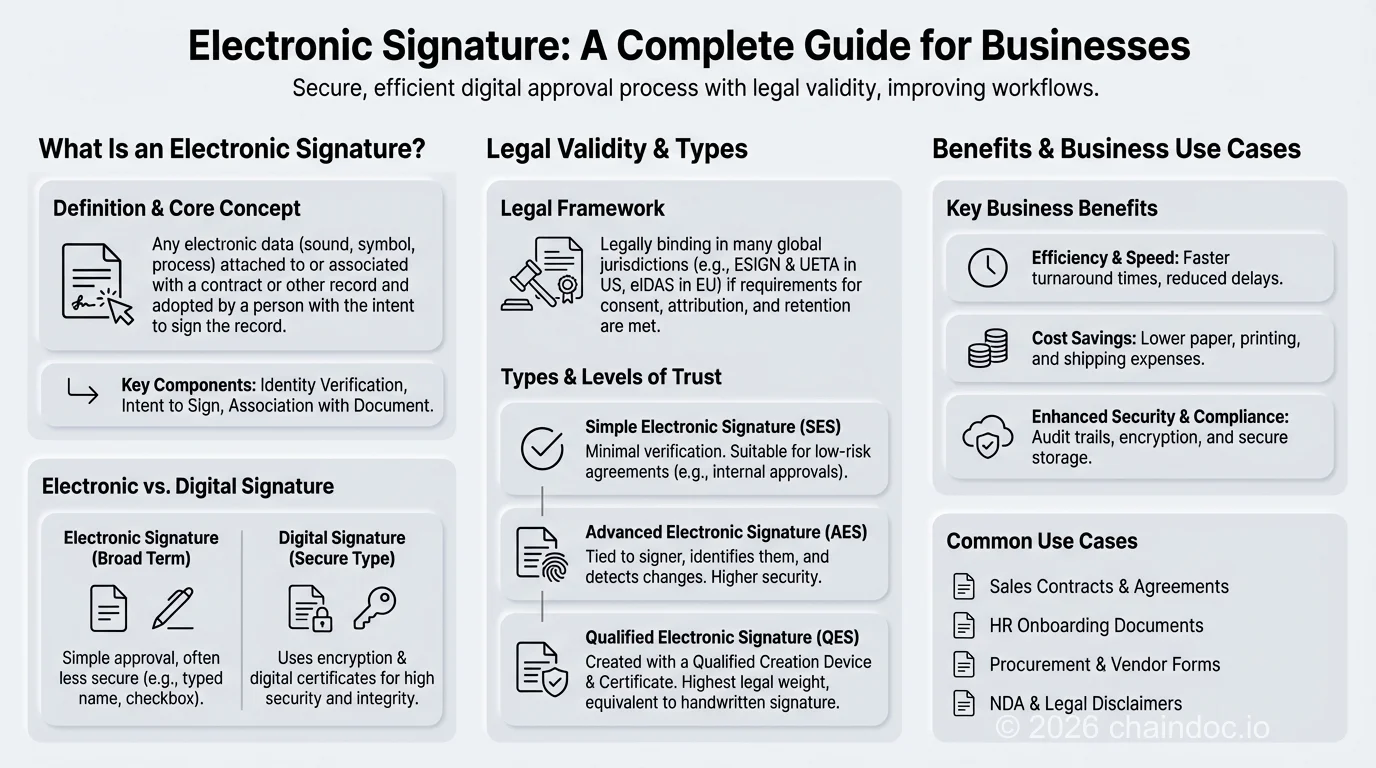
*Intent, attribution, integrity, retention. Miss one and the rest stops helping.*
### Where the law still says no
Electronic signatures cover almost everything. The exclusions are narrow, specific and jurisdictional, which is exactly why people get caught out.
Common exclusions include wills and testamentary instruments, certain real property conveyances, some family law documents, particular court filings and a handful of official government records. The exact list depends on where you are.
Germany is a useful example of how sharp these edges can be. Section 126a of the German Civil Code allows the statutory written form to be replaced electronically, but only if the issuer adds their name and signs the electronic document with a qualified electronic signature. Nothing less will do.
And Section 623 of the same code, on the termination of employment relationships, states flatly that the electronic form is excluded. No signature tier saves you there. Paper or nothing.
Check the document type against the local rule before you send it. This takes five minutes and saves entire deals.
### When a signature gets rejected
A rejected signature is rarely a broken signature. Usually it is a mismatch, and the fix depends on which kind.
**Wrong tier.** The recipient needs a qualified signature and you sent a simple one. No amount of resending helps. You need a certificate from a qualified trust service provider.
**No agreement on method.** Between private parties nobody is obliged to accept your signing system unless it was agreed. A bank can insist on a specific certificate and is within its rights.
**Broken integrity.** The file changed after signing. Even flattening a PDF or re-saving it in the wrong tool can do this. The fix is to reissue and re-sign, not to argue.
**Expired certificate.** Certificates carry an end date. Once past it, the signature may still be historically valid but new signings will fail.
#### A worked example
A supplier sends a signed framework agreement. Legal opens it, adds a comment, saves, and forwards it to finance. Finance runs a validation check and gets a failure.
Nobody acted in bad faith. The comment rewrote the file, the hash no longer matched the one captured at signing, and the validator did exactly what it should. The document was fine; the copy was not.
The fix is procedural rather than technical. Keep the signed original untouched in one place, and circulate copies for reading. If you genuinely need to annotate, annotate a duplicate and say so.
The practical defence against the rest is equally boring and equally effective. Write into the contract which signature method the parties accept, before anyone signs. Our [contract templates](https://chaindoc.io/contract-templates) already include that clause.
> A signature that verified last year can fail today. Re-saving a signed PDF in the wrong tool rewrites the file and breaks the hash, even though nothing visible changed. Archive the original signed file, not a re-exported copy of it.

*The audit trail is what you actually buy. The signature is the visible part.*
### What to check before you choose a service
Once compliance is settled, the platform choice comes down to what happens around the signature.
Look for end-to-end encryption in transit and at rest. Look for a tamper-evident audit trail you can export. Look for non-repudiation backed by an actual certificate rather than a picture. Look for SOC 2, ISO 27001 and GDPR handling if you operate in regulated markets.
Then look at the workflow, because that is where the time goes: signing order for multi-party agreements, bulk send, a template library, and an API that talks to whatever system already holds your customer records.
#### Three questions vendors dislike
Ask what happens to your evidence if you stop paying. If the audit trail lives only inside the vendor's database, cancelling the subscription can quietly cost you the proof.
Ask whether a third party can verify a signed document without an account. Independent verification is the difference between evidence and a claim.
Ask what the pricing does at volume. Per-envelope pricing looks cheap on a pilot and gets expensive precisely when adoption succeeds.
If all you need is a clean signature graphic to drop into a document, the [signature generator](https://chaindoc.io/signature-generator) does that in a minute. If you want to compare tiers and costs, the [pricing page](https://chaindoc.io/pricing) lists them. And if you need the full agreement lifecycle with an evidence trail behind it, [see how signing works with Chaindoc](https://chaindoc.io/signing).
#### Signatures are easy. Proving them later is the hard part
### Frequently Asked Questions
#### What is an electronic signature?
An electronic signature is data in electronic form attached to or logically associated with a record, which the signer uses to indicate agreement. Under eIDAS Article 3(10) that includes a typed name, a checkbox, a drawn mark or a cryptographic certificate. Under the ESIGN Act at 15 U.S.C. §7001(a), such a record may not be denied legal effect, validity or enforceability solely because it is in electronic form.
#### Are electronic signatures legally binding?
In most jurisdictions, yes, provided you can prove what happened. The ESIGN Act and UETA cover the United States, and eIDAS covers the European Union. None of them make every electronic signature automatically enforceable. They remove being electronic as a reason to reject one. Enforceability still depends on provable intent, attribution, integrity of the record and proper retention.
#### What is the difference between an electronic signature and a digital signature?
An electronic signature is the legal concept: a person's intention to be bound by a record. A digital signature is a cryptographic technique that uses public key infrastructure and a certificate authority to bind a key pair to an identity and generate a document hash at signing time. A digital signature is one way to implement an electronic signature, and it is what makes non-repudiation possible.
#### What are the three levels of electronic signature?
eIDAS defines simple, advanced and qualified. A simple signature identifies the signer. An advanced signature must meet the four conditions in Article 26: unique linkage to the signatory, capability of identifying them, sole control of the creation means, and detectability of any later change. A qualified signature adds a qualified creation device and a qualified certificate, and under Article 25(2) it is equivalent to a handwritten signature.
#### What documents cannot be signed electronically?
The exclusions are narrow but real and they vary by country. They typically cover wills and testamentary instruments, some real property conveyances, certain family law documents and specific court or government filings. German law is a clear example: Section 623 of the Civil Code excludes the electronic form for terminating an employment relationship outright, regardless of the signature tier used.
#### What is an audit trail and why does it matter?
An audit trail is a timestamped, tamper-evident record of every action taken on a document during signing: who created it, who opened it, who signed, when each action happened, from which IP address and against which verified email identity. It is the evidentiary basis for a defensible electronic signature. Without one, a service cannot demonstrate intent, attribution or integrity in a dispute.
#### What is non-repudiation?
Non-repudiation is the cryptographic assurance that a signer cannot later credibly deny having signed. It comes from a digital signature built on public key infrastructure, a certificate authority binding identity to a key, and a document hash generated at signing. If the document changes by even one character afterwards, the hash no longer matches and the tampering is immediately visible.
#### Why was my electronic signature rejected?
Usually for one of four reasons. The recipient required a higher signature tier than you used. No method was agreed in advance, and private parties are not obliged to accept a system they did not agree to. The file changed after signing, so the integrity check fails. Or the signing certificate had expired. Agreeing the accepted signature method in writing before signing prevents most of these.
---
## [The Developer's Guide to Choosing an E-Signature API](https://chaindoc.io/md/locales/en/blog/articles/esignature-api-guide.md)
## The Developer's Guide to Choosing an E-Signature API
### What does an e-signature API actually do?
An e-signature API is a REST service that lets your application create, send, and track legally binding signature requests without redirecting users to a third-party website. Instead of a customer clicking "sign with DocuSign" and bouncing off your product, signing happens inside your own app, your own domain, your own UI. The API handles document rendering, field placement, identity capture, cryptographic sealing, and the audit trail that makes the signature stand up in court.
Developer-brain version: it's a REST service that takes a document plus a list of recipients and field placements, and returns a signed, verifiable PDF plus a tamper-evident record of everything that happened. You call an endpoint, a webhook tells you when something changes, you call another endpoint to fetch the result.
Why does this matter for a buying decision and not just a technical one? Because "esignature api" as a search term mixes two buyer intents. Some people want the cheapest way to bolt e-signing onto a side project. Others are evaluating whether to rip a legacy vendor's SDK out of a production system processing thousands of contracts a month. This guide leans toward the second group, since that's where the real decisions get made.
If you're building the embedded, in-app kind of signing flow, the [REST API and webhook integration](https://chaindoc.io/api-integration) is the layer you'll touch.

*A typical esignature API integration: create a signature request, route the signer (embedded or email), then listen for a webhook when it's signed.*
### Core concepts: envelopes, templates, and embedded vs. remote signing
Every e-signature API, regardless of vendor, is built around a small set of primitives. Get these right and the rest of the integration is plumbing.
**Envelope (or "signature request").** The container object for one document, or set of documents, sent for signature. It holds the file, recipients, field definitions, and current status. Some vendors call it an "envelope," a legacy term from paper-mail metaphors; others just say "signature request." Same idea.
**Template.** A reusable envelope with placeholder fields and roles instead of specific people. Create a template once ("NDA, standard"), then generate a new envelope from it every time by supplying real recipient names, emails, and variable text. Templates keep an integration maintainable past the "hello world" stage; without them you're hardcoding field coordinates per document type, which gets ugly fast.
**Fields.** Signature blocks, initials, date stamps, checkboxes, dropdowns. Placed either by exact pixel coordinates or by anchor-text detection ("find `/sig1/` and put a signature field there"). Anchor-based placement survives document formatting changes better; coordinates are more precise for tightly designed forms.
**Embedded vs. remote signing** is the distinction that trips up first-time integrators most, so it's worth a table.
#### Embedded signing vs. remote (email) signing
| | Embedded signing | Remote (email) signing |
|---|---|---|
| Where it happens | Inside your app, via an iframe or redirect using a short-lived signing URL | Signer gets an email, clicks through to the vendor's hosted signing page |
| Best for | SaaS products where signing is part of a logged-in user flow | External signers, vendors, or anyone who isn't a user of your product |
| Branding | Can be white-labeled to match your app | Usually shows vendor branding unless you're on a higher-tier plan |
| Auth | You authenticate the signer, then request a scoped signing URL | Vendor handles identity via email link (weaker) or an added KYC step (stronger) |
| Setup complexity | Higher, you manage the URL lifecycle and completion callback | Lower, mostly "fire and forget," webhook tells you when it's done |
Most production integrations end up using both: embedded for logged-in users, remote for external counterparties who'll never create an account with you. Chaindoc supports both patterns through the same [signing infrastructure](https://chaindoc.io/signing), and honestly, that flexibility is what most teams actually need in year one, even if they only planned for one mode at launch.
On the auth side, most modern e-signature APIs are moving toward [OAuth 2.0](https://oauth.net/2/) for account-level access, with a separate short-lived, scoped token issued per embedded-signing session. If a vendor's API still only supports a single static API key with no scoping, that's worth flagging during evaluation; it makes it harder to limit blast radius if a key leaks.
### The integration flow in 4 steps
Strip away the vendor-specific SDK wrappers and almost every e-signature API integration follows the same four-step shape. This is deliberately generic pseudo-REST, not tied to any one vendor's exact field names, so you can map it onto whichever API you're evaluating.
**Step 1: Create the signature request.**
```
POST /v1/signature-requests
{
"template_id": "tmpl_nda_standard",
"recipients": [
{ "role": "signer_1", "name": "John Smith", "email": "john@example.com" }
],
"fields": { "effective_date": "2026-07-15" }
}
```
The response returns a request ID and a status of `pending`. This is the object you'll reference in every subsequent call.
**Step 2: Route the signer, embedded or remote.**
For embedded signing, request a short-lived signing URL for that recipient and load it in an iframe or redirect the browser to it. For remote signing, there's nothing to do here; the vendor already emailed the link when the request was created.
**Step 3: Listen for webhook callbacks.**
This is where most of the operational complexity lives, and it gets its own section below. Short version: your backend needs an endpoint that receives `viewed`, `signed`, `declined`, and `completed` events and updates your database accordingly. Avoid polling for status; it wastes API quota and adds latency your users will notice.
**Step 4: Fetch the completion certificate.**
Once every recipient has signed, pull the signed document and its certificate of completion (who signed, when, from what IP, what verification steps ran) and store both. This is the artifact you'll need if the contract is ever disputed, so store it somewhere durable.
That's it. Four steps, one webhook listener, one storage decision. The complexity in real integrations comes from edge cases, declined signatures, expired links, multi-party signing order, not the core flow itself.
### Webhooks done right
A [webhook](https://en.wikipedia.org/wiki/Webhook) that fires once and gets silently dropped by your server is worse than no webhook at all, because your system now *thinks* it knows the contract state, and it's wrong. Get these four things right before you ship.
**Retries.** Your endpoint will go down sometimes: deploys, cold starts, a slow migration. A production-grade e-signature API retries webhook delivery with exponential backoff, doubling the wait each time (roughly 1x, 2x, 4x, 8x the base interval), typically over a window of hours to a couple of days before giving up. Know your vendor's retry window and build a reconciliation job (a periodic "fetch status for anything still pending" check) as a backstop.
**Signature verification.** Every webhook payload should arrive with an HMAC signature in a header, computed from a shared secret plus the request body. Verify it before trusting the payload. Skip this and anyone who guesses your webhook URL can POST fake "signed" events, and your system believes a contract was executed when it wasn't.
**Replay protection.** Webhooks can and do arrive more than once for the same event, especially during retries. Your handler needs to be idempotent: check whether you've already processed this event ID before acting on it.
**Delivery visibility.** When something goes wrong, you need to see what was sent, when, and whether it succeeded. Look for a dashboard or endpoint showing webhook delivery logs. If a vendor can't tell you whether a webhook was delivered, you're debugging blind.
> **Don't skip reconciliation.** Teams that rely purely on webhooks without a periodic status-check job eventually hit a support ticket that reads "the contract shows as pending in our system but the client says they signed it three days ago." Nine times out of ten, that's a dropped or failed webhook. A daily (or hourly, for high-volume flows) reconciliation job that re-fetches status for anything stuck in `pending` past a threshold catches this before a customer notices.
### Compare e-signature API pricing models
Here's where things get murky: **e-signature API pricing is one of the least transparent corners of SaaS pricing.** Several major vendors don't publish API pricing at all; you talk to sales, they quote based on envelope volume, and the number you get may not match what the next company gets for the same volume. Treat the table below as a rough shape, not a quote, and confirm on the vendor's current pricing page before budgeting.
Two pricing axes dominate: **per-envelope** (usage-based, pay per signature request sent, sometimes with a monthly quota and overage after that), and **per-plan-with-quota** (a plan tier bundles a monthly allowance, and API access may sit behind a specific tier rather than being included everywhere).
#### E-signature API pricing models (2026, approximate)
| Vendor | API pricing model | Free/sandbox tier | Notes |
|---|---|---|---|
| DocuSign API | Not publicly listed for production use; sales-assisted, quoted per envelope volume on a base contract | Free developer sandbox | Enterprise-oriented; expect a sales call before you see a real number, verify on their developer portal |
| Dropbox Sign API | Roughly $75-$200+/mo range for API-enabled plans, scaling with send volume | Free trial, limited sends | Simpler self-serve pricing than DocuSign; check current tiers before committing |
| PandaDoc API | Bundled into Business/Enterprise plans, typically quote-based at scale | Free trial | API access tied to higher plan tiers, not the entry-level plan |
| SignWell API | Simple self-serve tiers, roughly $10-$40+/mo range by document volume | Free tier available | The most transparent, lightweight option of this group for small volumes |
| Chaindoc API | Included with paid plans; no separate per-envelope API surcharge as of mid-2026 | Free plan, no credit card required | Modern REST + MCP server for AI-agent integration; see pricing for current tiers |
As of mid-2026, verify current numbers on each vendor's own pricing page before you build a budget around them. A self-serve tier can run as low as $10/mo for light volume, while a mid-market API plan often lands somewhere in the $75-$200/mo range once you factor in send volume; sales-assisted vendors can quote very different numbers depending on your contract length and volume commitment. For the [DocuSign API](https://developers.docusign.com/) specifically, production pricing isn't published; you'll need a sales conversation to get a real number, so budget extra time for that step.
> **Sandbox access matters more than the sticker price.** A free, fully-featured sandbox (not a crippled demo) lets your team validate the entire integration, embedded signing, webhooks, template variables, before anyone commits budget. If a vendor won't give you a real sandbox without a sales call, that's a signal about how the rest of the relationship will go.
**Try the Chaindoc API on the free plan.** Chaindoc's REST API and MCP server come with a free plan and no credit card required. Test embedded signing, webhooks, and templates before you touch pricing tiers. [Explore the API](https://chaindoc.io/api-integration)
### How to evaluate an e-signature API: a developer's checklist
Pricing is one input. These criteria decide whether an integration stays pleasant to maintain two years out or turns into a recurring source of pain.
- **Rate limits and burst behavior.** A 429 with `Retry-After`, or a silent drop? Bulk-send scenarios (onboarding 500 contractors at once) expose this fast.
- **Webhook reliability.** Retry count, retry window, HMAC signing, delivery logs, the single biggest source of production incidents in e-signature integrations.
- **Compliance certifications.** SOC 2 Type II, ISO 27001, plus eIDAS (EU) and ESIGN / UETA (US) matter for regulated industries or accounts running a security questionnaire. Our [compliance guide covering eIDAS, GDPR, and NIST](https://chaindoc.io/blog/digital-signature-compliance-eidias-gdpr-nist) goes deeper.
- **Audit-trail API access.** Fetch the certificate of completion and event history programmatically, or only download a PDF from a dashboard? You want the former for record-keeping.
- Embedded and remote support should both be first-class, not one bolted on as an afterthought.
- **Template and role automation.** How much can you drive via API instead of manual setup in a web UI?
- Official SDKs save time, but a well-documented raw REST API beats a poorly maintained SDK every time.
- **Sandbox capabilities.** Test embedded signing end to end and simulate webhook events without burning production quota. A sandbox that's really a read-only demo doesn't count.
- **Idempotency support.** Does the API accept an idempotency key, so a retry on your end doesn't send the same contract twice?
- Match the pricing model to your usage pattern. Bursty volume favors usage-based; steady volume favors a flat plan with generous quota.
### Build vs. buy: should you build e-signing yourself?
Short answer: almost never. Here's the honest math.
Building your own signing infrastructure means owning cryptographic sealing, identity verification, a legally defensible audit trail, document storage, and the compliance paperwork behind all of it. Not a weekend project. According to engineering teams who've documented their own build-vs-buy postmortems, this routinely eats several months of engineering time before the first contract goes out the door, before counting ongoing compliance work as regulations shift.
An e-signature API compresses that into days, sometimes hours for a basic flow. You're trading a fixed cost (engineering time, compliance burden) for a variable one (API fees), and for most teams that trade is worth it. The exception is companies at massive scale with compliance requirements no vendor meets out of the box, and even then most still buy the signing layer and build workflow logic on top rather than own cryptographic sealing themselves.
E-signature law doesn't sit still either: eIDAS 2.0 rollout, state-level UETA amendments, new identity checks for specific document types. A vendor absorbs that churn as part of the product. Build it yourself, and it's your team's problem now, indefinitely.
### How AI agents are changing e-signature APIs
Model Context Protocol (MCP) servers let AI agents like Claude and ChatGPT call external tools directly, including e-signature operations, instead of a human clicking through a signing flow by hand. An agent drafting a contract can, in the same conversation, prepare it, send it for signature, and check whether it's been signed, all through structured tool calls.
This isn't hypothetical. Chaindoc ships an [MCP server for AI-agent contract automation](https://chaindoc.io/blog/mcp-server-e-signature-ai-agents) that exposes the same REST operations covered in this guide (create, send, check status, verify) as tools an agent can call directly. If your product has agent-driven workflows already, or you expect to add them, check this before locking into an API with no answer for it.
There's a quieter reason it matters too: an API clean enough for an AI agent to reason about, predictable primitives, structured errors, sane defaults, tends to be a well-designed API for human developers as well. If a vendor's API is a mess of undocumented edge cases, no agent uses it reliably either.
### Getting started with the Chaindoc API
You've got a checklist now and a rough sense of where the pricing conversation goes. The practical next step is building against a real API, not reading another comparison table.
Chaindoc's [REST API and webhook integration](https://chaindoc.io/api-integration) supports embedded and remote signing, templates, multi-party signing on one document, and contract-linked payments, useful if you need a deposit or invoice tied to a signed agreement, since payments usually live in a separate system entirely. There's a [free plan](https://chaindoc.io/pricing) with no credit card required, so you can build the whole flow from this guide before any budget conversation happens.
Building agent-driven workflows? The [MCP server](https://chaindoc.io/blog/mcp-server-e-signature-ai-agents) is worth a look. If billing automation tied to signed contracts is on your roadmap, [automating billing after e-signature](https://chaindoc.io/blog/automating-billing-after-esignature) covers that pattern in more depth than fits here. And if you're comparing sticker prices against the incumbent, our breakdown of [DocuSign pricing](https://chaindoc.io/blog/docusign-pricing-explained-2026) is a useful companion read.

*Most esignature API integrations take days, not months, once you've mapped envelopes, templates, and webhooks to your own data model.*
### Frequently Asked Questions
#### What is the cheapest e-signature API?
For low volume, SignWell's API tends to be the most transparent and affordable self-serve option, with published tiers instead of a sales call. Chaindoc's API is included with paid plans and has a free plan with no credit card required, so you can build and test a full integration before paying anything. Dropbox Sign sits in a similar self-serve range. Always confirm current numbers on the vendor's pricing page; API pricing shifts more often than people expect.
#### Is there a free e-signature API tier?
Most vendors offer a free developer sandbox for testing, but a genuinely free production tier is rarer. Chaindoc offers a free plan with no credit card required that covers real usage, not just a sandbox. DocuSign's sandbox is free, but production API access is sales-assisted with no public price list as of mid-2026.
#### What's the difference between embedded and remote signing?
Embedded signing happens inside your app, usually via an iframe or redirect using a short-lived signing URL, so the signer never leaves your product. Remote signing sends the recipient an email with a link to the vendor's hosted signing page instead. Use embedded for your own logged-in users and remote for external counterparties who'll never create an account with you. Most production integrations end up supporting both.
#### How reliable are e-signature webhooks?
It depends entirely on how you build the receiving side, not just the vendor. Most vendors retry failed deliveries with exponential backoff for a few hours to a couple of days, then stop. The reliability gap shows up when your endpoint has downtime longer than that window and you have no reconciliation job checking status afterward. Build a periodic status-check as a backstop and don't treat the webhook as your only source of truth.
#### Are e-signature APIs compliant and legally binding?
Yes, when built on a vendor that meets the relevant legal frameworks. In the US that's the ESIGN Act and UETA; in the EU it's eIDAS. Look for SOC 2 Type II and ISO 27001 certifications too, since enterprise buyers will ask for them during security reviews. Being legally binding depends on consent, identity verification, and audit-trail quality, not just the act of clicking a button.
#### Do e-signature APIs have a sandbox?
Most do, though quality varies a lot. A good sandbox lets you test embedded signing end to end, simulate webhook events, and use fake recipients without burning production quota or triggering a sales conversation. A weak one is a read-only demo that doesn't actually exercise your integration code. Test this before committing; it's a fast signal for how the rest of the vendor relationship will go.
#### Can AI agents use an e-signature API?
Increasingly, yes, through Model Context Protocol (MCP) servers that expose signing operations as tools an AI agent can call directly. Chaindoc ships an MCP server that lets Claude, ChatGPT, and similar agents create documents, send signature requests, and check status through structured tool calls instead of a human clicking through the flow. This is early but moving fast, and it's worth checking whether an API you're evaluating has any answer for it.
#### What's the difference between an e-signature API and a no-code e-signature tool?
A no-code tool is something you log into and use directly, sending documents through a web dashboard by hand. An API is something your own application calls programmatically, so signing becomes part of an automated workflow rather than a manual task someone repeats all day. Most teams start with the no-code dashboard and move to the API once volume or the need for embedded, in-product signing shows up.
---
*Services mentioned: [API & webhook integration](https://chaindoc.io/api-integration) | [Chaindoc pricing](https://chaindoc.io/pricing) | [Electronic document signing](https://chaindoc.io/signing)*
*Related articles: [Chaindoc MCP Server: Turn Any AI Assistant Into a Document Employee](https://chaindoc.io/blog/mcp-server-e-signature-ai-agents) | [DocuSign Pricing Explained: What It Really Costs in 2026](https://chaindoc.io/blog/docusign-pricing-explained-2026) | [eIDAS, GDPR, NIST: What Modern Teams Should Know About Digital Signature Compliance](https://chaindoc.io/blog/digital-signature-compliance-eidias-gdpr-nist)*
---
## [Faster Client Approvals: Streamlining Contracts and Payments with E-Signatures](https://chaindoc.io/md/locales/en/blog/articles/faster-client-approvals-streamlining-contracts-payments.md)
### Why Client Approvals Are Slower Than They Need to Be
Streamlining client approvals is one of the highest-leverage improvements a freelancer or agency can make — yet most professionals still rely on email chains, manual PDF attachments, and informal follow-ups that drag the approval cycle out by days.
The pattern is familiar: you send a contract, the client acknowledges it verbally, edits get lost in a thread, and the final signed version arrives a week after the project was supposed to start. For agencies managing multiple clients simultaneously, this friction compounds into a measurable revenue leak.
Chaindoc's e-signature workflow replaces this fragmented process with a single, transparent approval loop. Clients receive a [signing link](https://chaindoc.io/signing), review the contract, apply a legally binding e-signature, and trigger payment confirmation — all within one secure environment backed by blockchain document verification.
This guide explains exactly how to rebuild your client approval workflow: the cost of slow approvals, how legally binding e-signatures work under ESIGN Act and eIDAS, how to connect contract signing to instant payment, and a five-step approval workflow you can implement today.
> Automated contracts reduce average contract turnaround time by 80% and increase client satisfaction scores by 25%, according to industry benchmarks for digital workflow adoption.
### The Real Cost of Slow Approvals: Missed Revenue and Broken Trust
Slow client approvals do more damage than a delayed start date — they erode the trust and perceived professionalism that long-term client relationships depend on.
#### Missed Deadlines and Revenue Delays
When projects stall at the contract stage, every downstream deliverable shifts. For freelancers billing on milestones, a three-day approval delay is a three-day delay in receiving the first payment. For agencies, a week-long sign-off cycle for each new statement of work (SOW) means less billable throughput per quarter.
Common pain points that slow approval workflows include:
- No version control on contract drafts — clients receive outdated terms and confusion follows
- Email-based signing requests that get buried in inboxes
- Manual payment follow-up after contracts are finally signed
- No audit trail confirming when contracts were reviewed, not just signed
Implementing a structured e-signature workflow with real-time notifications eliminates each of these bottlenecks.
#### Manual Errors and Payment Disputes
Beyond delays, manual contract handling introduces errors that escalate into disputes. Without a tamper-evident audit trail, it is impossible to prove which version of a contract a client reviewed before signing. Payment disputes are more likely when the contract-to-payment link is managed through disconnected tools.
Chaindoc addresses this with blockchain document verification: every contract version, signature event, and approval timestamp is cryptographically sealed into an immutable record. If a dispute arises, both parties can verify the signed version, the signer identity, and the exact signing timestamp — without any room for manipulation.
#### Why Speed Matters More Than Ever
Speed in contract execution is not just an operational preference — it is a competitive differentiator. Clients who experience a seamless, professional signing process are more likely to return. Those who face email back-and-forth are more likely to question whether your operation is ready to handle their project at scale.
Paperless client approvals signal modern professionalism. Each signed contract builds a track record of accountability that makes renewals and referrals easier to close.
### Digital Contracts as the New Standard for Freelancers and Agencies
Paper-based contracts and PDF attachments served their purpose, but they cannot satisfy the expectations of clients who interact with enterprise-grade SaaS tools daily. Digital contracts with built-in e-signature workflows are now the baseline expectation in B2B service relationships.
#### Creating Reusable Contract Templates
One of the most powerful efficiency gains in contract automation for freelancers is the shift from blank-page drafting to template-based creation. With Chaindoc, you can:
- Build branded contract templates with pre-written legal terms, SOW structures, and payment schedules
- Reuse templates across repeat clients and services without reformatting
- Customize variable fields (client name, project scope, fee amount) without touching the underlying legal language
This template approach eliminates drafting time and ensures consistency across every client agreement.
#### Legally Binding E-Signatures with Blockchain Protection
Every signature collected through Chaindoc is a legally binding e-signature compliant with the ESIGN Act (United States), eIDAS (European Union), and UETA (U.S. state-level). This means your contracts carry the same legal weight as wet-ink signatures — but with stronger evidence of execution.
Chaindoc's blockchain layer adds three layers of verification that wet signatures cannot provide:
- A unique document hash tied to the exact contract content at signing time
- An immutable blockchain timestamp recording when each party signed
- A tamper-evident audit trail showing every access event, review, and approval
If a client later disputes the terms they agreed to, this tamper-evident record is your legal defense.
#### Real-Time Document Verification After Signing
Signing is the beginning of the document lifecycle, not the end. Chaindoc's [online document verification](https://chaindoc.io/signature-verification) lets you confirm the integrity of any signed contract at any point:
- Verify that the contract content matches the blockchain record (no undisclosed edits)
- Pull a certificate of completion showing all signer identities, timestamps, and approval events
- Share verification links with clients or auditors who need to confirm contract authenticity
This verification capability is especially valuable for agencies managing multi-party agreements where several stakeholders must sign in a defined order (sequential signing).
### Are E-Signatures Legally Binding? What Freelancers Need to Know
Yes, e-signatures are legally binding across all major jurisdictions. Freelancers and agencies operating internationally should understand which law governs their client agreements before choosing a signing platform.
#### Jurisdiction Overview for E-Signature Compliance
| Jurisdiction | Governing Law | E-Signature Standard | Blockchain Recognition |
|---|---|---|---|
| United States (Federal) | ESIGN Act (2000) | Electronic signatures valid with intent + consent | Accepted as electronic evidence |
| United States (State) | UETA (adopted in 49 states) | Complements ESIGN Act at state level | State-level blockchain statutes vary |
| European Union | eIDAS Regulation (2016) | SES / AES / QES tiers; QES = highest legal equivalence | Blockchain timestamps recognized as qualified evidence |
| United Kingdom | Electronic Communications Act 2000 | Post-Brexit alignment with eIDAS principles | Accepted under UK law |
| Australia | Electronic Transactions Act 1999 | Electronic signatures valid with intent | Accepted as evidence |
#### What Makes a Chaindoc E-Signature Legally Binding
For an e-signature to be enforceable, three elements must be present: (1) intent to sign, (2) consent to do business electronically, and (3) a record of the signature event. Chaindoc satisfies all three and adds a fourth: non-repudiation through blockchain verification.
Non-repudiation means neither party can credibly deny that they signed the contract, because the blockchain record cryptographically binds the signer's identity to the document hash at the moment of signing. This is the strongest legal evidence of contract execution available in digital document workflows.
For high-value client agreements, Chaindoc also supports advanced identity verification (KYC checks) before signing, which adds a further signer authentication layer.
### Connecting Contracts with Instant Payments: Closing the Gap
The most common failure point in freelance and agency cash flow is the gap between contract signing and payment initiation. A client signs on Thursday, you manually create an invoice on Friday, they receive it Monday, and payment clears the following week — if you followed up twice in the meantime.
Chaindoc closes this gap entirely by connecting the signing event directly to payment confirmation.
#### Seamless Payment Integration After Signing
When a contract is signed through Chaindoc, the platform can automatically trigger:
- An invoice to the client's email via integrated payment gateways (Stripe, bank transfer, or crypto wallets)
- An [instant payment confirmation](https://chaindoc.io/payments) notification to both parties
- Milestone-based payment splits for long-term projects — each deliverable approval triggers the corresponding payout
This contract-to-cash automation removes the manual invoicing step entirely, which is where most payment delays originate.
#### Blockchain Payment Verification for Dispute Prevention
All payment events linked to a Chaindoc contract are associated with the blockchain document record. This means:
- Every payment transaction is recorded with an immutable timestamp and cannot be retroactively altered
- [Online document verification](https://chaindoc.io/signature-verification) lets both sides confirm the full payment history against the signed contract terms
- Chargebacks and payment disputes drop significantly because both the contract and the payment record are cryptographically linked
For agencies billing retainer clients, this creates a clean, auditable contract-to-cash record that simplifies both accounting and any future dispute resolution.
#### Automated Receipts and Payout Tracking
Manual transaction reconciliation is one of the highest-cost administrative tasks for independent professionals. Chaindoc's digital document management automates this through:
- Automatic electronic receipts generated on each signed contract and payment event
- Smart payout tracking that matches each payment to the specific contract milestone
- An audit-ready payment history accessible from your Chaindoc dashboard at any time
Combined with role-based access control, this means your accountant or finance manager can access payment records without accessing confidential contract terms.
When a client settles in crypto rather than by card, reconciliation moves on-chain: balances and incoming transfers sit in wallet accounts, not in a processor dashboard. A data API closes that gap, returning wallet balances and transaction history already priced in USD, so a stablecoin payment reconciles against a signed contract the same way a card payout does. For a walkthrough of the providers that cover this, see this [guide to blockchain APIs for developers](https://blockchain-development-solutions.com/blog/essential-blockchain-apis-developers).
> A signed contract should not start a waiting game — it should trigger payment confirmation automatically. That is the entire premise of contract-to-cash automation.
### How to Build a 5-Step Client Approval Workflow with E-Signatures
Building a repeatable e-signature approval workflow takes less than an hour to set up in Chaindoc and eliminates weeks of accumulated friction over the course of a year.
#### Step 1: Create or Upload Your Contract Template
Start by uploading your existing contract or building from a Chaindoc template. Add your standard terms, SOW structure, fee schedule, and payment milestones. Set the variable fields — client name, project scope, rates — as editable inputs so every new agreement requires only a two-minute customization.
#### Step 2: Configure Signing Order and Signer Roles
For multi-party agreements, define the sequential signing order: who must sign first, who reviews after, and who receives a copy. Assign roles — approver, reviewer, or signatory — to each stakeholder. This prevents the common problem of a contract sitting unsigned in a secondary approver's inbox while the primary contact thinks it has already been executed.
#### Step 3: Send the Signing Request with a Direct Link
Chaindoc generates a secure signing link tied to the specific contract version. Your client clicks the link, reviews the agreement in their browser, and [signs online](https://chaindoc.io/signing) without needing to download, print, or scan anything. Real-time notifications tell you the moment each party opens, reviews, or signs the document.
#### Step 4: Collect the Legally Binding E-Signature and Verify Identity
Once signed, Chaindoc records the legally binding e-signature alongside the signer's identity verification data, the document hash, and an immutable blockchain timestamp. The certificate of completion is generated automatically and shared with all parties — no follow-up required.
#### Step 5: Trigger Payment and Archive the Signed Record
With the e-signature collected, Chaindoc triggers the connected payment gateway and sends the invoice. The signed contract and blockchain verification record are archived in your document dashboard, searchable and accessible for audit purposes at any future point.
This five-step workflow replaces a process that previously took 3-7 days with one that completes in under an hour — often in minutes when clients are available.
### Collaboration, Version Control, and Role-Based Access
For agencies managing multiple clients and internal teams, the collaboration layer of an approval workflow is as important as the signing layer. Chaindoc provides a centralized environment where every stakeholder can contribute without introducing version confusion or unauthorized changes.
#### In-Document Commenting and Approval Tracking
Traditional workflows scatter contract negotiations across email threads and external chat tools. Chaindoc keeps all communication inside the document itself:
- Stakeholders comment directly on specific contract clauses
- Each reviewer and approver has a defined role; their actions are logged in the audit trail
- Real-time status tracking shows which approvals are pending and which have completed
This single-thread model eliminates the most common cause of contract errors: someone acting on a version that was already superseded by an email they did not see.
#### Role-Based Access Control and Version Control
Chaindoc's role-based access control (RBAC) ensures that team members and clients can only access and modify what they are authorized to touch. Viewing, editing, and signing permissions are set independently. The version control log — backed by immutable blockchain records — captures every change with a timestamp and the identity of the user who made it.
Applying the principle of least privilege at the document level means that a client reviewer cannot accidentally overwrite finalized payment terms, and a junior team member cannot execute a contract without the required senior sign-off.
#### Remote and Mobile Signing for Global Teams
Chaindoc works across devices and time zones. Clients and team members can [sign documents on any device](https://chaindoc.io/signing) — desktop, tablet, or mobile — without installing software. For remote-first agencies with international clients, this means no geographical delays and no friction from device compatibility.
Mobile e-signatures collected through Chaindoc carry the same legal weight as desktop signatures: the blockchain verification record is device-agnostic and jurisdiction-agnostic.
> Transparency does not slow a workflow — it accelerates it. When every team member and every client can see exactly where an approval stands in real time, follow-up conversations become unnecessary.
### Conclusion
Streamlining client approvals with e-signatures is not a technology upgrade — it is a revenue strategy. Every day shaved off the approval cycle is a day sooner that work begins and payments arrive. For freelancers and agencies managing multiple client relationships simultaneously, that compounding effect is significant.
Chaindoc brings together legally binding e-signatures (ESIGN Act, eIDAS, UETA compliant), contract automation, blockchain payment verification, and role-based collaboration into a single workflow. From the moment a contract is sent to the moment payment clears, every step is transparent, auditable, and cryptographically secured.
Digitally sign your next client contract, verify it on the blockchain, and receive payment confirmation automatically — without a single manual follow-up.
### FAQ
* **Q:** How do legally binding e-signatures speed up client approvals?
**A:** Legally binding e-signatures eliminate the print-sign-scan cycle that delays most contract executions by 3-7 days. With Chaindoc, clients receive a secure signing link, review the contract in their browser, and sign in seconds. The signed record — including signer identity verification, document hash, and blockchain timestamp — is immediately available to both parties, triggering any connected payment automation without manual follow-up.
* **Q:** Are e-signatures legally binding for freelance contracts?
**A:** Yes. E-signatures are legally binding for freelance contracts in all major jurisdictions: the ESIGN Act governs the United States at the federal level, UETA applies at the state level (49 states), and eIDAS governs the European Union. Chaindoc's e-signatures satisfy the intent, consent, and record-keeping requirements of each framework and add non-repudiation through blockchain verification — meaning neither party can credibly deny having signed.
* **Q:** Can I automate payment collection directly after a client signs?
**A:** Yes. Chaindoc supports built-in payment integration with Stripe, bank transfers, and crypto wallets. When a client signs a contract, the platform can automatically generate an invoice, send a payment link, and record the payment event against the blockchain contract record. For milestone-based projects, each deliverable approval can trigger the corresponding payment without any manual invoicing step.
* **Q:** What is non-repudiation and why does it matter for client contracts?
**A:** Non-repudiation is the legal principle that a party cannot deny having performed an action after the fact. In contract execution, it means a client cannot claim they never signed your agreement. Chaindoc achieves non-repudiation by cryptographically binding the signer's identity to the document hash at the moment of signing, recording both in an immutable blockchain record. This is the strongest available protection against "I never agreed to that" disputes.
* **Q:** How does blockchain document verification protect against payment disputes?
**A:** Chaindoc links every payment event to the corresponding blockchain contract record. Both the signature event and the payment transaction are recorded with immutable timestamps. If a payment dispute arises, both parties can verify the signed contract version, the exact signing timestamp, and the payment history through Chaindoc's online document verification — eliminating the ambiguity that most disputes rely on.
* **Q:** How do I set up a client approval workflow in Chaindoc?
**A:** The setup involves five steps: (1) create or upload a contract template, (2) configure signing order and signer roles, (3) send a secure signing link to the client, (4) collect the legally binding e-signature with identity verification, and (5) trigger payment and archive the signed blockchain record. Most users complete the initial setup in under 30 minutes and process subsequent contracts in under five minutes each.
* **Q:** Can I use Chaindoc for multi-party contracts with several approvers?
**A:** Yes. Chaindoc supports sequential signing workflows where you define the exact signing order — primary signatory, reviewers, legal approver, countersignatory. Each party receives their signing request only when the previous step is completed. This prevents the common problem of contracts sitting unsigned in secondary inboxes while the primary stakeholder believes the agreement has already been executed.
---
## [Force Majeure Clause: What Counts and How to Draft One](https://chaindoc.io/md/locales/en/blog/articles/force-majeure-clause.md)
A supplier calls to say they cannot deliver, and invokes force majeure. The question lands immediately: can they?
In common law the answer depends almost entirely on what the contract says. There is no general statutory force majeure doctrine to fall back on. Frustration exists, but it is narrow, it discharges the whole contract rather than suspending it, and courts apply it sparingly.
Civil law systems took the opposite route and wrote the test into their codes. Those codes are worth reading even if your contract is governed by English or US law, because the three-part test they codify is the same test most commercial clauses now use.
This guide covers that test, what never qualifies, how force majeure differs from hardship, and the five parts of a clause that survives contact with an actual event.
> **Without a clause, common law gives you very little** Frustration requires that performance become impossible or radically different, not merely harder or more expensive. It discharges the contract entirely rather than pausing it, which is often the last thing either side wants. The clause is not boilerplate: it is the rule.
### The three-condition test
The clearest statement of the test sits in the French Civil Code, and commercial drafting worldwide has converged on it.
**[Article 1218 of the French Civil Code](https://www.legifrance.gouv.fr/codes/article_lc/LEGIARTI000032041431)** defines force majeure as an event beyond the debtor's control, which could not reasonably have been foreseen when the contract was concluded, and whose effects cannot be avoided by appropriate measures, preventing performance of the obligation.
Three conditions, all required:
1. **Beyond the party's control.** Not merely unexpected, but outside their sphere.
2. **Not reasonably foreseeable at signature.** The reference point is the date of the contract, not the date of the event.
3. **Effects unavoidable by appropriate measures.** A party with a reasonable workaround who did not use it fails this limb.
Other codes reach the same place by different wording. **Article 1105 of the Spanish Civil Code** excuses events that could not have been foreseen, or which, though foreseen, were unavoidable. **Article 393 of the Brazilian Civil Code** speaks of a necessary fact whose effects could not be avoided or prevented, and adds a warning worth borrowing: the protection falls away where the party has expressly assumed the risk.
German law has no general provision at all. It works through impossibility under **[§ 275 BGB](https://www.gesetze-im-internet.de/bgb/__275.html)** and change of circumstances under § 313 BGB, both narrow, which is precisely why German contracts spell the clause out.
### Force majeure is not hardship
The costliest confusion is between an event that prevents performance and one that makes it ruinous.
Force majeure addresses prevention. Hardship addresses cost. They have different triggers and different remedies, and a clause that blurs them helps nobody.
French law separates them explicitly: article 1195 of the Civil Code handles hardship, allows a party to request renegotiation, and requires them to keep performing while it happens. Brazilian law does the same through the excessive-onerousness provisions of articles 478 and following. Common law offers no general hardship doctrine, which is why long-term supply contracts import price-adjustment or material-adverse-change clauses instead.
The practical rule is short. **If you can still perform but it hurts, you are in hardship territory, not force majeure.** Drafting a single clause to cover both, without saying which remedy applies to which situation, produces a clause that produces litigation.
### What almost never qualifies
The refusals are more instructive than the textbook examples.
- **Price increases and currency movements.** Economic risk sits where the contract put it. Costlier is not prevented.
- **Lack of funds.** Inability to pay does not excuse payment.
- **A sub-supplier's failure**, unless expressly covered. Whoever promised supply took the sourcing risk.
- **A strike among your own workforce**, as opposed to a general external stoppage.
- **Announced regulatory measures** with enough lead time to plan around.
- **An event already under way at signature.** The foreseeability limb fails by construction.
If the event has already caused a default, [what a breach of contract actually requires](https://chaindoc.io/blog/breach-of-contract) is the next question. The classic qualifying events are natural disaster, war, embargo and sudden governmental prohibition. But no category decides on its own. The three conditions decide, applied to the facts.
### The five parts of a clause that works
Every one of these gets attacked when the event arrives.
1. **Definition with a non-exhaustive list.** Start from a [contract template](https://chaindoc.io/contract-templates) rather than a clause copied from an unrelated deal. Give examples and close with a sweep-up. An exhaustive list works against whoever drafted it.
2. **Effect.** Suspension of the affected obligation, not automatic termination. Say expressly what happens to the counter-performance during suspension, because silence here produces the worst arguments.
3. **Notice and deadline.** The party invoking must notify promptly, describing the event, the obligations affected and the expected duration. Late notice is the single most common reason a well-founded claim fails.
4. **Duty to mitigate.** The affected party must take reasonable steps and report on them.
5. **Termination right after a period.** If the impediment runs past sixty or ninety days, either side should be able to walk. Without this, the contract hangs indefinitely.
One drafting note on notice. The medium matters less than provable timing and receipt. An electronically signed notice settles both, and under **article 25 of the eIDAS Regulation** a qualified electronic signature has the same legal effect as a handwritten one.
### FAQ
**Q: What counts as force majeure?**
Commercial practice has converged on a three-part test: the event must be beyond the affected party's control, not reasonably foreseeable when the contract was concluded, and its effects must be unavoidable by appropriate measures. Article 1218 of the French Civil Code states this expressly, and other codes reach the same result in different words. All three limbs must be satisfied. Natural disaster, war, embargo and sudden governmental prohibition are the classic examples, but the category never decides on its own.
**Q: Is there a force majeure doctrine in common law?**
Not a general one. Common law offers frustration, which requires performance to become impossible or radically different rather than merely harder, and which discharges the whole contract instead of suspending it. Courts apply it narrowly. That is why a force majeure clause in an English or US-law contract is not boilerplate: without it, there is very little to fall back on.
**Q: Is a price increase force majeure?**
No. Becoming more expensive does not prevent performance, it makes it more burdensome, which is a different legal question. Civil law systems handle it separately through hardship provisions such as article 1195 of the French Civil Code or articles 478 and following of the Brazilian Civil Code. Common law has no general equivalent, which is why long-term contracts use price-adjustment clauses instead.
**Q: Does force majeure excuse payment?**
Generally no. Inability to pay does not excuse the obligation to pay, because a money obligation is treated as always capable of performance. A clause can suspend the counter-performance while the impediment lasts, but absent that wording the payment obligation survives even when the other side cannot deliver.
**Q: How quickly must force majeure be notified?**
Within whatever the clause requires, and otherwise promptly. Typical windows run from three to ten days from becoming aware of the event. The notice should describe the event, identify the affected obligations and estimate duration. In practice, late notice is the most frequent reason a genuine force majeure claim fails.
**Q: What happens if the event lasts a long time?**
It depends on the clause. A well-drafted one lets either party terminate once the impediment exceeds a stated period, commonly sixty or ninety days. Without that provision the contract stays suspended with no endpoint, and the parties fall back on general doctrines that were never designed for the situation.
**Q: Can you rely on an event that was already happening?**
No, because the foreseeability limb fails. A contract signed during an ongoing crisis cannot later rely on that same crisis. What can still be invoked is a genuinely new and unforeseeable consequence arising afterwards, such as an unexpected governmental prohibition.
**Q: Is an email enough to give notice?**
It is if the clause does not require more, but the real issue is proving the date and the receipt rather than the medium. An electronically signed notice settles both, and article 25 of the eIDAS Regulation gives a qualified electronic signature the same legal effect as a handwritten one.
---
## [Formal Notice of Default: The Letter That Comes First](https://chaindoc.io/md/locales/en/blog/articles/formal-notice-of-default.md)
A missed payment is not yet a claim. In most of continental Europe and in Brazil the debt sits there quietly, accruing nothing, until you do something about it. That something is usually a letter.
Send it and interest starts running. Skip it and, in many cases, you cannot claim damages at all. The termination clause you negotiated so carefully stays inert, because nearly every system makes termination conditional on a warning that went unanswered.
Lawyers call this putting the other party in default. German law calls it Verzug. French law calls it mise en demeure. Spanish and Brazilian law both call it mora. Four names, one mechanism. Performance was due, it did not happen, and you said so in a form you can prove later.
> **Two roads into default** Some obligations fall into default on their own, by the calendar. Others need a letter before anything happens. Confusing the two is what costs claimants their interest, and sometimes their right to walk away.
### When default starts without any letter
Start with the calendar, because when a date is fixed the letter is often unnecessary.
Brazil states this most compactly. [Article 397 of the Civil Code](https://www.planalto.gov.br/ccivil_03/leis/2002/l10406compilada.htm) provides that failure to perform a positive and liquidated obligation on its due date places the debtor in default automatically. The sole paragraph adds the other half: where there is no fixed term, default arises through judicial or extrajudicial notice. A date in the contract does the work. No date, and you have to write.
Germany reaches the same place by a different route. Under [§ 286(1) BGB](https://www.gesetze-im-internet.de/bgb/__286.html) the debtor falls into Verzug through a reminder given after the debt falls due. Paragraph 2 then lists when no reminder is needed: a time fixed by the calendar, a period calculable from an event, a serious and final refusal to perform, or special circumstances that justify immediate default. Paragraph 3 adds a rule worth memorising. A debtor on a money claim falls into default at the latest thirty days after the debt is due and an invoice has arrived, and against a consumer only if the invoice pointed that consequence out.
Spain leaves less to the calendar. [Article 1100 of the Civil Code](https://www.boe.es/buscar/act.php?id=BOE-A-1889-4763) puts a party in mora from the moment the creditor demands performance, judicially or extrajudicially. The demand is the default rule, not the exception. Two carve-outs follow: where the obligation or the law says so expressly, and where the timing was clearly a determining reason for making the deal at all.
France sits between the two. [Article 1344](https://www.legifrance.gouv.fr/codes/article_lc/LEGIARTI000032041490) allows default to be triggered by a summons or an act containing sufficient interpellation, or, where the contract provides for it, by the mere fact that the obligation has fallen due. That last clause is worth putting into your contracts.
### How the four systems trigger default
| System | Default starts on its own when | A notice is needed when | Provision |
|---|---|---|---|
| Germany | A date is fixed by the calendar, or 30 days after the invoice for money claims | No calendar date and no refusal to perform | § 286 BGB |
| France | The contract says the due date alone suffices | There is no such clause in the contract | Art. 1344 C. civ. |
| Spain | The obligation or a statute says so, or timing was decisive | In every other case, which is most of them | Art. 1100 CC |
| Brazil | The obligation is positive, liquidated and has a due date | There is no fixed term | Art. 397 CC |
### What the notice has to say
Four elements do the work. Identify the obligation. State what you want. Set a deadline. Say what happens if the deadline passes.
The deadline has to be realistic. German law asks for an angemessene Frist, a reasonable period for performance or cure, and [§ 323(2) BGB](https://www.gesetze-im-internet.de/bgb/__323.html) sets out the three cases where you can skip it: a serious and final refusal, a missed date that both sides treated as essential, and defective performance where the circumstances justify immediate withdrawal. Paragraph 3 covers the odd case where a deadline makes no sense at all, and substitutes a formal warning.
France is stricter about wording than most people expect, and this is where notices die. [Article 1226](https://www.legifrance.gouv.fr/codes/article_lc/LEGIARTI000032041431) requires the notice to state expressly that if the debtor does not perform, the creditor will be entitled to terminate. [Article 1225](https://www.legifrance.gouv.fr/codes/article_lc/LEGIARTI000032041431) goes further where a termination clause exists: the notice produces effect only if it expressly mentions that clause. A perfectly polite letter that omits the reference is worth nothing.
Keep the tone flat. You are building a document that a judge will read years later, not winning an argument today. Facts, figures, dates, and one clear consequence.
There is one more reason to be careful with the deadline. In [continuing relationships German law](https://www.gesetze-im-internet.de/bgb/__314.html) allows termination for cause only after an unsuccessful cure period or an unsuccessful warning. Contracts that run for years are exactly the ones people terminate in a hurry.
### Proving the letter arrived
The letter matters less than the evidence that it left your hands and reached theirs. Every system has built a channel for this, and they are not interchangeable.
Spain uses the burofax, a Correos product that certifies the exact content of what was sent along with the date and the outcome of delivery. It is worth understanding the limits. [Article 22.4 of Law 43/2010](https://www.boe.es/buscar/act.php?id=BOE-A-2010-20139) grants a presumption of veracity to the designated operator's handling of notifications from administrative and judicial bodies. A private demand between two companies does not live off that presumption. Its force comes from the certification of content and delivery, which is exactly what article 1100 of the Civil Code asks for.
Brazil offers something stronger, and underused. Under [article 160 of Law 6,015/1973](https://www.planalto.gov.br/ccivil_03/leis/l6015compilada.htm) the registry of titles and documents will serve notices on request, and by that process notices may be made whenever judicial intervention is not required. Article 161, as amended in 2022, gives registry certificates the same probative value as the original documents, physical or natively digital. That last phrase matters: a document born electronic can carry the same evidentiary weight as paper.
Germany and France rely on registered post with acknowledgment of receipt, and both now accept qualified electronic registered delivery as an equivalent. The practical question is the same everywhere. Can you show, years later, what was sent, when, and to whom?
This is the part most companies get wrong. They send a careful notice by ordinary email and keep nothing but a copy in the sent folder.
### What the notice unlocks
Three things follow, and they follow only from the moment the notice takes effect.
Interest comes first. French law is explicit: [article 1344-1](https://www.legifrance.gouv.fr/codes/article_lc/LEGIARTI000032041490) provides that a notice to pay a sum of money makes moratory interest run at the legal rate without the creditor having to show any loss. [Article 1231-6](https://www.legifrance.gouv.fr/codes/article_lc/LEGIARTI000032041431) says the same thing from the damages side. German law is more generous to business creditors: under [§ 288 BGB](https://www.gesetze-im-internet.de/bgb/__288.html) the rate is five percentage points over the base rate, nine points for commercial payment claims, plus a flat forty euros where the debtor is not a consumer. Spain falls back on the legal interest rate under article 1108. Brazil, since the 2024 amendment to article 395, gives the creditor damages, interest, monetary correction and legal fees.
Damages come second. [Article 1231 of the French Civil Code](https://www.legifrance.gouv.fr/codes/article_lc/LEGIARTI000032041431) states the rule bluntly: unless the failure is definitive, damages are due only if the debtor was first put on notice to perform within a reasonable period. Skip the letter and you have skipped the claim.
Termination comes last, and it is the reason the letter exists. French article 1224 gives three routes out of a contract: a termination clause, a notification where the failure is serious enough, or a court decision. Article 1226 lets a creditor terminate by notification at their own risk, after a notice with a reasonable deadline, and the debtor can challenge it at any time. German law routes withdrawal through § 323 after an unsuccessful deadline. Spain still frames resolution as something a court decrees under article 1124. Brazil draws the sharpest line of all in [article 474](https://www.planalto.gov.br/ccivil_03/leis/2002/l10406compilada.htm): an express termination clause operates automatically, while an implied one requires judicial notice.
The pattern holds across all four. Write the clause, then write the letter. Neither works alone. If you are drafting rather than enforcing, our guides on [breach of contract](https://chaindoc.io/blog/breach-of-contract) and [how to write a contract](https://chaindoc.io/blog/how-to-write-a-contract) cover the clause side.
### FAQ
**Q: What is a formal notice of default?**
It is a written demand telling the other party that an obligation is overdue and giving them a deadline to perform. In Germany it is a Mahnung, in France a mise en demeure, in Spain a requerimiento often sent as a burofax, in Brazil a notificação extrajudicial. Its function is identical everywhere: it converts a quiet failure into a legally recognised state of default that starts interest, opens damages and enables termination.
**Q: Do I always have to send one?**
No. Where the contract fixes a date, several systems place the debtor in default automatically. Brazilian article 397 does this for positive, liquidated obligations with a due date, and § 286(2) BGB does the same where a time is fixed by the calendar. Spain is the outlier: article 1100 of its Civil Code makes the demand the default rule, so in most Spanish cases you do have to send one.
**Q: How long a deadline should I give?**
Long enough to be reasonable for that obligation. German law uses the word angemessen, reasonable, and courts assess it against what the debtor would actually need. For a straightforward payment, ten to fifteen days is usual. For work that has to be redone, longer. A deadline that is obviously too short can be treated as if a reasonable period had been set instead.
**Q: Can I send it by email?**
You can, but the question is what you can prove afterwards. An ordinary email leaves you with a copy in your own sent folder and no independent record of receipt. Registered post with acknowledgment, a burofax in Spain, a registry notice in Brazil, or a qualified electronic registered delivery service all produce evidence that does not depend on your word.
**Q: Does the notice have to mention the termination clause?**
In France, yes, and this catches people out. Article 1225 of the Civil Code provides that the notice produces effect only if it expressly mentions the termination clause, and article 1226 requires it to state that the creditor will be entitled to terminate if performance does not follow. Other systems are less formal, but naming the consequence is good practice everywhere.
**Q: What interest can I claim once the debtor is in default?**
In France, moratory interest at the legal rate from the notice, with no need to prove loss. In Germany, five percentage points over the base rate, rising to nine for commercial payment claims, plus a flat forty euros against a business debtor. In Spain, the legal interest rate under article 1108 absent agreement. In Brazil, interest with monetary correction and legal fees under article 395 as amended in 2024.
**Q: Can I terminate the contract straight after the deadline passes?**
It depends on the route. An express termination clause in Brazil operates automatically under article 474. In France you can terminate by notification at your own risk under article 1226, and the debtor may take it to court. In Germany withdrawal follows § 323 once the deadline has expired unsuccessfully. In Spain article 1124 still frames resolution as something the court decrees, though practice has softened this.
**Q: What if the other side refuses to accept delivery?**
Refusal generally does not save the debtor. Postal and registry channels record an attempted delivery and a refusal, and that record is normally enough to show the notice reached the address it should have reached. This is one of the strongest arguments for using a channel that documents outcomes rather than one that only documents sending.
---
## [Free Electronic Signature: Where Free Actually Stops](https://chaindoc.io/md/locales/en/blog/articles/free-e-signature-guide.md)
## Free Electronic Signature: Where Free Actually Stops
### Introduction
Creating a free electronic signature takes about two minutes. The useful question comes after that. How far does it carry?
The short answer: further than most people expect, but not everywhere. No statute mentions the price of the software. The ESIGN Act does not care whether you paid nothing or ninety dollars a year. What matters is the level of assurance behind the signature, and that is exactly where free tiers run out.
This guide does not rank tools. It covers three things: what the law calls a signature, what level a free service actually reaches, and where the free line falls in practice. The pricing figures below come from the vendors' own pages, checked on 1 August 2026.
### What the law calls an electronic signature
Federal law starts with effect, not with form. The ESIGN Act, at [15 U.S.C. § 7001(a)](https://www.law.cornell.edu/uscode/text/15/7001), says a signature, contract, or record relating to a transaction in or affecting interstate commerce "may not be denied legal effect, validity, or enforceability solely because it is in electronic form." UETA, adopted in nearly every state, says the same thing at state level.
Note what neither statute does. Neither one sets a technology standard. Neither one names an approved vendor. Neither one mentions price.
The European framework adds vocabulary that has become useful worldwide. eIDAS, in article 3(10), defines an electronic signature as data in electronic form attached to or logically associated with other data and used by the signatory to sign. Article 25 forbids denying it legal effect merely for being electronic.
So the legal bar is low. The evidentiary bar is not.
#### What is not a signature
A scanned signature image pasted into a PDF identifies nobody. It secures no link to the document, and anyone can lift it from another file. That does not make the document void. It does mean the entire burden of proving who signed falls on you, with nothing to prove it from.
The gap only shows up in a dispute, and then it shows up sharply. Produce an image and you have produced an image. Produce an audit trail and you have produced a chain: invitation, open, consent, seal, timestamp. Both get called "signed" in ordinary conversation. They are not the same exhibit.
> Price appears in none of the statutes. Not in ESIGN, not in UETA, not in eIDAS. What they regulate is the process and the evidence, not the invoice.
### Three levels of assurance, and what free reaches
Because US law sets no tiers, the European three-step scale has become the common way to describe how much proof a signature carries.
A simple electronic signature is the baseline of article 3(10). A click, a checkbox, a typed name.
An advanced electronic signature meets the four conditions in article 26. It is uniquely linked to the signatory, capable of identifying them, created with data under their sole control, and bound to the document so that any later change is detectable.
A qualified electronic signature is an advanced signature plus a qualified creation device and a certificate from a provider on the EU trusted list. Article 25(2) gives it the legal effect of a handwritten signature across the Union.
The scale is European, but the logic travels. Under ESIGN and UETA a court weighs the evidence you can produce, so the higher the level, the less you have to reconstruct later.
### Three levels and what each one changes
| Level | What it requires | Available free | What you carry in a dispute |
|---|---|---|---|
| Simple | Electronic data used to sign (art. 3(10)) | Yes, everywhere | The whole burden of proof |
| Advanced | The four conditions of article 26 | Sometimes, depending on the tool | The burden, but with technical evidence behind you |
| Qualified | Advanced plus a qualified device and certificate | No | A presumption in the EU; strong evidence elsewhere |
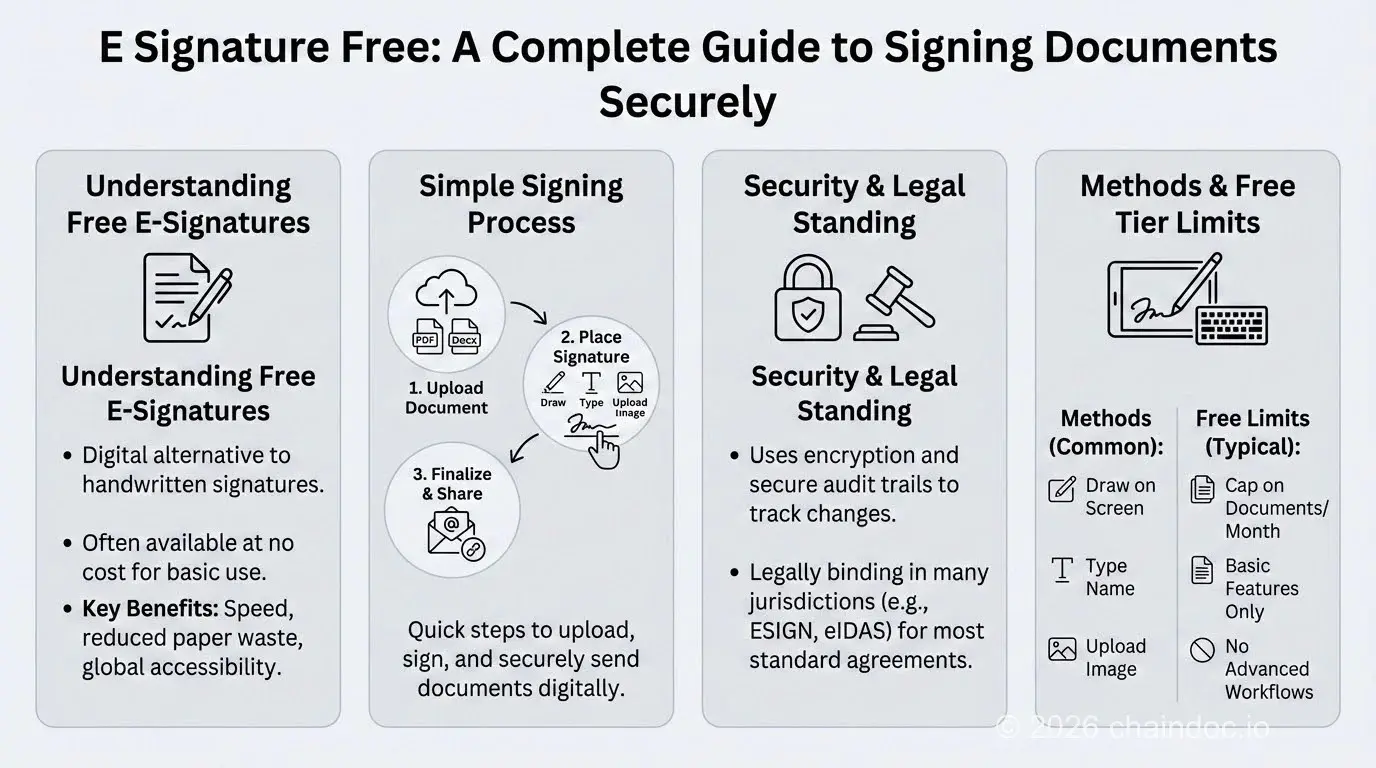
*Simple, advanced, qualified: free tiers stop short of the third step.*
### Where the free tier stops, with figures
This is where comparison posts go vague, so here are figures with a date on them. All of it was read on the vendors' own pricing pages on 1 August 2026. These numbers move. Check before you commit.
- **DocuSign.** The pricing page lists no permanent free tier. The cheapest plan, Personal, shows at €9 per month, or €108 billed annually, for 5 envelopes a month.
- **Chaindoc.** The free tier covers 5 signatures a month, 100 MB of storage and 10 stored documents, with no card required. Details on the [pricing page](https://chaindoc.io/pricing).
- **iLovePDF.** The free account caps how many files each task accepts and how large they may be, ranging from 15 MB to 400 MB depending on the tool. The richer signing features sit behind Premium.
- **Canva.** What it calls a signature generator lets you draw or type a mark and download it. The output is an image file. Handy, but it is not a signing workflow.
Past the vendor-specific numbers, free tiers resemble each other closely in what they hand over and what they hold back. Lay several pricing pages side by side and the pattern is obvious. Signing is cheap, because signing costs the vendor almost nothing. What gets expensive is everything after it: the proof, the retention, the ability to do it again next week without thinking about quotas.
### What stays free, what flips
| Almost always free | Almost always paid |
|---|---|
| Signing a document sent to you | Sending past the monthly quota |
| Drawing or typing your mark | A downloadable certificate of completion |
| Simple, sometimes advanced signatures | Qualified signatures |
| One or two signers | Signing order and automatic reminders |
| Small, short-lived storage | Long retention and bulk export |
| Single-user work | Templates, API access and team management |
### How to sign free: what actually works
Search for a free e-signature, or free esign, and you will meet the same three families of tools. They do not produce the same thing.
1. **A signing service with a free tier.** Open an account, upload the document, place the fields, the recipient gets a link. You get back a sealed file and an event log. This is the only family that produces usable evidence.
2. **The PDF reader already on your machine.** Preview on macOS and Acrobat Reader on Windows will place a signature at no cost. Fine when you sign alone, for yourself. The steps are in our guide to [signing a PDF](https://chaindoc.io/blog/how-to-sign-a-pdf).
3. **An image generator.** Draw or type, download a transparent PNG. Nothing more, and sometimes that is precisely what you need: see [creating a signature online](https://chaindoc.io/blog/free-signature-generator-online).
None of the three needs installed software. Everything runs in a browser, on a laptop or a phone. Desktop applications still matter in one case: when the signature rests on a certificate held on a smart card or USB token, which is standard at the qualified level.
The choice comes down to a single question. Do you need to prove something to somebody else? If yes, take the first family. If not, the other two are enough.
One practical note on order of operations. Make the mark once, save it as a transparent PNG, and it will drop into any of the three. The mark is interchangeable. The service that turns it into a signature is not.

*Three families of free tools, three very different legal outcomes.*
### When a free signature is not enough
Cost is rarely the problem. Level is, and for a short list of records the electronic form is off the table entirely.
#### Records ESIGN does not reach
[15 U.S.C. § 7003](https://www.law.cornell.edu/uscode/text/15/7003) carves out whole categories. Wills, codicils and testamentary trusts. State law on adoption, divorce and other family matters. Most of the Uniform Commercial Code. Court orders, notices and official filings. Notices of utility cancellation, of foreclosure or eviction on a primary residence, of health or life insurance termination, of a product recall. Documents accompanying hazardous materials.
None of that turns on which tool you used. It is the record type that is excluded, not the price of the software.
#### Consumer disclosures
There is a second trap, and it catches businesses rather than individuals. Where a law requires that information be given to a consumer **in writing**, § 7001(c) only lets an electronic record satisfy that requirement if the consumer affirmatively consented, has not withdrawn consent, and received a clear and conspicuous statement first. The statute also expects the consumer to consent in a way that reasonably demonstrates they can access the format you intend to use.
A free signing tier will happily send the document. It will not run that consent flow for you, and it will not keep the record proving the flow happened.
#### The level the other side demands
A bank, an agency or a large customer may require a specific level regardless of what the statute allows. The question stops being "is this valid" and becomes "will this be accepted." The two do not always line up.
#### The day it is disputed
Without a presumption to lean on, you rebuild the proof yourself: who signed, when, from what address, after what verification, and that nothing moved since. A serious free service hands you all of it. An image generator hands you none. We go deeper in our article on [the legal weight of electronic signatures](https://chaindoc.io/blog/sign-online-documents-safely-guide).
#### Volume
Five sends a month suits a freelancer. It does not suit an agency pushing thirty quotes. Past that point the free tier stops being a legal question and becomes an operations question.
#### Sign for free, with the proof attached
### The drawing versus the act of signing
Two very different things share one name, and the confusion is expensive.
The first is graphic. The stroke, the flourish, the [signature style](https://chaindoc.io/blog/how-to-design-a-signature) people spend years settling on. On a screen it is worth what any image is worth. It copies in three seconds.
The second is an act. It is everything around the stroke: identifying the signer, capturing intent, sealing the file, timestamping it, logging each step.
A free tool can do both. Plenty do only the first.
The test fits in one sentence. Six months from now, can you show who signed, on what date, and that the document has not changed? If the tool has no answer, it produced a drawing. Not a signature.
### Frequently Asked Questions
#### Is a free electronic signature legally valid?
Yes, for the great majority of agreements. Under 15 U.S.C. § 7001(a) a signature cannot be denied legal effect solely because it is electronic, and UETA says the same at state level. Neither statute mentions the price of the software. What matters is whether the service identifies the signer, captures intent and preserves the record.
#### Does a scan of my handwritten signature count?
Rarely, on its own. A scan is an image: it identifies nobody and secures no link to the document, and it can be lifted from another file in seconds. If the signature is challenged, you have to prove who placed it and that nothing changed afterwards. A signing service does that work for you.
#### What is the difference between an advanced and a qualified signature?
An advanced signature meets the four conditions of article 26 of eIDAS: unique link to the signer, ability to identify them, sole control of the signature creation data, and detectability of later changes. A qualified signature adds a qualified creation device and a certificate from a provider on the EU trusted list. Only the qualified level carries an automatic presumption in the EU.
#### Can I get a qualified electronic signature for free?
No. It requires a certificate from a qualified trust service provider issued after identity verification in person or by an equivalent method, and nobody gives that away. Free tiers stop at the simple level, occasionally reaching advanced.
#### How many documents can I sign free each month?
It depends on the vendor, and the cap almost always applies to sending rather than receiving. Signing a document someone sends you is usually unlimited. On Chaindoc the free tier covers 5 signatures a month with 100 MB of storage. These numbers change, so read the pricing page before you rely on them.
#### How do I create a free electronic signature in two minutes?
Open a free account with a signing service, upload the PDF, draw or type your mark, place the signature field and confirm. You get back the sealed document and its event log. For a document you sign only for yourself, the PDF reader on your computer is enough.
#### Do I need to install software to sign electronically?
Almost never. Signing services run in the browser, on a computer or a phone. Installed software only becomes necessary when the signature relies on a certificate held on a smart card or USB token, which is the usual arrangement at the qualified level.
#### Which documents cannot be signed electronically at all?
15 U.S.C. § 7003 excludes wills, codicils and testamentary trusts, state family law matters such as adoption and divorce, most of the Uniform Commercial Code, court orders and filings, several notices including foreclosure and eviction on a primary residence, and documents accompanying hazardous materials. The exclusion follows the record type, not the tool.
---
## [Is a Signature Image Legally Binding? | Chaindoc](https://chaindoc.io/md/locales/en/blog/articles/free-signature-generator-online.md)
### Introduction
A **signature PNG** is your name saved as an image with a transparent background, so it sits on a document without a white box around it. You get one by typing your name, drawing it with a mouse, or uploading a scan and stripping the paper out. It is not the same as a legally binding e-signature, which requires identity binding, an audit trail, and tamper-evident sealing under laws like the [ESIGN Act](https://www.congress.gov/bill/106th-congress/senate-bill/761) and [eIDAS](https://eur-lex.europa.eu/legal-content/EN/TXT/?uri=uriserv:OJ.L_.2014.257.01.0073.01.ENG).
Most tools that hand you the file do not make that distinction clear. One is a picture. The other is a legal process. Confusing the two can cost you. In practice, small businesses learn this the hard way when a client disputes an invoice and the "signature" turns out to be just a PNG file that proves nothing.
This guide covers both. How to use an online signature generator to create a clean signature image for everyday use, how AI signature generators are changing the game, and when you actually need a proper eSignature workflow with audit trails and identity verification. For the full compliance picture, see our [complete free e-signature guide](https://chaindoc.io/blog/free-e-signature-guide). For a detailed service comparison, read our [digital signature software buyer's guide](https://chaindoc.io/blog/digital-signature-software-buyers-guide-2026).
### How to Make a Signature PNG in 3 Steps
Every free online signature generator works roughly the same way: pick a creation method, style it, and export a transparent PNG. Three steps, done in under a minute, no account or credit card required. You will land on one of three inputs: typed text, a freehand drawing, or an uploaded scan. Each produces a different look and feel, so it is worth trying more than one before you settle.
#### Type your name and download the PNG
The simplest method. Type your name and the tool turns it into a signature using script or cursive fonts. This is essentially a signature generator for my name feature, and it is the most popular option because the result is clean, readable, and consistent every time. If you need something that looks professional in a sales proposal or email footer, typing is usually the best choice.
Most tools give you five to ten font styles. Script fonts look most like real handwriting. Cursive is a middle ground. Block fonts read well but look less like a traditional signature.
#### Draw your signature online free
If you want something that actually looks like your handwriting, use the drawing pad. Grab your mouse, trackpad, or touchscreen and write your signature freehand. The result works as a handwritten signature generator output that feels more personal than a typed version.
It takes a few tries to get it right with a mouse. A tablet or touchscreen gives better results. Either way, this is the method to pick if you want your digital signature to look like your actual pen-on-paper signature.
#### Upload a scan and remove the background
Already have a signature you like? Scan it or take a clear photo and upload the file. The tool strips the background and gives you a clean digital version. This is how most handwritten signature generators work when you want to bring an existing paper signature into the digital world.
Make sure the scan is high contrast: dark ink on white paper, no shadows. A blurry or low-contrast upload will look bad at small sizes.
### Style It and Export a Transparent PNG
Once you have picked your creation method, the next step is making the signature look right.
#### Choose signature fonts and style
Most tools default to a generic script font. Do not settle for the default. Try every font option and see which one actually fits how you want to come across. A bold cursive font says something different than a thin, elegant script. There is no universal best choice, just whatever matches your context.
If you use the signature for business, pick one font and stick with it. Changing your signature every month looks inconsistent and can confuse recipients who are used to seeing one version.
#### Color and sizing
Black or dark blue are safe for professional contexts. Some tools offer custom colors if you want to match a brand palette. Keep in mind that colored signatures can look odd when printed in grayscale, so test that before committing.
Size matters more than people think. Your signature will appear at different scales: tiny in an email footer, mid-size in a contract header, full-width on a cover letter. Check that it reads well at every size.
#### Export as transparent PNG
Always download as a transparent PNG. This is the one detail that separates a professional looking signature from an amateur one. A transparent background means no white box around your name when you place it on a gray email template or a colored document header.
Some tools also offer SVG (vector) export for higher quality at any scale. If that is available, grab both formats.
### Where a Signature PNG Works: Gmail, Outlook, Word and PDF
You have the file. Now what? Here is how to actually use your signature across the platforms where it matters. If PDFs are your main use case, our [complete guide to signing a PDF](https://chaindoc.io/blog/how-to-sign-a-pdf) covers every method in more depth, including free desktop and mobile options beyond what is listed here.
#### Add signature to Gmail
Go to Settings → See all settings → scroll down to the Signature section. Click the image icon in the editor toolbar and upload your transparent PNG. Gmail will insert it at the bottom of every new email. You can create multiple signatures for different contexts (one for clients, one for internal) and switch between them.
#### Add signature to Outlook
File → Options → Mail → Signatures → New. Give it a name, then click the image icon to insert your signature file. Outlook lets you assign different signatures for new emails versus replies, which is useful if you want a full signature on first contact and a minimal one on follow-ups.
#### Add signature to PDF (Adobe Acrobat)
Open the PDF → Tools → Fill & Sign → click "Sign yourself" → choose "Add Signature." You can upload your PNG or draw directly on the screen. Acrobat saves it for reuse in future documents. But remember: this only places a visual image on the PDF. It is not a legally binding signature unless you use Acrobat's certificate-based signing, which is a separate feature.
#### Insert signature in Microsoft Word
Place your cursor where you want the signature → Insert → Pictures → select the file. Adjust the image size to fit the signature line. For a cleaner result, set the image wrapping to "In line with text" so it sits on the signature line properly rather than floating over other content.
All of this works well for visual sign-off and personal branding. But none of it creates a legal record. If you need to prove someone actually signed a document, you need an [electronic signature app](https://chaindoc.io/blog/electronic-signature-app-guide) with identity verification and an audit trail.
### AI Signature Tools: Another Route to the Same PNG
AI signature generators are a newer category of tools that use machine learning to create unique signature styles based on your name. Instead of picking from preset fonts, an AI signature generator analyzes handwriting patterns and produces a signature that looks hand-drawn but is generated algorithmically.
The pitch is compelling: type your name, and the AI produces several unique handwritten variations that look like they were written by different people. Some tools even factor in the meaning or cultural associations of your name to influence the style.
#### Where AI generators are actually useful
If you have tried the standard type-and-pick-a-font approach and nothing looks right, AI generation gives you more variety. The output tends to look less templated than font-based signatures because each result is slightly different. For personal branding, freelancers, and creative professionals, the extra variety can be worth it.
#### Where they fall short
The same limitation applies as any other signature generator: the result is still just an image file. An AI-generated signature has no more legal weight than a font-based one. It does not prove who signed, it does not lock the document, and it does not create an audit trail.
Some AI signature generators also raise privacy questions. If the tool processes your name and signature style through a cloud-based model, check where that data goes. Read the terms before feeding your personal information into any AI tool.
For a comparison of digital signature maker tools that go beyond image generation, see our [digital signature software buyer's guide](https://chaindoc.io/blog/digital-signature-software-buyers-guide-2026).
### Signature vs Electronic Signature: What Is the Real Difference?
A signature image is a picture of your name. Anyone can copy it, paste it onto any document, and claim you signed. An electronic signature is a verified process that records who signed, when they signed, from what device, and locks the document so changes after signing are detectable. They can look identical on screen. The legal difference is enormous.
Put simply: a signature image is decoration. An eSignature is evidence. Courts treat them very differently.
#### What is a signature image?
A signature image (sometimes called a digitized signature) is a static PNG or JPG file. It looks like your signature but proves nothing about who placed it there.
There is no signer authentication. No proof of intent. No tamper protection on the document itself. And no non-repudiation, which means the supposed signer can always say "that was not me."
Signature images are fine for email footers, internal notes, personal branding, and informal communication. They are not fine for anything with legal weight.
#### Wet signature vs electronic signature vs signature image
People mix these up constantly. Here is how they actually compare:
| Type | How Created | Legal Validity | Tamper Detection | Audit Trail |
|---|---|---|---|---|
| Wet signature | Ink on paper | Depends on jurisdiction | None (physical) | None |
| Signature image | Digital file (PNG/JPG) | Generally not binding alone | None | None |
| Electronic signature | Verified digital workflow | Yes (ESIGN Act, eIDAS, UETA) | Yes | Yes |
Ink on paper has centuries of legal precedent behind it. An electronic signature under the ESIGN Act, UETA, and eIDAS gets the same legal status through a verified digital process. A signature image gets neither.
#### What is a secure electronic signature?
A secure eSignature ties together the signer, their intent, and the exact document version through records that can be independently verified. In the U.S., the ESIGN Act governs this at the federal level, while UETA (Uniform Electronic Transactions Act) handles it state by state. In the EU, eIDAS regulation applies.
What makes it work: signer authentication (proving who is signing through identity verification or KYC), a cryptographic document hash that breaks if anyone changes even one character after signing, a full audit trail of every event with timestamps, and non-repudiation so the signer cannot credibly deny they signed.
#### When to use each: quick reference
| Use a Signature Image For | Use an eSignature For |
|---|---|
| Email footers | Client contracts and agreements |
| Personal or marketing content | NDAs and legal forms |
| Informal internal memos | Invoices and purchase orders |
| Non-binding letters | Compliance-sensitive documentation |
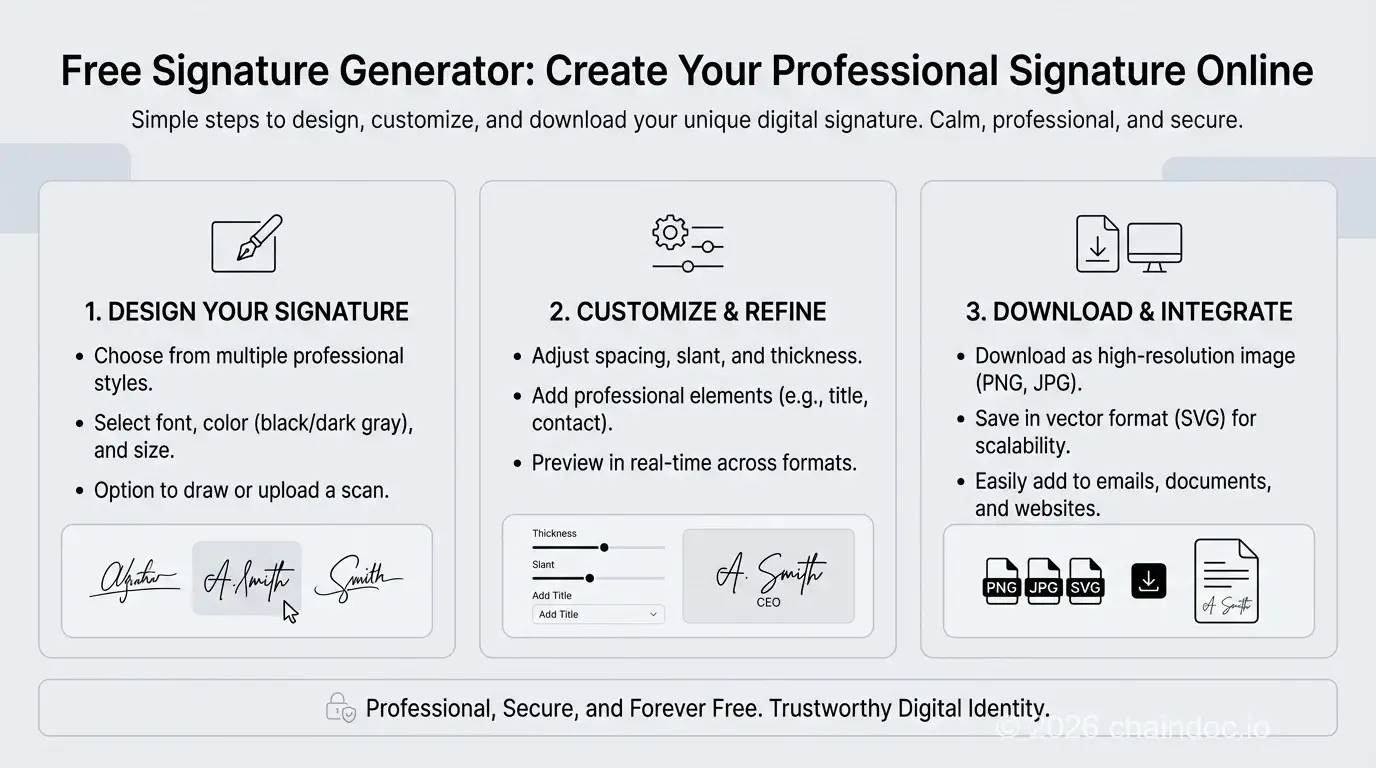
*Free signature generator guide: comparison of signature image, wet signature, and legally binding electronic signature.*
### Why a Signature PNG Is Not Enough for Business Agreements
A free signature generator is fast. It is also useless the moment someone disputes what they signed. That is the trade-off nobody mentions on the download page: speed now, no protection later. If the document actually matters, [create it inside a proper workflow](https://chaindoc.io/contract-management) instead of pasting a PNG onto a Word file and hoping nobody challenges it.
#### Legal risk: proving who signed
Imagine you are in a contract dispute. Your evidence is a PNG file pasted into a Word document. The other side says they never signed it. You have no way to prove they did, because a pasted image does not record who placed it, whether they intended to accept terms, or whether the document was changed afterward.
Under the ESIGN Act, UETA, and eIDAS, a binding electronic signature needs proof of identity, intent, and document integrity. A signature image gives you none of that.
#### Security risk: forgery and tampering
Anyone who receives a document with your signature image in it now has a copy of your signature. They can paste it onto other documents. The original document can also be edited after you "signed" it, and there is no way to tell unless the platform applied cryptographic tamper detection at the time of signing.
A real electronic signature platform generates a document hash when you sign. Change one character afterward and the hash no longer matches. That is how tamper detection actually works.
#### Workflow limitation: signing is only one step
Sending a contract is not just about getting a signature. There is preparation, routing to the right people in the right order, reminders for people who forget, tracking, and storage. A signature generator does none of that. You end up doing it manually, and manual means version confusion and dropped balls.
For a closer look at free versus paid signing options, see our [complete free e-signature guide](https://chaindoc.io/blog/free-e-signature-guide). If you are evaluating platforms for a team, the [digital signature software buyer's guide](https://chaindoc.io/blog/digital-signature-software-buyers-guide-2026) breaks down what to look for.
### Is It Safe to Share Your Signature PNG?
It depends entirely on which tool you use and what you do with the result. The generator itself is usually low-risk if it runs client-side and skips account creation. The bigger question is what happens to the file afterward, since a signature image carries zero built-in way to check whether a document was altered after you added it. If you ever need to confirm a PDF has not been tampered with post-signature, a [document verification tool](https://chaindoc.io/signature-verification) checks that; a signature generator never will.
#### The tool itself
Most reputable online signature generators run in your browser and do not store your signature on their servers after you download it. But "most" is not "all." Some free tools keep your data, use it for training, or share it with third parties. Before using any signature maker, check whether the tool explicitly says it does not store your signature data. If there is no clear privacy policy, do not use it.
Tools that require account creation to download your signature are a yellow flag. They may be collecting your data for marketing. The best free generators let you create and export without signing up for anything.
#### The signature file itself
Once you download a signature image, it is just a file on your computer. Anyone who gets access to that file can paste it onto any document. That is the fundamental security problem with signature images: there is no way to revoke them or track where they end up.
Keep your signature file in a secure location. Do not email it around. Do not store it in a shared Google Drive folder where 40 people have access. If you are on a team, decide who controls the signature files and restrict access.
#### When safety actually matters
For email footers and personal branding, the risk is low. Nobody is going to forge a contract using your Gmail signature image. But if your signature image ends up on a document with financial or legal weight, and you did not actually sign it, you have a problem that a signature generator cannot solve. That is exactly why legally binding agreements need an [electronic document signing](https://chaindoc.io/signing) workflow with identity verification.
### What a Professional Electronic Signature Tool Should Include
If you are sending contracts, onboarding vendors, or handling anything regulated, you need more than a generator. Here is what to actually look for.
#### Verifiable audit trails
The audit trail is the whole point. It should record when the document was created, who viewed it, when each person signed, and what the document looked like at the moment of signing. That record is what holds up in court or during an audit. Without it, your "signed" document is just a file with a picture on it.
#### Real security and compliance
End-to-end encryption. Secure storage. Support for whatever legal framework applies to your situation (ESIGN Act and UETA in the U.S., eIDAS in the EU). The platform should generate a cryptographic hash of the document at signing time so the signed version cannot be quietly changed later.
#### Identity verification (KYC)
For high stakes agreements, you want to confirm the person signing is actually who they claim to be. That means identity verification before the signature happens. A signature image cannot do this. An eSignature platform with KYC can.
#### Workflow that works for teams
Templates, signing order, automatic reminders, role-based access. If your legal team, sales team, and operations team are all touching agreements, they need to work in one system instead of emailing files back and forth.
### From a Signature PNG to a Signature That Holds Up
A free online signature generator does its job: you get a clean signature image for email, documents, and branding. Whether you type it, draw it, or run it through an AI signature generator, the result is the same. A picture file that looks like your name.
That picture is fine for informal use. It is not fine for anything where someone could later say "I never signed that." The gap between a signature image and a real electronic signature is not a technicality. It is the difference between a file anyone can copy and a verified record that proves who signed, when they signed, and that the document has not been changed since.
If you are handling contracts, vendor agreements, compliance documents, or anything with money attached, the signature maker stops being enough. You need a platform that verifies identity before signing, generates a cryptographic hash that locks the document, and keeps a full audit trail that holds up in court.
[Try Chaindoc free and sign your first agreement with a real audit trail.](https://app.chaindoc.io)
### Frequently Asked Questions
#### How do I draw a signature online for free?
Open any online signature maker that has a drawing pad. Pick the "draw" option, then use your mouse, trackpad, or touchscreen to write your signature freehand. Try it a few times until it looks right. A trackpad or touchscreen almost always beats a mouse for smooth curves. Export as a transparent PNG so it works on any background. Most free tools let you draw and download as many times as you want without creating an account. If the line looks shaky, zoom the canvas in first; a bigger drawing area makes fine detail easier to control.
#### Is a generated signature image legally binding by itself?
On its own, almost never. A signature image does not prove who placed it on the document, whether that person intended to agree to anything, or whether the document was changed afterward. The person whose name appears can always claim they never signed. If you are just using it for an email footer or an internal memo, that is fine. But for contracts or anything with legal consequences, you need a verified eSignature workflow that records identity, intent, and document integrity.
#### What is the difference between a signature image and an electronic signature?
A signature image is a picture file (PNG or JPG) that looks like your name. Anyone can copy and paste it. An electronic signature is a legal process where the platform records who signed, when, from what device, and then seals the document so any later changes are detectable. Under the ESIGN Act, UETA, and eIDAS, only the electronic signature carries the same legal weight as ink on paper. The image by itself proves nothing.
#### When is a signature PNG appropriate to use?
Anything informal. Email footers, internal memos, draft documents, personal branding, and social profiles are all fair game. If no one is going to dispute what was signed and there is no money or legal consequence attached, a generator is fine: it costs nothing and takes seconds. The line to watch for is intent: the moment a document is meant to bind someone to terms, transfer money, or create an obligation, a picture file stops being enough. For contracts, NDAs, vendor agreements, or compliance documents, use a proper [eSignature workflow](https://chaindoc.io/signing) instead, since that is the only version that leaves a defensible record.
#### What signature font options should I look for in a signature generator?
Script and cursive fonts look most like actual handwriting, so they work well for anything formal. Printed or block fonts are easier to read but look less like a "real" signature. Most decent generators give five to ten options, ranging from a tight, elegant script to a looser, casual cursive. Try a few and pick whichever matches how you want to come across. A law firm footer and a freelance designer's portfolio call for different fonts. If you use it for business, stick with one font and use it consistently, since switching styles month to month looks inconsistent.
#### What security risks should I consider before uploading my signature?
The biggest risk is that once someone has your signature image, they can paste it onto anything. If the tool stores your signature on their servers, check how long they keep it and who has access. Read the privacy terms, specifically what they say about data retention and whether they can use your data. Avoid tools that are vague about this. If you are on a team, limit who can access shared signature files and keep a record of which version is current.
#### What is the safer alternative for signing contracts and invoices?
An eSignature platform that records who signed, verifies their identity, timestamps everything, and locks the document after signing. That audit trail is what makes a signed contract defensible if someone challenges it later, and it is the gap a free signature generator cannot close. You also get practical benefits like templates, signing order, automatic reminders, and one place where all your signed documents live instead of scattered across email threads. See [electronic document signing](https://chaindoc.io/signing) for how this works, and [create your document](https://chaindoc.io/contract-management) inside the same workflow so signing is not a separate step bolted on afterward.
#### How do I make a signature PNG with a transparent background?
Open any free online signature generator, choose between typing your name, drawing freehand, or uploading a scan. If you type, pick a signature font that matches your style. If you draw, use a touchscreen or tablet for the best result. Customize the color and size, then download as a transparent PNG. The whole process takes under a minute. Use the downloaded file in your email client, Word documents, or PDFs.
#### Can I use a signature generator for my name?
Yes. Every signature generator is designed for exactly this. Type your full name, and the tool converts it into a signature using various script and cursive fonts. You get to preview each style and pick the one that fits. Some AI signature generators even create unique handwritten-looking variations based on your name rather than using preset fonts. The result is a downloadable image you can use anywhere a visual signature is needed.
#### Are online signature generators safe to use?
The reputable ones are. Look for tools that process your signature locally in the browser and do not store your data on their servers. Avoid tools that require account creation just to download your signature, as they may be collecting data for other purposes. Once you have the signature file, treat it like any sensitive document: do not share it widely, and store it in a secure location. The file itself can be copied by anyone who has it.
---
## [Mobile eSignature Apps: The Complete Guide for Remote Professionals (2026)](https://chaindoc.io/md/locales/en/blog/articles/future-work-mobile-esignature-apps.md)
## Mobile eSignature Apps: The Complete Guide for Remote Professionals (2026)
### Introduction
Mobile eSignature apps have fundamentally changed the way remote professionals close deals, onboard clients, and manage contracts. Where once a wet signature meant printing, scanning, and waiting, today a legally binding electronic signature can be captured on any smartphone in under two minutes — with a tamper-evident audit trail and blockchain-anchored verification attached automatically.
With distributed teams spanning continents, the ability to sign PDF documents on your phone is no longer a convenience; it is the operational backbone of remote work productivity. Whether you are a freelancer approving a client proposal, an HR manager processing onboarding paperwork, or an SMB founder closing a service agreement, mobile document signing removes every bottleneck that paper introduced.
This guide covers how mobile eSignature apps work, what security and legal compliance features are non-negotiable, a step-by-step walkthrough for signing PDFs on your phone, a comparison of leading platforms, and the FAQs remote professionals ask most.
> **Key stat:** More than 72% of professionals now use mobile or cloud-based tools daily. Organizations using dedicated mobile eSignature apps reduce time-to-agreement by up to 80% compared to paper-based workflows.
### The Rise of Mobile-First Business Operations
Remote employees, freelancers, and entrepreneurs no longer need a desk to run their business. The shift to paperless workflows is not only about convenience — it is about staying competitive in a digital marketplace where speed and agility determine who wins deals.
#### From Email Attachments to Instant Mobile Approvals
Gone are the days of downloading, printing, and re-uploading signed files. With a modern [mobile eSignature solution](https://chaindoc.io/signing), you can sign online documents and return them in seconds. Push notifications replace email chains, and every signature is validated and recorded through online document verification — giving senders real-time confirmation the moment a document is signed.
Key advantages:
- Eliminate delays caused by manual document exchange
- Receive real-time signature confirmation on mobile
- Enforce legal integrity through blockchain identity verification
#### Why Mobility Equals Remote Work Productivity
Agility is the defining trait of successful remote professionals. The ability to sign documents on the go — during a commute, between meetings, or while traveling — has a direct, measurable impact on remote work productivity. One mobile action replaces hours of back-and-forth communication. Faster responses mean faster deal closures and stronger client relationships.
Benefits include:
- Mobile access saves up to 40% of time compared to paper workflows
- Seamless coordination across clients and distributed teams
- Higher client satisfaction through rapid, professional response
#### Global Collaboration Without Boundaries
Modern teams are no longer constrained by geography. With secure online collaboration, start-ups, consultants, and legal professionals can co-edit documents, negotiate terms, and close agreements regardless of whether they are in New York, Lisbon, or Singapore. With mobile contract management, the only factors that matter are trust, speed, and efficiency.
What makes this possible:
- Controlled, role-based access to shared documents
- Internationally recognized, legally binding eSignatures
- Real-time status tracking visible to all parties
### How Mobile eSignature Apps Work: Step-by-Step Guide
Understanding the actual process of signing PDF documents on your phone removes friction and accelerates adoption. Here is exactly how mobile document signing works from start to finish — the entire process takes 2–5 minutes:
#### Step 1: Receive the Signing Request
You receive an email or push notification with a secure link to the document. Tap the link to open it directly in your phone's browser — no app installation required for recipients in most professional eSignature platforms.
#### Step 2: Review the Document on Your Screen
Read through the entire agreement. Pinch to zoom on sections requiring close review. Confirm you understand all terms before proceeding.
#### Step 3: Create Your Mobile Signature
Professional eSignature apps offer three methods for creating your signature on a mobile device:
- **Draw with your finger:** Use your touchscreen as a signature pad to produce a natural handwritten signature — the closest digital equivalent to a wet ink signature.
- **Type your name:** Select from professional signature fonts for a clean, consistent typed signature.
- **Upload an image:** Use a saved signature image from your phone's photo library.
#### Step 4: Place Your Signature in Each Signature Field
The app highlights every signature field, initials field, and date field where your input is required. Tap each field to apply your signature. Touch interfaces are optimized for precise placement even on smaller screens.
#### Step 5: Confirm and Submit
Review your completed document. Tap "Finish" to finalize. This action records your legally binding intent to sign and triggers the cryptographic sealing of the document — from this point forward, any alteration breaks the seal and is immediately detectable.
#### Step 6: Receive Your Certificate of Completion
A completed, signed PDF is delivered to your email automatically. It is accompanied by a certificate of completion — a document capturing the full audit trail: timestamps, IP addresses, signer identity confirmation, and device information. Both the signed PDF and the certificate are tamper-evident records of the signing event.
### Security, Legal Compliance, and Trust in a Mobile World
Mobility without security is not empowerment — it is exposure. Every mobile eSignature platform handling sensitive agreements must deliver on three fronts simultaneously: legal validity, cryptographic document integrity, and signer authentication.
#### Are Mobile eSignatures Legally Binding?
Yes. Electronic signatures executed through a compliant mobile eSignature app are legally binding across major jurisdictions:
| Jurisdiction | Governing Law | eSignature Standard |
|---|---|---|
| United States (Federal) | ESIGN Act (2000) | Electronic signatures equal to handwritten |
| United States (State) | UETA | State-level enforcement for electronic records |
| European Union | eIDAS Regulation (EU 910/2014) | SES / AES / QES tiered framework |
| United Kingdom | Electronic Communications Act 2000 | eIDAS-equivalent recognition |
| Australia | Electronic Transactions Act 1999 | Electronic signatures legally valid |
The common principle across all frameworks is intent to sign — a compliant mobile eSignature app captures, records, and preserves that intent in a legally defensible form. ESIGN Act (US) and eIDAS (EU) compliance means your mobile-signed contracts carry the same legal weight as wet ink signatures on paper.
#### Non-Repudiation: The Legal Cornerstone of Mobile Signing
Non-repudiation is the legally critical guarantee that a signer cannot credibly deny having executed a document. It is produced by the combination of:
1. **Signer identity verification** — email, SMS code, or KYC confirmation before signing begins
2. **Document hash** — a unique cryptographic fingerprint of the document content at the moment of signing; any post-signature change produces a different hash, making tampering immediately detectable
3. **Blockchain timestamping** — the document hash is recorded on an immutable blockchain ledger with a precise timestamp, making it impossible to alter without detection
This three-layer architecture transforms a signature into court-admissible evidence of who signed, what they signed, and exactly when — the foundation of every legally defensible agreement.
#### Tamper-Evident Seals and Audit Trails
Once a document is fully executed, it is cryptographically sealed. Any modification — even a single character — breaks the seal and is immediately detectable. The comprehensive audit trail records every action: document upload, view events, signature placement, completion, and all timestamps and IP addresses. This record is court-admissible evidence and is what distinguishes a professional eSignature solution from a simple signature image.
#### Full Data Encryption and Compliance
Chaindoc employs end-to-end encryption for all document operations — upload, signing, storage, and sharing. The platform complies with GDPR, the ESIGN Act, eIDAS, and UETA, ensuring sensitive information remains protected throughout the mobile document signing process. Role-based access control (RBAC) ensures that only authorized parties can view, edit, or sign each document.
### Choosing the Best Mobile eSignature App: Platform Comparison
The best mobile eSignature app depends on your use case, volume, and compliance requirements. Here is how leading platforms compare:
| Feature | Basic Apps | DocuSign / HelloSign | Chaindoc |
|---|---|---|---|
| Sign PDF on Phone | Browser only | Native app + web | Responsive web (app roadmap) |
| Audit Trail | Minimal | Comprehensive | Tamper-evident + blockchain |
| Non-Repudiation | Not guaranteed | Standard | Cryptographic + blockchain |
| Signing Order | Not available | Available | Available |
| Certificate of Completion | Not included | Included | Included |
| Blockchain Verification | None | None | Native |
| ESIGN Act + UETA + eIDAS | Partial | Full | Full |
| Identity Verification (KYC) | Email only | Email + SMS | Email + SMS + KYC |
| Integrated Payments | None | None | Contract-triggered |
| Best For | Low-stakes informal docs | Individuals and SMBs | High-trust B2B agreements |
**Best for individuals and freelancers:** DocuSign and HelloSign (Dropbox Sign) offer strong UX and wide market acceptance. Chaindoc is optimal when blockchain-anchored tamper detection and integrated payments are required.
**Best for SMBs and startups:** Platforms with signing order (sequential signing), automated reminders, and team management features — Chaindoc, DocuSign Business, or Adobe Sign — are the strongest options for scaling document workflows.
**Best for legal and HR professionals:** Any platform that provides a certificate of completion with every document, multi-factor signer authentication, and a comprehensive audit trail. ESIGN Act, UETA, and eIDAS compliance are non-negotiable.
### Practical Use Cases for Mobile Professionals
#### Freelancers Managing Client Contracts
Independent professionals depend on agility. With a mobile eSignature app, freelancers can create, negotiate, and sign documents in real time — entirely on their phones. Blockchain identity verification ensures both parties are authenticated before any document is approved. Signed, dated records of all agreements are stored automatically, eliminating email attachment chaos.
Key outcomes:
- Fast turnarounds with clear, documented timelines
- Authenticated signing from both parties
- Integrated payment collection at the moment of signing
#### SMBs and Startups Streamlining Approvals
Time is the resource small and growing businesses cannot afford to waste. Mobile document signing and blockchain verification enable real-time tracking of every document — from draft through signed — with live updates visible to the entire team. Internal approvals, vendor agreements, and client contracts all move through a single, accountable workflow.
Key outcomes:
- Live dashboards with document status tracking
- Reduced administrative overhead
- Version control with tamper-evident audit trail
#### Legal and HR Professionals On the Go
Compliance officers, HR managers, and lawyers handle sensitive documents daily. A professional mobile eSignature solution lets them review, approve, and sign NDAs, employment contracts, and onboarding documents from anywhere. Every signature is verified, encrypted, and accompanied by a certificate of completion — ensuring legal validity regardless of where the signing occurs.
Benefits:
- Fast processing of employment and confidentiality forms
- Encrypted storage of all employee and client data
- Online document verification for legal validity across jurisdictions
### What's Next: The Mobile-First Future of Document Workflows
Digital transformation of work is not limited to eSignatures — it is heading toward full mobility, where professionals can create, sign, and verify documents entirely from their phones.
#### Seamless Signing on Any Device
Although Chaindoc does not yet have a standalone native mobile app, the responsive web interface is fully optimized for smartphones and tablets. Users can sign PDF documents, collaborate in real time, and complete online document verification without installing anything — directly through any mobile browser, on iOS or Android.
Key advantages:
- Sign and approve agreements on any device
- Complete iOS and Android browser compatibility
- All signatures backed by blockchain keys and end-to-end encryption
#### The Road to a Dedicated Mobile Experience
Chaindoc's product roadmap includes a dedicated native mobile application that will bring an even more streamlined signing experience. Planned features include:
- Optimized mobile document signing and real-time status tracking
- Push notifications for approval requests and document updates
- Offline access to important files with sync on reconnect
#### Staying Connected Wherever You Work
The borderless workforce requires tools that are always available. Whether a freelancer is completing a project or an enterprise is coordinating a global team, Chaindoc ensures all signatures, transactions, and verifications are secured through blockchain identity verification and end-to-end encryption — giving remote professionals the infrastructure of trust they need to work confidently from anywhere.
### Final Thoughts
Mobile eSignature apps are not a trend — they are the new operational standard for remote professionals. The ability to sign PDF documents on your phone, with non-repudiation, a tamper-evident audit trail, and legal compliance under the ESIGN Act, UETA, and eIDAS, is now a competitive necessity, not a luxury.
Chaindoc combines mobile document signing, blockchain-verified document integrity, signer authentication, and contract-triggered payments into a single, secure workflow — giving freelancers, SMBs, and enterprises the tools to close deals faster, with full legal defensibility and zero paperwork.
Be the first to go fully mobile — make your document workflows transparent, trusted, and verified with Chaindoc.
### FAQ
* **Q:** What are mobile eSignature apps and how do they work?
**A:** Mobile eSignature apps are platforms that enable you to create legally binding electronic signatures on a smartphone or tablet. You receive a secure signing link, open the document in your browser, create your signature (by drawing, typing, or uploading), place it in the signature field, and submit. The platform then cryptographically seals the document and issues a certificate of completion with a full audit trail — making the signature legally binding under the ESIGN Act, UETA, and eIDAS.
* **Q:** Are mobile eSignatures legally binding?
**A:** Yes. Electronic signatures executed through a compliant mobile eSignature app are legally binding in the United States under the ESIGN Act and UETA, in the European Union under eIDAS, in the United Kingdom under the Electronic Communications Act 2000, and in Australia under the Electronic Transactions Act 1999. The key requirement is that the platform captures the signer's intent to sign and protects document integrity through cryptographic controls and a tamper-evident audit trail.
* **Q:** How does a mobile eSignature app prevent document tampering?
**A:** Through two mechanisms: a document hash (a unique cryptographic fingerprint of the document at signing) and blockchain timestamping. Any post-signature modification changes the document hash, breaking the tamper-evident seal and making the alteration immediately detectable. The document hash is recorded on an immutable blockchain ledger, making it impossible to retroactively alter either the document or the signing record without detection.
* **Q:** What is non-repudiation and why does it matter for mobile signing?
**A:** Non-repudiation is the legal guarantee that a signer cannot credibly deny having executed a document. It is produced by combining signer identity verification (email, SMS, or KYC), a document hash, and a blockchain timestamp. For remote and mobile agreements — where the parties never meet in person — non-repudiation is the primary mechanism that makes mobile-signed contracts court-defensible.
* **Q:** Is Chaindoc available as a native mobile app?
**A:** Not yet, but the Chaindoc responsive web platform is fully optimized for smartphones and tablets on iOS and Android. All essential features — document creation, signing, contract approval, and version tracking — are available in the browser without installation. A dedicated native mobile application is on the product roadmap and will provide an even more streamlined mobile signing experience.
* **Q:** What is the best mobile eSignature app for freelancers?
**A:** For freelancers, the best mobile eSignature app combines ease of use, a generous free or low-cost plan, and strong legal compliance. DocuSign and HelloSign (Dropbox Sign) are widely recognized and accepted. Chaindoc is the strongest option when blockchain-verified tamper detection and integrated payment collection at the moment of signing are required — a common need for freelancers who want to tie contract approval directly to payment.
* **Q:** Can I sign PDF documents on my phone without installing an app?
**A:** Yes. Professional mobile eSignature platforms are designed for universal accessibility. Recipients receive a secure signing link via email and can complete the entire signing process in a mobile browser — no installation required. The signed PDF and certificate of completion are delivered to all parties automatically after signing is complete.
---
## [How to Create a Secure NDA: Complete Guide to Non-Disclosure Agreements (ESIGN Act, eIDAS, Non-Repudiation)](https://chaindoc.io/md/locales/en/blog/articles/how-to-create-secure-nda.md)
## How to Create a Secure NDA: Complete Guide to Non-Disclosure Agreements
A Non-Disclosure Agreement (NDA) is one of the most important legal tools for protecting confidential business information — yet most NDAs fail not because of bad intentions, but because of vague clauses, poor execution, or an insecure signing process. This guide gives you a complete, step-by-step framework for drafting an enforceable NDA, executing it with a legally binding electronic signature, and managing the entire agreement lifecycle securely.
Whether you are protecting trade secrets before a pitch meeting, onboarding a contractor with access to source code, or structuring a joint-venture discussion, the principles in this guide apply directly.
### Table of Contents
- [What Is an NDA and When Do You Need One?](#what-is-nda)
- [Types of NDAs: Unilateral vs. Bilateral](#types-of-ndas)
- [Common Scenarios for Using an NDA](#common-scenarios)
- [The Anatomy of an NDA: Key Clauses Explained](#anatomy-of-nda)
- [How to Create Your NDA: 5-Step Process](#how-to-create-nda)
- [Are Electronically Signed NDAs Legally Binding?](#legal-validity)
- [Common Pitfalls to Avoid](#common-pitfalls)
- [The Modern Workflow: eSignatures and Digital Management](#modern-workflow)
- [Frequently Asked Questions](#faq)
### What Is a Non-Disclosure Agreement (NDA) and When Do You Need One? {#what-is-nda}
A Non-Disclosure Agreement (NDA), also called a confidentiality agreement, is a legally binding contract that creates a formal obligation of secrecy between two or more parties. The agreement defines exactly what information is confidential, how it may be used, and what consequences follow a breach — giving both parties a verifiable, enforceable framework for sharing sensitive data without fear of unauthorized disclosure.
The two roles in an NDA are clearly defined: the **Disclosing Party** is the entity sharing proprietary information, and the **Receiving Party** is the entity that agrees to maintain its secrecy. A well-drafted NDA protects clearly scoped confidential information — such as trade secrets, financial projections, customer lists, and source code — rather than abstract ideas, which cannot be legally protected in most jurisdictions.
#### Types of NDAs: Unilateral vs. Bilateral {#types-of-ndas}
**Unilateral (one-way) NDA** — Used when only one party is disclosing sensitive information. This is the standard form for contractor engagements, employee onboarding, and vendor relationships where your organization is the sole disclosing party. For example, if you hire a freelance developer to build a proprietary application, a unilateral NDA binds them to confidentiality without imposing reciprocal obligations on your organization.
**Bilateral (mutual) NDA** — Required when both parties will exchange confidential information. This structure is standard for merger discussions, joint ventures, and strategic partnerships where each side must evaluate the other's financial data, product roadmaps, or intellectual property before committing. The duty of confidentiality applies equally to both parties.
**Multilateral NDA** — Covers three or more parties in a single agreement, eliminating the need for separate bilateral agreements between each pairing. Common in consortium arrangements and multi-party licensing deals.
#### Common Scenarios for Using an NDA {#common-scenarios}
Executing an NDA is the correct first step whenever confidential information must be shared before a formal agreement is signed. Key situations include:
- **Investor pitches and funding discussions** — Protect your business model, financial projections, and product roadmap before securing a term sheet.
- **Hiring employees, contractors, and freelancers** — Ensure that anyone with access to customer data, source code, or trade secrets is legally bound to confidentiality from day one.
- **Consulting and agency engagements** — Safeguard strategic plans, market research, and proprietary processes shared during a project.
- **Product demonstrations to potential buyers** — Allow a prospective client or acquirer to evaluate technology or a prototype without risking unauthorized disclosure.
- **Due diligence in M&A transactions** — Protect both parties' financial records, IP portfolios, and operational data during the evaluation phase.

*Understanding the fundamentals of NDAs helps businesses protect their confidential information effectively.*
### The Anatomy of an NDA: Key Clauses Explained {#anatomy-of-nda}
An effective NDA is a precisely constructed legal instrument, not a generic template. Every clause serves a specific function in creating a secure and enforceable framework. Below are the critical elements every NDA must contain.
#### 1. Definition of "Confidential Information"
This is the most critical clause in the agreement. An imprecise definition creates loopholes; an overly broad definition may be unenforceable. The definition must be specific enough to identify what is protected, yet comprehensive enough to cover all relevant materials. Common examples include:
- Trade secrets and proprietary formulas
- Financial data, forecasts, and budgetary information
- Customer and supplier lists
- Source code, technical specifications, and system architecture
- Marketing strategies and product development plans
**Best practice:** All shared materials should be physically or digitally marked as "Confidential" at the time of disclosure to eliminate any ambiguity about what falls under the agreement.
#### 2. Obligations of the Receiving Party
This clause defines the recipient's core duty: to maintain the secrecy of the confidential information and use reasonable measures — at least equivalent to the care they apply to their own sensitive data — to prevent unauthorized disclosure. Critically, this clause also restricts the recipient from using the confidential information for any purpose beyond the stated scope of the agreement, preventing competitive advantage or personal gain.
#### 3. Exclusions from Confidentiality
A legally sound NDA must specify what is not confidential. Without this clause, the agreement may be deemed unreasonably restrictive and challenged in court. Standard exclusions cover information that:
- Was already publicly known before the disclosure
- Becomes public knowledge through no fault of the receiving party
- Was independently developed by the receiving party without reference to the disclosed information
- Was received from a third party with no obligation of confidentiality
#### 4. Permitted Disclosures
Some disclosures may be required by law or regulatory mandate. This clause allows the receiving party to comply with court orders or regulatory requests without breaching the NDA, provided they give the disclosing party prompt notice and cooperate in seeking a protective order.
#### 5. Term and Termination
This clause sets the duration of the confidentiality obligation. Standard NDA terms run from one to five years after the disclosure date or the end of the business relationship. For highly sensitive information — such as core trade secrets — an indefinite term is appropriate, though courts in some jurisdictions may scrutinize very long or indefinite terms. The clause should also specify post-termination obligations: whether the receiving party must **return or destroy** all confidential materials and any copies, and whether a written certification of destruction is required.
#### 6. Remedies for Breach
This clause defines the consequences of a confidentiality breach. Remedies typically include monetary damages for losses suffered, injunctive relief to prevent further disclosure, and recovery of legal fees. Clear, specific remedies make enforcement faster and more predictable. For high-value trade secrets, some NDAs include liquidated damages clauses specifying a pre-agreed penalty amount.

*Understanding the anatomy of an NDA helps ensure your agreements are comprehensive and enforceable.*
### How to Create Your NDA: A 5-Step Process {#how-to-create-nda}
Drafting an enforceable NDA requires more than filling in a template. The following five-step process guides you from initial assessment to secure execution and long-term management.
#### Step 1: Identify the Parties, Purpose, and Scope
Begin with complete legal precision. Record the full legal names and jurisdictions of all parties (for example, "Innovate Corp., a Delaware Corporation, and Acme LLC, a California Limited Liability Company"). Then define the specific, limited purpose of the disclosure — such as "to evaluate a potential technology licensing partnership" — because this purpose clause constrains how the receiving party can use the information. Finally, determine whether information sharing is one-way (unilateral) or two-way (bilateral/mutual), as this determines the agreement's fundamental structure.
#### Step 2: Draft the Core Clauses
Use a reputable NDA template as a starting point, but customize every material clause for your specific situation. Pay close attention to:
- **Definition of Confidential Information** — List explicit categories: source code, customer lists, financial projections, trade secrets. Generic language like "all information" may be unenforceable.
- **Agreement term** — Define a reasonable duration (typically 3–5 years). Courts may void indefinite terms as an unreasonable restraint on trade, particularly for general business information.
- **Return or destruction obligation** — Specify whether the receiving party must return all materials or securely destroy them, and require written certification of destruction for high-value disclosures.
- **Governing law and jurisdiction** — Name the applicable jurisdiction explicitly to avoid disputes about which court has authority.
#### Step 3: Review with Legal Counsel
**Disclaimer:** This guide provides informational content only and does not constitute legal advice. NDAs are legally binding contracts, and enforceability varies significantly by jurisdiction and specific circumstances.
Consulting a qualified attorney before finalizing an NDA is strongly recommended. An attorney can confirm that the confidential information definition is enforceable under local law, verify that the term and remedies clauses are reasonable, and identify any jurisdiction-specific requirements. The cost of a legal review is minimal compared to the cost of litigation over an unenforceable agreement.
#### Step 4: Execute the Agreement with a Secure Electronic Signature
Electronic signatures are the standard for executing NDAs in modern business environments. A secure e-signature platform provides a time-stamped audit trail that records every signing action — when the document was opened, reviewed, and signed, along with the signer's IP address and device information. This audit trail constitutes strong legal evidence of signing intent and document integrity, making electronically signed NDAs often more defensible in court than paper-based counterparts.
Key security features to require from your e-signature platform:
- **Tamper-evident sealing** — The document is cryptographically sealed after signing; any post-signature alteration is immediately detectable
- **Non-repudiation** — Cryptographic proof that a specific signer executed the document at a specific time, preventing later denial of signature
- **Document hash** — A unique cryptographic fingerprint of the document at the moment of signing, verifying that the file has not been modified
- **Signer authentication** — Identity verification before signature (email OTP, SMS OTP, or government-issued ID verification depending on risk level)
- **Certificate of completion** — An automatically generated audit report delivered to all parties after signing
[Execute your NDA securely with Chaindoc.](https://chaindoc.io/)
#### Step 5: Store and Manage the Executed Agreement
A signed NDA only protects you if you can locate it, access it, and prove its contents when needed. Storing signed agreements in email inboxes or unsecured local drives creates serious operational and legal risk. The correct approach is a centralized, secure document management system that:
- Maintains a permanent, verifiable audit trail for every agreement
- Controls access with role-based permissions (only authorized personnel can view sensitive agreements)
- Tracks key dates — expiration, renewal windows, and return-of-information deadlines
- Provides version control so you always know which version was executed
[Manage your signed NDAs in one secure place with Chaindoc.](https://chaindoc.io/contract-management)
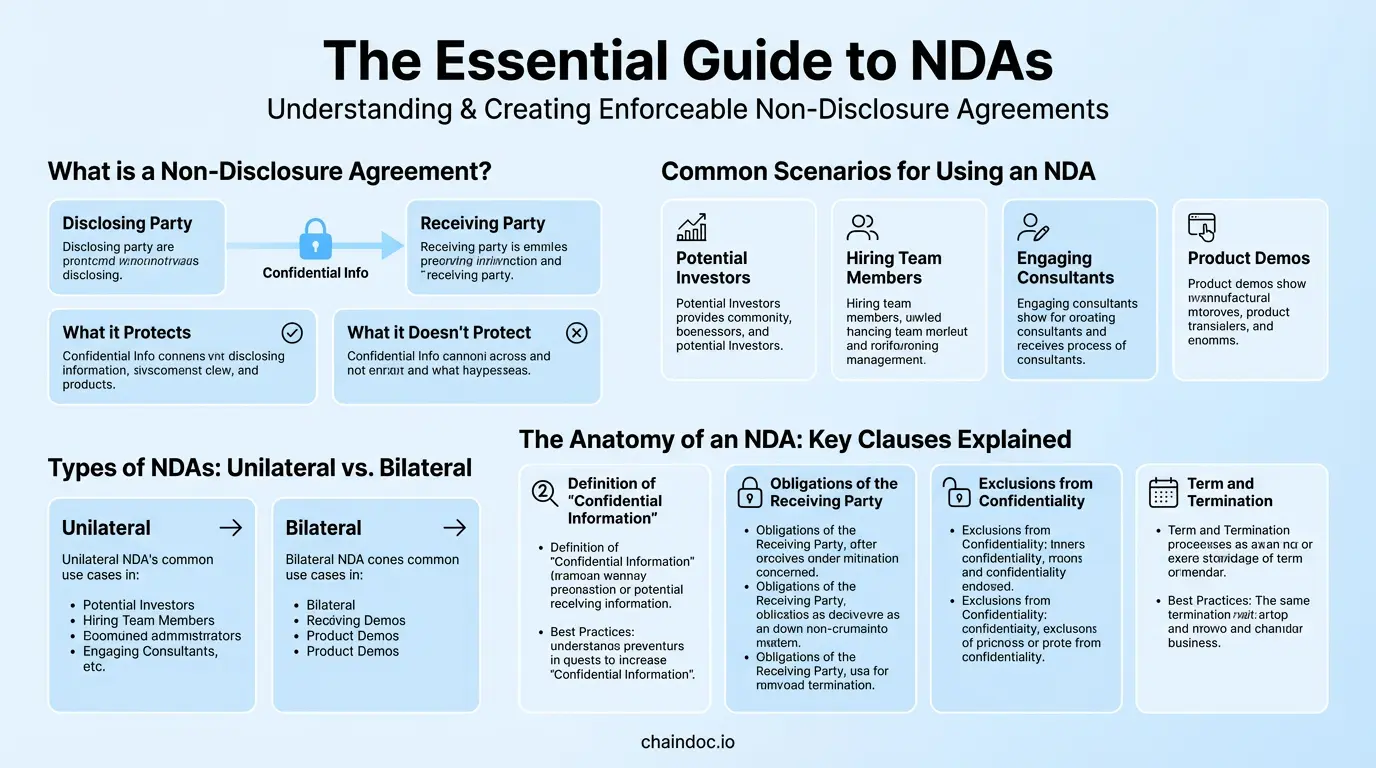
*Following a structured process ensures your NDA is comprehensive, legally sound, and properly executed.*
### Are Electronically Signed NDAs Legally Binding? {#legal-validity}
Yes, electronically signed NDAs are legally binding in all major jurisdictions, provided the e-signature platform meets the applicable legal standards for validity and intent verification.
| Jurisdiction | Governing Law | E-Signature Standard | NDA Enforceability |
|---|---|---|---|
| United States (Federal) | ESIGN Act (2000) | Intent to sign + consent to electronic process | Fully enforceable; audit trail strengthens position |
| United States (State) | UETA (adopted in 49 states + DC) | State-level complement to ESIGN Act | Enforceable; UETA and ESIGN Act work in tandem |
| European Union | eIDAS Regulation (2016) | SES (simple) / AES (advanced) / QES (qualified) | Enforceable; QES required for highest-risk contracts |
| United Kingdom | Electronic Communications Act 2000 | Functional equivalent standard | Fully enforceable post-Brexit |
| Australia | Electronic Transactions Act 1999 | Intent + consent standard | Fully enforceable |
**What makes an e-signed NDA legally defensible?** Courts examine three factors: (1) the signer's intent to be bound, (2) their consent to the electronic process, and (3) the integrity of the signed record. A platform that produces a time-stamped audit trail, a tamper-evident document hash, and a certificate of completion satisfies all three factors and typically produces stronger evidence than a wet signature on paper.
**Non-repudiation** is the key legal concept here. Through public key infrastructure (PKI) and cryptographic document hashing, a secure e-signature platform generates proof that a specific person signed a specific version of the document at a specific time — evidence that cannot be forged or denied without contradicting the cryptographic record. This prevents a signing party from later claiming they did not sign or that the document was altered after signing.
### Common Pitfalls to Avoid When Drafting and Managing NDAs {#common-pitfalls}
Even a well-intentioned NDA can be rendered unenforceable or practically useless by these avoidable errors.
#### Pitfall 1: Vague or Overly Broad Definition of Confidential Information
Defining "Confidential Information" as "all information exchanged between the parties" is a recognized red flag in court. Judges have voided such clauses as unreasonably broad. Your definition must be specific enough to enforce.
**Fix:** Enumerate explicit categories — financial data, customer lists, source code, trade secrets, marketing plans. Add a catch-all phrase only after the specific list: "...and any other information designated as Confidential in writing at the time of disclosure."
#### Pitfall 2: Indefinite or Unreasonable Term
Setting an indefinite term for general business information (as opposed to true trade secrets) risks judicial invalidation. Some jurisdictions impose a reasonableness standard on NDA duration.
**Fix:** Use a defined term of 2–5 years for general confidential information. Reserve indefinite terms for genuine trade secrets, and label them as such in the agreement.
#### Pitfall 3: No Return or Destruction Clause
Without an explicit obligation to return or destroy confidential materials at the end of the agreement, a recipient may retain your sensitive data indefinitely. This is a common gap in template-based NDAs.
**Fix:** Require return or certified destruction of all confidential materials upon request or agreement expiration. Require written certification of destruction for high-value disclosures.
#### Pitfall 4: Failing to Manage Executed Agreements Securely
An NDA signed in wet ink and filed in a physical cabinet — or sent as an email attachment with no version control — creates enforcement gaps. If you cannot quickly locate the signed document, prove its contents, or demonstrate the audit trail of execution, your legal position is weakened.
**Fix:** Use a centralized document management platform with a complete, time-stamped audit trail and role-based access controls. Ensure the platform generates a tamper-evident record of every signing action.
#### Pitfall 5: No Governing Law Clause
Without a governing law clause, disputes over jurisdiction can delay or block enforcement, especially in cross-border relationships.
**Fix:** Name the governing jurisdiction explicitly (for example, "This Agreement shall be governed by the laws of the State of Delaware, United States"). In international agreements, consider specifying arbitration under ICC or AAA rules as the dispute resolution mechanism.
### The Modern Workflow: Secure eSignatures and Blockchain-Backed NDA Management {#modern-workflow}
A well-drafted NDA is only the first layer of protection. The integrity of your confidentiality framework depends equally on how the agreement is executed and managed. Paper-based workflows — print, sign, scan, email — introduce document integrity risks, create unverifiable chains of custody, and make audits slow and expensive.
A modern, secure NDA workflow has three layers:
**Layer 1: Tamper-Evident Electronic Execution**
The NDA is sent through a secure e-signature platform. Each signing event is time-stamped and recorded in an audit trail. A document hash is generated at the moment of signing — a cryptographic fingerprint that permanently encodes the document's exact state. Any post-signature alteration produces a hash mismatch that is immediately detectable.
**Layer 2: Non-Repudiation Through PKI**
Public Key Infrastructure (PKI) ties each signature to the signer's verified identity. The platform generates a digital certificate confirming who signed, what they signed, and when. This non-repudiation evidence prevents a signing party from later denying they executed the agreement — a critical protection in high-stakes NDA breach cases.
**Layer 3: Centralized Lifecycle Management**
Post-execution, the signed NDA lives in a centralized repository with:
- **Role-based access control (RBAC)** — only authorized personnel can view or manage sensitive agreements
- **Deadline tracking** — automatic alerts for expiration dates, renewal windows, and return-of-materials deadlines
- **Version control** — a permanent record of every document version, preventing disputes about which text was agreed upon
- **Searchable audit history** — every access event logged for forensic purposes
[Build your secure NDA workflow with Chaindoc.](https://chaindoc.io/)
### Frequently Asked Questions About Non-Disclosure Agreements {#faq}
#### Is an NDA signed electronically legally binding?
Yes. An electronically signed NDA is legally binding in all major jurisdictions, including the United States under the ESIGN Act and UETA, the European Union under eIDAS, the United Kingdom under the Electronic Communications Act 2000, and Australia under the Electronic Transactions Act 1999. For full enforceability, the e-signature platform must provide a verifiable audit trail, a tamper-evident document hash, and clear evidence of the signer's intent to be bound. These elements typically make an electronically signed NDA more legally defensible than a wet-ink equivalent.
#### What is non-repudiation, and why does it matter for NDAs?
Non-repudiation is the cryptographic guarantee that a specific person signed a specific document at a specific time, and that neither the signature nor the document content can be later altered or denied. It is achieved through Public Key Infrastructure (PKI) and document hashing. For NDAs, non-repudiation is critical: if a receiving party later claims they never signed the agreement or that the document was altered, the non-repudiation record — combining the signer's digital certificate, the document hash, and the signed timestamp — is conclusive forensic evidence against that claim.
#### What is the difference between a unilateral and bilateral NDA?
A unilateral (one-way) NDA binds only the receiving party to confidentiality — used when your organization is the sole disclosing party (e.g., contractor, vendor, or employee engagement). A bilateral (mutual) NDA creates reciprocal confidentiality obligations on both parties — used when both sides will share sensitive information, such as during merger discussions or joint ventures. A multilateral NDA covers three or more parties in a single instrument.
#### What is the difference between an NDA and a confidentiality clause?
An NDA is a standalone legal contract exclusively focused on protecting confidential information shared between parties. A confidentiality clause is a provision within a broader agreement — such as an employment contract or service agreement — that addresses confidentiality as one component of a larger relationship. An NDA provides a dedicated, comprehensive framework with defined terms, remedies, and exclusions, whereas a confidentiality clause often lacks these protections.
#### What happens if someone violates an NDA?
Violating an NDA constitutes a breach of contract and exposes the breaching party to significant legal and financial consequences. Remedies available to the disclosing party typically include: monetary damages for provable losses, injunctive relief (a court order to cease further disclosure), recovery of legal fees, and — where the NDA specifies it — liquidated damages. A time-stamped audit trail from the signing platform and a tamper-evident document record are critical evidence in enforcement proceedings.
#### How long should an NDA last?
The appropriate duration depends on the nature of the confidential information and industry norms. General business information: 1–5 years is the standard range. Trade secrets may warrant an indefinite term, though this should be clearly labeled as applying specifically to trade secrets rather than all information under the agreement. Courts in some jurisdictions apply a reasonableness standard to NDA duration, particularly for employee confidentiality agreements. Define the term explicitly and avoid vague language like "until the information is no longer confidential."
#### Can I use a free NDA template found online?
Free NDA templates can serve as a starting point, but they carry risks: generic templates may not protect your specific types of confidential information, may be drafted for a different jurisdiction, or may include clauses a court in your jurisdiction would void. For low-stakes engagements, a reputable template reviewed against this guide's checklist may be adequate. For high-value disclosures — trade secrets, M&A discussions, significant IP — a qualified attorney should review and customize the agreement before execution.
#### How do I enforce an NDA if it is breached?
Enforcement begins with gathering verifiable evidence of the breach. If the NDA was signed electronically through a secure platform, the audit trail, document hash, and certificate of completion are your primary evidence of the agreement's existence and content. Issue a cease-and-desist letter demanding the breaching party stop disclosure immediately. If the breach continues, file for injunctive relief (emergency court order) to prevent further damage. Follow with a breach-of-contract claim for monetary damages. The strength of your enforcement position depends heavily on the clarity of your NDA's definitions and the completeness of your audit trail.
---
## [Signature Ideas: How to Design Your Own Signature | Chaindoc](https://chaindoc.io/md/locales/en/blog/articles/how-to-design-a-signature.md)
## Signature ideas: how to design a signature you'll actually use
### Signature ideas that actually work
A signature is a small piece of design you have to reproduce from memory tens of thousands of times, which is exactly why most galleries of signature ideas are useless.
Most signature ideas galleries hand you 250 calligraphy flourishes and stop there. Pretty. Useless.
You'll write your name tens of thousands of times over a working life, usually in a hurry, usually with someone else's pen, often against a clipboard on a doorstep. A signature that only comes out right when you're concentrating isn't a signature. It's a drawing you happen to be good at.
So start from the constraint instead of the aesthetic. A usable signature has to do two things that pull against each other. It has to come out roughly the same way every time, even when you're not paying attention. And it has to be hard for a stranger to reproduce after seeing it once.
Speed helps with both. Fast writing produces rhythm, pressure changes and connecting strokes that a copyist has to consciously fake, and conscious faking looks different under a magnifier. Slow, careful, decorative signatures are the easiest ones in the world to trace.
That narrows the field to five style families worth your time:
- **Full name, joined.** Every letter connected, first name flowing into surname. Legible, formal, slow. Banks and notaries like it.
- Initials plus surname. The office default, and for good reason: it's quick, it stays readable at small sizes, and it survives being squeezed into a signature box.
- **Monogram.** Two or three initials locked into a single mark. Compact, distinctive, and terrible on any form that expects to see your surname.
- The anchored scrawl. One clearly formed letter, usually the capital, then a controlled illegible run. This is what most professionals converge on after a decade of signing things.
- Print and underline. Block capitals with a single sweeping stroke beneath. Honest, plain, and the weakest of the five against forgery.
My own opinion, for what it's worth: the anchored scrawl wins for most people, and the monogram is the one people regret. It looks great on a business card and causes arguments at car rental desks.
### Five signature styles and what each one trades away
| Style | How long it takes | How hard to copy | Holds up at small sizes | Where it fits |
|---|---|---|---|---|
| Full name, joined | 3 to 5 seconds | Moderate | Poorly, it crushes | Deeds, mortgages, notarised papers |
| Initials plus surname | 2 seconds | Moderate | Well | Everyday business, most contracts |
| Monogram | Under 2 seconds | Easy to trace | Very well | Creative work, personal branding |
| Anchored scrawl | 1 to 2 seconds | Hard | Well | High-volume signing, approvals |
| Print and underline | 4 to 6 seconds | Very easy | Well | Forms, witness lines, delivery slips |
### How to design a signature, step by step
This takes about twenty minutes and one sheet of paper. Don't do it on a screen. Screens lie about how a pen behaves.
1. **Write your name normally, twenty times, fast.** Fill the sheet. Don't try to make it nice. What you're collecting is evidence about your natural hand, and the twentieth attempt is more honest than the first.
2. **Circle the letters that came out the same every time.** There are usually two or three, and they're almost always the capitals plus one loop somewhere in the surname. Those are your anchors. Everything else is negotiable.
3. Decide how much of your name has to stay readable. Full surname, first initial, or just a shape? This is the one real decision in the process, and it's driven by where you sign rather than by taste. Sign a lot of internal approvals and you want speed. Sign property documents and you want a name a stranger can read.
4. **Build the connection.** Take your anchors and find the single stroke that gets from one to the next without lifting the pen. This is the part that takes the longest, and it's the part that makes the signature yours. Lifting the pen mid-signature is the most common mistake here: every lift is a place where a forger gets to restart.
5. Add one closing stroke, and only one. An underline, a crossbar, a tail that loops back. Two flourishes look like effort. One looks like habit.
6. **Sign the sheet forty times.** If you can't do it fast, it's too complicated, and you'll simplify it involuntarily within a month anyway. Better to simplify it now on purpose.
One practical note: test it in a signature box that's about 5 cm wide. Half of the designs that look brilliant on blank paper collapse the second they're constrained, which is exactly what happens on every delivery slip and every touchscreen you'll ever meet.
> If you change your signature, the version on file matters more than the version you like. Banks, notaries and land registries compare what you write against a specimen they hold, sometimes one you gave them years ago. Changing your everyday signature is free. Changing the one that has to match a specimen card means updating the specimen first, and until you do, expect to be asked to sign again.
### Signature ideas for my name: work outward from the initials
When people search for signature ideas for my name, they're usually hoping someone has already solved their specific letters. Nobody has. But the letters do constrain the answer, and that's genuinely useful.
Capitals split into three behaviours. Some open outward and invite a long lead-in stroke: A, K, M, N, W. Some close into a loop that wants to become the whole signature: B, D, O, P, R, S. And some are essentially vertical sticks that need help: I, J, L, T.
So the practical approach depends on what you were given:
- An open capital first? Start with an oversized version of it and let the lead-in stroke carry across the rest of the name. Think of the capital as the frame and everything after it as texture.
- A loop capital? Enlarge the loop until it can enclose the following two or three letters. This produces the most recognisable signatures of the lot, and it's why so many well-known autographs start with S, B or D.
- A stick capital? Don't fight it. Pair it with the surname initial and treat the two together as your mark, because a lone L has nowhere to go.
Repeated letters between first name and surname are a gift. If both start with the same letter, or share a distinctive one, build the whole signature around that repetition and let it do the identifying work.
Here's the thing about the galleries though. Copying a signature you saw online is the one genuinely bad idea in this whole area. You'll write it slowly because it isn't in your muscle memory, and slow signatures are the forgeable ones. Steal the structure, not the strokes.
### Cursive signature or print: which one actually holds up
A cursive signature is harder to forge than printed capitals, and the reason has almost nothing to do with how it looks.
Document examiners don't compare shapes first. They compare line quality: where the pen sped up, where pressure increased, where the ink pooled at a direction change, whether the stroke rhythm is consistent with someone writing from memory. A cursive signature written at speed produces dozens of those markers per second. Printed capitals produce very few, because printing is a series of separate deliberate strokes, and a forger's deliberate strokes look much the same as yours.
That said, cursive has a real cost. Handwriting instruction has been shrinking for two decades, and plenty of people under thirty simply don't have fluent joined-up writing available. Forcing it produces exactly the slow, hesitant line quality you were trying to avoid.
The compromise that works: cursive for the anchors, whatever comes naturally for the rest. One fluent connected capital, one fluent loop, and a fast run between them beats a fully joined signature you have to think about.
One more thing worth knowing. Legibility isn't a legal requirement in the EU, the UK or the US. What matters is that you made the mark intending to adopt the document, which is why an X still works in some contexts. Legibility is about convenience at the counter, not validity.
Draw the signature you just sketched, or type your name and pick a handwriting style, then download it as a transparent PNG. It takes about a minute and costs nothing, which makes it a cheap way to see how a design behaves at the size a real document gives you. [Open the Signature Generator](https://chaindoc.io/signature-generator).
### How to turn a paper signature into a clean image
Once the design settles, you'll want a digital copy. The phone-photo-and-crop approach produces grey mush, so it's worth doing properly the first time.
What you need: unlined white paper and a black felt-tip or fineliner, not a ballpoint. Ballpoint ink is thin and breaks up the moment you threshold the image.
Sign it three or four times across the sheet, pick the cleanest one, then photograph it in daylight with the camera flat above the paper rather than at an angle. No flash. Flash creates a bright patch that ruins the contrast on one side of the stroke.
From there:
- Crop tight to the signature, leaving a couple of millimetres of margin.
- Convert to greyscale, then push the contrast until the paper goes pure white and the ink goes pure black. Most phone editors can do this with the brightness and contrast sliders alone.
- Remove the white background so the signature sits on transparency. A signature saved on a white rectangle will cover whatever text it lands on, which looks amateurish on any document with a signature line.
- Save as PNG. Never JPEG. JPEG compression puts grey halos around every stroke, and they show up badly against coloured document backgrounds.
If that sounds like more effort than you want, the [signature generator](https://chaindoc.io/signature-generator) does the whole thing in the browser: draw with a mouse, trackpad or finger, or type your name and choose a handwriting style, then download a transparent PNG. Our [guide to free signature makers](https://chaindoc.io/blog/free-signature-generator-online) compares the options if you'd rather see what else is out there first.
Once you have the file, [how to sign a PDF](https://chaindoc.io/blog/how-to-sign-a-pdf) covers where to drop it on Mac, Windows, iOS and Android.

*Twenty fast attempts tell you more about your natural hand than twenty careful ones. The anchors are the letters that survive all twenty.*
### Where a signature image stops being enough
Now the part the design guides skip.
A PNG of your signature dropped into a document is a legally recognised electronic signature in most places. Under Regulation (EU) 910/2014, article 3(10), an electronic signature is any data in electronic form attached to other data and used by the signatory to sign. A pasted image clears that bar. Under the US ESIGN Act and UETA, the test is intent: any symbol adopted with intent to sign counts, and courts have enforced pasted images on that basis.
So it's valid. The problem isn't validity. The problem is proof.
Article 26 of eIDAS describes what an advanced electronic signature adds: it's uniquely linked to the signatory, created with data under the signatory's sole control, and linked to the document so that any later change is detectable. A signature image gives you none of those. Anyone who has ever received a document you signed now owns a perfect copy of your signature, and there is nothing in the file that records who applied it, when, or whether the text above it was edited afterwards.
In a dispute, that gap does real damage. The other side says they never signed. You produce a document with their signature image on it. They point out, correctly, that the image proves nothing about who pasted it, and the burden lands back on you to reconstruct the story from emails and metadata. Only a qualified electronic signature carries the same legal effect as a handwritten one automatically, under article 25(2).
Germany makes the limit unusually explicit. Section 126 BGB requires an eigenhändige Unterschrift, signed by your own hand on the document, and a Faksimile stamp or scan doesn't satisfy it. Employment terminations under section 623 BGB and guarantees under section 766 BGB need wet ink and can't be signed electronically at all, not even with a qualified signature. If you sign anything German and formal, check which regime applies before you paste.
Our breakdown of [digital signatures versus electronic signatures](https://chaindoc.io/blog/digital-signature-vs-electronic-signature) covers the mechanics, and the [qualified electronic signature guide](https://chaindoc.io/blog/qualified-electronic-signature-guide) explains when you actually need the top tier.
According to Article 26 of Regulation (EU) 910/2014, the advanced tier is the first one that carries proof rather than just a picture. The instrument was adopted in 2014 and has applied across the EU since 2016. Primary sources worth reading directly: the [consolidated eIDAS text on EUR-Lex](https://eur-lex.europa.eu/eli/reg/2014/910/oj), the European Commission's [eSignature documentation](https://ec.europa.eu/digital-building-blocks/sites/display/DIGITAL/eSignature), and, for the US side, the [ESIGN Act of 2000 on GovInfo](https://www.govinfo.gov/content/pkg/PLAW-106publ229/html/PLAW-106publ229.htm), which works alongside UETA from 1999.
### What a signature image proves in a dispute
| Question you'll be asked | Pasted signature image | Signature with an audit trail |
|---|---|---|
| Who applied this signature? | Unknowable from the file | Identity and authentication method recorded |
| When was it applied? | Whatever the document says | Independent timestamp |
| Was the text changed afterwards? | No way to tell | Any change breaks the signature |
| Could someone else have used it? | Yes, anyone with the PNG | No, the signing event is tied to the signer |
| Who has to prove what? | You do | The challenger does |
### How to keep your signature from being copied
Your signature is a public mark. It's on parcels, credit card slips and every contract you've ever signed, so treating it as a secret is hopeless. Treating it as a low-value credential is realistic.
A few habits that genuinely reduce exposure:
- Don't post images of signed documents. Redact the signature before you share a contract screenshot, an invoice or a proof of address. This is the single biggest leak, and it's entirely avoidable.
- Keep the PNG out of shared drives. If your signature image sits in a folder five colleagues can read, five colleagues can sign as you.
- **Vary what you use where.** A quick mark for parcels, your full signature for anything with money or liability attached. Couriers don't need your best work.
- When a document matters, don't send a signature image at all. Send a signing request instead, so the record of who signed lives outside the file.
What can someone actually do with a copy? Less than people fear and more than they'd like. A signature alone rarely moves money, because banks compare it against a specimen and increasingly don't rely on it at all. Combined with a leaked ID document and an address, it's enough to attempt credit applications or forged authorisations, and that combination is what makes the redaction habit worth building.
> Quick test for any document you're about to sign with an image: if it went wrong, would you want to prove in front of a third party who signed it and when? If yes, the image isn't the right tool, no matter how good the design is.
### When the document actually matters
Two different problems get tangled together here, and separating them makes both easier.
Designing a signature is about you. Speed, consistency, something you're not embarrassed to write in front of a client. Spend the twenty minutes, get it into muscle memory, and generate a clean PNG for the hundred low-stakes places that just need a mark in a box.
Proving a signature is about everyone else. Contracts, NDAs, offer letters, anything where a year from now somebody might say that isn't my signature. Those need a record that lives outside the document: who authenticated, when, from where, and whether a single byte changed afterwards.
Chaindoc handles the second half. Every signature is bound to the document with an audit trail and a blockchain-anchored hash, so the check doesn't depend on anyone trusting your copy of the file. Your hand-designed signature still appears on the page, because people like seeing a signature. It just isn't the thing doing the legal work any more.
If you want to see what a real check looks like from the other side, [validate a signed PDF](https://chaindoc.io/pdf-verify) and read the report. Our guide to [verifying a signature in a PDF](https://chaindoc.io/blog/how-to-verify-signature-in-pdf) walks through what each verdict means, and if you're wondering how the mainstream services hold up, [is DocuSign legally binding](https://chaindoc.io/blog/is-docusign-legally-binding) answers the question directly.
Draw or upload your signature once, then use it on documents that carry an audit trail: identity of every signer, a timestamp, and a hash anchored on-chain so any later edit is detectable. Free to start, no card, and the signature you designed still looks like yours on the page. [Start Signing With Chaindoc](https://chaindoc.io/signing).
### FAQ
**Q.** How do I create my unique signature?
**A.** Write your name fast twenty times on one sheet, then look for the two or three letters that came out identically every time. Those are your anchors, and they're already unique to you. Build a single connected stroke that links them, add one closing flourish, and practise it forty times until it's automatic. Uniqueness comes from your natural hand, not from decoration you added on purpose.
**Q.** What is a good signature for my name?
**A.** One you can produce in under two seconds without thinking. If your first initial is an open letter like A, M or W, lead with an oversized version of it. If it's a loop letter like S, B or D, enlarge the loop until it wraps the letters that follow.
**Q.** What are some good signatures?
**A.** The ones that hold up in practice share a shape: one clearly formed capital, a fast illegible run, and a single closing stroke. Look at how executives and doctors sign after years of high volume and you'll see the same structure over and over. It survives speed, small boxes and bad pens, which is more than most decorative designs manage.
**Q.** What is the most beautiful signature?
**A.** Beauty and function point in opposite directions here, which is worth knowing before you invest in flourishes. The signatures people call beautiful are usually slow, symmetrical and consistent in stroke width, and every one of those qualities makes a signature easier to trace. If you want something beautiful, keep it for cards and inscriptions and use a faster mark for documents.
**Q.** Should my signature be legible?
**A.** It doesn't have to be. No major jurisdiction requires a legible signature: what matters is that you made the mark intending to adopt the document, which is why an X or a thumbprint still works in some settings. Legibility helps at counters where a clerk compares your signature against an ID, and it helps on documents that might be read by someone who has never met you. A middle position works for most people: keep the surname initial clearly formed and let the rest run.
**Q.** Can I change my signature?
**A.** Yes, and you don't need permission or paperwork to do it. Your signature isn't registered anywhere central, and nothing stops you signing differently tomorrow. The complication is specimens. Banks, notaries, land registries and some employers hold a sample of your signature and compare new documents against it, so a changed signature can be queried or rejected until you update the sample. Change your everyday signature freely, then update the specimens that matter one at a time. Documents you already signed with the old version stay valid, because validity attaches to the moment of signing rather than to your current habit.
**Q.** Is a scanned image of my signature legally binding?
**A.** Usually yes, and that's the trap. Under eIDAS article 3(10) a scanned signature qualifies as a simple electronic signature, and under ESIGN and UETA it counts as long as you intended to sign, so the document is generally enforceable. The weakness is evidential. The image doesn't record who applied it, when, or whether the text changed afterwards, so if the other side denies signing, you carry the burden of reconstructing what happened. Some German formalities go further and exclude scans outright: section 126 BGB requires a signature written by your own hand.
**Q.** Does my signature have to be my full legal name?
**A.** No. Initials, a nickname, a mark or a shape all work, as long as you intended it to serve as your signature. Specific documents can demand more, notarised deeds especially, so check the requirement before you shorten anything important.
---
*Services mentioned: [Signature generator](https://chaindoc.io/signature-generator) | [Document signing](https://chaindoc.io/signing) | [PDF signature validation](https://chaindoc.io/pdf-verify)*
*Related articles: [Free Online Signature Generator & Maker](https://chaindoc.io/blog/free-signature-generator-online) | [How to Sign a PDF: Every Method for Mac, Windows, Phone, and Free Online](https://chaindoc.io/blog/how-to-sign-a-pdf) | [Digital Signature vs Electronic Signature](https://chaindoc.io/blog/digital-signature-vs-electronic-signature)*
---
## [How to sign a document online so it holds up](https://chaindoc.io/md/locales/en/blog/articles/how-to-esign-a-document-securely.md)
### There is no federal portal, and that is the point
Plenty of countries run a government signing service. Brazil has one. Spain has one. The United States does not, and people looking for **how to sign a document online** often waste an afternoon hunting for the official site.
There isn't one. What exists instead is a rule: a signature cannot be rejected just because it is electronic. That rule sits in federal law, it is echoed in nearly every state, and it is why any competent signing tool produces a binding signature.
The rule has limits, though, and the limits are where things go wrong. Certain documents fall outside it entirely. Certain counterparties are free to refuse your file no matter how well you signed it.
This guide covers the mechanics, then spends most of its length on the part that catches people out: **why a correctly signed document still comes back rejected.**
> Checked on 1 August 2026 against primary sources: 15 U.S.C. §§ 7001 and 7003 (the ESIGN Act) via the Legal Information Institute, the Uniform Electronic Transactions Act as enacted in California at Civil Code § 1633.7, and Regulation (EU) 910/2014 on EUR-Lex for the cross-border section.
### What actually makes an online signature valid
Two layers of law do the work, one federal and one state.
#### The federal layer: the ESIGN Act
The general rule of validity in 15 U.S.C. § 7001(a) is short. For any transaction in or affecting interstate or foreign commerce, a signature, contract, or other record relating to that transaction may not be denied legal effect, validity, or enforceability solely because it is in electronic form. And a contract may not be denied legal effect solely because an electronic signature or electronic record was used in its formation.
Notice what the statute does **not** say. It does not say an electronic signature is automatically good. It says it cannot be rejected **for being electronic**. Every other ground for challenge stays available: no intent to sign, wrong signer, altered document, missing terms.
#### The state layer: UETA
The Uniform Electronic Transactions Act does the same job at state level and has been adopted almost everywhere. California's version, Civil Code § 1633.7, is representative: electronic records and signatures cannot be denied legal effect because of their electronic form, contracts formed with electronic records are enforceable, and an electronic record or signature satisfies a legal requirement for a writing or a signature.
#### What a court will actually look at
Strip away the statutes and three questions decide most disputes. Did this person intend to sign? Can that act be attributed to them rather than to whoever had access to the laptop? Is the document today identical to the document at the moment of signing?
A signing platform earns its keep by answering all three with evidence, not with assurances.
### What the ESIGN Act leaves out
This is the section almost nobody writes, and it is the one that saves the most time.
Section 7003 carves out whole categories. The general rule of validity simply does not apply to records governed by a statute, regulation, or rule of law covering the creation and execution of **wills, codicils, or testamentary trusts**. It does not apply to state law governing **adoption, divorce, or other matters of family law**. And it does not apply to the Uniform Commercial Code as in effect in any state, other than sections 1-107 and 1-206 and Articles 2 and 2A.
A second list follows. The rule does not apply to court orders or notices, or official court documents including briefs and pleadings. It does not apply to notices of cancellation of utility services. It does not apply to notices of default, acceleration, repossession, foreclosure, or eviction relating to a primary residence. It does not apply to notices of cancellation of health or life insurance benefits, nor to recall notices or notices of material failure of a product that risks health or safety. And it does not apply to any document required to accompany the transportation or handling of hazardous materials, pesticides, or other toxic or dangerous materials.
Read that list once and a pattern appears. Congress kept paper where the consequence of a missed notice is severe and the recipient may not be online.
| Category | Covered by ESIGN? |
|---|---|
| Commercial contracts, NDAs, employment offers | yes |
| Wills, codicils, testamentary trusts | no |
| Adoption, divorce, family law | no |
| Court orders, notices, pleadings | no |
| Foreclosure or eviction notices on a primary residence | no |
| Utility cancellation, health or life insurance cancellation | no |
| Product recall and hazardous materials paperwork | no |
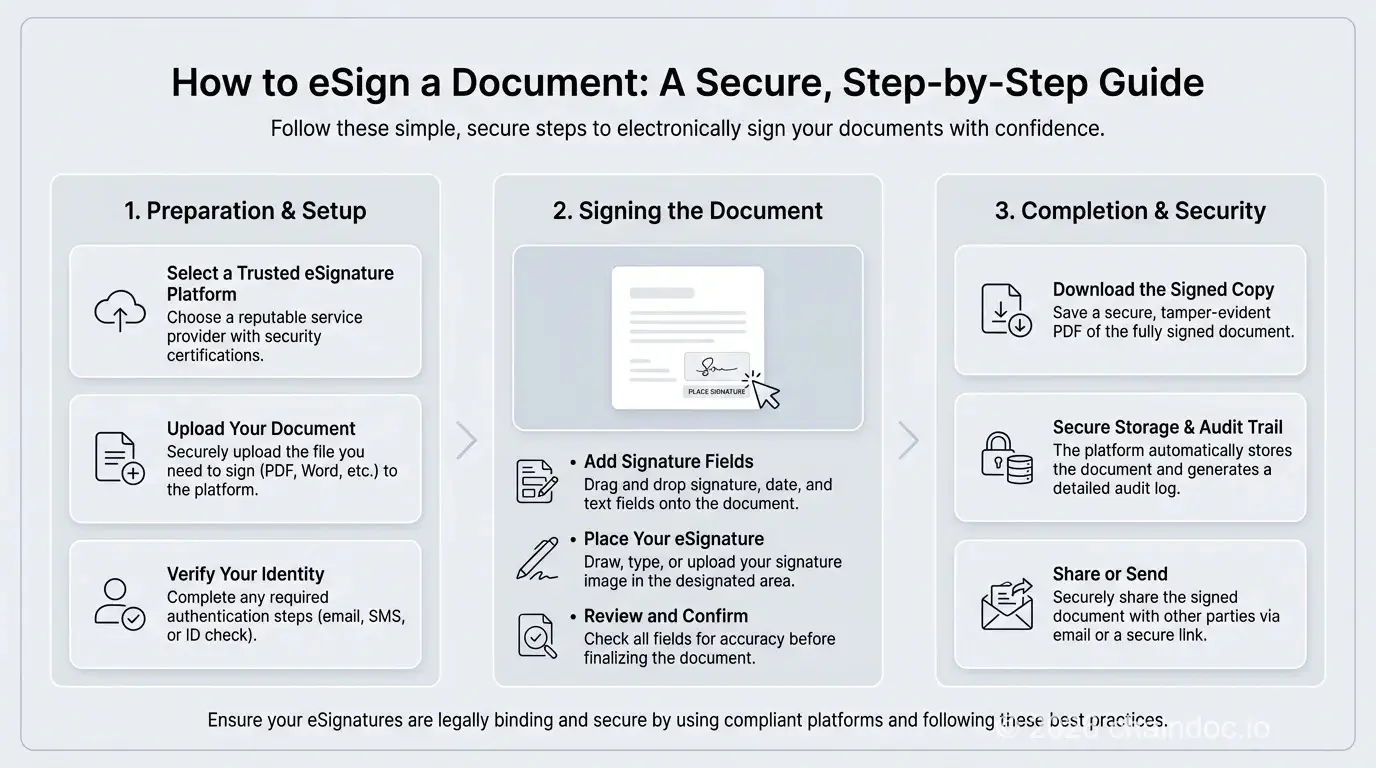
*From checking the document type to storing the record: the sequence that keeps a signature enforceable.*
### Signing a document online, step by step
The mechanics are simple. The order matters, because two of these steps are impossible to fix after the fact.
#### Step 1: Check the document is eligible
Run it against the exclusion list first. A will, a divorce filing or a foreclosure notice on a primary residence does not belong in a signing tool, and finding that out afterwards is expensive.
#### Step 2: Confirm the other side agreed to sign electronically
ESIGN does not require anyone to accept electronic records or signatures. Get that agreement in writing, ideally in the document itself, before you send anything.
#### Step 3: Finalise the text before uploading
Every edit after the first signature invalidates it and restarts the round. Read the whole file once more, then upload.
#### Step 4: Set signers, roles and order
Full legal names and correct email addresses. Where one signature depends on a prior approval, use a sequential order rather than sending to everyone at once.
#### Step 5: Match identity checks to the stakes
An email link is fine for a routine order form. For a high-value agreement, add a one-time passcode or an ID check, because attribution is the point a challenger attacks first.
#### Step 6: Sign and download the original file
Save the signed file exactly as the platform produced it. Do not print it to PDF, re-export it or run it through a compressor: each of those creates a new file with no signature inside.
#### Step 7: Verify before you rely on it
Open the signed file in a verifier and confirm the signer name and that the document reads as unmodified. Do this before the deadline, not after someone disputes it.
If the verifier returns a warning rather than a clean result, do not assume the signature is broken. The next two sections cover which check usually fails, and what to do about it.
### When the document has to be notarized
Notarization is the closest thing the United States has to an official channel, and ESIGN addresses it directly.
Under § 7001(g), where a statute requires a signature or record to be notarized, acknowledged, verified, or made under oath, that requirement is satisfied if the electronic signature of the person authorized to perform those acts, together with all other information required by applicable law, is attached to or logically associated with the signature or record.
So an electronic notarization can satisfy a notarization requirement at federal level. What ESIGN does not do is tell you who may act as a notary, how they must verify identity, or whether they may appear by video. Those rules are set by each state, and they differ. Check the rules of the state whose law governs the document, not the state you happen to be sitting in.
One more caution. Court documents sit on the section 7003 exclusion list, so a notarized electronic filing is not automatically acceptable to a court. Court rules govern court filings.
### Your signed document was rejected. Here is why
Six causes cover nearly every case, and each calls for a different response.
#### 1. The file was re-saved
Printing to PDF, re-exporting or compressing produces a new file. It looks identical and contains no signature. Go back to the original the platform generated.
#### 2. The other side never agreed to sign electronically
This is the one people find hardest to accept. Section 7001(b)(2) is explicit that the statute does not require any person to agree to use or accept electronic records or electronic signatures, with a narrow carve-out for government agencies as to records other than contracts they are party to. A bank, an insurer or a counterparty may insist on ink. That is their right.
#### 3. The document is on the exclusion list
Wills, family law matters, court filings, most of the UCC, and the notice categories listed above. No platform setting fixes this.
#### 4. Identity was never really established
A link sent to a shared inbox proves very little about who clicked it. When attribution is challenged, the audit trail either carries the day or it does not.
#### 5. The signature is valid but unverifiable to the recipient
Common and fixable. The recipient's reader cannot build a trust chain to the certificate, so it shows a warning. The signature is intact; the reader lacks the issuer.
#### 6. The record was not retained properly
Covered in the next section, and it usually surfaces months later during an audit.
Before you argue, verify the file. Our [PDF verifier](https://chaindoc.io/pdf-verify) shows which of the checks failed, and the [guide to signatures that show as not verified](https://chaindoc.io/blog/how-to-verify-signature-in-pdf) explains each message. The result separates two very different conversations: a broken signature, or an intact signature that someone does not want to accept.
### Keeping the record after signing
Signing is the easy half. Retention is where the statute gets specific, and where a lot of otherwise careful processes fall down.
Where a law requires a contract or record to be retained, § 7001(d)(1) treats that requirement as met by retaining an electronic record that accurately reflects the information set forth in the contract or record, and that remains accessible to all persons entitled to access for the period required, in a form capable of being accurately reproduced for later reference, whether by transmission, printing, or otherwise.
Three obligations hide in that sentence. The copy must be accurate. It must stay reachable by everyone with a right to it. And it must remain reproducible for the whole retention period, which rules out a proprietary format nobody can open in six years.
Store the signed original and its audit trail together, in a repository with access control, and confirm once a year that you can still open both. A contract you cannot produce is worth roughly what an unsigned one is worth.
For cross-border agreements, the European framework sets a different bar: under Article 25 of Regulation (EU) 910/2014, a qualified electronic signature has the equivalent legal effect of a handwritten signature. Our [guide to the qualified electronic signature](https://chaindoc.io/blog/qualified-electronic-signature-guide) covers when a US company needs one.
> The single most common self-inflicted failure: saving a signed PDF with the print-to-PDF command. The result looks identical, opens normally, and contains no signature at all. Always keep the file exactly as the signing platform produced it.

*Intent, attribution and integrity: the three questions that decide a challenged signature.*
### Recap in five points
1. The ESIGN Act stops a signature being rejected for being electronic. It does not make every electronic signature good.
2. Section 7003 excludes wills, family law, court documents, most of the UCC and several notice categories from that protection.
3. Nobody can be required to accept electronic records or signatures, so agree the method before you send.
4. Electronic notarization can satisfy a notarization requirement federally, but state law decides who may notarize and how.
5. Retention has its own statutory test: accurate, accessible, and reproducible for the full required period.
If you are drafting rather than signing, our [contract templates](https://chaindoc.io/contract-templates) already include the clause recording that both parties accept electronic signature.
### Signing that survives the argument
Intent, attribution and integrity are not features you bolt on afterwards. Chaindoc records the whole signing sequence and produces an integrity proof either party can check independently, months later, without taking anyone's word for it.
[See how signing works](https://chaindoc.io/signing)
### FAQ
#### Is signing a document online legally binding in the US?
Generally yes. Under 15 U.S.C. § 7001(a), for transactions in or affecting interstate or foreign commerce, a signature, contract or other record may not be denied legal effect, validity or enforceability solely because it is in electronic form. Most states apply the same principle through their version of the Uniform Electronic Transactions Act. The statute removes one objection only: it does not answer challenges based on intent, identity or alteration.
#### Which documents cannot be signed electronically?
Section 7003 of the ESIGN Act excludes wills, codicils and testamentary trusts; adoption, divorce and other family law matters; and most of the Uniform Commercial Code. A second list excludes court orders, notices and official court documents, utility cancellation notices, default and foreclosure or eviction notices on a primary residence, cancellation of health or life insurance benefits, product recall notices, and documents accompanying hazardous materials.
#### Can the other party refuse to accept my electronic signature?
Yes. Section 7001(b)(2) states that the ESIGN Act does not require any person to agree to use or accept electronic records or electronic signatures, other than a governmental agency with respect to a record other than a contract to which it is a party. A bank or a counterparty may insist on a handwritten signature, and refusing is lawful. Agree the signing method in writing before you send the document.
#### Can an electronic signature be notarized?
At federal level, yes. Under § 7001(g), where a law requires a signature or record to be notarized, acknowledged, verified or made under oath, that requirement is satisfied if the electronic signature of the person authorized to perform those acts, together with all other required information, is attached to or logically associated with the signature or record. Who may notarize and how identity is verified remain matters of state law.
#### How long do I have to keep a signed electronic contract?
For whatever period the applicable law requires. Section 7001(d)(1) sets the standard for how: retain an electronic record that accurately reflects the information in the contract and remains accessible to all persons entitled to access, for the required period, in a form capable of being accurately reproduced for later reference. In practice that means an open format and a repository you will still be able to open years later.
#### Why does my signed PDF show as not verified?
Usually the reader cannot build a trust chain to the certificate that issued the signature, which is a problem with the reader's trust store rather than with the signature. Other causes include a certificate that had expired on the signing date, or a file that was re-saved after signing. Run the file through a verifier to see which specific check failed before assuming the signature is broken.
#### What is the difference between the ESIGN Act and UETA?
ESIGN is the federal statute and applies to transactions in or affecting interstate or foreign commerce. UETA is the uniform state law that most states have enacted, doing the same job within state law. California's enactment at Civil Code § 1633.7 is typical: electronic records and signatures cannot be denied legal effect because they are electronic, and they satisfy legal requirements for a writing or a signature.
#### Does a US electronic signature work for a European counterparty?
It can, but the bar is set differently. Article 25 of Regulation (EU) 910/2014 provides that an electronic signature may not be denied legal effect or admissibility as evidence solely because it is electronic, while reserving the equivalent legal effect of a handwritten signature to the qualified electronic signature. If a European contract or counterparty calls for a qualified signature, a standard US e-signature will not meet that requirement.
---
## [How to Sign a PDF: Every Method for Mac, Windows, Phone, and Free Online](https://chaindoc.io/md/locales/en/blog/articles/how-to-sign-a-pdf.md)
## How to Sign a PDF: Every Method for Mac, Windows, Phone, and Free Online
Signing a PDF is the process of adding your name, in a drawn, typed, or uploaded form, to a document so it counts as a real, legally recognized signature. Every major operating system released since the early 2010s ships with a built-in way to do it, no download required. Mac has Preview, Windows has Edge, and iPhone and Android handle it through apps you already use.
Somebody just emailed you a PDF and asked for your signature by end of day. No printer, and buying Adobe Acrobat for one document feels absurd. Good news: you almost certainly already own everything you need. This guide walks through all five methods, tells you which fits your situation, and closes with the question everyone eventually asks: is any of this legally binding?
Short version first, pick based on your device and what you're signing.
1. **Mac**: Open the PDF in Preview, click the Markup icon, then Sign.
2. **Windows**: Open the PDF in Microsoft Edge (the default PDF viewer), use the Draw tool.
3. **iPhone/iPad**: Open the file in Files or Mail, tap the Markup pen icon, add your signature.
4. **Android**: Open the PDF in Google Drive, use the annotate tool to draw your signature.
5. **Free online, no install**: Use a browser-based tool like [Chaindoc's document signing](https://chaindoc.io/signing) or Adobe's free Fill & Sign when you're on a shared computer.
### Compare the 5 ways to sign a PDF
| Method | Cost | Works on | Best for |
|---|---|---|---|
| Mac Preview | Free (built-in) | macOS only | Quick signature on your own Mac |
| Windows Edge | Free (built-in) | Windows 10/11 | Drawing a signature, no install |
| iPhone/iPad Markup | Free (built-in) | iOS/iPadOS | Signing on the go, Mail attachments |
| Android (Google Drive) | Free (built-in) | Android | Basic drawn signature |
| Adobe Acrobat Reader | Free / paid tiers | All devices | Filling forms + signing, works everywhere |
| Free online tool | Free | Any browser | Shared computers, no admin rights, multi-device |
### How to sign a PDF on Mac with Preview
Notice what's missing from the table above: a "best overall" crown. There isn't one, the right method depends on what device is in front of you and whether you need a quick scribble or something with more legal weight behind it.
Mac users have it easiest. Preview has supported PDF signing for over a decade and works without opening any other app.
1. Open your PDF in Preview (macOS's default viewer, unless you've changed it).
2. Click the Markup toolbar icon, a pen tip inside a circle, near the top-right.
3. Click **Sign** in the Markup toolbar.
4. Choose how to create your signature (three options below).
5. Click your saved signature, then drag and resize onto the signature line.
6. Save (Cmd+S), or export a copy to keep the unsigned original.
Step 4 gives you three ways in. **Trackpad**: sign with your finger, press any key when done, fastest but least polished. **Camera**: sign on plain paper, hold it to your Mac's camera, align with the blue guideline; Preview turns it into a transparent image with real handwriting fidelity. **iPhone or iPad**: if your devices share an Apple ID and sit nearby, choose "Select Device" and sign on its screen with your finger or Apple Pencil, per [Apple's Preview guide](https://support.apple.com/guide/preview/fill-out-and-sign-pdf-forms-prvw35725/mac). That signature then stays saved for every future PDF.
> Camera signatures look more like real handwriting than trackpad ones. Signing something client-facing? Spend the extra 20 seconds on paper-and-camera instead of finger-scribbling.
### How to sign a PDF on Windows
Windows lacks a direct Preview equivalent, but Microsoft Edge handles PDFs by default on Windows 10 and 11, and it includes a built-in Draw tool made for exactly this job. No separate app, no download, and no Microsoft 365 subscription required, just the browser that ships with the operating system.
1. Open the PDF file. If Edge is your default handler, double-clicking opens the browser-based viewer.
2. Look for the annotation toolbar near the top (icons shift between Edge updates, so look for a pen icon rather than a memorized spot).
3. Select the Draw tool and pick a thin line weight, this reads as a signature, not a doodle.
4. Draw your signature with your mouse, trackpad, or touchscreen.
5. Adjust color and thickness if needed, then click outside the drawing area to place it.
6. Save with Ctrl+S, or "Save As" to keep an unsigned copy.
Edge's toolbar changes layout more often than Preview's, so the click sequence might shift slightly, but drawing onto a PDF has stayed stable regardless. On a locked-down work laptop, this is genuinely your best option: zero admin rights, zero downloads, though it only produces a drawn signature, not a certificate-based one.
> Windows doesn't ship a certificate-based digital signing tool the way some enterprise software does. Need cryptographic signature verification for compliance? Edge's draw tool won't cut it, see the legal section below.
### Sign a PDF on iPhone or iPad with Markup
If the PDF landed in Mail or Files, iOS's Markup tool signs it without installing anything extra, and it has worked essentially the same way since iOS 9 introduced Markup back in 2015. That kind of stability is rare for a mobile feature and means the steps below hold up across older devices too.
1. Open the PDF in Files, or the email attachment directly in Mail.
2. Tap the Markup icon, a pen tip inside a circle, top-right of the screen.
3. Tap the **+** button, then select **Signature**.
4. If you've signed before, your saved signature appears, tap to insert. Otherwise draw a new one with your finger or Apple Pencil.
5. Drag it into place, resize with the corner handles, then tap **Done**.
Mail has a nice shortcut: open a PDF attachment right inside Mail, mark it up, hit reply, the signed version attaches automatically. One honest limitation: Markup signatures are drawn images, not certificate-based ones, fine for a signed NDA or quick approval, but not for a document requiring a qualified electronic signature.
### Sign a PDF on Android
Android has no single universal built-in signer the way iOS has Markup, largely a side effect of how fragmented the Android device landscape is across manufacturers. Google Drive's PDF viewer covers the basic case reasonably well, though, and a 2024 Google I/O developer report put active Android devices past 3 billion, with Drive installed by default on nearly all of them.
1. Open the PDF in Google Drive (upload it first if needed).
2. Tap the pen or annotate icon in the toolbar (position varies by Drive app version).
3. Select the drawing tool and draw your signature with your finger.
4. Tap the checkmark or "Save" icon, then share or download the signed file.
If Drive's tool feels clunky, third-party apps fill the gap fast, most PDF reader apps on the Play Store include a basic free signature feature. Just check review counts before installing the first result.
### Sign with Adobe Acrobat Reader Fill & Sign
Adobe invented the PDF format back in 1993, so it's no surprise its free reader app handles signing well, identically across Windows, Mac, iOS, and Android. Acrobat Reader remains one of the most-downloaded free apps in both major mobile app stores, largely because so many PDFs still originate from Adobe's own tools.
1. Open your PDF in Adobe Acrobat Reader (free download if you don't have it).
2. Click **Fill & Sign** from the right-hand tool panel, or the Tools menu on mobile.
3. Click the **Sign** icon (a pen nib), then choose **Add Signature** or **Add Initials**.
4. Type, draw, or upload an image, whichever looks closest to your real signature.
5. Click **Apply**, then click the document to place it. Drag to reposition, resize with the corner handles.
Here's the split that matters: Fill & Sign is genuinely free for basic signing, checkmarks, and text fields, no paywall, no trial expiration. What's NOT free: certificate-based digital signatures, sending documents out for others to sign, or editing the underlying PDF content, those live behind Acrobat Standard or Pro. Check [Adobe's Fill & Sign documentation](https://www.adobe.com/acrobat/how-to/sign-pdf.html) for the current breakdown.
> Adobe Reader's free Fill & Sign never expires and never nags you to upgrade for basic signing. If someone says Adobe "makes you pay to sign PDFs," they're thinking of sending documents out for signature, not signing them yourself.
### How to sign a PDF online free with no install
Sometimes none of the above works. Public library computer. Chromebook. Company IT policy blocks new installs entirely. A browser-based signing tool solves that without touching your device's software.
The category includes names you've probably seen: Adobe's web-based Fill & Sign, Canva's document tools, iLovePDF's signature feature, and [Chaindoc's online document signing](https://chaindoc.io/signing), among others. They follow roughly the same pattern: upload your PDF, draw or type a signature, download the signed file, under two minutes.
What differs is what happens after signing. Some tools hand back a flattened PDF with an image pasted on it, no different in legal weight from a Markup signature. Others, Chaindoc included, attach a verifiable audit trail, timestamped and tied to the signer's identity, so the record can't be quietly altered later. That barely matters for a one-off form. It matters a lot for a contract that might get disputed, which is where a platform like [Chaindoc's document signing workflow](https://chaindoc.io/signing) pays for itself.
> Signing more from a phone than a laptop? A purpose-built [mobile signing app](https://chaindoc.io/mobile) beats squeezing a desktop tool onto a small screen, touch and mouse interactions aren't the same.
### Is a drawn signature on a PDF legally binding?
Short answer: yes. In the US, a drawn or typed signature on a PDF is legally binding in the overwhelming majority of everyday situations. Not a gray "probably fine" area, it's settled law.
According to the official text of the [ESIGN Act](https://www.congress.gov/bill/106th-congress/senate-bill/761), passed in 2000, electronic signatures carry the same legal weight as ink signatures for most contracts. States separately adopted the Uniform Electronic Transactions Act (UETA), and 49 states plus the District of Columbia have enacted some version of it (New York relies on its own similar statute instead). Together, ESIGN and UETA are why every method here, trackpad scribble, Markup drawing, uploaded image, counts as a real signature, as long as three things hold true. **Intent to sign**: deliberately drawing your name, not an accidental click. **Association with the record**: the signature has to logically tie to the specific document, which placing it on the signature line inside the PDF handles. **Retention**: the file needs storage in a reproducible form, which a saved PDF satisfies on its own.
Where guides oversimplify: a drawn signature isn't a certificate-based digital signature (PKI/X.509 cryptography). Some situations specifically require that, certain government filings, regulated financial or healthcare transactions, anything needing genuine cryptographic non-repudiation, mathematical proof the signature wasn't altered, not just a reasonable assumption.
For most contracts, NDAs, and everyday business paperwork, a drawn signature from any method here holds up fine. Not sure which category yours falls into? Ask whoever's on the other end of the request, or your own counsel.
> None of this is legal advice specific to your situation. ESIGN and UETA set a strong general baseline in the US, but industry-specific rules can add requirements on top. When in doubt, ask.
Our full guide on [how to eSign a document securely](https://chaindoc.io/blog/how-to-esign-a-document-securely) covers the compliance side in more depth, including what changes for international signers.

### How to verify a signed PDF
You've signed the document, or received one signed by someone else. How do you confirm it's real and hasn't been tampered with since?
For certificate-based signatures, most PDF readers show a verification badge automatically, Adobe Acrobat displays a blue ribbon at the top of a digitally signed document, and clicking it reveals certificate details and validity.
For drawn signatures with an attached audit trail, like those from Chaindoc's signing flow, there's no certificate baked into a simple image overlay, so verification works differently: check the audit record instead, who signed, the timestamp, confirmation the content hasn't changed. Chaindoc's free [PDF signature verification tool](https://chaindoc.io/pdf-verify) does exactly this, upload any signed PDF and it checks whether the recorded signature and timestamp still match. A signature that looks fine to the eye tells you nothing about whether the file got edited after signing; verification tools check actual file integrity, not just whether a signature-shaped image sits on the page.
> Sign often? Pair your method with a free tool like [Chaindoc's signature generator](https://chaindoc.io/blog/free-signature-generator-online) so you start from a clean, reusable image instead of redrawing one every time.
### Choosing the right method for what you're actually signing
Signing your own lease renewal or a doctor's office form? Any built-in method, Preview, Edge, Markup, works in under a minute, don't overthink it.
Sending a contract to a client, freelancer, or vendor who needs to sign and send it back? That's when a dedicated e-signature platform earns its keep, beating manually emailed PDFs. Chaindoc's [document creation](https://chaindoc.io/contract-management) tools build the contract and collect the signature in the same flow.
Working with something that carries real legal weight, an employment contract, a regulated financial document, anything where a later dispute gets expensive? Stop improvising with a drawn signature and confirm what your document and jurisdiction actually require. The tools here answer "does this count as signed," they don't replace legal judgment on high-stakes paperwork.
### FAQ
**Q.** Is a signed PDF legally binding?
**A.** Yes, under the ESIGN Act and UETA in the US, a properly signed PDF (drawn, typed, or uploaded signature image) carries the same legal weight as a wet-ink signature for most contracts. The signature needs clear intent, has to tie to the specific document, and the file needs storage in a retrievable format. Some regulated transactions require certificate-based digital signatures instead, but that's the exception.
**Q.** How do I sign a PDF without Adobe?
**A.** Every major platform has a built-in option that skips Adobe entirely: Preview on Mac, Microsoft Edge on Windows, Markup on iPhone/iPad, and Google Drive's annotate tool on Android. All four are free and already installed.
**Q.** How can I sign a PDF for free?
**A.** Every built-in operating system tool, Preview, Edge, Markup, Android's Drive annotate, costs nothing and needs no account. Adobe Acrobat Reader's Fill & Sign is also free for basic signing, just not for sending documents out for others to sign. Chaindoc offers a free plan with no credit card required if you need to send contracts for signature rather than just sign your own.
**Q.** How do I insert an image of my signature into a PDF?
**A.** Preview's Sign menu, Fill & Sign, and browser-based tools all let you upload a saved signature image instead of drawing a new one each time. Save a transparent PNG of your handwritten signature once, a phone camera against plain paper works fine, then reuse it going forward.
**Q.** Can I sign a PDF on my phone?
**A.** Yes, both iPhone and Android handle this natively. iOS uses Markup through Files or Mail; Android routes through Google Drive's built-in annotate tool. Dedicated apps, including Chaindoc's [mobile signing app](https://chaindoc.io/mobile), feel smoother than squeezing a desktop tool onto a small screen.
**Q.** How can I tell if a signed PDF was tampered with?
**A.** For certificate-based signatures, your PDF reader shows a validity badge, if the file changed after signing, the certificate invalidates automatically. For drawn signatures with an attached audit trail, use a dedicated verification tool: Chaindoc's free [PDF verification tool](https://chaindoc.io/pdf-verify) checks whether a signed document's content still matches its recorded signature and timestamp. Visual inspection alone can't tell you this.
**Q.** Can multiple people sign the same PDF?
**A.** Yes, though the built-in single-device tools here (Preview, Edge, Markup) work best for one signer at a time: you, signing your own copy. For a document needing signatures from multiple people, a platform built for multi-party signing tracks who's signed, reminds whoever hasn't, and keeps one authoritative version instead of five email attachments with conflicting edits.
---
*Services mentioned: [Sign documents online](https://chaindoc.io/signing) | [Verify a PDF signature free](https://chaindoc.io/pdf-verify) | [Mobile signing app](https://chaindoc.io/mobile) | [Document creation](https://chaindoc.io/contract-management)*
*Related articles: [How to eSign a Document: A Secure, Step-by-Step Guide](https://chaindoc.io/blog/how-to-esign-a-document-securely) | [Free Online Signature Generator & Maker](https://chaindoc.io/blog/free-signature-generator-online)*
---
## [Signature Validity Is Unknown: How to Fix It | Chaindoc](https://chaindoc.io/md/locales/en/blog/articles/how-to-verify-signature-in-pdf.md)
## Signature Validity Is Unknown: What Acrobat Means and How to Fix It
### Signature validity is unknown: what Acrobat is actually telling you
A signed contract lands in your inbox. You open it, and instead of a reassuring green tick there's a yellow bar across the top: "At least one signature has problems." Or you click into the signature and read "Signature validity is unknown."
Here's the thing that nobody puts in the banner. Those messages are usually about trust, not tampering.
A PDF signature check answers two separate questions. Did this file change after it was signed? And can your reader trace the signing certificate back to a root it recognises? The second question fails far more often than the first, and it fails for reasons that have nothing to do with the document. Adobe Acrobat Reader ships with its own list of trusted certificate authorities, and that list isn't the same as the EU Trusted List, or the one Windows keeps, or the one your bank's PKI team maintains.
So when a signature comes back not verified, you're normally looking at one of these:
- The signing certificate chains up to a root your reader doesn't carry. Nothing is wrong with the signature. Your copy of Acrobat simply hasn't been told to trust that issuer.
- The file changed after signing. A re-save, a flattened form field, or a pass through a mail gateway that "optimised" the attachment. This one is real, and it's the case worth catching.
- The certificate had expired by the time you opened it, and there's no trusted timestamp to prove it was still valid at the moment of signing.
- Revocation data can't be reached, so the check finishes as indeterminate rather than as a pass or a fail.
Four different situations, one identical warning. That's the actual problem with verifying a signature in a PDF, and it's why "just look at the tick" is bad advice.
| What your reader shows | What it usually means | What to do |
|---|---|---|
| Signature is valid (green tick) | Integrity holds and the chain reached a trusted root | Read the certificate subject anyway, see below |
| Signature validity is unknown | The chain didn't reach a root your reader trusts | Check the issuer, then validate against a trust list that covers it |
| At least one signature has problems | A catch-all warning, most often the same trust gap | Open the Signatures panel for the per-signature detail |
| The document has been altered or corrupted since it was signed | Integrity failed, the signed bytes changed | Ask the sender to resend the original file, unmodified |
| Signature is invalid | The maths failed outright, or a revoked certificate was used | Treat the file as untrusted until the sender explains it |
### How to verify a signature in a PDF
Three minutes of work, and the order matters more than the tooling.
#### First, check there's a signature to verify at all
A picture of somebody's handwriting isn't a digital signature. Neither is a typed name in a script font, nor a JPEG pasted into a form field. Those carry no certificate, so there's nothing to verify, and no validator on earth will produce a verdict on them.
Open the Signatures panel in Adobe Acrobat Reader. On Windows and macOS it's the fountain pen icon down the left side of the window, or View, then Show/Hide, then Navigation Panes, then Signatures. Empty panel? Then the document was never digitally signed, and what you're looking at is decoration. Our guide to [signing a PDF](https://chaindoc.io/blog/how-to-sign-a-pdf) covers the difference between the two.
#### Then read the per-signature detail, not the banner
Right-click the signature in that panel and choose Show Signature Properties. Adobe's own [documentation on validating digital signatures](https://helpx.adobe.com/acrobat/using/validating-digital-signatures.html) walks through the dialog. This is where Acrobat stops being vague: you get the signer's name, the issuing certificate authority, the signing time, and whether the document changed after the signature was applied.
Worth doing while you're in there: click Show Signer's Certificate and read the Subject field. More on why that matters further down.
#### Then get a verdict that names the failing check
Acrobat's summary is a single yes-or-no about whether Acrobat is happy. It won't tell you which of the four underlying checks went wrong, and that's the answer you need to do anything useful.
Run the same file through a validator that reports the checks separately. [Chaindoc's PDF signature validation](https://chaindoc.io/pdf-verify) returns integrity, certificate chain, revocation status, timestamps and the PAdES profile as five distinct results, each with its own pass or fail. When something fails you can see whether the document was altered or your reader simply doesn't trust the issuer, which are wildly different problems with wildly different responses.
> Don't re-save the PDF while you're investigating. Opening a signed file and saving it again, even without editing anything visible, can rewrite the byte stream and break the signature for real. The same goes for flattening form fields, printing to PDF, or letting a document management system re-encode the attachment. If you need to share the file, forward the original as an attachment rather than a copy that's been through your tooling.
### How to validate a digital signature in a PDF without Acrobat
Plenty of people don't have Acrobat, and the free Reader is a 500 MB install for a job that takes one upload. A browser-based checker gets you there faster, and it sidesteps the trust-store problem entirely, because a server-side validator can be pointed at a trust list far broader than whatever your desktop happens to carry.
What separates a useful online checker from a useless one is the report. Ask for four things:
- Integrity as its own line. The hash was recomputed over the signed bytes and either matched or didn't.
- The certificate chain, with the issuer named. "Untrusted" without naming the root is not an answer.
- Revocation checked at the signing time, via OCSP or CRL, rather than against today's date.
- Timestamp status, because that's what pins the signing moment down when a certificate later expires.
Chaindoc runs those checks through the [EU DSS library](https://ec.europa.eu/digital-building-blocks/sites/display/DIGITAL/Digital+Signature+Service+-+DSS), the European Commission's own open-source validation code, with the EU Trusted List as the primary trust anchor and the large commercial certificate authorities on top of it. It handles all four PAdES baseline profiles, takes files up to 50 MB, and doesn't keep the document after the check. You confirm your email address with a one-time code first, which is worth knowing before you start.
Not a PDF? PAdES is only the PDF flavour of the same idea. Signed XML carries [XAdES](https://chaindoc.io/verify-xades), a .p7m or .p7s wrapper carries [CAdES](https://chaindoc.io/verify-cades), and .asice containers are [ASiC](https://chaindoc.io/verify-asic).
Upload a signed PDF and Chaindoc validates it against the EU Trusted List through the EU DSS library: cryptographic integrity, the certificate chain, revocation status, embedded timestamps and the PAdES baseline profile, each reported separately. Nothing installs on your machine, files up to 50 MB are accepted, and the PDF isn't stored after the check. You confirm your email with a one-time code before the first report. [Validate a PDF Signature](https://chaindoc.io/pdf-verify).
### How to verify a signature in a PDF on your phone
Honest answer first: phones are bad at this, and it isn't your fault.
Mobile PDF readers were built to display documents, not to run certificate path validation. The stock viewers on both mobile systems are the weakest link here.
#### On iPhone and iPad
Opening a signed PDF in Files, Mail or Books shows you the signature's appearance and nothing about its validity. There's no signature panel and no certificate detail, because iOS doesn't ship a PDF trust store for this purpose. A signed document can look perfect in Apple's preview while its cryptography is broken.
#### On Android
Adobe Acrobat Reader for Android does better. Tap the signature and you'll get a panel with the signer's name and a validity summary. What you won't reliably get is the certificate chain, the revocation status, or a timestamp verdict, and those are exactly the parts that decide the outcome.
#### What actually works on a phone
Use the browser. A server-side validator does the certificate work on its own infrastructure and sends back a full report, so the phone only has to render a page. [Chaindoc's PDF check](https://chaindoc.io/pdf-verify) works this way and accepts a file straight from your phone's storage or from a cloud drive.
My own take: if a signature matters enough to check, check it on a machine where you can read the certificate subject properly. Verifying a signature in a PDF on mobile is fine for a quick yes-or-no on a document you already expected. It's thin evidence for a payment you're about to make.
*The banner gives you one verdict. The per-signature detail, and a validator that separates the four checks, give you something you can act on.*
### The four checks behind a valid verdict
PDF digital signature verification comes down to the same four tests, whichever tool runs them. Knowing what each one proves tells you how much a failure should worry you.
**Integrity.** The validator recomputes the hash over the bytes that were signed and compares it with the hash sealed inside the signature. One changed byte fails this. When integrity fails, the document genuinely isn't the document that was signed, and no amount of trust configuration will fix that.
**Certificate chain.** The signing certificate points at its issuer, which points at its issuer, up to a root. The validator has to reach a root it trusts. Fail here and you've learned something about your trust configuration, not about the file.
**Revocation.** Certificates get revoked when a private key leaks or an employee leaves. The check queries OCSP or a CRL, and the question is whether the certificate was revoked **at the moment of signing**. A certificate revoked last week doesn't invalidate a contract signed two years ago. Validators that compare against today's status get this backwards.
**Timestamp.** A trusted timestamp from a time-stamping authority fixes when the signature was created. Without one, you're relying on the clock of whoever signed, which is worth roughly nothing in a dispute. Timestamps are also what keep a signature checkable after the certificate expires, which is the whole point of the PAdES-BASELINE-T profile and above, defined in [ETSI EN 319 142](https://www.etsi.org/deliver/etsi_en/319100_319199/31914201/01.01.01_60/en_31914201v010101p.pdf).
One pattern to remember: integrity failing is a document problem. The other three failing are usually configuration or infrastructure problems. Sort out which kind you have before you email the sender.
### Why the certificate chain fails more often than the cryptography
This is the part that surprises people, so it's worth being blunt about it. There is no single global list of trusted signing authorities. There are several, they disagree, and your verdict depends on which one your software consulted.
Adobe maintains the [Approved Trust List](https://helpx.adobe.com/acrobat/kb/approved-trust-list1.html), a set of certificate authorities that Acrobat and Reader trust out of the box. The EU maintains the [EU Trusted List](https://eidas.ec.europa.eu/efda/tl-browser/), which is the legal basis for qualified signatures under [eIDAS](https://digital-strategy.ec.europa.eu/en/policies/eidas-regulation). Microsoft keeps its own root program for Windows. A bank or a government agency running an internal PKI trusts its own root and nobody else's.
The same signed PDF can therefore be valid in one place and unknown in another, with no contradiction. Both answers are correct about the question they were asked.
Two practical consequences.
If a supplier's signature shows as unknown in Acrobat, look at who issued the certificate before you accuse anyone of anything. A national certificate authority outside the AATL, an internal corporate CA, or a qualified EU provider that Adobe hasn't picked up will all produce that message on a perfectly sound signature.
And if you need the eIDAS answer specifically, ask a validator that treats the EU Trusted List as its anchor. Qualified status isn't a property of the mathematics; it's a lookup against a list. [Qualified trust service providers and the EU Trusted List](https://chaindoc.io/blog/qtsp-eu-trusted-list-explained) explains how that lookup works and why a valid signature and a qualified one are different verdicts.
> You can add a root to Acrobat's trusted identities yourself: Edit, then Preferences, then Signatures, then Identities & Trusted Certificates. Import the issuing authority's certificate, tick "Use this certificate as a trusted root", and revalidate. Do it for issuers you have an actual reason to trust, one at a time. Adding roots wholesale to make warnings disappear removes the only mechanism that would have told you about a certificate you shouldn't have accepted.
### Why Indian DSC-signed PDFs show signature not verified
The largest single group of people meeting this message are in India, and they are almost always looking at a government PDF. An income-tax acknowledgement, a GST registration certificate, an MCA filing, a DGFT licence, a university or board mark sheet. All of them carry a Digital Signature Certificate issued by a Certifying Authority licensed by the [Controller of Certifying Authorities](https://cca.gov.in/digital_signature.html) — eMudhra, (n)Code Solutions, Sify and Capricorn are among the ones you will see named in the signature properties.
None of those signatures is broken. Acrobat ships with Adobe's own trust list, and whether your copy carries the CCA chain depends on the reader you have and how its trust settings were last updated. That is why the same mark sheet reads valid on the office machine and unknown on your laptop. It is the trust question from the section above, and India is simply where it happens most.
#### What actually fixes it
Get the issuing authority's certificate and the CCA root, import them into Acrobat's trusted identities, and mark them as trusted for signatures and certified documents. Then close the file and reopen it. Menu labels move around between reader versions, so do not chase a particular click path: the thing that has to become true is that the issuer sits in your reader's trust store. Once it does, the verdict changes without anyone touching the document.
#### What makes it worse
Re-saving the file, printing it to PDF, or running it through a tool that rewrites the document. Any of those breaks the one check that was passing — the document-integrity check — and turns a trust problem into a real one you cannot undo. If a portal will let you download the original again, do that instead.
One honest limitation on our side. Chaindoc's validator anchors on the EU Trusted List, so a CCA-issued file comes back from it with intact cryptography and an unresolved chain. That still answers the question that matters most in a dispute — whether the file changed after signing — but for a verdict on the Indian trust chain itself you want a validator built around that chain.
### What a valid signature doesn't tell you
A green tick is narrower than it looks. It says this file came from the holder of this certificate and hasn't changed since. Everything below is outside its scope.
#### Who signed it
A signature can be cryptographically flawless and belong to the wrong company. Open the certificate subject and read the organisation name and any tax or registration identifier in it, then compare that against the counterparty you think you're dealing with. Payment-diversion fraud works by looking plausible, and a valid signature from an entity that isn't quite your supplier looks very plausible indeed. This is the check almost nobody runs, and it's the one that catches real fraud.
#### Whether the signature is qualified
Valid and qualified are separate answers. Qualified means the issuing service appears on a national trusted list with qualified status, which carries the legal weight of a handwritten signature across the EU. Most valid signatures aren't qualified, and for most documents that's fine. Our [qualified electronic signature guide](https://chaindoc.io/blog/qualified-electronic-signature-guide) covers when the distinction actually bites.
#### Whether the document is binding
Signature validity is a technical verdict about a file. Enforceability depends on consent, capacity, the applicable law and whatever the contract itself says. A valid signature is strong evidence, not a legal conclusion.
#### Whether the contents are correct
Somebody can sign a wrong number perfectly. If the invoice amount looks off, the cryptography has no opinion on that. [Validating an invoice signature](https://chaindoc.io/blog/e-invoice-signature-validation) works through where this bites in accounts payable.
### Where people get PDF signature checks wrong
Five patterns, all avoidable.
**Trusting the banner and stopping there.** The summary bar tells you Acrobat's mood, not which check failed. Open the panel.
**Sending a screenshot as proof.** An image of a green tick proves nothing to an auditor, a court or a counterparty. What proves something is the original signed file plus a validation report generated while the revocation responders were still answering. Store both.
**Re-saving the file during the investigation.** Covered above, and it happens constantly. The signature was fine until somebody opened it in a tool that helpfully rewrote it.
**Checking validity today instead of at signing time.** Certificates expire. That's their normal end state, not a defect. A 2023 contract signed with a certificate that expired in 2024 is perfectly sound, provided a timestamp proves when the signing happened.
**Adding trusted roots until the warning goes away.** Tempting, and it converts a useful alarm into silence.
The summary worth keeping: when you get signature not verified in PDF, find out which of the four checks failed before you do anything else. Integrity is a document problem and needs the sender. The other three are usually trust plumbing, and they're yours to fix. [Chaindoc's verification hub](https://chaindoc.io/signature-verification) works out the format for you and reports each check on its own line, for PAdES, XAdES, CAdES and ASiC alike.
PAdES in a PDF, XAdES in a signed XML, CAdES in a .p7m wrapper, or an ASiC container. Chaindoc detects which one you're holding, checks integrity, the certificate chain, revocation and timestamps, and looks the signer up against the EU Trusted List. Detached signatures accept the original document alongside them. Nothing you upload is stored after the check. [Verify Any Signature](https://chaindoc.io/signature-verification).
### FAQ
**Q.** How do I fix a PDF signature not verified?
**A.** Start by finding out what failed, because "not verified" covers four different problems. Open the Signatures panel in Acrobat Reader, right-click the signature and choose Show Signature Properties. If the message is about trust, meaning the chain didn't reach a root your reader recognises, the fix is on your side: import the issuing authority's certificate into Preferences, Signatures, Identities & Trusted Certificates, and mark it as a trusted root. If the message says the document changed since signing, nothing on your side will fix it, and you need the original file from the sender. A validator that reports the checks separately tells you which case you're in within a few seconds.
**Q.** How to check a PDF signature?
**A.** Open the Signatures panel in Adobe Acrobat Reader, right-click the signature, and choose Show Signature Properties for the signer, issuer and signing time. For a verdict that names the specific check that failed, upload the file to an online validator instead.
**Q.** How do I validate a PDF digital signature online?
**A.** Upload the signed PDF to a browser-based validator and read the report. A good one reports integrity, the certificate chain, revocation status and timestamps as separate results rather than a single yes or no. Chaindoc runs these through the EU DSS library with the EU Trusted List as its trust anchor, accepts files up to 50 MB, and doesn't keep the document afterwards. You confirm your email address with a one-time code before the first check.
**Q.** How to check if a digital signature is valid?
**A.** Four conditions have to hold at once: the recomputed hash matches the signed bytes, the certificate chain reaches a root the validator trusts, the certificate wasn't revoked at the time of signing, and ideally a trusted timestamp fixes when signing happened. Any validator worth using reports those four on separate lines. If it gives you one word and no breakdown, you can't tell a tampered document from an unfamiliar certificate authority, and those need opposite responses.
**Q.** How do you certify a signature in a PDF?
**A.** Certifying is a different operation from signing, and Acrobat treats it that way. A certifying signature is applied once, by the document author, and it declares what recipients are still allowed to change: nothing at all, form filling only, or form filling plus comments. Approval signatures come afterwards from the people who sign. Only one certifying signature can exist per document, and it must be the first one.
**Q.** Why does my Aadhaar or PAN card PDF show signature not verified?
**A.** Because the certificate that signed it comes from a Certifying Authority licensed by India's [Controller of Certifying Authorities](https://cca.gov.in/digital_signature.html), and that root isn't in Adobe's Approved Trust List by default. The signature is intact; your reader just doesn't know the issuer. The standard fix is to import the CCA India root and the issuing authority's certificate into Acrobat's trusted identities and revalidate. Be aware of what Chaindoc will and won't tell you here: our trust anchor is the EU Trusted List, so a CCA-issued file comes back with intact cryptography and an unresolved chain. That still answers whether the document was altered, but for a verdict on the Indian trust chain itself you want a validator built around it.
**Q.** Can I verify a PDF signature on my phone?
**A.** Partly. Adobe Acrobat Reader on Android shows a signature panel with the signer and a validity summary, while the stock iOS viewers show the signature's appearance and nothing about its validity at all. Neither gives you the certificate chain or revocation detail. Using a browser-based validator from the phone works better, because the certificate work happens server-side.
**Q.** How to check if an electronic signature is valid?
**A.** Depends which kind you have. A digital signature carries a certificate, so it can be checked mathematically and the answer is either yes or no. A simple electronic signature, meaning a drawn or typed mark with no certificate behind it, can't be verified this way at all: its evidence lives in the audit trail of the service that captured it, such as timestamps, IP addresses and the signer's authentication. If the Signatures panel in your reader is empty, you're holding the second kind, and the trail is what you should be asking the sender for.
---
*Services mentioned: [PDF signature validation](https://chaindoc.io/pdf-verify) | [eIDAS signature verification](https://chaindoc.io/signature-verification)*
*Related articles: [How to Sign a PDF: Every Method for Mac, Windows, Phone, and Free Online](https://chaindoc.io/blog/how-to-sign-a-pdf) | [How to Validate an Invoice Digital Signature Before You Pay It](https://chaindoc.io/blog/e-invoice-signature-validation)*
---
## [How to Write a Contract: Step-by-Step Guide for Business](https://chaindoc.io/md/locales/en/blog/articles/how-to-write-a-contract.md)
## How to Write a Contract: Step-by-Step Guide for Business
This guide is a practical, source-cited walkthrough of how Chaindoc and modern blockchain e-signature workflows are used in real teams today. Most people don't know how to write a contract until they get burned by a bad one. A client disappears after delivery. A contractor misses deadlines with no consequences. A partnership dissolves and nobody can agree on what was actually agreed.
A well-written contract prevents all of that. It doesn't require a lawyer for every document, and it doesn't have to be 40 pages of impenetrable legalese. What it does need is the right structure, clear language, and a few specific clauses that hold up if things go sideways.
Honestly, writing a legally binding contract comes down to five elements and seven practical steps, plus a handful of clauses that save you when things go wrong. You'll also find a breakdown of essential clauses, common mistakes that invalidate contracts, and a comparison of digital versus paper execution.
The good news: once you understand the structure, writing contracts gets fast. Here's the thing: organizations lose an average of 9.2% of annual revenue to poor contract management, according to [World Commerce & Contracting](https://www.worldcc.com/). A well-written contract isn't just protection. It's profit preservation. And with [ready-to-use contract templates](https://chaindoc.io/contract-templates), you don't have to start from scratch.
### What makes a contract legally binding?
Before you write a single word, you need to understand what separates a legally binding contract from a document that's just two people making promises. Contracts are only enforceable when specific legal conditions are met, and most disputes trace back to one of these conditions being missing or ambiguous. Knowing them upfront means you draft with enforceability in mind from the first sentence, not as an afterthought once something's already gone wrong.
The short answer: five elements. Under U.S. contract law, as defined by the [Cornell Law School Legal Information Institute](https://www.law.cornell.edu/wex/contract), five elements must be present for a contract to be enforceable:
An offer comes first. One party proposes specific terms, and the offer has to be definite enough that both parties understand exactly what's being proposed. "I'll do some work for you sometime" isn't an offer. "I'll deliver a 10-page website by May 1 for $3,000" is.
**Acceptance.** The other party agrees to the exact terms of the offer. A counter-offer ("I'll pay $2,500 instead") cancels the original offer and starts fresh. Acceptance must mirror the offer, which is known as the mirror image rule.
**Consideration.** Both parties must give something of value. In most business contracts, that's services or goods in exchange for money. Consideration is what makes a contract a contract rather than a gift. In practice, this is where handshake agreements fall apart. A promise to do something for free, with nothing in return, generally isn't enforceable.
**Capacity.** Both parties must have the legal ability to enter a contract. Minors, people under the influence, and those declared mentally incapacitated generally lack capacity. For businesses, the person signing must have authority to bind the organization.
Legality is the last element. The contract's subject matter must itself be legal. A contract to do something illegal isn't just unenforceable; it can expose you to liability.
#### Electronic contracts under the ESIGN act and UETA
If you're signing digitally, two laws matter. The [ESIGN Act (Electronic Signatures in Global and National Commerce Act)](https://www.congress.gov/bill/106th-congress/senate-bill/761) establishes that electronic signatures and contracts are legally equivalent to paper ones in interstate and international commerce. [UETA (Uniform Electronic Transactions Act)](https://www.uniformlaws.org/committees/community-home?CommunityKey=2c04b76c-2b7d-4399-977f-d5876ba7e034), adopted in 49 states, extends the same principle at the state level.
The practical result: a contract created, signed, and stored electronically is just as binding as one executed with wet ink, provided all five elements above are present and the signing process meets basic authentication requirements.
> **The five-element test.** Run every contract you write through this checklist before sending it: offer, acceptance, consideration, capacity, legality. Missing any one of them can make the whole agreement unenforceable, regardless of how detailed the rest of it is. In my experience, legality is the one people skip without realizing it.
### Does a contract have to be in writing?
Most contracts don't. American law starts from the opposite of what people assume: an oral agreement is a contract, and it binds you.
The exception has a name. The Statute of Frauds, adopted in some form by every state, lists the categories that must be written and signed to be enforceable. Contracts for an interest in land. A promise to answer for someone else's debt. Agreements made in consideration of marriage. Anything that cannot be performed within one year of being made.
Then there is the one that catches ordinary business. Under [UCC § 2-201](https://www.law.cornell.edu/ucc/2/2-201), a contract for the sale of goods "for the price of $500 or more is not enforceable by way of action or defense unless there is some writing sufficient to indicate that a contract for sale has been made between the parties and signed by the party against whom enforcement is sought."
Five hundred dollars. That figure has not moved in decades, so it now catches a routine equipment order.
Read what the statute actually demands. Not a formal contract. A writing sufficient to show a deal was made, signed by the party you want to hold to it. A confirming email with a name at the bottom can clear that bar.
Here's the trap. The categories are narrow, most deals fall outside them, and people conclude the writing is optional. It is optional only in the sense that losing is optional. A valid oral contract and a provable one are different animals, and only the second one gets you paid. If the deal ever turns into a claim, [proving a breach of contract](https://chaindoc.io/blog/breach-of-contract) starts with producing the terms.
Terminology trips people here too, because [contract and agreement](https://chaindoc.io/blog/contract-vs-agreement) are not interchangeable words in law.
### How to write a contract in 7 steps
Here's the step-by-step process for writing a contract that's clear, complete, and legally binding. That said, the steps are simple. The discipline to follow them is what separates good contracts from bad ones. Follow them in order and you'll end up with a document that actually holds up if a relationship goes sideways, instead of one that just looks official.
Each step below builds on the last, so skipping ahead (say, jumping straight to signatures without nailing down payment terms) is exactly how gaps creep in.
#### Step 1. identify the parties
Every contract starts with a precise identification of who is entering the agreement. Use full legal names, not nicknames, abbreviations, or trading names unless you also include the legal entity name. For businesses, include the legal entity type (LLC, Inc., Ltd.) and state of incorporation.
After the full identification, you can define a shorthand for the rest of the document: "Alex Johnson ("Client")" or "Meridian Design Studio LLC ("Contractor")." That shorthand then carries throughout the contract, making it easier to read without any ambiguity about who's who.
Get this right upfront. Identifying the wrong entity (say, a holding company instead of its operating subsidiary) can create enforcement problems if you ever need to collect on the agreement.
#### Step 2. define the scope of work
This is where most contracts fail. Vague scope creates disputes. "Design a website" means one thing to the client and something different to the contractor. Spell out exactly what will be delivered: number of pages, file formats, revision rounds, what's included and what isn't.
If you're writing a service contract, attach a detailed scope of work as an exhibit. That way the main contract can remain clean and readable while the specific deliverables live in a separate, easily updated document. For software projects specifically, our [software development agreement template](https://chaindoc.io/blog/software-development-agreement-template) includes a ready-to-use scope section.
For product sales, describe the goods with enough specificity that there's no ambiguity: quantity, specifications, condition (new, refurbished), and any applicable standards or certifications.
#### Step 3. set payment terms
Be specific about money. "I'll pay you when the project is done" isn't a payment term. Actually, the average cost to create a simple contract is $6,900, according to [World Commerce & Contracting](https://www.worldcc.com/). Spending time on payment terms is a fraction of that cost. A real payment clause specifies:
- The total contract value
- The payment schedule (upfront deposit, milestone payments, final balance)
- Payment method (bank transfer, ACH, card)
- Due dates for each payment
- Late fees or interest on overdue invoices
- What happens if payment isn't received (suspension of work, termination)
For ongoing service agreements, include billing cycles, invoicing requirements, and expense reimbursement rules. If you're collecting payment through the contract itself, [Chaindoc's built-in payment tools](https://chaindoc.io/payments) let you tie payment milestones directly to contract stages, so funds are released when deliverables are approved, not chased after the fact.
#### Step 4. add deadlines and milestones
A contract without deadlines is just a pile of good intentions. At minimum you'll want:
- A start date
- Specific milestones or delivery dates for the main deliverables
- A project end date or contract term
- What constitutes on-time delivery
- What happens if deadlines are missed (grace periods, penalties, termination rights)
For complex projects, a milestone schedule as an exhibit works better than cramming dates into the contract body. Link milestone completion to payment releases where possible. It aligns incentives and removes the need to chase invoices.
#### Step 5. include termination clauses
You need a way out. Without termination clauses, you can end up locked into a relationship that isn't working with no legal way out, or worse, in a dispute about whether termination was even valid.
A solid termination section covers:
- Termination for convenience (either party can end the agreement with X days' written notice)
- Termination for cause (breach, non-payment, failure to deliver)
- What happens to work in progress upon termination
- Whether any fees are owed after termination (pro-rated payments, kill fees)
- Return or deletion of materials and confidential information
Fair warning: if you're using a template you found online, this section is the one most likely to be missing or inadequate. Always review it carefully.
#### Step 6. add dispute resolution
Disputes happen. The question is where and how they get resolved. Without a dispute resolution clause, the default is litigation, which is expensive, slow, and public.
Most business contracts specify one of three approaches. The first is negotiation: require both parties to attempt good-faith negotiation for a defined period (e.g., 30 days) before escalating.
- **Mediation:** A neutral third party facilitates a settlement. Less formal and less expensive than arbitration or litigation.
- **Arbitration:** A private arbitrator renders a binding decision. Faster and cheaper than court, and the proceedings are confidential. Specify which arbitration rules apply (AAA, JAMS) and where arbitration takes place.
Also include a governing law clause specifying which state's laws apply and where disputes will be heard. Without it, both parties might reasonably assume their home jurisdiction applies, leading to a dispute about the dispute.
#### Step 7. sign and execute
A contract isn't binding until it's signed by all required parties. The signature block should include space for each party's printed name, title (for business signatories), and date of signing.
For electronic execution, use a compliant [e-signature tool](https://chaindoc.io/signing) that creates a tamper-evident audit trail, recording when the document was sent, opened, and signed. This audit trail is your evidence of mutual consent if anything is ever challenged. Under the ESIGN Act and UETA, that electronic record carries the same legal weight as ink on paper.
> **Write it, sign it, get paid, all in one place.** Chaindoc combines contract creation, e-signature collection, and payment in a single workflow. You don't need three separate tools. Start from a template, send for signature, and collect payment when milestones are approved, all in one place. Free plan available. That said, consolidation only works if the tool actually covers all three stages well.
### What are the essential clauses for every contract?
Some clauses appear in almost every business contract. In my view, you should treat this table as mandatory, not optional. Here's what each one does and why it matters.
| Clause | Purpose | Example language |
|---|---|---|
| Confidentiality / NDA | Prevents either party from disclosing proprietary information shared during the engagement. | "Each party agrees to keep confidential all non-public information disclosed by the other party and not to use such information except as necessary to perform under this Agreement." |
| Intellectual property (IP) ownership | Defines who owns work product created under the contract. | "All work product created by Contractor under this Agreement shall be considered work-for-hire and shall be owned exclusively by Client upon receipt of full payment." |
| Limitation of liability | Caps the maximum damages either party can claim, preventing catastrophic exposure. | "Neither party shall be liable for indirect, incidental, or consequential damages. Each party's total liability shall not exceed the amounts paid under this Agreement in the preceding 3 months." |
| Indemnification | Requires one party to cover legal costs if a third party makes a claim arising from that party's actions. | "Contractor shall indemnify and hold harmless Client from any third-party claims arising from Contractor's breach of this Agreement or infringement of third-party IP rights." |
| Force majeure | Excuses performance when events outside a party's control make it impossible. | "Neither party shall be liable for delays caused by circumstances beyond reasonable control, including natural disasters, government actions, or labor strikes." |
| Entire agreement / merger clause | Establishes that the written contract supersedes all prior verbal or written negotiations. | "This Agreement constitutes the entire agreement between the parties and supersedes all prior negotiations, representations, or agreements, whether written or oral." |
| Severability | Makes sure the rest of the contract remains valid if one clause is found unenforceable. | "If any provision of this Agreement is held to be invalid or unenforceable, the remaining provisions shall remain in full force and effect." |
| Amendment process | Specifies how changes to the contract must be made. | "This Agreement may only be modified by a written amendment signed by authorized representatives of both parties." |
> **Don't skip the IP clause.** The intellectual property clause is the most commonly overlooked and most frequently disputed. Here's the thing: the default legal rule favors the creator, not the client. Without it, the legal default in most U.S. jurisdictions is that the creator owns the work. not the client who paid for it. If you're hiring anyone to create something, make sure ownership is explicit in the contract.
### What are the main types of business contracts?
Most business contracts fall into a handful of recognisable types, and different engagements need different structures. The short answer: using the wrong template is like wearing someone else's shoes. it might work, but it won't fit. Using a general template for a specialized situation often means missing clauses that matter for that contract type.
An employment contract covers job title, compensation, benefits, at-will or fixed-term employment, non-compete and non-solicitation clauses, and IP assignment for work created on the job. In most U.S. states, employment is at-will unless the contract specifies otherwise.
**Freelance / independent contractor agreement.** Defines the project scope, payment schedule, IP ownership, confidentiality, and the contractor's independent status (no employee benefits, no taxes withheld). This last point matters: misclassifying an employee as a contractor is a serious IRS and state labor violation. Our [independent contractor agreement guide](https://chaindoc.io/blog/independent-contractor-agreement-template-guide) walks through every clause this contract type needs.
**NDA (Non-Disclosure Agreement).** A standalone confidentiality agreement for situations where sensitive information needs protection before a full contract is in place. Can be one-way (protecting only the disclosing party) or mutual (both parties protect each other's information).
A service agreement is the standard contract for ongoing service relationships: consulting, marketing retainers, IT support, maintenance. It defines the services, pricing, term, and renewal terms.
**Partnership agreement.** Governs the relationship between business co-founders or partners. Covers ownership percentages, profit distribution, decision-making authority, and what happens if a partner wants to exit.
All of these are available as ready-to-use templates in the [Chaindoc template library](https://chaindoc.io/contract-templates). If you're adding confidentiality terms, our [how to create a secure NDA](https://chaindoc.io/blog/how-to-create-secure-nda) guide covers the key clauses. Actually, [Aberdeen Group](https://www.aberdeen.com/) research shows best-in-class organizations achieve 17% average contract savings compared to just 4% for laggards. Starting with the right template is a big part of that gap. Pick a template, customize the essentials, and send for signature. No formatting from scratch.

*The right contract type depends on your relationship and risk profile. Start with the right template, then customize.*
### What are the most common contract writing mistakes?
Writing a contract yourself is fine. Writing a bad one is expensive. Honestly, most contract disputes trace back to one of these five mistakes. These are the mistakes that cause the most problems in practice, and they show up regardless of industry, deal size, or how experienced the people signing are. Recognizing them before you hit send is a lot cheaper than fixing them after a relationship's already broken down.
Vague language is the first killer. Words like "reasonable," "timely," "satisfactory," and "as needed" look harmless but are dispute magnets. If "reasonable time" means two weeks to you and two months to the other party, you have a problem the moment a deadline matters. Define every term that could be interpreted differently by two reasonable people.
**No scope cap.** Service contracts without a clear scope of work invite scope creep. When the contract says "ongoing marketing support" without specifying hours, channels, or deliverables, the client's definition of "support" will expand until someone pushes back. Scope creep is cheaper to prevent than to litigate.
Copying contracts from the internet without editing them is another common trap. Free contract templates are a starting point, not a finished product. A generic freelance agreement from a legal template site won't have your payment terms, your jurisdiction's governing law, or the specific deliverables for your project. Using it unedited means you're contracting on someone else's terms for your deal.
**Missing the payment consequences.** Writing "payment due within 30 days" without specifying what happens if it isn't paid is leaving money on the table. Add a late fee (1.5-2% per month is standard), a cure period, and the right to suspend work or terminate if payment isn't received.
Signing without reading? It sounds obvious. It isn't. People sign contracts they haven't read because the other party seems trustworthy, the document looks standard, or they're in a hurry. The contract is the document that governs your relationship when trust breaks down. Read it.
**No amendment clause.** Contracts change. Scope expands, pricing shifts, timelines move. Without a clear process for how changes get made and documented, you end up with a mix of emails, texts, and verbal understandings that contradict the original contract. A written amendment process, requiring signatures on any change, keeps the record clean. See how [contract addenda work](https://chaindoc.io/blog/contract-addendum-meaning-guide) for adding new terms without replacing the original agreement.
**Overlooking jurisdiction and governing law.** If both parties are in the same state, this is easy. If they're in different states or different countries, you need to specify which law applies and where disputes will be resolved. Without it, you might win a dispute under your state's law and still have no way to enforce the judgment.
> **The most expensive contract mistake.** Skipping the dispute resolution clause. Without it, any disagreement defaults to litigation in whatever court has jurisdiction, which might not be convenient, affordable, or favorable for either party. A 30-day negotiation requirement followed by binding arbitration costs almost nothing to add and can save tens of thousands in legal fees.
### Blockchain E-Signatures vs Traditional E-Sign Tools
| Capability | Chaindoc (Blockchain) | DocuSign / Adobe Sign |
|---|---|---|
| Immutable audit trail | Cryptographic hash on public ledger | Vendor-controlled database log |
| Tamper detection | Instant — any byte change breaks the hash | Manual audit, often delayed |
| Legal frameworks | ESIGN, UETA, eIDAS, HIPAA, GDPR | ESIGN, UETA, eIDAS |
| Identity verification | Optional KYC + on-chain signer ID | Email/SMS OTP only |
| Cross-border recognition | Independently verifiable worldwide | Depends on vendor's local presence |
| Pricing model | Flat tiers, no per-signature fee | Per-envelope / per-user fees |
| Vendor lock-in | Records remain valid even if vendor disappears | Records depend on vendor's continued service |
| Court admissibility | Strongest evidentiary tier (cryptographic + timestamped) | Standard electronic-record tier |
### Digital contracts vs paper: which is better?
Honestly, paper contracts are harder to justify in 2026. In practice, the only reason to use paper is when the counterparty or jurisdiction explicitly requires it. The legal case for digital contracts is settled. Under the ESIGN Act and UETA, electronic contracts and signatures are fully enforceable. The practical advantages are significant enough that most businesses have already made the switch.
Speed is the obvious one. A digital contract can be sent, signed, and returned in minutes. A paper contract requires printing, signing, scanning (or mailing), waiting, and filing. For time-sensitive deals (a new client, a contractor starting Monday) the difference is days versus minutes.
**Audit trail.** A digital contract with a compliant e-signature creates a tamper-evident log: who opened the document, when they signed it, from which IP address, and whether the document was modified after signing. Paper offers none of this. If a paper contract is ever disputed, you're reconstructing events from memory and emails.
**Storage and retrieval.** A digital contract lives in a searchable, permission-controlled repository. Finding a specific agreement takes seconds. Paper contracts live in filing cabinets, get misfiled, get lost, and can't be searched without physically reviewing every folder.
Cost also matters at scale. Printing, couriering, scanning, and storing paper adds up. Digital is cheaper by a wide margin.
The one area where paper sometimes still wins: very high-stakes transactions. That said, even real estate is moving digital in many jurisdictions (real estate deeds, court filings, some regulatory submissions) where the receiving party or jurisdiction requires wet signatures. Even here, the gap is closing fast.
For the contracts most businesses deal with daily (service agreements, NDAs, freelance contracts, employment agreements) digital is the right choice. [Signing contracts with Chaindoc](https://chaindoc.io/signing) means your execution workflow takes minutes, not days, and every signed document comes with a complete, legally admissible audit trail.
The real question isn't "digital or paper." Actually, it's whether you want contracts that are verifiable and retrievable in 30 seconds, or ones you have to hope you can find when it matters.
#### Industry Outlook and Further Reading
According to the [eIDAS Regulation 910/2014](https://eur-lex.europa.eu/legal-content/EN/TXT/?uri=uriserv:OJ.L_.2014.257.01.0073.01.ENG), the [U.S. ESIGN Act (Public Law 106-229)](https://www.congress.gov/bill/106th-congress/senate-bill/761), and [NIST IR 8202 on Blockchain Technology](https://nvlpubs.nist.gov/nistpubs/ir/2018/NIST.IR.8202.pdf), blockchain-anchored electronic signatures meet the highest tier of evidentiary requirements across major jurisdictions. Industry analysts report that organizations adopting blockchain document workflows reduce contract-cycle time by 60% and recover roughly $3,000 per team per month in administrative cost — about 4x the ROI of partial digitization.
Compare available tiers on the [Chaindoc pricing page](https://chaindoc.io/pricing) and browse more practical guides in the [Chaindoc blog](https://chaindoc.io/blog) to find the workflow that fits your team.
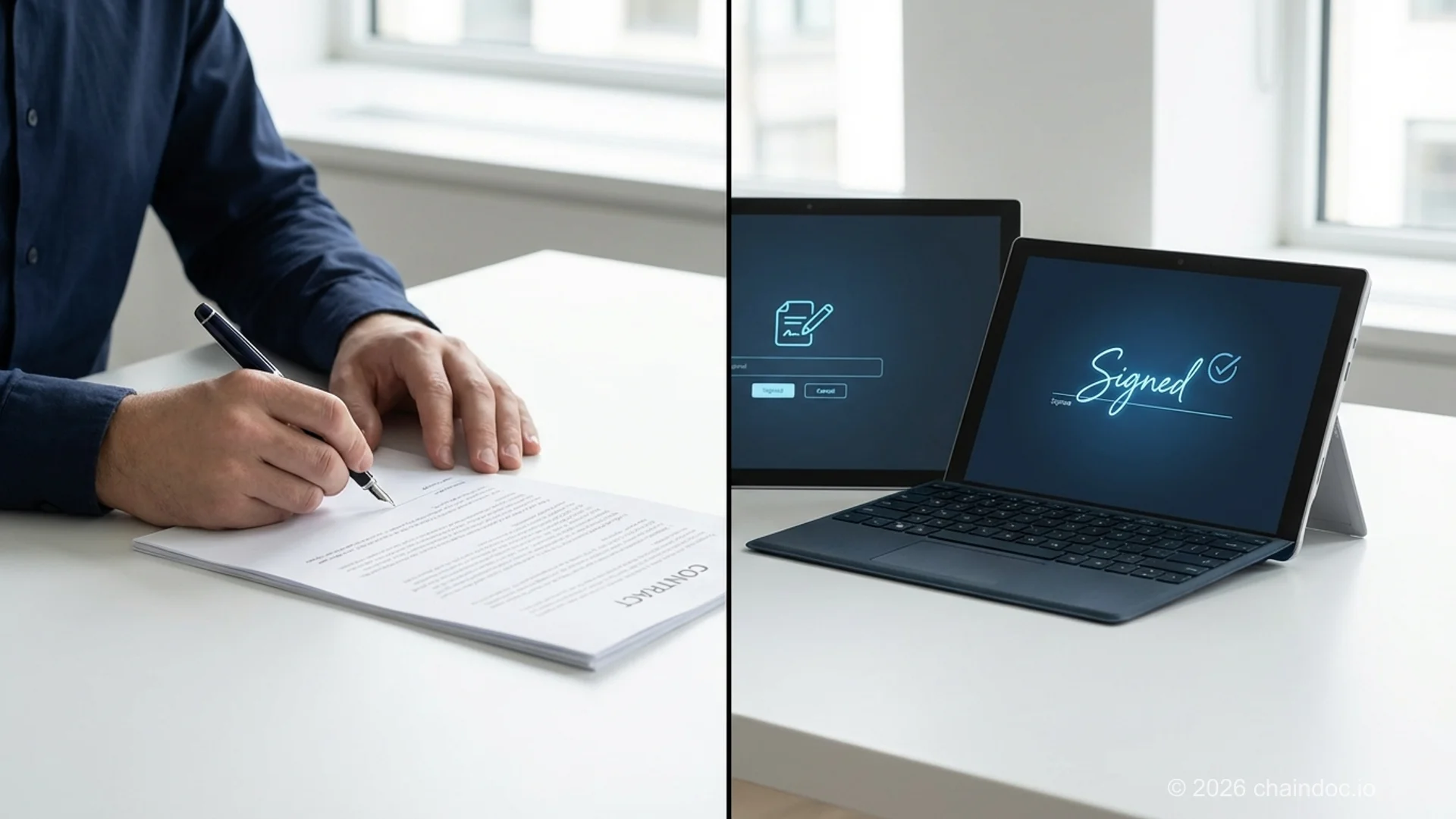
*Digital contracts with e-signatures are faster, more traceable, and easier to store than paper-based alternatives.*
### FAQ
**Q.** Does a contract have to be written to be legally binding?
**A.** Usually not. An oral agreement is a valid contract if it has the five elements, and courts enforce them every day. The Statute of Frauds carves out the exceptions: interests in land, promises to cover someone else's debt, agreements in consideration of marriage, anything that cannot be performed within a year, and under UCC § 2-201 the sale of goods for $500 or more. Those must be in writing and signed by the party you are enforcing against. Outside that list your verbal deal is valid but hard to prove, which in practice is the same problem as being unenforceable.
**Q.** Can I write my own contract without a lawyer?
**A.** Yes, and for most standard business agreements (freelance projects, service retainers, NDAs, simple partnerships) a well-structured template is sufficient. Say you're a web designer taking on a $4,000 website project: a 3-page contractor agreement with scope, payment schedule, revision limits, IP ownership on final payment, and a 14-day termination clause will cover you in 95% of scenarios. Lawyers are worth paying for when the stakes jump: significant money, complex IP, employment agreements in regulated industries, equity arrangements, unfamiliar jurisdictions, or when the other party has legal representation. For everyday contracts, template-plus-common-sense works fine. Just make sure you actually read and customize what you're signing.
**Q.** What's the difference between a contract and an agreement?
**A.** Technically, all contracts are agreements, but not all agreements are contracts. An agreement becomes a contract when it has all five required elements: offer, acceptance, consideration, capacity, and legality. A gentlemen's agreement or a social commitment ("I'll bring dessert") is an agreement but not a legally enforceable contract. In everyday business language, the terms are often used interchangeably. When precision matters, a contract is the one that has legal teeth.
**Q.** How long should a business contract be?
**A.** Long enough to cover what needs covering, short enough to be read. A freelance project contract is typically 2-5 pages. An NDA is usually 1-2 pages. A service agreement for an ongoing retainer might run 5-8 pages. Complex transactions (M&A, major software licenses, commercial leases) can run to dozens of pages. The mistake is padding a simple contract with boilerplate to make it look substantial. Judges and opposing counsel read every word; you should too.
**Q.** Are digital contracts legally binding?
**A.** Yes. Under the U.S. ESIGN Act and the Uniform Electronic Transactions Act (UETA, adopted in 49 states), electronic contracts and signatures carry the same legal weight as paper and wet ink signatures. The contract must still satisfy the five elements of a valid contract. The signing must be done with intent. clicking "I agree" without reading doesn't change enforceability, but it does bind you to the terms. For cross-border contracts, the EU's eIDAS regulation and equivalent laws in most countries provide similar recognition for electronic agreements.
**Q.** What happens if one party doesn't sign the contract?
**A.** It isn't binding. A contract takes effect only when all required parties have signed, so an unsigned agreement generally can't be enforced against anyone, no matter how much work already happened based on the draft terms. This is a common trap with rush projects: a contractor starts work on a verbal go-ahead while the signature is "still coming," and if a dispute hits before it's signed, there's no contract to point to. A digital workflow makes this easy to track with automated reminders, read receipts, and a clear pending/signed status for every party, so nothing starts before it's actually binding.
**Q.** Can I use a contract template I found online?
**A.** Yes, as a starting point. Generic templates cover the standard structure but won't have your specific payment terms, deliverables, jurisdiction, or governing law. They also vary in quality. Some are outdated, some are drafted for a different jurisdiction's laws, and some are missing important clauses. The right approach: start with a reputable template, customize every section for your specific deal, and have a lawyer review it if the stakes are high. Chaindoc's template library provides templates built specifically for common business contract types.
**Q.** What should I do if the other party wants to change the contract after signing?
**A.** Any change to a signed contract requires a formal amendment or addendum: a separate signed document that specifies exactly what's being changed (amendment) or added (addendum). Verbal agreements to modify a contract are generally not enforceable if the original contract has a no-oral-modifications clause. Document every change in writing, have both parties sign it, and store it alongside the original contract. Our [contract addendum meaning guide](https://chaindoc.io/blog/contract-addendum-meaning-guide) explains the difference between an addendum and an amendment. An undocumented change is the same as no change at all when you're trying to enforce it.
---
*Services mentioned: [Sign documents online](https://chaindoc.io/signing) | [Contract templates library](https://chaindoc.io/contract-templates) | [Chaindoc payments](https://chaindoc.io/payments) | [Chaindoc pricing](https://chaindoc.io/pricing)*
*Related articles: [How to Create a Secure NDA](https://chaindoc.io/blog/how-to-create-secure-nda) | [Contract Addendum Meaning: The Complete Guide](https://chaindoc.io/blog/contract-addendum-meaning-guide) | [Independent Contractor Agreement Template Guide](https://chaindoc.io/blog/independent-contractor-agreement-template-guide) | [Software Development Agreement Template](https://chaindoc.io/blog/software-development-agreement-template)*
---
## [The Independent Contractor Agreement Template That Actually Holds Up](https://chaindoc.io/md/locales/en/blog/articles/independent-contractor-agreement-template-guide.md)
## The Independent Contractor Agreement Template That Actually Holds Up
An independent contractor agreement is the written contract that sets the terms between a business and someone doing work for it who isn't an employee: what gets delivered, how much it pays, who owns the output, and what happens if either side wants out. No agreement means no paper trail if a payment gets disputed or a deliverable never shows up. That's the whole reason this document exists, and it's worth getting right the first time instead of Frankensteining one together from a template you found in 2019.
Here's the thing about contractor agreements: most free templates floating around the internet get the boilerplate right and the two clauses that actually matter wrong. Work-for-hire language that doesn't apply to contractors. A classification section written by someone who's never heard of the IRS common-law test. This guide fixes both, with real sample wording you can adapt, not vague placeholder text.
Roughly [7% of the US workforce works as independent contractors](https://www.uschamber.com/co/start/strategy/what-to-include-in-independent-contractor-agreements), per the US Chamber of Commerce. That's a lot of businesses relying on a document they probably haven't looked at closely since they copy-pasted it.
### Why both sides actually need one in writing
A verbal agreement works fine until it doesn't. Then it's your word against theirs, and neither of you has anything to point to.
For the business, a written agreement locks in scope so "just one more revision" doesn't turn into a rewrite. It protects IP ownership (more on why that's trickier than most people assume), sets payment terms that prevent invoice disputes, and creates the paper trail regulators want if your contractor classification ever gets questioned.
For the contractor, the same document cuts the other way: guaranteed payment terms, a defined scope that stops scope creep, and clarity about what happens if the client cancels the project halfway through. A good independent contractor agreement isn't a "gotcha" weighted toward one side. It's genuinely useful to both, probably why it survives so many rounds of negotiation intact.
Managing this as a business owner? Chaindoc's [contract templates](https://chaindoc.io/contract-templates) library includes a ready independent contractor agreement plus dozens more, so you're not starting from a blank page every time you hire someone new. Drafting from the freelancer's side instead? Our [freelancers page](https://chaindoc.io/freelancers) covers the tools that make sending, signing, and getting paid on one contract painless instead of a five-app juggling act.
### The 8 clauses every independent contractor agreement needs
Skip any of these and you're not saving time, you're just moving the argument to later, when it's more expensive to resolve. Here's what each one needs to say, with actual sample language instead of a placeholder.
**1. Parties and scope of services.** Name both parties using their full legal names (not "the freelancer" and "the company"), and push the actual deliverables into a separate exhibit rather than burying them in the main body.
> Sample wording: "Client engages Contractor to perform the services described in Exhibit A (the 'Services'). Contractor shall not perform any services beyond those described in Exhibit A unless the parties agree to an amendment in writing."
That last sentence does more work than it looks like. It's the line that stops "quick favor" requests from quietly becoming unpaid extra scope.
**2. Payment terms.** Spell out the structure (hourly, milestone-based, or a flat fee), what triggers an invoice, and how fast payment actually happens once one lands.
> Sample wording: "Client shall pay Contractor [$X per hour / $X per milestone / $X flat fee] as described in Exhibit A. Contractor shall submit invoices [upon completion of each milestone / monthly]. Client shall pay all undisputed invoices within [15/30] days of receipt. Contractor is solely responsible for all applicable taxes on payments received under this Agreement."
That last line matters more than it seems. It reinforces contractor status (see clause 6) and heads off a "wait, why didn't you withhold taxes" conversation eight months later.
**3. Term and termination.** State the start date, the expected end (or that it runs until the deliverable is complete), and how either side exits early.
> Sample wording: "This Agreement begins on [date] and continues until the Services are completed, unless terminated earlier. Either party may terminate this Agreement upon [14] days' written notice. Upon termination, Client shall pay Contractor for all Services satisfactorily performed through the termination date."
Fourteen days is a common default, but there's no universal right number. Match it to how disruptive a sudden stop would actually be for the type of work involved.
**4. IP assignment (not just "work for hire").** This is where the most expensive mistakes hide. Under US copyright law, "work made for hire" only automatically applies to independent contractors for nine narrow statutory categories (things like contributions to a collective work or a translation), and most software, design, or writing work doesn't qualify. If your entire IP clause leans on work-for-hire language and the work doesn't fall into one of those categories, ownership may legally stay with the contractor no matter what the contract implies.
The fix is a present-tense assignment clause that works regardless of category:
> Sample wording: "Contractor hereby assigns to Client all right, title, and interest in and to the deliverables and work product created under this Agreement, including all associated intellectual property rights. To the extent any portion of the deliverables qualifies as a 'work made for hire' under applicable copyright law, the parties agree it shall be treated as such; to the extent it does not so qualify, this assignment shall apply."
That belt-and-suspenders phrasing covers you whether or not the work happens to fall into one of the statutory work-for-hire categories. If you're building software specifically, our deeper walkthrough on the [IP assignment agreement for developers](https://chaindoc.io/blog/software-development-agreement-template) goes further into edge cases like pre-existing code and open-source dependencies.
**5. Confidentiality.** Define what counts as confidential, what the contractor's allowed to do with it, what's explicitly excluded (public information, stuff the contractor already knew), and how long the obligation survives after the contract ends.
> Sample wording: "Contractor shall not disclose or use Client's Confidential Information for any purpose other than performing the Services. This obligation survives termination of this Agreement for [2/3] years."
Working with contractors who touch source code or sensitive product plans? A standalone NDA alongside the main agreement is often worth the extra document. Our guide to [contractor NDAs for software companies](https://chaindoc.io/blog/contractor-nda-for-software-companies) covers when a separate NDA earns its keep versus when a confidentiality clause in the main agreement is enough.
**6. Contractor status clause.** This is the clause that actually matters for classification, and it's the one most templates get lazy about. State plainly that the contractor controls the manner and means of the work, isn't an employee, covers their own taxes and benefits, and is free to take on other clients.
> Sample wording: "Contractor is an independent contractor, not an employee of Client. Contractor retains sole control over the manner and means of performing the Services. Contractor is responsible for all taxes, insurance, and benefits. Nothing in this Agreement prevents Contractor from performing services for other clients."
Fair warning, and this one's important: writing this clause doesn't make it true. If the actual working relationship looks like employment (set hours, exclusive availability, close day-to-day supervision), calling it a contractor agreement doesn't change how the IRS or Department of Labor sees it. More on that in the classification section below.
**7. Indemnification.** Cover who's on the hook if a third party sues over the contractor's work: a breach of contract, negligence, or IP infringement claim.
> Sample wording: "Contractor shall indemnify and hold Client harmless from any claims, damages, or expenses arising from Contractor's breach of this Agreement, negligence, or infringement of third-party intellectual property rights."
**8. Governing law and venue.** Pick which state's law applies and where a dispute would get filed if it comes to that.
> Sample wording: "This Agreement shall be governed by the laws of the State of [State], without regard to conflict of law principles. Any disputes arising under this Agreement shall be resolved in the courts of [County, State]."
> Missing even one of these eight clauses doesn't just create ambiguity, it shifts leverage to whoever's more comfortable litigating. The IP assignment and contractor-status clauses cause the most expensive disputes when they're vague or missing entirely.
### Full template skeleton (with sample language you can adapt)
Here's how the eight clauses above stack into an actual document. Follow this order and you've got a working first draft, not just a checklist.
1. **Preamble**: agreement date, full legal names of both parties, one-sentence purpose.
2. **Scope of services**: reference to Exhibit A for the detailed deliverables.
3. **Payment terms**: rate structure, invoicing schedule, payment deadline, tax responsibility.
4. Term and termination, with start date, end condition, and a notice period for early exit.
5. **Intellectual property assignment**: present-tense assignment clause (see clause 4 above), not work-for-hire alone.
6. **Confidentiality**: definition, permitted use, exclusions, survival period.
7. Independent contractor status, the classification-defense clause covered in clause 6 above.
8. **Indemnification**: who covers what if a third-party claim shows up.
9. **Governing law**: state and venue.
10. Signatures from both parties, dated, ideally e-signed (more on that below).
11. **Exhibit A**: scope of services, attached separately, with itemized deliverables, milestones, or an hourly estimate.
That's not padding, every one of those eleven sections is either doing legal work or preventing a future argument.

### 1099 vs W-2: the classification trap a contract label can't fix
Here's the part that surprises people: calling someone a "contractor" in the agreement's title doesn't make them one in the eyes of the IRS or the Department of Labor. Classification depends on the actual facts of the working relationship, not the label on page one.
Two federal tests matter here, and they don't perfectly overlap. The [IRS uses a common-law test](https://www.irs.gov/businesses/small-businesses-self-employed/independent-contractor-defined) built around three categories: behavioral control (does the business direct how the work gets done, not just what gets delivered), financial control (who covers expenses, who can profit or lose on the arrangement), and type of relationship (a written contract, benefits, an expectation the relationship continues indefinitely). The [Department of Labor applies an economic-reality test](https://www.dol.gov/agencies/whd/flsa/misclassification) under the Fair Labor Standards Act, asking whether the worker is economically dependent on the employer or genuinely running an independent business.
### IRS and DOL classification signals at a glance
| Factor | Points toward employee (W-2) | Points toward contractor (1099) |
|---|---|---|
| Schedule | Business sets fixed hours | Worker sets their own schedule |
| Tools/equipment | Business provides them | Worker uses their own |
| Other clients | Works exclusively for one business | Free to take on other clients |
| Supervision | Closely directed on how work gets done | Controls the manner and means of the work |
| Payment structure | Regular wage/salary | Paid per project or deliverable |
| Integration | Core, ongoing part of the business | Discrete project with a defined end |
Misclassification isn't a paperwork technicality. It carries real cost: back taxes, unpaid overtime, penalties if a state agency or the DOL disagrees with how you've classified someone. Our companion piece on [independent contractor vs. employee status](https://chaindoc.io/blog/independent-contractor-vs-employee-2026) breaks down the state-level variations layered on top of the federal tests, since a handful of states apply an even stricter "ABC test."
Paying a contractor for the first time? You'll also need a completed W-9 before the first payment goes out, not after. The IRS wants that on file before money changes hands, not once tax season hits and someone's scrambling for a tax ID number.
> The contract and the classification are two separate questions. A well-drafted agreement documents intent and protects both sides contractually, but it doesn't override how a regulator reads the actual working relationship. Get both right, don't assume one covers the other.
### Mistakes that turn a simple contractor agreement into an expensive one
Most of these show up in templates that look complete but skip the part that actually gets tested in a dispute.
> **Vague scope of work.** "Marketing services as needed" isn't a scope, it's an invitation to argue about what's included. Push specifics into Exhibit A: deliverables, timelines, revision limits.
> **Work-for-hire-only IP language.** As covered above, work-for-hire alone doesn't cover most contractor deliverables. Without a present-tense assignment clause, you might not actually own what you paid for.
> **Label-vs-reality mismatch.** Calling someone a contractor while setting their hours, providing their equipment, and requiring exclusivity is exactly the pattern the IRS and DOL tests are built to catch.
Beyond those three: missing payment mechanics (no clear invoicing trigger or deadline invites disputes over "when was this actually due"), a confidentiality clause with no survival period (so it evaporates right when it matters most), no wind-down terms for a mid-project cancellation, and a skipped governing law clause, which turns any dispute into an argument over jurisdiction before you even reach the actual disagreement.
### Signing it electronically: what's required and what isn't
Once the agreement's drafted, getting it signed shouldn't be the bottleneck. In the US, electronic signatures on a contractor agreement are legally valid under the federal ESIGN Act and state-level UETA, which nearly every state has adopted in some form. Notarization isn't required for this kind of agreement to hold up; a properly executed e-signature carries the same legal weight as ink on paper.
Chaindoc's [document signing](https://chaindoc.io/signing) handles multi-party signing (handy if your agreement needs sign-off from more than one person on the client side), tracks a blockchain-verified audit trail automatically, and works whether your contractor is down the street or on another continent. No printing, scanning, or the "did you get my emailed PDF" back-and-forth that eats half a day for a two-page document.

### When a template isn't enough and you need a lawyer
A solid template covers the standard case well. It stops covering you the moment your situation gets specific: a contractor working across state or national borders where local labor law might apply differently, a deal structure involving equity or profit-sharing instead of straight payment, a non-compete clause (which several states restrict or ban outright for independent contractors), or any agreement above a dollar amount where getting it wrong would actually hurt.
None of this is legal advice specific to your situation. Treat this guide as a strong starting point for the clauses and structure a contractor agreement needs, then have a lawyer review the final draft if the stakes or complexity go beyond a standard one-off engagement. Cheaper to ask before signing than to litigate after.
### FAQ
**Q.** Does an independent contractor agreement need to be notarized?
**A.** No. In the US, a signed independent contractor agreement doesn't require notarization to be legally valid or enforceable. A properly executed signature, including an electronic one under ESIGN and UETA, is enough. Notarization matters for specific document types like real estate deeds or certain affidavits, not standard service contracts.
**Q.** Is a W-9 required before paying a contractor?
**A.** Yes, practically speaking. The IRS expects businesses to collect a completed W-9 from a contractor before making the first payment, since it provides the taxpayer information needed to file a 1099-NEC at year-end. Waiting until tax season to chase this down is a common, avoidable scramble. Our W-9 guide for contractors and businesses walks through the timing and what the form actually requires.
**Q.** What's the difference between a contractor agreement and an employment agreement?
**A.** An independent contractor agreement covers someone running their own business who controls how they do the work and typically serves multiple clients; an employment agreement covers someone under the business's direction, on payroll, receiving benefits. The legal tests (IRS common-law, DOL economic-reality) look at actual working conditions, not which document title you picked. Misclassifying one as the other creates real tax and labor-law exposure regardless of what the paperwork says.
**Q.** Can I write my own contractor agreement?
**A.** Yes, for straightforward engagements a well-structured template covers the essentials just fine, and that's exactly what this guide walks through clause by clause. Complexity is the trigger for legal review: cross-border work, equity compensation, non-compete terms, or high-value deliverables are where a lawyer's read is worth the cost. For a standard freelance engagement, a solid template you actually understand beats an expensive one you don't.
**Q.** Is an e-signed contractor agreement legally valid?
**A.** Yes. Under the federal ESIGN Act and state-level UETA adoption, an electronically signed contractor agreement carries the same legal weight as a wet-ink signature for the vast majority of business contracts in the US. No notarization, no separate paper backup required. Platforms like Chaindoc add a verifiable audit trail on top, which matters if the agreement ever ends up disputed.
**Q.** Which clauses are absolutely mandatory in a contractor agreement?
**A.** If you're cutting anything to save time, don't cut these three: scope of services (what's actually being delivered), payment terms (amount, schedule, tax responsibility), and IP assignment (who owns the finished work, using assignment language rather than work-for-hire alone). The other five clauses in this guide matter, but disputes concentrate hardest around these three when they're vague.
**Q.** Do contractor agreements differ by state?
**A.** The core clauses stay largely the same nationwide since they're built around federal law (ESIGN, IRS rules, copyright's work-for-hire categories), but a few things genuinely shift depending on where you're operating. Non-compete enforceability is one: several states restrict or flatly ban them for independent contractors, so a clause that's routine in one state might be unenforceable, or even illegal to include, in another. Worker classification is the bigger one to watch. A handful of states layer a stricter "ABC test" on top of the federal IRS and DOL standards, which makes misclassification meaningfully easier to trigger than the federal rules alone suggest. Governing law and venue in the contract itself should reflect wherever the business is based, or wherever both parties agree a dispute should be resolved, and that choice is worth making deliberately rather than defaulting to whatever boilerplate a template happened to include.
**Q.** What should I include in a simple contractor agreement for a one-off project?
**A.** Even a short-term or one-off engagement needs the same eight core clauses, just scaled down. Scope can be a single paragraph instead of a full exhibit, and the term might just be "until the deliverable is complete" rather than a dated range. What you shouldn't cut regardless of project size: the IP assignment clause and the contractor-status clause. Those two protect you whether the job takes two days or two months.
---
*Services mentioned: [Sign documents online](https://chaindoc.io/signing) | [Contract templates library](https://chaindoc.io/contract-templates) | [Chaindoc for freelancers](https://chaindoc.io/freelancers)*
*Related articles: [Independent Contractor vs Employee in 2026: Classification, Agreements, and How to Onboard Correctly](https://chaindoc.io/blog/independent-contractor-vs-employee-2026) | [Contractor NDA for Software Companies: The Complete Guide](https://chaindoc.io/blog/contractor-nda-for-software-companies) | W-9 Form: A Complete Guide for Businesses & Contractors (2026)*
---
## [Independent Contractor vs Employee 2026 | Chaindoc](https://chaindoc.io/md/locales/en/blog/articles/independent-contractor-vs-employee-2026.md)
## Independent Contractor vs Employee in 2026: Classification, Agreements, and How to Onboard Correctly
### Independent contractor vs employee: the 60-second answer
An **independent contractor** is a self-employed worker hired for a specific project or service, paid on a 1099, who controls how and when the work gets done. An **employee** works under a W-2 with employer-controlled hours, tools, and direction. The difference matters for tax obligations, benefits, agreement documents, and legal protections. Misclassification, calling a true employee a "contractor", is one of the most expensive mistakes a hiring company can make in 2026.
The stakes went up on March 11, 2024, when the U.S. Department of Labor's [final rule on independent contractor status](https://www.dol.gov/agencies/whd/flsa/2024-independent-contractor-rule) took effect. The rule reinstated a six-factor "economic realities" test that's notably tougher on hiring companies than the prior version. State-level enforcement has tightened in parallel, with California, Massachusetts, and New Jersey all leaning on stricter ABC tests.
Honestly, the IRS doesn't care what you call the relationship in the contract. They care how it actually works in practice. Same with the DOL. If your "contractor" uses your tools, follows your schedule, and does work that's core to your business, regulators will likely call them an employee, no matter what the agreement says.
This guide covers what each test looks at, the agreements you actually need to put in place, the real penalties if you get it wrong, and a 5-step onboarding checklist that protects you whether the worker is a contractor or an employee. We also cover the documents that matter most: the contractor agreement, NDAs, IP assignment, and the W-9. For deeper background on whether you even have a binding agreement at all, see our guide on the [contract vs agreement distinction](https://chaindoc.io/blog/contract-vs-agreement).
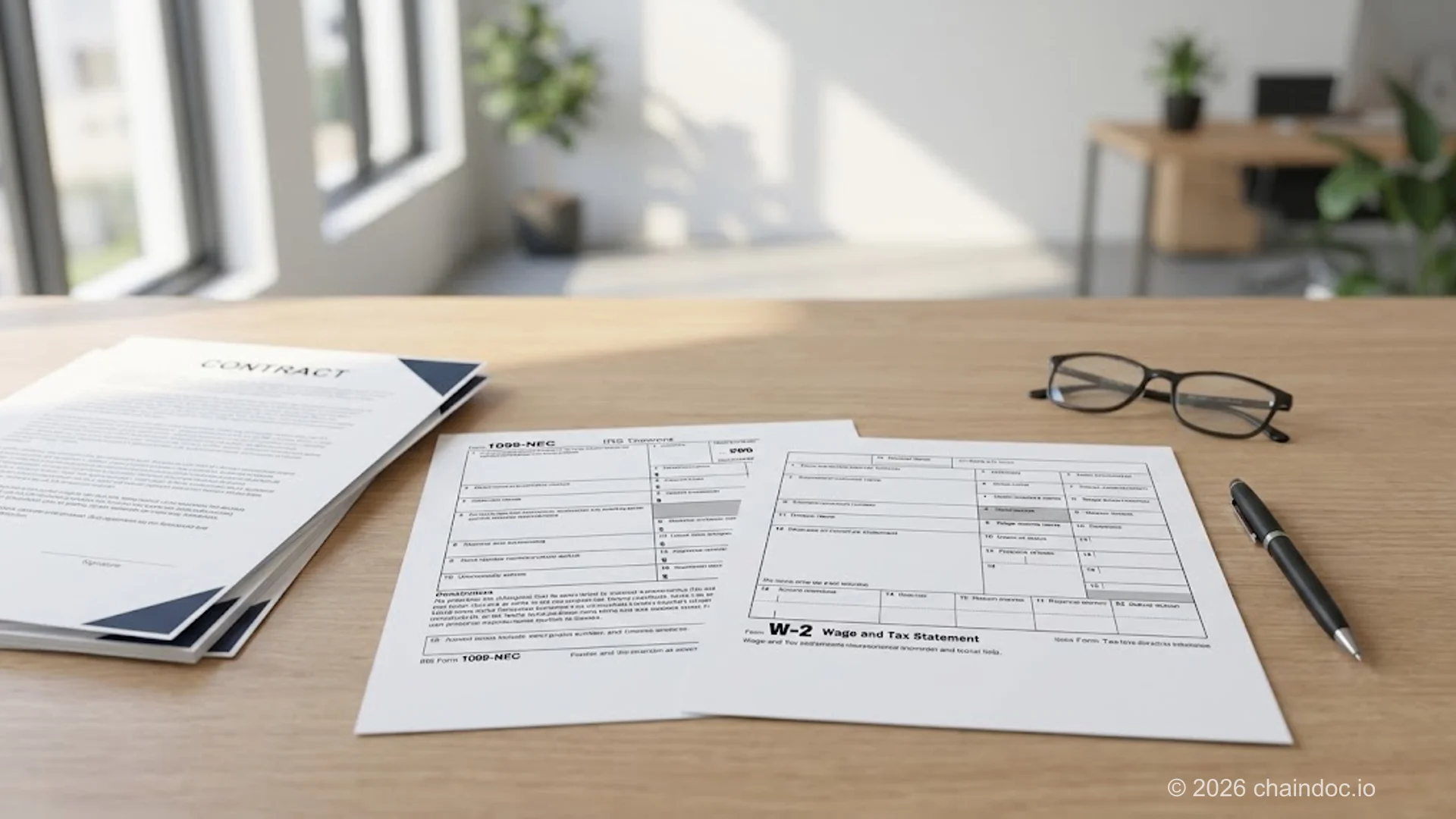
*Independent contractor (1099) vs employee (W-2): the legal classification drives everything from tax obligations to which agreements you sign.*
### What's the quick comparison between contractor and employee?
Before we get into the legal tests, it helps to see the practical differences side by side. The table below covers the ten factors that matter most for hiring decisions, day-to-day operations, tax filings, and the agreement documents you'll need to draft. Most disputes turn on one or two rows, so read it as a starting point for risk assessment, not a checklist.
#### Independent contractor vs employee: quick comparison
| Factor | Independent Contractor (1099) | Employee (W-2) |
|---|---|---|
| Tax form | 1099-NEC (paid in full, taxes self-managed) | W-2 (taxes withheld by employer) |
| Payment cadence | Per project, milestone, or invoice | Regular payroll (weekly, bi-weekly, monthly) |
| Hours and schedule | Self-controlled, set by contractor | Employer-set, often fixed |
| Tools and equipment | Contractor's own (laptop, software, vehicle) | Employer-provided |
| Benefits | None (contractor self-funds health, retirement) | Health, PTO, 401(k), unemployment, disability |
| Termination | Per contract terms or for cause | At-will (most U.S. states) or per contract |
| IP ownership default | Contractor owns work product unless assigned | Employer owns (work-for-hire doctrine) |
| Required agreements | Contractor agreement + NDA + IP assignment + W-9 | Offer letter + employment agreement + handbook + IP + I-9 + W-4 |
| Signing workflow | Single contract or template-based bundle | Onboarding bundle, often automated through HRIS |
| Misclassification risk | Hiring company exposed to back taxes and penalties | Reverse classification rare, but possible |
> **The most contested row**
>
> IP ownership is where contractor relationships fail most often. Without an explicit IP assignment clause, the contractor keeps copyright and patent rights to whatever they create, even if you paid them in full. For software, design, and creative work, this is the single highest-risk gap in most contractor templates.
### How does the IRS classify workers? The 3-category test
The IRS evaluates three categories of evidence to determine whether a worker is an employee or an independent contractor. According to the [IRS independent contractor classification guidance](https://www.irs.gov/businesses/small-businesses-self-employed/independent-contractor-self-employed-or-employee), no single factor is decisive. Examiners look at the relationship as a whole and weigh which category dominates.
#### Category 1: Behavioral control
The IRS asks whether the company has the right to direct and control how the worker performs the work. Specific signals:
- **Instructions you give the worker** (when, where, what tools, sequence of tasks)
- **Training you provide** (employees often get trained; contractors are typically hired for skills they already have)
- **Evaluation systems** (employees are evaluated on how they work; contractors on whether the deliverable meets spec)
If you tell the worker exactly when to start, where to sit, and which software to use, that's behavioral control consistent with an employer-employee relationship.
#### Category 2: Financial control
Financial control looks at whether the worker has business-like independence:
- **Significant investment** in their own equipment or workspace
- **Unreimbursed business expenses** they bear themselves
- **Opportunity for profit or loss** (a contractor who bids fixed-price contracts has real upside and downside; an hourly employee doesn't)
- **Services available to the broader market** (does the worker advertise services, take other clients?)
- **Method of payment** (regular wage suggests employment; flat fee per project suggests contracting)
#### Category 3: Type of relationship
This category looks at how the parties treat each other:
- **Written contracts** (matters less than the 20-factor test makes it sound, but still helps establish intent)
- **Employee benefits** (insurance, pension, vacation pay all suggest employment)
- **Permanency of relationship** (indefinite engagement suggests employment; project-bounded engagement suggests contracting)
- **Services as a key activity of the business** (a software shop hiring a developer is more likely to be employing them than contracting)
The old "20-factor test" you may have heard of (sometimes called the IRS 20-factor test) was simplified into these three categories in 2007. The 20 factors still inform examiner judgment, but the official framework is the three categories above. For a binding determination from the IRS, file [Form SS-8](https://www.irs.gov/forms-pubs/about-form-ss-8). Be aware that requesting an SS-8 ruling is itself a signal regulators read carefully, and many companies opt to err on the side of employee classification rather than risk an unfavorable ruling.
Fair warning: a written contract that says "This worker is an independent contractor" carries almost no weight if the actual relationship looks like employment. Courts and the IRS pierce contract labels when the working reality contradicts them.
### What is the DOL economic-realities test? The 2024 final rule explained
The Department of Labor uses a different test for purposes of the Fair Labor Standards Act, which governs minimum wage, overtime, and recordkeeping. This is the test that matters most for misclassification claims related to unpaid overtime, denied benefits, and back wages.
On March 11, 2024, the DOL's final rule on independent contractor status under the FLSA took effect. The rule reinstated a six-factor totality-of-the-circumstances analysis that's notably more worker-protective than the 2021 rule it replaced. According to the [DOL Wage and Hour Division Fact Sheet 13](https://www.dol.gov/agencies/whd/fact-sheets/13-flsa-employment-relationship), the six factors are:
#### DOL 2024 economic-realities test: 6 factors
| Factor | What DOL evaluates | Contractor signal | Employee signal |
|---|---|---|---|
| Opportunity for profit or loss | Whether the worker can earn more or less based on managerial skill | Sets own prices, accepts/declines projects, owns business risk | Paid hourly or salaried regardless of outcomes |
| Investments by worker and employer | Whether worker investments are capital or entrepreneurial | Worker buys equipment, software, marketing themselves | Employer provides all tools and infrastructure |
| Permanence of relationship | Whether the work is project-bounded or open-ended | Defined start/end, project-based, intermittent | Continuous, indefinite, no clear end date |
| Nature and degree of control | Who decides how, when, and where the work is done | Worker sets schedule, methods, supervises self | Employer dictates schedule, methods, supervises closely |
| Whether work is integral to employer's business | Whether the service is core to what the company does | Specialized service outside core operations | Same kind of work the company itself produces |
| Skill and initiative | Whether the worker uses specialized skills with business judgment | Markets specialized skills to multiple clients | Performs general tasks under direction |
> **The 2024 rule reversed a friendly-to-business framework**
>
> The 2024 final rule replaced a 2021 Trump-era rule that made it easier to classify workers as independent contractors. Companies that built workforce models on the 2021 rule are now operating under tighter standards. If your contractor population grew significantly between 2021 and 2024, this is the year to audit those relationships, because DOL enforcement priorities have shifted accordingly.
### How do state-level rules change classification?
Federal rules set the floor. States add their own tests, and several use much stricter standards than the IRS or DOL. If you hire across state lines, you have to satisfy the strictest applicable test, not just the federal one. Here's how the most-enforced states differ:
#### State classification tests at a glance
| State | Test name | Key feature | Recent change |
|---|---|---|---|
| California | ABC test (AB 5) | All 3 prongs required to classify as contractor; B prong rules out same-business-line work | AB 2257 added exemptions in 2020; ongoing carve-outs in 2024-2026 |
| Massachusetts | ABC test (G.L. c. 149 § 148B) | Even stricter than California; very few exemptions | Active state AG enforcement, multiple high-profile settlements |
| New Jersey | ABC test (NJSA 43:21-19(i)(6)) | All 3 prongs required; aggressive Department of Labor audits | 2018-2024 enforcement push targeting gig and software contractors |
| Illinois | ABC test (820 ILCS 185) | Construction industry strict; broader application limited | Worker Protection Task Force expanded scope in 2023 |
| New York | Common-law test + sector-specific rules | More flexible, but Freelance Isn't Free Act adds payment-protection layer | Statewide Freelance Isn't Free Act took effect August 2024 |
| Texas, Florida | Common-law (federal alignment) | Closest to IRS 3-category framework; less worker-protective | No major changes; remain hiring-friendly jurisdictions |
### 1099 vs W-2: what changes for tax and payroll mechanics?
Once classification is settled, the tax and payroll consequences flow predictably. The mechanics differ on three dimensions: who withholds taxes, who pays employment taxes, and what forms get filed.
#### What changes for the worker
**1099 contractors** receive their full contracted amount with no withholding. They're responsible for paying federal income tax, state income tax (in most states), and self-employment tax (currently 15.3% covering both halves of Social Security and Medicare). Most contractors pay quarterly estimated taxes to avoid underpayment penalties. They can deduct legitimate business expenses on Schedule C.
**W-2 employees** have federal income tax, state income tax, Social Security (6.2%), and Medicare (1.45%) withheld from each paycheck. The employer matches the FICA portion (7.65%). Employees can claim the standard deduction or itemize; business-expense deductions are heavily restricted under current tax law.
#### What changes for the company
For 1099 contractors:
- No employment taxes paid by the company
- No unemployment insurance contributions
- No workers' compensation premiums (in most states; check yours)
- File a 1099-NEC for any contractor paid $600 or more in a calendar year
- Collect a W-9 from every contractor before paying them
For W-2 employees:
- Match Social Security and Medicare (7.65% on wages up to the SS wage base)
- Pay federal unemployment tax (FUTA, currently 0.6% on first $7,000)
- Pay state unemployment tax (varies; typically 1-6% on first $7,000-$15,000)
- Workers' compensation insurance required in nearly every state
- File W-2 forms and quarterly Form 941
- Maintain I-9 verification records
In rough terms, an employee costs the company an additional 15-30% above the gross wage in employment taxes, benefits, and insurance. For a $100,000-per-year worker, that's $115,000-$130,000 fully loaded. A contractor doing the same work at $100,000 in invoices costs the company exactly $100,000 (no benefits, no payroll taxes), which is one of the structural reasons companies prefer contractor relationships when the law allows. For a deeper look at the W-9 specifically, see our W-9 form guide for businesses and contractors.
### What agreements do you actually need for a contractor vs an employee?
This is the dimension that almost every other contractor-vs-employee article skips, and it's also the one that determines whether your classification holds up under audit or in court. The agreements you need are different in kind, not just in name.
#### Documents you need for a contractor
1. **Independent contractor agreement.** The master document. Defines scope, deliverables, payment terms, term and termination, indemnification, and the contractor's status. Should explicitly disclaim employment, benefits, and the contractor's authority to bind the company. Browse our free [contract templates](https://chaindoc.io/contract-templates) for starting points.
2. **Non-disclosure agreement (NDA).** Protects confidential information. Often bundled inside the contractor agreement, but a standalone NDA is cleaner when the relationship covers multiple statements of work. For software-specific NDAs, see our [contractor NDA guide for software companies](https://chaindoc.io/blog/contractor-nda-for-software-companies).
3. **Intellectual property assignment.** Critical for any creative, software, or design work. Without explicit assignment, the contractor retains copyright and patent rights, even on work paid for in full. The [IP assignment agreement for developers](https://chaindoc.io/blog/software-development-agreement-template) covers the exact clauses.
4. **Form W-9.** The IRS form the contractor fills out so you can issue a 1099-NEC at year-end. Collect it before the first payment, not the night before tax filings are due.
5. **Statement of work (SOW), if applicable.** For project-based work under a master agreement, an SOW defines deliverables, milestones, and acceptance criteria for each engagement.
#### Documents you need for an employee
1. **Offer letter.** Sets out title, compensation, start date, employment-at-will status, and contingencies (background check, drug test, etc.).
2. **Employment agreement.** May be separate from the offer letter for senior or specialized roles. Covers compensation, equity (if any), termination provisions, restrictive covenants.
3. **Employee handbook acknowledgement.** Confirms the employee received and read the handbook. Distinct from the agreement itself.
4. **IP assignment and confidentiality agreement.** Most states presume employer ownership for work-for-hire, but explicit IP assignment closes gaps for inventions made on the employee's time using employee resources (varies by state).
5. **Form I-9.** Federal employment eligibility verification, due within three business days of start.
6. **Form W-4.** Federal tax withholding election. State equivalents apply in most states.
7. **State new-hire reporting forms.** Required within 20 days of hire in most states.
The contractor stack is lighter, but every missing piece becomes a problem under audit. The employee stack is heavier but largely automated through HRIS systems. The boundary between the two stacks is also where most misclassification disputes get litigated, because regulators look at what kind of paperwork actually got signed and whether it matches the operating reality.
#### Build your contractor onboarding bundle in one place
Chaindoc's [free contract templates](https://chaindoc.io/contract-templates) cover NDAs, IP assignment, contractor agreements, and SOWs. Customize once, send for signature with full audit trail and identity verification, and store everything in a tamper-evident vault that holds up in disputes.
[Browse contract templates](https://chaindoc.io/contract-templates)
### What happens if you misclassify a worker? Penalties and recent enforcement
Misclassification penalties stack across federal, state, and local regulators. The DOL, IRS, state labor departments, state tax authorities, and (sometimes) the worker themselves can all bring claims. The aggregate exposure is much larger than any single agency's penalty schedule suggests.
#### Federal exposure
**IRS penalties (Internal Revenue Code § 3509).** If the IRS reclassifies a contractor as an employee, the company owes:
- Back federal income tax withholding (typically reduced under § 3509 to 1.5% of wages, or 3% if the contractor never filed)
- 100% of the employer's share of FICA (7.65% of wages)
- 20% of the employee's share of FICA
- Failure-to-deposit penalties (2-15% depending on lateness)
- Failure-to-file penalties on missing W-2s and 941s
- Interest accruing from the original due date
If the misclassification is found to be intentional or negligent, § 3509 relief is unavailable, and the company owes the full employee withholding amount on top of everything above.
**DOL exposure (FLSA).** If a misclassified contractor was actually due overtime under the FLSA, the company owes:
- Back wages for unpaid overtime (going back 2-3 years depending on willfulness)
- Liquidated damages equal to back wages (effectively doubling the exposure)
- Civil monetary penalties up to $2,374 per violation (2025 figure)
- Attorney's fees and court costs
#### State exposure
States with strict tests (California, Massachusetts, New Jersey, Illinois) often hit harder than federal regulators. California, for instance, can pursue:
- Back wages plus liquidated damages
- Up to $25,000 per willful misclassification (Cal. Lab. Code § 226.8)
- State unemployment insurance back payments
- Workers' compensation back premiums
- Industrial Welfare Commission rest-and-meal-period violations stacked on top
#### Recent enforcement
The DOL's Wage and Hour Division reported recovering more than $263 million in back wages for over 152,000 workers in fiscal 2024, a meaningful share of which involved misclassification. State enforcement, especially in California and New Jersey, has produced multi-million-dollar settlements with gig-economy companies, software development firms, and logistics companies through 2025-2026.
Look, the average misclassification settlement we see across the industry isn't a thousand-dollar tap on the wrist. It's six to seven figures, plus the cost of restructuring the workforce going forward. The cheapest moment to fix classification is before the first invoice is paid.
> **How workers report misclassification**
>
> Workers can file Form 8919 with the IRS to claim their share of FICA back from the employer, file an SS-8 to ask the IRS for a binding determination, or file an FLSA complaint with the DOL. Many also bring private lawsuits, sometimes as class actions. The reporting bar is low: a single former contractor who feels wronged can trigger an audit that cascades across the entire workforce.
### How do I onboard a contractor correctly? A 5-step checklist
If you've decided the relationship really is a contractor relationship, a clean onboarding workflow protects both sides. The five steps below take less than an hour with the right templates and signing infrastructure, and they create the audit trail you'll want if classification is ever questioned.
#### Step 1: Confirm the worker meets contractor criteria
Before anything is signed, do a quick gut check against the IRS 3-category test and the DOL 6-factor test. Specifically:
- Will the worker control how the work is done?
- Is the engagement project-bounded with a defined end?
- Is the worker free to take other clients during the engagement?
- Will the worker use their own tools and methods?
If you can't answer yes to most of those, reclassify the role as an employee before you go further. Trying to paper over an employee relationship as contracting is exactly how you end up in misclassification disputes.
#### Step 2: Collect a Form W-9
Before the first dollar moves, collect a completed Form W-9 with the contractor's legal name, business name (if any), tax classification, and TIN or SSN. This is non-negotiable. If you pay $600 or more in a calendar year without a W-9, you may be required to backup-withhold 24% of subsequent payments and potentially face penalties for missing 1099-NEC filings. See our W-9 form guide for line-by-line completion.
#### Step 3: Sign the contractor agreement bundle
The bundle should include the contractor agreement (with NDA and IP assignment, either embedded or as separate exhibits), and a project-specific SOW if applicable. Send all documents in a single signing workflow so the contractor signs everything together, in order, with the company signing last. A unified workflow creates a cleaner audit trail than sending three separate emails.
For software-specific scenarios, see our [software development agreement template](https://chaindoc.io/blog/software-development-agreement-template) for a starting point that already covers IP, confidentiality, and acceptance testing.
#### Step 4: Set up payment with terms in writing
The agreement should specify:
- Payment amount (flat fee, hourly, milestone-based)
- Payment schedule (net-15, net-30, on milestone acceptance)
- Invoice format requirements
- Late-payment terms
Don't pay before the agreement is fully executed. A signed agreement before the first invoice is the cleanest sequence.
#### Step 5: Maintain a tamper-evident audit trail
Keep all signed documents, the W-9, invoices, payment confirmations, and project deliverables in a centralized, tamper-evident system. If misclassification is ever questioned, the audit trail is what proves the relationship operated as a real contractor engagement. A file folder of PDFs on someone's laptop isn't enough. Use a [verified document management system](https://chaindoc.io/signature-verification) that records every action with cryptographic timestamps.
For a full IT-context onboarding workflow that combines NDA, contractor agreement, and SOW, see our [contract management for IT companies](https://chaindoc.io/blog/contract-management-it) deep dive.
### When should I convert a contractor into an employee?
Sometimes a relationship that started as contracting drifts toward employment, and the right call is to convert. Common triggers:
- The contractor's hours grew until they're effectively full-time on your work
- The work shifted from project-based deliverables to ongoing operational tasks
- You've started directing day-to-day methods rather than just acceptance criteria
- The contractor is integrated into your org chart (reports to a manager, attends standups, has internal email)
- The engagement has run for over a year with no defined end
Any one of these is a yellow flag. Two or more is a red flag, and the conversation should move from "are we okay?" to "how do we convert cleanly?"
#### How to convert without legal exposure
1. **Set a clean transition date.** Typically the start of a pay period or the start of a calendar month.
2. **End the contractor agreement formally.** Final invoice, payment, and a clear termination notice consistent with the agreement's notice provisions.
3. **Issue an offer letter.** Title, compensation, benefits, start date.
4. **Run the standard employee onboarding stack.** Employment agreement, IP assignment, handbook acknowledgement, I-9, W-4, state new-hire forms.
5. **Document the rationale.** A short internal memo explaining why the role changed (scope expanded, hours increased, etc.) protects against the question "if you converted them now, were they always an employee?"
For team-level role and access management as part of the conversion, see [how roles and permissions work](https://chaindoc.io/team-management).
The DOL and IRS generally don't punish conversion itself. They punish the failure to convert when the relationship has clearly become employment. Honestly, the cheapest insurance against misclassification claims is to convert proactively when the operational reality has shifted, rather than wait for the worker to complain or for an audit to find the problem.
### Getting classification right saves more than it costs
Misclassification is one of those mistakes that's cheap to avoid and expensive to fix. The agreements you need (contractor or employee) are well-defined, the templates exist, and the signing workflow can be set up in an afternoon. What it requires is honesty about the relationship: not what it says on paper, but how it actually operates.
The 2024 DOL final rule, tighter state ABC tests, and aggressive enforcement through 2026 all push in the same direction. If you're hiring contractors at scale, audit the relationships annually. If a relationship has drifted toward employment, convert proactively. If you're starting a new engagement, do step 1 of the 5-step checklist before you write the contract. Worker classification is one of the few legal areas where doing the work upfront actually costs less than fixing it later.
Whether the worker is a contractor or an employee, every signed agreement should land in a system with a verified audit trail. Chaindoc's [free contract templates](https://chaindoc.io/contract-templates), [identity-verified signing flows](https://chaindoc.io/signing), and [tamper-evident document verification](https://chaindoc.io/signature-verification) cover the workflow end to end, with the cryptographic record that holds up if classification is ever questioned. For freelance-side workflows, see [contract workflows for freelancers](https://chaindoc.io/freelancers).
### Frequently Asked Questions
#### Is it better to be an employee or an independent contractor?
It depends on what you optimize for. Contractors keep more gross income but pay self-employment tax (15.3%) and lose employer-paid benefits. Employees give up roughly 15-30% of fully loaded compensation to the employer's share of taxes and benefits, but gain healthcare, retirement matching, paid time off, unemployment insurance, and FLSA protections. For workers with stable, ongoing demand, employee status is often financially comparable once benefits are valued. For workers with multiple clients and entrepreneurial upside, contracting wins.
#### What qualifies you as an independent contractor in 2026?
Under federal law, you qualify as an independent contractor when the totality of the relationship satisfies the IRS 3-category test (behavioral control, financial control, type of relationship) and the DOL 6-factor economic-realities test. State tests, especially California's and Massachusetts's ABC tests, are stricter. The unifying theme: you control how the work gets done, bear genuine business risk, and are free to take other clients.
#### What is the new DOL rule on independent contractor status?
The DOL's final rule, effective March 11, 2024, reinstated a six-factor totality-of-the-circumstances test that's tougher on hiring companies than the 2021 rule it replaced. The rule applies to FLSA classification (wage, overtime, recordkeeping) and is the rule courts now apply to misclassification claims under federal labor law.
#### Is it better to be on payroll or 1099?
Payroll (W-2) is better for most workers when stability, benefits, and FLSA protections matter. 1099 is better when the worker has multiple clients, wants tax-deduction flexibility, or earns enough above-market to absorb the cost of self-funding healthcare and retirement. For employers, 1099 is cheaper in headline cost but riskier under audit; W-2 is more expensive but operationally stable.
#### What's the IRS 20-factor test?
The 20-factor test was a Revenue Ruling-based framework the IRS used through 2007. It was simplified into the current 3-category test (behavioral control, financial control, type of relationship), but the original 20 factors still inform examiner judgment. If you see the 20-factor test referenced today, treat it as a checklist that maps into the modern 3 categories rather than a separate framework.
#### Can an independent contractor have their own employees?
Yes, definitively. Many contractors operate as single-member LLCs, S-corps, or sole proprietorships and hire their own employees or subcontractors. The contractor's relationship with their workers is independent of the contractor's relationship with you. You should still confirm the contractor carries workers' compensation insurance covering anyone they bring to the job site, especially in construction or on-premises work.
#### How do I pay an independent contractor?
Collect a Form W-9 first. Pay through any legitimate channel (ACH, wire, check, payment service). Track every payment by contractor TIN. At year-end, file a 1099-NEC for any contractor paid $600 or more. If you didn't get a W-9 before paying, you may be required to backup-withhold 24% of payments. Don't pay before the contractor agreement is fully executed.
#### How do I report worker misclassification?
Workers can file IRS Form 8919 to claim their share of unpaid Social Security and Medicare back from the employer, file Form SS-8 to ask the IRS for a binding determination of status, or file an FLSA complaint with the DOL Wage and Hour Division. Many states also have dedicated misclassification reporting channels through the state labor or unemployment department. Private lawsuits, sometimes class actions, are common.
#### What are the penalties for misclassifying an employee as a contractor?
At the federal level, the IRS can assess back income tax withholding, the employer's share of FICA (7.65%), 20% of the employee's share of FICA, failure-to-deposit and failure-to-file penalties, and interest. The DOL can assess back overtime wages plus liquidated damages (effectively doubling the exposure) and civil penalties up to $2,374 per violation. States stack additional penalties: California can hit up to $25,000 per willful misclassification under Labor Code § 226.8. Aggregate exposure routinely runs into six and seven figures for sustained misclassification.
#### Do I need a written contract for an independent contractor?
Yes. Even if state law doesn't strictly require one, a written contractor agreement is the only practical way to define scope, payment terms, IP ownership, confidentiality, and termination. It also helps establish the parties' intent if classification is questioned, though the document alone won't save you if the operational reality contradicts it. Browse our [free contract templates](https://chaindoc.io/contract-templates) for starting points.
#### What's included in a contractor agreement that's not in an employment contract?
A contractor agreement typically includes explicit IP assignment (employees default to work-for-hire; contractors don't), an explicit disclaimer of employment status and benefits, indemnification provisions, project scope and acceptance criteria, payment terms tied to milestones or invoices, and a termination clause specific to project completion. Employment contracts cover compensation, benefits, restrictive covenants, and at-will or for-cause termination, but rarely include the same level of project-specific deliverable detail.
#### How do I convert an independent contractor to an employee?
Set a clean transition date, formally end the contractor agreement, issue an offer letter, and run the standard employee onboarding stack (employment agreement, IP assignment, handbook, I-9, W-4, state new-hire reporting). Document the rationale for the change in an internal memo so you can answer the question "if they're an employee now, were they always one?" if it's ever asked. Conversion itself isn't penalized; failure to convert when the operational reality has shifted is what regulators target.
---
## [Is DocuSign Legally Binding? The Straight Answer | Chaindoc](https://chaindoc.io/md/locales/en/blog/articles/is-docusign-legally-binding.md)
## Is DocuSign Legally Binding? Yes, Here's What Actually Makes It Stick
### The short answer
Yes. DocuSign is legally binding in the United States, and so is any other e-signature platform that meets the same four conditions. That's the whole answer, if you're in a hurry: under the ESIGN Act (15 U.S.C. Section 7001), a contract or signature "may not be denied legal effect, validity, or enforceability solely because it is in electronic form." Congress settled this in 2000. It isn't a gray area anymore.
But "legally binding" isn't a light switch, it's a checklist. A DocuSign signature holds up when: the signer intended to sign, the signer consented to do business electronically, the signature is logically tied to the document, and the record can be retained and reproduced later. Miss one of those four and the electronic format stops mattering, because the contract was never valid to begin with, signature method aside. Our broader [electronic signature guide for businesses](https://chaindoc.io/blog/electronic-signature-guide-businesses) covers all four in more depth if you want the full picture beyond DocuSign specifically.
Worth saying upfront: this article walks through DocuSign specifically because that's the term everyone searches, but almost none of what follows is DocuSign-specific. The same four conditions apply whether you're signing through DocuSign, [Chaindoc](https://chaindoc.io/signing), or a typed name at the bottom of an email. If you just need to verify a document that's already signed, our [free PDF verification tool](https://chaindoc.io/pdf-verify) checks integrity and audit trail in seconds.
> **The one-sentence version:** ESIGN and UETA make electronic signatures legally equal to wet-ink ones, full stop. What actually loses in court isn't "the signature was electronic." It's disputes over who clicked, and whether the exclusion list applies to that specific document.
### What makes any e-signature legally binding
Four conditions, and all four need to be true at the same time. Skip the legal jargon for a second, here's what each one actually looks like in practice:
1. **Intent to sign.** The signer has to mean it. Clicking "I agree" on a checkbox counts. Someone else typing your name without your knowledge doesn't, no matter how official the resulting PDF looks.
2. **Consent to do business electronically.** For consumer transactions specifically, ESIGN requires an affirmative disclosure and consent process before you can rely on e-signatures at all. This is the part most people have never heard of, and it's also the part companies get sloppy about.
3. **Association with the record.** The signature has to be "logically associated" with the document, not floating somewhere unconnected. A platform's audit trail is what usually proves this link.
4. **Retention capability.** The signed record has to be retrievable in a form that can be accurately reproduced later, for whoever needs to reference it. A signature that vanishes the moment you close the tab doesn't meet this bar.
Here's the thing people miss: none of these four conditions mention encryption, blockchain, or any specific technology. The law is agnostic about mechanism. It cares about outcome. A signing platform is really just infrastructure that makes all four conditions easy to prove later, which is exactly why the platform you choose still matters, even though the law itself doesn't name any particular one.
### The legal foundation: ESIGN Act and UETA
Two laws do almost all the work here, and they overlap on purpose. On June 30, 2000, President Clinton signed the [ESIGN Act](https://www.congress.gov/bill/106th-congress/senate-bill/761) into federal law; it took effect that October 1. It applies nationwide and governs interstate commerce. Its core provision, Section 7001(a), is short and does the heavy lifting: a signature, contract, or record can't be denied legal effect "solely because it is in electronic form."
The [Uniform Electronic Transactions Act (UETA)](https://www.uniformlaws.org/committees/community-home?CommunityKey=2c04b76c-2b7d-4399-977e-d5876ba7e034) is state law. By 2021, according to Uniform Law Commission research, 49 of 50 states had adopted it, with Illinois the last to sign on (New York relies on its own state-level e-signature statute instead). UETA fills in procedural detail ESIGN leaves open, like exactly what counts as an electronic record and how retention requirements get satisfied. In practice, ESIGN and UETA reinforce each other rather than compete; you're rarely relying on just one.
Outside the US, the EU runs a parallel system under eIDAS. Article 25(1) states that an electronic signature "shall not be denied legal effect and admissibility as evidence in legal proceedings solely on the grounds that it is in an electronic form." Same principle, different statute, different continent. If you're running cross-border contracts, that consistency is reassuring, though the EU layers on additional tiers (Simple, Advanced, Qualified) that the US system doesn't have. That's a big enough topic that we cover it separately in our guide on [digital signature vs. electronic signature](https://chaindoc.io/blog/digital-signature-vs-electronic-signature).
> **Bottom line on the law itself:** ESIGN and UETA aren't obscure statutes buried in fine print. They're 25-year-old, well-tested federal and state law, and the exclusion list below is short and specific, not a loophole factory. If your document isn't on that list, the electronic-format question is settled before you even open the platform.
### What can't be e-signed, even with DocuSign
This is the part most explainers skip, and it's the one that actually matters if you're about to sign something unusual. ESIGN Section 7003 carves out a specific list of document types where electronic signatures don't apply, regardless of which platform you use or how thorough the audit trail is. DocuSign, Chaindoc, or any other compliant tool can technically capture a signature on these documents, but that signature won't carry legal weight.
| Document type | Why it's excluded |
|---|---|
| Wills, codicils, and testamentary trusts | Requires wet-ink signing and, in most states, in-person witnesses |
| Adoption, divorce, and family law documents | Family court proceedings are statutorily exempt from ESIGN |
| Court orders and official court documents | Judicial process runs under separate procedural rules |
| Utility service cancellation or termination notices | Consumer protection carve-out under ESIGN |
| Health or life insurance cancellation and benefit denial notices | Same consumer protection rationale |
| Product recall notices affecting health or safety | Public safety notices need guaranteed delivery, not just consent |
| Default, acceleration, repossession, foreclosure, or eviction notices for a primary residence | High-stakes consumer housing protections |
| Documents required to accompany the transport of hazardous materials | Federal transport safety regulation, unrelated to ESIGN's scope |
Notice the pattern: almost every excluded category involves family courts, consumer protection, or public safety, places where lawmakers decided the stakes were too high to risk someone missing a notice buried in an email inbox. Ordinary business contracts, NDAs, vendor agreements, sales contracts, employment offers, none of that is on this list. If you're signing a standard commercial agreement, you're not anywhere near this exclusion zone.
### When e-signatures fail in court
Here's where the actual risk lives, and it's not where most people expect. E-signatures rarely lose in court because a judge decided electronic format is somehow inferior. They lose because of authentication disputes: someone claims they never signed, or claims someone else signed on their behalf without authorization.
The pattern shows up again and again. A signer denies clicking "sign." Two employees share a login and nobody can prove who was actually at the keyboard. The platform never verified identity beyond "an email arrived and something came back." None of these are problems with electronic signatures as a category. They're proof gaps, the kind that would sink a wet-ink signature too if you couldn't show who held the pen.
A good real-world example: the 2018 case report from [*IO Moonwalkers, Inc. v. Banc of America Merchant Services, LLC*](https://www.courtlistener.com/opinion/4483402/io-moonwalkers-inc-v-banc-of-am-merch-servs/). The North Carolina Court of Appeals affirmed summary judgment for the bank after the merchant claimed it never signed a services agreement. The court leaned on DocuSign's audit trail, records showing exactly when the company's email account viewed, signed, and later re-viewed the finalized contract, as evidence the company had ratified the agreement through its own conduct, even setting aside who personally clicked sign.
That's the general shape of how these disputes actually resolve: courts consistently uphold e-signatures where the audit trail proves attribution, and disputes that succeed almost always attack attribution itself, not the fact that the format was electronic. If you remember one lesson from this section, make it that one.
> **Fair warning:** a weak audit trail is a real vulnerability, and it's one you create yourself by cutting corners on identity verification. If your signing workflow can't answer "who exactly clicked this, and how do we know," you're exposed regardless of which platform's logo is on the confirmation email.
### Audit trails as evidence: what makes one court-ready
Not all audit trails are created equal, and this is genuinely worth understanding before a dispute forces you to learn it the hard way. A court-admissible trail needs to answer five questions clearly, and gaps in any of them weaken your position:
- **Who signed.** Identity verification steps taken before or during signing, email confirmation at minimum, ideally something stronger like SMS or ID verification for higher-stakes documents.
- **When it happened.** Precise, tamper-resistant timestamps for every action: sent, viewed, signed, completed.
- **What was signed.** Proof the final document matches exactly what was presented at signing time, usually a cryptographic hash comparison.
- **How it was captured.** The specific mechanism (typed name, drawn signature, click-to-sign) and consent logs showing the signer agreed to electronic format.
- **Whether it's retained and exportable.** Can you actually produce this trail years later, in a format a court or opposing counsel can review? A log that only exists inside a dashboard you might lose access to isn't good enough.
Honestly, most disputes never even reach a courtroom; a solid audit trail usually ends the argument the moment it's shown to the other side. That's the real value: not winning litigation, avoiding it entirely.

*A court-ready audit trail shows who signed, when, and whether the document matches what was originally presented.*
Chaindoc anchors every signed document's hash on the blockchain at signing time, so the integrity check doesn't depend on trusting one company's internal database years later. [Start signing free](https://chaindoc.io/signing).
### Does this apply beyond DocuSign?
Yes, entirely. Nothing in ESIGN or UETA names DocuSign, or any other specific vendor. The law validates the four conditions covered earlier, intent, consent, association, retention, regardless of which company's servers process the click. DocuSign built a large business by executing that well and early, but the legal foundation underneath it is shared infrastructure, not proprietary to one platform.
That matters if you're comparing e-signature tools rather than assuming DocuSign is the only legally safe option. [Chaindoc](https://chaindoc.io/) works from the same ESIGN/UETA foundation, and adds blockchain anchoring as an independent integrity layer on top. Here's the practical distinction: a standard audit trail asks you to trust that the platform's internal records haven't been altered. A blockchain-anchored hash lets anyone, including someone with no account on the platform at all, independently confirm a document's integrity against a public record instead of a private database. If you're actively weighing options, our [DocuSign alternative comparison](https://chaindoc.io/docusign-alternative) breaks down pricing and feature differences side by side.
We're not going to pretend this makes ordinary DocuSign contracts invalid, it doesn't, and plenty of legitimate businesses run entirely on standard audit trails without issue. But if you've ever wondered "what happens to my proof if the vendor's database gets compromised or the company folds," that's the specific gap blockchain anchoring closes. For a deeper technical comparison of how the two approaches actually differ, see our guide on [why Chaindoc anchors signatures on a blockchain](https://chaindoc.io/blog/chaindoc-skale-blockchain-esignatures).
> This isn't a knock on DocuSign specifically. It's a knock on relying on any single company's private database as your only proof, years after signing, with no way to check it yourself. Add an independent verification layer regardless of which signing platform you use day to day.
### How to make your e-signatures bulletproof
None of this requires a law degree. A handful of practical habits close almost every gap covered above:
1. **Verify identity beyond email alone.** SMS codes or ID checks for anything above routine paperwork. Email-only verification is fine for a low-stakes internal form; it's thin for a six-figure vendor contract.
2. **Never share signing logins across employees.** This single habit undermines attribution faster than almost anything else, and it's shockingly common at small companies trying to save a seat on their plan.
3. **Keep signed records exportable, not locked in one dashboard.** Download and archive completed documents with their full audit trail somewhere you control, not somewhere you're renting.
4. **Check the exclusion list before assuming e-signature applies.** It takes thirty seconds, and it prevents the rare but real mistake of e-signing something like a will or a family court filing that legally requires ink.
5. **Add an independent integrity check for high-value or long-shelf-life contracts.** Leases, IP assignments, anything that might get disputed years down the line benefits from proof that doesn't rely solely on one vendor's word.
We'll be direct about it: most everyday contracts don't need all five of these at maximum strength. A routine NDA is fine with standard email verification and a decent audit trail. Save the extra rigor, ID verification, blockchain anchoring, for the contracts where a dispute would actually cost you something. Match the effort to the stakes, not the other way around.
### FAQ
**Q.** Is DocuSign legally binding?
**A.** Yes. DocuSign signatures are legally binding in the US under the ESIGN Act and UETA, provided the signer intended to sign, consented to electronic transactions, the signature is tied to the record, and the document can be retained. This applies to routine business contracts; a specific short exclusion list (wills, family law documents, certain consumer notices) still requires wet-ink signatures regardless of platform.
**Q.** Has DocuSign held up in court?
**A.** Yes, repeatedly. In *IO Moonwalkers, Inc. v. Banc of America Merchant Services, LLC* (N.C. Ct. App. 2018), the court relied on DocuSign's audit trail, showing exactly when a company's email viewed and signed a contract, to affirm summary judgment against a business that denied signing. The general pattern across similar disputes: courts uphold the e-signature when the audit trail proves attribution.
**Q.** What documents can't be signed with DocuSign?
**A.** ESIGN Section 7003 excludes wills and testamentary trusts, adoption and divorce documents, court orders, utility and insurance cancellation notices, product safety recalls, eviction and foreclosure notices for a primary residence, and hazardous materials transport documents. These require traditional wet-ink signatures no matter which e-signature platform you use.
**Q.** What happens if someone denies signing a DocuSign document?
**A.** The dispute usually comes down to the audit trail. If it clearly shows who accessed the document, from where, and when, tied to a verified email or stronger identity check, that trail typically settles the question without a drawn-out legal fight. Weak verification (email-only, shared logins, no timestamps) is what actually creates risk, not the electronic format itself.
**Q.** Is an e-signature as good as a wet signature?
**A.** Legally, yes, ESIGN and UETA make them equivalent for the vast majority of contracts. Practically, an e-signature with a strong audit trail can be easier to defend than a wet signature, since you get timestamps, identity verification, and version integrity that a scanned paper document usually can't match.
**Q.** Does an audit trail count as evidence in a legal dispute?
**A.** Yes. Courts routinely accept audit trails, showing timestamps, IP addresses, identity verification steps, and document version history, as evidence of intent and authenticity. A court-ready trail should answer who signed, when, what exactly was signed, how it was captured, and whether the record is retained and exportable.
**Q.** Is DocuSign valid internationally?
**A.** In most jurisdictions, yes, though the legal framework differs. The EU's eIDAS regulation, under Article 25(1), mirrors ESIGN's core principle: electronic signatures can't be denied legal effect solely for being electronic. The EU adds tiered categories (Simple, Advanced, Qualified) that the US doesn't have, so certain EU transactions may require a higher-assurance signature type than standard DocuSign provides out of the box.
**Q.** Do I need a lawyer to know if my e-signature is valid?
**A.** For routine contracts, no. If your document isn't on the ESIGN exclusion list and your platform captures a reasonable audit trail, you're covered. Get specific legal advice for cross-border deals with uncertain governing law, high-value contracts where a dispute would be costly, or any document you're unsure falls under a state-specific carve-out.
---
*Services mentioned: [Sign documents online](https://chaindoc.io/signing) | [Free PDF signature verification](https://chaindoc.io/pdf-verify) | [DocuSign alternative](https://chaindoc.io/docusign-alternative)*
*Related articles: [Digital Signature vs Electronic Signature: What's Actually Different](https://chaindoc.io/blog/digital-signature-vs-electronic-signature) | [Electronic Signature Guide for Businesses](https://chaindoc.io/blog/electronic-signature-guide-businesses) | [What Is a Wet Signature, and When Do You Still Need One](https://chaindoc.io/blog/wet-signature)*
---
## [KYC vs AML: What Each One Actually Covers | Chaindoc](https://chaindoc.io/md/locales/en/blog/articles/kyc-vs-aml.md)
## KYC vs AML: One Is a Check, the Other Is a Regime
### Introduction
Two acronyms, one meeting, and nobody quite agrees which is which. Compliance says the firm needs AML. Sales says they already run KYC on every new client. Both people think they're describing the same work.
They aren't. The gap between them is where inspections go badly.
Here's the short version. KYC is something you do to one client, at the start. AML is the framework that tells you to do it, plus everything you still owe afterwards. One is a task. The other is a regime with that task sitting inside it.
That distinction isn't academic. Firms buy an identity-checking tool, tick the box, and find out during a supervisory visit that identity checks were maybe a fifth of what they owed.
### The Short Answer, Before the Detail
KYC stands for Know Your Customer. AML stands for Anti-Money Laundering.
AML is the wider of the two. It's the body of law, supervision and internal procedure built to stop criminal money moving through legitimate businesses. KYC is one obligation inside that body: establish who your client is before you do business with them.
So asking "do we need KYC or AML?" works a bit like asking whether you need a driving test or traffic law. You take the test because the law says so, and passing it doesn't excuse you from everything else on the road.
#### Why the two words got tangled
Vendors did most of the tangling, honestly. Identity verification is the part of AML that's easiest to sell as software, so it got the loudest marketing. Search for AML tools and you'll mostly find KYC products with AML in the page title.
The rest of the regime is harder to package. Transaction monitoring, suspicious activity reporting, a written risk assessment, staff training, record retention: none of that demos well in fifteen minutes.
### What KYC Actually Covers
KYC answers one question: is this person or company who they say they are?
In practice it breaks into three checks, and most firms only run the first.
**Document verification.** Is the passport, ID card or company registration genuine and unexpired? Modern checks read the security features and the machine-readable zone rather than eyeballing a scan.
**Liveness.** Is a real person presenting that document right now, rather than someone holding a photo of it? This is the check that catches the most common fraud pattern, where a genuine document is used by the wrong person.
Screening comes third, and [sanctions screening](/blog/sanctions-screening) is its own obligation with no threshold.
Does the client appear on sanctions lists, or are they a [politically exposed person](/blog/politically-exposed-person) whose file needs extra scrutiny?
Run all three and you know who you're dealing with on day one, which is the whole subject of our guide to [client identity verification](/blog/client-identity-verification). That's the whole scope. KYC has nothing to say about what that client does with you in month seven, and that silence is exactly the space AML fills.
### What AML Adds That KYC Never Touches
Five obligations sit outside identity checking, and every one of them is where firms get caught short.
1. **A written risk assessment.** You have to document which clients, products, countries and delivery channels expose you to laundering risk, and grade them. Supervisors ask for this document first, and a surprising number of firms don't have one.
2. **Ongoing monitoring.** The relationship gets watched, not just opened. A client who passed KYC in January and starts moving unusual sums in June is an AML problem, and no identity check will flag it.
3. **Suspicious activity reporting.** When something looks wrong you file a report with the national financial intelligence unit, and you don't tell the client you did. Getting the timing wrong here is a criminal matter in most jurisdictions, not a fine.
4. Record keeping, usually five years after the relationship ends. Identity evidence, the reasoning behind risk decisions, the paperwork behind every report.
5. **Someone accountable.** Most regimes want a named officer responsible for the whole thing, plus documented staff training.
Worth saying plainly: a firm can run flawless KYC and still fail an AML inspection on all five.
### KYC and AML side by side
| | KYC | AML |
|---|---|---|
| What it is | A check | A regime |
| Question it answers | Who is this client? | Is criminal money moving through us? |
| When it runs | At onboarding, then on review | Continuously, for the life of the relationship |
| Scope | One client at a time | The whole firm: policy, people, records, reporting |
| Who does it | Onboarding, sales, operations | A named compliance officer, with the board accountable |
| Typical evidence | ID document, liveness result, screening hit | Risk assessment, monitoring logs, filed reports, training records |
| Failure looks like | You onboarded an impostor | You had no procedure, or you had one and ignored it |
### Who Has to Do This, and Under Which Law
The standards are global. The wording is local.
Every regime in this list descends from the same source, the Financial Action Task Force and its 40 Recommendations, which is why the shape of the obligations rhymes across borders even when the article numbers don't.
#### It stopped being a banking topic a long time ago
This is the part that catches professional firms. Banks have known for decades. Under most national regimes the obliged parties also include notaries, lawyers, accountants and auditors, estate agents, company formation and trust service providers, and dealers in high-value goods above a cash threshold.
If you're a five-person conveyancing practice, you're an obliged entity with the same core duties as a bank, minus the compliance department. That's not a comfortable position, and it's the reason identity checking has to live inside the work you already do rather than beside it.
#### Where to look, by jurisdiction
- **United States** run on the Bank Secrecy Act, supervised by FinCEN, with the Customer Due Diligence Rule covering beneficial ownership
- **European Union** members implement the money laundering directives nationally, so the duties match but the statute names don't
- **United Kingdom**: the Money Laundering Regulations 2017
- **Germany**: the Geldwaeschegesetz, with BaFin supervising and reports going to the FIU
- **France**: the LCB-FT regime in the Code monetaire et financier, with reports to Tracfin
- **Spain**: Ley 10/2010, with Sepblac receiving reports
- **Brazil**: Lei 9.613/1998, with reports to COAF
### Where the Two Meet: The Moment Someone Signs
There's one point where identity and the wider regime stop being separate concerns, and it's the signature.
A signed agreement is the evidence that a relationship exists, and proving the file itself is intact is a separate exercise covered in [document verification](/blog/online-document-verification-business-guide). If you can't show who was on the other end when it was signed, the identity check you ran three weeks earlier in a different tool proves very little. The two records live apart, and joining them later means digging through an inbox.
This is the practical failure, and it's boring rather than dramatic. Sales collected a passport scan by email. Compliance approved it in a spreadsheet. The contract went out through a signing tool that never saw either. Three systems, three timestamps, no single trail.
Running the check inside the signing flow closes that. The [identity result](/kyc-verification), the liveness test, the screening outcome and the signature itself end up in one audit trail, anchored so nobody can quietly revise it afterwards. When a supervisor asks how you knew who signed, the answer is one record instead of three.
### Identity Checks Inside the Signing Flow
Document verification, liveness, and sanctions and PEP screening run in the same flow as the agreement, with one tamper-evident audit trail covering both.
[See KYC verification](https://chaindoc.io/kyc-verification)
### Four Mistakes That Show Up in Inspections
**Treating the acronyms as synonyms.** A firm that says "we're AML compliant, we do KYC" has usually done a fifth of the work and doesn't know it yet.
**Buying a tool instead of writing a procedure.** Software runs checks. It doesn't decide your risk appetite, and a supervisor will ask for the written assessment before asking which vendor you use.
Onboarding once and never looking again is the third. Risk ratings age. A client who was low risk at signup can change ownership, jurisdiction or behaviour, and nothing about the original check will tell you.
**Keeping identity evidence somewhere other than the agreement.** Two records that don't reference each other are hard to defend under questioning, even when both are perfectly good on their own.
> Thresholds, retention periods and reporting deadlines differ by country and by profession, and they change. Treat this article as the map, not the territory, and confirm the current figures with your national supervisor before you build a procedure on them.
### Conclusion
KYC tells you who walked through the door. AML is everything you owe from that moment until five years after they leave.
Getting the vocabulary right matters because budget follows it. A firm that thinks the two words mean the same thing buys identity verification and calls the programme finished, then discovers during an inspection that the risk assessment, the monitoring and the reporting were never anyone's job.
Start with the written risk assessment, because it's what supervisors open first and what every other decision hangs off. Then make sure the identity check and the [signed agreement](/signing) end up in the same place, since that's the pair you'll be asked to produce together.
### Frequently Asked Questions
#### What is the difference between KYC and AML?
KYC is a check you run on an individual client to confirm they are who they claim to be. AML is the wider regime of law, policy and procedure aimed at stopping criminal money passing through your business. KYC is one obligation inside AML, alongside ongoing monitoring, suspicious activity reporting, record keeping and staff training.
#### Is KYC part of AML, or the other way round?
KYC sits inside AML. The AML regime requires customer due diligence, and KYC is how you carry that requirement out.
#### Can a business be AML compliant just by doing KYC?
No, and this is the most expensive misunderstanding in the field. Identity verification covers the start of a relationship. An AML programme also needs a documented risk assessment, ongoing transaction monitoring, a process for filing suspicious activity reports with your national financial intelligence unit, retention of records for several years after the relationship ends, a named responsible officer and evidence that staff were trained. A firm with flawless KYC can fail an inspection on every one of those.
#### Who has to comply with AML rules?
Far more businesses than most people expect. Banks and payment firms are obvious, but national regimes typically also capture notaries, lawyers, accountants, auditors, estate agents, company formation and trust service providers, and dealers in high-value goods taking large cash payments. A small professional practice carries the same core duties as a large institution.
#### What does AML mean in compliance?
In a compliance function, AML is the programme rather than a single control. It covers the written risk assessment, the due diligence procedures including KYC, transaction monitoring, the reporting line to the financial intelligence unit, record retention and training, together with the governance that makes someone accountable for all of it.
---
## [Sign Documents Online Quickly and Securely: 8 Expert Lifehacks](https://chaindoc.io/md/locales/en/blog/articles/lifehacks-signing-documents-online-quickly-securely.md)
## Sign Documents Online Quickly and Securely: 8 Expert Lifehacks
### Introduction: Why Signing Documents Online Needs a Strategy
Signing documents online quickly and securely is no longer optional — it is the operational baseline for any business that values speed, legal defensibility, and trust. By 2026, the majority of contracts, financial records, HR agreements, and client-facing documents are executed entirely online, with electronic signatures holding the same legal weight as traditional wet ink signatures under the ESIGN Act (US), eIDAS Regulation (EU), UETA (US state-level), and equivalent laws worldwide.
Yet speed without a strategy leads to errors: missing signature fields, unsigned counterparties, documents that lack a tamper-evident audit trail, and agreements that cannot survive a legal dispute. The eight lifehacks in this guide resolve those gaps — covering document preparation, blockchain verification, sequential signing order, non-repudiation, end-to-end encryption, and the certificate of completion that proves every step was completed.
[Chaindoc](https://chaindoc.io) combines legally binding electronic signatures with blockchain verification, ensuring every document receives a unique document hash recorded permanently on-chain. Whether you need to sign a PDF online for a freelance contract or route a multi-party enterprise agreement through a defined signing order, these lifehacks will cut your signing cycle from days to minutes — without sacrificing legal validity.
> E-signatures are legally binding across 60+ countries. Under the US ESIGN Act, EU eIDAS Regulation, and US UETA (state-level), a properly executed electronic signature carries the same legal force as a handwritten wet signature — and blockchain verification adds an additional layer of tamper-proof proof.
### Are E-Signatures Legally Binding? Jurisdiction Overview
Yes — e-signatures are legally binding in all major jurisdictions when executed through a compliant platform. Here is the framework that governs the right to sign documents online with legal force:
| Jurisdiction | Governing Law | E-Signature Standard | Blockchain Recognition |
|---|---|---|---|
| United States (Federal) | ESIGN Act (2000) | SES, AES, QES | Admissible as electronic evidence |
| United States (State) | UETA (adopted in 49 states) | SES | Supports ESIGN Act at state level |
| European Union | eIDAS Regulation (EU 910/2014) | SES / AES / QES | Timestamped records accepted |
| United Kingdom | Electronic Communications Act 2000 | SES, AES | Blockchain timestamps recognised |
| Australia | Electronic Transactions Act 1999 | SES | Court-admissible electronic records |
Key legal requirement across all jurisdictions: the platform must maintain a tamper-evident audit trail proving signer identity, signing timestamp, and document integrity at the moment of signing. Chaindoc satisfies this requirement through blockchain hashing (document hash recorded on-chain) and a certificate of completion generated after every signing workflow.
### How to Sign a Document Online: Step-by-Step
If you are new to online document signing, here is the complete workflow from upload to signed document — applicable whether you are signing a PDF online, a contract, or any other agreement:
**Step 1 — Upload your document**
Log in to your Chaindoc account and click "New Document." Upload your PDF, DOCX, or image file. The platform automatically computes the document hash at this point, creating the tamper-proof baseline record on the blockchain.
**Step 2 — Add signers and assign signature fields**
Enter the email address of each person who needs to sign. Drag and drop signature fields, date fields, and initial fields to the correct positions in the document. For multi-party agreements, assign each field to the appropriate signer.
**Step 3 — Configure signing order (optional)**
For contracts that require review-then-approve workflows, enable sequential signing and assign each signer a numbered position. The platform will enforce the order automatically — Signer 2 will not receive the document until Signer 1 has completed their step.
**Step 4 — Send and monitor**
Click "Send for Signature." Each signer receives an email with a secure, encrypted signing link. Monitor progress in real time on the Chaindoc dashboard — you can see who has signed, who is pending, and which step the document is currently at.
**Step 5 — Download the signed document and certificate of completion**
Once all parties have signed, download the signed PDF online with the certificate of completion attached. The certificate includes every signer's identity, signing timestamp, document hash, and blockchain transaction ID — your legally defensible record of the entire signing process.
Total time from upload to completed agreement: as little as 5 minutes for simple documents; under an hour for complex multi-party workflows.
### Digital Signature vs. Electronic Signature: What's the Difference?
The terms "digital signature" and "electronic signature" are frequently used interchangeably, but they refer to distinct technical and legal concepts. Understanding the difference is important when selecting a platform for legally binding document signing.
| Dimension | Electronic Signature (e-signature) | Digital Signature |
|---|---|---|
| Definition | Any electronic method of indicating agreement — typed name, drawn signature, or click-to-sign | A specific cryptographic mechanism using PKI (Public Key Infrastructure) to bind a signer's identity to a document |
| Legal standard | SES (Simple Electronic Signature) — legally binding under ESIGN Act and eIDAS | AES (Advanced) or QES (Qualified) under eIDAS — highest legal evidentiary weight |
| Tamper detection | Depends on platform — not inherent to the method | Mathematically verifiable: any document change after signing invalidates the signature |
| Non-repudiation | Depends on audit trail quality | Built in: cryptographic proof ties signer identity to document hash |
| Certificate Authority | Not required | Required: signature is issued and verified by a Certificate Authority (CA) |
| Best for | Consumer contracts, HR agreements, standard commercial documents | Regulated industries (finance, healthcare, government), cross-border high-value agreements |
**Which does Chaindoc use?**
Chaindoc issues electronic signatures with blockchain verification — combining the legal accessibility of e-signatures with the tamper-proof, non-repudiation guarantees of digital signature cryptography. Every eSign action on Chaindoc is backed by a SHA-256 document hash recorded on-chain, providing digital signature-level security within an e-signature workflow.
For most business use cases — from NDAs to service agreements to employment contracts — Chaindoc's blockchain-backed eSign workflow satisfies both ESIGN Act and eIDAS Advanced Electronic Signature requirements.
### Lifehack 1 — Prepare Your Document Before Uploading
The fastest way to sign documents online quickly and securely is to eliminate every avoidable delay before the file reaches the platform. Documents uploaded without proper preparation create re-upload loops, signer confusion, and gaps in the audit trail.
**Step-by-step pre-upload checklist:**
1. **Finalize all content** — Every clause, amount, date, and party name must be confirmed before upload. Chaindoc documents are immutable after upload to ensure a clean audit trail, so content changes require a new version.
2. **Convert to PDF** — PDF is the standard format for online document signing because it preserves layout across devices and prevents accidental edits. When you sign a PDF online, the layout is guaranteed to be identical for all signers. Verify the PDF is not password-protected before uploading.
3. **Mark signature fields clearly** — Add visible placeholder text (e.g., "[Signature — John Smith]") so signers know exactly where to sign. In Chaindoc, these become interactive signature fields after upload.
4. **Confirm signer contact details** — Every signing invitation requires a verified email address. Outdated contact information is the most common reason for deadline failures.
5. **Check file format compatibility** — Chaindoc supports PDF, DOCX, and PNG/JPEG. Confirm your file is in a supported format before beginning the upload.
Proper preparation cuts average signing cycle time by 40–60% and ensures the blockchain document hash recorded at upload reflects the final, agreed version of the agreement.
### Lifehack 2 — Plan Signature Fields and Metadata Strategically
To sign documents online quickly without rework, plan the placement of signature fields, date fields, initial fields, and metadata tags before uploading. Because Chaindoc records an immutable blockchain document hash at upload, post-upload edits require creating a new document version — which resets the signing workflow.
**Recommended field placement strategy:**
- **Signature and date fields**: Follow the logical reading order of the document. In multi-party agreements, assign each field to the correct signer at configuration time to prevent "wrong signer" errors.
- **Initial fields**: Place initials at the bottom of each page for high-value contracts (NDAs, financial agreements) to confirm page-by-page review.
- **Tags for key terms**: Flag financial amounts, deadlines, and critical contract terms with visual tags so reviewers can navigate directly to sensitive sections.
- **Document metadata**: Include document type, responsible department, project name, and client ID in the metadata fields. This enables fast retrieval and supports document version control in team workflows.
- **Comments and review notes**: Allow legal or compliance teams to leave annotations before the signing stage — this captures the review record in the audit trail without altering the final document.
**Use case examples:**
- Financial contracts: Tags for payment amounts, bank details, and signing deadlines allow accounting to verify all data without follow-up clarification.
- HR onboarding forms: Metadata fields for Department, Role, and Start Date automate routing to the correct approver.
- Client service agreements: Legal review comments tagged "Critical Terms" ensure nothing is missed before the executive signs.
Strategic field planning prevents the most common re-upload scenarios and ensures the document signing workflow runs from first send to final certificate of completion without interruption.
### Lifehack 3 — Verify Document Authenticity with Blockchain
Every document signed through Chaindoc receives a unique document hash — a cryptographic fingerprint generated by applying a SHA-256 algorithm to the document's binary content. This hash is recorded permanently on the blockchain at the moment of signing, creating a tamper-evident seal.
**How blockchain verification works:**
1. Before signing, the platform computes the document hash from the original file.
2. After each signature event, the hash is updated and re-recorded on-chain with a precise blockchain timestamp.
3. Any modification to the document after signing — even a single character — generates a completely different hash, instantly revealing tampering.
4. Anyone with access to the blockchain record can independently verify the document's authenticity and signing timestamp at any point in the future.
**Key security guarantees:**
- **Tamper-proof protection**: Document hash mismatch is mathematically impossible to conceal — any altered document is immediately detectable.
- **Transparent audit trail**: Every signature event, comment, and access action is logged with a precise timestamp and signer identity in an immutable audit log.
- **Non-repudiation**: Because the blockchain record ties signer identity (verified email + IP + device fingerprint) to the document hash at the exact signing timestamp, no party can credibly deny having signed. This is the legal mechanism that makes blockchain signatures more defensible than simple electronic signatures in dispute resolution.
- **Long-term validity**: Even years after signing, the blockchain verification confirms the document has not been tampered with — critical for contracts, real estate deeds, and regulatory filings with multi-year retention requirements.
> According to the Oneflow Digital Signing Report, electronic signatures carry the same legal validity as handwritten signatures in over 60 countries. Blockchain-based document hashing provides an additional layer of tamper-proof proof that courts in the US, EU, and UK have accepted as electronic evidence.
### Lifehack 4 — Use Sequential Signing Order for Multi-Party Agreements
For contracts with two or more signers — such as service agreements, partnership contracts, or employment offers — a defined signing order (sequential signing) is one of the most overlooked yet highest-impact process improvements available.
**Why signing order matters:**
Without a defined sequence, all signers receive the document simultaneously. This creates three common problems: (1) a junior employee signs before their manager has reviewed, creating an unauthorized commitment; (2) counterparties sign before your legal team has confirmed the final terms; (3) parallel signing makes it impossible to enforce a review-then-approve workflow.
**How to configure sequential signing in Chaindoc:**
1. **Assign signing positions** — In the Chaindoc workflow editor, assign each signer a numbered position (Signer 1, Signer 2, Signer 3, etc.).
2. **Set role-based access** — Use role-based access control (RBAC) to ensure each participant can only act at their designated step.
3. **Configure conditional routing** — Route the document to Signer 2 only after Signer 1 completes their step. The platform enforces this automatically.
4. **Monitor in real time** — The dashboard shows which step each document is currently at, enabling proactive follow-up before deadlines lapse.
**Common sequential signing workflows:**
- **Contract approval**: Legal review (Step 1) → Manager approval (Step 2) → Client signature (Step 3) → Countersignature (Step 4)
- **HR onboarding**: HR coordinator sends offer (Step 1) → Candidate signs (Step 2) → HR director countersigns (Step 3)
- **Financial agreements**: CFO approves terms (Step 1) → Both party representatives sign (Steps 2–3) → Certificate of completion issued automatically
Sequential signing reduces unauthorized commitments, ensures every signer acts in the correct order, and creates a clear chronological audit trail that supports non-repudiation in the event of a dispute.
### Lifehack 5 — Run Team Collaboration Before the Final Signature
The fastest and most secure signing workflows begin before a single signature is placed. Using Chaindoc's collaborative review environment, teams can resolve all comments, confirm all terms, and complete legal review — all within the same platform and audit trail — before the document enters the signing stage.
**Collaborative features that accelerate signing:**
**Flexible access control with RBAC**: Role-based access control (RBAC) ensures that each participant can only perform the actions appropriate to their role. A legal reviewer can annotate; a manager can approve; an executive can sign — but no one can act outside their defined permission scope. This follows the principle of least privilege, minimizing the risk of unauthorized changes.
**Centralized version control**: Chaindoc maintains a single authoritative version of every document. Team members always work from the current version — eliminating "email attachment chaos" where multiple versions circulate simultaneously and it becomes unclear which one is final.
**Audit-logged collaboration**: Every comment, approval, and revision is timestamped and attributed to a specific user in the digital audit trail. This creates a pre-signing record that is as legally significant as the signed document itself — useful in disputes about what was agreed before signing.
**Parallel review for speed**: While sequential signing enforces order at the signature stage, the pre-signing review can be parallelized — legal, finance, and operations can review simultaneously and leave comments, with the document owner resolving all comments before routing for signatures.
This approach suits both large enterprise workflows (dozens of collaborators across departments and jurisdictions) and small business use cases (a sole trader and a client reviewing an NDA together in real time before signing).
### Lifehack 6 — Set Deadlines and Automatic Reminders
Unsigned documents are the silent killer of contract velocity. Setting clear deadlines and configuring automatic reminders in Chaindoc converts the signing process from a passive hope into an actively managed workflow.
**How to configure deadlines and reminders effectively:**
1. **Set a signing deadline** for every document at the time of sending. Chaindoc enforces the deadline automatically — when it lapses, the document status changes to "Overdue" and administrators receive an alert.
2. **Schedule multi-stage reminders**: Configure the first reminder at 50% of the deadline period, a second at 80%, and a final 24-hour warning. This cadence reduces late signatures without creating signer fatigue.
3. **Customize per signer**: Different counterparties have different response patterns. Send daily reminders to internal employees; use a more spaced-out schedule for external clients to avoid seeming aggressive.
4. **Escalation paths**: When a signer is unresponsive after the final reminder, Chaindoc allows the document owner to reassign the signing request to an alternative contact or extend the deadline — without losing any part of the existing audit trail.
**Compliance benefit of deadline enforcement**: Every deadline extension or signer reassignment action is recorded in the immutable audit log with a timestamp. This means the audit trail captures not just who signed, but also how the workflow was managed — important for regulated industries (finance, healthcare, legal) where document lifecycle governance is audited.
According to the PMI 2025 Report, projects that integrate structured deadline management and automated reminders complete 35% more often on time and within budget compared to manually managed workflows.
### Lifehack 7 — Protect All Data with End-to-End Encryption
The Chaindoc platform protects every electronic document through end-to-end encryption — meaning documents are encrypted at the point of upload, remain encrypted in storage, and are decrypted only for authorized signers at the moment of access. No third party, including Chaindoc's own technical staff, can read document contents.
**Encryption layers in Chaindoc:**
- **AES-256 encryption at rest**: All stored documents are encrypted using AES-256, the standard mandated by NIST for protecting sensitive government and financial data.
- **TLS 1.3 in transit**: All communications between your browser, the platform, and signer devices use TLS 1.3, eliminating interception and man-in-the-middle attacks during transmission.
- **Encrypted audit trail**: Not only the document but the entire audit log — every signature event, access log, and timestamp — is stored in encrypted format and recorded on the blockchain simultaneously.
**Why encryption must be paired with blockchain verification:**
Encryption protects data from unauthorized access during storage and transit. Blockchain verification protects data from unauthorized modification after signing. A platform that offers only encryption cannot prove a document has not been tampered with after the fact. A platform that offers only blockchain verification does not protect sensitive content from interception. Chaindoc provides both — making it suitable for documents containing PHI (protected health information), financial records, legal filings, and confidential business agreements.
**Compliance alignment:**
- GDPR (EU): Data minimization, encryption at rest, and audit trail requirements are all satisfied.
- ISO 27001: Information security management standard; Chaindoc's encryption and access control practices align with ISO 27001 controls.
- HIPAA: AES-256 encryption satisfies the HIPAA Security Rule's technical safeguard requirements for ePHI.
### Lifehack 8 — Understand Non-Repudiation and the Certificate of Completion
Non-repudiation is the legal and technical principle that prevents any party from credibly denying they signed a document. It is the most important — and most frequently overlooked — concept in online document signing.
**How non-repudiation works in Chaindoc:**
1. **Signer identity verification**: At the time of signing, Chaindoc captures the signer's verified email address, IP address, device fingerprint, and signing timestamp.
2. **Document hash at signing**: The platform computes the document hash immediately before the signature is applied, binding the signer's identity to the exact content of the document at that moment.
3. **Blockchain timestamp**: The signature event and document hash are recorded on the blockchain with an immutable timestamp — creating a tamper-proof record that cannot be altered retroactively.
4. **PKI (Public Key Infrastructure)**: Each signature is cryptographically bound to the signer's identity using PKI principles, ensuring that the signature cannot be forged or attributed to someone else.
**The certificate of completion:**
After all parties have signed, Chaindoc automatically generates a certificate of completion — a structured document that summarizes:
- Full name and email address of every signer
- Signing timestamp (date, time, timezone) for each signer
- The document hash value at the time of each signature
- The blockchain transaction ID where the record is stored
- A complete signing audit trail in chronological order
The certificate of completion is the primary piece of evidence used to prove agreement validity in a legal dispute. It makes non-repudiation actionable — transforming the abstract legal concept into a specific, printable, court-admissible document.
**When non-repudiation matters most:**
- A party claims they did not sign or did not agree to specific terms
- A signer later claims the document was modified after their signature
- Regulatory auditors require proof of who approved a document and when
- Insurance or legal disputes hinge on the sequence and authenticity of signatures
Businesses that treat the certificate of completion as a throwaway formality are missing the single most powerful legal protection that online document signing provides.
### Online Signature vs. Wet Signature: Key Differences
Understanding when online signatures are equivalent to — or stronger than — wet ink signatures helps businesses make confident decisions about which documents to digitize.
| Dimension | Online E-Signature (Blockchain) | Wet Ink Signature |
|---|---|---|
| Legal validity | Legally binding in 60+ countries (ESIGN Act, eIDAS, UETA) | Legally binding globally |
| Tamper detection | Document hash detects any post-signing modification | No automated tamper detection |
| Audit trail | Immutable blockchain record of every signing action | No digital audit trail |
| Non-repudiation | Cryptographically enforced via PKI + blockchain timestamp | Difficult to prove without witnesses |
| Signing speed | Minutes — any device, any location | Days to weeks — physical presence or courier |
| Signer identity | Email verification + IP + device fingerprint + timestamp | Handwriting analysis (unreliable) |
| Storage and retrieval | Encrypted cloud storage, searchable, zero physical degradation | Paper — subject to loss, damage, or inaccessibility |
| Certificate of completion | Automatically generated with blockchain transaction ID | Not available |
For the vast majority of commercial agreements, NDAs, employment contracts, client service agreements, and financial records, a properly executed online e-signature with blockchain verification provides stronger legal defensibility than a wet ink signature — because the audit trail, tamper detection, and non-repudiation mechanisms are built in automatically.
### Conclusion — Fast, Secure, and Legally Binding
Signing documents online quickly and securely requires more than choosing any e-signature tool — it requires a deliberate process that combines document preparation, strategic field placement, blockchain verification, sequential signing order, team collaboration, deadline management, end-to-end encryption, and an understanding of non-repudiation.
The eight lifehacks in this guide map directly onto the eight most common failure points in online signing workflows. Apply them in sequence and you will cut your average signing cycle from days to under an hour, eliminate the re-upload loops that waste legal and administrative time, and produce a certificate of completion that is legally defensible under the ESIGN Act, eIDAS, and UETA in any jurisdiction your business operates in.
[Chaindoc](https://chaindoc.io) delivers all eight capabilities in a single platform — whether you need to sign a PDF online for a simple contract or manage a complex multi-party enterprise agreement. [Create your first document](https://chaindoc.io/contract-management) and experience what it means to sign documents online quickly and securely, with full legal force and zero paperwork.
### FAQ
**Q: Is signing documents online legally binding?**
A: Yes — signing documents online is legally binding in all major jurisdictions. In the United States, the ESIGN Act (federal) and UETA (state-level, adopted in 49 states) give electronic signatures the same legal force as wet ink signatures. In the European Union, the eIDAS Regulation governs e-signatures at three levels: SES (Simple), AES (Advanced), and QES (Qualified). In the UK, the Electronic Communications Act 2000 applies. A properly executed e-signature on a compliant platform like Chaindoc — with a tamper-evident audit trail, blockchain document hash, and certificate of completion — is legally defensible in court.
**Q: How do I sign a PDF online for free?**
A: To sign a PDF online, upload your PDF file to Chaindoc, add the signer email addresses, place signature fields, and click Send. Each signer receives a secure link to sign the PDF online from any device — no software installation required. Chaindoc computes a document hash at upload and records each signature event on the blockchain, so your signed PDF includes a built-in tamper-proof audit trail. You can start signing PDF documents online for free with no credit card required.
**Q: What is the difference between a digital signature and an electronic signature?**
A: An electronic signature (e-signature) is any electronic method of indicating agreement — a typed name, drawn signature, or click-to-sign action. A digital signature is a specific cryptographic mechanism using PKI (Public Key Infrastructure) and a Certificate Authority (CA) to mathematically bind a signer's identity to the document content. Digital signatures fall under the Advanced (AES) or Qualified (QES) tiers of the EU eIDAS Regulation and provide built-in tamper detection and non-repudiation. Chaindoc combines e-signature accessibility with digital signature-level security through blockchain verification: every eSign action is backed by a SHA-256 document hash recorded on-chain.
**Q: What is non-repudiation and why does it matter for online signing?**
A: Non-repudiation is the legal and technical principle that prevents a signer from credibly denying they signed a document. In Chaindoc, non-repudiation is enforced through three mechanisms: (1) signer identity verification (email, IP address, device fingerprint, and timestamp captured at signing), (2) a document hash computed from the exact document content at the moment of signing and recorded on the blockchain, and (3) a certificate of completion that links every signer's identity to the document hash and blockchain timestamp. Together, these make it mathematically and legally impossible for a signer to deny participation.
**Q: What is a certificate of completion and how do I get one?**
A: A certificate of completion is an automatically generated document that summarizes the entire signing workflow after all parties have signed. It includes each signer's full name and verified email, the signing timestamp for each signature, the document hash value at signing, the blockchain transaction ID, and a complete chronological audit trail. Chaindoc generates the certificate of completion automatically at the end of every completed signing workflow — no manual action is required.
**Q: How does blockchain verification protect my signed documents?**
A: Chaindoc computes a unique document hash (using SHA-256) from your document's content at the moment of upload and at each signature event. This hash is recorded permanently on the blockchain with a tamper-proof timestamp. Any modification to the document after signing — even a single character change — produces a completely different hash, making tampering instantly detectable. Because the blockchain record is immutable and independently verifiable, the document's authenticity can be confirmed by any authorized party at any future point.
**Q: What is signing order and why should I use it?**
A: Signing order (also called sequential signing) is a workflow setting that routes a document to each signer in a defined numbered sequence. Use signing order when: (a) a senior approver must review before a counterparty signs, (b) company policy requires manager approval before client-facing commitment, or (c) legal review must precede commercial agreement. Sequential signing prevents unauthorized commitments and creates a clear chronological audit trail that supports non-repudiation.
**Q: How does Chaindoc protect data during document signing?**
A: Chaindoc uses end-to-end encryption with AES-256 for data at rest and TLS 1.3 for data in transit. Documents are encrypted from the moment of upload through storage and transmission — only authorized signers can decrypt and view document contents. The encrypted audit trail is simultaneously recorded on the blockchain. This satisfies GDPR, ISO 27001, and HIPAA Security Rule encryption requirements.
**Q: What happens if a signer misses the signing deadline?**
A: When a signing deadline lapses, Chaindoc automatically changes the document status to Overdue and sends an alert to the document owner. The document owner can then extend the deadline, resend the signing invitation, or reassign the signing request to an alternative contact. All deadline changes and reassignments are recorded in the immutable audit trail with timestamps.
**Q: Can I use Chaindoc for multi-party agreements with a defined signing order?**
A: Yes. Chaindoc supports multi-party signing workflows with a configurable signing order (sequential signing). You assign each signer a numbered position and set role-based access permissions for each step. The platform enforces the sequence automatically — each signer receives the document only after the previous signer has completed their step. A certificate of completion is generated automatically after the final signer completes their step.
---
## [MCP Server for E-Signature: AI Agents for Contracts | Chaindoc](https://chaindoc.io/md/locales/en/blog/articles/mcp-server-e-signature-ai-agents.md)
## Chaindoc MCP Server: Turn Any AI Assistant Into a Document Employee
### What is an MCP server, in plain English?
An MCP server is a small program that lets an AI assistant call external services as if they were built-in tools. The Model Context Protocol (MCP) was [introduced as an open standard in November 2024](https://www.anthropic.com/news/model-context-protocol) for connecting AI agents to real-world systems, and both OpenAI and Google have adopted it since. Instead of telling the AI "explain how Chaindoc works," you say "send this NDA to John for signature" and the AI executes it directly through the MCP server. No copy-paste, no logins, no workflow switching.
Chaindoc MCP is the first e-signature-native MCP server, and it is generally available. Whichever assistant you already work in becomes a working interface for the entire contract lifecycle: drafting, signing, verifying, tracking. Honestly, the first time you watch an assistant draft and send a contract for you, it feels like cheating.
The shift is real. According to a 2024 Salesforce State of Sales report, sales reps spend only 28% of their week actively selling; the rest goes to admin work like contract drafting, document chasing, and CRM updates. AI employees built on MCP can collapse most of that 72% into chat instructions. Aberdeen Group research shows that organizations using e-signature workflows close contracts 80% faster and process 22.6 proposals per rep per month, compared to 10.4 with manual workflows. Combine those gains with an AI agent that handles the work end to end, and the productivity ceiling moves up significantly.
This guide explains what the Chaindoc MCP server does, how it differs from a traditional API integration, which tools it exposes, and how to connect it to the client you already use. For broader integration context, see our [REST API for e-signature and document automation](https://chaindoc.io/api-integration) page and our existing [CRM integration with Chaindoc and Pipedrive](https://chaindoc.io/blog/chaindoc-pipedrive-secure-documents-crm) guide.
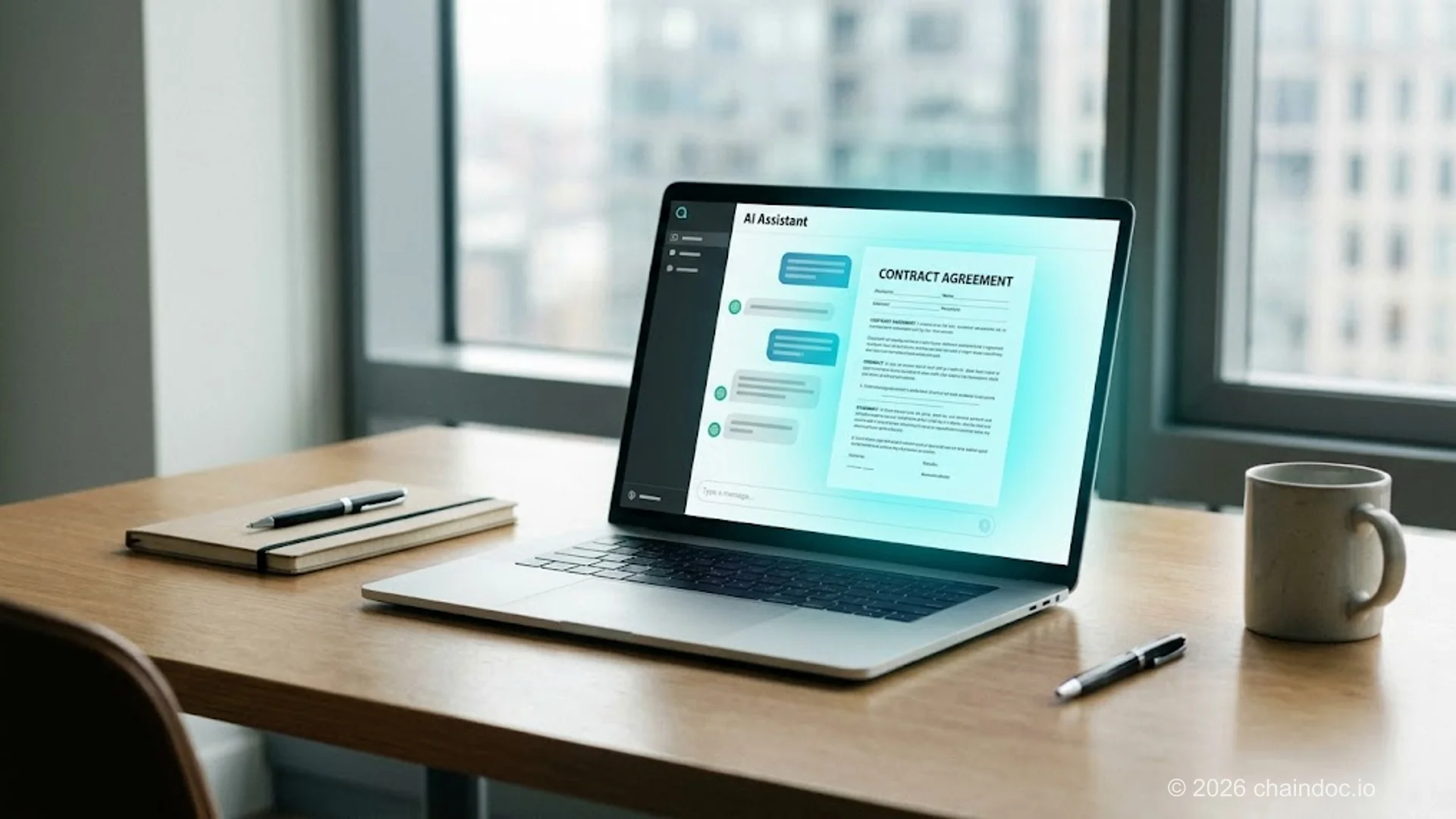
*Chaindoc MCP turns any AI assistant into a working employee for contracts: draft, send, sign, verify, all from chat.*
### How does MCP turn an AI assistant into an AI employee?
An AI employee, in this context, isn't a chatbot pretending to be a person. It's an AI agent with a specific set of tools and the authority to use them on your behalf. The MCP protocol gives the AI three things it didn't have before: a directory of available tools (Chaindoc operations like "create document" or "verify signature"), a structured way to call them, and a path to read back results so it can plan the next step.
Think of how a human employee handles a contract task. You email them "send the NDA to John, copy our standard IP clauses, follow up if he hasn't signed in a week." They open Chaindoc, find the NDA template, fill it in, send it, set a calendar reminder for follow-up, and check status when the deadline arrives. Each of those steps maps to a Chaindoc MCP tool: `chaindoc_create_document`, `chaindoc_create_signature_request`, `chaindoc_get_status`, `chaindoc_subscribe_webhook`. The AI agent reasons about which tools to call, in what order, and adapts based on what each step returns.
What changes for you, the human:
- You stop opening 14 browser tabs to do contract work. Most contract operations move into a single chat interface.
- The AI agent handles the boring middle (filling templates, watching for signatures, sending reminders) so you only get involved at the start (intent) and the end (review).
- Audit trails get stronger, not weaker, because every AI action is recorded by Chaindoc the same way a human action would be, with the same blockchain anchoring described in our [audit trail compliance guide](https://chaindoc.io/blog/audit-trail-compliance-guide).
Fair warning: AI agents make mistakes. They occasionally pick the wrong template, miscount signers, or send to the wrong email when given ambiguous instructions. The MCP server returns full error messages, so the AI usually catches its own mistakes mid-task, but a human review step is still recommended for high-value contracts.
### Why is e-signature the killer use case for MCP?
Most early MCP servers connect AI agents to read-only data: search the web, query a database, read a file. E-signature is different because it's the rare workflow where the value sits not in retrieval but in action. The AI doesn't just tell you about a contract; it sends one. That changes the productivity math by a full order of magnitude.
Three reasons e-signature fits MCP unusually well:
1. **Discrete, well-defined actions.** Contract operations decompose into clean primitives (create, send, sign, verify, status, list). AI agents are good at picking the right primitive for an instruction; they're worse at improvising fuzzy multi-step workflows. E-signature operations are inherently the kind of thing you'd describe to a junior employee in one sentence.
2. **High audit-trail rigor.** Most workflows that AI agents touch have weak provenance. Did the agent really send that email? Was the data clean? With Chaindoc, every AI action lands in a tamper-evident audit trail anchored to a public blockchain, the same record you'd get from a human user. This makes AI-driven contracting compliant by default for ESIGN, eIDAS, and SOX purposes; see our [audit trail and legal evidence guide](https://chaindoc.io/blog/audit-trail-compliance-guide).
3. **Long-tail of contract variants.** A typical company runs dozens of contract types (NDAs, MSAs, SOWs, vendor agreements, employment contracts, contractor agreements). Each one has slight variations by jurisdiction, industry, and counterparty. AI agents handle that variability well because they can reason about templates and clauses; rule-based automation can't.
For specific contract scenarios where Chaindoc MCP is used, see our existing pieces on the [contractor NDA for software companies](https://chaindoc.io/blog/contractor-nda-for-software-companies), W-9 form guide for contractors, and [independent contractor vs employee classification](https://chaindoc.io/blog/independent-contractor-vs-employee-2026).
### What does the Chaindoc MCP server actually do?
The Chaindoc MCP server exposes seven tools that cover the full contract lifecycle. Each tool maps to a specific Chaindoc REST API endpoint, with the MCP layer handling auth, response parsing, and error context so the AI agent gets back something it can actually reason about.
#### Tools available
- **`chaindoc_create_document`** , uploads a file or template variant and returns a document ID and viewer URL. The AI uses this to draft from a template based on chat instructions.
- **`chaindoc_create_signature_request`** , sends a document for signature to one or more signers, with optional KYC verification, signing order, and reminder schedule.
- **`chaindoc_get_status`** , returns the full state of a signature request: who has signed, who's pending, signing URLs for active signers, and the audit trail to date.
- **`chaindoc_verify_document`** , runs a Chaindoc-signed document through tamper-evident verification, returning the signature certificate, blockchain anchor, and integrity result.
- **`chaindoc_list_documents`** , paginated list of documents with optional filters (status, date range, signer email). Lets the AI pick up the right document when given a fuzzy reference.
- **`chaindoc_get_template`** — fetches a stored template plus its variable schema, so the AI knows exactly which fields to fill in.
- **`chaindoc_subscribe_webhook`** — registers a webhook for status events, returning the webhook ID and HMAC secret. Used to set up async notifications the AI can poll later.
#### Authentication
Access runs on OAuth 2.0 with per-user tokens, so every action traces to a named account and multi-tenant deployments work without a shared key. Invoicing tools and KYC orchestration ship alongside the contract tools.
### What's the difference between MCP and a traditional API integration?
If you've already integrated Chaindoc through the [REST API and SDKs](https://chaindoc.io/api-integration), the question is fair: why add a new layer? The answer is that MCP isn't a replacement for the API; it's a different surface for a different consumer. Traditional API integrations are written for code (a backend service, a CRM plugin). MCP is written for AI agents, whichever model happens to sit behind them.
### MCP server vs traditional API integration
| Aspect | Traditional API integration | MCP server |
|---|---|---|
| Setup time | Hours to days (custom code per workflow) | Under 60 seconds (one config file) |
| Who can use it | Developers writing code | Anyone running an MCP-compatible AI client |
| Auth model | API key per integration | OAuth 2.0 with per-user tokens |
| AI-native | No (developer parses responses by hand) | Yes (AI agent reasons about responses) |
| Audit trail | Per integration, tracked separately | Unified across all AI actions |
| Best for | Building proprietary apps and back-office automation | Adding AI-employee capabilities to existing teams |
> **Use both, not one or the other**
>
> Most teams that adopt Chaindoc MCP keep their existing REST API integrations for backend workflows (CRM-triggered contract sends, automated invoice generation, internal HR onboarding). The MCP layer adds AI-employee capabilities on top, mostly for individual contributors and small teams. Think of MCP as a parallel surface, not a migration.
#### How do I sign a contract from an AI chat in 60 seconds?
Once the MCP server is configured (see the setup section below), the user-side flow is conversational. Here's a real example.
1. **Describe what you need** — "Send the contractor NDA to John Smith at john@acme.example, signing deadline next Friday, copy IP assignment clause from our software template."
2. **The agent reasons about tools** — The agent calls chaindoc_get_template, identifies variable slots, merges in the IP clause, then calls chaindoc_create_document with the populated template.
3. **Set up the signature request** — chaindoc_create_signature_request fires with John's email, signing deadline, and (optional) KYC. Returns: "sent to john@acme.example, signing URL active until Friday May 9 at 23:59 UTC."
4. **Register a status webhook** — chaindoc_subscribe_webhook listens for signature.completed, so your assistant tells you when John signs. No polling needed.
5. **Verify on completion** — When John signs, the webhook fires. Ask the agent to verify; it calls chaindoc_verify_document to confirm the blockchain anchor, signature certificate, and audit trail.
Look, the experience varies by client, not by us. Some render every tool call inline and ask you to confirm it; others just run the call and report back. Latency differs too, especially on hosted endpoints. Nothing in the Chaindoc server is tied to one model or one vendor, so as clients converge on the spec, the differences keep shrinking.
#### Connect Chaindoc to your AI client
The Chaindoc MCP Server is generally available and works with any MCP-compatible AI client. Set it up from our [API integration page](https://chaindoc.io/api-integration) or email contact@chaindoc.io.
### How does the MCP server inherit Chaindoc's blockchain audit trail?
Every action an AI agent takes through the MCP server flows through the same Chaindoc backend that handles human actions. There's no shadow path, no separate logging, no "AI bypass" mode. The audit trail captures the same seven required fields described in our [audit trail compliance guide](https://chaindoc.io/blog/audit-trail-compliance-guide), with one addition: the AI agent's session is tagged so you can see which actions were AI-initiated versus human-initiated.
#### Specifically:
- **Identity**: the OAuth user token identifies the human account on whose behalf the AI is acting. Every action is traceable to a real person, not a generic "AI agent" identity.
- **Authentication**: OAuth scopes (read-only, write, admin) let you grant minimum-necessary access to specific AI clients.
- **Action provenance**: the audit log records that the action came through MCP, plus which client connected and which tool was called. So if an agent sent a contract on your behalf, the trail shows "sent via MCP, client: , tool: chaindoc_create_signature_request, user: alex@chaindoc.example."
- **Tamper-evidence**: every audit entry is hash-chained and anchored to a public blockchain, exactly the same as direct human actions. AI-driven contracts are no less defensible than manually sent ones; in some ways they're more defensible because the structured tool call is preserved alongside the human chat instruction.
For the underlying compliance frameworks, see our [digital signature compliance with eIDAS, GDPR, and NIST](https://chaindoc.io/blog/digital-signature-compliance-eidias-gdpr-nist) and [why we anchor signatures on a blockchain](https://chaindoc.io/blog/chaindoc-skale-blockchain-esignatures). For team-level access controls that govern who can connect AI clients to your account, see our [team management page](https://chaindoc.io/team-management).
### Where do DocuSign, PandaDoc, and Adobe Sign stand on AI-agent integrations?
As of May 2026, no major e-signature vendor has launched a public MCP server. The closest comparisons are AI-feature announcements within existing products (Docusign IAM and Docusign AI, Ironclad's AI review tools), but none expose those capabilities to external AI agents through an open standard. The table below summarizes the field.
### AI-agent integration status across e-signature vendors (May 2026)
| Vendor | AI Product | MCP Server | Public API | Differentiator |
|---|---|---|---|---|
| Chaindoc | Chaindoc MCP + AI Suite | Yes | Yes | First e-signature MCP; blockchain-anchored audit trail |
| DocuSign | Docusign IAM, Docusign AI | No | Yes | Enterprise scale, broad partner ecosystem |
| Ironclad | Ironclad AI (review and redlining) | No | Yes | CLM-focused, deep workflow features |
| PandaDoc | Smart Content (template AI) | No | Yes | Sales proposals, payments integration |
| Adobe Acrobat Sign | Adobe Acrobat AI Assistant | No | Yes | Adobe ecosystem, document creation |
| HelloSign / Dropbox Sign | None announced | No | Yes | Simple flows, Dropbox integration |
> **First-mover window is narrow**
>
> MCP adoption is moving fast. OpenAI announced its Apps SDK supporting MCP in October 2025; Google added MCP support to Vertex AI in early 2026. The window for any single e-signature vendor to be the default-installed MCP in this category is probably 6-12 months. Chaindoc shipped first to claim that position before DocuSign or Adobe enters.
### How do I set up the Chaindoc MCP server?
The MCP server is open to every Chaindoc account. No invite, no waiting list. Connect it from the "AI Agents" section under Settings in your dashboard, or from our [API integration page](https://chaindoc.io/api-integration).
#### Installation
The server ships as an npm package and authenticates over OAuth 2.0, so no key gets copied into your config. Add the Chaindoc entry to your client's MCP config file. Here's the thing worth knowing: the block below is identical in every MCP-compatible client. Only the path to the config file changes.
```json mcp-config.json
{
"mcpServers": {
"chaindoc": {
"command": "npx",
"args": ["-y", "@chaindoc/mcp-server"]
}
}
}
```
Restart the client. It should now list chaindoc with 7 tools available, and the first tool call typically completes in 2-3 seconds. Clients that don't run local processes connect to the hosted HTTP endpoint instead; current per-client paths and the endpoint URL are on the [API integration page](https://chaindoc.io/api-integration).
### What's coming next: invoicing, KYC, multi-agent workflows
Contract drafting, signing, verification and tracking are joined by invoicing and KYC orchestration, both now shipped. One capability is still ahead:
#### Invoicing automation
A `chaindoc_create_invoice` tool that generates an invoice tied to a signed contract, with payment terms, line items, and Stripe / wire instructions. The tool reads the contract's payment schedule, generates the invoice on the right date, and (optionally) sends it via the existing Chaindoc audit trail. See our existing [contract-linked payments and billing automation](https://chaindoc.io/payments) for the human-side workflow this builds on, plus the [automating billing after eSignature](https://chaindoc.io/blog/automating-billing-after-esignature) deep dive.
#### KYC orchestration
A `chaindoc_request_kyc` tool that triggers identity verification for a signer before they sign. The AI agent can reason about which signers need full KYC (high-value contracts, regulated industries) versus light verification (standard NDAs), and configure the signing request accordingly. Currently, KYC is configured at the request level by humans; the goal is to let the AI handle that decision.
#### Multi-agent workflows
Looking further out, MCP supports agent-to-agent communication. So a Chaindoc MCP server can call out to a CRM MCP server (HubSpot, Salesforce), a calendar MCP server (Google, Outlook), or a payment MCP server (Stripe). A signed contract can trigger a CRM update, a calendar reminder, and an invoice issuance, all coordinated by the AI agent rather than by hardcoded webhooks. This is the architecture that turns AI from a writing tool into a real operations layer.
### Why AI-native e-signature is a category, not a feature
AI features tacked onto existing products are everywhere right now. Auto-drafting clauses, smart redlining, contract review summaries: every legacy vendor is shipping these. They're useful, but they're features. They live inside the vendor's UI and require the human user to drive the workflow.
AI-native e-signature is structurally different. The unit of value isn't "what can our product do for you" but "what can your AI agent do on your behalf, anywhere it lives" (a desktop assistant, a chat app, a code editor, your own custom client). That changes the buying criteria. Speed of contract execution stops being measured in minutes per signature and starts being measured in chat-instructions per outcome. Audit trails stop being a defensive compliance feature and become a precondition for trusting AI-driven workflows at all.
Chaindoc is making an early bet that this category becomes the dominant one over the next 24 months. The MCP server is the first concrete step. If you're an existing customer, the AI Agents section is in your dashboard now. If you're evaluating e-signature tools with AI on the roadmap, start from our [API integration page](https://chaindoc.io/api-integration).
### Frequently Asked Questions
#### What does an MCP server do?
An MCP server lets an AI assistant call external services as if they were built-in tools. The Chaindoc MCP server lets the agent create, send, verify, and track contracts directly inside the chat, without you opening Chaindoc or any other tool.
#### What is the difference between an MCP server and an API?
An API is built for code: developers parse responses, handle errors, and write workflows by hand. An MCP server is built for AI agents: the same Chaindoc capabilities are exposed in a structured format that AI models reason about and call directly. MCP is a complement to the REST API, not a replacement, and most teams use both.
#### Which AI assistants work with the Chaindoc MCP server?
Any client that speaks MCP. That covers desktop assistants, browser-based chat apps that support the protocol, coding editors, and custom agents you build yourself. Chaindoc doesn't maintain a per-vendor integration; it implements the open spec once, so a client that adds MCP support works on day one without changes on our side.
#### Is the Chaindoc MCP server free?
MCP access follows your Chaindoc plan; current terms are on the [pricing](/pricing) page.
#### Does my data leave Chaindoc when an AI agent uses the MCP server?
The MCP server runs locally on your machine; it doesn't send your contracts to a third-party AI training pipeline. The AI agent does see the data it operates on, just like a human assistant would. For sensitive workflows, configure your MCP API key with read-only or scoped permissions, and review your AI client's data-retention policy. Chaindoc itself never trains on customer contract content.
#### What can an AI agent NOT do with the Chaindoc MCP server?
AI agents can't bypass signer KYC, sign documents on behalf of legally identified signers, modify executed contracts, or override role-based access controls. The MCP server inherits all the same access restrictions as the underlying API key. If your account doesn't have admin permissions, neither does the AI agent acting on your behalf.
#### How is Chaindoc MCP different from DocuSign IAM or Adobe Acrobat AI?
DocuSign IAM and Adobe Acrobat AI Assistant are AI features inside their respective vendor products: you use AI inside DocuSign or inside Acrobat. Chaindoc MCP is the opposite architecture: Chaindoc is exposed as a tool inside whichever AI client you already use. You don't change tools to get AI; the AI shows up in the tools you already use.
#### Does DocuSign have an MCP server?
No. At the May 2026 review behind the comparison table above, DocuSign had no public MCP server, and neither did Adobe Acrobat Sign, PandaDoc, Ironclad or Dropbox Sign. Their AI work ships as features inside their own products. Chaindoc exposes the whole contract lifecycle to external agents through the open protocol instead.
#### Do I need to be a developer to use the Chaindoc MCP server?
No. Setup is one config-file edit and a client restart. Everything after that is conversational: you type contract requests in chat and the agent handles the rest. Developers get more out of the customization options (scoped tokens, custom client configs), but most people are productive within 5 minutes.
#### What does an AI employee for contracts cost?
There is no separate fee for MCP: it follows your Chaindoc plan. See the [pricing](/pricing) page for the current terms.
---
## [Mobile E-Signature App: Scan, Sign & Send | [Chaindoc](https://chaindoc.io/pricing)](https://chaindoc.io/md/locales/en/blog/articles/mobile-esignature-app-scan-sign-send.md)
## Mobile eSignature App: Scan, Sign & Send Documents on iOS and Android
Professionals today close deals between meetings, approve contracts during commutes, and sign NDAs before boarding a flight. For freelancers, field sales teams, and distributed businesses, the ability to sign documents on phone is no longer a convenience — it is a competitive necessity.
Traditional signing workflows — print, sign, scan, email — waste hours per week and introduce bottlenecks at the exact moment deals need to close fastest. A purpose-built mobile e-signature app eliminates every one of those steps.
The Chaindoc mobile e-signature app lets you scan a paper contract, add a legally binding digital signature, and send it to any recipient in under two minutes — all from your iOS or Android device. Every signed document is secured by blockchain verification and a tamper-evident audit trail, so your agreements remain immutable and verifiable regardless of where you sign.
This guide covers how mobile document signing works, what makes it legally binding under the ESIGN Act and eIDAS, and exactly what to look for when choosing the best mobile e-signature app for your workflow.
> Mobile e-signatures signed with Chaindoc are legally binding in the United States (ESIGN Act + UETA), the European Union (eIDAS), the United Kingdom, and 60+ other jurisdictions worldwide. Every document carries a cryptographic audit trail that satisfies non-repudiation requirements in court.
### Why Mobile E-Signing Is Changing the Way We Work
Remote and hybrid work has decoupled signing from the office. According to industry data, more than 60% of all e-signature actions are now initiated from a mobile device — a figure that has doubled since 2020. Field teams, real estate agents, healthcare workers, and traveling executives all need to sign documents on phone without waiting to return to a desk.
Mobile document signing combines the legal weight of a traditional handwritten signature with the speed and security of digital technology. The result is a workflow that closes deals days faster while maintaining full compliance with international e-signature law.
#### From Handwritten Signature to Digital Signature — The Mobile Shift
A wet signature requires physical presence, paper, a pen, and a scanner. A mobile e-signature requires only a smartphone. The legal validity is equivalent: under the ESIGN Act (US), eIDAS (EU), and UETA (US state level), an electronic signature carries the same legal force as ink on paper, provided the signer's intent can be established and the document's integrity can be verified.
Blockchain-backed mobile signing adds a layer of non-repudiation that wet signatures cannot match: a cryptographic document hash is recorded at the moment of signing, making it mathematically impossible to alter the document afterward without detection.
#### Remote Signing and the End of Paper Bottlenecks
Remote signing removes geography from the equation entirely. A client in Tokyo, a vendor in Berlin, and a lawyer in New York can all apply their digital signatures to the same document within minutes, each from their own mobile device. Multi-party signing workflows — also called sequential signing or signing order — route the document automatically to each signer in the correct sequence, with push notifications at every step.
Practical gains from mobile document signing:
- Contracts reviewed and approved anywhere, in real time
- Paper, courier, and printing costs eliminated
- Turnaround time reduced from days to minutes
- Audit trail automatically generated for every signing event
### How to Sign Documents on Your Phone: Step-by-Step
Signing a document on your phone takes under two minutes with a mobile e-signature app. The following steps apply to PDF signing on iOS and Android using the Chaindoc mobile app.
#### Step 1 — Upload, Scan, or Import Your Document
Open the mobile e-signature app and choose how to bring in your document:
- **Camera scan**: Point your phone camera at a paper contract. Smart edge-detection crops the image, corrects perspective, and converts it to a clean, signable PDF automatically.
- **Cloud import**: Pull from Google Drive, Dropbox, OneDrive, or any email attachment directly within the app.
- **Direct upload**: Transfer a PDF, DOCX, or image file from your phone's local storage.
Supported formats include PDF, DOCX, PNG, and JPG. PDF is the recommended format for legally binding mobile signatures because it preserves document layout and supports embedded signature fields.
#### Step 2 — Place Your Signature in the Signature Field
Once your document is open, tap the signature field to position your signature:
- **Draw signature**: Use your finger or a stylus on the signature pad to create a handwritten-style signature. Your drawn signature is converted to a cryptographically linked digital element — not just an image overlay.
- **Type signature**: Choose from signature fonts to generate a styled typed signature.
- **Saved signature**: Reuse a previously created signature stored securely in the app. Repeat signings take under 10 seconds.
You can drag, resize, and reposition the signature on any page before finalizing.
#### Step 3 — Apply Date, Initials, or Additional Fields
Beyond the main signature field, you can add:
- Date stamp (auto-populated with current date and time)
- Initials for each page requiring acknowledgment
- Text fields for printed name or title
- Checkbox fields for consent or compliance attestations
Each field placement is recorded in the document's tamper-evident audit trail.
#### Step 4 — Confirm and Finalize Your Digital Signature
Tapping "Sign" triggers the cryptographic signing process:
1. The app generates a document hash (a unique digital fingerprint of the document at the moment of signing)
2. The hash is timestamped and recorded on the blockchain
3. The signed document is sealed — any subsequent alteration, even a single character, produces a different hash and is immediately detectable
The completed document carries a certificate of completion showing who signed, when, from what device, and at what IP address.
#### Step 5 — Send, Track, and Receive Notifications
After signing, send the document to recipients via:
- Email with a secure verification link
- Direct link (for multi-party signing workflows)
- In-app message
Real-time push notifications alert you when each recipient opens, signs, or declines the document. The signing order is enforced automatically — the next signer only receives the document after the previous signer completes their step.
> Every Chaindoc mobile signature generates a certificate of completion containing the signer's identity, timestamp, device fingerprint, and document hash. This certificate satisfies non-repudiation requirements under the ESIGN Act and eIDAS — meaning no signer can credibly deny having signed the document.
### PDF Signing on Mobile: Formats, Compatibility & Signature Fields
PDF is the gold standard for mobile document signing because it locks formatting across every device and operating system, making it ideal for legally binding agreements. Here is what you need to know about PDF signing on your phone.
#### Why PDF Is the Preferred Format for Mobile E-Signatures
When a document is signed as a PDF:
- The signature is embedded as a cryptographic element, not just an image
- The document layout is frozen — no text reflow, font substitution, or margin shift
- Any modification to the PDF after signing breaks the cryptographic seal and is immediately visible in the audit trail
- Standard PDF signature verification tools (Adobe Acrobat, browser-based PDF viewers) can independently verify the signature's validity
This makes signed PDFs the most defensible format in legal disputes. DOCX files are editable after signing unless specifically locked, making them a weaker choice for high-stakes agreements.
#### Signature Fields vs. Free-Placement Signatures
A **signature field** is a pre-defined zone in a PDF that tells signers exactly where to sign. Prepared signature fields offer several advantages:
- Signers cannot accidentally place their signature over critical contract text
- Multiple signers are routed to their own designated fields
- The signature field coordinates are embedded in the PDF metadata, providing an additional layer of tamper detection
For ad-hoc signing where no signature field exists (e.g., a scanned paper contract), a free-placement signature drop is used instead. Both approaches are legally valid, but prepared signature fields are preferred for high-volume or multi-party mobile document signing.
#### Certificate-Based Signature vs. Simple Electronic Signature
Mobile e-signature apps offer different signature levels:
| Signature Level | Description | Use Case |
|---|---|---|
| Simple Electronic Signature (SES) | Click-to-sign or image-based | Low-risk forms, internal approvals |
| Advanced Electronic Signature (AES) | Cryptographic, signer identity linked | Contracts, NDAs, employment agreements |
| Qualified Electronic Signature (QES) | AES + qualified certificate from TSA | Regulated EU transactions, notarization-level |
Chaindoc's mobile e-signature operates at the AES level by default, linking the signer's verified identity to a cryptographic document hash at the moment of signing.
### Are Mobile E-Signatures Legally Binding?
Yes, mobile e-signatures are legally binding in all major jurisdictions when the signing platform meets the applicable legal standard for electronic signatures. The key question is whether the platform captures signer intent, establishes signer identity, and protects document integrity — and blockchain-backed mobile e-signature apps satisfy all three requirements.
#### Jurisdiction Table: Mobile E-Signature Legal Framework
| Jurisdiction | Governing Law | E-Signature Standard | Mobile Signing Recognized |
|---|---|---|---|
| United States (Federal) | ESIGN Act (2000) | Electronic signatures equal to wet signatures | Yes |
| United States (State) | UETA (adopted in 49 states) | State-level complement to ESIGN Act | Yes |
| European Union | eIDAS Regulation (2014/910/EU) | SES / AES / QES tiers | Yes (AES/QES for regulated documents) |
| United Kingdom | Electronic Communications Act 2000 | Equivalent to eIDAS pre-Brexit | Yes |
| Australia | Electronic Transactions Act 1999 | Valid if identity and intent established | Yes |
#### What Makes a Mobile E-Signature Legally Enforceable?
For a mobile e-signature to be legally enforceable, three conditions must be met:
1. **Signer intent**: The signer must clearly intend to sign. A deliberate tap on a signature field with confirmation satisfies this requirement under the ESIGN Act and eIDAS.
2. **Signer identity**: The platform must establish who signed. Identity verification (KYC), email authentication, or phone verification are common methods. Certificate-based signatures link the signer's identity to a cryptographic key.
3. **Document integrity**: The document must not have been altered after signing. A cryptographic document hash, recorded at the moment of signing, provides mathematically verifiable proof of document integrity.
#### Non-Repudiation: Why It Matters for Mobile Signing
Non-repudiation is the legal and technical principle that prevents a signer from credibly denying they signed a document. It is the most important property of a legally defensible mobile e-signature.
Chaindoc achieves non-repudiation through three layers:
- **Identity verification**: The signer's identity is confirmed before signing via email, phone, or KYC check
- **Document hash**: A SHA-256 cryptographic fingerprint of the document is generated at the moment of signing
- **Blockchain timestamp**: The document hash is recorded on an immutable blockchain ledger with a timestamp from a trusted timestamping authority
This three-layer proof means that even if a signer later claims they did not sign the document, the blockchain record provides court-admissible evidence of the exact document version they signed, when they signed it, and from what device.
### Managing Agreements from Anywhere: Tracking, Storage & Collaboration
Signing is only the first step. After documents are signed, they need to be tracked, stored securely, and accessible from anywhere. A mobile e-signature app that handles the full document lifecycle — from preparation through storage and retrieval — saves hours of administrative work every week.
#### Real-Time Signing Status and Push Notifications
Every document in Chaindoc shows a clear status at all times:
- **Pending**: Sent but not yet signed by all parties
- **Completed**: All required signatures collected
- **Declined**: A signer declined — with a reason if provided
- **Expired**: Signing deadline passed without completion
Push notifications fire at every status change. Automatic reminders can be scheduled — for example, a 48-hour nudge to signers who have not yet opened the document. This eliminates the most common cause of deal delays: forgotten signature requests.
#### Tamper-Evident Storage and Document Integrity
Once a document is signed and sealed, it is stored with end-to-end encryption. The blockchain-verified document hash travels with the file, so any attempt to modify the stored document after signing is immediately detectable.
Storage features include:
- Encrypted document vault accessible from any device
- Organizational folders by client, project, or date
- Full-text search across all stored agreements
- Document expiration and retention policy settings
#### Cross-Border Signing and Multi-Language Support
Chaindoc supports multi-party signing workflows across different countries and languages. The signing interface is available in 14+ languages, and the platform's legal compliance spans the ESIGN Act (US), UETA (US state), eIDAS (EU), and equivalent laws in 60+ jurisdictions.
### Business Benefits of Mobile Document Signing
Mobile document signing is not just a convenience upgrade — it produces measurable business outcomes across every team size and industry.
#### Faster Deal Cycles for Sales Teams and Freelancers
Every hour a contract sits waiting for a signature is an hour a deal can stall or fall through. Mobile e-signature apps compress signing cycles from days to minutes:
- A freelancer can sign a new client contract on the subway ride home
- A sales rep can close a deal in a customer's lobby before leaving the building
- A startup founder can sign an investor term sheet from any time zone
Faster signatures mean faster revenue. Field sales organizations routinely report 30-50% reductions in time-to-close after adopting mobile document signing.
#### Cost Savings: No Printing, Scanning, or Couriering
The fully loaded cost of a paper-based signature cycle — printing, scanning, physical delivery, storage — can exceed $20 per document. Mobile e-signature eliminates every one of those costs:
- No paper, toner, or printer maintenance
- No courier or overnight mail charges
- No physical document storage costs
- No staff time spent chasing signatures by phone
#### Security, Compliance, and Audit-Ready Documentation
Each mobile-signed document automatically generates:
- A **tamper-evident audit trail** showing every view, sign, and share event with timestamps
- A **certificate of completion** containing signer identities, IP addresses, device fingerprints, and the document hash
- A **blockchain-anchored timestamp** that satisfies non-repudiation requirements in legal proceedings
> Chaindoc's mobile e-signature app meets compliance requirements for HIPAA (healthcare), SOC 2 Type II (data security), and financial services document workflows. The tamper-evident audit trail and certificate of completion satisfy audit requirements across all major regulatory frameworks.
### How to Choose the Best Mobile E-Signature App
Not all mobile e-signature apps offer the same level of legal protection, usability, or security. Here is what to evaluate before committing to a platform.
#### Key Features to Look For
**Legal compliance**: The app must support the ESIGN Act, UETA, and eIDAS. Apps that only mention "digital signature" without naming the specific legal frameworks they comply with may not be suitable for high-stakes agreements.
**Non-repudiation mechanism**: Look for document hashing and blockchain timestamping. Without a cryptographic document hash, you cannot prove the document was not altered after signing.
**PDF signing support**: Ensure the app can sign PDF documents natively — not just images. Native PDF signing embeds the cryptographic signature in the file structure rather than overlaying an image.
**Signature field support**: Prepared signature fields reduce errors and are required for multi-party signing workflows.
**Audit trail and certificate of completion**: The app must generate a full audit trail with each signed document, including signer identity, timestamp, and device information.
**Identity verification (KYC)**: For high-value or regulated agreements, the app should offer signer identity verification before the document is presented for signing.
#### Mobile E-Signature App Comparison
| App | PDF Signing | Blockchain Verification | ESIGN + eIDAS | Non-Repudiation | Best For |
|---|---|---|---|---|---|
| Chaindoc | Yes | Yes | Yes | Yes (SHA-256 + blockchain) | B2B, freelancers, field teams |
| DocuSign | Yes | No | Yes | Partial (audit trail, no blockchain) | Enterprise, high-volume |
| Adobe Acrobat Sign | Yes | No | Yes | Partial | Adobe ecosystem users |
| HelloSign (Dropbox Sign) | Yes | No | Yes | Partial | SMB, simple workflows |
| SignNow | Yes | No | Yes | Partial | Budget-conscious SMBs |
**Best for individuals and freelancers**: Chaindoc (free tier, blockchain-verified, mobile-first)
**Best for enterprise high-volume**: DocuSign (deep integrations, enterprise SLA)
**Best for Adobe workflow users**: Adobe Acrobat Sign
**Best for budget SMBs**: SignNow
#### Questions to Ask Before Choosing
- Does the app work offline and sync when connectivity is restored?
- Is notarization or remote online notarization (RON) supported for documents that require it?
- What is the document storage and retention policy?
- Does the app integrate with your CRM or document management system?
### Conclusion
Mobile document signing has fundamentally changed how professionals close deals, manage agreements, and stay compliant in a mobile-first world. The ability to scan, sign, and send a PDF from your phone — with full legal validity under the ESIGN Act, UETA, and eIDAS — eliminates the paper bottlenecks that slow business at every stage.
The Chaindoc mobile e-signature app brings blockchain-level security to every signing event: a SHA-256 document hash at the moment of signing, a tamper-evident audit trail, a certificate of completion, and a blockchain-anchored timestamp that satisfies non-repudiation requirements in any jurisdiction.
Whether you are a freelancer approving a client contract between meetings, a field sales rep closing a deal on-site, or a distributed team managing multi-party agreements across time zones, Chaindoc gives you everything you need to sign documents on your phone securely and confidently.
Start signing on mobile today — no credit card required.
### FAQ
**Q: How do I sign documents on my phone?**
A: Open a mobile e-signature app, import your document (by scanning a paper contract with your phone camera, uploading a PDF from cloud storage, or opening an email attachment), tap the signature field, draw or type your signature, and tap Sign. The process takes under two minutes. The signed document is immediately sent to recipients with a verification link, and a certificate of completion is generated automatically.
**Q: Are mobile e-signatures legally binding?**
A: Yes. Mobile e-signatures are legally binding in the United States under the ESIGN Act and UETA, in the European Union under eIDAS, in the United Kingdom under the Electronic Communications Act, and in Australia under the Electronic Transactions Act. The key legal requirements — signer intent, signer identity, and document integrity — are satisfied by any compliant mobile e-signature app that generates a tamper-evident audit trail and certificate of completion.
**Q: What is non-repudiation and why does it matter for mobile signing?**
A: Non-repudiation is the legal and technical guarantee that a signer cannot credibly deny having signed a document. For mobile e-signatures, non-repudiation is achieved through three layers: identity verification (confirming who the signer is), a document hash (a cryptographic fingerprint of the document at the moment of signing), and a blockchain timestamp (an immutable record that the specific hash was recorded at a specific time). Together, these produce court-admissible proof that a specific person signed a specific document at a specific moment.
**Q: Is signing on a mobile device secure?**
A: Yes. A compliant mobile e-signature app uses end-to-end encryption for document transmission and storage, generates a SHA-256 document hash at the moment of signing, and records the hash on a blockchain ledger as an immutable timestamp. This means signed documents cannot be altered after signing — any modification produces a different hash, which is immediately detectable in the audit trail.
**Q: What is the difference between a digital signature and an electronic signature on mobile?**
A: An electronic signature is any electronic indication of intent to sign — a typed name, a drawn signature image, or a click-to-sign action. A digital signature is a specific type of electronic signature that uses cryptography (PKI) to link the signer's verified identity to the document via a unique cryptographic key. Digital signatures provide stronger non-repudiation and tamper detection than simple electronic signatures. Chaindoc's mobile app uses cryptographic digital signature technology at the Advanced Electronic Signature (AES) level.
**Q: Can I sign PDF documents on my phone?**
A: Yes. PDF is the preferred format for mobile document signing because it locks document formatting and supports embedded cryptographic signatures. A good mobile e-signature app lets you sign PDF documents on your phone by placing your signature in a designated signature field or dropping it freely on any page. The resulting file is a signed PDF where the signature is cryptographically embedded — not just an image overlay — making it verifiable by any PDF reader.
**Q: How can I track whether someone has signed a document I sent from my phone?**
A: Chaindoc's mobile e-signature app shows real-time document status — pending, completed, declined, or expired — for every document you have sent. Push notifications alert you the moment a recipient opens, signs, or declines the document. For multi-party signing workflows, you can see each individual signer's status and send automated reminders to anyone who has not yet signed.
**Q: Does mobile e-signing work internationally?**
A: Yes. Mobile e-signatures signed via a compliant platform are legally recognized in 60+ countries. The ESIGN Act covers the United States (federal level), UETA covers the 49 US states that have adopted it, eIDAS covers all 27 EU member states, and equivalent laws are in force in the UK, Australia, Canada, Singapore, Japan, and most other major business jurisdictions. Chaindoc's mobile app supports multi-language signing workflows and automatically adapts compliance framing for each jurisdiction.
---
## [Mobile Legal Document Management: The Complete Guide for Professionals on the Go](https://chaindoc.io/md/locales/en/blog/articles/mobile-legal-document-management.md)
## Mobile Legal Document Management: The Complete Guide for Professionals on the Go
### Introduction
**Mobile legal document management** has moved from a convenience to a business necessity. Remote teams, [freelancers](https://chaindoc.io/freelancers), and enterprise legal departments now close contracts, approve NDAs, and process compliance documents entirely from smartphones — without ever printing a page or visiting an office.
The challenge is doing this securely. Standard PDF email workflows expose businesses to forgery, compliance gaps, and lost audit trails. When a $15,000 contract dispute lands in arbitration and there is no tamper-proof record of who signed what and when, convenience becomes liability.
> **Key stat:** Companies using paper-intensive document workflows risk losing up to 44% of customers and 51% of revenue due to process inefficiency and client frustration (Gartner, 2024).
This guide covers everything professionals need to know about mobile legal document management: what it requires, what distinguishes legally defensible mobile workflows from insecure ones, and how blockchain-backed platforms like [Chaindoc](https://chaindoc.io/signing) deliver court-ready signatures from any device.
### What Mobile Legal Document Management Actually Requires
Effective **mobile legal document management** is not simply viewing a PDF on your phone. It is a complete document lifecycle — creation, routing, signing, verification, storage, and audit — executed securely from a mobile browser or app.
#### The Five Core Capabilities
A professional-grade mobile document management system must deliver all five of the following:
1. **Mobile document signing** — capture legally binding e-signatures from any device, without requiring a desktop app
2. **Online document verification** — confirm the identity of every signer and the integrity of the document at the point of signing
3. **Tamper-proof audit trails** — every action (view, sign, edit, approve) is logged with a timestamp that cannot be retroactively altered
4. **End-to-end encryption** — documents in transit and at rest are protected by AES-256 or equivalent encryption
5. **Compliance coverage** — signatures must satisfy ESIGN Act (US), eIDAS (EU), UETA (state-level US), and GDPR data handling requirements
Tools that offer only one or two of these — such as basic PDF email workflows or consumer-grade signature apps — leave businesses exposed. Chaindoc's [mobile document signing](https://chaindoc.io/mobile) delivers all five through a blockchain-anchored architecture.
#### Why Traditional E-Sign Tools Fall Short
Most professionals default to PDFs, email attachments, or generic e-signature applications. These appear convenient but fail on the criteria that matter most: legal integrity and data security.
| Capability | PDF + Email | Generic E-Sign App | Chaindoc Mobile |
|---|---|---|---|
| Tamper-proof record | No | Partial | Yes (blockchain hash) |
| Signer identity verification | No | Email only | Blockchain KYC |
| Compliance: ESIGN + eIDAS | No | Varies | Yes |
| Immutable audit trail | No | Limited | Yes |
| End-to-end encryption | No | Varies | AES-256 + TLS |
| Mobile-optimized signing | No | Partial | Yes |
**The hidden risks of PDFs and email attachments:**
- Signatures in PDFs are static images — anyone with editing access can copy, paste, or modify them with no detection
- Email attachments bypass encryption standards; unencrypted files are trivial to intercept
- Deleted emails eliminate legal evidence; there is no independent record of what was sent, when, or by whom
**Compliance gaps and legal uncertainty:**
Most standard e-sign tools do not maintain the identity chain required by ESIGN or eIDAS. Documents signed without a verifiable signer identity record may not be legally binding in cross-border transactions. Without an immutable history of who signed, when, and with what authority, compliance is an assumption rather than a guarantee.
**Real-world consequence:** A small marketing agency processed client contracts via unsigned PDFs. When a client disputed a $15,000 invoice and claimed contract terms had been altered, the agency had no blockchain documents, no verifiable audit trail, and no timestamped record of the original terms. They lost the payment and the client. A proper mobile legal document management platform with blockchain verification would have provided court-admissible proof of authenticity automatically.
### How Blockchain Redefines Mobile Document Security
Blockchain technology solves the core problem in mobile legal document management: **how do you prove a document is authentic and unaltered when it was signed remotely, by someone you have never met, on a device you do not control?**
The answer is cryptographic proof rather than institutional trust.
#### Immutable Records and Audit Trails
When a document is signed in Chaindoc, the platform creates a cryptographic hash — a unique digital fingerprint — of the document at the exact moment of signing. This hash is recorded on the blockchain. Any subsequent change to even a single character produces a completely different hash, making tampering immediately detectable.
- Every signature is linked to a unique cryptographic key — not a password, not an email address
- Version history captures every view, comment, edit, and approval with an immutable timestamp
- [Online document verification](https://chaindoc.io/signing) is available to any authorized party — regulators, auditors, counterparties — without relying on Chaindoc as an intermediary
This design gives professionals court-proof evidence that holds in any legal or business environment.
#### Blockchain Identity Verification
Before a signer can execute a document, Chaindoc performs **blockchain identity verification**. Every participant's identity is authenticated and permanently attached to the document record — replacing weak email confirmations with cryptographic proof.
- Authenticated signer identity prevents fraudulent signers and contested authorizations
- Identity records cannot be retroactively altered or deleted
- All remote contract signing workflows carry a complete, verifiable identity chain
Whether the document is an NDA, client invoice, HR onboarding form, or partner agreement, every signer is provably who they claim to be.
#### End-to-End Encryption for Legal and Business Use
All data in Chaindoc — file uploads, e-signatures, notifications, stored archives — is transferred and stored using completely encrypted channels.
- AES-256 encryption protects all communications
- Stored archives cannot be viewed or altered by unauthorized parties
- ESIGN, eIDAS, and GDPR compliance is enforced at the platform level, not left to the user
Unlike systems that rely on passwords or simple firewalls, **blockchain documents** are secured by cryptographic evidence. Security is not a setting users must configure — it is the default state of every document interaction.
### Step-by-Step: How to Manage Legal Documents from Your Phone
The following workflow applies to any professional using Chaindoc's mobile-optimized interface. No desktop is required.
#### Step 1 — Prepare the Document
Upload your contract, NDA, invoice, HR form, or compliance document directly from your mobile browser. Chaindoc accepts PDFs, DOCX, and other common formats. Alternatively, [create online documents](https://chaindoc.io/contract-management) using a reusable template for recurring agreements such as service contracts or onboarding packages.
#### Step 2 — Configure Signing Roles and Permissions
Assign each party a specific role: signer, approver, or viewer. Set signing order if sequential execution is required (e.g., client must sign before counter-signature). Role-based access control (RBAC) ensures only authorized parties can view or interact with sensitive content.
#### Step 3 — Send for Signature
Dispatch signing invitations directly from your phone. Each recipient receives a secure link — no account required on their end — and can sign from any device. Chaindoc's [mobile document signing](https://chaindoc.io/mobile) interface is optimized for touchscreen interaction on iOS and Android mobile browsers.
#### Step 4 — Verify and Authenticate
Before any signature is accepted, Chaindoc runs **blockchain identity verification**. The signer's identity is authenticated and cryptographically linked to the document. This step satisfies the signer identity requirements under both the ESIGN Act and eIDAS Regulation.
#### Step 5 — Receive Confirmation and Archive
Once all parties have signed, Chaindoc generates a certificate of completion containing the full audit trail: who signed, when, from what IP address, and which version of the document was signed. The signed document and certificate are stored as immutable blockchain records, accessible at any time from your phone.
> **Mobile workflow tip:** Enable real-time push notifications so you are alerted the moment a counterparty opens, signs, or comments on a document — without checking email.
### Use Cases: Who Uses Mobile Legal Document Management
#### Freelancers and Independent Consultants
For freelancers, payment disputes and contract misunderstandings carry direct financial risk. Chaindoc allows consultants to [create online documents](https://chaindoc.io/contract-management), send contracts, and collect signatures immediately from any device. Both parties interact with the same cryptographically secured copy.
- Build reusable contract templates for service agreements, SOWs, and retainer renewals
- Receive instant notifications when a client views or signs a document
- Blockchain identity verification of all client signers eliminates disputed authorizations
- Faster [payments](https://chaindoc.io/payments) follow faster, unambiguous signatures
#### HR and Legal Teams
Privacy, traceability, and speed are non-negotiable in HR and legal operations. Chaindoc allows [teams](https://chaindoc.io/team-management) to manage NDAs, onboarding documents, employment agreements, and compliance policy updates with version-controlled, encrypted workflows.
- Instant online document verification for new hires, contractors, and partners
- End-to-end encryption on all sensitive HR and legal data
- Immediate access to full document history during audits or disputes — no paper trail required
- Automated reminders eliminate the "chasing signatures" overhead that consumes HR bandwidth
#### SMBs and Startups Closing Deals Remotely
Startups and small businesses operate across time zones and geographies. Remote contract signing is not optional — it is the default mode of business. Chaindoc provides enterprise-grade reliability without the complexity or cost of legacy legal software.
- Real-time collaboration, in-document comments, and co-review without leaving the mobile browser
- Automated deadline reminders prevent deals from stalling
- Granular access control — specify who can view, edit, comment, or sign at each stage
- A scalable **digital document management** system that grows with the organization
#### Real Estate and Property Professionals
Property transactions involve high-value contracts with multiple signatories across jurisdictions. Mobile legal document management ensures that offer letters, lease agreements, and closing documents can be executed securely from the field.
- Sequential signing enforces the correct execution order for complex, multi-party transactions
- Blockchain timestamps establish when each party signed — critical in time-sensitive offers
- Immutable records satisfy title insurance and regulatory audit requirements
### Compliance Reference: ESIGN, eIDAS, UETA, and GDPR on Mobile
One of the most common questions about mobile legal document management is whether signatures executed on a phone are legally enforceable. The answer is yes — if the platform satisfies the applicable legal standard.
| Regulation | Jurisdiction | Key Requirement | Chaindoc Coverage |
|---|---|---|---|
| ESIGN Act | United States (federal) | Electronic signatures must be legally equivalent to handwritten; intent to sign must be demonstrated | Yes — blockchain identity + audit trail |
| UETA | United States (47 states) | Electronic records and signatures must be attributable to the person | Yes — cryptographic signer attribution |
| eIDAS Regulation | European Union | Advanced electronic signatures require unique signer identification and tamper detection | Yes — blockchain KYC + hash verification |
| GDPR | European Union | Personal data in documents must be processed and stored with appropriate security safeguards | Yes — AES-256, data minimization, access controls |
| UK Electronic Communications Act | United Kingdom | Electronic signatures are admissible as evidence | Yes |
Chaindoc's **secure mobile e-signatures** satisfy these standards by design. The platform's blockchain-anchored audit trail and identity verification layer provide the evidentiary foundation required for legal enforceability across all major jurisdictions.
### Security Architecture for Mobile Document Workflows
Understanding what makes a mobile document signing platform genuinely secure — rather than merely marketed as secure — requires examining the underlying architecture.
#### Cryptographic Hashing
Every document processed through Chaindoc is hashed at the moment of signing using a SHA-256 algorithm. The resulting hash value is recorded on the blockchain. This means:
- Any post-signature modification to the document produces a different hash — tampering is immediately verifiable
- The hash can be independently checked by any party with access to the blockchain record — no trust in Chaindoc as an intermediary is required
- Courts and regulators can verify document integrity without relying on vendor attestation
#### Role-Based Access Control (RBAC)
Not everyone in an organization should have access to every document. Chaindoc enforces the principle of least privilege:
- Assign viewer, commenter, approver, or signer roles to specific parties
- Restrict document access to named individuals — no open sharing links
- Audit logs capture every access event, not just signatures
#### Biometric and Multi-Factor Authentication
For high-value or high-risk documents, Chaindoc supports additional authentication layers including email OTP and, on supported mobile browsers, biometric verification (fingerprint or Face ID). This satisfies the "qualified electronic signature" requirements under eIDAS for the highest-tier legal transactions.
### Frequently Asked Questions
**Q: Is mobile legal document management legally valid in the United States?**
A: Yes. The ESIGN Act (2000) and UETA establish that electronic signatures — including those executed on mobile devices — carry the same legal weight as handwritten signatures, provided the platform captures signer intent and maintains an attributable record. Chaindoc's blockchain audit trail satisfies both requirements.
**Q: What makes blockchain documents more secure than standard PDFs?**
A: Standard PDFs can be edited after signing with no visible trace. Blockchain documents are cryptographically hashed at the moment of signing — any subsequent modification changes the hash and makes tampering immediately detectable. The hash is recorded on an immutable ledger, not on a server controlled by any single party.
**Q: Can I manage all contracts and legal documents entirely from my phone?**
A: Yes. Chaindoc's mobile-optimized interface allows you to create, send, sign, track, and archive documents entirely from a mobile browser on iOS or Android. Upload files, assign signers, set permissions, monitor signing status, and access completed documents with full audit trails — all without a desktop.
**Q: How does Chaindoc handle documents that require multiple signatories?**
A: Chaindoc supports sequential and parallel signing workflows. In sequential mode, each signer receives the document only after the previous party has executed it — enforcing the correct execution order. Automated reminders are sent to pending signers, and real-time status updates appear on your mobile dashboard.
**Q: Are Chaindoc mobile e-signatures compliant with eIDAS in the EU?**
A: Yes. Chaindoc's secure mobile e-signatures satisfy the requirements for Advanced Electronic Signatures (AES) under eIDAS, including unique signer identification, linkage of the signature to the signer, and detection of any post-signature data changes. For Qualified Electronic Signatures (QES), additional certification steps apply.
**Q: How is sensitive document data protected under GDPR?**
A: Chaindoc encrypts all documents and metadata using AES-256 encryption in transit and at rest. Role-based access controls limit data exposure to named authorized parties only. Data residency options and retention policy controls are available for EU-based organizations subject to GDPR requirements.
**Q: What happens if I lose my phone — can someone access my documents?**
A: No. Chaindoc documents are not stored locally on your device. Access is authenticated per session through secure credentials and, optionally, multi-factor authentication. Losing your phone does not expose document contents — sessions can be revoked remotely from any other device.
### Conclusion
**Mobile legal document management** is the operational standard for any professional who works outside a fixed office — which, in 2026, means nearly everyone. The question is not whether to manage documents on mobile but whether the platform you choose delivers the security, compliance, and legal defensibility that professional agreements require.
The gap between a generic e-sign app and a blockchain-backed platform like Chaindoc is the gap between a signature that looks valid and one that is cryptographically provable. Immutable audit trails, blockchain identity verification, ESIGN/eIDAS compliance, and AES-256 encryption are not premium features — they are the baseline for professional-grade mobile legal document management.
Whether you are a freelancer protecting a client contract, an HR team processing onboarding across jurisdictions, or a startup closing a funding round from a phone, Chaindoc provides the complete mobile document workflow your business depends on.
[Start managing legal documents securely from your phone — try Chaindoc free](https://chaindoc.io/signing)
---
## [The Free NDA Template That Actually Holds Up in Court](https://chaindoc.io/md/locales/en/blog/articles/nda-template-guide.md)
## The Free NDA Template That Actually Holds Up in Court
An NDA template is a pre-written non-disclosure agreement you can adapt in minutes instead of drafting one from scratch. Swap in the party names, tighten the scope of what counts as confidential, pick a term length, and you're done. That sounds simple, and it mostly is, except most free templates floating around the internet get one of two things wrong: they're either so vague they don't actually protect anything, or so broad they collapse the moment a court looks at them.
This guide gives you the real thing: a clause-by-clause NDA template with sample wording you can lift directly, the difference between a mutual and one-way agreement, and the scope mistakes that turn a signed NDA into a worthless piece of paper. If you're hiring a contractor, pitching an investor, or opening your books to a potential partner, this is the document that decides whether "confidential" actually means something.
According to [Cornell Law School's Legal Information Institute](https://www.law.cornell.edu/wex/nondisclosure_agreement), a non-disclosure agreement is a contract in which the parties agree that certain information passing between them stays confidential. That's the whole point of the document, but "confidential" is doing a lot of work in that sentence, and a template earns its keep only if it defines that word precisely.
### What an NDA template must include
At minimum, a usable NDA template needs eight things: the parties, a specific definition of confidential information, clear exclusions from that definition, the receiving party's obligations, a term, remedies if it's breached, what happens to the materials afterward, and which state's law governs a dispute. Skip any one of these and you haven't saved time, you've just moved an argument to later, when it costs more to resolve.
A template is a starting point, not a finished document. The clauses below need your specifics dropped in, not left as placeholder brackets when you hit send.
### Free NDA template: clause by clause
This is the core of the guide, the actual clauses, in order, with sample language you can adapt. Read each one, then customize the bracketed sections for your situation.
#### 1. Parties
Name both parties using full legal names, not "the Company" and "the Individual." State whether this is a mutual agreement (both sides disclose) or one-way (only one side does).
> Sample wording: "This Non-Disclosure Agreement ('Agreement') is entered into as of [Date], by and between [Disclosing Party Full Legal Name] ('Disclosing Party') and [Receiving Party Full Legal Name] ('Receiving Party')."
For a mutual NDA, just relabel both as "Party A" and "Party B," since each one discloses and receives.
#### 2. Definition of confidential information
This clause makes or breaks the whole agreement. Define confidential information by category, not by blanket claim. "Everything Disclosing Party shares" is the single most common reason NDAs get thrown out.
> Sample wording: "'Confidential Information' means any non-public information disclosed by the Disclosing Party, whether in written, oral, or electronic form, including but not limited to: business plans, financial data, customer lists, product designs, source code, and technical specifications, that is designated as confidential at the time of disclosure or that a reasonable person would understand to be confidential given the nature of the information and circumstances of disclosure."
Notice the two-part test at the end: labeled confidential, or reasonably understood to be. That combination gives you coverage even when someone forgets to stamp a document "Confidential" before sending it.
#### 3. Exclusions
Every enforceable NDA needs a list of what's NOT covered. Courts expect this. Leaving it out doesn't make your protection broader, it makes the whole clause look like it wasn't drafted carefully.
> Sample wording: "Confidential Information does not include information that: (a) is or becomes publicly available through no fault of the Receiving Party; (b) was already known to the Receiving Party before disclosure; (c) is independently developed by the Receiving Party without reference to the Confidential Information; or (d) is rightfully received from a third party without a duty of confidentiality."
Four exclusions, not three, not five, because that's what actually needs covering. Don't pad the list to look thorough.
#### 4. Obligations of the receiving party
Spell out what the receiving party can and can't do with the information. Vague language like "keep it safe" invites disagreement about what "safe" means.
> Sample wording: "Receiving Party shall: (a) use the Confidential Information solely for the purpose of [state the specific purpose, e.g., 'evaluating a potential business relationship']; (b) protect it using at least the same degree of care it uses for its own confidential information, and no less than reasonable care; and (c) limit access to employees, contractors, or advisors who need to know it for the stated purpose."
That bracketed purpose matters more than people think. An NDA signed for "exploring a partnership" doesn't cover using the information to build a competing product.
#### 5. Term
Two different clocks run here, and templates that conflate them cause real problems: how long the disclosure period lasts versus how long confidentiality itself lasts once information has already been shared.
> Sample wording: "This Agreement shall remain in effect for [1/2] years from the Effective Date. The obligations of confidentiality shall survive termination of this Agreement for a period of [2/3/5] years, except with respect to trade secrets, for which the obligation shall continue for as long as the information retains trade secret status under applicable law."
That carve-out for trade secrets isn't boilerplate padding. It reflects how trade secret law actually works, more on that in the term-length table below.
#### 6. Remedies
State plainly what happens if the receiving party breaches. Courts want to see that both sides understood, going in, that money alone might not fix a confidentiality breach.
> Sample wording: "The parties acknowledge that a breach of this Agreement may cause irreparable harm for which monetary damages alone would be inadequate. Accordingly, the Disclosing Party shall be entitled to seek injunctive relief, in addition to any other remedies available at law or equity, without the necessity of posting a bond."
"Irreparable harm" is the legal hook that lets a disclosing party ask a judge to stop the leak immediately, rather than waiting months for a damages trial while the secret keeps spreading. The stakes behind that clause are real: [Miller Canfield's review of recent trade secret verdicts](https://www.millercanfield.com/resources-Massive-Damages-US-Trade-Secret-Cases.html) lists a $604.9 million compensatory award in one case, a $150 million exemplary-damages verdict in another, and an $81 million jury award in a third, numbers that only happen because the underlying confidentiality obligation was written down and later breached.
#### 7. Return or destruction of materials
Once the relationship ends, what happens to the documents, files, and copies? Leaving this out causes outsized disputes for such a small omission.
> Sample wording: "Upon termination of this Agreement or upon Disclosing Party's written request, Receiving Party shall promptly return or destroy all documents, materials, and other tangible manifestations of Confidential Information, and certify in writing that it has done so."
That certification line matters. Without it, "we deleted it" is just a claim, not a documented fact.
#### 8. Governing law
Pick a state, and be deliberate about it, not just whichever one happens to sit at the bottom of a template you copied.
> Sample wording: "This Agreement shall be governed by and construed in accordance with the laws of the State of [State], without regard to its conflict of law principles. Any disputes arising under this Agreement shall be resolved exclusively in the state or federal courts located in [County, State]."
> Missing even one of these eight clauses doesn't just create ambiguity, it hands leverage to whoever's more comfortable litigating. The definition of confidential information and the term clause cause the most expensive disputes when they're vague.

Building this out for a hire, a pitch deck, or a vendor relationship? Chaindoc's [contract templates](https://chaindoc.io/contract-templates) library includes a ready-to-use NDA plus dozens of other agreements, so you're not assembling clauses from three different blog posts at 11pm before a meeting.
### Mutual vs one-way NDA: which one do you need
"NDA" isn't one document, it's two, and picking the wrong one is a common early mistake that shows up more often than you'd expect. A one-way (unilateral) NDA protects information flowing in a single direction, from one party to another. A mutual (bilateral) NDA protects information flowing both ways, since both sides plan to disclose something sensitive to the other.
| Type | Who discloses | Common use case | Watch for |
|---|---|---|---|
| One-way (unilateral) | Only one party shares confidential info | Hiring a contractor, pitching a supplier, sharing a business plan with a potential buyer | Don't use this if both sides will actually be sharing sensitive details |
| Mutual (bilateral) | Both parties share confidential info | Partnership discussions, M&A due diligence, co-development agreements, joint ventures | Each side's definition of "confidential" needs equal scrutiny, not just the other party's |
One frequent mix-up: startups pitching investors often send a mutual NDA when a one-way would fit better, since only the startup is disclosing anything sensitive. Worth knowing going in: most VCs won't sign an NDA at all, they see too many pitch decks for the friction to be worth it, and it's a battle you'll likely lose if that's who you're pitching.
### How to customize the template
Five fields make or break a copy-pasted NDA, the ones that turn a generic download into a document that actually fits your deal. Get these right before you touch anything else, since everything downstream (the exclusions, the remedies, the term) only works if the fields underneath them are specific rather than left as placeholder brackets.
1. **The purpose statement.** "For discussing a potential business relationship" is too vague to be useful later. "For evaluating [Receiving Party]'s potential acquisition of [Disclosing Party]'s software product" actually does something if a dispute ever tests what the information was allowed to be used for.
2. **The definition of confidential information.** Generic templates list categories like "financial information" and "trade secrets." Replace them with your actual categories: source code, customer contracts, pricing models, whatever you're really protecting.
3. **The term length.** Don't default to "5 years" because that's what showed up in the template. Match it to the information type, see the table below.
4. Governing law and venue. Pick where you'd actually want to litigate if it came to that, usually wherever your business is based.
5. **Signature blocks.** Make sure both parties (or all parties, for a multi-party deal) have a clearly labeled line, with printed name, title, and date.
Skip step 2 and the rest barely matters. A precise remedies clause protecting a vague category of information is a strong lock on a door with no walls around it.
### What makes an NDA unenforceable
Courts throw out NDAs for a small, predictable set of reasons, and almost all of them trace back to scope. An NDA doesn't fail because a judge dislikes confidentiality clauses in general, it fails because the specific language claims more protection than a court thinks is reasonable to enforce against someone who signed in good faith.
> **Overbroad scope or duration is the single biggest reason NDAs fail in court.** A clause claiming "all information Disclosing Party shares, forever" reads as protecting nothing in particular, which courts read as protecting nothing at all. Tie confidentiality to specific categories and a defensible term length, not "everything, indefinitely."
Beyond overbreadth: an NDA with no clear exclusions section, one that tries to restrict information the receiving party already legally knew before signing, or one where the "confidential" label gets stamped on information that's actually public (a company's own published pricing, for instance) all invite the same result, a judge deciding the clause doesn't hold up. None of that means don't bother with an NDA. It means write the scope like you expect someone to actually test it.
### NDA term lengths by information type
Not every category of information deserves the same clock. Trade secrets and routine business details don't behave the same way legally, and a template treating them identically is quietly weaker than it looks, since a court asked to enforce a 2-year clause against something that should have been protected indefinitely (or the reverse) tends to side against whichever party drafted the mismatch.
| Information type | Typical term | Why |
|---|---|---|
| Trade secrets | Indefinite, or "as long as it remains a trade secret" | Per the USPTO's trade secret policy, protection exists only as long as the information stays secret and retains economic value, so tying the term to that status (rather than a fixed date) is both accurate and defensible |
| Business/financial data | 2-5 years | Loses competitive sensitivity as markets shift; a fixed term is easier to enforce and negotiate |
| Product roadmaps, pricing | 1-3 years | Typically stale well before a 5-year mark, a shorter term looks more reasonable to a court |
| Employee/HR information | Duration of relationship + 1-2 years | Matches typical employment or engagement timelines |
Trade secrets get special federal backing on top of the NDA itself: the [Defend Trade Secrets Act](https://www.law.cornell.edu/uscode/text/18/1836) of 2016 (18 U.S.C. § 1836) lets an owner sue in federal court for misappropriation, with a 3-year window from discovery to file, on top of whatever the signed agreement says. Most states layer their own Uniform Trade Secrets Act version underneath that. See the [USPTO's trade secret policy](https://www.uspto.gov/ip-policy/trade-secret-policy) for the full economic-value and secrecy-effort test behind trade secret status.
### Signing your NDA electronically
Once the template's filled in, don't let signature logistics slow you down. In the US, e-signatures on an NDA are fully valid under the federal ESIGN Act and state-level UETA, adopted in some form by 49 states plus the District of Columbia. No wet ink, no notarization, no scanning a PDF back and forth for two days while a deal cools off.
Chaindoc's [document signing](https://chaindoc.io/signing) handles this end to end: multi-party signing when more than one person needs to sign on either side, a blockchain-verified audit trail that timestamps who signed and when, and a workflow that gets an NDA out the door in minutes instead of a full afternoon. Deciding between drafting from scratch and starting from a template? Our broader walkthrough on [how to create a secure NDA](https://chaindoc.io/blog/how-to-create-secure-nda) covers the full drafting process step by step.

### NDAs in the AI era
Here's a wrinkle most NDA guides from five years ago never had to address: pasting NDA-covered material into a public AI tool to summarize it, draft a response, or "just check something quickly" can itself be a breach.
If your team touches confidential material regularly, add a line to the obligations clause restricting public/free-tier AI tools for processing Confidential Information without prior written consent. Most templates still don't include this. Yours should.
Managing contractor relationships in software specifically? Our guide to [contractor NDAs for software companies](https://chaindoc.io/blog/contractor-nda-for-software-companies) goes deeper into source-code-specific confidentiality language, including how this AI-tool question plays out. And if the NDA is one piece of a broader contractor agreement, our [independent contractor agreement template guide](https://chaindoc.io/blog/independent-contractor-agreement-template-guide) covers the rest of that document.
> **Public AI tools aren't confidential by default.** Free-tier ChatGPT, Claude, and similar tools may use conversation data for model training unless you've explicitly opted out or you're on an enterprise plan with a data-processing agreement in place. Pasting a client's financial model or a partner's source code into one of these tools, even just to summarize it, can violate an NDA's confidentiality obligations the same way emailing it to an unauthorized third party would.
### FAQ
**Q.** Is a free NDA template legally binding?
**A.** Yes, if it's properly filled out, signed by both parties, and the underlying agreement meets basic contract requirements (offer, acceptance, consideration). A free template isn't automatically weaker than a paid one. What matters is whether the confidential information is defined precisely and the term is reasonable, not what the document cost to obtain.
**Q.** What's the difference between a mutual and one-way NDA?
**A.** A one-way NDA protects information flowing from a single party, common when hiring a contractor or pitching a supplier. A mutual NDA protects information both parties share, typical in partnership talks or M&A due diligence. Using a mutual NDA when only one side is actually disclosing sensitive information isn't wrong, just unnecessary complexity.
**Q.** How long should an NDA last?
**A.** It depends on the information type. Trade secrets can stay confidential indefinitely, tied to their trade secret status rather than a fixed date. General business information typically runs 2-5 years. Product roadmaps and pricing data are often shorter, 1-3 years, since they go stale faster. Match the term to how long the information actually stays sensitive.
**Q.** Can I sign an NDA electronically?
**A.** Yes. Under the federal ESIGN Act and state-level UETA, electronically signed NDAs carry the same legal weight as wet-ink signatures in the US. Platforms like Chaindoc add a verifiable, blockchain-backed audit trail on top, which matters if the agreement ever gets disputed later.
**Q.** What makes an NDA unenforceable?
**A.** Overbroad scope or duration is the top reason, claiming to protect "everything, forever" reads to a court as protecting nothing specific. Missing exclusions, restricting information the receiving party already knew, or mislabeling public information as confidential all cause similar problems. Precise scope beats broad scope every time it's tested.
**Q.** Do I need a lawyer, or is a template enough?
**A.** For standard situations, hiring a contractor, an early partnership conversation, sharing a pitch deck, a well-drafted template covers you fine, and that's exactly what the clause-by-clause breakdown above is built to give you. Get a lawyer involved once the stakes go up: multi-million-dollar deals, cross-border data transfers where a different country's privacy law might apply, or anything involving regulated information like health or financial records, where industry-specific rules stack on top of standard contract law and a generic template won't know the difference. A quick rule of thumb: if getting the NDA wrong would cost more than a lawyer's hourly rate to review it, pay for the review.
**Q.** Can I share NDA-covered information with AI tools?
**A.** Generally, no, not with public or free-tier AI tools, unless the NDA specifically permits it. Pasting confidential material into ChatGPT or similar services can breach confidentiality obligations the same way sharing it with an unauthorized person would, since some of these tools may retain or train on submitted data. Check your specific NDA's obligations clause, and if it doesn't address AI tools, don't assume you're covered.
**Q.** What's the difference between an NDA and a non-disclosure agreement?
**A.** Nothing, they're the same document. "NDA" is simply the abbreviation for "non-disclosure agreement," used interchangeably in contracts, casual conversation, and search queries alike.
---
*Services mentioned: [Sign documents online](https://chaindoc.io/signing) | [Contract templates library](https://chaindoc.io/contract-templates)*
*Related articles: [How to Create a Secure Non-Disclosure Agreement (NDA)](https://chaindoc.io/blog/how-to-create-secure-nda) | [Contractor NDA for Software Companies: The Complete Guide](https://chaindoc.io/blog/contractor-nda-for-software-companies) | [The Independent Contractor Agreement Template That Actually Holds Up](https://chaindoc.io/blog/independent-contractor-agreement-template-guide)*
---
## [Non-Compete Agreements: When They Actually Hold Up (2026)](https://chaindoc.io/md/locales/en/blog/articles/non-compete-clause.md)
### You signed one. Does it bind you?
It was in the offer letter, somewhere after the equity schedule. You signed the whole packet on day one and never read that page again. Now you have a better offer from a competitor.
The honest answer is that it depends on your state, and the range is enormous. In California the clause is void and always was. In Florida it is presumptively enforceable if it protects a legitimate interest. Same document, opposite outcome.
This guide covers what courts actually test, which states have banned non-competes outright, what happens to a clause that reaches too far, and why the calculus changes completely once a European or Brazilian employee is involved.
> **There is no federal rule.** The FTC issued one in April 2024 that would have voided most non-competes nationwide. A federal court in Texas set it aside in August 2024 before it took effect. State law governs, and it varies more than almost any other area of employment contracting.
### The federal ban that never took effect
In April 2024 the Federal Trade Commission finalised a rule banning nearly all non-compete agreements, with a narrow carve-out for senior executives on existing contracts. It was scheduled to take effect that September.
It never did. In *Ryan, LLC v. FTC*, the Northern District of Texas held that the Commission had exceeded its authority and set the rule aside with nationwide effect in August 2024.
The practical consequence matters more than the litigation history. Employers who had already prepared notices to employees were told to hold them. Employees who read the headlines in spring 2024 and concluded their clause was dead were wrong.
What did change is the temperature. States legislated hard in the same period, agencies kept bringing individual enforcement actions, and courts have become measurably less patient with clauses that read like they were copied from a template. The federal rule failed; the direction of travel did not reverse.
### The reasonableness test
Outside the states that ban them outright, courts apply a version of the same three-part inquiry. Cornell's [Wex entry on noncompetition agreements](https://www.law.cornell.edu/wex/noncompetition_agreement) is a useful starting point on the doctrine. The wording differs by jurisdiction. The structure does not.
**A legitimate protectable interest.** Trade secrets, confidential business information, customer relationships the employee developed on the company's time, and specialised training the company paid for. Ordinary skill is not protectable. Neither is the general desire to stop someone competing, which is the reason most clauses fail this step when they are litigated.
**Reasonable scope.** Three dimensions, all assessed together.
| Dimension | What courts look for |
|---|---|
| Duration | Six months to two years is the usual survivable range. Longer needs a reason |
| Geography | The territory where the employee actually worked, not the company's footprint |
| Activity | The role performed, not every function the employer happens to have |
**No undue hardship or public harm.** A clause that leaves the employee unable to work in their profession fails. So does one that removes a scarce provider from a community, which is why physician non-competes are separately regulated in many states.
The three parts interact. A two-year term over one county may survive where six months across three states does not. Courts weigh the whole restraint, not each element in isolation.
### What you got in exchange
A non-compete is a contract term, so it needs consideration like any other. The fight is almost always about clauses signed after employment began.
Sign one on day one and the job itself is the consideration. Sign one in year four and the question is what you received for it.
States split three ways. Some hold that continued employment is enough on its own. Some require independent consideration, meaning a raise, a bonus, a promotion or equity given specifically for the signature. Some apply a middle rule where continued employment counts only if the employee stays for a substantial period afterwards.
The practical lesson for employers is short. If you are rolling out new restrictive covenants to an existing workforce, attach something to them and document it. A bare signature request with nothing on the other side is the easiest kind of clause to defeat.
For employees the lesson is the mirror image. If you were asked to sign mid-employment and got nothing for it, that fact is worth raising before you assume the clause binds you.
### Where non-competes are void
Four states void employee non-competes almost entirely, and the list has grown.
**California** is the strongest and the oldest. Business and Professions Code section 16600 makes every contract restraining someone from engaging in a lawful profession void, with narrow exceptions for the sale of a business. Senate Bill 699, effective January 2024, went further: a non-compete is unenforceable in California **regardless of where and when it was signed**, and an employer who tries to enforce one commits a civil violation. An out-of-state clause does not survive an employee's move to California.
**Minnesota** banned new employee non-competes agreed on or after 1 July 2023. Existing ones were left alone.
**Oklahoma** and **North Dakota** have long-standing statutory prohibitions with limited exceptions.
A larger group restricts rather than bans. Several states set income floors below which a non-compete cannot be used at all, notably Colorado, Illinois, Washington, Oregon, Maine, Maryland, New Hampshire, Rhode Island, Nevada, Virginia and Massachusetts. Others require advance notice before signing, cap duration by statute, or exclude particular occupations.
The governing law clause does not settle this. Courts routinely refuse to apply another state's law where doing so would defeat their own public policy on restraints of trade, and California legislated to say so explicitly.
> **A clause that reaches too far can take the whole agreement with it.** Some states let a court narrow an overbroad restraint. Others strike the offending words and enforce what is left. A few void the entire clause and give the employer nothing. Which rule applies is a matter of state law, and it is the single biggest reason to draft conservatively.
### What a court does with an overbroad clause
Three approaches exist, and the difference between them is the difference between a partial win and total loss.
**Reformation, sometimes called the equitable approach.** The court rewrites the clause to what would have been reasonable and enforces that. Texas and Florida broadly work this way, and so a five-year national restraint may come back as one year in two counties.
**Blue pencil.** The court may delete words but may not add or rewrite. If the clause is drafted so that striking a phrase leaves a coherent restraint, it survives in reduced form. If it is drafted as a single unbroken sentence, deletion breaks it and nothing is left.
**Red pencil, or all-or-nothing.** An overbroad restraint is void in its entirety. Nebraska and Virginia have been strict here. The employer who overreached gets no protection at all.
This is why careful drafting separates the restraint into distinct, severable components rather than one long provision. Under a blue-pencil rule, structure is what saves you.
### Non-solicitation and confidentiality
Most of what employers actually want is available through narrower clauses that survive far more reliably.
**Customer non-solicitation.** The former employee may compete but may not approach the clients they served. Courts uphold these more readily because the restraint is tied to a relationship the employer genuinely built.
**Employee non-solicitation, or no-poach.** Sometimes called an anti-raiding clause. Enforceable in most states, though a few now restrict them and antitrust regulators have taken an interest in agreements between employers.
**Confidentiality and trade secrets.** A properly drafted NDA plus state and federal trade secret law protects the information itself without restricting where the person can work. It is indefinite in duration for genuine trade secrets, which a non-compete never is.
**Garden leave.** The employee stays on payroll during a notice period and does not work. Expensive, and it removes the enforceability question entirely because the person remains employed.
Run the honest test before drafting. If the real concern is a client list, use a non-solicit. If it is technical information, use an NDA. A non-compete is the blunt instrument, and blunt instruments are what courts strike down.
### Abroad, you have to pay for it
This is where US practice diverges most sharply, and where US employers with staff in Europe or Brazil get caught out.
**In France, Germany, Spain and Brazil, a post-employment non-compete without financial compensation does not bind the employee.** The obligation to pay is not a negotiating point. It is a condition of validity.
| Country | Compensation | Maximum duration |
|---|---|---|
| France | Required, and a derisory amount voids the clause | No statutory cap; courts assess reasonableness |
| Germany | At least 50% of last remuneration, § 74 HGB | Two years, § 74a HGB |
| Spain | "Adequate" compensation, art. 21.2 ET | Two years for technical staff, six months for others |
| Brazil | Required by case law, no statutory percentage | No statutory cap; courts require reasonableness |
German law adds a mechanism worth understanding. Under § 74a HGB a clause offering less than the statutory half is not simply void: it is *unverbindlich*, meaning non-binding on the employee. They may ignore it and take the competing job, or honour it and claim the statutory 50% anyway. The choice is theirs.
France requires five conditions together, and the Cour de cassation made financial compensation one of them in a 2002 decision that reshaped French practice. A clause missing any one of the five cannot be enforced against the employee.
Spain writes the limits into statute. Article 21.2 of the Workers' Statute caps the restraint at two years for technical staff and six months for everyone else, and requires both a genuine industrial or commercial interest and adequate compensation.
Brazil has no dedicated statute for post-employment restraints, so courts build the test from constitutional freedom of occupation and the good-faith provisions of the Civil Code. The requirements land in the same place: limited in time, territory and activity, and paid for. Commercial transfers are different and explicitly regulated: article 1.147 of the Civil Code bars the seller of a business from competing with the buyer for **five years** unless the contract says otherwise.
The operating rule for a US employer is simple. Do not paper a European or Brazilian hire with the US template. It will not bind, and in Germany it may hand the employee a choice you did not intend to give.
### Drafting one that survives
Six decisions do most of the work.
**Start from the interest, not the restraint.** Write down what you are actually protecting. If you cannot name it in a sentence, a court will not find it either.
**Set duration from the decay of the information.** How long does the confidential material stay valuable? That is your term, and it is usually shorter than the year you were going to write.
**Draw geography from the employee's territory.** Not the company's markets, not everywhere you might expand.
**Name the activity precisely.** "Any competing business" is the phrase that loses cases. Describe the role.
**Make the components severable.** Separate sentences, separate subclauses. Under a blue-pencil rule this is what lets a court save the clause instead of discarding it.
**Give consideration and record it.** Especially mid-employment, and especially in writing.
The last point is procedural and it decides more disputes than people expect. When enforcement is contested, the first argument is often about which version was signed and when. A signature captured against a document hash with a timestamp removes that argument entirely; a signature page circulating as a loose PDF invites it.
On the drafting itself, our guides on [breach of contract](https://chaindoc.io/blog/breach-of-contract) and the [difference between a contract and an agreement](https://chaindoc.io/blog/contract-vs-agreement) cover what happens when a restrictive covenant is ignored, and [what a wet signature is](https://chaindoc.io/blog/wet-signature) covers the execution formalities.
### FAQ
**Q: Are non-compete agreements enforceable?**
It depends entirely on the state. California, Minnesota, Oklahoma and North Dakota void employee non-competes almost entirely. Most other states enforce them if the clause protects a legitimate business interest and is reasonable in duration, geography and scope. The FTC's 2024 national ban was set aside by a federal court before it took effect.
**Q: Did the FTC ban non-compete agreements?**
It tried. The rule was finalised in April 2024 and would have voided most non-competes nationwide, but in Ryan, LLC v. FTC the Northern District of Texas set it aside in August 2024 before the effective date. There is currently no federal ban, and state law governs.
**Q: How long can a non-compete last?**
In the US there is generally no statutory cap outside states that legislated one, and courts treat six months to two years as the usual survivable range. Germany caps post-employment restraints at two years under § 74a HGB, and Spain at two years for technical staff and six months for everyone else under article 21.2 of the Workers' Statute.
**Q: Is a non-compete valid if I signed it after I started working?**
That depends on your state's consideration rule. Some hold that continued employment is sufficient on its own, some require independent consideration such as a raise or bonus given for the signature, and some accept continued employment only if you then stay for a substantial period. It is one of the most common grounds for challenging a mid-employment clause.
**Q: What happens if a non-compete is too broad?**
It depends on the state's approach. Some courts reform the clause to what would have been reasonable and enforce that. Some apply the blue pencil, deleting words but not rewriting, so the outcome turns on how the clause was structured. A few void an overbroad restraint entirely and give the employer nothing.
**Q: Does a California non-compete apply if I signed it in another state?**
No. Senate Bill 699, effective January 2024, makes a non-compete unenforceable in California regardless of where or when it was signed, and an employer who attempts to enforce one commits a civil violation. A governing law clause selecting another state does not change that result.
**Q: Do European employers have to pay for a non-compete?**
Yes, and it is a condition of validity rather than a negotiating point. Germany requires at least 50% of the employee's last remuneration under § 74 HGB. France requires financial compensation that is not derisory, as one of five cumulative conditions. Spain requires adequate compensation under article 21.2 of the Workers' Statute.
**Q: What is the difference between a non-compete and a non-solicitation clause?**
A non-compete stops the former employee working for a competitor at all. A non-solicitation only stops them approaching specific clients or colleagues. Courts uphold non-solicitation clauses far more readily because the restraint is narrower and tied to a relationship the employer genuinely built, so it is often the better instrument.
### References & Further Reading
- [Noncompetition agreement (Cornell LII, Wex)](https://www.law.cornell.edu/wex/noncompetition_agreement)
- [How to write a contract](https://chaindoc.io/blog/how-to-write-a-contract)
- [Breach of contract](https://chaindoc.io/blog/breach-of-contract)
- [Contract vs agreement](https://chaindoc.io/blog/contract-vs-agreement)
- [Document signing with audit trail](https://chaindoc.io/signing)
---
## [How to Prove a Fact Existed: Notarial Records and Digital Proof](https://chaindoc.io/md/locales/en/blog/articles/notarial-record-of-facts.md)
A page your competitor deletes the following week. A message the other side swears never arrived. A delivery that showed up damaged and got thrown away before anyone photographed it. These are facts, and a fact nobody recorded stops existing the moment it changes.
Common law handles this with sworn statements and notarised affidavits. Civil law systems built a dedicated instrument: an official who goes to the fact, looks at it, and writes down what they saw. Brazil calls it an ata notarial, Spain an acta notarial, France a constat, Germany reaches for notarial recording of a different kind.
This guide covers what those instruments can and cannot establish, how each system treats digital facts, and where a cryptographic timestamp does the same job for a fraction of the cost.
> **Recording a fact is not the same as proving a claim** An official record establishes that something appeared a certain way on a certain date. It does not establish that the content was true, that anyone was at fault, or that you are owed anything. Confusing the two is the most common reason a costly record turns out to be the wrong tool.
### What a record of facts actually is
In most of the civil-law world, the instrument has a statutory definition, and Brazil's is the clearest.
**[Article 384 of the Brazilian Code of Civil Procedure](https://www.planalto.gov.br/ccivil_03/_ato2015-2018/2015/lei/l13105.htm)** provides that the existence and the manner of existence of a fact may be attested or documented, at the request of the interested party, by a record drawn up by a notary. Its sole paragraph adds that data represented by image or sound recorded in electronic files may be included in the notarial record.
Two things matter there. The record covers not only that something happened but **how it presented itself**. And electronic content was written into the statute expressly, in 2015, rather than being argued into it case by case.
Spain draws the boundary from the other side. Under **article 17 of the Ley del Notariado**, notarial records ("actas") document the establishment of facts or the notary's perception of them, provided that by their nature they cannot be classed as acts and contracts. Declarations of will, consent and contracts go into a deed instead.
The distinction is worth memorising: **a deed records what the parties want, a record of facts records what the official saw.**
Common law has no direct equivalent. The nearest tool is a sworn statement, an affidavit, in which the person who witnessed the fact swears to it before a notary. The notary attests to the oath, not to the fact itself, which is a meaningfully weaker position.
### What these records are used for
Two families of use, and the second has taken over.
**Physical facts.** The condition of a property before and after works, water damage, an abandoned building site, a non-conforming delivery, a notice posted on a wall.
**Digital facts.** Now the dominant demand everywhere:
- the content of a web page on a given date, before it changes;
- social media posts, reviews, comments;
- trademark infringement or copied text;
- messaging conversations and emails with their headers;
- the price or terms displayed on a given day, which matters when a dispute turns on [what the contract actually said](https://chaindoc.io/blog/how-to-write-a-contract).
Digital records follow a strict method: clearing the cache, disabling proxies, timestamping, and describing the navigation path and equipment used. The method is not decorative. Its absence is the first thing an opponent attacks.
Three limits apply everywhere. The record **does not judge**: whether the content was defamatory or the loss real is for a court. It **creates no rights**: recording that you have used a mark for ten years does not give you the mark. And it **does not reach backwards**: the official records what exists when they look.
### Affidavit, notarial record, witness statement
Three instruments, three strengths, constantly confused.
| Instrument | Who states the fact | How strong it is |
|---|---|---|
| **Notarial record of facts** | The official, from personal observation | Public document; the fact itself is attested |
| **Affidavit** | The witness, under oath before a notary | The oath is attested, the content is the witness's word |
| **Witness statement** | The witness, unsworn | Weighed freely by the court |
The gap between the first two is larger than it looks. A notarial record puts a neutral official's observation on the file. An affidavit puts your own account on the file with a formality attached. If the other side disputes what happened, those are very different starting positions.
Cost follows the same order. A notarial record with a site visit is the most expensive, an affidavit costs the notary's fee for the oath, a witness statement costs nothing.
### When a cryptographic proof does the job
Every instrument above answers the same question: did a neutral person observe this? A large share of evidence problems are not that question at all.
When what you need to show is that **a document existed on a date and has not changed since**, nobody needs to observe anything. The file is already in your hands.
Civil procedure has quietly made room for this. **Article 411 of the Brazilian Code of Civil Procedure** treats a document as authentic when the notary recognises the signature, **or when authorship is identified by any other lawful means of certification, including electronic means**, or when the party against whom it is produced does not challenge it.
Read the second limb again. Statute does not require a notary for authenticity. It accepts any lawful means of certification, electronic ones included.
In the European Union, **[article 25 of the eIDAS Regulation](https://eur-lex.europa.eu/legal-content/EN/TXT/HTML/?uri=CELEX:32014R0910)** provides that an electronic signature shall not be denied legal effect solely because it is electronic, and that a qualified electronic signature has the equivalent legal effect of a handwritten signature.
The dividing line is short enough to remember. **If the fact sits with someone else, get it recorded. If the fact is your own document, timestamp it.**
A cryptographic anchor gives three things a notarial visit cannot: it is immediate, it costs a fraction, and anyone can re-run the check without going through you. It also tells you nothing about the outside world, which is exactly why the two coexist.
### Practical guide: choosing the right instrument
Five questions, in this order.
1. **Whose fact is it?** Yours, or someone else's? Your own documents almost never need an official visit.
2. **Will it survive?** Online content, a site under repair and a conversation on someone else's phone are all perishable. Move first, argue later.
3. **What exactly needs establishing?** Write the request as a sentence a stranger could execute. "Record the content of this exact URL on this date" beats "record the unfair competition", which the official is not allowed to characterise anyway.
4. **Who will challenge it, and on what?** If the likely attack is on method, insist that the record describes the steps taken, not just the result.
5. **What does it cost against what is at stake?** A record with a site visit is worth it in a dispute over a building. It is rarely worth it to prove you sent a proposal on Tuesday.
One habit worth adopting regardless: timestamp your own documents as you create them. Ready-made [contract templates](https://chaindoc.io/contract-templates) help here too, since a document you drafted deliberately is easier to defend than one assembled from email. Timestamping costs almost nothing, and the day you need to prove a date you will not be reconstructing it from an inbox.
### Blockchain E-Signatures vs Traditional E-Sign Tools
| Capability | Chaindoc (Blockchain) | DocuSign / Adobe Sign |
|---|---|---|
| Immutable audit trail | Cryptographic hash on public ledger | Vendor-controlled database log |
| Tamper detection | Instant — any byte change breaks the hash | Manual audit, often delayed |
| Legal frameworks | ESIGN, UETA, eIDAS, HIPAA, GDPR | ESIGN, UETA, eIDAS |
| Identity verification | Optional KYC + on-chain signer ID | Email/SMS OTP only |
| Cross-border recognition | Independently verifiable worldwide | Depends on vendor's local presence |
| Pricing model | Tiers from €9/mo, no per-signature fee | Per-envelope / per-user fees |
| Vendor lock-in | Records remain valid even if vendor disappears | Records depend on vendor's continued service |
| Court admissibility | Strongest evidentiary tier (cryptographic + timestamped) | Standard electronic-record tier |
### FAQ
**Q: How do you prove a fact existed on a certain date?**
It depends on whose fact it is. If the fact sits with someone else, such as a web page, a message on their device or the state of their property, civil-law systems use an official record of facts: a notary or judicial officer observes and describes what they see. If the fact is your own document, a timestamp combined with the cryptographic fingerprint of the file establishes both existence at a date and integrity since, without any third-party visit.
**Q: Are screenshots admissible as evidence?**
A screenshot is admissible but weak on its own, because nothing in the image proves when it was taken or that it was not edited. What strengthens it is provenance: a record drawn up by an official who navigated to the content and described the path, or a timestamp anchoring the file at a point in time. Brazil made this explicit in the sole paragraph of article 384 of its Code of Civil Procedure, which allows image and sound data in electronic files to be included in a notarial record.
**Q: What is a notarial record of facts?**
It is an instrument in which a notary documents facts they personally observe. Article 384 of the Brazilian Code of Civil Procedure describes it as attesting the existence and manner of existence of a fact at the request of the interested party. Article 17 of the Spanish Ley del Notariado defines the equivalent instrument as documenting the establishment of facts or the notary's perception of them, as distinct from deeds, which record declarations of will.
**Q: How is an affidavit different from a notarial record?**
In who states the fact. In an affidavit, you state the fact under oath and the notary attests to the oath, not to the fact. In a notarial record, the official states the fact from their own observation. If the other side disputes what happened, a neutral observer's account is a considerably stronger starting point than your own sworn account.
**Q: Does a notarial record prove the content is true?**
No. It proves the content appeared that way at the moment of observation. If a recorded page carries a false claim, the record establishes that the claim was published on that date, not that it was accurate. Legal characterisation, fault and loss are all for a court.
**Q: Do I need a notary to prove a document has not been altered?**
Usually not. Article 411 of the Brazilian Code of Civil Procedure treats a document as authentic where authorship is identified by any lawful means of certification, including electronic means. In the European Union, article 25 of the eIDAS Regulation gives a qualified electronic signature the same legal effect as a handwritten one. For a file under your control, a hash and a timestamp answer the question directly.
**Q: How much does an official record of facts cost?**
It varies by country and by whether a visit is required. In Brazil the fees follow the schedule set by each state court; in Spain notarial fees are regulated and depend on length, copies and travel; in France the fees are freely set and a simple report commonly runs into the low hundreds of euros. In all three, travel and volume of exhibits are the main drivers.
**Q: Can a record of facts be made remotely?**
For online content, generally yes: the official works from their own workstation following the applicable method. For a physical fact, no. The whole value of the instrument is that someone with public authority went and looked, which cannot be delegated to a photograph you supply.
---
## [Document Verification: How It Works and What It Actually Proves](https://chaindoc.io/md/locales/en/blog/articles/online-document-verification-business-guide.md)
## Document Verification: How It Works and What It Actually Proves
### Introduction
Every business signs documents online in 2026: contracts, NDAs, service agreements, onboarding packets. But signing and **verifying** are two different things. Most teams focus on getting the signature. Almost none invest in proving what happened before, during, and after.
**[Online document verification](https://chaindoc.io/signature-verification)** is the discipline that fills that gap. It answers the questions that matter most when a deal goes wrong: Who actually signed? Did they see the final version? Did anyone alter the document after the fact? Is the audit trail legally defensible?
Without verification, a digital signature is little more than an image on a PDF. With it, every agreement carries an unforgeable chain of custody that holds up under legal scrutiny, client disputes, and compliance audits.
> **Note:** Online document verification is not just about signing: it is about proving who did what, when, and on which version of a document. Without this proof, even a signed contract can be challenged.
### What Online Document Verification Actually Means
**Online document verification** is the process of cryptographically confirming a document's authenticity, the identity of every person who interacted with it, and the integrity of its contents at every stage of its lifecycle.
It is distinct from simply collecting an electronic signature. Verification adds three layers of proof that a bare signature cannot provide:
#### Layer 1: Identity Authentication
Before anyone can open, edit, or sign a document, their identity must be confirmed, not just their email address. Strong verification ties access to a verified credential: a KYC check, government-issued ID, or multi-factor authentication (MFA) token.
#### Layer 2: Document Integrity (Cryptographic Fingerprint)
A document hash, a unique cryptographic fingerprint generated from the file's exact contents, is computed at upload and at every version change. If a single character is altered after signing, the hash changes and the tampering becomes immediately detectable. This is the technical foundation of **digital document integrity**.
#### Layer 3: Immutable Activity History
Every event in the document's lifecycle, who opened it, what they saw, which version they signed, when they signed, is recorded in a **tamper-proof audit trail** that cannot be edited or deleted. When stored on a blockchain, these records are also cryptographically linked to one another, making retroactive forgery computationally infeasible.
Taken together, these three layers produce what legal teams call a **chain of custody**: a complete, unbroken record of who handled a document and what they did at every step.
### The two halves: is the person real, is the file unaltered
Document verification names two different checks that get conflated constantly, and knowing which one you actually need saves a lot of wasted procurement.
**Identity document verification** asks whether a person is who they claim. Someone photographs their passport or driving licence, the system reads the machine-readable zone and checks the security features, the fonts, the holograms and the chip where there is one, then asks for a selfie and a liveness gesture to confirm a live human is holding that document rather than a printout. In regulated sectors it continues into AML and sanctions screening. This is what the identity industry means by the phrase.
**Document integrity verification** asks whether a file is the one that was signed. It recalculates the hash, checks the signing certificate and its chain, and reports whether a single byte changed after signing. It says nothing at all about who the signer really was.
Here's the part that catches people out: passing one check tells you nothing about the other. A perfectly verified passport can be attached to a contract that was altered after signing. A cryptographically intact PDF can carry a signature made with stolen credentials. Fraud walks through whichever gap you left open.
Chaindoc runs both in the same flow. Identity is checked at signing time through [Sumsub](https://sumsub.com/), covering ID document authenticity, liveness and AML screening, and the verified result is sealed into the blockchain audit trail next to the document hash. The mechanics are on the [KYC and identity verification](https://chaindoc.io/kyc-verification) page.
### Why a Signature Alone Is Not Enough
Traditional document workflows, email attachments, PDF exports, shared Drive links, create verification gaps that surface at the worst possible moment: a payment dispute, a scope-creep argument, or a compliance audit.
#### The PDF Problem
PDFs can be edited after export in several common tools. Without a document hash computed before signing, there is no way to prove the signed version matches the disputed version. Courts and arbitrators increasingly require technical proof of document integrity, not just a signature image.
#### The Email Problem
Access to an email inbox is not proof of identity. Inboxes are shared, forwarded, and compromised. A "Reply All" chain does not establish who read which attachment, in which version, or in what sequence. **eSignature authentication** built on email alone has significant legal exposure.
#### The Multi-Tool Problem
When teams combine email, cloud storage, PDF editors, and chat tools, they create fragmented document trails. Edits happen in one place, approvals in another, signing in a third. Reconstructing this chain under legal pressure is expensive and often impossible.
#### The Non-Repudiation Gap
**Non-repudiation** is the legal principle that a signer cannot later deny their involvement. Achieving non-repudiation requires three simultaneous conditions: verified identity, a document hash proving content at signing time, and an immutable log of the signature event. Email-based or PDF-based signing satisfies none of these conditions reliably.
> **Warning:** Non-repudiation requires three simultaneous conditions: verified signer identity, a cryptographic document hash computed at signing time, and an immutable audit log. Email-based signing satisfies none of these reliably.
### How Online Document Verification Works Step-by-Step
A robust **online document verification** workflow has three distinct phases: before, during, and after signing. Each phase has specific technical controls that together produce a legally defensible record.
#### Phase 1: Before Signing: Identity Must Be Confirmed
Verification begins before any user touches a file.
- **Identity check**: The platform verifies each signer's identity through KYC (Know Your Customer) screening, government-issued ID verification, or enterprise SSO with MFA.
- **Access control**: Role-based permissions (RBAC) determine who can view, edit, comment, or sign. No open links. No anonymous access.
- **Document hashing**: A SHA-256 or equivalent cryptographic hash of the document is computed and recorded at this moment, creating the baseline fingerprint.
#### Phase 2: During Signing: Every Action Must Be Traceable
Once a user accesses the document, every interaction is logged in real time:
- **View events**: When the document was opened, by whom, from which IP, on which device
- **Comment and edit events**: Each annotation or change is attributed to a verified identity
- **Signature event**: The exact timestamp, the signer's verified identity, and a new document hash (proving the signed version is unchanged from the presented version) are all locked into the audit record
#### Phase 3: After Signing: The Document Must Be Immutable
The post-signing phase is where most traditional tools fail completely.
- **Final hash lock**: The signed document's hash is recorded on a tamper-resistant ledger (blockchain or equivalent)
- **Audit trail attachment**: The complete activity history is permanently associated with the document record
- **Certificate of completion**: A human-readable summary of all signing events, identities, and timestamps is generated as an exportable PDF
- **Authorship proof**: Any party can independently verify the document hash to confirm the file has not been altered since signing
### Legal Framework: ESIGN Act, eIDAS, and What They Require
Online document verification does not exist in a legal vacuum. Two major regulatory frameworks define what constitutes a legally valid electronic signature, and both implicitly require the verification mechanisms described above.
#### ESIGN Act and UETA (United States)
The **Electronic Signatures in Global and National Commerce Act (ESIGN Act)** and its state-level counterpart, the **Uniform Electronic Transactions Act (UETA)**, establish that electronic signatures are legally binding in the United States when both parties consent to the electronic process.
Key requirements relevant to verification:
- A reliable method must associate the signature with the document and the signatory
- The system must be capable of retaining the record in a way accessible for future reference
- Consent to electronic processes must be demonstrable
A **tamper-proof audit trail** with verified signer identity satisfies all three requirements directly.
#### eIDAS (European Union)
The **Electronic Identification, Authentication and Trust Services (eIDAS)** Regulation creates three tiers of electronic signature, each requiring progressively stronger verification:
| Signature Level | Identity Requirement | Suitable For |
|----------------|---------------------|---------------|
| Simple Electronic Signature (SES) | No formal verification | Low-risk, informal agreements |
| Advanced Electronic Signature (AES) | Linked to signatory identity; detects post-signing changes | Commercial contracts, NDAs |
| Qualified Electronic Signature (QES) | Government-issued qualified certificate; highest legal weight | High-value contracts, regulated industries |
For most B2B contexts, AES is the practical minimum. AES explicitly requires a document hash that detects any post-signing alteration: making **digital document integrity** a legal requirement, not an optional feature.
#### What This Means Practically
Businesses operating across US and EU jurisdictions need verification workflows that satisfy both frameworks simultaneously. The technical controls are essentially the same: verified identity, document hashing, and an immutable audit log. The difference is the level of identity assurance required and the certification of the signing authority.
> **Note:** eIDAS Advanced Electronic Signatures (AES) legally require a document hash that detects post-signing alteration. If your signing tool cannot prove the signed version has not been modified, it does not meet AES requirements.
### Real-World Scenarios Where Verification Saves the Deal
Abstract verification concepts become concrete when disputes arise. Here are the three scenarios where **online document verification** consistently determines the outcome.
#### Scenario 1: The "Wrong Version" Dispute
A freelancer delivers a project. The client disputes the deliverables, claiming the contract terms they signed were different from those the freelancer is enforcing.
**Without verification**: Both parties have a copy of "the contract." Without a document hash or version-locked audit trail, it is impossible to prove which version was signed.
**With verification**: The audit trail shows the exact document hash at signing time. The freelancer's copy and the audit record match. The dispute collapses before reaching arbitration.
#### Scenario 2: The Unauthorized Access Claim
A company discovers that a confidential agreement was forwarded to a competitor. They need to prove who accessed the document and when.
**Without verification**: Email delivery records show the email was sent, but cannot prove who opened the attachment, forwarded it, or downloaded it.
**With verification**: The **immutable activity history** shows every view event, tied to a verified identity. Access by unauthorized parties is immediately visible.
#### Scenario 3: The Compliance Audit
A healthcare provider or financial services firm faces a regulatory audit and must demonstrate that their patient consent forms or client agreements were signed by the correct individuals under the correct identity assurance conditions.
**Without verification**: Assembling proof from email threads, PDF files, and calendar records is labor-intensive and still incomplete.
**With verification**: A single **certificate of completion** for each document provides the auditor with verified signer identities, signing timestamps, document hashes, and the complete activity log in one exportable record.
### Document Verification Across Tools: How Chaindoc Compares
Not all signing tools provide the same level of verification. Here is how common approaches compare on the capabilities that determine legal defensibility:
| Capability | Email + PDF | Basic eSignature Tools | Chaindoc |
|-----------|-------------|----------------------|----------|
| Identity verification (KYC) | No | Optional / add-on | Built-in |
| Document hash at signing | No | Sometimes | Yes (SHA-256) |
| Tamper-proof audit trail | No | Partial | Yes (blockchain-anchored) |
| Immutable activity history | No | No | Yes |
| Certificate of completion | No | Basic | Full (signers, hashes, timestamps) |
| Non-repudiation support | No | Partial | Yes |
| eIDAS AES compliance | No | Varies | Yes |
| ESIGN Act compliance | Partial | Yes | Yes |
The gaps in the "Email + PDF" column are exactly the failure points that generate disputes. Basic eSignature tools close some gaps but rarely provide blockchain-anchored immutability or built-in KYC.
### How Chaindoc Delivers Online Document Verification by Default
Chaindoc is built on the premise that verification should not be a configuration option, it should be the default state of every document.
#### Identity-Verified Access from the First Interaction
Before any user can view, comment on, or sign a Chaindoc document, their identity is confirmed. There are no open links that can be forwarded, no anonymous viewer access, and no shared-inbox vulnerabilities. Every interaction is tied to a verified individual.
This fulfills the **identity-verified signing** requirement of both the ESIGN Act (reliable association between signature and signatory) and eIDAS AES (unique link to the signatory).
#### Blockchain-Anchored Audit Trail
Chaindoc uses blockchain document anchoring to seal every activity into a tamper-resistant record. The audit trail contains:
- Document hash at upload (baseline fingerprint)
- Identity and timestamp of every access event
- Hash of the document at each version change
- Verified identity and timestamp of each signature event
- Final hash at completion (proof the signed version is unchanged)
This produces an **immutable activity history** that satisfies the record retention requirements of the ESIGN Act and the integrity verification requirements of eIDAS AES.
#### Single Secure Workspace
Most document disputes arise from fragmented workflows: the negotiation happens in email, the draft lives in Drive, the signature is collected via a separate tool, and the record is scattered across all three. Chaindoc collapses this into a single **secure document workflow** where every event, from first upload to final signature, is captured in one place.
#### Certificate of Completion
After every signing event, Chaindoc generates a certificate of completion that includes: all signer identities and their verification method, the signing timestamp for each party, the document hash at signing, and the blockchain transaction reference. This certificate is the primary deliverable in a compliance audit or legal dispute.
### Conclusion
**Online document verification** is the difference between a signed document and a provably signed document. In 2026, the legal and business environments demand the latter.
The ESIGN Act requires a reliable method of associating signatures with signatories. eIDAS AES requires a document hash that detects post-signing changes. Both frameworks require record retention in a format accessible for future reference. All of these requirements point to the same technical controls: verified identity, cryptographic document hashing, and an immutable audit trail.
Businesses that implement proper verification before disputes arise protect themselves from payment conflicts, scope arguments, unauthorized access claims, and compliance audit failures. Those that wait until a dispute to reconstruct a document trail usually find there is nothing useful to reconstruct.
The simplest path to verification by default is a platform that builds these controls into the signing workflow automatically, so every document your business produces carries an unforgeable chain of custody from the first interaction to the final signature.
---
### Frequently Asked Questions
**What is document verification?**
Two checks under one name. Identity document verification confirms a passport or licence is genuine and belongs to the live person presenting it. Document integrity verification confirms a file has not changed since it was signed. Businesses usually need both, and buying only one is the common mistake.
**Does document verification stop contract fraud on its own?**
Not on its own, no. An identity check at signing time closes the impersonation route, and a hash-based integrity check closes the tampering route, but each is blind to the other. If you verify the signer's passport and then store the signed file somewhere it can be edited without trace, you have covered one half of the problem and left the other open. The pairing is what makes the evidence hold together later.
**What is online document verification?**
Online document verification is the process of cryptographically confirming a document's authenticity, the identity of every person who interacted with it, and the integrity of its contents at every stage. It combines identity authentication, document hashing (a cryptographic fingerprint of the file), and an immutable audit trail to produce a legally defensible chain of custody.
**How is online document verification different from a digital signature?**
A digital signature confirms that a specific person signed a document at a point in time. Online document verification goes further: it proves who accessed the document before signing, what version they saw, whether the document was altered after signing, and provides an immutable activity log for every event. Verification is the context that makes a signature legally defensible.
**What is non-repudiation and why does it matter for document verification?**
Non-repudiation is the legal principle that a signer cannot credibly deny their involvement in a transaction. Achieving it requires three simultaneous conditions: verified signer identity (so they cannot claim someone else signed), a document hash computed at signing time (so they cannot claim the document was altered after their signature), and an immutable audit log (so they cannot claim the signing event did not occur). Without all three, non-repudiation is not achievable.
**What does a document hash prove?**
A document hash is a unique cryptographic fingerprint generated from a file's exact contents. If even one character is changed after the hash is computed, the hash value changes completely. Computing and recording the hash at the moment of signing proves that the signed version of the document is identical to the version currently in dispute. It is the primary technical proof of document integrity.
**Do ESIGN Act and eIDAS require online document verification?**
Both frameworks require the technical controls that constitute online document verification, though they express it differently. The ESIGN Act requires a reliable method of associating the signature with the signatory and the document. eIDAS Advanced Electronic Signatures (AES) explicitly require a document hash that detects post-signing alteration and a unique link to the signatory. A tamper-proof audit trail with verified signer identity satisfies both frameworks.
**How does blockchain improve online document verification?**
Blockchain provides tamper-resistant storage for audit trail records. Each document event (access, edit, signature) is cryptographically linked to the previous event in a chain, making retroactive modification computationally infeasible. Unlike a database-stored audit log that an administrator could alter, a blockchain-anchored trail provides independent verifiability: anyone with the document hash can confirm whether the record matches the current file.
**What is a certificate of completion in document verification?**
A certificate of completion is a human-readable summary generated at the end of a signing workflow. It includes all signer identities and their verification method, the timestamp for each signing event, the document hash at signing, and (when blockchain-anchored) the transaction reference for the audit trail record. It is the primary document presented in a compliance audit or legal dispute to prove the signing process was valid.
**How does Chaindoc handle online document verification?**
Chaindoc builds identity verification, document hashing, and blockchain-anchored audit trails into every document workflow by default. Before any user can access a document, their identity is confirmed. Every action, views, edits, comments, signatures, is logged with a verified identity and timestamp. After signing, the document hash is anchored to the blockchain and a certificate of completion is generated automatically. No additional configuration is required.
---
## [PandaDoc vs DocuSign 2026: Pricing & Features | Chaindoc](https://chaindoc.io/md/locales/en/blog/articles/pandadoc-vs-docusign.md)
## PandaDoc vs DocuSign: Which One Actually Fits Your Team in 2026
PandaDoc vs DocuSign is a search-and-compare exercise a lot of sales-heavy teams run at least once a year, usually right before a renewal invoice lands. Here's the short version before you commit twenty minutes to the rest of this piece: DocuSign wins on pure signing-workflow maturity, brand recognition with counterparties, and API depth for teams building signing into their own product. PandaDoc wins if your team sends proposals and quotes as often as it sends plain signature requests, since proposal design, pricing tables, and a content library are baked into its mid-tier plans instead of billed as a separate product.
Both are legitimate, both are widely used, and neither is a bad choice on its own merits. The decision usually comes down to one question nobody asks early enough: are you buying a signature tool, or a sales-document tool that happens to sign things? Get that answer right and the rest of this comparison basically writes itself.
### How does PandaDoc vs DocuSign pricing actually compare in 2026?
Both companies publish pricing pages designed to look simpler than the real math turns out to be, so here's what you'd actually pay.
As of July 2026, PandaDoc's Free plan costs nothing and covers roughly 5 documents a month (about 60 a year), with extra documents running around $3 each past that cap, per [PandaDoc's pricing page](https://www.pandadoc.com/pricing/). The Starter/Essentials tier runs $19/user/month on annual billing ($35 billed monthly), and includes unlimited document signing and uploads plus a handful of templates. Worth flagging: this tier has quietly lost ground over 2024-25, with template caps tightening and pricing tables and payment features pushed up into the Business tier, so what "Starter" gets you depends a bit on when you subscribed. Business costs $49/user/month annual ($65 monthly) and adds CRM integrations, custom branding, bulk send, approval workflows, and pricing tables. Enterprise is quote-based, starting around $59+/user/month, and adds CPQ-style quoting, SSO, and HIPAA configurations.
DocuSign's self-serve tiers run from Personal at $10/month (5 envelopes/month, 1 user) up through Business Pro at $40/user/month annual ($65 monthly, 100 envelopes/user/year), per [DocuSign's plans and pricing page](https://ecom.docusign.com/plans-and-pricing/esignature). Standard sits in between at $25/user/month annual. Enterprise and IAM tiers are custom-quoted, and IAM Standard/Professional have shipped with unlimited envelopes since April 2025, a real improvement for accounts that used to hit caps constantly.
| Plan tier | PandaDoc | DocuSign |
|---|---|---|
| Free | $0, ~5 docs/month, unlimited e-signatures on received docs | No permanent free plan (trial only) |
| Entry | Starter, $19/user/mo annual ($35 monthly), unlimited signing, limited templates | Personal, $10/mo annual ($15 monthly), 5 envelopes/month, 1 user |
| Mid | N/A (jumps to Business) | Standard, $25/user/mo annual ($45 monthly), 100 envelopes/user/year |
| Upper SMB | Business, $49/user/mo annual ($65 monthly): CRM, bulk send, pricing tables, payments | Business Pro, $40/user/mo annual ($65 monthly): same envelope cap + bulk send, PowerForms, payments |
| Enterprise | Custom quote, ~$59+/user/mo: CPQ, SSO, HIPAA | Custom quote; IAM Standard/Professional now unlimited envelopes (since April 2025) |
Notice the gap in PandaDoc's own lineup: nothing sits between $19 and $49, so a 10-person team that outgrows Starter jumps straight to $5,880 a year on Business rather than easing into a mid-tier. DocuSign's Standard plan fills that exact gap on the other side. Neither structure is objectively better, but the jump matters if you're budgeting for growth rather than today's headcount.
One more wrinkle worth knowing about: PandaDoc launched a per-document Launch plan in September 2025, priced around $1.50-3 per document with unlimited free seats. If your business has a lot of people who each send a handful of documents a month, rather than a few people sending constantly, that model can undercut per-seat pricing on both platforms. It's a genuinely different shape of pricing, worth checking directly on PandaDoc's site since per-document plans shift more often than per-seat tiers do.
> Run the seat math before you sign an annual contract on either platform. A 10-seat PandaDoc Business plan lands around $5,880/year, and DocuSign's Business Pro at 10 seats isn't far behind. If most of your team sends only a handful of documents monthly, per-document pricing (PandaDoc's Launch plan, or Chaindoc's free tier) can work out cheaper than paying for a full seat per person.
### What PandaDoc bundles that DocuSign charges extra for
This is the section that actually explains why PandaDoc costs what it costs, and it's the part most quick comparisons skip.
PandaDoc built its product around the sales-document workflow first and signing second, so its Business tier bundles a proposal editor with drag-and-drop content blocks, a shared content library for reusable clauses and case studies, pricing tables and CPQ-style quoting, embedded payment collection at checkout, and deal analytics showing which proposal sections get read (or skipped) before a deal closes.
DocuSign can do versions of most of this, but not from the same starting tier, and not always from the same product. Payments show up on Business Pro. Bulk send and PowerForms are also Business Pro features. Deep proposal-and-quoting functionality generally means CLM or a separate DocuSign product line, not something bundled into the core e-signature plans compared here.
Here's the honest tradeoff: if your team never builds proposals and just needs contracts signed, none of this matters and you're paying for capability you won't touch. If proposals, quotes, and pricing tables are a weekly reality for your sales team, PandaDoc's $49 tier replaces tools you might otherwise stack on top of a cheaper signing plan, and the real cost comparison should include what you'd have paid for a separate proposal tool anyway.
### Feature head-to-head: signing, templates, integrations, mobile
Pricing gets the attention, but daily usability is where teams actually notice the difference.
Templates work differently on each platform. DocuSign's templates are built for repeatable signature workflows: fixed fields, consistent routing, minimal design flexibility, which is exactly what you want when the content rarely changes. PandaDoc's templates lean toward visual documents with drag-and-drop content blocks, better suited to proposals and quotes that need to look polished, not just legally sound.
Integration depth favors DocuSign by a wide margin. DocuSign connects to 400-900+ third-party tools, with particularly deep Salesforce integration that enterprise teams already trust. PandaDoc's integration list is real but noticeably shorter, and its CRM connections (including its own native Salesforce and HubSpot integrations) tend to work best when your workflow is proposal-to-close rather than pure document routing.
| Capability | PandaDoc | DocuSign |
|---|---|---|
| Proposal/quote builder | Included from Business tier | Not core to e-signature plans |
| Pricing tables/CPQ | Business tier and up | Enterprise/CLM only |
| Payments at checkout | Business tier and up | Business Pro and up |
| Content library | Business tier and up | Not a standard feature |
| Integrations | Fewer, proposal-focused (Salesforce, HubSpot) | 400-900+, deepest Salesforce integration in category |
| Mobile app | iOS/Android, document + proposal editing | Dedicated iOS/Android, offline signing |
| Free plan | Yes, ~5 docs/month | No permanent free tier |
Mobile apps exist on both sides, but they're built for different jobs. DocuSign's mobile app is purpose-built for signing on the go, including offline signing when you don't have a connection. PandaDoc's mobile app leans toward reviewing and editing documents and proposals, useful if you're closing deals from a phone, less useful if signing speed is your only concern.
According to [G2's DocuSign vs PandaDoc comparison page](https://www.g2.com/compare/docusign-vs-pandadoc), PandaDoc edges out DocuSign slightly on overall user satisfaction, with reviewers specifically calling out faster support response times and a smoother setup experience. DocuSign reviewers on the same page tend to praise raw sending speed and document-management maturity instead. Worth reading the actual review text there rather than trusting a star-rating summary alone, since "better support" and "faster to set up" matter a lot more to a 5-person team than to a 500-person one.
Chaindoc's [document creation and signing workflow](https://chaindoc.io/contract-management) takes a different approach worth knowing about before you commit to either legacy platform: templates, multi-party signing, and the signed document itself live in one flow, without a separate proposal product bolted on or a signing tool that treats templates as an afterthought.
### SignNow vs DocuSign in brief
If PandaDoc feels like overkill and your team just needs signatures at the lowest possible cost, SignNow is the comparison worth running instead of PandaDoc vs DocuSign.
SignNow, part of the airSlate family of products, prices its business tiers in roughly the $8-15/user/month range as of mid-2026 (verify current pricing directly on SignNow's site, since airSlate has adjusted tier names and pricing more than once). Unlike DocuSign's envelope-capped plans, SignNow's business tiers generally don't cap the number of documents you can send, which matters a lot for high-volume, low-complexity signing. The tradeoff is real: SignNow carries less brand recognition with counterparties, a noticeably smaller integration ecosystem, and less enterprise-grade compliance depth than DocuSign.
Who actually picks SignNow? Budget-conscious SMBs sending a high volume of straightforward documents, teams already inside the airSlate ecosystem for document automation, and anyone who values "no cap to think about" over brand familiarity.
| Factor | SignNow | DocuSign |
|---|---|---|
| Typical cost | ~$8-15/user/mo (verify on vendor page) | $10-40/user/mo depending on tier |
| Document cap | Generally unlimited on business tiers | Capped (envelopes/user/year) below IAM tiers |
| Ecosystem | airSlate automation suite | 400-900+ integrations, deep Salesforce |
| Best fit | Budget SMBs, high document volume | Enterprise, brand-sensitive counterparties |
### Dropbox Sign vs DocuSign in brief
For teams already living inside Dropbox for file storage, Dropbox Sign vs DocuSign is often a more relevant question than PandaDoc vs DocuSign.
Dropbox Sign's pricing sits roughly in the $20-30/user/month range as of mid-2026 depending on team size (again, worth a direct check on Dropbox's own pricing page before budgeting, since exact tiers shift). Its core appeal is unlimited signature requests rather than an envelope or document cap, plus native integration with Dropbox's file storage that feels seamless if that's already where your documents live. What you don't get is DocuSign's integration breadth or its enterprise compliance depth. Dropbox Sign is a genuinely good tool for its specific niche; it's just a smaller niche than DocuSign covers.
The honest read: Dropbox Sign makes the most sense as a default choice for teams that are Dropbox-native already, not as a reason to migrate off Dropbox toward it. If you're not already storing documents in Dropbox, there's not much pulling you toward this specific option over SignNow or PandaDoc.
> Neither SignNow nor Dropbox Sign publish envelope-style caps the way DocuSign's lower tiers do, which is the main reason budget-conscious, high-volume senders look at them at all. Treat the price ranges above as directional. Vendor pricing pages change often enough that a number quoted mid-2026 deserves a quick recheck before it goes into a budget line.

### Which should you choose?
Cutting through the feature tables, here's how this actually shakes out by situation.
**Pick DocuSign if:** your team is API-first and building signing into your own product, you need the widest possible integration bench (especially Salesforce), your counterparties specifically expect to see the DocuSign brand on a contract, or you're operating at a scale where IAM's unlimited envelopes justify an enterprise conversation.
**Pick PandaDoc if:** your sales team sends proposals and quotes as often as plain signature requests, a shared content library and pricing tables would replace a separate tool you're already paying for, or you want payments collected at the same moment a deal gets signed.
**Pick SignNow if:** cost per seat matters more than brand recognition, you send a high volume of simple documents, or you're already inside the airSlate ecosystem.
**Pick Dropbox Sign if:** your team already lives in Dropbox for file storage and unlimited signature requests without an envelope cap solves a real pain point.
None of these four answers is universal, and honestly, that's the whole point of running this comparison instead of picking whichever name ranks first on Google. A 3-person consultancy sending simple NDAs has a completely different right answer than a 40-person sales team living in proposals all day.
> Quick gut-check: if you've opened your e-signature tool more times this month to build a proposal than to send a plain signature request, you're really shopping for a proposal tool with signing attached, not a signing tool. That reframes the whole PandaDoc vs DocuSign question.
### Where Chaindoc fits into this comparison
PandaDoc and DocuSign are both mature, proven platforms serving real, distinct needs, and if either is already deeply embedded in your sales stack, ripping it out rarely beats the switching cost.
But if you're an SMB or freelancer reading this because per-seat pricing on either platform feels steep for what you actually send, a different option is worth a look. [Chaindoc](https://chaindoc.io/pricing) runs a free plan with no credit card required, and bundles document creation, contract templates, multi-party signing, and contract-linked payments into one flow instead of billing them as separate upsells the way PandaDoc treats proposals or DocuSign treats bulk send. Every signature carries blockchain-verified audit trails for tamper-evidence, without a certificate-based signing setup to manage.
To be direct about where this doesn't fit yet: if you need enterprise-scale CLM, a deep Salesforce integration bench, or PandaDoc's dedicated CPQ-style quoting for a large sales org, Chaindoc isn't trying to replace that today. It's built for the SMB and freelancer end of the market, where "create, sign, and get paid without stacking three subscriptions" is the actual problem, not an afterthought feature.
Weighing more options? Our [PandaDoc alternatives](https://chaindoc.io/pandadoc-alternative), [SignNow alternatives](https://chaindoc.io/signnow-alternative), and [DocuSign alternatives](https://chaindoc.io/docusign-alternative) pages each dig deeper into their category, our [DocuSign pricing guide](https://chaindoc.io/blog/docusign-pricing-explained-2026) breaks down the envelope-cap math in more detail, and our [DocuSign vs Adobe Sign comparison](https://chaindoc.io/blog/docusign-vs-adobe-sign-2026) runs the same head-to-head treatment against a different competitor if that's the pair you're actually deciding between.
### FAQ
**Q.** Is PandaDoc cheaper than DocuSign?
**A.** It depends on the tier. PandaDoc's Free plan (about 5 docs/month) has no DocuSign equivalent, since DocuSign doesn't offer a permanent free plan. At paid tiers, PandaDoc's $19 Starter and DocuSign's $10 Personal aren't a fair comparison since Personal caps at 5 envelopes/month. Once you compare Business tiers at similar functionality, pricing lands close, within a few dollars per user.
**Q.** Does PandaDoc have a free plan?
**A.** Yes. PandaDoc's Free plan costs nothing and covers roughly 5 documents a month (about 60/year), with extra documents billed around $3 each past that. DocuSign doesn't offer an equivalent permanent free tier, only a time-limited trial, which is one of the clearer differences between the two if a genuinely free option matters to your budget.
**Q.** Which is better for sales proposals, PandaDoc or DocuSign?
**A.** PandaDoc, and it isn't close. Its Business tier bundles a proposal editor, drag-and-drop content blocks, a shared content library, and pricing tables, all built around the proposal-to-close workflow. DocuSign can attach signatures to a proposal you built elsewhere, but proposal creation itself isn't what the product is designed around. If proposals are a weekly task, PandaDoc's bundled approach usually costs less than paying for DocuSign plus a separate proposal tool.
**Q.** Which has the simpler API, PandaDoc or DocuSign?
**A.** DocuSign's API is more mature and has a much larger developer community, which means more existing tutorials and Stack Overflow answers when you hit an edge case, though it also has more surface area to learn. PandaDoc's API is more straightforward for basic document-and-signature workflows but thinner in developer resources once you go beyond common use cases.
**Q.** How hard is migrating between PandaDoc and DocuSign?
**A.** Moderately involved either direction. Budget time to export completed documents and audit trails before canceling, then rebuild templates natively on the new platform rather than expecting a clean import, since template structures don't transfer directly between the two. A 30-60 day overlap running both platforms in parallel is safer than a hard cutover, so nothing mid-signature gets stranded.
**Q.** Is SignNow a good budget alternative to DocuSign?
**A.** For high-volume, straightforward signing, yes. SignNow's business tiers run roughly $8-15/user/month as of mid-2026 (verify current pricing directly, since airSlate updates tiers periodically) and generally don't cap document volume the way DocuSign's lower tiers do. You'll trade some brand recognition and integration depth for the lower cost, a fair trade for plenty of SMBs but not for teams whose counterparties expect DocuSign specifically.
**Q.** Should Dropbox users pick Dropbox Sign over DocuSign?
**A.** If your documents already live in Dropbox, probably. Dropbox Sign integrates natively with Dropbox storage and offers unlimited signature requests rather than a capped allowance, at roughly $20-30/user/month as of mid-2026. If you're not already a Dropbox user, there's little reason to adopt Dropbox itself just to get Dropbox Sign, SignNow or PandaDoc's free plan cover similar ground without the dependency.
**Q.** Can I use PandaDoc and DocuSign at the same time?
**A.** Some teams do, usually temporarily during a migration, or permanently if sales uses PandaDoc for proposals while legal or HR keeps DocuSign for compliance-sensitive signing. It's not the most cost-efficient long-term setup since you're paying two subscriptions, but it isn't unusual as a transition state or a deliberate split by department.
---
*Services mentioned: [Chaindoc pricing](https://chaindoc.io/pricing) | [PandaDoc alternative](https://chaindoc.io/pandadoc-alternative) | [SignNow alternative](https://chaindoc.io/signnow-alternative) | [DocuSign alternative](https://chaindoc.io/docusign-alternative) | [Document creation](https://chaindoc.io/contract-management)*
*Related articles: [DocuSign Pricing Explained: What It Really Costs in 2026](https://chaindoc.io/blog/docusign-pricing-explained-2026) | [DocuSign vs Adobe Sign: The Honest 2026 Head-to-Head Comparison](https://chaindoc.io/blog/docusign-vs-adobe-sign-2026)*
---
## [The Partnership Agreement Template Most Co-Founders Skip](https://chaindoc.io/md/locales/en/blog/articles/partnership-agreement-template-guide.md)
## The Partnership Agreement Template Most Co-Founders Skip
A partnership agreement is the written contract that spells out how two or more people run a business together: who put in what, how profits and losses get split, who decides what, and how anyone gets out. It's the document that turns "we're doing this together" into something you can actually point to when memories start disagreeing about who said what.
Most people write one after the handshake, if they write one at all. That's backwards. The best time to agree on a buyout formula is before anyone wants to leave, not during the argument about it.
This guide gives you the real thing: a partnership agreement template with sample wording for all eight clauses that actually matter, a full skeleton you can adapt, and the 50/50 deadlock scenario that quietly kills more partnerships than any single clause omission. Skip straight to the template skeleton if you already know why you need one and just want the structure.
### What happens without one: the default split you didn't choose
Here's the part almost nobody knows until it's too late. If you and a partner start a business together without a written agreement, you don't get to make up the rules later. State law already picked them for you, and it's worth understanding exactly what those rules say before you assume they'll match what you and your partner actually intended.
Most states base their partnership law on the Uniform Partnership Act (UPA) or its successor, the Revised Uniform Partnership Act (RUPA). As stated by the Uniform Law Commission, a 37-state enactment report shows RUPA now governs partnership defaults almost everywhere in the country, with Louisiana the lone holdout under its own civil law tradition. Under the [default rules Cornell Law School's Legal Information Institute describes](https://www.law.cornell.edu/wex/partnership), partners split profits and losses **equally**, regardless of who put in more cash, more hours, or more of the original idea. Put in 80% of the startup capital and your co-founder put in 20%? Default law still gives you each half the profits, unless you've written something else down.
That single fact should be enough to make anyone starting a business with a partner stop and draft something. Equal-split defaults aren't malicious, they're just a blunt, one-size-fits-all fallback for people who never got around to negotiating their own terms. Once you understand that a state legislature, not you, is currently setting your profit split, writing your own terms stops feeling optional.
> **No written agreement means state default rules apply, and in many states that means an automatic 50/50 profit split regardless of how unequal your actual contributions were.** If that's not what you and your partner intended, you need this document before you need anything else.
### The 8 clauses every partnership agreement needs
Every clause below exists because some partnership, somewhere, got burned by leaving it out. [The US Chamber of Commerce's guide to writing a partnership agreement](https://www.uschamber.com/co/start/strategy/how-to-write-a-partnership-agreement) lands on a similar core list, though the sample wording below goes further than a general checklist. Here's what each one needs to say, with sample wording you can adapt rather than a placeholder that leaves you guessing.
#### 1. Contributions
State exactly what each partner puts in, cash, property, IP, equipment, or "sweat equity" (unpaid labor valued as a capital contribution), and whether anyone's on the hook for future capital calls if the business needs more money later.
> Sample wording: "Partner A contributes $[amount] in cash. Partner B contributes [equipment/IP/services] valued at $[amount]. Neither partner is obligated to make additional capital contributions beyond the amounts stated here unless agreed to in writing by both partners."
That last sentence matters more than it looks. Without it, one partner can informally expect the other to keep funding the business indefinitely, and "informally expect" is exactly the kind of thing that turns into a fight.
#### 2. Profit and loss split
Name the exact percentage or formula, and separate that from how partners actually get paid day to day (see clause 8). Ownership percentage and profit share don't have to match, but if they don't, say so explicitly.
> Sample wording: "Profits and losses shall be allocated [X%] to Partner A and [Y%] to Partner B, in proportion to their respective ownership interests, regardless of the level of participation in day-to-day operations, unless otherwise agreed in writing."
#### 3. Decision-making and voting
List which decisions need a simple majority and which need unanimous agreement, plus what counts as quorum for a partner vote. Big-ticket items, taking on debt, selling the business, admitting a new partner, usually deserve a higher bar than routine operating decisions.
> Sample wording: "Routine business decisions require approval by partners holding a majority of ownership interests. The following decisions require unanimous written consent of all partners: (a) incurring debt exceeding $[amount]; (b) admitting a new partner; (c) selling or encumbering a material business asset; (d) amending this Agreement."
#### 4. Dispute resolution
Build an escalation ladder instead of assuming disagreements resolve themselves. Direct negotiation first, then mediation, then binding arbitration if mediation fails.
> Sample wording: "In the event of a dispute arising under this Agreement, the partners shall first attempt to resolve it through good-faith negotiation. If unresolved within [30] days, the dispute shall be submitted to mediation. If mediation fails, the dispute shall be resolved by binding arbitration under the rules of the [American Arbitration Association], with the arbitration seated in [County, State]."
#### 5. Exit and buyout
Cover withdrawal, death, disability, and involuntary removal separately, since each triggers a different set of practical problems. Name a valuation method up front so nobody's negotiating the company's worth for the first time during an actual exit.
> Sample wording: "Upon a partner's voluntary withdrawal, death, disability, or removal, the remaining partner(s) shall have the right to purchase the departing partner's interest at a value determined by [an independent appraisal / a fixed formula, e.g., trailing 12-month revenue multiple / book value], payable over [X] months."
#### 6. Dissolution
State what triggers a full wind-down of the business (not just one partner leaving) and how remaining assets and liabilities get divided once it happens.
> Sample wording: "This partnership shall dissolve upon: (a) unanimous written agreement of all partners; (b) the withdrawal of a partner where no buyout occurs within [X] days; or (c) entry of a court order requiring dissolution. Upon dissolution, assets shall be liquidated and proceeds applied first to liabilities, then distributed to partners per their ownership interests."
#### 7. Admission of new partners
Spell out the consent required to bring someone new in, and how that dilutes everyone else's ownership percentage.
> Sample wording: "No new partner may be admitted to the partnership without the unanimous written consent of all existing partners. Upon admission, ownership interests shall be adjusted as agreed in writing by all partners, including the incoming partner."
#### 8. Salaries and draws
Decide whether partners take a guaranteed payment (treated like a salary, deducted before net profit is calculated) or an informal draw against their share of profits, and how often.
> Sample wording: "Partner A and Partner B shall each receive a guaranteed payment of $[amount] per [month/quarter], deducted as a business expense before calculating net profit for distribution. Any additional distributions shall be made per the profit-sharing percentages stated in this Agreement."
> **No reliable industry statistic exists on partnership failure rates tied specifically to missing clauses, and you should be skeptical of any guide that cites one.** What legal guides consistently agree on is qualitative, not statistical: money, decision-making authority, and exit terms are the three areas where undocumented partnerships run into the most expensive disputes.
### Full partnership agreement template skeleton
Here's how the eight clauses stack into an actual document, in the order most partnership agreements use. Follow this and you've got a working first draft, not just a list of topics to cover.
1. **Preamble**: agreement date, full legal names of all partners, the partnership's business name, and its principal place of business.
2. **Purpose**: one or two sentences describing what the business does.
3. **Contributions**: cash, property, IP, or services each partner puts in (clause 1 above).
4. **Profit and loss allocation**: exact percentages or formula (clause 2).
5. **Management and decision-making**: majority vs. unanimous decisions, quorum rules (clause 3).
6. Salaries, draws, and distributions, how and when partners actually get paid (clause 8).
7. **Dispute resolution**: negotiation, mediation, arbitration ladder (clause 4).
8. **Withdrawal, death, disability, and buyout terms**: valuation method, payment schedule (clause 5).
9. **Admission of new partners**: consent and dilution terms (clause 7).
10. **Dissolution**: triggers and asset wind-up process (clause 6).
11. **Governing law**: which state's law applies to the agreement.
12. Signatures from every partner, dated, ideally e-signed.
That's twelve sections, not eight, because contributions and management terms each split naturally across the document's structure even though they map back to the same eight substantive clauses above.

### The 50/50 deadlock problem, and how to avoid it
Splitting a business evenly feels fair going in. It's also the single most common structural mistake in two-person partnerships, because equal ownership means either partner can block every major decision the other wants to make. No majority exists. Nobody automatically wins a tie.
That's fine when two founders agree on everything. It's a serious problem the first time they don't, and by definition, every partnership eventually hits at least one decision where they don't. Building in a tie-breaker mechanism before you need one is a lot cheaper than negotiating one during an actual standoff, when neither side wants to look like they're giving up leverage.
| Mechanism | How it works | Best for |
|---|---|---|
| Rotating casting vote | Each partner gets the deciding vote in alternating years or on alternating decision types | Partners who trust each other but want a built-in circuit breaker |
| Outside advisor/manager | A trusted third party (an advisor, an early investor, an experienced operator) holds a deciding vote on deadlocked issues only | Partnerships that already have a natural, mutually respected third party available |
| Category-split authority | Each partner gets final say over a defined domain (one owns product, the other owns sales), so most decisions never reach a vote at all | Partners with clearly different skill sets and non-overlapping responsibilities |
| Shotgun clause | Either partner can offer to buy the other out at a stated price; the other must sell at that price or buy the first partner out at the same price | A last-resort mechanism for truly irreconcilable splits, not a first move |
A rotating casting vote is the gentlest option, since it resolves ties without forcing anyone to sell anything. A shotgun clause is the nuclear option, and it should read that way in your agreement: something you're glad exists but hope never gets used. Most 50/50 partnerships are better served picking one of the first three and reserving a shotgun clause purely as the last-resort fallback if everything else fails.
> **The mediation trap.** Forced mediation or arbitration (clause 4 above) resolves disputes about interpreting the agreement. It doesn't resolve a genuine values or strategy disagreement between two equal owners who each think they're right. For that, you need one of the structural tie-breakers in the table above, not just a dispute-resolution clause.
### GP vs LLP vs LLC: which agreement do you actually need
"Partnership agreement" isn't a one-size-fits-all label, and picking the wrong business structure before you draft the document means redoing the paperwork later. Here's the distinction that trips people up most: a partnership agreement governs a general partnership or an LLP. An LLC runs on a completely different document called an operating agreement, even though the two documents cover a lot of the same ground.
| Structure | Governing document | Liability | Filing required |
|---|---|---|---|
| General partnership (GP) | Partnership agreement | Partners personally liable for business debts and each other's actions | No state filing to form (though local licenses may still apply) |
| Limited liability partnership (LLP) | Partnership agreement | State-law liability shield for some obligations, commonly used by law and accounting firms | State filing required |
| Limited liability company (LLC) | Operating agreement (not a partnership agreement) | Strongest liability protection, a separate legal entity from its owners | State filing required |
The [SBA's guide to choosing a business structure](https://www.sba.gov/business-guide/launch-your-business/choose-business-structure) covers the formation and liability tradeoffs across all three in more depth. If you've already formed an LLC with co-owners, this template's clauses (profit split, decision-making, exit terms, dissolution) are still the right ones conceptually, you'll just need them written into an operating agreement, not a partnership agreement, since that's the document your state actually recognizes for an LLC.
### How to sign and store your partnership agreement
A partnership agreement is only useful if everyone's actually agreed to the final version, and if you can still find it three years later when it matters. Both problems are more common than they should be.
In the US, electronic signatures on a partnership agreement are legally valid under the federal ESIGN Act and state-level UETA, adopted in some form by nearly every state. Notarization isn't required for the agreement to hold up; a properly executed e-signature carries the same legal weight as ink on paper.
Chaindoc's [document signing](https://chaindoc.io/signing) handles multi-party signing out of the box, which matters here since most partnership agreements need more than two signatures once you count every partner, tracks a blockchain-verified audit trail automatically, and keeps the signed, dated, final version somewhere all partners can actually find it later instead of buried in someone's email from two years ago. Building the agreement itself first? Chaindoc's [contract templates](https://chaindoc.io/contract-templates) library includes a ready partnership agreement template, so you're not assembling clauses from three different sources the night before you need signatures.

**Draft it, send it, get every partner's signature, all in one place.** Chaindoc's contract templates cover partnership agreements out of the box, with multi-party e-signature and a blockchain-verified audit trail built in. Free plan, no credit card required. [Start with a free template](https://chaindoc.io/contract-templates)
### When you need a lawyer, and when the template's enough
For a straightforward two- or three-person partnership with a clean profit split and no unusual assets involved, a well-adapted template covers the standard case just fine. That's genuinely most partnerships starting out.
Complexity is what should trigger a lawyer's review, not partnership size alone. Bringing significant outside capital into the business, unequal contributions where the split is genuinely contentious, partners in different states or countries where local partnership law might diverge from what your agreement assumes, or any partnership holding real property or meaningful IP, all of these are situations where getting the details wrong costs a lot more than a lawyer's review would have.
None of this is legal advice specific to your situation. Treat this guide as a strong starting point for the clauses and structure a partnership agreement needs, then have a lawyer review the final draft once the stakes or complexity go beyond a standard two-partner arrangement. For related documents you might need alongside this one, see our guides on [how to write a contract](https://chaindoc.io/blog/how-to-write-a-contract), the difference between a [contract and an agreement](https://chaindoc.io/blog/contract-vs-agreement), and our [NDA template guide](https://chaindoc.io/blog/nda-template-guide) if partners need to protect shared confidential information before the partnership agreement itself is finalized.
### FAQ
**Q.** Is a partnership agreement legally required?
**A.** No, not as a mandatory filing. You can form a general partnership just by starting a business with someone else. But "not required" doesn't mean "safe to skip," since state default law fills every gap you leave, including the profit split.
**Q.** What happens if partners split 50/50 and disagree?
**A.** Nothing automatically resolves it. Equal ownership means neither partner has a majority, so a genuine disagreement over strategy or a major decision can deadlock the business entirely until it's resolved. That's exactly why a 50/50 agreement should include a specific tie-breaker mechanism, a rotating casting vote, an outside advisor with deciding authority, or a shotgun clause as a last resort, rather than assuming the partners will always agree.
**Q.** Can I write a partnership agreement without a lawyer?
**A.** Yes, for a standard partnership with a clean split and no unusual assets, a well-structured template covers the essentials, and that's exactly what the clause-by-clause breakdown above walks through. Bring in a lawyer once things get more complex: outside investors, contentious unequal splits, partners across state or national lines, or a business holding significant property or IP. A template you understand beats an expensive document you don't.
**Q.** Is an oral partnership agreement enforceable?
**A.** Often yes, courts can and do enforce oral partnership agreements in many circumstances, since forming a partnership generally doesn't require a written contract. But enforceable isn't the same as provable. Without anything in writing, proving what the partners actually agreed to (a profit split, a buyout term, who owns what) turns into a swearing contest, and state default rules fill in whatever nobody can prove. Get it in writing before that becomes the alternative.
**Q.** How do I change a partnership agreement later?
**A.** Through a written amendment, signed by whichever partners the original agreement requires for changes, typically unanimous consent given how consequential these terms are. That's exactly why clause 3 in this guide (decision-making and voting) should explicitly list "amending this agreement" as one of the decisions requiring unanimous approval, not a simple majority. Build the amendment process into the original document rather than guessing at it later.
**Q.** What's the difference between a partnership agreement and an LLC operating agreement?
**A.** A partnership agreement governs a general partnership or an LLP, both of which expose partners to personal liability in varying degrees. An operating agreement governs an LLC, a separate legal entity that offers stronger liability protection to its owners. The underlying business questions, profit split, decision-making, exit terms, largely overlap between the two documents, but they're legally distinct instruments tied to different business structures. This isn't just naming pedantry, either. Filing an LLC's operating agreement in a state's court alongside a dispute that assumes general-partnership rules (or the reverse) can weaken the very liability protection the LLC structure was supposed to provide, and using the wrong document for your entity type creates gaps a court will notice even if nobody else does.
**Q.** Can we sign a partnership agreement electronically?
**A.** Yes. Electronic signatures on a partnership agreement are legally valid under the federal ESIGN Act and state-level UETA, no notarization needed. Chaindoc's multi-party signing handles it directly, useful since most partnerships need more than two signatures once every partner is counted.
**Q.** What should a 50/50 partnership agreement template include that others don't?
**A.** The same eight core clauses every partnership agreement needs, plus one thing a lopsided-ownership agreement can skip: an explicit deadlock tie-breaker. When ownership is unequal, the majority partner's vote naturally settles most disputes. At an even split, that safety net doesn't exist, so the agreement itself has to build one in, whether that's a rotating casting vote, an outside advisor with a deciding vote, or a shotgun buy-sell clause as the last resort.
---
*Services mentioned: [Sign documents online](https://chaindoc.io/signing) | [Contract templates library](https://chaindoc.io/contract-templates)*
*Related articles: [How to Write a Contract](https://chaindoc.io/blog/how-to-write-a-contract) | [Contract vs Agreement: What's the Legal Difference](https://chaindoc.io/blog/contract-vs-agreement) | [The Free NDA Template That Actually Holds Up in Court](https://chaindoc.io/blog/nda-template-guide)*
---
## [Politically Exposed Person: Who Counts and What Changes | Chaindoc](https://chaindoc.io/md/locales/en/blog/articles/politically-exposed-person.md)
## Politically Exposed Person: Who Counts, and What Changes When One Signs
### Introduction
A new client fills in your onboarding form. The screening comes back with a flag: politically exposed person. Now what?
For a lot of firms the honest answer is a shrug followed by an internal email. The term shows up in every anti-money-laundering rulebook, and almost nobody outside a bank compliance desk knows what it obliges them to do.
So let's be concrete. A PEP is a client who holds, or recently held, a prominent public function, plus their close family and business associates. The flag doesn't mean the client is a criminal. It means the money they control is more likely to have come from corruption than the average client's, so you owe a harder look before you sign anything.
### What a Politically Exposed Person Actually Is
The definition comes from the Financial Action Task Force, in Recommendations 12 and 22, and every national regime copies it with local wording. Screening for it is one duty inside the wider anti-money-laundering regime, a distinction worked through in [KYC vs AML](/blog/kyc-vs-aml).
A prominent public function means real power over public money or public decisions. Heads of state and government. Senior politicians. Senior judiciary whose decisions aren't normally appealed. Senior military officers. Board members of central banks. Ambassadors. Senior executives of state-owned companies. Senior figures in political parties.
Middle-ranking and junior officials are out. A tax inspector isn't a PEP. A finance minister is.
#### Why the category exists at all
Corruption money has to leave the country it was stolen from, and it needs a legitimate-looking business relationship to do it. The PEP rules exist because that pattern repeated often enough to become a standard.
Which is also why the rules reach past the official themselves. Nobody launders proceeds in their own name if a spouse or a business partner will do.
### The Three Categories, Plus the People Around Them
**Foreign PEPs** hold a prominent function in another country. These carry the highest risk rating almost everywhere, and in most regimes enhanced measures are mandatory rather than risk-based.
**Domestic PEPs** hold the function in your own country. Treatment is usually risk-based: you assess, and you apply enhanced measures where the assessment says so.
The third category is people entrusted with a prominent function by an **international organisation**: directors, deputy directors, board members of bodies like the UN or the World Bank.
#### Family members and close associates
This is the part firms miss, and it's where most of the actual exposure sits.
Family normally covers the spouse or partner, children and their spouses or partners, and parents. Close associates covers people known to have joint beneficial ownership of a company with the PEP, and anyone who holds a company set up for the PEP's benefit.
The abbreviation you'll see in screening tools is RCA, for relatives and close associates. A client can be perfectly obscure and still be an RCA of someone who isn't.
### How Long the Status Lasts
There's no single answer, and this is one of the most-asked questions in every language.
The FATF position is that the status doesn't expire on a fixed date. You assess the residual risk: how senior the role was, how much influence survives it, whether the person still holds sway over the same institutions.
National regimes then put floors under that:
- The **European Union** requires at least twelve months of continued treatment after the person leaves office, and firms must keep applying a risk-based judgement after that
- **Brazil** works to five years after the person ceases to hold the function
- **United States** guidance under the BSA/AML manual is risk-based, without a fixed cut-off
A former minister who left office fourteen months ago is not automatically clean. If the answer to "does this person still have influence over public contracts?" is yes, the enhanced treatment continues.
### What Changes Once a Client Is a PEP
Four things, and none of them is "decline the relationship". All four sit on top of the ordinary [client identity verification](/blog/client-identity-verification) you already run.
1. **Senior management signs off.** Someone with actual authority in your firm, not the person who did the onboarding, has to approve entering or continuing the relationship. In writing.
2. **You establish source of wealth and source of funds.** These are two different questions. Source of wealth asks how the client's overall fortune was built. Source of funds asks where the specific money in this transaction came from. A salary slip answers neither on its own.
3. **Ongoing monitoring gets tighter.** More frequent review, lower alert thresholds, and someone actually reading the alerts.
4. Screening runs again, not once. People become PEPs after you onboard them. An unremarkable client who wins an election in March is a PEP in April, and only periodic rescreening will tell you.
Worth being blunt about the cost: this is a real workload, and it's why firms quietly avoid the flag rather than handle it. That avoidance is its own regulatory problem, covered below.
### Standard client versus PEP
| | Standard client | PEP |
|---|---|---|
| Approval to onboard | Normal process | Senior management, documented |
| Source of wealth | Not routinely required | Established and evidenced |
| Source of funds | Risk-based | Established for the transaction |
| Monitoring | Periodic | Enhanced, with tighter thresholds |
| Rescreening | At review points | Regular, because status changes |
| Records | Standard retention | Full reasoning behind the decision to proceed |
### Being a PEP Is Not a Reason to Refuse
This needs saying plainly, because a lot of firms get it backwards.
A PEP flag is a risk indicator, not an accusation. Holding public office isn't a crime, and refusing an entire category of clients because handling them is inconvenient has a name in supervisory language: de-risking. The FATF has criticised it repeatedly, on the grounds that pushing people out of the regulated financial system makes their money harder to trace, not easier.
So the correct response to a PEP flag is more scrutiny, documented, with a decision at the right level. Not a polite refusal email.
There's an uncomfortable corollary. If you decline PEPs by default, you never build the procedure, and the day a supervisor asks how you handle them you have nothing to show.
### Screening at the Point of Signature
PEP screening tends to live in a different system from the agreement it protects, and that split is where the evidence falls apart.
The pattern is familiar. Someone runs the client through a screening tool, exports a PDF, and files it. Weeks later the contract goes out through a signing tool that knows nothing about any of it. When a supervisor asks what you knew about this client at the moment you committed, you have two documents, two timestamps, and no link between them.
Running the screen inside the signing flow removes the gap. The [identity check](/kyc-verification), the PEP and sanctions result, and the signature itself land in one audit trail, anchored so the record can't be revised after the fact. Senior sign-off attaches to the same file rather than living in an inbox.
It also fixes the rescreening problem in the least glamorous way possible: if screening is part of how documents get signed, it happens again every time the client signs something.
### PEP and Sanctions Screening Inside the Signing Flow
Document verification, liveness, sanctions and PEP screening run in the same flow as the agreement, with one tamper-evident audit trail covering the check and the signature.
[See KYC verification](https://chaindoc.io/kyc-verification)
### Where Firms Get This Wrong
**Screening the client and stopping there.** Family members and close associates are where most exposure hides, and a name-only check against the client won't surface them.
**Treating the flag as a verdict.** A hit is a starting point. Screening lists are built on name matching and they produce [false positives](/blog/sanctions-screening) constantly, which is why the discounting decision has to be written down.
Screening once at onboarding is the third mistake, and the most common. Status changes with elections and appointments, and a file that was clean in January can be a PEP file by summer.
**Keeping the screening result apart from the agreement.** Two records that don't reference each other are hard to defend, even when both are individually sound.
> Definitions of prominent public function, the duration of the status and the exact enhanced measures differ by country and by profession, and they change. Use this article as the shape of the obligation, then confirm the current wording with your national supervisor before you write it into a procedure.
### Conclusion
A politically exposed person is a client whose position makes corruption proceeds more plausible than average. The obligation that follows isn't refusal, it's evidence: senior approval, source of wealth, tighter monitoring, and screening that repeats.
The two failures worth guarding against are opposite. One is treating the flag as a reason to walk away, which supervisors read as de-risking. The other is treating it as a formality, running one check at onboarding and never looking again.
If you only fix one thing, make it the link between the screening result and the [signed agreement](/signing). That pair is what you'll be asked to produce together, and producing it from two systems weeks later is how firms discover their process only existed on paper.
### Frequently Asked Questions
#### What is a politically exposed person?
A politically exposed person is someone who holds or has recently held a prominent public function, such as a head of state, senior politician, senior judge, senior military officer, central bank board member, ambassador or senior executive of a state-owned company. The definition also extends to their close family members and known close business associates.
#### Is being a PEP illegal?
No. Holding public office is not an offence, and a PEP flag is not an accusation. It marks a higher risk that funds could originate in corruption, which obliges you to look harder before and during the relationship.
#### How long does someone stay a politically exposed person?
There is no universal expiry. The FATF expects a risk-based judgement that weighs how senior the role was and how much influence survives it. National floors vary: the European Union requires at least twelve months of continued treatment after the person leaves office, Brazil works to five years, and United States guidance is risk-based without a fixed cut-off. A former official who still influences the same institutions stays high risk regardless of the calendar.
#### What do I have to do differently for a PEP client?
Four things. Get senior management approval to enter or continue the relationship, in writing. Establish and evidence both source of wealth and source of funds. Apply enhanced ongoing monitoring with tighter thresholds. And rescreen regularly, because clients become PEPs after onboarding.
#### Do PEP rules cover family members?
Yes, and this is where most firms are exposed. The rules reach the spouse or partner, children and their partners, and parents, plus close associates such as joint beneficial owners of a company with the PEP. Screening tools label this group RCA, for relatives and close associates.
---
## [Proforma Invoice: What It Is, and What It Cannot Do](https://chaindoc.io/md/locales/en/blog/articles/proforma-invoice.md)
A proforma invoice is a quote wearing a costume. It states what the goods or services will cost, it looks exactly like the real thing, and it settles nothing.
Buyers ask for one all the time. Customs officers want one before the goods move. Finance departments need one to open a purchase order or release a prepayment. So the document is genuinely useful, and it is also the single easiest way to create a tax liability you did not intend.
The reason is simple and it catches people in every European country. Whether a document is an invoice does not depend on the word printed at the top.
> **The label does not decide** German VAT law puts it bluntly: an invoice is any document by which a supply is settled, regardless of what that document is called in business. Write the word proforma across the top and the tax office still reads the contents.
### What actually makes a document an invoice
[§ 14(1) of the German VAT Act](https://www.gesetze-im-internet.de/ustg_1980/__14.html) states the rule most clearly of the four systems: an invoice is any document by which a supply of goods or services is settled, regardless of how that document is described in business dealings.
So the test is functional, not nominal. Does the document settle a supply that has happened? Then it is an invoice, whatever the header says. Does it describe a supply that has not happened yet? Then it is not, and it cannot do an invoice's work.
That second point matters more than it sounds. Under [§ 15(1) of the same Act](https://www.gesetze-im-internet.de/ustg_1980/__15.html), the right to deduct input tax requires that the business holds an invoice issued in accordance with §§ 14 and 14a. A proforma is not that document. Your customer cannot deduct against it, and if they try, the deduction is refused on audit.
Spain arrives at the same place through a different door. [Article 97 of the VAT Act](https://www.boe.es/buscar/act.php?id=BOE-A-1992-28740) provides that only holders of the justifying document may exercise the right to deduct, and that the only documents that qualify are the original invoice and a short closed list of alternatives. A delivery note is not on the list. It proves that goods arrived, which is a different and also useful thing.
The mandatory contents are where the systems converge. Germany's § 14(4) lists nine particulars: the full name and address of both parties, the supplier's tax number or VAT identification number, the issue date, a sequential invoice number, the quantity and commercial description, the time of supply, the consideration broken down by rate, the rate applied and the tax amount, or a reference to the exemption. [Spain's invoicing regulation](https://www.boe.es/buscar/act.php?id=BOE-A-2012-14696) requires the same substance and adds an explicit rule on numbering: within each series, invoice numbers must be consecutive.
### Which document does what
| Document | Settles a supply? | Allows VAT deduction? | Typical use |
|---|---|---|---|
| Proforma invoice | No | No | Prepayment, customs, opening a purchase order |
| Delivery note | No | No | Proof that goods arrived |
| Deposit invoice | Yes, for the part paid | Yes, once paid | Advance payments on a larger job |
| Commercial invoice | Yes | Yes | The real thing, subject to all mandatory particulars |
| Credit note | Reverses one | Adjusts it | Corrections, returns, price reductions |
### The line that turns a proforma into a tax bill
Here is the part that turns an administrative habit into a bill.
[Article 283-3 of the French Tax Code](https://www.legifrance.gouv.fr/codes/article_lc/LEGIARTI000006309280) provides that any person who mentions VAT on an invoice is liable for that tax by the mere fact of having invoiced it. Not by the fact of supplying anything. By the fact of writing the number down.
Germany says the same in [§ 14c(2) UStG](https://www.gesetze-im-internet.de/ustg_1980/__14c.html): whoever separately states a tax amount in an invoice while not entitled to state it separately owes the amount shown. Paragraph 1 covers the milder case, where the amount stated is simply too high, and the excess is owed as well.
Now put those two rules next to the German definition of an invoice. A proforma that states a VAT amount separately is a document that settles nothing, carries no deduction right for the recipient, and can still make the issuer liable for the tax printed on it. The worst of both.
The fix costs nothing. Show the net amount and state the VAT treatment in words rather than as a separately stated tax amount, or mark the document clearly as a quotation with no separate tax statement. Correcting it afterwards is possible in both systems, and it is paperwork nobody enjoys.
### When the early document is mandatory
One document in this family is not optional, and it is the one people confuse with the proforma most often.
[Article 289 of the French Tax Code](https://www.legifrance.gouv.fr/codes/article_lc/LEGIARTI000006309280) requires every taxable person to ensure an invoice is issued for supplies to another taxable person, and paragraph c extends the obligation to advance payments received before the supply takes place. So in France, taking a deposit triggers a real invoice with all the mandatory particulars. Sending a proforma instead does not satisfy the obligation.
Brazil separates the documents further than Europe does. [Article 1 of Law 5,474/1968](https://www.planalto.gov.br/ccivil_03/leis/l5474.htm) requires the seller to draw up a fatura for any mercantile sale between parties domiciled in Brazil with a term of at least thirty days. Article 2 then allows a duplicata to be extracted from that fatura to circulate as a commercial instrument, and expressly excludes any other kind of credit instrument for the same purpose. The proforma invoice sits outside all of this, in foreign trade, where it supports import licensing and the exchange contract rather than any tax obligation.
Small amounts get a break in Germany. [§ 33 of the VAT Implementing Ordinance](https://www.gesetze-im-internet.de/ustdv_1980/__33.html) allows an invoice whose total does not exceed 250 euros to carry just four particulars: the supplier's full name and address, the issue date, the quantity and kind supplied, and the consideration together with the tax in one sum plus the rate applied.
### What to send instead
Four habits keep this tidy.
Name the document by what it does. If the work has not happened, call it a quotation or an estimate and keep it out of the invoice number series. Numbering matters: both German and Spanish rules require invoice numbers to run consecutively within a series, and a gap invites a question you would rather not answer.
Keep VAT off anything provisional. State the rate in words, show a net total, and reserve the separately stated tax amount for the real invoice.
Get the proforma accepted in writing. This is the underrated part. A proforma that the buyer signs or confirms is often the clearest evidence of what was agreed, and it usually predates any signed contract. If the buyer later disputes scope or price, that acceptance is the document you want.
Then invoice properly when the work is done, and if payment does not follow, our guide to the [formal notice of default](https://chaindoc.io/blog/formal-notice-of-default) covers what turns an overdue invoice into an enforceable claim. If the underlying agreement is the weak link rather than the paperwork, start with [how to write a contract](https://chaindoc.io/blog/how-to-write-a-contract).
### FAQ
**Q: What is a proforma invoice?**
It is a preliminary document showing what a supply will cost before it is made. It is used to obtain a prepayment, to open a purchase order, or to accompany goods through customs. It is not an invoice for tax purposes: it settles nothing, and the recipient cannot deduct input tax against it.
**Q: Is a proforma invoice legally binding?**
On its own, no. It is closer to a quotation than a contract. It becomes commercially binding when the buyer accepts it and the usual elements of an agreement are present, which is why getting a signature or written confirmation on it is worth the small effort.
**Q: Can I claim VAT on a proforma invoice?**
No. In Germany § 15(1) UStG makes the deduction conditional on holding an invoice issued under §§ 14 and 14a, and in Spain article 97 of the VAT Act limits the qualifying documents to the original invoice and a short list of alternatives. A proforma is on neither list.
**Q: What happens if I put VAT on a proforma invoice?**
You may end up owing it. Article 283-3 of the French Tax Code makes anyone who mentions VAT on an invoice liable for it by the mere fact of invoicing, and § 14c(2) UStG says whoever states a tax amount without being entitled to do so owes the amount shown. Show a net total instead.
**Q: What is the difference between a proforma invoice and a commercial invoice?**
Timing and legal effect. The proforma describes a supply that has not happened and carries no tax consequences for the recipient. The commercial invoice settles a supply that has happened, must contain every mandatory particular, and is the document that supports both the payment claim and the deduction.
**Q: Does a proforma invoice need an invoice number?**
It should not take one from your invoice series. German and Spanish rules both require consecutive numbering within a series, and a number consumed by a document that never becomes an invoice leaves a gap. Use a separate quotation reference instead.
**Q: Is a deposit invoice the same as a proforma?**
No, and the difference is expensive in France. Article 289 of the French Tax Code extends the obligation to issue an invoice to advance payments received before the supply takes place, so a deposit requires a real invoice with all mandatory particulars. A proforma does not discharge that obligation.
**Q: What is the equivalent of a proforma invoice in Brazil?**
It is a foreign trade document rather than a fiscal one, used to support import licensing and the exchange contract. The domestic documents are different: Law 5,474/1968 requires a fatura for mercantile sales with a term of at least thirty days, and allows a duplicata to be extracted from it to circulate as a commercial instrument.
---
## [How to Protect Confidential Documents in the Cloud: Best Practices for 2026](https://chaindoc.io/md/locales/en/blog/articles/protect-confidential-documents-cloud-2026.md)
## How to Protect Confidential Documents in the Cloud: Best Practices for 2026
### Why Protecting Confidential Documents in the Cloud Is Harder Than It Looks
To protect confidential documents in the cloud, most teams start with encryption and stop there. That's the mistake. Most data breaches in 2026 don't begin with sophisticated cyberattacks. They start with the tools your team uses every day: an email attachment forwarded to the wrong recipient, a shared cloud link that never expired, or a contractor whose access was never revoked after a project ended. According to IBM's 2024 Cost of a Data Breach Report, the global average cost of a data breach reached $4.88 million, a 10% increase over the previous year and the highest total on record ([source](https://www.ibm.com/security/data-breach)). Verizon's 2024 Data Breach Investigations Report (DBIR) found that 68% of breaches involved a human element ([source](https://www.verizon.com/business/resources/reports/dbir/)). The numbers make it clear that people, not just technology, are the front line.
The fundamental problem is that standard cloud storage services were designed for convenience and accessibility, not for controlling confidential documents. When you upload a sensitive contract, HR file, or legal agreement to a generic shared drive, you inherit every risk that comes with open access: untracked downloads, uncontrolled resharing, and no reliable audit trail of who accessed what and when.
To actually protect confidential documents in the cloud, you need more than encryption at rest. You need controlled access, continuous logging, document-level permissions, and a verified audit trail that holds up under compliance review. This guide covers how to store sensitive documents securely: the specific practices, technical controls, and service requirements that separate true cloud document security from the illusion of it, so you can protect files in the cloud without slowing your team down. Teams evaluating secure document services should also read our [digital signature software buyer's guide](https://chaindoc.io/blog/digital-signature-software-buyers-guide-2026) and [blockchain documents guide](https://chaindoc.io/blog/blockchain-documents-immutable-records) for a complete picture. That said, spending more on security tools doesn't automatically mean better protection. The catch is that these benefits only materialize when the tool is adopted consistently across the organization.
### The Real Risks of Storing Confidential Documents in the Cloud
Understanding what you're actually protecting against is the starting point for any effective document security strategy. In practice, the Verizon DBIR 2024 also found that 15% of breaches involved a third party, a 68% increase from the previous year ([source](https://www.verizon.com/business/resources/reports/dbir/)). If your confidential documents pass through vendors or contractors, that supply chain risk is now a major part of your threat model.
#### Uncontrolled File Forwarding and Link Sharing
Email attachments and open cloud links are the most common vectors for confidential document exposure, and the most difficult to contain once triggered. Once a file leaves your controlled environment, you have almost no way to track where it goes. When a file is forwarded, every subsequent recipient can forward it again. When a link is shared, anyone with the URL can access the document indefinitely unless access is explicitly revoked.
The risk compounds in document workflows:
- A client forwards a signed NDA to a third party before countersigning
- A shared folder link is posted in a project chat, broadening access beyond the intended reviewers
- A temporary contractor retains access to a sensitive folder months after their engagement ended
None of these events require a malicious actor. They're the ordinary by-products of convenience-first file sharing.
#### Lack of Audit Trails and Access Visibility
When a confidential document is compromised, the first question is always: who accessed it and when? If your cloud storage can't answer that question with a timestamped, user-attributed log, you can't contain the breach, prove compliance, or defend against legal liability.
Generic cloud storage typically logs file-level events (uploaded, deleted) but not document-level events: who viewed the file, which version they opened, whether they downloaded or printed a copy, and when their access was last used. Without this granularity, your audit trail is incomplete and insufficient for GDPR Article 30 records of processing activities or ISO 27001 Annex A.12.4 logging requirements.
#### Version Confusion as a Security and Legal Risk
When multiple copies of a document circulate across inboxes and cloud folders, there's no single source of truth. Teams work from outdated versions without knowing it. Contracts get signed on terms that were already superseded. Dispute resolution becomes impossible when no one can establish which version was agreed upon.
Version confusion is a legal exposure, not just an operational headache. The inability to produce the exact document that was reviewed and signed is a compliance failure in regulated environments.
#### Compliance Gaps That Surface at the Worst Time
Most compliance violations related to confidential document handling are accidental. An employee shares a file containing personal data via a tool not covered by your data processing agreement. A vendor is granted access to a shared folder containing information beyond their project scope. GDPR, HIPAA, and SOC 2 violations of this kind typically surface during audits, not proactively.
> **Critical Point:** Cloud storage stores your confidential documents. It doesn't protect them. Real protection requires controlled access, traceable actions, and a compliance-ready audit trail built into the workflow itself.
### How to Protect Confidential Documents in the Cloud: 5 Core Controls
The following five controls form the technical foundation of a cloud document security strategy. Each addresses a distinct attack surface and is required for compliance with GDPR, ISO 27001, SOC 2, and HIPAA. IBM's research showed that organizations using security AI and automation extensively saved an average of $2.22 million per breach compared to those that didn't ([source](https://www.ibm.com/security/data-breach)). Automation isn't a luxury in document security. It's how you close the gap between policy and practice. Healthcare organizations may also find our [data security in digital healthcare](https://chaindoc.io/blog/data-security-digital-healthcare) guide useful for HIPAA-specific document controls.
#### Control 1: AES-256 Encryption at Rest and in Transit
Encryption is the baseline, not the full solution, but non-negotiable. Confidential documents should be encrypted using AES-256 (Advanced Encryption Standard, 256-bit key) both when stored and when transmitted. AES-256 is the encryption standard approved by NIST for protecting sensitive government and commercial data and is required by ISO 27001 Annex A.10.1.
This is where many organizations cut corners, and it costs them later. What to verify with any cloud document service:
- AES-256 encryption for stored files (encryption at rest)
- TLS 1.2 or higher for files in transit (encryption in transit)
- Key management controls: who holds the encryption keys and how they're rotated
Encryption at rest means your files can't be read even if someone gains unauthorized access to the underlying storage infrastructure. Encryption in transit means your files can't be intercepted during upload or download. Both are required; neither alone is sufficient.
#### Control 2: Role-Based Access Control (RBAC) with the Principle of Least Privilege
Role-based access control (RBAC) makes sure that every user can only access and act on documents for which they have an explicit, assigned permission. The principle of least privilege (granting the minimum access needed to perform a job function) is the most effective single control for preventing accidental and intentional data exposure.
A compliant RBAC model for confidential document workflows assigns distinct permissions by action type:
| Role | View | Comment | Edit | Sign | Download | Admin |
|---|---|---|---|---|---|---|
| External Client | Yes | No | No | Yes | No | No |
| Internal Reviewer | Yes | Yes | No | No | No | No |
| Legal Counsel | Yes | Yes | Yes | No | No | No |
| Document Owner | Yes | Yes | Yes | Yes | Yes | No |
| Service Admin | Yes | Yes | Yes | Yes | Yes | Yes |
Without RBAC, any team member with general access to a project folder can view, download, or modify documents outside their scope, an ISO 27001 Annex A.9.2 violation and a frequent source of internal data breaches.
#### Control 3: Immutable Audit Trails and Continuous Access Logging
An immutable audit trail records every interaction with a document, not just file-level events, but user-attributed, timestamped actions: who opened the document, at what time, from which device or IP, whether they downloaded a copy, and when their access was granted or revoked.
The distinction between a standard version history and an immutable audit trail matters legally:
- **Version history** records what changed in the document content
- **Audit trail** records every action taken by every person who interacted with the document, including passive events like views and downloads that version history ignores entirely
For GDPR compliance, an audit trail supports Article 30 records of processing activities. For HIPAA, it is required under the Security Rule (45 CFR §164.312(b)). For ISO 27001, it satisfies Annex A.12.4 logging and monitoring controls.
Blockchain-backed audit trails add a further layer: each logged event is cryptographically sealed and can't be retroactively altered, even by a service administrator. This non-repudiation property is the strongest available evidence for legal disputes and compliance audits.
#### Control 4: Verified Access Links Instead of Email Attachments
Every email attachment is an uncontrolled copy. Once sent, you have no visibility into who opened it, whether it was forwarded, or whether it was downloaded to an unmanaged device. For confidential documents, this is an unacceptable loss of control.
Secure cloud document workflows replace attachments with verified access links:
- The document remains on the service; only a link is shared
- Access is granted only to authenticated, named recipients
- The service logs every access event against the recipient's identity
- Link expiration and revocation are available at any time
This approach satisfies the data minimization and access control requirements of GDPR Article 5(1)(f) (integrity and confidentiality) by making document access always intentional, attributable, and time-limited.
#### Control 5: Expiring Permissions and Automated Access Revocation
Static access permissions are one of the most overlooked security risks in cloud document management. A contractor granted access to a project folder in January often still has that access in December, because revoking it requires manual action that no one gets around to.
Automated access revocation addresses this through:
- Time-limited permissions that expire automatically after a defined period
- Trigger-based revocation: access is removed when a document is signed, a project is marked complete, or a user's account is deactivated
- Regular access review notifications prompting document owners to confirm or revoke outstanding permissions
This control directly prevents the most common GDPR compliance violation related to cloud storage: retention of access beyond the purpose for which it was granted (Article 5(1)(e), storage limitation).
### Compliance Framework: What Each Regulation Requires
Organizations subject to data protection regulations face specific obligations for confidential document handling in the cloud. The truth is, compliance isn't a one-time checkbox. ENISA's 2025 Threat Landscape Report analyzed 4,875 cybersecurity incidents in the EU and found public administration was the most targeted sector at 38.2% ([source](https://www.enisa.europa.eu/publications)). No industry is immune, and regulatory fines are only getting steeper. The table below maps each major framework to its document security requirements and the controls that satisfy them.
| Regulation | Key Requirement | Required Document Controls |
|---|---|---|
| GDPR (EU) | Art. 5(1)(f): integrity + confidentiality; Art. 30: processing records; Art. 17: right to erasure | AES-256 encryption, RBAC, access logs, deletion capability |
| HIPAA (US) | 45 CFR §164.312(b): audit controls; §164.312(a)(2)(i): unique user identification | Immutable access logs, user-attributed events, unique login per user |
| ISO 27001 | A.9.2: access management; A.10.1: cryptography; A.12.4: logging & monitoring | RBAC, AES-256, continuous audit trail |
| SOC 2 Type II | Security + Availability trust service criteria | Access logs, encryption, incident response, availability controls |
| eIDAS (EU) | Art. 26: advanced electronic signatures, detect post-signing tampering | Document hash verification, tamper-evident signing record |
For EU organizations, GDPR Article 17 (right to erasure) is often cited as a conflict with blockchain immutability. The resolution: store document content off-chain, encrypted with AES-256 and deletable on request. Store only the SHA-256 document hash on-chain. Hashes contain no personal data and can remain permanently. This architecture satisfies both requirements simultaneously.
> **Note for EU Organizations:** EU organizations can use blockchain-backed audit trails without violating GDPR Article 17. Store document content off-chain (AES-256, deletable). Store only the SHA-256 hash on-chain (no personal data, permanently immutable). Both requirements are satisfied simultaneously.
### Best Practices for Protecting Confidential Documents in Daily Workflows
Technical controls only work when they're embedded into the daily habits of your team. Here's the thing: you can have AES-256 encryption and perfect RBAC, but one employee forwarding a contract via personal email bypasses all of it. Verizon's data shows the human element is present in two-thirds of breaches. Your daily habits are your actual security posture. The following operational practices translate security architecture into routine behavior.
#### Replace Attachments With Single-Source Access
Adopt a firm policy: confidential documents are never sent as email attachments. Instead, share access links from your document service. This single change eliminates the majority of uncontrolled distribution risks and forces every access event to be logged and attributed.
For regulated industries, this practice also simplifies data subject access request (DSAR) responses under GDPR Article 15: because every access event is logged, you can produce a complete access history for any document without manual investigation.
#### Enforce One Canonical Version
Every confidential document should have one authoritative version stored in one controlled location. Copies distributed via email, stored in personal folders, or saved to local drives create parallel versions that erode accountability and make audit trail reconstruction impossible.
One document, one service, one history. This is the operating principle that makes version disputes unresolvable before they start and makes compliance evidence straightforward to produce. Not every business needs the full feature set, but every business needs this single-source discipline.
#### Set Permissions Before Sharing, Not After
Most document security incidents are caused by permissions set too broadly at the time of sharing, corrected only after an issue is discovered. Reverse this default: configure access scope, expiration, and role before generating the sharing link.
Specifically:
- Define who can view, comment, edit, sign, and download, each set separately
- Set an expiration date for external recipient access
- Disable download for documents that should be reviewed but not retained
#### Review and Revoke Access Quarterly
Schedule a quarterly access review for all active confidential document workflows. Identify recipients whose access is no longer needed (completed projects, former employees, past contractors) and revoke it systematically.
This practice satisfies ISO 27001 Annex A.9.2.6 (removal or adjustment of access rights) and reduces the standing attack surface of your document infrastructure.
#### Use Watermarking for High-Sensitivity Documents
Dynamic document watermarking embeds a recipient-specific identifier (name, email, timestamp) into the document view. If a screenshot or printout is leaked, the watermark identifies the source. This control is particularly effective for due diligence documents, investor materials, and draft legal agreements circulated for review before signing.
Watermarking doesn't prevent leaks, but it creates accountability and deters casual misuse by making the source of any leak immediately traceable.
### How Chaindoc Protects Confidential Documents in the Cloud by Design
Chaindoc is built around the principle that confidential document security should be a default property of the workflow. Actually, the most secure workflow is the one your team uses without thinking about it. If security adds friction, people route around it. That's why Chaindoc makes controlled access the path of least resistance, not a configuration layer added on top of a sharing tool.
#### Verified Identity Before Any Document Interaction
No one accesses a Chaindoc document until their identity is confirmed. Access precedes every action in the service:
- No open or "anyone with the link" access modes
- All recipients are identified before they can view, comment, or [sign](https://chaindoc.io/signing) a document
- Identity verification integrates with the audit trail, so every logged event is attributed to a confirmed user, not an anonymous session
This is especially critical for distributed teams [signing](https://chaindoc.io/signing) documents remotely. Relying on email address as proof of identity is insufficient for confidential workflows; verified identity is the standard.
#### Role-Based Access Control as a Service Default
Chaindoc's RBAC model is configured at document creation, not as an afterthought. Every document workflow defines explicit roles (viewer, reviewer, signer, approver) with granular permission sets. No user inherits access beyond their defined role, and every role assignment is logged.
This default applies the principle of least privilege at the document level, preventing the most common category of internal data exposure: team members accessing files outside their scope because permissions were not actively restricted.
#### Immutable Blockchain-Backed Audit Trails
Every interaction with a Chaindoc document (view, comment, access grant, access revocation, signature, download attempt) is recorded in an immutable audit trail backed by blockchain verification. Each event is:
- Timestamped to the second
- Attributed to a verified user identity
- Cryptographically sealed against retroactive modification
When you need to produce a compliance record, respond to a DSAR, or defend against a legal dispute, the complete document history is available instantly, without reconstruction or estimation.
#### One Controlled Environment Across the Entire Workflow
Document security risks compound at handoff points between tools. Chaindoc keeps the entire document lifecycle in a single environment: [creation](https://chaindoc.io/contract-management), controlled distribution, review, approval, [signing](https://chaindoc.io/signing), and storage. Fewer handoffs mean fewer uncontrolled copies and a consistently enforced security model from first draft to final archive.
> **Key Insight:** Chaindoc doesn't protect confidential documents by creating friction. It protects them by making controlled access, verified identity, and immutable logging the path of least resistance for every team member in every workflow.
### Blockchain E-Signatures vs Traditional E-Sign Tools
| Capability | Chaindoc (Blockchain) | DocuSign / Adobe Sign |
|---|---|---|
| Immutable audit trail | Cryptographic hash on public ledger | Vendor-controlled database log |
| Tamper detection | Instant, any byte change breaks the hash | Manual audit, often delayed |
| Legal frameworks | ESIGN, UETA, eIDAS, HIPAA, GDPR | ESIGN, UETA, eIDAS |
| Identity verification | Optional KYC + on-chain signer ID | Email/SMS OTP only |
| Cross-border recognition | Independently verifiable worldwide | Depends on vendor's local presence |
| Pricing model | Flat tiers, no per-signature fee | Per-envelope / per-user fees |
| Vendor lock-in | Records remain valid even if vendor disappears | Records depend on vendor's continued service |
| Court admissibility | Strongest evidentiary tier (cryptographic + timestamped) | Standard electronic-record tier |
### Conclusion
To actually protect confidential documents in the cloud in 2026, five controls are non-negotiable: AES-256 encryption, role-based access control with least privilege, immutable audit trails, verified access links instead of attachments, and automated access expiration. Together, these controls satisfy GDPR, HIPAA, ISO 27001, and SOC 2 requirements while eliminating the most common vectors for accidental and intentional document exposure. The data backs this up. IBM puts the average breach at $4.88 million, but Verizon's finding that 68% of breaches involve a human element is the part you can act on: secure your people first, and the technology does its job. For a deeper look at secure signing workflows, see our [ultimate guide to secure eSignature services](https://chaindoc.io/blog/ultimate-guide-secure-esignature-platform-2026).
Generic cloud storage solves a convenience problem. Services like Chaindoc solve a security and compliance problem, and they do it without slowing down the workflows that depend on confidential documents moving quickly between teams, clients, and counterparties.
If your team works with sensitive contracts, HR records, legal files, or financial documents daily, the highest-impact change you can make today is moving those workflows to a service where security is the default, not the exception.
### FAQ
* **Q:** What is the most important control for protecting confidential documents in the cloud?
**A:** Role-based access control (RBAC) with the principle of least privilege is the single highest-impact control. It makes sure every user can only access documents they have explicit, intentional permission for, which prevents the accidental exposure behind most cloud document security incidents.
* **Q:** Is AES-256 encryption sufficient to protect confidential documents in the cloud?
**A:** AES-256 encryption is necessary but not sufficient. It protects documents against storage infrastructure breaches but doesn't control who can access a decrypted document, track what they do with it, or prevent uncontrolled forwarding. Full protection requires RBAC, audit trails, and verified access controls layered on top of encryption.
* **Q:** How does an audit trail differ from a version history for document security?
**A:** Version history records changes to document content. An audit trail records every action taken by every person who interacted with the document (including views, downloads, access grants, and revocations) with timestamps and user attribution. Audit trails are required for GDPR Article 30, HIPAA Security Rule, and ISO 27001 Annex A.12.4 compliance. Version history alone doesn't satisfy these requirements.
* **Q:** Is blockchain immutability compatible with GDPR right to erasure?
**A:** Yes, when implemented correctly. Store document content off-chain, encrypted with AES-256, so this content can be deleted in response to a GDPR Article 17 erasure request. Store only the SHA-256 document hash on-chain. A hash contains no personal data and can remain permanently without violating the right to erasure. This architecture satisfies both requirements simultaneously.
* **Q:** What cloud document security controls does HIPAA require?
**A:** HIPAA's Security Rule (45 CFR §164.312) requires: unique user identification for every person accessing protected health information (PHI), immutable audit controls logging all access and activity, automatic logoff for inactive sessions, and encryption for PHI in transit and at rest. Any cloud document service handling medical records or consent forms must satisfy all four requirements.
* **Q:** How should I manage access for external contractors working with confidential documents?
**A:** Grant time-limited, role-specific access at the document level, not folder-level or project-level access. Set an automatic expiration date aligned with the engagement end date. After project completion, revoke access immediately rather than waiting for a scheduled review. Log all access events against the contractor's verified identity. This practice satisfies GDPR Article 5(1)(e) storage limitation and prevents the most common external-party data exposure pattern.
* **Q:** What is the difference between confidential data protection and cloud document security?
**A:** Confidential data protection is the broader goal: making sure sensitive information is accessed only by authorized people for authorized purposes. Cloud document security is the set of technical and operational controls that achieve that goal specifically for documents stored and shared via cloud services. Cloud document security includes encryption, RBAC, audit trails, verified access, and compliance monitoring, all working together to make confidential data protection a property of the workflow rather than a periodic effort.
---
## [Blockchain for Intellectual Property Rights | Chaindoc](https://chaindoc.io/md/locales/en/blog/articles/protecting-creative-work-blockchain-freelance.md)
### Introduction
If you freelance or run a creative agency, you already know the feeling: you deliver work, the client goes quiet, and weeks later you spot your design on someone else's website. Or a signed contract vanishes into an email thread nobody can find. These aren't edge cases. They're Tuesday.
Blockchain in intellectual property changes the math here. Instead of trusting a shared Google Drive or a PDF attachment to prove you made something, you get a cryptographic record that can't be edited, backdated, or deleted. Combine that with digital signature verification and proof of authorship blockchain, and you have a system where every file, contract, and creative draft carries its own receipt.
That's what [blockchain for freelancers](https://chaindoc.io/freelancers) actually does in practice. It logs each document action on an immutable ledger, so there's always a verifiable answer to "who made this?" and "when was it signed?" You don't need to chase clients for confirmation. You don't need to argue about version history. The blockchain already settled it.
For creative professionals who work across borders and time zones, this means real copyright protection online, contracts that hold up legally, and digital signature verification that works from anywhere. Not because the technology is magic, but because it removes the ambiguity that causes most disputes in the first place.
### The Risks of Unprotected Creative Work and Intellectual Property
Freelancers and agencies produce valuable work constantly: brand identities, marketing campaigns, UI designs, written content. But most of them store and share that work using tools that offer zero proof of who made what. Shared drives, email attachments, Slack messages. None of these create a verifiable ownership record.
That might seem fine until something goes wrong. And something always goes wrong eventually.
When a dispute happens (and it will), creators struggle to prove their work was original or that a contract even existed. Without digital signature verification or immutable records on a blockchain, enforcing payment terms or defending your IP becomes a drawn-out, expensive mess.
The risk compounds as your business grows. More clients, more projects, more handoffs, more chances for something to slip through.
#### Lost Proof of Ownership
This is the most common problem freelancers face, and most don't realize it until it's too late. You deliver a logo to a client. Six months later, you find it on a competitor's website, credited to someone else. Without proof of authorship blockchain, your claim to that work is just your word against theirs.
Blockchain fixes this by recording every file with a unique cryptographic signature the moment you upload it. That signature is permanent. It can't be altered or erased. Think of it as a digital notary stamp that proves you created the work, with the exact date and time baked in. Whether the dispute happens next week or three years from now, the record is there.
That's what real online copyright protection looks like: not a watermark someone can crop out, but a permanent, independently verifiable record.
#### Contract Disputes and Non-Payments
Vague terms, handshake agreements, and unsigned contracts are the top reasons freelancers lose money. It happens constantly. A missing signature or a modified PDF can turn a straightforward project into weeks of back-and-forth that goes nowhere.
Blockchain documents change this because every contract gets a clear, timestamped record. Both parties can see exactly when the document was signed, who signed it, and whether anything was altered afterward. With digital signature verification built into the process, disputes become rare because there's nothing left to argue about. The evidence is right there on the ledger.
> Create a digital fingerprint for every creative asset you produce. This unchangeable record serves as your proof of ownership, no matter where your work travels online.
### How Blockchain in Intellectual Property Protects Creative Assets
Standard file-sharing and contract tools weren't built to protect ownership. Files get copied, edited, or deleted without any trace. For freelancers and agencies, that lack of accountability leads to lost income and damaged client relationships. This is why [blockchain for freelancers](https://chaindoc.io/freelancers) has become a practical alternative, not a theoretical one.
Blockchain in intellectual property works by logging every document action (uploads, edits, signatures) on an immutable ledger. Each document becomes part of a verifiable chain that prevents tampering, tracks accountability, and supports secure collaboration across borders.
#### Immutable Records and Proof of Authorship
The core of blockchain's value for creatives is simple: once a record exists, nobody can change it. When you upload a file or sign a contract, that action creates a timestamped entry on the blockchain. It's permanent.
If a client later claims they created the work, or uses your content without permission, proof of authorship blockchain gives you hard evidence of who actually made it and when. These aren't just records in a database that someone controls. They're entries on a distributed ledger that anyone can verify independently. That's what makes blockchain intellectual property protection different from saving a file to Dropbox and hoping the metadata holds up.
#### Transparent Version Control
Creative work goes through rounds of revisions. Feedback cycles, client approvals, last-minute changes. Without a proper tracking system, it's easy to lose track of who changed what, and when.
Blockchain solves this by recording every edit, comment, and update as a separate transaction. You get a complete, tamper-proof history of the document's life. This helps freelancers and agencies in concrete ways: it prevents unauthorized changes to approved work, it catches content theft early because the original version is provably yours, and it keeps contracts secure throughout a collaboration.
Clients benefit too. They get a transparent audit trail that shows exactly what happened at each stage, which builds trust on both sides.
#### Digital Signature Verification via Blockchain
Remote work means contracts get signed across different time zones and platforms. The process can be messy. Standard digital tools don't always verify authenticity or prevent forgery reliably.
With blockchain-powered digital signature verification, every signature is cryptographically linked to the signer's identity and stored as an immutable record. Once signed, if anyone changes even one character in the document, the mismatch is immediately detectable.
For freelancers, this means legally binding agreements that hold up globally. For clients, it means they're working with verified professionals. No guessing, no "I never signed that" conversations.
### Blockchain Applications in Intellectual Property for Creative Professionals
Blockchain applications in intellectual property go well beyond simple file storage. They solve problems that traditional IP frameworks were never designed to handle, especially for freelancers who can't afford lawyers for every project.
The most direct application is proof of creation. When you upload a file to a blockchain platform, the system generates a SHA-256 hash of the document and writes it to the ledger with a timestamp. That record proves the file existed in that exact form at that exact moment. No lawyer, no filing fee, no months-long registration process. The blockchain entry itself is the evidence.
Beyond timestamping, blockchain enables tokenization of intellectual property rights. A designer can register a brand asset, assign usage rights to a client for a specific period, and revoke them when the contract ends. The ownership record lives on the blockchain, not in a filing cabinet. This is what makes blockchain intellectual property protection fundamentally different from traditional approaches: the rights are programmable and verifiable by anyone.
For freelancers working across borders, this matters more than it might seem. A copyright registered in one country may not be recognized in another without additional filings. A blockchain record, by contrast, is globally accessible and independently verifiable. It doesn't replace formal IP registration for high-value assets, but it provides a practical first layer of protection that most freelancers currently lack entirely.
Agencies managing portfolios of client work benefit from the same infrastructure. Every deliverable, every revision, every approval gets its own verifiable record. When a client asks "who approved this version?" six months later, the answer is on the blockchain.
### How Digital Signature Verification Works with Blockchain
Digital signature verification is the mechanism that connects a signer's identity to a specific document at a specific moment in time. With blockchain, this process becomes tamper-proof.
Here's how it works in practice. When a freelancer signs a contract through a blockchain platform, several things happen at once. The platform verifies the signer's identity (through email, SMS OTP, or KYC verification, depending on the security level required). It then generates a cryptographic hash of the document content. The signer's verified identity, the document hash, and a precise timestamp are all written to the blockchain as an immutable transaction.
After signing, if anyone changes even a single character in the document, the hash no longer matches the on-chain record. The tampering is immediately detectable. This is what separates blockchain-based digital signature verification from standard eSignature tools that store records in a vendor-controlled database. An esignature blockchain approach means the proof lives on a distributed ledger, not on a single company's servers.
#### Why this matters for freelancers
Freelancers sign contracts with clients in different countries, under different legal frameworks. An eSignature backed by blockchain verification satisfies the legal requirements of the ESIGN Act (US), UETA (state level), and eIDAS (EU). The blockchain record adds a layer of evidence that goes beyond what most standard eSignature platforms provide.
For agencies handling dozens of contracts monthly, digital signature verification online through a blockchain platform eliminates the need to chase signatures, verify document versions, or wonder whether a signed PDF was modified after the fact. The blockchain settles those questions automatically.
### Real-Life Use Cases for Freelancers and Agencies
Theory is one thing. What does this actually look like in practice? Here's how creative professionals are already using [blockchain for freelancers](https://chaindoc.io/freelancers) to protect their work and simplify their operations.
#### Designers and Creatives
Visual creators are among the most vulnerable to content theft. A logo, illustration, or brand kit can be copied in seconds and reused without credit. Blockchain gives designers a way to establish authorship the moment they create something.
Every design uploaded gets automatically timestamped on the blockchain. All revisions and file changes are recorded, so version history is never a question. And if an ownership dispute comes up, the immutable record settles it immediately.
This lets designers share their work openly (in portfolios, on social media, with prospective clients) without worrying that they'll lose the ability to prove it's theirs.
#### Marketing Agencies
Agencies handle large volumes of sensitive material: campaign strategies, performance reports, client briefs. Multiple stakeholders touch these files, which creates risk. Blockchain documents make sure every draft, every approval, and every revision is securely tracked.
Campaign proposals and creative drafts get locked with digital signature verification, so nobody can claim they didn't approve something. Access permissions let clients view content without being able to alter it. And every iteration creates a permanent record, which is useful both for accountability and for proof of authorship blockchain when clients question deliverables months later.
#### Consultants and Copywriters
For writers, strategists, and consultants, your ideas are your product. Protecting them matters as much as producing them. With proof of authorship blockchain, any report, proposal, or article can be independently verified as original work.
Clients can use document verification to confirm authenticity before publishing. Ownership and payment terms stay clear because they're recorded on the blockchain, not buried in an email chain. By using [blockchain for freelancers](https://chaindoc.io/freelancers), consultants and copywriters can resolve disputes quickly, build legal credibility, and focus on the work itself instead of worrying about who gets credit.
> Marketing agencies benefit from blockchain's transparency by maintaining clear audit trails for every campaign iteration and client approval.
### Benefits of Blockchain Verification
Using blockchain documents in your daily work gives you more than convenience. It gives you security, transparency, and a permanent record of authorship that changes how you manage and protect creative work. When document verification and digital signature verification work together on a blockchain, every collaboration, contract, and file exchange becomes reliable, traceable, and secure.
Here's what that looks like in practice.
#### Blockchain Intellectual Property Protection for Freelancers
The biggest advantage of [blockchain for freelancers](https://chaindoc.io/freelancers) is straightforward: it protects your creative rights automatically. Every file or contract you upload gets recorded with a timestamped, immutable entry that proves who created the work and when.
Concretely, this means blockchain intellectual property protection through permanent authorship data, prevention of plagiarism and unauthorized reuse, and a verifiable ownership record that supports legal defense if a dispute ever reaches that point.
#### Legal Reliability and Responsibility
When you work with clients across different countries and legal systems, verifying agreements becomes critical. Blockchain verification creates a clear legal foundation for every contract by generating an immutable audit trail of who signed what, and when.
This improves legal validity for digital contracts, accountability through transparent version control and verifiable signatures, and confidence in secure contracts that protect both you and your client.
#### Quicker Contract Authorization
Traditional contract workflows can drag on for days or weeks, bouncing between PDF attachments and email chains. With blockchain-powered digital signature verification, approvals happen in minutes.
You get instant sign-and-verify capability across international borders, fewer administrative delays because document verification is automated, and faster payments and project kickoffs backed by immutable blockchain records.
#### Clear Cooperation
Good collaboration depends on trust, and blockchain makes trust verifiable. Every change, comment, and update is tracked with full transparency for everyone involved. This means distinct version tracking and proof of authorship blockchain for every file, real-time visibility into who changed what and when, and an open working environment where both freelancers and agencies can see exactly what's happening with shared documents.
### How to Protect Intellectual Property When Working with Freelancers
This section is for the other side of the relationship: businesses and clients who hire freelancers and need to protect their own IP during the engagement.
The risk is real. When you share proprietary information with a freelancer (brand guidelines, customer data, product roadmaps, source code), you are trusting someone outside your organization with assets that have significant value. Without the right protections, that information can leak, get reused for other clients, or end up in a portfolio without your consent.
#### Start with the contract
Every freelancer engagement should begin with a signed agreement that explicitly covers IP ownership, confidentiality, and permitted use. Use a platform with digital signature verification so the signing event itself is recorded and verifiable. Verbal agreements and unsigned emails are not contracts, no matter how clear the intentions seem at the time.
#### Use role-based access control
Do not give freelancers access to everything. Limit their permissions to the specific files and folders relevant to their project. Platforms with [team management](https://chaindoc.io/team-management) features let you define exactly who can view, edit, or download each document. When the project ends, revoke access.
#### Record deliverables on the blockchain
When a freelancer delivers work, register it on the blockchain immediately. This creates a timestamped record of what was delivered, when, and by whom. If an IP dispute arises later, you have verifiable evidence of the transfer. This protects both sides: the freelancer proves they delivered, and the client proves they received the agreed-upon work.
For companies that regularly work with freelance developers, designers, or consultants, these practices are not optional. They are the baseline for protecting intellectual property in a distributed workforce.
### Best Practices for Creative Professionals
You can have the best tools in the world and still lose work if you don't use them consistently. These practices aren't complicated, but they're the ones most freelancers skip until something goes wrong.
#### Use E-Signatures for All Agreements
Every project should start with a signed agreement. Every single one. Using digital signature verification means both parties are legally protected and every document is traceable. Instead of emailing PDFs back and forth and hoping someone prints, signs, and scans, you can complete contracts in minutes through blockchain documents that verify identity and timestamp the approval.
This doesn't just prevent disputes. It speeds up your workflow, especially with international clients where timezone gaps can turn a simple signature into a week-long delay. And [e-signatures](https://chaindoc.io/signing) create a permanent, verifiable record that strengthens your legal position on every project.
#### Store Files in a Secure Workspace
Organization is a form of protection. Keeping your documents in a centralized, secure workspace reduces the chance of leaks, duplicate files, and unauthorized edits. Look for platforms with role-based access control so you can decide exactly who views, comments on, or edits each document.
When that workspace is backed by blockchain with immutable records, every upload, change, and version is tracked in real time. No more guessing which version is current. No more wondering if someone quietly edited a deliverable after you approved it. Your creative IP stays protected regardless of how many revision rounds a project goes through.
#### Audit Your Projects Regularly
Honestly, this is the part most people skip. But even a solid system needs periodic review. Check your active projects for outdated permissions, verify that ownership records are still accurate, and make sure old collaborators no longer have access to current files.
A regular audit catches problems before they become disputes. It also blocks the kind of slow-burn issues that go unnoticed for months: a former contractor who still has edit access, a file that was never properly registered, a client who was given broader permissions than intended.
#### Verify Ownership via Blockchain Documents
When your income depends on your work, proof of authorship blockchain is your strongest protection. Before sharing any project, register it on the blockchain to create a timestamped, immutable record.
This record is concrete evidence in ownership disputes, plagiarism cases, or payment disagreements. It also builds client trust, because clients can independently verify they're working with the actual creator. It's a small step that turns every document into verifiable proof of authorship, and it means your work stays yours no matter what happens afterward.
> Never rely on email attachments or unsigned documents for important agreements. Always use verified digital signatures to protect both parties legally.
### Summary
Creative professionals can't afford to rely on old methods for signing contracts and protecting their work. Blockchain verification gives freelancers and agencies the ability to collaborate globally with confidence, knowing that every agreement, signature, and creative asset is securely recorded and legally verifiable.
By combining digital signature verification, secure document collaboration, and proof of authorship blockchain, you get full control over your intellectual property. Disputes become less likely. Project approvals move faster. Client trust increases because everything is transparent and independently verifiable.
These aren't future possibilities. The tools exist now. Start protecting your creative work today and turn every contract into a verifiable record of ownership.
### Frequently Asked Questions
#### How does blockchain help freelancers prove ownership of their creative work?
Blockchain creates an immutable, timestamped record for every file you upload or sign. This record can't be altered or deleted, so your authorship and ownership are verifiable at any point in the future. It works like a permanent notary stamp: once the record exists, it proves you created the work on that specific date, regardless of what happens to the file afterward.
#### Can I use blockchain verification for international clients?
Yes. Blockchain verification and digital signature verification work across borders without any additional steps. The records are globally accessible and independently verifiable, so freelancers and agencies can collaborate with clients anywhere in the world, knowing that contracts and creative files meet compliance standards regardless of jurisdiction.
#### What happens if a client disputes ownership of a project?
If your work is recorded on the blockchain, you have clear proof of both creation and approval. The ledger contains timestamps, version history, and signer information, all of which can be used to settle the dispute. Since these records are immutable and independently verifiable, they carry significant weight in both legal and business contexts.
#### Are blockchain-signed documents legally recognized?
Yes. Blockchain-backed eSignatures comply with the ESIGN Act (US), UETA (state level), and eIDAS (EU). They provide a reliable, verifiable record that holds up in legal and business situations. The blockchain layer adds evidence beyond what standard eSignature platforms offer, because the proof exists on a distributed ledger rather than a single vendor's database.
#### How can I start protecting my creative work with blockchain?
Upload your contracts, NDAs, and deliverables to a secure collaboration platform that supports blockchain verification. Each file automatically receives a unique cryptographic record on the blockchain, giving you permanent, independently verifiable proof of authorship from that moment forward.
#### What are the main benefits of using blockchain for freelance contracts?
When document verification and digital signature verification work together on a blockchain, every contract becomes reliable, traceable, and tamper-proof. You get security through immutable records, transparency through verifiable audit trails, and a permanent chain of authorship that protects your work long after the project ends.
#### What is blockchain intellectual property protection?
Blockchain intellectual property protection uses distributed ledger technology to create verifiable, tamper-proof records of creative work. When you upload a document or file, the platform generates a unique cryptographic hash and writes it to the blockchain with a timestamp. That record proves the work existed in that exact form at that moment, establishing authorship without needing formal registration. For freelancers, this means instant proof of creation for every design, article, or deliverable they produce.
#### How does blockchain tokenize intellectual property rights?
Blockchain can represent IP rights as digital tokens on a ledger. A creator registers their work, and the platform issues a token that represents ownership or usage rights. These tokens can be transferred to clients for specific time periods or purposes, with the transaction history permanently recorded. This makes licensing more transparent, since both parties can independently verify who holds what rights at any given time. It is particularly useful for freelancers who license creative assets to multiple clients.
#### What role does blockchain play in copyright protection?
Blockchain provides an independent, verifiable record that a piece of work existed at a specific point in time. This doesn't replace formal copyright registration, but it creates strong supporting evidence in disputes. If someone copies your work and claims it as their own, the blockchain timestamp proves your version came first. For freelancers who produce hundreds of deliverables annually, registering each one formally is impractical. Blockchain offers a practical alternative that covers everything automatically.
---
## [Qualified Certificate: What It Certifies and How to Check](https://chaindoc.io/md/locales/en/blog/articles/qtsp-eu-trusted-list-explained.md)
## Qualified Certificate: What It Certifies and How to Check One
### What a trust service provider actually is
Trust service provider sounds like marketing. It isn't. Under [Regulation (EU) 910/2014](https://eur-lex.europa.eu/legal-content/EN/TXT/?uri=CELEX%3A32014R0910), better known as eIDAS, it's a defined legal category, and Article 3(19) draws it narrowly: a natural or legal person who provides one or more trust services, either as a qualified trust service provider or as a non-qualified one.
So the weight sits on trust service, which Article 3(16) spells out. An electronic service, normally provided for money, that creates, verifies or validates electronic signatures, electronic seals or electronic time stamps, or the certificates behind them. Electronic registered delivery is in there too, along with website authentication certificates and the long-term preservation of signatures and seals.
Notice what's missing. Storing documents isn't a trust service. Routing them round for approval isn't one either. A company can sit at the centre of how your contracts get signed and still not be a trust service provider in the eIDAS sense, because the regulation is naming a specific set of cryptographic services rather than an industry.
Two things follow from that definition, and both catch people out.
First, the term covers everyone in the category, qualified or not. A non-qualified provider isn't a lesser or shadier thing. It's the default, and plenty of them do careful work.
Second, the category attaches to services, not to companies. One provider can run four trust services and hold qualified status for two of them. We'll come back to that, because it's the single most common mistake in a supplier check. One more thing worth knowing before you check a supplier: the regulation's update adds new qualified services to the list, and [the eIDAS 2.0 guide](https://chaindoc.io/blog/eidas-2-0-esignatures-guide) walks through them.
### How a certificate becomes qualified
A qualified certificate doesn't carry its status inside the file. It inherits it from the provider that issued it, and that provider gets it from a national regulator.
Here's the part that surprises people: a provider doesn't decide it's qualified, and neither does its auditor.
Article 3(20) is blunt about the mechanism. A qualified trust service provider is one that provides qualified trust services and is granted the qualified status by the supervisory body. Granted. It's conferred by a national regulator, not earned by passing a test and not bought.
The route runs in a fixed order:
1. The provider gets audited by a conformity assessment body, which is itself accredited for the job.
2. That conformity assessment report goes to the national supervisory body, together with notification that the provider intends to start.
3. The supervisory body checks the provider and its services against the regulation. eIDAS gives it three months and makes it explain itself if it needs longer.
4. If the check passes, the supervisory body grants qualified status and has the national trusted list updated.
Step 4 isn't paperwork. Article 21(3) says a qualified trust service provider may begin to provide the qualified trust service after the qualified status has been indicated in the trusted list. Until that entry exists, the service isn't qualified, whatever the audit found. The list doesn't describe qualified status. It confers it.
Supervision doesn't stop at the entry, either. Article 20(1) puts qualified providers back in front of a conformity assessment body, at their own expense, at least every 24 months. Article 23 then lets them display the EU trust mark, which is a label for the status rather than a source of it.
> Worth fixing in your head early: qualified is a legal status, not a quality score. A non-qualified provider can run better infrastructure than a qualified one. What the label tells you is that a named national regulator has audited this specific service and put its name to it, and that you can check the claim yourself in about a minute.
### What the EU Trusted List actually is
Now the correction that changes how you go looking for it: there is no single EU Trusted List file sitting on a Commission server.
Article 22(1) puts the obligation on member states. Each one establishes, maintains and publishes its own trusted list covering the qualified trust service providers it supervises. The real picture is therefore around thirty national lists, each maintained by a different scheme operator in a different country, several EEA states included.
What the Commission publishes is the layer above. Under Article 22(3) and 22(4), member states notify where their list lives and which certificates seal it, and the Commission republishes that through a secure channel, sealed and machine-processable. ETSI calls the result the List of Trusted Lists, or LOTL: a compiled set of pointers to every national list, whose location is notified in the Official Journal of the European Union.
That two-tier shape is the entire trust model, and it rewards slowing down on. The LOTL holds no providers at all. It holds the addresses of the national lists plus the certificates that authenticate them, which means a validator that trusts one file can then authenticate the thirty lists that hold the actual data. Everything downstream inherits from that single anchor.
Format isn't left to taste. [Commission Implementing Decision (EU) 2015/1505](https://eur-lex.europa.eu/legal-content/EN/TXT/?uri=CELEX%3A32015D1505) pins the technical specification to [ETSI TS 119 612](https://www.etsi.org/deliver/etsi_ts/119600_119699/119612/02.02.01_60/ts_119612v020201p.pdf), so a Spanish list and a Finnish list are the same XML shape and one implementation parses both. EU Trusted List, or EUTL, is shorthand for that whole arrangement rather than for any one filename.
> A practical consequence of the two-tier design: nobody has to trust a national list on its own say-so. Its authenticity comes from the LOTL, and the LOTL's comes from certificates notified in the Official Journal. That chain is why an automated check can be honest about a national list it has never seen before, and why a screenshot of a provider's website proves nothing by comparison.
### Inside a trusted list entry
Open a national list and you'll find providers, and under each provider a set of services. The service is the unit that matters. TS 119 612 gives every one of them the same handful of fields.
The service type identifier is a URI saying what this service does. `CA/QC` marks a certification authority issuing qualified certificates. `TSA/QTST` marks a qualified timestamping authority. Separate types exist for OCSP responders and CRL issuers, and for several things besides. A service listed under one type is not thereby listed under another.
The service digital identity holds the actual certificate or public key of the service. That's the trust anchor, the thing a validator chains up to. Everything else in the entry is metadata about when and how the anchor counts.
Service current status is another URI, and under eIDAS it's usually `granted` or `withdrawn`. Older values from the pre-eIDAS Directive era, like `undersupervision` and `accredited`, still turn up in the record.
Then the field most tools quietly skip. Alongside the current status sits its starting date and time, and alongside that sits the service history: earlier statuses, each with its own starting time. Trusted lists carry the whole history of a service's statuses rather than just the current one, and that exists for a reason we'll get to.
#### The Qualifications extension does the awkward work
One CA can issue qualified and non-qualified certificates alike. When the certificate's own contents don't make the difference machine-readable, clause 5.5.9.2 of TS 119 612 requires the list entry to carry a Qualifications extension: criteria, matched on things like policy OIDs and key usage, saying which certificates from that service are qualified and whether the private key sits in a QSCD.
It's fiddly. It's also why finding a CA on the list doesn't, on its own, tell you that a given certificate from it is qualified.
| Field in the entry | What it holds | What a validator does with it |
|---|---|---|
| Service type identifier | A URI such as CA/QC or TSA/QTST | Decides whether this service is even the right kind for the certificate in hand |
| Service digital identity | The service's certificate or public key | Uses it as the trust anchor the signer's certificate has to chain up to |
| Service current status | granted, withdrawn, or a legacy Directive-era value | Confirms the service was qualified rather than merely present |
| Status starting date and time | When the current status took effect | Compares it against the moment of signing |
| Service history | Earlier statuses, each with its own starting time | Answers what the status was on the day the document was signed |
| Qualifications extension | Criteria identifying which certificates qualify, and QSCD status | Separates qualified from non-qualified certificates issued by the same CA |
### How a validator turns the EU Trusted List into a verdict
Put the pieces together and the qualified verdict is a lookup with a strict order of operations. A validator doing this properly runs something like:
1. Fetch the LOTL and check its seal against the certificates published in the Official Journal. If that fails, stop, because everything below inherits from this one check.
2. Follow the pointers to each national list and check each list's own seal against the certificate the LOTL declares for it. Only now is the data trustworthy.
3. Collect the service digital identities of the relevant services, filtered by the status that applied at the right point in time.
4. Chain the signer's certificate up to one of those anchors.
5. Apply the Qualifications criteria, together with the qualified-certificate statements inside the certificate itself, to decide whether this is a qualified certificate for signatures, for seals, or for neither.
ETSI wrote the procedure down so tools don't each invent their own. [TS 119 615](https://www.etsi.org/deliver/etsi_ts/119600_119699/119615/01.01.01_60/ts_119615v010101p.pdf) covers exactly this: how to use and interpret the national trusted lists when deciding EU qualified status. It's unusually direct about the stakes, describing the lists as having "legal constitutive value" and calling them the single formal source for confirming that a service really was granted qualified status. EN 319 102-1 handles the validation around it, meaning integrity, chain, revocation and timestamps.
Step 3 is where careful tools separate from careless ones. The question isn't whether the provider is qualified today. It's whether the service was granted at the moment of signing. A provider whose status was withdrawn last year was still qualified for everything signed under it beforehand, and a document signed the week before its status was granted never was. Which is also why a signature with no trusted timestamp gets awkward here: if you can't prove when it was signed, you can't pick the right row in the history.
> The trap in all of this is time. Checking a five-year-old contract against today's trusted list tells you what's true today, which isn't the question you asked. You want the status that applied on the signing date, taken from the service history, and you want a trusted timestamp to establish that date in the first place. Tools that ignore the history will happily fail a perfectly good signature from a provider that has since left the list.
Chaindoc's free verification tools read PAdES, XAdES, CAdES and ASiC files and check the signer's certificate against the EU Trusted List, so the qualified verdict is a lookup rather than an opinion. You confirm your email address with a one-time code, and the file you upload isn't stored. [Verify a signature](https://chaindoc.io/signature-verification).
### Valid and qualified are different verdicts
A signature can be cryptographically perfect and not qualified. That isn't a bug in the checker.
Valid means the maths holds up: the hash matches the bytes, the chain reaches a root the tool recognises, the certificate wasn't revoked or expired when it was used. Qualified means something narrower and entirely legal. The issuing service appears on a national trusted list with qualified status, and this particular certificate meets the criteria on that entry.
Commercial CAs that sit on no national list issue perfectly sound certificates every day. Signatures made with them validate cleanly. They aren't qualified, and no amount of cryptographic strength changes that, because qualification isn't a property of the cryptography.
This is also why two tools disagree about the same file. Adobe Acrobat checks against its own trust store, a different list maintained by a different organisation for different reasons. A signature can be trusted in Acrobat and unqualified under eIDAS at once, and both tools are telling the truth about the question they asked.
What qualified status buys you legally is a separate topic with its own answer, and this page won't repeat it. Article 25(2) gives a qualified electronic signature, or QES, the equivalent legal effect of a handwritten one, and Article 25(3) carries that recognition cross-border into every other member state. Where it leaves you on burden of proof when a document is actually challenged is the part worth reading properly, and our [guide to qualified electronic signatures](https://chaindoc.io/blog/qualified-electronic-signature-guide) works through that, along with where an advanced signature is enough. If the thing you're holding was issued by an organisation rather than a person, [electronic seals under eIDAS](https://chaindoc.io/blog/electronic-seals-eidas-guide) covers the parallel case, and the trust anchors are identical.
### Looking a provider up in the EU TL Browser
You don't have to parse XML to answer a supplier question. The Commission runs the [EU TL Browser](https://eidas.ec.europa.eu/efda/tl-browser/), a web front end over the same national lists a validator reads. Same data, human-shaped.
Pick a country and you get its trusted list. Pick a provider and you get its services, each with a type, a current status and the certificate behind it. That's usually enough to settle a procurement question in a couple of minutes.
A few habits make the answers reliable.
Look at the service, not the company name. This is the mistake that catches people most often. A provider can be listed for qualified timestamping and not for qualified certificates, so a header confirming the company is there tells you nothing about which of its services are.
Match the service type to what you're buying. If you need qualified certificates for signatures, `CA/QC` is the type you want, and the Qualifications criteria on that entry decide which of its certificates qualify.
Check the country you expect. Providers appear in the list of the member state supervising them, which isn't always the country whose flag is on the website.
One honest limitation, and it matters: the browser shows you the status now. For a document signed years ago you need the history, and that's a job for a validator rather than a quick lookup.

*The browser answers questions about a provider today. Questions about a document signed years ago need the service history, which is what a validator reads.*
### Checking a document against the EU Trusted List yourself
Supplier due diligence is one question. The file in front of you right now is another, and it needs the document rather than the browser.
Format decides which check you run, and four cover almost everything you'll meet in the EU:
- A signed PDF carries a PAdES signature inside it. That's [PDF signature verification](https://chaindoc.io/pdf-verify).
- XML files, including most e-invoicing and public-sector filings, carry XAdES. Extensions are `.xml` and `.xsig`. See [XAdES verification](https://chaindoc.io/verify-xades).
- Italian `.p7m` files, and detached `.p7s` files, are CAdES in binary CMS form. See [CAdES verification](https://chaindoc.io/verify-cades).
- `.asice` and `.asics` containers bundle documents and signatures together, Estonia's `.bdoc` among them, though a `.bdoc` needs renaming to `.asice` or `.zip` if the upload refuses the extension. See [ASiC verification](https://chaindoc.io/verify-asic).
Not sure which one you're holding? Don't guess. [Chaindoc's signature verification](https://chaindoc.io/signature-verification) takes all four through one form, works out the format, checks the signer's certificate against the EU Trusted List, and reports integrity, certificate chain, revocation state and timestamps alongside the qualified verdict. Validation runs on the EU DSS library, the European Commission's own open-source signature code, which is what much of the ecosystem builds on.
Two practical notes before you upload. Detached signatures don't contain the data they signed, so a `.p7s` or a detached `.xml` needs the original document alongside it, and it has to be the exact file rather than a re-saved copy. And the tools are free: a one-time code sent to your email address confirms your identity before the first check, the report then opens in Chaindoc, and the file itself isn't stored.
Checking at volume rather than one document at a time is an integration job instead of a browser job. That's what the [API](https://chaindoc.io/api-integration) is for.
### Where teams get this wrong
The failure patterns repeat, and they're about precision rather than technology.
#### Reading trust service provider as a claim of qualification
It isn't one. Article 3(19) covers qualified and non-qualified providers alike, so a supplier describing itself as a trust service provider has told you which regulation it lives under and nothing at all about its status. The word you're checking for is qualified, and you check it in the list rather than in the brochure.
#### Checking the company instead of the service
Qualified status attaches to individual services. Finding a provider's name in a trusted list is the start of the check, not the end of it. Open the specific service, then read its type and its status.
#### Asking about today when the document is from 2021
Status changes. A service that's withdrawn now was qualified for everything signed while it was granted, and the service history is what settles that. Any tool reading only the current status will get old documents wrong in both directions.
#### Treating a green tick in a PDF reader as an eIDAS verdict
A reader checks against its own trust store. That's a real check, and it answers a different question from the one your compliance file needs answered.
If you take one thing from this page, make it the order of operations. Qualified status is granted by a national supervisory body, published in that country's trusted list, and only then true. Everything a validator does afterwards is a lookup against that record. So when a report comes back valid but not qualified, the useful next move isn't to argue with the cryptography. Open the entry for the issuing service, check its type and its status on the signing date, and you'll usually have your answer in a minute. Got a file in front of you now? [Run it through the verifier](https://chaindoc.io/signature-verification) and read the detailed report rather than the headline verdict.
### FAQ
**Q.** What is a qualified certificate?
**A.** It's an electronic certificate that binds signature-validation data to a named person or company, issued by a provider that a national regulator has granted qualified status and entered on the EU Trusted List. Annex I of eIDAS fixes what the certificate has to contain, including a marker identifying it as qualified and the identity of the issuing provider. A certificate isn't qualified because a field inside it says so. It's qualified because the provider behind it held that status when it was issued.
**Q.** What is a qualified trust service provider?
**A.** A qualified trust service provider, or QTSP, is a person or company providing trust services that a national supervisory body has granted qualified status under Article 3(20) of eIDAS. Getting there takes an audit by an accredited conformity assessment body, a report submitted to the regulator, and an entry in that country's trusted list. Re-audits follow at least every 24 months. The status is granted rather than self-declared, which is what makes it checkable.
**Q.** What is the EU Trusted List?
**A.** It's a system of national lists rather than one file. Every EU member state publishes its own list of the qualified providers and services it supervises, under Article 22 of eIDAS. The Commission then publishes the List of Trusted Lists, or LOTL, which points at each national list and carries the certificates that authenticate them. Commission Implementing Decision (EU) 2015/1505 fixes the format to ETSI TS 119 612, so every national list parses the same way.
**Q.** How do I check whether a provider is a QTSP?
**A.** Open the EU TL Browser, pick the country that supervises the provider, and find its entry. Then check the individual service you care about rather than the company name, along with its type and its current status.
**Q.** What is the difference between a trust service provider and a qualified trust service provider?
**A.** Trust service provider is the general category and covers everyone offering trust services under eIDAS, qualified or not. Qualified trust service provider is the subset a supervisory body has audited and admitted to a national trusted list. Non-qualified isn't a warning label, it's simply the default, and plenty of non-qualified providers issue technically excellent certificates. What qualification adds is a legal status you can look up, plus the presumptions that come with it.
**Q.** Does a qualified certificate from one EU country work in another?
**A.** Yes, and cross-border recognition is much of the point. Article 25(3) says a qualified electronic signature based on a qualified certificate issued in one member state is recognised as a qualified electronic signature in all the others. No bilateral arrangement is needed. A validator simply finds the issuer in whichever national list holds it.
**Q.** My signature is valid but not qualified. What went wrong?
**A.** Probably nothing. The two verdicts answer different questions. Valid says the cryptography holds up: the document is unchanged, the chain reaches a root, the certificate wasn't revoked when it was used. Qualified says the issuing service appears on a national trusted list with status granted, and that this certificate meets the qualifying criteria on that entry. A certificate from a reputable CA that sits on no list produces exactly this result. Whether it matters depends on the transaction, not on the report.
**Q.** What is ETSI TS 119 612?
**A.** It's the technical specification defining the format and content of trusted lists: the fields each entry carries, the URIs for service types and statuses, and the Qualifications extension. Commission Implementing Decision (EU) 2015/1505 makes it the required format, which is why lists published by different countries are machine-readable in the same way.
**Q.** Can a provider lose qualified status?
**A.** Yes. A supervisory body can withdraw it, and the service's status in the trusted list changes to withdrawn. What doesn't happen is retroactive invalidation. Signatures made while the service was granted stay qualified, because the check runs against the status that applied at signing time. That's precisely why trusted lists keep a service history instead of only a current status, and it's the case where a trusted timestamp earns its keep: without a provable signing date, you can't show which side of the change your document falls on.
---
*Services mentioned: [Free PDF signature verification](https://chaindoc.io/pdf-verify) | [XAdES signature verification](https://chaindoc.io/verify-xades) | [CAdES signature verification](https://chaindoc.io/verify-cades) | [ASiC container verification](https://chaindoc.io/verify-asic) | [eIDAS signature verification](https://chaindoc.io/signature-verification) | [API & MCP integration](https://chaindoc.io/api-integration)*
*Related articles: [Qualified Electronic Signature: The Complete 2026 Guide](https://chaindoc.io/blog/qualified-electronic-signature-guide) | [Electronic Seals Under eIDAS: What They Are and When Your Business Needs One](https://chaindoc.io/blog/electronic-seals-eidas-guide)*
---
## [Qualified Electronic Signature: Full 2026 Guide | Chaindoc](https://chaindoc.io/md/locales/en/blog/articles/qualified-electronic-signature-guide.md)
## Qualified Electronic Signature: The Complete 2026 Guide
### What a qualified electronic signature is
A qualified electronic signature (QES) is an advanced electronic signature created with a qualified signature creation device and backed by a qualified certificate issued by an accredited trust service provider. That's the formal definition straight out of EU law, and every word in it does work. "Advanced" means the signature is uniquely tied to you and tamper-evident. "Qualified device" means your private signing key lives somewhere genuinely hard to extract, not just a password-protected file. "Qualified certificate" means a vetted third party checked your identity before issuing it, and published that check so anyone can verify it later.
Here's the part most explainers skip: QES isn't a brand or a product. It's a legal status. Any signature meeting the technical bar set by [Regulation (EU) 910/2014](https://eur-lex.europa.eu/legal-content/EN/TXT/?uri=CELEX%3A32014R0910), commonly called eIDAS, qualifies. Dozens of providers across Europe issue QES-compliant certificates, and the EU maintains a public list of every one.
Why should you care? QES is the only electronic signature format EU law says a court must treat exactly like a handwritten one. Not "similar to." Equivalent. That single fact is why banks, notaries, and government agencies build entire workflows around it, and why it's worth understanding even if your business only occasionally touches EU paperwork.
If you've read our [plain-English guide to eIDAS 2.0](https://chaindoc.io/blog/eidas-2-0-esignatures-guide), you already know the three-tier signature system (SES, AES, QES) didn't change under the newer regulation. This guide focuses just on QES: what it is, how it differs from the tiers below it, and when you actually need one.
> A qualified electronic signature is the only e-signature type EU law explicitly equates with a wet-ink signature. Everything else on this page explains what that costs you in process, and what it buys you in legal certainty.
### QES vs AdES vs SES: what actually separates them
Every EU e-signature falls into one of three tiers, and the differences aren't cosmetic. They're about how much identity proof and tamper evidence sit behind the click. Simple Electronic Signature (SES) is the lowest bar: a typed name, a checkbox, a scanned wet-ink signature pasted onto a PDF. It's legally valid (Article 25(1) says no signature can be denied legal effect solely for being electronic), but if a dispute lands in court, an SES gives a judge the least to work with.
Advanced Electronic Signature (AdES) raises the bar. It must be uniquely linked to the signer, capable of identifying them, created using data under their sole control, and able to detect any change made after signing. Most mainstream e-signature platforms, Chaindoc included, deliver AdES-level signing by default: identity verification before document access, a cryptographic hash generated at signing, and a tamper-evident audit trail.
QES adds two things AdES doesn't have: a qualified certificate from an accredited trust service provider, and a qualified signature creation device holding the private key. That combination earns QES its handwritten-equivalence status.
| Feature | SES | AdES | QES |
|---|---|---|---|
| Identity proofing | None required | Verified by the platform | Verified by an accredited QTSP |
| Tamper evidence | Not guaranteed | Cryptographic hash, tamper-evident | Cryptographic hash, tamper-evident |
| Signing key control | N/A | Sole control of signer | Sole control, stored on qualified device (QSCD) |
| Legal weight in the EU | Valid but lowest evidentiary weight | Valid, strong evidentiary weight | Equivalent to a handwritten signature (Art 25(2)) |
| Typical use case | Internal approvals, low-stakes agreements | Most commercial contracts, NDAs, vendor agreements | Notarial-form contracts, certain regulated filings, consumer credit |
Honestly, for the overwhelming majority of B2B contracts, AdES is plenty. It's not a compromise tier, it's the tier most businesses should default to unless a specific statute or counterparty demands more.
### The legal effect: Article 25(2) explained
This is the clause that makes QES worth the extra process. Article 25(2) of Regulation 910/2014 states that a qualified electronic signature "shall have the equivalent legal effect of a handwritten signature." Not comparable. Not admissible. Equivalent. That wording matters in a courtroom, because a judge doesn't need to separately assess the evidentiary weight of a QES the way they might for an AdES or SES; the law already made that determination.
There's a second, quieter benefit built into the same regulation: cross-border recognition. A QES issued by a trust service provider in Poland has to be recognized by a court or business in Portugal, no separate legal opinion required. That's not automatically true for AdES, where recognition can depend more on the specific facts and the receiving country's evidentiary rules.
None of this means AdES is legally weak. Article 25(1) protects every electronic signature, including SES, from being denied legal effect merely for being electronic. QES just removes the argument entirely. If a counterparty's lawyer wants to contest a signature's validity, QES gives them nothing to work with on that front, they'd have to attack the underlying facts of the agreement instead.
> Worth noting: eIDAS 2.0 (Regulation 2024/1183) left Article 25 completely untouched. It adds a digital identity wallet layer on top of the existing signature tiers; it doesn't redefine what QES, AdES, or SES mean. See our [eIDAS 2.0 guide](https://chaindoc.io/blog/eidas-2-0-esignatures-guide) for the full picture on what did change.
### How to get a qualified electronic signature
Getting a QES is a four-step process, and the order matters because each step depends on the one before it.
1. **Identity proofing by a QTSP.** A Qualified Trust Service Provider verifies who you are, historically through a face-to-face appointment, more commonly today through video-identification or, increasingly, an EUDI Wallet credential. This is the step that can't be shortcut. The whole legal weight of QES rests on a third party actually confirming your identity.
2. **Key pair generation in a QSCD.** Once identity is confirmed, a cryptographic key pair gets created, and the private half lives inside a Qualified Signature Creation Device: a certified smart card, a USB token, or a certified server-side (remote) QSCD run by the QTSP itself. You never get to export or copy that private key. That's the point.
3. **The QTSP issues a qualified certificate.** According to Annex I of Regulation 910/2014, this certificate must bind your verified identity to your public key and identify the issuing QTSP by name.
4. Certificate status gets published. Every qualified certificate's validity status is published through OCSP or a certificate revocation list, so anyone verifying a signature later can confirm the certificate was valid at signing time, not just that it existed. Renewal cycles typically run 1 to 3 years, depending on the provider.
Remote QES has made this dramatically less painful than it used to be. Instead of visiting a notary or trust center in person, you complete video-identification or wallet-based authentication once, and a server-side QSCD handles the signing itself, authorized through an app confirmation or one-time code each time you sign. You still get the same legal weight; you just don't need a physical token rattling around in a drawer.
Cost varies by QTSP and volume: individual qualified certificates commonly run from roughly €20 to over €100 per year for a single user, and business-tier bulk pricing can bring the per-seat cost well under €10 at higher volumes. There's no single published EU-wide rate, so check current price lists directly with a QTSP on the Trusted List rather than budgeting off a fixed figure.
[Chaindoc's signing workflow](https://chaindoc.io/signing) currently delivers AdES-level signing (identity verification, cryptographic hashing, blockchain-anchored audit trail) as the default for every document. If your specific contract or jurisdiction requires full QES, you'd pair that workflow with a QTSP-issued qualified certificate; the audit-trail architecture underneath doesn't change, the certificate layer on top does.

### When QES is actually required
Here's where a lot of guides get sloppy, so let's be precise: there is no single EU-wide list of "contracts that require QES." Whether a specific agreement needs QES, AdES, or SES is decided by national law and, sometimes, by what the counterparty's internal policy demands. eIDAS sets the technical definitions and cross-border recognition rules; it doesn't mandate QES for particular contract types across all 27 member states uniformly.
That said, a few patterns show up consistently in civil-law countries with formal "written form" requirements. Germany is the clearest example: Section 126a of the German Civil Code (BGB) allows electronic form to replace the statutory written-form requirement, but only if the signature used is a QES. Certain consumer credit agreements, employment-related notices, and notarial-adjacent filings across EU member states lean on similar QES-or-nothing rules.
> Don't treat this section as a checklist. National statutes decide QES requirements on a country-by-country, contract-by-contract basis, and they change. If a specific deal genuinely depends on getting the signature format right, get a local legal opinion for that jurisdiction rather than relying on any general guide, including this one.
For everything outside those specific statutory carve-outs, most commercial contracts, NDAs, vendor agreements, service contracts, AdES is legally sufficient and considerably less friction for everyone involved. QES exists for cases where the law explicitly demands handwritten-equivalence, not as a default upgrade you should reach for out of caution.
Chaindoc delivers AdES-level signing by default on every document, with a blockchain-anchored audit trail and identity verification built in, no separate certificate purchase required for the majority of commercial agreements. [See Chaindoc's pricing](https://chaindoc.io/pricing).
### QES under eIDAS 2.0: what changes and what doesn't
Short version: QES itself doesn't change under eIDAS 2.0. The four-step issuance process above, the Article 25(2) legal effect, the QTSP/QSCD architecture, none of that moved. What eIDAS 2.0 (Regulation 2024/1183) adds is a new way to complete step one: identity proofing through an EUDI Wallet credential instead of a standalone video-identification session or in-person appointment.
In practice, this points toward a future where you authenticate once through your wallet and reuse that verified identity across multiple QES issuance requests, rather than re-proving your identity from scratch every time. That's a genuine efficiency gain, but as of mid-2026 it's still an emerging path, not the universal default. Implementing Acts and ETSI standards governing wallet-bound QES issuance are still finalizing through 2026, so treat "wallet-issued QES" as the direction of travel, not something every QTSP already supports.
If you want the full regulatory picture, including the wallet rollout timeline and which sectors must accept it by when, our [eIDAS 2.0 guide](https://chaindoc.io/blog/eidas-2-0-esignatures-guide) covers that ground in detail. This article stays focused on what QES itself requires today.
### QES outside the EU
QES is an EU legal construct, so its handwritten-equivalence guarantee under Article 25(2) is an EU-law statement, not a global one. That doesn't mean a QES-signed document becomes worthless the moment it crosses a border, but the legal certainty changes shape.
Within the EU, cross-border recognition is automatic: a QES issued in one member state has to be accepted in every other. Outside the EU, recognition depends on the receiving country's own law and, often, on bilateral agreements. Countries with close regulatory ties to the EU tend to extend similar recognition; others don't formally recognize the QES designation, though the underlying signature typically still counts as valid, tamper-evident electronic evidence under their own general electronic-signature laws.
The US works on a genuinely different model. The [ESIGN Act](https://www.congress.gov/bill/106th-congress/senate-bill/761) and state-level UETA adoption don't create a tiered system like SES/AdES/QES; they broadly validate any electronic signature backed by clear intent to sign, regardless of the technology used. There's no US legal concept that maps one-to-one onto "qualified electronic signature." A signature that would qualify as QES in the EU is, under US law, simply a valid electronic signature. That's worth knowing if you're a US business wondering whether you need EU-style QES domestically: you generally don't, ESIGN and UETA already give you strong enforceability without it.
For businesses actually operating cross-border, the practical move is matching signature format to where enforcement is most likely to happen, not defaulting to QES everywhere out of caution.
### Verifying a qualified signature
A QES is only as useful as your ability to prove it's genuine later, which is where verification comes in. Every qualified certificate's status gets published by its issuing QTSP, so verification means checking three things: the cryptographic hash matches the document exactly as signed, the certificate was valid (not expired or revoked) at signing time, and the certificate traces back to an accredited QTSP on the [EU Trusted List](https://eidas.ec.europa.eu/efda/tl-browser/).
That last part is easy to overlook. The Trusted List browser, maintained by the European Commission, lets anyone look up which providers are accredited in which member state. If a signature claims QES status but its issuer doesn't appear on the list, that's a red flag worth investigating before you rely on the document.
You don't need specialized software to check this yourself. [Chaindoc's free signature verification tool](https://chaindoc.io/signature-verification) checks a file's cryptographic integrity, certificate chain, and EU Trusted List status in seconds, whether it's PAdES, XAdES, CAdES, or ASiC. For the fuller compliance picture across eIDAS, GDPR, and NIST frameworks together, our [digital signature compliance guide](https://chaindoc.io/blog/digital-signature-compliance-eidias-gdpr-nist) walks through how verification fits into a broader audit posture.
Getting the signature tier right matters less than most people assume, and verifying it properly matters more. A QES that nobody bothers to verify carries the same practical risk as an unverified SES: technically compliant, practically unprovable if it's ever challenged.
### FAQ
**Q.** What is the difference between a qualified and a regular electronic signature?
**A.** A regular electronic signature (SES) can be as simple as a typed name or a checkbox, legally valid but with the least evidentiary weight. A qualified electronic signature (QES) adds identity verification by an accredited trust service provider and a private key stored on a certified device, which is why EU law treats it as equivalent to a handwritten signature under Article 25(2). Advanced Electronic Signature (AdES) sits in between.
**Q.** Is a QES required for my contract?
**A.** Usually not. Most commercial contracts, NDAs, and vendor agreements only need AdES-level signing to be enforceable. QES becomes mandatory when a national statute specifically demands it, like Germany's BGB Section 126a for certain written-form requirements. Check the law in the relevant jurisdiction rather than assuming QES is always the safer default.
**Q.** How do I get a qualified electronic signature?
**A.** A Qualified Trust Service Provider (QTSP) verifies your identity, typically through video-identification or an EUDI Wallet credential. It then generates a key pair, storing the private key in a certified device, and issues you a qualified certificate binding your identity to that key. The whole process can now happen remotely, without visiting a notary in person.
**Q.** Does a QES work outside the EU?
**A.** Within the EU, a QES is automatically recognized across every member state. Outside the EU, recognition depends on the receiving country's own law, some countries with close EU ties extend similar recognition, others don't formally use the QES designation at all. The US has no equivalent tiered system: the ESIGN Act and UETA simply validate any electronic signature backed by clear intent to sign.
**Q.** How much does a QES cost?
**A.** Pricing varies by trust service provider and volume, individual certificates commonly run from tens of euros per year for a single user, with separate business-tier pricing for higher volumes. There's no single published EU-wide rate. Check current price lists directly with a QTSP on the EU Trusted List rather than relying on a fixed figure, since providers set their own pricing and it changes.
**Q.** Can I sign remotely with a QES?
**A.** Yes. Remote QES uses a server-side qualified signature creation device (QSCD) run by the trust service provider, paired with video-identification or wallet-based authentication completed once. After that, you authorize each signature through an app confirmation or one-time code, no physical smart card or in-person appointment required, and you get the same legal weight as an in-person QES.
**Q.** How do I verify a qualified signature?
**A.** Check that the document's cryptographic hash matches what was signed, confirm the certificate was valid (not expired or revoked) at the time of signing, and trace the issuing provider back to the EU Trusted List. Chaindoc's free PDF verification tool checks cryptographic integrity and audit trails in seconds without requiring an account.
**Q.** Did eIDAS 2.0 change what counts as a QES?
**A.** No. Regulation 2024/1183 (eIDAS 2.0) left Article 25's definitions of SES, AdES, and QES completely untouched. What it adds is a new identity-proofing path: an EUDI Wallet credential as an alternative to standalone video-identification when a QTSP issues your qualified certificate. The legal effect and technical architecture of QES itself are unchanged.
---
*Services mentioned: [Sign documents online](https://chaindoc.io/signing) | [eIDAS signature verification](https://chaindoc.io/signature-verification) | [Chaindoc pricing](https://chaindoc.io/pricing)*
*Related articles: [The Plain-English Guide to eIDAS 2.0 and the EU Digital Identity Wallet](https://chaindoc.io/blog/eidas-2-0-esignatures-guide) | [eIDAS, GDPR, NIST: What Modern Teams Should Know About Digital Signature Compliance](https://chaindoc.io/blog/digital-signature-compliance-eidias-gdpr-nist)*
---
## [Blockchain Signatures for Real Estate: How Professionals Stop Deed Fraud and Protect Ownership](https://chaindoc.io/md/locales/en/blog/articles/real-estate-blockchain-signatures-ownership-protection.md)
## Blockchain Signatures for Real Estate: How Professionals Stop Deed Fraud and Protect Ownership
### Introduction
Deed fraud is the fastest-growing real estate crime in the United States. The FBI estimates property title fraud costs American homeowners more than $350 million each year, and that figure only accounts for reported cases. Globally, the problem compounds: forged sale contracts, falsified blueprints, stolen ownership transfers, and manipulated escrow instructions have become routine threats to property professionals who rely on paper records and unsecured PDFs.
For real estate agents, architects, developers, and investors, a single tampered document can unravel years of work. A modified purchase agreement, a cloned property deed, or a disputed architect's blueprint can trigger litigation that costs more than the transaction itself.
Blockchain signatures for real estate address this problem at its root. By attaching a cryptographic fingerprint, a SHA-256 hash, to every document and recording it on an immutable blockchain ledger, these signatures make any post-signing modification mathematically detectable. The document either matches its blockchain record exactly, or it does not. There is no middle ground.
Chaindoc provides blockchain-backed signatures that are fully compliant with the ESIGN Act (US), eIDAS (EU), and UETA across all US states. Signing a purchase contract, a lease, a title transfer deed, or a set of architectural plans through Chaindoc creates a tamper-proof ownership record that holds up in court, in escrow, and in cross-border transactions.
> **Important:** Every document signed through Chaindoc receives a unique SHA-256 cryptographic hash stored on an immutable blockchain ledger. If even one character changes after signing, the hash no longer matches, and the tampering is immediately detectable.
### Deed Fraud and Ownership Risks in Modern Real Estate
Property title fraud does not require a physical break-in. It requires a scanner, a text editor, and access to a county recorder's public records. In the most common pattern, a fraudster identifies a property that is fully paid off (particularly those belonging to elderly owners, non-resident investors, or vacant lots) and files a fraudulent deed transfer with the county clerk. By the time the legitimate owner discovers the fraud, the property may already have been sold or mortgaged.
#### The Three Most Dangerous Ownership Attack Vectors
Real estate professionals face three primary document fraud threats:
**Deed cloning and fraudulent title transfer.** A criminal obtains a legitimate property deed, alters the grantor name, and re-records the document. Because most county recorder offices do not verify the authenticity of submitted deeds, they only check that required fields are complete, fraudulent transfers often go undetected for months.
**Contract manipulation after signing.** A purchase agreement is signed by both parties as a PDF. Before the document reaches escrow, one party edits the price, contingencies, or closing date. Without a cryptographic audit trail proving which version was signed, disputes become he-said-she-said litigation.
**Blueprint and design plan theft.** Architects and interior designers upload concept plans to shared drives. Those plans are downloaded, rebranded, and submitted under a competitor's name. The original creator has no timestamped, immutable proof of authorship.
#### Why Traditional Digital Files Cannot Stop This
The common assumption is that digital files are safer than paper. In practice, the opposite is often true for ownership disputes:
- A PDF can be edited in seconds using tools available for free online
- Cloud storage platforms record file version history but that history is controlled by the account holder and can be deleted
- Email timestamps prove when a file was sent, not when it was created, and the file content itself is not cryptographically bound to that timestamp
- Standard e-signature platforms collect signatures but do not bind the signed document content to the signature at a cryptographic level on an external immutable ledger
#### The Real Cost of Missing Proof
When ownership is disputed without an immutable audit trail, the costs cascade:
- Legal fees for title dispute litigation in the US average $15,000–$80,000 per case
- Title insurance claims take 6–24 months to resolve; during that period the property cannot be sold
- Project delays caused by disputed blueprints or unsigned construction contracts destroy developer credibility with lenders
- Architects who cannot prove original authorship lose not just the disputed project but future referrals
62% of real estate companies report project delays directly caused by document inconsistencies and lost verification trails. Blockchain signatures eliminate this category of risk entirely.
> **Key Insight:** Title fraud does not require physical access to property. It requires only a falsified document. Blockchain signatures make document falsification detectable the moment a comparison is run against the on-chain record.
### How Blockchain Signatures Work in Real Estate Transactions
A blockchain signature is not simply a digital image of a handwritten signature placed on a PDF. It is a cryptographic process that binds the signer's verified identity to the exact content of the document at the precise moment of signing, and records that binding on an immutable public ledger.
#### Step 1: SHA-256 Hashing: Creating the Document Fingerprint
When a document is uploaded to Chaindoc, the platform computes a SHA-256 cryptographic hash of the file. SHA-256 produces a unique 64-character string, the document's digital fingerprint. This hash has two critical properties:
- **Deterministic:** The same document always produces the same hash. If you hash a 40-page purchase agreement and get `a3f8c2...`, that same file will produce `a3f8c2...` every time, forever.
- **Avalanche effect:** Change a single space, comma, or number anywhere in the document, and the hash changes completely. There is no way to modify a document and preserve its hash.
The SHA-256 hash is computed before upload. Chaindoc stores only the hash on-chain, sensitive property documents remain encrypted off-chain under AES-256, while their cryptographic proof lives on the immutable ledger.
#### Step 2: Blockchain Identity Confirmation
Before a signature is applied, the signing party's identity is verified through Chaindoc's KYC-backed authentication. The verified identity (name, email, timestamp) is cryptographically linked to the signature event. This means the signature proves not just that a document was signed, but that a specific, verified individual signed a specific, unaltered document at a specific time.
This is the legal principle of **non-repudiation**: the signer cannot later claim they did not sign, or that the document has been changed since signing.
#### Step 3: Immutable On-Chain Record
Once signing is complete, the blockchain transaction ID, the document hash, the signer's identity hash, and the UTC timestamp are recorded permanently on the SKALE blockchain. This record cannot be deleted, modified, or overwritten by any party, including Chaindoc.
#### Step 4: Instant Verification
Any party can verify a document's integrity by re-computing its SHA-256 hash and comparing it against the on-chain record. If the hashes match, the document is authentic and unaltered. If they do not match, the tampering is proven beyond dispute.
> **Technical Note:** Non-repudiation is the legal backbone of blockchain signatures. It means the signer cannot deny having signed, and the document content cannot be modified without breaking the cryptographic proof.
### Legal Compliance: ESIGN Act, eIDAS, and State Recording Laws
Before adopting blockchain signatures for property transactions, real estate professionals must understand the legal framework. Blockchain e-signatures are legally enforceable across all major jurisdictions, but the specific requirements vary.
#### Jurisdiction Compliance Table
| Jurisdiction | Governing Law | What Chaindoc Provides | Key Requirement |
|---|---|---|---|
| United States (federal) | ESIGN Act (2000) | Immutable blockchain record + audit trail | Electronic records must accurately reflect the agreement and remain accessible |
| All 50 US States | UETA | Verified signer identity + timestamped hash | Intent to sign + association of signature with the record |
| European Union | eIDAS Regulation (EU 910/2014) | Advanced Electronic Signature (AdES) compliant | Unique link to signatory + capable of detecting post-signing changes |
| United Kingdom | UK Electronic Identification and Trust Services Regulation | Same as eIDAS (post-Brexit equivalence) | Tamper-evident audit trail |
| Canada | PIPEDA + provincial e-signature laws | Encrypted audit log + identity verification | Reliable method for identifying the person and their assent |
#### State-Level Property Recording Laws
Property deeds and mortgage instruments in the United States must be recorded with county recorders to establish legal priority under the recording acts. Blockchain signatures satisfy the signing requirement for a deed, but the recording requirement (filing with the county) remains a separate step. Chaindoc's audit trail and signed document package can be submitted as supporting evidence in recording, title review, and dispute proceedings.
#### GDPR Considerations for European Property Transactions
For EU-based property professionals, GDPR compliance intersects with blockchain use. Chaindoc stores personal document content off-chain (deletable on request under GDPR Article 17) while only the SHA-256 hash, which contains no personal data, is stored on-chain. This architecture fully resolves the GDPR-blockchain immutability tension.
- GDPR Article 5(1)(f): integrity and confidentiality, satisfied by AES-256 off-chain encryption
- GDPR Article 17 (right to erasure): satisfied because personal data is off-chain and deletable
- GDPR Article 30 (records of processing): satisfied by Chaindoc's immutable audit log
### Practical Applications for Real Estate Professionals
Blockchain signatures serve different functions depending on the professional role. Here is how each real estate stakeholder benefits from tamper-proof document signing.
#### Real Estate Agents and Brokers: Securing Purchase Agreements
Purchase agreements are the most frequently disputed documents in residential real estate. Blockchain signatures eliminate the most common dispute trigger, claims that the agreement was modified after signing.
With Chaindoc, every purchase agreement signed by buyer and seller is locked cryptographically at the moment of signing. The escrow officer, title company, and both attorneys can independently verify the document's integrity without relying on any party's self-reported version of events.
Specific use cases for agents and brokers:
- Buyer representation agreements locked at signing to prevent backdating disputes
- Counter-offer chains with each version individually timestamped and immutably linked
- Earnest money deposit receipts with blockchain proof of receipt date and amount
- Listing agreements with expiry dates locked to prevent unauthorized extension
#### Architects and Designers: Protecting Intellectual Property
Architectural plans and design documents represent years of creative work. Chaindoc provides immutable authorship proof for every file uploaded:
- Each blueprint or design file is timestamped and hashed at the moment of upload
- The blockchain record proves the creator's identity, the creation date, and the exact content at the time of registration
- If a dispute arises, the earlier blockchain timestamp establishes priority of authorship
- Version history is append-only: every revision is a new blockchain record linked to the previous one
#### Developers and Construction Companies: Managing Multi-Party Contracts
Construction projects involve dozens of contracts across weeks or months. Blockchain signatures provide a single source of truth for each document:
- All parties sign the same version of the contract; no party can claim they signed a different version
- Change orders are added as new blockchain records linked to the original contract, creating an unbroken chain of modifications
- Lien waivers signed on Chaindoc cannot be backdated or forged, the blockchain timestamp is the authoritative date of signing
#### Investors and Title Companies: Verifying Ownership Transfers
For real estate investors and title companies processing high volumes of transfers, blockchain verification enables instant authenticity checks:
- Before funding a transaction, investors can verify that the deed or purchase agreement has not been altered since signing
- Title companies can use the blockchain audit trail as a component of title search and title insurance underwriting
- Cross-border transactions benefit most from a jurisdiction-neutral cryptographic proof standard
> **Offer:** Every real estate document signed through Chaindoc gets a permanent blockchain record, tamper-proof, legally enforceable, and instantly verifiable by any party. [Get Started Free](https://chaindoc.io/contact)
### Blockchain Signatures vs. Traditional E-Signatures: Key Differences
Not all digital signatures offer the same level of protection. Understanding the difference is critical before choosing a document platform for property transactions.
#### Feature Comparison Table
| Feature | Standard E-Signature | Blockchain Signature (Chaindoc) |
|---|---|---|
| Tamper detection | None, document can be modified after signing | SHA-256 hash detects any post-signing change |
| Signer identity proof | Email-based authentication only | KYC-verified identity linked cryptographically |
| Audit trail storage | Stored on provider's private servers (deletable) | Immutable on-chain record (cannot be deleted) |
| Non-repudiation | Limited, provider's word only | Cryptographic proof independent of any provider |
| Third-party verifiability | Requires access to provider platform | Any party can verify hash against public blockchain |
| ESIGN Act compliance | Yes | Yes |
| eIDAS Advanced Electronic Signature | No (most standard platforms) | Yes |
| Survivability if provider shuts down | Audit trail may be lost | On-chain record permanent regardless of Chaindoc |
#### When Blockchain Signatures Are Required for Real Estate
- Any property transfer document where ownership is being conveyed
- Purchase agreements above any threshold where litigation is economically rational
- Architectural plans where IP ownership may be disputed years after creation
- Construction contracts with multi-party signing and change order histories
- Lease agreements for commercial properties
- Cross-border transactions where no single jurisdiction can be assumed
### How to Start Protecting Ownership with Chaindoc
Transitioning property documents to blockchain-backed signatures does not require technical expertise or infrastructure changes.
#### Step 1: Upload or Create Your Document
Upload an existing PDF purchase agreement, lease, blueprint, or ownership transfer document, or create a new document directly in the Chaindoc editor. Upon upload, Chaindoc immediately computes the SHA-256 hash of the document as the baseline integrity reference.
#### Step 2: Add Signers and Set Signing Order
Add each party's name and verified email address. For multi-party real estate transactions (buyer, seller, agent, attorney, escrow officer) set a specific signing sequence to ensure all parties sign in the correct order. Each signer's identity is verified before they can apply their blockchain signature.
#### Step 3: Blockchain Signing and Hash Locking
Each party reviews the document and applies their blockchain signature. At the moment of signing, the SHA-256 hash is computed and recorded on the SKALE blockchain along with the signer's verified identity and UTC timestamp.
#### Step 4: Distribute the Signed Package
Once all signatures are collected, Chaindoc generates a signed document package containing: the signed document, the blockchain transaction ID, the signer audit log, and a verification link for any receiving party.
#### Step 5: Verify at Any Time
Any party can verify the document's integrity at any point in the future (days, years, or decades after signing) by re-hashing the document and comparing it to the on-chain record. The verification is mathematical and does not require trusting any intermediary.
### Conclusion
Property ownership protection in the digital era requires more than a digital copy of a signature. It requires cryptographic proof that binds a verified identity to an exact document version at a specific moment in time, and that proof must be stored somewhere no party can alter or delete it.
Blockchain signatures for real estate provide exactly that. Through SHA-256 hashing, immutable on-chain records, and non-repudiation principles, professionals across the real estate industry (agents, architects, developers, investors, and title companies) can protect their transactions, their intellectual property, and their clients' ownership rights against deed fraud, contract manipulation, and document forgery.
Chaindoc combines the legal compliance required for real property transactions (ESIGN Act, eIDAS, UETA) with the cryptographic security of blockchain verification, in a platform that requires no technical expertise and works on any device.
Property rights are the foundation of real estate. Blockchain signatures are the foundation of property rights protection in the digital age. Start protecting your transactions with Chaindoc today.
### FAQ
**Q:** Are blockchain signatures legally valid for real estate contracts?
**A:** Yes. Blockchain signatures created through Chaindoc are legally enforceable under the US ESIGN Act (2000), UETA in all 50 states, and the EU's eIDAS Regulation. Chaindoc provides Advanced Electronic Signatures (AdES) compliant with eIDAS Article 26, which requires a unique link to the signatory and the ability to detect any post-signing changes. For property transactions, this means the signed document, along with its blockchain audit trail and SHA-256 hash record, can be used as legally admissible evidence in any US court or EU jurisdiction.
**Q:** How does blockchain prevent deed fraud in real estate?
**A:** Deed fraud requires creating or modifying a document to falsely represent ownership. Blockchain signatures prevent this by computing a SHA-256 cryptographic hash of the document at the moment of signing and recording it permanently on an immutable ledger. Any modification to the deed after signing changes the SHA-256 hash. The modified document no longer matches its on-chain record, making the falsification cryptographically detectable.
**Q:** What is non-repudiation and why does it matter for property transactions?
**A:** Non-repudiation is the legal and technical principle that prevents a party from denying they signed a document or claiming the document was different from what they signed. Chaindoc achieves non-repudiation by cryptographically linking a KYC-verified identity to the exact SHA-256 hash of the document at the precise UTC timestamp of signing, recorded on the SKALE blockchain, independent of any party.
**Q:** Can architects use blockchain signatures to protect their design plans?
**A:** Yes. When an architect uploads a blueprint to Chaindoc, the system computes a SHA-256 hash of the file and records it on the blockchain with the creator's verified identity and timestamp. This establishes immutable proof of authorship, who created the file, what it contained, and when. If a dispute arises months or years later, the earlier blockchain timestamp is the authoritative proof of priority.
**Q:** How do blockchain property records differ from title insurance?
**A:** Title insurance compensates the owner if a title defect is discovered after purchase. Blockchain property records prevent the defect from going undetected in the first place. When every document in the transaction chain is signed with blockchain signatures, each document's authenticity can be verified cryptographically at any point. Blockchain signatures and title insurance are complementary: blockchain prevents document fraud during the transaction, while title insurance provides financial protection against undiscovered historical defects.
**Q:** What happens to the blockchain record if Chaindoc shuts down?
**A:** The blockchain record is permanent and independent of Chaindoc. The SHA-256 hash, signing timestamp, and blockchain transaction ID are recorded on the SKALE blockchain, a public, decentralized network. Even if Chaindoc were to cease operations, the on-chain record would remain permanently accessible and verifiable by any party who possesses the transaction ID and the original document.
**Q:** Do blockchain signatures work for cross-border real estate transactions?
**A:** Yes, and cross-border transactions are where blockchain signatures provide the most value. Blockchain signatures provide a jurisdiction-neutral, cryptographically verifiable proof standard that any party, regardless of country, can independently validate. The ESIGN Act and eIDAS together cover the US and EU, while the cryptographic proof itself is accepted as technical evidence in virtually all legal systems.
---
## [Remote Team Management Mistakes to Avoid | Chaindoc](https://chaindoc.io/md/locales/en/blog/articles/remote-team-management-mistakes-document-automation.md)
### Introduction
Remote team management mistakes cost businesses more than time — they expose contracts to tampering, payments to disputes, and sensitive data to unauthorized access. Whether you run an IT firm, a startup, or a distributed team of freelancers, the same five operational failures appear again and again: scattered document storage, ambiguous contracts, delayed payments, unchecked access permissions, and zero audit visibility.
Document automation solves all five. By combining a [secure team workspace](https://chaindoc.io/contract-management), role-based access control (RBAC), blockchain-verified documents, and tamper-evident audit trails, organizations eliminate manual errors and replace them with workflows that are compliant, transparent, and legally defensible. Under the ESIGN Act, eIDAS, and UETA, electronically executed documents carry the same legal weight as paper — provided the workflow meets authentication, integrity, and non-repudiation standards. Document automation built on blockchain delivers all three.
This guide walks through each mistake, explains why it occurs, and shows exactly how modern document automation removes it.
### Are Automated Remote Team Documents Legally Binding?
Before examining the five mistakes, it is worth confirming that automated document workflows carry legal force across all major jurisdictions.
| Jurisdiction | Governing Law | E-Signature Standard | Key Requirement |
|---|---|---|---|
| United States (Federal) | ESIGN Act (2000) | Electronic signature | Signer intent + tamper-evident record |
| United States (State) | UETA (49 states) | Electronic signature | Audit trail + identity verification |
| European Union | eIDAS Regulation | SES / AES / QES tiers | AES/QES required for regulated contracts |
| United Kingdom | Electronic Communications Act 2000 | Electronic signature | Integrity of signed record |
| Australia | Electronic Transactions Act 1999 | Electronic signature | Reliability + integrity |
A blockchain-backed document automation platform satisfies all five frameworks simultaneously by generating a SHA-256 document hash at signing, binding that hash to the signer's verified identity via PKI, writing both to an immutable blockchain record, and issuing a Certificate of Completion that serves as a legally defensible audit artifact.
**Non-repudiation** — the cryptographic guarantee that a signer cannot later deny having signed — is the cornerstone of this legal defensibility. Without non-repudiation, remote contracts are vulnerable to repudiation claims. With it, every signature is cryptographically anchored to an identity, a timestamp, and an immutable document hash.
### Mistake 1 – Scattered Document Storage
#### Why It Happens
As teams scale across time zones, contracts accumulate in email attachments, personal drives, and project folders simultaneously. Without a centralized system, no one can confirm which version is authoritative, who has read-access, or whether a document has been altered since it was last shared.
#### The Real Cost
Dispersed storage creates version drift — a state where two parties operate from different versions of the same contract. Version drift causes deadline disputes, payment disagreements, and amendment confusion. It also destroys audit readiness: when a regulator or legal counterparty requests the signed document, scattered storage makes it nearly impossible to produce a complete, tamper-verified copy.
#### The Fix: Centralized Document Automation
Migrating all documents into a centralized secure team workspace eliminates version drift entirely. A document automation platform enforces a single authoritative source for every contract, NDA, and policy — stored, revised, and distributed from one place with full version history.
Key outcomes:
- One source of truth for all contracts and NDAs across every project
- Access control for teams with defined Owner, Admin, and Member roles
- Automated version tracking with timestamps on every edit
- Integrated document hash generation so any alteration is detected instantly
Document automation turns scattered chaos into a governed archive where every file is findable, verifiable, and audit-ready — regardless of time zone or team size.
### Mistake 2 – Unclear Contract Terms and Responsibilities
#### Why It Happens
When agreements circulate by email or verbal approvals substitute for written ones, terms drift. Different team members operate from different assumptions about deliverables, deadlines, and payment conditions. When there is no single, signed, machine-readable contract, accountability is impossible to enforce.
#### The Real Cost
Ambiguous contracts between IT firms and remote [freelancers](https://chaindoc.io/freelancers) are the leading cause of payment disputes and project abandonment. Clauses that are missing, vague, or inconsistently applied across template versions undermine legal enforceability. For expanding organizations, unclear contracts also create GDPR and ESIGN Act compliance exposure — courts require evidence that both parties understood and accepted specific terms.
#### The Fix: Automated Contract Templates with Blockchain Verification
Standardized, pre-approved contract templates eliminate ambiguity at source. When every agreement — NDA, SLA, SOW, or service contract — is generated from a locked template with mandatory fields, there is no room for ad-hoc modifications that introduce ambiguity.
Paired with [online document verification](https://chaindoc.io/pdf-verify), every executed file carries:
- Uniform contract terms enforced across all teams and geographies
- Pre-authorized template workflows that reduce contract creation time by up to 75%
- Blockchain-based verification that makes every signed version tamper-evident
- A complete audit trail showing who viewed, approved, and executed each version
Automation gives both parties cryptographic proof that the agreement they signed is the agreement on file — unchanged, dated, and legally defensible.
`Using standardized templates with automated workflows can reduce contract creation time by up to 75% while ensuring consistency across all agreements.`
### Mistake 3 – Delayed or Missing Payments
#### Why It Happens
Manual payment processes — spreadsheets, email approvals, disconnected invoicing tools — create a broken chain between contract execution and payment release. When payment milestones are tracked separately from the contracts that define them, delays and missed transactions are inevitable.
#### The Real Cost
Remote contractors experience the downstream damage most acutely: unclear payment conditions, misplaced invoices, and approval bottlenecks erode trust and damage long-term working relationships. For [IT companies](https://chaindoc.io/it-companies) and startups managing multiple parallel engagements, a broken payment chain means administrative overhead, reputational risk, and potential contract disputes with contractors in multiple jurisdictions.
#### The Fix: Contract-to-Cash Automation with Blockchain Milestones
Document automation with integrated [payment processing](https://chaindoc.io/payments) closes the gap between signed contract and released payment. When payment milestones are anchored directly to executed, blockchain-verified contracts, both parties track transaction history in real time — no spreadsheets, no email follow-up.
Key outcomes:
- Proof of work validated automatically via blockchain document verification
- Payment tracking linked directly to specific contract clauses or delivery milestones
- Automated reminders eliminating manual follow-up overhead
- Full fiscal accountability with tamper-evident payment records
Contract-to-cash automation removes the single biggest source of contractor friction — payment uncertainty — and replaces it with a transparent, self-executing workflow that both parties can trust.
### Mistake 4 – Lack of Access Control
#### Why It Happens
In fast-moving distributed teams, access sprawl happens by default. New team members get broad permissions for convenience. Contractors retain access after project completion. Permissions are never reviewed. The result is a state where sensitive contracts, invoices, and project budgets are accessible to people who have no legitimate need to see them.
#### The Real Cost
When access control is not enforced, confidential documents can be accessed, copied, or modified by unauthorized individuals — creating data protection violations under GDPR and compliance failures under ESIGN Act audit requirements. In large or rapidly growing teams, overlapping permissions create unintended deletions, version conflicts, and accountability gaps. Without structure, managers lose oversight and document security deteriorates as the organization scales.
#### The Fix: Role-Based Access Control with Principle of Least Privilege
Effective remote team document management requires RBAC (role-based access control) governed by the principle of least privilege: every team member receives exactly the access they need to perform their role — and nothing more.
A structured permission architecture assigns tiers such as Owner, Admin, Member, and Viewer, each with defined capabilities for viewing, editing, signing, and sharing documents. Automated systems make role updates instantaneous — when an employee joins, changes role, or leaves, permissions adjust in real time.
**Principle of Least Privilege in Practice:**
| Role | Can View | Can Edit | Can Sign | Can Share | Can Delete |
|---|---|---|---|---|---|
| Owner | All | All | All | All | All |
| Admin | All | Assigned | Assigned | Assigned | Assigned |
| Member | Assigned | Assigned | Assigned | No | No |
| Viewer | Assigned | No | No | No | No |
This approach provides:
- Granular control over document access, editing, and signing rights
- Automated permission updates when team composition changes
- Reduced risk of accidental data exposure or unauthorized alterations
- Simplified compliance reviews with a clear, auditable permission log
RBAC governed by least privilege is not an optional enhancement — it is an ESIGN Act and GDPR baseline requirement for organizations handling sensitive contracts remotely.
### Mistake 5 – Poor Visibility and Auditing
#### Why It Happens
Asynchronous remote work means document activity happens across time zones without any observer in real time. Without structured audit mechanisms, managers cannot reconstruct who created, modified, approved, or signed a document — or in what order. This makes resolving disputes, passing compliance audits, and detecting unauthorized changes nearly impossible.
#### The Real Cost
When a dispute arises over a contract version, signature date, or approved amendment, the inability to produce a timestamped, tamper-verified document history forces organizations into he-said-she-said territory. Regulators and legal counterparties expect a complete, immutable chain of custody — not a reconstructed approximation. Inadequate auditing also creates internal accountability failures: without activity logs, managers cannot identify how errors occurred or prevent recurrence.
#### The Fix: Blockchain Audit Trails and Online Document Verification
Integrating blockchain-backed audit trails, [online document verification](https://chaindoc.io/pdf-verify), and automated version history creates a complete, tamper-evident lifecycle record for every document. Every action — upload, view, edit, sign, approve, share, revoke — is timestamped, hashed, and immutably recorded.
This structured approach enables organizations to:
- Instantly verify signatures and detect alterations via blockchain documentation
- Produce a complete chain of custody for any document on demand
- Track all approvals against policy requirements for internal and external compliance
- Streamline regulatory audits by generating automated audit reports
**Non-repudiation** is the legal guarantee that completes this picture. When a signer's identity is cryptographically bound to a SHA-256 document hash and an immutable blockchain timestamp, no party can credibly deny having signed, modified, or approved a document. Remote teams move from uncertainty to absolute accountability — every action creates a secure, auditable, legally defensible record.
`Without proper audit trails, organizations face increased compliance exposure and cannot resolve document-related disputes in remote work environments — a baseline violation of ESIGN Act, eIDAS, and GDPR record-keeping requirements.`
### Key Benefits of Document Automation for Remote Teams
In a remote-first environment where collaboration spans continents and time zones, document automation is the operational infrastructure that makes scale possible without sacrificing security or compliance.
**Efficiency** — Automated contract signing, routing, and approval workflows reduce onboarding and deal cycles from days to hours. Sequential signing with configurable order eliminates coordination overhead.
**Consistency** — Standardized templates and locked workflows ensure all team members — employees, contractors, freelancers — operate from the same document version and process.
**Security** — AES-256 encryption, SHA-256 document hashing, role-based access control, and principle of least privilege protect sensitive contracts from unauthorized access, modification, or exposure at every stage.
**Transparency** — Comprehensive activity logs, real-time [signing request tracking](https://chaindoc.io/signing), and blockchain verification provide complete workflow visibility across international teams and time zones.
**Scalability** — As organizations grow, document automation scales linearly: additional users, documents, templates, and permission tiers are added without process breakdown or oversight loss.
**Legal Defensibility** — Non-repudiation, ESIGN Act compliance, eIDAS alignment, and Certificate of Completion generation mean every executed document is court-admissible and audit-ready from the moment it is signed.
For IT companies, startups, and global teams, these benefits are not marginal efficiency gains — they are the foundation of trustworthy, compliant, scalable remote operations.
### Conclusion
Remote team management mistakes are not inevitable. Each of the five failures — scattered storage, ambiguous contracts, payment delays, access sprawl, and audit gaps — has a precise, automatable solution. Document automation built on blockchain verification addresses all five simultaneously: centralizing storage, standardizing contracts, connecting payments to milestones, enforcing RBAC and least privilege, and generating immutable audit trails that satisfy ESIGN Act, eIDAS, UETA, and GDPR requirements.
The result is a remote workflow that is organized, legally defensible, and designed to scale — with a foundation of cryptographic trust that paper processes can never replicate. For any IT firm, startup, or distributed team handling contracts and payments with remote contributors, implementing document automation is not an operational improvement. It is a strategic requirement.
### FAQ
* **Q: What are the most common remote team management mistakes related to document handling?**
**A:** The five most costly remote team management mistakes are: scattered document storage without a single source of truth, unclear or inconsistent contract terms, delayed or missing payments due to disconnected systems, lack of role-based access control, and poor audit visibility. Document automation addresses all five by centralizing workflows, standardizing templates, connecting contracts to payment milestones, enforcing RBAC with least privilege, and generating blockchain-backed audit trails.
* **Q: Are documents signed through automated remote team workflows legally binding?**
**A:** Yes. Under the US ESIGN Act, UETA, EU eIDAS Regulation, UK Electronic Communications Act, and Australian Electronic Transactions Act, electronically executed documents are legally binding provided the platform establishes signer intent, tamper-evident integrity, and a reliable audit record. Blockchain-based document automation satisfies all three requirements by generating a SHA-256 document hash, binding it to the signer's verified identity via PKI, and recording the result immutably.
* **Q: What is non-repudiation and why does it matter for remote team contracts?**
**A:** Non-repudiation is the cryptographic guarantee that a signer cannot later deny having executed a document. It is achieved by combining three mechanisms: pre-signing identity verification (email OTP, SMS OTP, or government ID), SHA-256 document hashing at the moment of signing, and an immutable blockchain timestamp. Together these create an unbreakable chain of proof that is court-admissible and satisfies ESIGN Act and eIDAS audit requirements.
* **Q: How does document automation solve the problem of delayed payments in remote teams?**
**A:** Document automation solves payment delays by directly connecting contract execution to payment release. When payment milestones are defined within a blockchain-verified contract, the platform tracks completion events against those milestones in real time. Proof of work is validated automatically via blockchain verification, triggering payment processing without manual follow-up. Both parties have a tamper-evident transaction record linked to the specific contract clause that authorized the payment.
* **Q: What is role-based access control (RBAC) and why is it essential for remote document management?**
**A:** Role-based access control (RBAC) is a permission system that assigns each team member exactly the document access their role requires — no more. Governed by the principle of least privilege, RBAC prevents unauthorized users from viewing, editing, or signing sensitive contracts. It also simplifies compliance: when a regulator audits who had access to a document at any point in time, the permission log provides a precise, timestamped answer. Automated RBAC systems update permissions instantly when team composition changes.
* **Q: What should a document audit trail include for remote team compliance?**
**A:** A compliant document audit trail must record every event in the document lifecycle: upload, view, edit, sign, approve, share, and revoke actions — each with a timestamp, signer identity, and IP address. For blockchain-backed platforms, the audit trail also includes the SHA-256 document hash at each significant event, the blockchain transaction ID confirming immutability, and a Certificate of Completion issued upon final execution. This level of detail satisfies ESIGN Act, eIDAS, and GDPR record-keeping requirements.
* **Q: How does document automation scale with a growing remote team without sacrificing security?**
**A:** Document automation scales linearly because the security architecture — RBAC, principle of least privilege, blockchain hashing, audit trails — applies uniformly regardless of team size. Adding new users, templates, or document types does not degrade security controls: every new member receives role-appropriate permissions, every new document receives a unique hash, and every new action is logged. The platform's governance layer grows with the organization without manual overhead.
---
## [Retention of Title: The Clause That Survives Insolvency](https://chaindoc.io/md/locales/en/blog/articles/retention-of-title-clause.md)
Every unpaid supplier learns the same lesson in the same room. The buyer has gone under, the goods are sitting in their warehouse, and the supplier is one line on a creditors' list that will pay out cents.
Unless the supply contract said the goods stay the seller's property until the invoice clears.
That single sentence changes which room you are in. Instead of queuing as an unsecured creditor, you point at your own property and ask for it back. Continental systems have written the rule into their civil codes, and the wording each of them demands is worth knowing before you need it.
> **Ownership, not security** A retention of title clause is not a mortgage over the goods. Ownership simply has not moved yet. That difference is why the goods can be taken out of an insolvency estate rather than shared among creditors.
### What the clause actually does
Germany states the mechanism most precisely. [§ 449(1) BGB](https://www.gesetze-im-internet.de/bgb/__449.html) provides that where the seller of a movable thing has reserved ownership until payment of the purchase price, it is to be presumed in case of doubt that ownership is transferred subject to the condition precedent of full payment.
Read that carefully. Ownership is not held back by force. It is transferred under a condition, and the condition is payment in full. Until it happens, the thing belongs to the seller even though the buyer holds it, uses it and bears the risk of losing it.
France reaches the same result through the security-interest chapter of its civil code. [Article 2367](https://www.legifrance.gouv.fr/codes/article_lc/LEGIARTI000020192952) provides that ownership of an asset may be retained as security by a retention of title clause suspending the transferring effect of a contract until full payment of the obligation forming its consideration, and adds that the ownership so retained is an accessory to the claim whose payment it secures.
Brazil says it in one line. [Article 521 of the Civil Code](https://www.planalto.gov.br/ccivil_03/leis/2002/l10406compilada.htm) allows the seller of a movable thing to reserve ownership until the price is paid in full. [Article 524](https://www.planalto.gov.br/ccivil_03/leis/2002/l10406compilada.htm) then splits ownership from risk: title passes when the price is fully paid, but the buyer bears the risk of the thing from the moment it is delivered.
That split is the clause's whole commercial logic. The buyer takes the goods, uses them, and carries the risk. The seller keeps the title as collateral without lending anything.
### Retention of title across five systems
| System | Provision | Written form required | Registration for third-party effect |
|---|---|---|---|
| Germany | § 449 BGB | In practice yes, usually in the general terms | No |
| France | Arts. 2367 to 2372 C. civ. | Yes, expressly | No |
| Spain | Law 28/1998 | Yes | Yes, Movable Goods Register |
| Brazil | Arts. 521 to 528 CC | Yes, expressly | Yes, at the buyer's domicile |
| Common law | Case law, no statute | Yes, in the contract terms | No, but tracing rules limit it |
### Writing, and in two countries registration
France leaves no room for argument: [article 2368](https://www.legifrance.gouv.fr/codes/article_lc/LEGIARTI000020192952) says the retention of title is agreed in writing. Four words, no exceptions.
Brazil demands the same and adds a second step. [Article 522 of the Civil Code](https://www.planalto.gov.br/ccivil_03/leis/2002/l10406compilada.htm) provides that the retention of title clause shall be stipulated in writing and depends on registration at the buyer's domicile in order to be effective against third parties.
Spain goes further still, which is why the institution looks different there. [Article 15.1 of Law 28/1998](https://www.boe.es/buscar/act.php?id=BOE-A-1998-16717) provides that for retention of title clauses or prohibitions on disposal inserted into contracts governed by that law to be enforceable against third parties, registration in the Movable Goods Register is required. The law applies to instalment sales of non-consumable, identifiable movable goods, which article 2 defines by reference to an indelible brand and serial number.
So there are two families. Germany and France ask for agreement, ideally written and clearly incorporated. Spain and Brazil ask for agreement plus a public record.
The practical consequence is the same everywhere: the clause is only as good as your ability to prove it was part of the contract before delivery. A clause buried in terms that were never sent, or sent after the goods, is the commonest way this protection quietly disappears.
### What it is worth when the buyer fails
When the buyer stops paying, the clause has to be activated rather than merely invoked, and Germany is strict about the order of operations.
[§ 449(2) BGB](https://www.gesetze-im-internet.de/bgb/__449.html) provides that on the basis of the retention of title, the seller may demand the thing back only if he has withdrawn from the contract. Demanding your goods while still holding the buyer to the contract is not an option. You choose.
France sets out the accounting. [Article 2371](https://www.legifrance.gouv.fr/codes/article_lc/LEGIARTI000020192952) provides that in the absence of full payment at maturity, the creditor may request restitution of the asset in order to recover the right to dispose of it. The value of the asset taken back is set off against the balance of the secured claim, and where that value exceeds the remaining debt, the creditor owes the debtor the difference.
Brazil offers the same choice in [article 526](https://www.planalto.gov.br/ccivil_03/leis/2002/l10406compilada.htm): once the buyer is in default, the seller may sue for the instalments due and falling due, or recover possession of the thing sold. [Article 527](https://www.planalto.gov.br/ccivil_03/leis/2002/l10406compilada.htm) lets the seller keep enough of the instalments already paid to cover depreciation and expenses, and requires the excess to be returned.
Insolvency is where the clause earns its keep. [§ 47 of the German Insolvency Code](https://www.gesetze-im-internet.de/inso/__47.html) provides that whoever can assert, on the basis of a right in rem or in personam, that an object does not belong to the insolvency estate is not an insolvency creditor. Not a preferential creditor. Not a creditor at all. The goods come out of the estate.
Putting the buyer in default is the step that precedes all of this, and our guide to the [formal notice of default](https://chaindoc.io/blog/formal-notice-of-default) covers how that is done in each system.
### The extended forms and where they break
Plain retention of title has an obvious weakness. The buyer sells the goods on, and the seller's property walks out of the door.
Both systems answer this by moving the security onto whatever replaces the goods. [Article 2372 of the French Civil Code](https://www.legifrance.gouv.fr/codes/article_lc/LEGIARTI000020192952) provides that on disposal or loss of the asset, ownership is carried over to the debtor's claim against the sub-purchaser or to the insurance indemnity subrogated to the asset. German practice reaches the same place through the extended clause, under which the buyer assigns the resale claims to the seller in advance.
Two more refinements are worth knowing. [Article 2369](https://www.legifrance.gouv.fr/codes/article_lc/LEGIARTI000020192952) allows retained ownership of fungible goods to be exercised, up to the amount still owed, over goods of the same nature and quality held by the debtor. And [article 2370](https://www.legifrance.gouv.fr/codes/article_lc/LEGIARTI000020192952) preserves the creditor's rights where the asset has been incorporated into another, provided the two can be separated without damage.
There is a limit that catches groups of companies. [§ 449(3) BGB](https://www.gesetze-im-internet.de/bgb/__449.html) makes the agreement void insofar as the transfer of ownership is made dependent on the buyer satisfying claims of a third party, in particular an affiliated company of the seller. Tying your delivery to your sister company's unpaid invoices does not work.
Common law has no statute here. The clause is enforced as a contract term, and the further it reaches into proceeds and mixed goods, the more likely a court is to recharacterise it as a registrable charge that was never registered. If you are drafting the underlying agreement rather than the clause alone, start with [how to write a contract](https://chaindoc.io/blog/how-to-write-a-contract).
### FAQ
**Q: What is a retention of title clause?**
It is a contract term under which the seller keeps ownership of goods until the buyer has paid in full. § 449(1) BGB frames it as a transfer under the condition precedent of full payment, and article 2367 of the French Civil Code as a clause suspending the transferring effect of the contract until the price is paid.
**Q: Does the clause have to be in writing?**
In France yes, expressly: article 2368 of the Civil Code states that retention of title is agreed in writing. Brazil requires writing in article 522 of its Civil Code. Germany has no equivalent formal rule, but proving the clause was incorporated before delivery is what decides the case in practice.
**Q: Do I need to register the clause?**
In Spain and Brazil, yes, if you want it to bind third parties. Article 15.1 of Spanish Law 28/1998 requires registration in the Movable Goods Register, and article 522 of the Brazilian Civil Code requires registration at the buyer's domicile. Germany and France require no registration.
**Q: Can I take the goods back and still claim the price?**
Not in Germany. § 449(2) BGB allows the seller to demand the thing back only after withdrawing from the contract, so you choose between the goods and the claim. Brazil gives the same choice explicitly in article 526: sue for the instalments, or recover possession.
**Q: What happens if the goods are worth more than the debt?**
You owe the difference back. Article 2371 of the French Civil Code sets the value of the asset taken back against the balance of the secured claim and requires the creditor to pay the debtor any excess. Brazilian article 527 works the same way for instalments already received.
**Q: Does retention of title survive the buyer's insolvency?**
That is its main purpose. § 47 of the German Insolvency Code provides that whoever can show an object does not belong to the estate is not an insolvency creditor, so the goods are separated out rather than shared. This is the difference between recovering goods and receiving a small dividend.
**Q: What is an extended retention of title?**
A clause that follows the value of the goods once they are resold or processed. Article 2372 of the French Civil Code carries the retained ownership over to the claim against the sub-purchaser or the insurance indemnity, and German practice achieves this by having the buyer assign resale claims in advance.
**Q: Can the clause cover debts owed to other group companies?**
Not in Germany. § 449(3) BGB makes the agreement void insofar as the transfer of ownership is made dependent on the buyer satisfying a third party's claims, in particular those of a company affiliated with the seller. Each supply relationship has to stand on its own.
---
## [Role-Based Access Control for Teams | Chaindoc](https://chaindoc.io/md/locales/en/blog/articles/role-based-access-chaindoc-secure-team-workspace.md)
## Role-Based Access Control in Chaindoc: Building a Secure, Flexible Team Workspace
### Why Role-Based Access Control Matters for Teams
**Role-based access control (RBAC)** is the most effective method organizations have for specifying who can view, modify, or oversee particular documents — and it is the foundation of every secure team workspace. Without it, access descends into disorder: files are misplaced, sensitive information is exposed, and productivity declines.
In the current digital landscape, teams depend on seamless and secure document collaboration to move projects forward. With role-based access control, businesses of any scale — from small startups to large global enterprises — can establish a structured workspace that adjusts to their requirements while protecting every document at every stage.
Managers send invitations via email, assign predefined or custom roles, and establish permissions that align with each team member's responsibilities. Each individual operates securely within their defined boundaries, without the threat of excessive exposure or accidental data leaks.
RBAC integrates [team access control](https://chaindoc.io/team-management) with document security measures, preventing errors while enabling flexible, scalable collaboration. Whether you are a [freelancer](https://chaindoc.io/freelancers) collaborating with international clients or part of a legal team managing confidential contracts, role-based access control delivers the security and accountability modern teams require.
> **Managing team permissions establishes the foundation for collaborative work at scale and business data protection. Rather than worrying about access risks, businesses can concentrate on outcomes.**
#### Risks of Unmanaged Access
Teams that operate without role-based access face escalating risks.
- Confidential documents can reach the wrong people, resulting in damaged trust and legal complications
- Without effective team permissions management, unauthorized changes can modify contracts or reports, creating costly disputes
- Absence of clear permission guidelines slows projects — team members spend time looking for documents, seeking approvals, or correcting mistakes
Uncontrolled access leads to diminished document security, disorganized workflows, and expensive errors that compound over time.
#### Benefits of Role-Based Access Control
Adopting RBAC transforms how organizations manage information.
- Organized permissions ensure only authorized individuals can view or modify particular documents, reinforcing business data protection throughout every workflow
- RBAC enforces the **principle of least privilege** — providing each team member only the access necessary to accomplish their tasks, nothing more
- The result is agile cooperation with enhanced accountability, increased transparency, and more seamless day-to-day operations
For growing businesses, these benefits of role-based access control enable scaling while keeping processes efficient and dependable.
### Standard Roles in Chaindoc
Defined roles are the foundation of a secure team workspace. Rather than relying on ad-hoc permissions, role-based access control ensures each member understands exactly what they can and cannot do. Standard roles streamline team permissions management and minimize risk by allocating rights based on responsibilities.
| Role | Core Responsibility | Key Permissions |
|------|---------------------|-----------------|
| Owner | Full workspace authority | Billing, security, global settings, all documents |
| Admin | Team and access management | Invite members, assign roles, modify permissions |
| Member | Day-to-day document work | Edit, comment, collaborate — no settings access |
| Accounter | Financial oversight | Billing and invoices only — no document editing |
#### Owner
The Owner possesses complete authority over the workspace. They oversee billing, security, and global configurations, ensuring robust document security across all projects. As the highest role, the Owner sets the direction and safeguards the integrity of blockchain-verified documents and files shared across the team.
#### Admin
The Admin manages personnel, not financial matters. They handle invitations, modify permissions, and maintain access oversight. By creating and managing custom roles, Admins ensure organization and clarity — and implement the principle of least privilege to minimize risk at the team level.
#### Member
The Member role is focused on productivity. Members interact with documents by editing, commenting, or collaborating, but cannot modify team settings. This balance supports secure document collaboration while blocking unauthorized configuration changes.
#### Accounter
The Accounter provides financial transparency without touching operational content. This role gives visibility into invoices and billing records without the ability to edit or delete files — an effective method for financial oversight that maintains clear access control for teams.
### Creating Custom Roles for Flexibility
Modern teams frequently require permissions beyond standard access tiers. Expanding companies, legal teams, and globally distributed groups face unique scenarios that standard roles cannot fully address. Custom roles give organizations the flexibility to tailor permissions to their specific operational needs.
This flexibility strengthens document security, boosts collaboration efficiency, and simplifies scaling — all while upholding the principle of least privilege and keeping duties clearly separated.
#### Why Custom Roles Are Useful
Custom roles solve the problem of permissions that are either too broad or too restrictive for specific team members.
- A freelancer working on sensitive projects might need permission to edit specific files but not access billing records
- A legal reviewer might need read-and-comment access to contracts without any editing rights
- An external auditor needs financial documents but should never see product roadmaps or draft contracts
> **Compliance is a key driver for custom roles. Legal and financial organizations frequently require stringent access control to comply with industry regulations — custom roles let administrators define access precisely against those requirements.**
By building customized roles, administrators minimize risk and enhance trust with external stakeholders, regulators, and clients.
#### Examples of Custom Roles
| Role Type | Purpose | Key Permissions |
|-----------|---------|-----------------|
| Legal-only access | Contract review and compliance | Read-only access to contracts, no editing rights |
| Read-only contractor | External collaborator visibility | View documents, no modification abilities |
| Finance / auditing | Financial oversight | Access to billing, invoices, and reports only |
| Project reviewer | Milestone sign-off | Comment and [sign online documents](https://chaindoc.io/signing) — no edit access |
Every custom role illustrates how organizations can tailor access to fit specific requirements. Whether it is maintaining secure team workspace compliance or enabling scalable team collaboration with external partners, customized permissions give businesses the confidence to expand without losing control.
---
**Transform Your Team Collaboration Today**
Ready to implement secure role-based access control? Start your Chaindoc trial now and experience safer, more organized teamwork. [Start Free Trial](https://app.chaindoc.io?lang=en)
---
### Managing Team Workspaces
Organizing workspaces is essential for maintaining file security and ensuring efficient workflows. By integrating role-based access control with structured workspace settings, organizations create a secure team workspace where individual notes remain private and collaborative projects are clearly visible to the right people.
#### Switching Between Personal and Team Spaces
Maintaining a clear distinction between personal and team documents prevents errors and improves focus. Team members can create drafts privately and transfer them to the shared workspace only when ready.
Benefits of workspace separation:
- Protecting confidential drafts until they are complete
- Preventing accidental sharing of private work-in-progress documents
- Supporting flexible collaboration while maintaining access oversight at every step
#### Collaborating in Shared Workspaces
Shared workspaces are built for scalable team collaboration. Members can add, review, and jointly edit files according to their assigned permissions.
Key advantages:
- Instant editing with distinct, role-defined access control for each team member
- Streamlined communication without email overhead
- Secure document collaboration for domestic and international distributed teams
#### Tracking Document Activity
Activity logs build transparency and trust in a secure team workspace. Teams can monitor who viewed, modified, or signed files — essential data for [online document verification](https://chaindoc.io/pdf-verify) and audit readiness.
Key results:
- Enhanced accountability through comprehensive, time-stamped records
- Streamlined compliance checks for audits and regulatory requirements
- Improved workflow transparency that reduces disputes and clarifies handoffs
### Key Business Benefits of Role-Based Access Control
Implementing RBAC goes beyond restrictions — it drives organizational growth. Through structured team permissions management, organizations build a secure team workspace where data is protected, roles are clear, and collaboration scales without compromising security or efficiency.
#### Security
Tightly controlled permissions are among the most effective methods for protecting sensitive information.
- Access to confidential documents is governed by clear policies specifying who can view or edit each file
- Contracts and blockchain-verified documents are managed reliably, ensuring legal compliance and secure agreements
- The system adheres to best practices for team permissions management, satisfying both internal governance and external regulatory requirements including GDPR and HIPAA compliance frameworks
#### Transparency
Clarity about who has access to what builds trust within teams and across departments.
- A straightforward overview of permissions makes every role simple to understand and administer
- Streamlined [online document verification](https://chaindoc.io/pdf-verify) shows precisely when and how files were accessed
- Enhanced secure document collaboration with full traceability of every action — reducing conflicts and resolving disputes quickly
#### Efficiency
Automated role assignment eliminates manual access management overhead.
- Faster onboarding: new members receive pre-configured permissions immediately
- Custom roles give teams flexibility while maintaining organizational structure
- Dependable access control for teams reduces repetitive administrative tasks and human error
#### Scalability
A role-based system grows with the organization.
- Add new team members efficiently without disrupting existing team structures
- Develop custom roles that reflect evolving responsibilities across departments and geographies
- Maintain flexible collaboration within a stable, reliable framework at every growth stage — including compliance with evolving data governance requirements
### Step-by-Step: Adding and Managing Team Members
Building a secure team workspace begins with bringing in the right people and granting them the correct access from the start. This methodical approach ensures smooth onboarding, preserves document security, and supports scaling without sacrificing oversight.
#### Step 1 — Invite Members via Email
Inviting team members is straightforward: enter their email address, send the invitation, and monitor acceptance status in real time. Live tracking makes the process fast, visible, and accountable.
Benefits:
- Quick onboarding with minimal administrative effort
- Real-time monitoring improves workflow transparency immediately
- Ensures a secure configuration for [secure document collaboration](https://chaindoc.io/team-management) from day one
#### Step 2 — Assign Roles During Onboarding
Permissions must be defined from the moment a team member joins — never left unspecified. Organizations can use standard roles (Owner, Admin, Member, Accounter) or create custom roles for specific requirements. Defined roles from day one minimize errors and establish solid access control for teams.
#### Step 3 — Modify Permissions Anytime
As teams evolve, role adjustments must be immediate and straightforward. Managers can update roles or change access whenever duties shift, promoting flexible collaboration while reinforcing the principle of least privilege across the entire team.
Quick actions for managers:
- Review existing permissions on a regular schedule
- Update access promptly when team structure or responsibilities change
- Confirm that sensitive data remains protected after every transition
#### Step 4 — Monitor Invitations and Access
Tracking who has access and what they can do is fundamental to business data protection. Activity logs provide visibility into outstanding invitations, role assignments, and document interactions.
This oversight strengthens team permissions management and guarantees accountability — particularly important during [online document verification](https://chaindoc.io/pdf-verify), regulatory audits, or contract dispute resolution.
### Best Practices for Secure Team Management
Even the most sophisticated role-based access control system performs best when combined with intelligent operational practices. To maintain a secure team workspace and ensure lasting business data protection, managers must continuously refine how permissions are applied and reviewed.
#### Apply the Principle of Least Privilege
The principle of least privilege means providing each team member only the access necessary for their specific role — no additional permissions.
This prevents accidental mishandling of sensitive information and keeps confidential documents protected by default. It is the foundational best practice for efficient, defensible team access management.
> **The principle of least privilege reduces access to sensitive documents, supports secure document collaboration, and limits errors by preventing unnecessary permissions from accumulating over time — a risk known as access creep.**
#### Review Roles Regularly
Permissions established at onboarding may not remain appropriate indefinitely. As teams grow, projects change, and regulatory requirements evolve, managers must adjust roles accordingly.
Permission audit checklist for managers:
| Action | Frequency | Purpose |
|--------|-----------|---------|
| Review all team member roles | Quarterly | Confirm roles match current responsibilities |
| Remove inactive or departed members | Within 24 hours of departure | Immediately revoke access for ex-employees and ended contractors |
| Audit custom roles and permissions | Quarterly | Verify specialized roles still align with business needs |
| Check access to sensitive documents | Monthly | Ensure only authorized users can view or sign documents |
| Review external collaborator access | Monthly | Confirm contractor permissions remain appropriately scoped |
| Record all permission changes | Continuously | Maintain an audit-ready log for compliance and verification |
#### Manage External Collaborators Separately
Freelancers, contractors, and temporary workers should never hold the same access rights as permanent employees. Instead, create specific custom roles with scoped permissions designed for external collaboration.
This enables flexible teamwork while maintaining authority over confidential data and internal systems.
Key benefit: External collaborators can [sign electronic documents](https://chaindoc.io/signing), review drafts, or provide feedback without accessing internal operational systems, financial records, or unreleased work.
#### Educate Your Team
Technology alone is not sufficient. Team members must understand why team permissions management exists and how it protects both them and the organization. Clear communication about role boundaries prevents accidental violations and builds a security-conscious culture.
Best practices for managing distributed teams:
- Educate employees about the boundaries and purpose of their assigned roles
- Explain how blockchain-verified documents and audit logs enhance accountability for every team member
- Encourage questions to improve workflow transparency and surface permission gaps before they become risks
### Summary
Effective collaboration relies on transparency, security, and trust. Through role-based access control, organizations build a protected team workspace where every member has precisely the permissions they need — no more, no less.
This approach guarantees document security, strengthens team access management, and provides the foundation for scaling without sacrificing oversight. For SMBs, legal teams, enterprises, and globally distributed organizations, RBAC enables flexible collaboration while delivering the full benefits of role-based access control.
By safeguarding sensitive information and enabling scalable team collaboration, Chaindoc gives businesses the tools to operate more intelligently, securely, and transparently. Features such as blockchain-verified documents, audit trails, and [online document verification](https://chaindoc.io/pdf-verify) provide an additional layer of confidence for industries that demand accountability — from healthcare and finance to legal and real estate.
Role-based access control is not a limitation — it is a growth enabler. It is time to move beyond ad-hoc access management and build a workspace that is both secure and ready to scale.
---
**Ready to secure your team workspace?**
Chaindoc gives teams role-based access control, real-time activity tracking, and blockchain-verified audit trails — all in one platform. [Start Free Trial](https://app.chaindoc.io?lang=en) or [Explore Team Management](https://chaindoc.io/team-management).
---
### FAQ
**What is role-based access control and why does it matter for teams?**
Role-based access control (RBAC) is a permission model that assigns access rights based on predefined roles rather than to individual users directly. This ensures consistency, reduces administrative overhead, and minimizes the likelihood of errors. Rather than setting individual permissions for every team member, you apply a standard role with defined capabilities — then assign that role to all members who share those responsibilities. RBAC enhances document security and protects business data because only permitted users can access sensitive files, and permission boundaries are clear and auditable.
**How does role-based access control improve secure document collaboration?**
By clearly defining who can view, edit, sign, or share documents, RBAC eliminates the ambiguity that causes unauthorized modifications and data exposure. Every user operates within their designated permission scope, making collaboration safer and more reliable. This framework also enhances workflow transparency — everyone understands their capabilities, and activity logs add a full audit layer so every action is traceable and defensible.
**Can I create custom roles for different team needs?**
Yes. Organizations frequently depend on custom roles when standard options are either too broad or too restrictive. For example, contractors may need read-only access to specific project files, while finance personnel should see billing and audit records without touching operational documents. Custom roles let managers tailor permissions precisely. By implementing the principle of least privilege, organizations ensure each role aligns with its intended function — improving both security and efficiency without blocking legitimate work.
**How does role-based access control support scalable team collaboration?**
Growing organizations face coordination challenges as more members join across geographies and time zones. With structured RBAC, managers can efficiently onboard new members, assign appropriate roles, and update permissions as responsibilities evolve — all without disrupting active workflows. Permissions scale with the business: whether you are adding ten members or one hundred, access control remains consistent, clear, and auditable.
**Does role-based access control help with online document verification?**
Yes. Activity logs and audit trails record every action taken on a document — views, edits, signatures, and shares — making online document verification straightforward and dependable. Managers can confirm who accessed, modified, or signed any document at any time, supporting accountability and regulatory compliance. This becomes even more powerful when combined with blockchain-verified documents, where every interaction is cryptographically recorded and tamper-proof, giving organizations legally defensible proof of document integrity.
**What is access creep and how does role-based access control prevent it?**
Access creep occurs when team members accumulate more permissions than their role requires — typically through role changes, project transitions, or irregular offboarding practices. Over time, stale permissions create significant security vulnerabilities. Role-based access control prevents access creep through structured role definitions, real-time permission updates, and regular permission audits. The principle of least privilege acts as the governing rule: every member's access is intentionally limited to what their current role actually requires.
**How often should permissions be reviewed in a secure team workspace?**
Quarterly audits are the recommended minimum for stable teams. Any significant organizational change — a departure, role transition, or new external collaborator — should trigger an immediate permission review. For teams handling sensitive legal, financial, or healthcare documents, monthly spot-checks on high-access accounts provide an additional security layer. Recording all permission changes continuously maintains an audit-ready log that satisfies GDPR, HIPAA, and other regulatory compliance requirements.
---
## [Sanctions Screening: Who Must Do It and When | Chaindoc](https://chaindoc.io/md/locales/en/blog/articles/sanctions-screening.md)
## Sanctions Screening: Who Must Do It, and When It Has to Run
### Introduction
Most compliance obligations come with a threshold. Screen the client if the transaction is over this amount, run enhanced checks if the risk rating says so, file a report if the pattern looks wrong.
Sanctions rules don't work like that. There's no threshold, no de minimis, no exemption for small companies. If a person or entity is on a sanctions list, you may not make funds or economic resources available to them. That's the whole rule, and it applies to a two-person consultancy exactly as it applies to a bank.
Which means a lot of businesses are subject to sanctions screening without knowing the phrase, having read it in an AML context and concluded it was somebody else's problem.
### It Binds Everyone, Not Just Banks
This is the point that surprises people, so it's worth being precise about why.
Anti-money-laundering duties attach to a defined list of obliged entities: banks, payment firms, notaries, estate agents, accountants and so on. The line between the two rulebooks is the subject of [KYC vs AML](/blog/kyc-vs-aml). If you're not on the list, most of the AML rulebook doesn't reach you.
Sanctions work through a different mechanism. In the European Union they arrive as regulations that apply directly in every member state, to every natural and legal person. There's no obliged-entity list to be outside of. The prohibition on making funds available binds the freelance designer invoicing a client the same way it binds a clearing house.
#### What that means in practice
You can't take payment from a listed party. You can't pay one. You can't employ one, supply one, or sign a contract that transfers anything of value to one.
And the consequence for getting it wrong isn't a supervisory letter. In most jurisdictions breaching sanctions is a criminal matter, with liability reaching individuals, not just the company.
### Which Lists You Actually Check
There isn't one global list, which is the first thing that trips firms up.
**United Nations** lists are the baseline. Member states implement them, so they end up inside the regional lists rather than being checked separately.
**European Union** maintains a consolidated list of persons, groups and entities subject to financial sanctions. This is the operative one for any business inside the EU.
**United States** OFAC publishes the Specially Designated Nationals list. It matters far beyond America: dollar transactions, US-origin goods and US persons in your supply chain all pull you into its reach.
The **United Kingdom** keeps its own consolidated list through OFSI, which diverged from the EU list after Brexit and has to be checked separately if you trade there.
Add national lists on top where they exist. Sanctions screening sits alongside the PEP check rather than replacing it, and the two are usually run together on the same record: see [politically exposed person](/blog/politically-exposed-person). The practical answer for most firms is a screening service that maintains all of them, because the lists change on no fixed schedule and a manual process will miss updates.
### Who Gets Screened
Wider than most firms assume, and this is where the gaps show up in audits.
- **Customers and clients**, before the first transaction and on an ongoing basis
- **Suppliers and subcontractors**, including the ones you inherited rather than chose
- **Business partners**, joint venture parties, agents and distributors
- Beneficial owners behind corporate counterparties, because a clean company can be controlled by a listed person
- **Employees and job applicants** in some jurisdictions, on the same funds-availability logic: paying a salary is making funds available
The employee strand catches people off guard. In Germany it's an established practice with its own data-protection constraints, and it exists for the plain reason that a wage is a transfer of value like any other.
### How Often It Has to Run
Screening once at onboarding is the single most common failure, and it fails for a reason that has nothing to do with your process. **The lists change, not the client.**
A counterparty who was clean when you signed can be designated three months later, and the moment they are, continuing to pay them becomes a breach. Nobody sends you a notification.
So the honest answer has three parts. Screen before you enter the relationship. Screen again whenever the lists update, which means an automated feed rather than a quarterly calendar reminder. And screen at each transaction of consequence, which in a contract business means at signature.
Worth saying plainly: this is why manual screening stops working past a handful of counterparties. Not because checking a name is hard, but because checking every name again every time a list moves is not something a person does reliably.
### False Positives Are the Real Workload
Screening matches names, and names are terrible identifiers.
Transliteration alone produces a dozen spellings of the same Arabic or Cyrillic name. Common surnames generate hits constantly. A fuzzy-matching threshold tuned tight enough to avoid noise will eventually miss a real match, and tuned loose enough to catch everything will bury your team.
Two things make this manageable rather than miserable.
First, use more than the name. Date of birth, place of birth, nationality and address turn a possible match into a decided one, which is why [identity verification](/kyc-verification) and sanctions screening work better together than apart.
Second, write down the discounting decision. A dismissed hit with no recorded reasoning is indistinguishable from a hit nobody looked at, and a supervisor cannot tell them apart either.
### Where the Check Belongs: The Signature
Sanctions screening usually lives in a system that has never met the contract it protects, and the gap between them is what fails under examination.
The pattern repeats across firms. Procurement screens the supplier and files a PDF. Sales signs the agreement through a separate tool. Six weeks later, when the counterparty is designated and somebody asks what was known on the day of signing, there are two records with no link and a gap in the middle that nobody can close retrospectively.
Running the screen in the signing flow removes the gap. The identity check, the sanctions and PEP result, and the signature land in [one audit trail](/blog/audit-trail-compliance-guide), anchored so the entry can't be rewritten afterwards. The question "what did you know when you committed?" has a single answer with a timestamp on it.
It also solves the recurrence problem quietly. If screening is part of how documents get signed, it reruns every time the counterparty signs something, which for most contract relationships is exactly the cadence you want.
### Sanctions and PEP Screening Inside the Signing Flow
Document verification, liveness, and sanctions and PEP screening run in the same flow as the agreement, with one tamper-evident audit trail covering the check and the signature.
[See KYC verification](https://chaindoc.io/kyc-verification)
### Four Mistakes That Cost Money
**Assuming it's an AML duty.** It isn't. AML reaches obliged entities, sanctions reach everyone, and a firm that skipped screening because it isn't a financial institution has misread which rulebook applies.
**Screening the company but not the people behind it.** A counterparty with a clean corporate name can be owned or controlled by a designated person, and the prohibition follows control.
Checking one list is the third. The EU, OFAC and UK lists diverge, and which ones bind you depends on your currency, your goods and your customers rather than your postcode.
**Treating a dismissed hit as nothing happened.** The discounting reasoning is the evidence that you ran a process at all. Without it, a clean screening history and no screening history look identical.
> Sanctions lists change without a fixed schedule, and the regimes that bind a given business depend on its currency, goods, customers and group structure. Treat this article as the shape of the obligation and confirm your specific exposure with counsel before you build a procedure on it.
### Conclusion
Sanctions screening is the rare compliance duty with no entry threshold. Every business is inside it, the lists move without warning, and the penalty for a miss is criminal rather than administrative.
The two failures worth designing against are opposite in shape. One is never starting, on the assumption that this is a banking topic. The other is starting once, at onboarding, and treating a six-month-old clean result as current.
If you fix one thing, make the check recur at the moment you commit to something. A screening result [attached to the signature](/signing) answers the only question that gets asked afterwards, and it answers it from one record instead of two.
### Frequently Asked Questions
#### What is sanctions screening?
Sanctions screening is checking the people and organisations you deal with against official lists of parties subject to financial sanctions, so that you do not make funds or economic resources available to someone you are barred from dealing with. It covers customers, suppliers, business partners and, in some jurisdictions, employees.
#### Does sanctions screening only apply to banks?
No, and this is the most expensive misunderstanding in the area. Anti-money-laundering duties attach to a defined list of obliged entities. Sanctions arrive as regulations that apply directly to every person and company, with no threshold and no small-business exemption.
#### Which sanctions lists do I have to check?
It depends on your exposure rather than your address. The European Union consolidated list is the operative one for businesses in the EU. The United States OFAC list reaches far beyond America through dollar transactions, US-origin goods and US persons in the chain. The United Kingdom maintains a separate consolidated list through OFSI that diverged after Brexit. Most firms use a screening service that maintains all of them, because the lists update on no fixed schedule.
#### How often should sanctions screening run?
Before the relationship starts, again whenever the lists change, and at each transaction of consequence. The lists move, not the counterparty, so a clean result from six months ago says nothing about today.
#### What do I do with a possible match?
Do not dismiss it on the name alone. Use date of birth, nationality, place of birth and address to decide whether the match is real, and record the reasoning either way. A dismissed hit with no written justification is indistinguishable from a hit that nobody examined.
---
## [How to send a document for signature, securely](https://chaindoc.io/md/locales/en/blog/articles/secure-electronic-document-signing-guide.md)
### Introduction
Secure electronic document signing is now the standard for legally binding agreements across industries — replacing paper workflows with faster, more defensible digital processes. This **digital signature guide** walks you through every step — from receiving a signing request to verifying the completed document — so you can handle **secure electronic document signing** with full confidence.
When you are asked to use an **electronic document signing** platform, valid questions immediately arise: Is this process truly secure? Will my signature be legally enforceable and tamper-proof? Can I trust that the document has not been altered after signing? These are not frivolous details; they are fundamental questions of trust, security, and professional integrity that deserve clear answers.
This guide eliminates that uncertainty with verifiable confidence. We provide a straightforward, step-by-step walkthrough of the digital signing process — from receiving the request to obtaining your final, executed copy. You will learn how modern security protocols like end-to-end encryption, document hash verification, and digital audit trails ensure your agreements are legally sound, non-repudiable, and tamper-evident. We aim to give you complete knowledge of the safe, trustworthy system that secures your documents.
### What Is Electronic Document Signing and Why Is It Better Than Paper?
Secure electronic document signing is the process of applying a legally recognized signature to a digital file to signify intent and agreement. Unlike the slow, error-prone traditional workflow of printing, signing, scanning, and emailing a contract, a digital signing platform manages the entire agreement lifecycle in one secure environment.
It is essential to distinguish between two related but distinct concepts: an **electronic signature** — any electronic sound, symbol, or process attached to a contract — and a **digital signature**, which is a specific, highly secure implementation that uses **Public Key Infrastructure (PKI)** to verify the signer's identity and protect document integrity. When a document is digitally signed, the platform generates a unique **document hash** — a cryptographic fingerprint of the document content — that is encrypted with the signer's private key. Any subsequent change to the document, however minor, invalidates this hash, providing **non-repudiation** and a tamper-evident record. This level of assurance is impossible to achieve with a wet ink signature.
#### Key Advantages Over Conventional Approaches
- **Accelerated Turnaround Time:** Reduce agreement execution cycles from days or weeks to minutes. Documents can be sent, signed, and returned from anywhere through a [mobile-ready signing flow](https://chaindoc.io/mobile).
- **Reduced Costs:** Eliminate expenses associated with paper, printing, postage, and physical storage.
- **Enhanced Security:** Replace wet ink signatures with a verifiable, timestamped digital audit trail. Every action — from viewing to signing — is logged, providing a tamper-evident record.
- **Improved Organization:** Consolidate all executed agreements into a single, secure, searchable digital repository.
### Are Electronic Signatures Legally Binding? Jurisdiction Overview
Yes, electronic signatures are legally binding in most major jurisdictions. The table below summarizes the primary legal frameworks:
| Jurisdiction | Governing Law | Key Provision |
|---|---|---|
| United States (Federal) | ESIGN Act (2000) | Electronic signatures have the same legal effect as handwritten signatures |
| United States (State) | UETA (49 states) | Uniform state-level recognition of electronic records and signatures |
| European Union | eIDAS Regulation (2016) | Three tiers: Simple, Advanced, and Qualified Electronic Signatures |
| United Kingdom | Electronic Communications Act 2000 | Electronic signatures admissible as evidence |
| Australia | Electronic Transactions Act 1999 | Electronic signatures legally recognized nationwide |
For an electronic signature to be valid, three core requirements must typically be satisfied: the signer must demonstrate clear intent to sign, must have consented to transact electronically, and a complete, unalterable record of the signing event must be maintained. Modern **secure document signing** platforms are engineered to meet and exceed these requirements automatically.
For a detailed platform comparison, see our [digital signature software buyer's guide](https://chaindoc.io/blog/digital-signature-software-buyers-guide-2026).
### How to Sign Documents Electronically: Step-by-Step Guide
Receiving a request to sign a document digitally is a normal, safe, and straightforward part of modern business. A modern **electronic document signing** workflow is designed to be intuitive and transparent, ensuring all parties can proceed with confidence. The guide subdivides the standard procedure into four easy to follow steps that are easy to handle, and you have the required information to seal your deal safely.
#### Step 1: Receive and Open the Secure Document
The sender of an email sends you a notification in a secure eSignature platform and this is where your journey starts. This email will contain a unique, single-use link to access the agreement. Always ensure that you check the name of the sender before clicking. After clicking on the link, you should have time to go through the document properly to ascertain that you are aware of all the terms. This preliminary overview is a formidable measure towards upholding the sanctity of the agreement.
#### Step 2: Creating Your Electronic Signature
You will then be asked to come up with your signature. Platforms normally have various ways to do this which include:
- Typing your name and selecting a font style.
- Drawing your signature using a mouse, trackpad, or your finger on a touchscreen.
- Uploading a scanned image of your physical signature.
The legal validity of your signature does not depend on its appearance — it comes from the secure process that captures your intent and links your identity to the specific document.
#### Step 3: Apply Your Signature and Complete the Process
The system will take you through the document, and all the fields where you have to input will be clearly highlighted. Your signature and initials will be asked to be signed at specific places. Other information that might be required to be filled in such as dates or text boxes may also be required. The final action is typically clicking a button labeled "Finish" or "Agree." This click is your legally binding confirmation of intent, completing the [electronic signing workflow](https://chaindoc.io/signing) with a verifiable record.
#### Step 4: Receive and Store the Completed Copy
The fully signed document is sent to you via e-mail as soon as the signature has been processed by all participants, it is usually a PDF file, or a secure download. You must keep a copy of this final agreement on record. The document is often accompanied by a completion certificate or an audit trail. This report provides a verifiable, time-stamped history of the entire signing event, offering an additional layer of security and irrefutable proof of the transaction.
### Secure Document Signing: How Encryption and Audit Trails Protect You
A modern **secure electronic document signing** platform provides layers of security that make it significantly more defensible than a traditional wet ink signature. This security framework rests on three pillars: a comprehensive audit trail, robust encryption with document hash verification, and multi-factor signer identity confirmation.
#### The Critical Role of the Audit Trail and Non-Repudiation
Every electronically signed document should be accompanied by a court-admissible audit trail. This comprehensive log establishes **non-repudiation** — a signer cannot later deny their involvement because each action is cryptographically recorded. A complete audit trail captures:
- The signer's email and IP address.
- Precise, independent timestamps for every key event (document sent, viewed, signed).
- A record of all identity verification steps taken.
- A unique transaction ID for the entire workflow.
#### Encryption and Document Hash Protect Document Integrity
To prevent tampering, every document is protected by end-to-end encryption. When all signatures are collected, the platform generates a **document hash** — a unique cryptographic fingerprint of the document's exact content at the moment of signing. This hash is sealed with the document. Any subsequent change to the file, however minor, produces a different hash, immediately invalidating the signatures and providing visible evidence of tampering. This **tamper-evident** seal ensures the agreement you execute is the agreement that is stored and later verified.
#### Identity Verification: Confirming Who Is Signing
A secure **electronic document signing** process must confirm that the person signing is who they claim to be. While an email address provides a baseline, robust platforms offer multi-factor authentication options including:
- **SMS one-time passcode (OTP):** A code sent to the signer's verified mobile number.
- **Knowledge-based authentication (KBA):** Identity questions drawn from public records.
- **Government ID verification:** For the most critical agreements, the signature is cryptographically linked to a verified government-issued ID.
[Learn how Chaindoc integrates identity verification for high-value contracts.](https://chaindoc.io/)
### How to Send Documents for Electronic Signature
Once you understand the legal validity of electronic signatures, the next logical step is to implement a secure process for sending your own agreements. A dedicated platform transforms **electronic document signing** from a logistical challenge into a streamlined, verifiable workflow. This guide provides a high-level overview of the sender’s process, demonstrating how to maintain control and visibility from creation to completion.
#### Step 1: Prepare and Upload the Document
A finalized agreement will be the starting point of the process. In order to preserve the integrity of the contract, it is important to make sure that all the conditions are resolved prior to starting the signing process. The common file types that are supported by the modern platforms include:
- PDF (.pdf)
- Microsoft Word (.doc, .docx)
- Text files (.txt)
When you are done, all you need to do is to upload your document in the secure system to prepare it to be collected by signature.
#### Step 2: Add Recipients, Configure Signing Order, and Place Fields
The second step is to establish who should sign and in what capacity. Assign specific roles — Signer, Approver, or CC recipient. For multi-party agreements where **sequential signing** is required, configure a **signing order** so that the document flows through each party in the correct sequence: the second signer does not receive the document until the first has completed. Using an intuitive drag-and-drop interface, place the necessary fields — signature, initials, date, and text boxes — exactly where they are needed.
#### Step 3: Monitor Progress and Manage Completion
Once the document has been sent, you can see all the lifecycle. A central dashboard allows you to monitor the status in real-time, showing who has viewed, opened, and signed the agreement. Automated reminders can be used so that pending signers are notified to act to avoid the delays. Upon completion, the final, executed document and its comprehensive audit trail are securely stored and accessible, providing a verifiable record of the entire **electronic document signing** process.
*[Manage your entire agreement workflow in one secure system. Try Chaindoc.](https://chaindoc.io/)*
### Online Document Verification: How to Confirm a Signed Document Is Authentic
The signing process does not end with the final signature. **Online document verification** is the critical next step that confirms a signed document is authentic and has not been altered. Here is how to verify a digitally signed document:
#### Step 1: Open the Verification Link or Portal
Most platforms include a **verification link** or direct you to a **document verification portal** where you can confirm the document's authenticity without needing to log in. Enter the document ID or upload the signed file to retrieve the full signing record.
#### Step 2: Check the Certificate of Completion
Every properly signed document should include a **certificate of completion** — a detailed record showing all signers, their email addresses, IP addresses, and the exact timestamps of each action. This certificate is your primary evidence that the **document signing workflow** was executed correctly.
#### Step 3: Verify the Tamper-Evident Seal and Document Hash
Open the signed PDF in a reader that supports digital signature validation (such as Adobe Acrobat). Look for the signature validation panel — it should confirm that the document has not been modified since signing. The platform's verification portal will also display the **document hash** recorded at the time of signing; confirm it matches the current file's hash. If the seal is broken or the hashes differ, the document has been tampered with and the signatures are invalid.
#### Step 4: Confirm Signer Identity
Cross-reference the signer information in the audit trail with your records. For high-value agreements that used KYC verification, the identity confirmation is cryptographically linked to the signature event.
#### Step 5: Archive the Verified Document
Store the verified original — including the audit trail and certificate — in a secure, organized repository. Use consistent naming conventions and folder structures so verified documents can be retrieved quickly during audits or disputes.
A robust **electronic document signing** platform handles most of these verification steps automatically, providing you with a single, tamper-evident package that includes the signed document, the complete audit trail, and the certificate of completion. [Learn how Chaindoc's verification workflow provides end-to-end document integrity.](https://chaindoc.io/signing)
### Start Your Secure Document Signing Workflow Today
Secure electronic document signing delivers a measurable upgrade in efficiency, legal defensibility, and operational security over paper-based processes. Both receivers and senders benefit from a process designed to be transparent, auditable, and legally sound. Ultimately, **secure electronic document signing** is not just about convenience — it is about establishing a verifiable standard of trust and integrity for your most critical agreements.
Chaindoc is the foundation of this trust. Our platform delivers a complete, end-to-end solution built on a foundation of security. With features like **complete, verifiable audit trails, integrated identity verification (KYC), and end-to-end encrypted document management**, every step of your agreement lifecycle is protected within a single, coordinated workflow. We enable your company to work with full confidence.
Take the next step toward safer, smoother business contracts.
### Frequently Asked Questions
#### Do I need an account or installed software to sign a document?
Usually no. Most modern signing workflows allow recipients to sign through a secure browser link without creating a full account or installing software. This lowers friction and helps documents close faster, especially with external parties. Senders may still use advanced dashboard features, but recipient access is typically lightweight. Before launch, test the signing path on desktop and mobile to ensure instructions, fields, and consent screens are clear.
#### Should I type my name or draw my signature?
Both can be valid when used inside a compliant process that captures intent and signer attribution. The legal strength does not come from visual style alone; it comes from the surrounding evidence. Typed signatures are often clearer and more consistent, while drawn signatures may feel more familiar to users. Choose the option that improves completion without sacrificing verification. Consistency across your organization usually matters more than appearance preferences.
#### How can I know the document was not changed after signing?
Use a platform that applies tamper-evident protection when all parties complete the signature process. If someone edits the file later, integrity checks should fail or trigger a visible warning. Pair that with a full event log showing who accessed and signed the document and when. Together, integrity markers and chronological evidence provide confidence that the final executed file matches what each signer agreed to at completion.
#### Is online signing safe for confidential business documents?
It can be very safe when security controls are correctly implemented. Look for encryption in transit and at rest, strict access permissions, session controls, and reliable audit logging. Security is not only about storage; it also includes operational discipline, such as limiting download rights and using verified recipient addresses. A secure platform with clear governance often protects sensitive agreements better than unmanaged email attachments and manual paper workflows.
#### What evidence is used if a signed document is challenged later?
The primary evidence is the audit package generated by the signing platform. It usually includes timestamped events, signer identifiers, authentication methods, delivery data, and integrity signals tied to the final document. Courts and compliance teams evaluate this full history, not only the visual signature. Keep executed files and audit reports in controlled storage with retention rules, so your team can quickly produce complete records if disputes or audits occur.
#### What is the difference between an electronic signature and a digital signature?
An electronic signature is any electronic indication of agreement to a document — such as drawn, typed, or clicked. A digital signature is a specific technical standard that uses Public Key Infrastructure (PKI). In PKI, a Certificate Authority (CA) verifies the signer's identity and issues a cryptographic certificate. When the document is signed, the platform generates a unique **document hash** — a mathematical fingerprint of the document's content — which is encrypted with the signature. If anyone alters the document afterward, the hash will not match, ensuring **non-repudiation** and **tamper-evident** protection. Not all electronic signatures are digital signatures, but PKI-backed digital signatures provide the highest level of legal and technical assurance.
---
## [Sign Online Documents with Blockchain Encryption: Complete Guide 2026](https://chaindoc.io/md/locales/en/blog/articles/sign-online-documents-blockchain-encryption.md)
## Sign Online Documents with Blockchain Encryption: Complete Guide 2026
### Introduction
Sign online documents securely by combining blockchain encryption, KYC identity verification, and tamper-proof audit trails — this is what separates legally defensible agreements from vulnerable PDF attachments.
Conventional methods — scanning PDFs, printing and mailing, or using basic email-based e-signature tools — create critical vulnerabilities: documents can be altered after signing, signer identity is unverified, and there is no immutable record of what was agreed. For freelancers, SMBs, and cross-border teams, these gaps slow growth and expose businesses to costly disputes.
Chaindoc solves this by assigning every signed document a cryptographic document hash recorded on the blockchain. This hash is a unique digital fingerprint of the document at the moment of signing. If even a single character is changed afterward, the hash changes — and the tampering is immediately detectable. Combined with optional KYC identity verification and end-to-end AES-256 encryption, every contract you sign through Chaindoc becomes a tamper-proof online document with full non-repudiation protection.
> **Key Statistic:** Organizations using blockchain-backed secure online agreements reduce contract turnaround time by up to 80% and avoid the 9% annual revenue loss that PwC attributes to poor contract management.
### Are Blockchain Signatures Legally Binding? Jurisdiction Overview
Yes — when properly implemented, blockchain e-signatures satisfy the legal requirements for binding electronic signatures across all major jurisdictions.
| Jurisdiction | Governing Law | Signature Standard | Blockchain Compliance |
|---|---|---|---|
| United States (Federal) | ESIGN Act (2000) | Electronic signature with intent to sign | Compliant — blockchain audit trail satisfies record-keeping requirements |
| United States (State) | UETA | Same as ESIGN; adopted by 49 states | Compliant — immutable record satisfies UETA integrity requirements |
| European Union | eIDAS Regulation | SES / AES / QES tiers | SES and AES compliant; QES requires qualified trust service provider |
| United Kingdom | UK Electronic Communications Act | Electronic signature with authentication | Compliant — blockchain timestamping satisfies UK ECA evidence requirements |
| Australia | Electronic Transactions Act 1999 | Electronic signature with consent and identity | Compliant — blockchain record satisfies ETA attribution requirements |
#### Non-Repudiation: The Legal Core of Blockchain Signing
Non-repudiation is the legal and technical guarantee that a signer cannot later deny having signed a document. In traditional e-signature systems, this guarantee is weak — a party can claim their email account was compromised or that the document was altered after signing.
Blockchain signing establishes non-repudiation through three mechanisms:
1. **Document hash** — a SHA-256 cryptographic fingerprint of the document is computed at signing time and stored on-chain. Any post-signature alteration produces a different hash, proving tampering.
2. **Identity binding** — the signer's verified identity (via KYC or email authentication) is permanently linked to the blockchain transaction ID.
3. **Certificate of completion** — a tamper-evident PDF certificate generated after all parties sign, containing the document hash, timestamps, signer identities, and blockchain transaction ID.
This combination means that when you sign online documents through Chaindoc, each signature is cryptographically tied to a specific identity, at a specific time, on a specific document version — making denial legally untenable.
### Why Blockchain Is Redefining How We Sign Online Documents
Businesses have relied on scanned PDFs and basic e-signature tools for years. While these improved efficiency over paper, they left critical gaps in security, traceability, and legal defensibility.
| Feature | Traditional E-Signature | Blockchain Document Signing |
|---|---|---|
| Signature storage | Server-controlled database | Immutable on-chain record |
| Tamper detection | None — document can be altered | SHA-256 hash detects any change |
| Signer identity | Email address only | Email + optional KYC verification |
| Audit trail | Log file (can be deleted) | Permanent blockchain transaction |
| Non-repudiation | Weak — signer can deny | Cryptographic proof of signing event |
| Legal evidence | PDF printout | Certificate of completion with blockchain TX ID |
| Version history | No immutable record | Every version hashed and timestamped |
| Cross-border validity | Jurisdiction-dependent | ESIGN Act + UETA + eIDAS compliant |
#### Real-Time Visibility and Automated Workflow
Chasing signers via email creates accountability gaps. Chaindoc provides:
- Live status updates: pending, completed, or overdue
- Automated reminders sent on your schedule
- Full activity log showing who opened, viewed, and signed
- Instant notifications when all signatures are collected
### How to Sign Online Documents with Blockchain: Step-by-Step Guide
The complete workflow from document upload to blockchain-verified certificate takes under five minutes.
#### Step 1: Upload Your Document
Upload any PDF, DOCX, or image file to Chaindoc. The system immediately:
- Computes a SHA-256 document hash of the original file
- Encrypts the file with AES-256 end-to-end encryption
- Assigns a blockchain record identifier
This hash is the foundation of tamper detection — any modification after this point produces a different hash.
#### Step 2: Configure Signing Roles and Deadlines
Set up the signing workflow before sending:
- Add signers by email and assign roles (signer, viewer, approver)
- Enable sequential signing to enforce a specific signing order
- Set deadline dates — Chaindoc automatically marks requests overdue and sends reminders
- Enable optional KYC identity verification for high-stakes contracts
- Add personal notes or specific signing instructions per recipient
#### Step 3: Enable KYC Identity Verification (Optional)
For contracts requiring strong signer authentication — financial agreements, cross-border deals, regulated industry contracts — enable the e-signature with KYC layer. Signers complete identity verification before accessing the document, binding their verified government-issued ID to the blockchain signing event.
#### Step 4: Send and Track in Real Time
Send the signing request. Chaindoc's dashboard shows:
- Who has opened the document
- Who has signed and at what timestamp
- Who has not responded (with automated reminder scheduling)
- Whether the deadline has been met
#### Step 5: Receive Your Certificate of Completion
Once all parties have signed, Chaindoc generates a certificate of completion containing:
- The original document hash (SHA-256)
- Each signer's identity and timestamp
- The blockchain transaction ID
- A tamper-evident audit trail of every action taken
This certificate is the legally defensible record of the signing event, satisfying ESIGN Act, UETA, and eIDAS evidence requirements.
> **Get Started:** Upload a document, invite signers, and get a blockchain-verified certificate of completion — no credit card required. [Sign Your First Document Free](https://chaindoc.io/contract-management)
### How to Create Online Documents and Invite Signers in Minutes
Chaindoc is designed so that users who have never signed a document online before can complete their first workflow without a manual.
#### Upload and Organize with Metadata
Chaindoc accepts PDF, DOCX, and image formats. After upload:
- Files are auto-encrypted with AES-256 end-to-end encryption
- A blockchain record is assigned for online document verification
- Metadata and tags enable fast retrieval and archiving
- Cloud storage imports are supported
#### Role-Based Invitations and Signing Order
Configure the signing workflow:
- Invite one or multiple signers by email
- Assign roles: signer, viewer, or approver
- Enable sequential signing to enforce a specific signing order (critical for multi-party contracts where order matters legally)
- Set expiry deadlines with automatic overdue alerts
Role-based access control (RBAC) ensures only authorized parties can access, view, or sign each document — a key requirement under GDPR, HIPAA, and SOC 2 compliance frameworks.
#### Contextual Instructions and In-Platform Communication
- Add personal notes to clarify payment terms, scope, or signing requirements
- Embed field-level instructions next to specific signature fields
- Send in-platform notifications if a deadline approaches
### Protecting Every Contract with KYC and Document Encryption
Chaindoc delivers security through three layers that work together to make every signed document tamper-proof, identity-verified, and legally defensible.
#### Layer 1: AES-256 End-to-End Encryption
All documents are encrypted with AES-256 — the same standard used by financial institutions and government agencies:
- Only authorized users can access document content
- Data cannot be intercepted or modified in transit
- Third parties cannot read your documents
This satisfies GDPR, HIPAA, and SOC 2 Type II data protection requirements.
#### Layer 2: KYC Identity Verification for High-Stakes Contracts
Optional e-signature with KYC for contracts where signer identity must be legally established:
- Each signer completes government ID verification before accessing the document
- Verified identity is permanently bound to the blockchain signing event
- Fraud and impersonation risks are eliminated
- Compliance with HIPAA, KYC/AML directives is achieved
#### Layer 3: Blockchain Immutability and Non-Repudiation
Every step of the signing process is recorded on the blockchain:
- Document hash at time of upload
- Timestamp and IP of every view, open, and signing action
- Each signer's verified identity
- Blockchain transaction ID
- Certificate of completion hash
This permanent, tamper-evident record cannot be revised or erased — unlike traditional PDFs where manipulation is possible and often undetectable.
### Managing Blockchain Documents from Draft to Final Signature
Chaindoc provides a complete dashboard for tracking, managing, and archiving every secure online agreement.
#### Contract Lifecycle Dashboard
- **Pending** — agreements awaiting signature with signer-level status
- **Completed** — fully signed contracts with certificate of completion attached
- **Overdue** — expired requests with one-click reminder or cancellation
- **Archived** — searchable historical records organized by metadata and tags
#### Automated Reminders and Signing Request Management
- Send timed reminders to unsigned signers automatically
- Cancel or modify signing requests if terms change
- Resend requests or adjust deadlines without creating a new document
- All actions are logged in the audit trail
#### Role-Based Access Control (RBAC)
Chaindoc's RBAC system enforces the principle of least privilege:
- **Owner** — full control: send, edit, cancel, archive
- **Admin** — send and track; cannot delete or modify finalized contracts
- **Viewer** — read-only access to completed contracts
This satisfies GDPR Article 25, HIPAA minimum necessary access standards, and ISO 27001 Annex A.9 access control requirements.
### Why Freelancers, SMBs, and Legal Teams Rely on Chaindoc
#### Freelancers: Get Paid Faster with Enforceable Contracts
- Sign invoices and service agreements in minutes via drag-and-drop
- Blockchain record proves exactly when the client signed and what they agreed to
- KYC verification available for high-value projects
- Non-repudiation protection eliminates "I never signed that" disputes
#### SMBs: Scale Without Compliance Risk
- ESIGN Act, UETA, and eIDAS compliance out of the box
- Sequential signing for multi-party contracts
- RBAC to control which team members access which contracts
- Complete audit trail for ISO 27001 and SOC 2 compliance reporting
#### Legal Teams: Court-Ready Documentation
- Certificate of completion with blockchain TX ID as primary evidence
- Document hash proving no post-signature alteration occurred
- Full signer identity record (email + optional KYC government ID)
- Immutable timestamp sequence meeting ESIGN Act Section 101(c) record-keeping requirements
#### Cross-Border and International Teams
- 15-language platform interface
- Mobile signing via iOS and Android applications
- eIDAS-compliant signatures recognized across all EU member states
- ESIGN Act, UETA, UK ECA, and Australian ETA compliance
### Conclusion
Signing online documents no longer requires choosing between speed and security. Chaindoc delivers both by combining blockchain encryption, AES-256 document security, optional KYC identity verification, and a non-repudiable audit trail in a single platform.
Every document you sign through Chaindoc receives a SHA-256 document hash stored immutably on the blockchain, a certificate of completion containing cryptographic proof of the signing event, and full compliance with ESIGN Act, UETA, and eIDAS legal standards. Whether you are a freelancer protecting your payment terms, an SMB scaling contract workflows, or a legal team building a court-ready document archive, Chaindoc transforms the way you sign online documents — making every agreement faster, safer, and legally unassailable.
### FAQ
**Q: Are online documents signed with blockchain legally binding?**
A: Yes. Blockchain-signed documents are legally binding under the ESIGN Act and UETA in the United States, eIDAS in the European Union, the UK Electronic Communications Act, and the Australian Electronic Transactions Act. The blockchain audit trail and document hash satisfy the record-keeping and integrity requirements of all major e-signature frameworks.
**Q: What makes blockchain e-signatures different from regular digital signatures?**
A: Blockchain e-signatures produce a SHA-256 document hash stored permanently on a decentralized blockchain, providing non-repudiation that standard e-signature services cannot match. A regular digital signature depends on a centralized server log that can be altered or deleted. A blockchain record is immutable — once written, no party can modify it.
**Q: What is non-repudiation and why does it matter for online contracts?**
A: Non-repudiation is the legal and cryptographic guarantee that a signer cannot later deny having signed a document. It is established by combining a document hash, identity binding, and a certificate of completion. Without non-repudiation, any party can claim the document was altered or they never signed it. With blockchain non-repudiation, those claims are cryptographically refutable.
**Q: Is KYC verification mandatory for every signer?**
A: No. KYC is optional and is typically enabled for regulated-industry contracts (finance, healthcare, legal) or high-value agreements. For standard contracts, basic email-authenticated signing is sufficient to meet ESIGN Act and eIDAS SES requirements while maintaining full blockchain security.
**Q: Can I use Chaindoc for both personal and business contracts?**
A: Yes. Chaindoc supports individual freelancers, SMBs managing multi-party contracts, legal teams building compliance archives, and enterprise teams requiring RBAC and sequential signing workflows.
**Q: How does Chaindoc help international teams sign documents across borders?**
A: Chaindoc provides a 15-language platform interface, mobile signing via iOS and Android, and compliance with ESIGN Act, UETA, eIDAS, UK ECA, and AU ETA. The blockchain audit trail satisfies evidence requirements across all supported legal systems.
**Q: What happens if a signer misses a deadline?**
A: Chaindoc automatically marks the request as overdue and gives you options to send an automated reminder, extend the deadline, or cancel the request. All actions — including cancellation — are logged in the blockchain audit trail for compliance and dispute resolution.
---
## [Electronic signature security: what actually holds up](https://chaindoc.io/md/locales/en/blog/articles/sign-online-documents-safely-guide.md)
## Electronic signature security: what actually holds up
### Introduction
Most people assume that a digitally signed document is automatically secure. That assumption is incorrect — and in 2026 it is increasingly costly.
Teams sign online documents every day using tools built for speed, not for evidence. Disputes surface later: wrong versions signed, unverifiable signers, approvals with no context. **The gaps between "signed" and "safe" are where legal and financial risk lives.**
Signing online documents safely is not just about adding a digital signature. It requires identity verification before any action, tamper-evident records that cannot be altered after signing, and a complete audit trail that makes the agreement defensible in a dispute, audit, or cross-border transaction.
This guide explains what makes an online signature legally binding and practically secure, the hidden risks in everyday signing workflows, a step-by-step checklist for safe signing, and how platforms such as [Chaindoc](https://labs.chaindoc.io) implement these controls by default.
### What Makes an Online Signature Legally Binding and Practically Safe
Yes, electronic signatures are legally binding in all major jurisdictions when the signing process meets the applicable standards. Legal validity and practical safety are different questions, however, and both matter.
#### Legal Validity Across Jurisdictions
| Jurisdiction | Governing Law | E-Signature Standard | Blockchain / Audit Trail Recognition |
|---|---|---|---|
| United States | ESIGN Act + UETA | Electronic signature with signer intent | Admissible as evidence under Federal Rules |
| European Union | eIDAS Regulation | SES / AES / QES tiers | Qualified timestamp providers recognised |
| United Kingdom | Electronic Communications Act 2000 | Advanced electronic signature | Accepted in civil and commercial disputes |
| Australia | Electronic Transactions Act 1999 | Reliable identification method | Admissible with audit trail evidence |
The ESIGN Act (Electronic Signatures in Global and National Commerce Act) and UETA (Uniform Electronic Transactions Act) together establish that electronic signatures carry the same legal weight as wet signatures across the United States. The EU eIDAS Regulation defines three tiers — Simple (SES), Advanced (AES), and Qualified (QES) — with QES carrying the highest evidentiary weight.
#### Legal Validity vs. Real-World Safety
A document can be legally signed and still be indefensible. Legal validity asks: "Was a signature applied?" Practical safety asks: "Can you prove who signed, what version they signed, and that nothing changed afterwards?"
The gap appears when teams focus only on speed:
- Signature present, but it is unclear which version was signed
- Document modified silently before or after signing
- No record of who accessed the file or when
Being able to sign online documents safely means the result is **defensible, not only signed.**
#### Identity Is the Foundation of a Safe Signature
A signature is only as credible as the person behind it. Treating email access as identity is one of the most common vulnerabilities in modern signing workflows.
Email-based signing fails because:
- Inboxes are stolen, shared, or forwarded
- Former employees may retain access to shared accounts
- The signer and the signing action are not cryptographically bound
**Identity verification for eSignatures** closes this gap. When a signer's identity is confirmed before any action — through OTP, government ID, or other KYC methods — each signature is tied to an authenticated individual, not just an inbox.
#### Non-Repudiation: What Turns a Signature Into Proof
Non-repudiation is the legal and technical principle that prevents a signer from denying they signed a document. It is the most important concept in secure online document signing, and the one most commonly missing from basic e-signature workflows.
A non-repudiation chain has three mechanisms:
1. **Identity verification** — KYC, OTP, or government ID confirms who is signing before the action occurs
2. **Document hash (SHA-256)** — a cryptographic fingerprint of the document is created at the moment of signing; any subsequent change to even a single character produces a completely different hash, making tampering detectable
3. **Blockchain timestamp** — the document hash and signing event are recorded on an immutable ledger, establishing exactly when the signing occurred and that the record cannot be retroactively altered
Without all three, a signer can later claim they signed a different version, or that the record was modified. With all three, the signature becomes tamper-evident evidence.
#### Context Is What Completes the Audit Trail
True proof of a signed agreement includes:
- The exact time the document was opened, reviewed, and signed
- Who had access before and after signing
- Whether any change occurred at any point in the document lifecycle
This context is captured by an **audit trail for digital contracts**. Without it, even legally binding online signatures become difficult to defend. A blockchain-backed audit trail makes the record immutable: nothing can be edited, deleted, or substituted after the fact.
### The Hidden Risks in Everyday Online Signing Workflows
Most teams do not consider their signing process risky. They have a routine, they move quickly, and they assume the job is complete once a document is signed.
In practice, most everyday workflows silently undermine trust after the signature is applied.
#### Why Email and PDFs Remain the Weakest Link
The default signing method for many teams is email with PDF attachments — a combination not designed for secure document workflows.
Typical failure points:
- Documents sent outside the intended recipient group
- Attachments downloaded, copied, and redistributed without tracking
- Email threads lost, making the signing history unrecoverable
Once a PDF leaves your controlled environment, you cannot verify who viewed it, who altered it, or whether the version that was signed matches what you intended. This uncertainty destroys the defensibility of the agreement. "Signed" does not mean "trusted" in email-based workflows.
#### Version Confusion and Silent Changes
Version confusion is one of the most underestimated risks in digital agreements. A contract can appear complete while containing quietly altered terms.
Common scenarios:
- Minor amendments made just before signature without notification
- Multiple parties signing different versions of the same contract
- Duplicate files scattered across inboxes and shared drives
Without document version control and a tamper-evident seal applied at signing, teams often discover too late that final.pdf was not the final version. What appears to be an administrative oversight can become a legal or financial conflict.
#### Missing History Creates Disputes
Disputes rarely begin with dramatic accusations. They typically start with a simple question: **"What actually happened?"**
Without a complete and verifiable history:
- No way to establish who accessed the document and when
- No trace of delays, edits, or approval sequences
- Audits rely on assumptions rather than facts
When no one holds a reliable record of the signing history, accountability becomes impossible to establish. Most contract failures stem not from bad intent but from the absence of a shared, verifiable record.
#### Comparison: Insecure vs. Secure Online Signing Workflow
| Factor | Email + PDF (Insecure) | Verified Platform (Secure) |
|---|---|---|
| Identity verification | None — email access assumed | KYC / OTP before any interaction |
| Version control | Manual — error prone | Locked version at upload |
| Tamper detection | None | SHA-256 document hash |
| Audit trail | None | Immutable blockchain-backed timeline |
| Non-repudiation | Not achievable | Full 3-mechanism chain |
| Legal defensibility | Weak | Strong — admissible evidence |
| Post-signing access control | Uncontrolled | Role-based, revocable |
### How to Sign Online Documents Safely: A Step-by-Step Checklist
This checklist covers the habits that reduce risk at every stage of the signing process. Skipping any step means the contract can still be signed — but it will not be genuinely secure.
#### Step 1: Before You Sign — Prepare the Document Securely
Security starts before the signature button appears. Most vulnerabilities are introduced during document preparation.
- **Single source of truth**: keep one version of the document; eliminate duplicates from email, shared drives, and messaging apps
- **Define access explicitly**: specify exactly who should be able to view, edit, and sign — no open links, no forwarded attachments
- **Use a controlled environment**: avoid sending attachments; share through a platform that tracks every interaction with the file
When preparation is handled correctly, document version control issues are resolved before signing begins.
#### Step 2: During Signing — Verify Identity and Lock the Document
The moment of signing must be tied to a verified identity, not just an email address.
- **Identity before action**: confirm the signer's identity through OTP, government ID, or KYC — not just access to an inbox
- **Separate permissions**: distinguish clearly between view, edit, and sign roles; prevent unintended modifications
- **No uncontrolled links or downloads**: the signing should happen within the platform, not through a downloaded attachment
This is where most insecure eSignature processes fail. A signature not verified by identity is weak evidence. A properly implemented signing workflow links every action to an authenticated user from the start.
#### Step 3: After Signing — Preserve the Record
A signed contract only retains its value when its complete history is preserved and protected.
- **Immutable full history**: every action — view, review, sign — recorded in a tamper-evident audit trail
- **Access evidence**: logs showing who had access, when, and in what role
- **Long-term context**: the record must survive disputes, audits, and regulatory reviews years into the future
This is where blockchain documents and **audit trails for digital contracts** deliver the most value. They protect not only the signature but the entire context of the agreement — making it defensible months or years after signing.
#### Secure Signing Checklist Summary
| Stage | Action | Risk Addressed |
|---|---|---|
| Before | Single document version, controlled access | Version confusion, unauthorised access |
| Before | Defined roles (view / edit / sign) | Unintended modification |
| During | Identity verification (OTP / KYC) | Impersonation, signer denial |
| During | No downloads or uncontrolled links | Document leakage |
| After | Immutable audit trail | Dispute, audit failure |
| After | Blockchain timestamp | Tamper detection, non-repudiation |
### How Chaindoc Implements Safe Signing by Default
This section describes what happens technically when security is designed into the workflow rather than bolted on as a feature.
#### Verified Access Before Any Interaction
In most tools, access precedes verification — or no verification occurs at all. Chaindoc inverts this sequence.
Before anyone can view, sign, or interact with a document:
- Identity is verified at the point of access, not after the fact
- Access is granted to an authenticated person, not an email address
- Forwarded links and shared inboxes carry no privilege
This eliminates the most common vulnerability in insecure eSignature processes: equating delivery to the correct email address with verified identity. Every action in Chaindoc is linked to an authenticated user from the first interaction.
#### SHA-256 Document Hash and Tamper-Evident Sealing
At the moment a document is signed in Chaindoc, a SHA-256 cryptographic hash is generated. This hash is a unique digital fingerprint of the document's exact content at that moment.
If any character, space, or metadata field is changed after signing, the hash changes completely — making the alteration immediately detectable. This is the technical mechanism behind tamper-evident document sealing and is the foundation of non-repudiation.
#### One Immutable Timeline for the Entire Document Lifecycle
Chaindoc maintains the entire document lifecycle in a single, unified place:
- Upload
- Access and review
- Signature
- Storage and audit
All steps are recorded in one continuous blockchain-backed audit trail. This is not a storage record — it is an **integrity record**. The timeline cannot be edited, substituted, or deleted after the fact.
This means teams do not need to reconstruct what happened from email threads, screenshots, or manual logs. The history is already there, complete and immutable.
#### Certificate of Completion
After signing, Chaindoc generates a **certificate of completion** — a comprehensive record that includes: the names and identity verification details of all signers, the date and time of each action, the SHA-256 hash of the signed document, and the blockchain transaction reference. This certificate is the tangible legal record of the agreement and can be presented in disputes or audits.
#### Role-Based Access Control After Signing
Secure signing does not end when the signature is applied. Chaindoc implements role-based access control (RBAC) for the post-signing period:
- View-only, sign, and approve roles enforced at the platform level
- Access revocable at any time by the document owner
- Principle of least privilege applied by default — no one receives more access than their role requires
### Who Benefits Most From Secure Online Document Signing
Secure document signing is not only about legal compliance. It directly affects collaboration speed, dispute resolution, and client trust.
#### Freelancers and Independent Professionals
For freelancers, the highest-risk moment is after a contract is signed. Scope disputes, payment disagreements, and IP conflicts almost always reduce to one question: **"Who can prove what was agreed?"**
Signing online documents through email attachments or basic tools leaves that evidence thin.
Secure online signing helps freelancers by:
- Binding signer identity to the contract, not just an email access event
- Locking the final version so terms cannot be altered silently
- Maintaining a clear, auditable record for client disputes, NDAs, IP transfers, and milestone contracts
This matters especially when working with new clients or across borders, where legal recourse depends on the quality of the evidence trail.
#### Growing Teams and SMBs
Early-stage teams and SMBs balance speed with structure. Contracts move through chats, shared drives, and PDFs — creating version confusion and delayed approvals.
A secure signing workflow means:
- Teams sign online documents without risk of version errors
- Role-based access limits who can view, sign, or approve
- One authenticated, tamper-evident document replaces a scattered collection of copies
This reduces internal friction and builds trust with partners, investors, and clients.
#### Legal, HR, and Distributed Teams
Legal and HR teams need more than a signed document. They need verifiable context: who reviewed it, who approved it, when access was granted or revoked.
Secure signing helps these teams by:
- Automatically generating audit-ready records that satisfy compliance requirements
- Enforcing consistent workflows across remote and cross-border teams
- Eliminating paper-based follow-ups and manual file tracking
When documents are signed within a controlled, verified workflow, evidence is not reconstructed later — it is already present.
### Conclusion
Signing online documents safely in 2026 is not about adding friction. It is about control — knowing who signed, what they signed, and being able to prove it without reconstruction.
**Real safety means identity verification, a tamper-evident document hash, and an immutable audit trail** that holds up in disputes, regulatory audits, and cross-border transactions.
The ESIGN Act, UETA, and eIDAS all recognise electronically signed agreements as legally binding — but the strength of that legal standing depends entirely on the quality of the evidence chain around the signature. A click on a PDF is not evidence. A verified signature with a blockchain-backed certificate of completion is.
The best signing workflows make secure behaviour automatic. Start using [Chaindoc](https://labs.chaindoc.io) to sign online documents with identity verification, SHA-256 tamper detection, and blockchain-backed audit trails built in from the first interaction.
### FAQ
* **Q:** What does it mean to sign online documents safely in 2026?
> **A:** Signing online documents safely means the signing process produces verifiable evidence — not just a signature. That requires confirmed signer identity, a tamper-evident document hash (SHA-256) that detects any post-signing changes, and an immutable audit trail that records every action from upload through storage. These three elements together constitute non-repudiation: the legal standard that prevents any party from later denying their signature or claiming the document was altered.
* **Q:** Are online signatures legally binding?
> **A:** Yes. Electronic signatures are legally binding under the ESIGN Act and UETA in the United States, the eIDAS Regulation in the EU, the Electronic Communications Act in the UK, and equivalent laws in Australia and most other jurisdictions. Their enforceability in a specific dispute depends on the quality of the surrounding evidence — identity verification, tamper-evident record, and complete audit trail.
* **Q:** What is non-repudiation and why does it matter for online signing?
> **A:** Non-repudiation is the property of a signed record that prevents a signer from credibly denying they signed it or that the document has been altered. It is established through three mechanisms: verified identity before signing, a SHA-256 document hash at the moment of signing, and a blockchain timestamp that makes the record permanent and independently verifiable. Without non-repudiation, even a legally valid signature can be challenged.
* **Q:** Why is email an unsafe way to sign documents?
> **A:** Email provides no identity verification — access to an inbox is not proof of who is signing. PDF attachments sent via email can be downloaded, altered, and redistributed without detection. There is no tamper-evident record, no audit trail, and no document hash to detect changes. These gaps make email-based signing indefensible in a dispute. Under the ESIGN Act, intent matters; but without verifiable evidence of who acted and on what version, intent cannot be proven.
* **Q:** What is a certificate of completion in e-signature workflows?
> **A:** A certificate of completion is a post-signing document that records the full legal and technical evidence of a signing event: signer names, verified identity details, timestamps, the SHA-256 hash of the signed document, and — on blockchain-backed platforms — the immutable transaction reference. It is the primary exhibit in any dispute about what was signed, by whom, and when.
* **Q:** How does Chaindoc make signing online documents safer than standard PDF tools?
> **A:** Chaindoc requires identity verification before any interaction with the document — not just an email delivery. It generates a SHA-256 hash at the moment of signing, making any subsequent change immediately detectable. The full document lifecycle — upload, access, review, signature, storage — is recorded in a single blockchain-backed audit trail that cannot be altered after the fact. A certificate of completion is issued automatically after signing, providing the complete evidence record.
* **Q:** Do I need technical knowledge to sign documents securely?
> **A:** No. Secure signing in 2026 is a platform responsibility, not a user responsibility. The right platform handles identity verification, document hashing, audit trail creation, and role-based access control in the background. From the signer's perspective, the process is as simple as clicking a button — the difference is the evidence that the platform creates automatically around that action.
---
## [Signature Line and Signature Block: What Belongs Where (2026)](https://chaindoc.io/md/locales/en/blog/articles/signature-line.md)
### The four characters that decide who is on the hook
Everyone copies the signature block from the last contract. Almost nobody knows what the parts do.
That is usually harmless. Then one day a supplier is not paid, the company has no money left, and the supplier's lawyer looks at the bottom of page nine to see exactly who signed. If the block says only a name above a line, the person who wrote that name has a problem.
Two letters and a colon prevent it. **By:** means the person is signing as an agent of the entity named above. Without it, and without the entity named, a court has to work out whether the signer meant to bind a company or themselves.
> A contract does not become void because the signature block is formatted badly. Offer, acceptance, consideration and intent decide validity. What a defective block creates is a different and more expensive fight: an argument about who exactly is bound.
### Signature line, signature block, attestation clause
Three terms get used interchangeably and mean different things.
**Signature line.** The line itself. The place where the pen goes, or where the electronic signature is dropped. That is all it is.
**Signature block.** The whole structure around the line: the party's legal name, the line, the printed name, the title, the date. The block is what tells a reader who is signing and in what capacity.
**Attestation clause.** The sentence that introduces the blocks, usually something like "IN WITNESS WHEREOF, the parties have executed this Agreement as of the date first written above." It does no legal work on its own in most commercial contracts, but it marks where the operative text ends.
The hierarchy matters when someone says the signature line is wrong. Nine times out of ten they mean the block. The line is a line.
### What goes in a signature block
A complete block has five elements and they go in this order:
1. **The party's full legal name.** Not the trading name, not the brand.
2. **The signature line**, preceded by **By:**.
3. **The printed name** of the human being signing.
4. **The title** that person holds.
5. **The date** of signature.
Many drafters add the entity type and state of formation on the first line, especially in US practice: "Northgate Logistics LLC, a Delaware limited liability company." That is not required, and it is useful, because it removes any doubt about which of two similarly named entities is on the contract.
What does not belong in the block: job descriptions, department names, phone numbers, the sort of thing that migrates in from email footers. A signature block is not an email signature, and mixing the two is how the legal name ends up missing.
### What By, Name, Title and Its actually mean
**By:** signals agency. It says the signature that follows is being made on behalf of the entity named above, not by the human being as an individual. It is the single most important element in the block, and it is the one people delete when they are tidying up a template.
**Name:** exists because signatures are illegible. A court reading a scrawl needs to know whose scrawl it is, and the printed name supplies that.
**Title:** shows authority. Chief Executive Officer, Managing Member, Director. The title is what tells the other side that this person could bind the entity, and it is the first thing anyone checks when authority is disputed.
**Its:** is the same idea when the role is not a standard office. "Its: Authorized Signatory" or "Its: Manager" is used where the signer holds a delegated power rather than a titled position. It is a placeholder for the capacity in which the person signs.
### Signing in a representative capacity
This is the part that decides whether the signer goes home or gets sued, and there is a statute for it.
[UCC § 3-402(b)](https://www.law.cornell.edu/ucc/3/3-402) governs signatures made by a representative on a negotiable instrument. The rule splits in two.
If the form of the signature **shows unambiguously** that it was made on behalf of a represented person **who is identified in the instrument**, the representative is not liable on it. Entity name, By, title: the signer is out.
If the form of the signature does **not** show that unambiguously, or the represented person is not identified, the representative **is** liable to a holder in due course who took without notice. Against anyone else the representative is still liable unless they can prove the original parties never intended them to be.
Read that last sentence again, because it reverses the burden. The signer has to prove the deal was never meant to bind them personally. Two letters in the block would have made it unnecessary.
There is a companion rule worth knowing. [UCC § 3-401](https://www.law.cornell.edu/ucc/3/3-401) says a person is not liable on an instrument unless the person signed it, or someone with authority signed for them. Authority and disclosure are the two halves: one gets the entity bound, the other gets the human out.
Outside negotiable instruments the same logic runs through agency law rather than the UCC. Under the Restatement (Third) of Agency, an agent who acts for a **disclosed** principal is not a party to the contract. An agent acting for an **unidentified** or **undisclosed** principal is. Naming the entity in the block is what makes the principal disclosed.
The practical rule fits on a sticky note. Entity name on top. **By:** on the line. Title underneath.
### Signature block examples
**Corporation**
```
NORTHGATE LOGISTICS, INC.,
a Delaware corporation
By: ______________________________
Name: Priya Raman
Title: Chief Executive Officer
Date: ____________
```
**Limited liability company**
```
NORTHGATE LOGISTICS LLC
By: ______________________________
Name: Priya Raman
Its: Managing Member
Date: ____________
```
**Sole proprietor or individual**
```
__________________________________
Priya Raman, individually
Date: ____________
```
Note what is absent from the third block. No By, no title, no entity. That is deliberate: an individual signing for themselves is the one case where agency labels would be wrong.
**Signing under a power of attorney**
```
PRIYA RAMAN
By: ______________________________
Name: Daniel Okoro
Its: Attorney-in-Fact under Power of Attorney
dated 14 March 2026
```
The date of the power belongs in the block. It saves the other side from asking for it, and it fixes the version of the authority being relied on.
> The legal name in the signature block must match the name in the opening paragraph of the contract. A preamble that says Northgate Logistics LLC and a block signed Northgate Group is the most common defect in commercial agreements.
### Notary signature block and signature line
A notarial block is not part of the contract. It is a separate certificate the notary completes, and it sits below or beside the parties' blocks.
It contains the venue, the acknowledgment wording, the notary's signature line, the printed name, the commission number, the commission expiry date and the seal. The wording is prescribed by state law and should be taken from the state's own form rather than adapted, because a defective acknowledgment can make a document unrecordable even when the underlying contract is fine.
Two things are worth knowing. The notary is certifying identity and the fact of signature, not the contents. And the notary block belongs to the notary: parties should never fill it in, date it, or leave it partly completed for the notary to sign later.
Remote online notarization is now authorised in most states, and there the acknowledgment, the signature and the journal entry are all electronic. The block itself keeps the same elements.
### What happens when the block is wrong
A badly formed signature block rarely voids a contract. Courts look for agreement, and a mis-typed title does not undo one. What it does is turn a settled question into a litigated one.
| Defect | What it actually causes |
|---|---|
| Entity name missing above the line | The signer may be personally liable under UCC § 3-402(b) or agency law |
| No **By:** before the signature | Ambiguity about whether the signature is personal or representative |
| Title omitted | Authority becomes a question of fact, and the other side can demand proof |
| Trading name instead of legal name | Argument about which entity, if any, is a party |
| Preamble name differs from block name | The most common defect, and the one most likely to be argued |
| Signature page detached from the body | Dispute over what was actually agreed to at signature |
| Signing date differs from effective date | Confusion about when obligations began, especially for notice periods |
The last two matter more with electronic signing than they used to. A counterpart signature page circulating as a loose PDF has no link to the body of the agreement, whereas a signature captured against a document hash and an audit trail is bound to the exact file that was signed.
### FAQ
**Q: Does a contract need a signature block to be valid?**
No. Validity comes from offer, acceptance, consideration and an intention to be bound. A contract signed with nothing but a name can be enforceable. The block matters for a different reason: it records which party is bound and in what capacity.
**Q: What does By mean on a signature line?**
It marks the signature as made on behalf of the entity named above the line, rather than by the individual personally. It is the element that establishes agency, and removing it is the most common way a representative ends up arguing about personal liability.
**Q: How do I sign on behalf of a company without being personally liable?**
Put the company's full legal name above the signature line, sign after By, and state your title below. Under UCC § 3-402(b) a representative is not liable on an instrument where the signature unambiguously shows it was made for a represented person identified in the document.
**Q: What is the difference between a signature line and a signature block?**
The signature line is the line the signature goes on. The signature block is the whole structure around it: the party's legal name, the line, the printed name, the title and the date. People usually say line when they mean block.
**Q: Does the signature block have to match the name in the contract?**
It should match exactly. A preamble naming one entity and a block signed by a differently named one is the defect that produces the most disputes, because the other side can argue that neither entity clearly became a party.
**Q: What does Its mean in a signature block?**
It introduces the capacity in which the person signs when that capacity is not a standard corporate office. Its: Managing Member and Its: Authorized Signatory are typical. Functionally it does the same job as Title.
**Q: What is /s/ and when do I use it?**
A conformed signature, written as /s/ Priya Raman, indicates that the original was signed and this is a copy of it. It is standard in court filings and in some regulatory submissions. It is not a substitute for a signature on a commercial contract.
**Q: Do documents signed electronically still need a signature block?**
Yes, and for the same reason as on paper. The audit trail records who authenticated and signed, but it does not say in what capacity they acted. If the document is meant to bind a company, the entity name, By and the title still have to appear in the text of the agreement itself.
### References & Further Reading
- [UCC § 3-402, Signature by representative (Cornell LII)](https://www.law.cornell.edu/ucc/3/3-402)
- [UCC § 3-401, Signature (Cornell LII)](https://www.law.cornell.edu/ucc/3/3-401)
- [What is a wet signature](https://chaindoc.io/blog/wet-signature)
- [Is DocuSign legally binding](https://chaindoc.io/blog/is-docusign-legally-binding)
- [Contract templates](https://chaindoc.io/contract-templates)
- [Document signing with audit trail](https://chaindoc.io/signing)
---
## [Signed Under Duress: When a Signature Can Be Undone (2026)](https://chaindoc.io/md/locales/en/blog/articles/signed-under-duress.md)
### Pressure is not the same thing as duress
Someone put a document in front of you and made it clear that saying no would cost you. Now you want to know whether the signature counts.
Probably it does, and the reason is worth understanding before you spend money finding out.
Duress is a real doctrine with a real remedy, and it is narrower than almost everyone assumes. Feeling cornered is not enough. Being in a bad negotiating position is not enough. Regretting it the next morning is definitely not enough. What the law asks for is a wrongful threat that left you no reasonable alternative.
> A contract signed under duress is normally **voidable**, not void. It stays in force until the pressured party takes steps to undo it, and the right to undo it can be lost by waiting too long or by accepting the benefits. Void is the rarer category, reserved for physical compulsion.
### What duress means in contract law
[Duress](https://www.law.cornell.edu/wex/duress) is unlawful pressure applied to a person to make them agree to something they would not otherwise agree to. It undermines the element every contract needs: genuine assent.
The Restatement (Second) of Contracts splits it in two, and the split matters enormously.
**Duress by physical compulsion.** Someone takes your hand and moves it across the page, or holds you at gunpoint while you sign. Here there was no assent at all, and the contract is **void**. It never existed. This branch is rare and almost never the one people are actually asking about.
**Duress by improper threat.** Someone threatens you with something they have no right to do, and the threat leaves you no reasonable alternative. Here you did assent, badly, and the contract is **voidable** at your election.
The difference between void and voidable is not academic. A void contract is a nullity from the start. A voidable one binds both parties until the pressured party acts, and if that party sits on the claim, accepts payment, or keeps performing, the right to escape can disappear entirely.
So the practical question is almost never "was this contract valid". It is "do I still have the right to unwind it, and how long do I have".
### The three things you have to show
Courts look for three elements, and all three have to be there.
**One: the threat was improper.** Not merely unpleasant. Threatening a crime or a tort is improper. So is threatening criminal prosecution to extract a civil settlement, or threatening to breach a contract in bad faith. Threatening to do what you have a legal right to do is generally proper, however unwelcome it is to hear.
That last sentence disposes of most claims. An employer saying "sign this or you're fired" is usually threatening something lawful, since at-will employment can be ended for almost any reason. Unpleasant, and not duress.
**Two: there was no reasonable alternative.** Could you have walked away, sued, called someone, waited a day? If a reasonable alternative existed and you did not take it, the claim fails. Courts are unsympathetic here, and they ask what options existed, not what options felt available in the moment.
**Three: the threat actually induced the signature.** The pressure has to be what caused you to sign. If you would have signed anyway on those terms, the threat changed nothing and there is no causation.
One factor sits behind all three: the standard is assessed against a person in your circumstances, not an abstract reasonable person in a calm room. Age, business sophistication, financial position and the relationship between the parties all feed into it.
### Economic duress: the hard case
[Economic duress](https://www.law.cornell.edu/wex/economic_duress) is the version most people mean, and it is the version courts approach most warily.
The classic pattern: a supplier halfway through a job refuses to continue unless the price goes up. The buyer has deadlines, no substitute supplier, and signs the amendment. Later the buyer wants the increase undone.
Whether that works turns on the same three elements, applied strictly.
Was the threat improper? Refusing to perform an existing contract in bad faith, purely to extract more money, can qualify. A genuine renegotiation because costs actually rose usually does not.
Was there a reasonable alternative? This is where most economic duress claims die. If another supplier existed, if damages would have made the buyer whole, if there was time to litigate, the answer is yes.
Did it induce the signature? Usually the easiest of the three to establish, and rarely where the case is lost.
Courts are cautious here for a structural reason. Commercial life runs on unequal bargaining power, and if hard bargaining counted as duress, every deal struck from a weak position would be reopenable. The doctrine exists for wrongdoing, not for imbalance.
> If you sign under pressure and then keep performing, cashing payments or taking the benefits for months, you may be treated as having ratified the contract. Whatever else you do, act promptly and stop behaving as though the agreement is fine.
### What duress is not
**Undue influence.** Pressure applied through a relationship of trust or dependence, rather than through a threat. A carer and an elderly relative, a professional adviser and a client. There is no threat, and there does not need to be; what matters is that one party's judgment was overborne by another they relied on.
**Misrepresentation.** You were told something false and signed because of it. That is a different claim with different elements, and it is often the stronger one, because proving a false statement is easier than proving an improper threat.
**Unconscionability.** The terms are so one-sided, and the bargaining process so defective, that a court refuses to enforce them. Aimed at the deal itself rather than at how the signature was obtained.
**A bad deal.** Signing something you did not read, or reading it and misjudging the risk, is neither duress nor anything else. Courts consistently hold that failing to read a document you signed is your own problem.
Getting the label right matters, because the elements differ and so do the remedies. A claim pleaded as duress that is really misrepresentation tends to fail on facts that would have succeeded under the correct heading.
### Does writing under protest work?
There is an old notation for this. Signing with the letters **V.C.** or the words *vi coactus*, Latin for "compelled by force", was once used to mark a signature given unwillingly.
Does it work today? On its own, no. A Latin abbreviation next to your name does not create a legal right you would not otherwise have, and no US court is going to void a contract because of it. If the elements of duress are absent, the annotation adds nothing.
What it does do is evidential, and that is not worthless.
A contemporaneous note that you objected is better than a later assertion that you objected. It undercuts any argument that you assented freely and then changed your mind. It makes ratification harder to argue, because you flagged your position at the moment of signing rather than months later.
So the honest assessment: writing "signed under protest" or "signed under duress" is worth doing if you are being pushed into something, and it is not a defence by itself.
One caveat. If the document is a negotiable instrument or a release, a marginal note may be treated as a counter-offer or as no acceptance at all, which creates its own complications. Where the stakes justify it, decline to sign and take advice instead.
### What to do if you were pressured into signing
Five steps, in order of how much they matter.
**Write down what happened, today.** Who said what, when, in whose presence, and what you understood the consequence of refusing to be. Contemporaneous notes carry weight that reconstructed memories never do.
**Keep the evidence of the pressure.** Messages, emails, calendar entries, the identity of anyone who witnessed the conversation. Duress claims are lost on proof far more often than on law.
**Stop performing, and stop accepting benefits.** Continuing to act on the agreement is the single most effective way to lose the right to unwind it.
**Say so, in writing, promptly.** A short letter stating that you signed under pressure and do not regard yourself as bound is the act that preserves the position. Delay is what kills these claims.
**Get advice on the right claim.** As the previous section showed, duress is often the wrong label for a good case. Misrepresentation, undue influence and unconscionability each have their own elements, and one of them may fit facts that duress does not.
### FAQ
**Q: Is a contract signed under duress valid?**
It is normally voidable rather than void, meaning it binds both parties until the pressured party acts to undo it. The exception is duress by physical compulsion, where someone is physically forced to sign; there the contract is void because no assent existed at all.
**Q: What counts as duress when signing a contract?**
An improper threat that left no reasonable alternative and actually caused the signature. Threatening a crime or a tort qualifies; so does threatening criminal prosecution to force a civil settlement. Threatening to do something you have a legal right to do generally does not.
**Q: Is "sign this or you're fired" duress?**
Usually not. In at-will employment the employer can generally end the relationship for almost any reason, so threatening to do so is threatening something lawful. The analysis changes if the threat itself would be unlawful, such as retaliation for protected activity.
**Q: How do you prove a contract was signed under duress?**
With evidence of the threat and of the absence of alternatives. Contemporaneous notes, messages, emails and witnesses matter more than recollection. Courts also look at how quickly the signer objected, because continuing to perform or accepting benefits suggests the agreement was ratified.
**Q: Does writing "under protest" next to my signature help?**
It has evidential value and no independent legal force. The old notation V.C. for vi coactus does not void a contract by itself. What it does is document that you objected at the moment of signing, which makes it harder for the other side to argue you assented freely and only later changed your mind.
**Q: How long do I have to challenge a contract signed under duress?**
There is no single deadline, and delay is the biggest risk. The right to rescind can be lost by ratification long before any statute of limitations runs, so acting within days rather than months is what preserves the position. Limitation periods for contract claims vary by state.
**Q: What is the difference between duress and undue influence?**
Duress requires an improper threat. Undue influence does not: it arises where one party's judgment is overborne through a relationship of trust or dependence, such as between a carer and an elderly relative or an adviser and a client.
**Q: Is a contract valid if it is not signed at all?**
Often yes. Many contracts need no signature, and conduct or an exchange of emails can form one. Signatures matter for proof and for the categories where a statute requires writing, such as land transactions and agreements that cannot be performed within a year.
### References & Further Reading
- [Duress (Cornell LII, Wex)](https://www.law.cornell.edu/wex/duress)
- [Economic duress (Cornell LII, Wex)](https://www.law.cornell.edu/wex/economic_duress)
- [What is a wet signature](https://chaindoc.io/blog/wet-signature)
- [Signature line and signature block](https://chaindoc.io/blog/signature-line)
- [Document signing with audit trail](https://chaindoc.io/signing)
---
## [Software Development Agreement Template [Free] | Chaindoc](https://chaindoc.io/md/locales/en/blog/articles/software-development-agreement-template.md)
## Software Development Agreement: Complete Guide + Free Template

Most software projects don't fail because the developers were bad at coding. They fail because nobody wrote down what "done" means. The Standish Group's CHAOS Report puts the success rate for software projects at just 31% — and scope disagreements, unclear IP ownership, and disputed payment terms are the most common culprits.
A software development agreement fixes all of that before work begins. It's the contract between a client and a developer (or agency) that defines what gets built, who owns it, what it costs, and what happens when something goes sideways. Without one, you're relying on good faith and memory — and courts don't accept either.
This guide covers everything: when you need a software development agreement, the four contract types and when to use each, every clause that actually matters, and a free downloadable template you can customize for your project. For a broader look at how agreements differ from contracts, our [guide to contracts vs. agreements](https://chaindoc.io/blog/contract-vs-agreement) covers the legal distinctions worth knowing.
---
### What Is a Software Development Agreement?
A software development agreement (SDA) is a legally binding contract between a client and a software developer or development company. It defines the scope of work, payment structure, delivery timeline, intellectual property ownership, confidentiality terms, and what happens if either party needs to exit the arrangement.
The SDA isn't a proposal, a project brief, or a Slack thread confirming the work. It's the formal legal record of what both sides agreed to before development started.
#### What an SDA covers
A properly drafted software development agreement will address:
- **Scope of work** — what the developer will build, with enough specificity that a third party could assess completion
- **Deliverables and milestones** — what gets delivered, in what form, and by when
- **Payment terms** — total fee, payment schedule, and what triggers each payment
- **IP ownership** — who owns the code after it's written
- **Confidentiality** — what proprietary information each party must keep private
- **Acceptance testing** — how the client evaluates whether the delivered software meets requirements
- **Warranties** — what the developer guarantees about the software's functionality
- **Termination conditions** — how either party can end the agreement and what happens to work already completed
Some clients confuse the SDA with a Statement of Work.
---
### When Do You Need a Software Development Agreement?
Short answer: any time you're paying someone to build software, or getting paid to build it.
You should have a software development agreement when:
- You're outsourcing software development — especially to offshore or remote teams
- Custom software is being built — the more bespoke the work, the more IP ownership needs explicit documentation
- Multiple development phases exist — milestone-based payments require written acceptance criteria
- Sensitive data or systems are involved — any project touching customer data needs confidentiality and security clauses
- You're building on proprietary frameworks — pre-existing code creates messy ownership questions without a clear agreement
- You're working across borders — governing law and jurisdiction must be named
> **Warning: Verbal agreements aren't contracts.** In most jurisdictions, a verbal agreement for software development is technically enforceable — but almost impossible to prove. A written SDA signed by both parties removes that ambiguity entirely.
---
### Types of Software Development Agreements
| Contract Type | Best For | Payment Model | Who Bears Risk |
|---|---|---|---|
| **Fixed-Price** | Well-defined projects with stable requirements | Lump sum or % at defined milestones | Developer bears overrun risk; client has cost certainty |
| **Time & Materials (T&M)** | Exploratory work or evolving requirements | Hourly/daily rate x actual hours logged | Client bears overrun risk; developer has flexibility |
| **Dedicated Team** | Ongoing product development needing a consistent team | Monthly retainer per developer FTE | Shared — client directs work, developer delivers hours |
| **MSA + SOW** | Long-term client relationships spanning multiple projects | Per-project, defined in each SOW | Negotiated per engagement |

[Contract management for IT companies](https://chaindoc.io/it-companies) typically involves the dedicated team model when working with outsourcing partners.
---
### Key Clauses Every Software Development Agreement Must Include
#### 1. Scope of work and deliverables
Describe what gets built with enough detail that someone uninvolved in the project could assess whether it was delivered. Vague scope is the single most common source of software disputes. "Build a website" is not a scope. "Build a responsive React/Next.js application with the features listed in Exhibit A, passing Lighthouse performance scores of 90+ on mobile" is a scope.
#### 2. Payment terms and milestone schedule
List every payment: amount, trigger event, and payment method. Milestone-based payments should be tied to accepted deliverables, not just calendar dates. Define the currency, payment timeline (Net-15 or Net-30), and late payment penalty.
#### 3. Intellectual property ownership
Who owns the custom code? Who owns any pre-existing code the developer incorporates? Is open-source software covered? Get this wrong and the consequences are expensive — see the Cadence v. Avanti case in the IP section below.
#### 4. Confidentiality
The SDA should include mutual confidentiality obligations. For more robust NDA terms, the [contractor NDA guide for software companies](https://chaindoc.io/blog/contractor-nda-for-software-companies) is worth reading alongside this one.
#### 5. Acceptance testing
Define how the client reviews and accepts each deliverable. The review window, feedback format, pass/fail criteria, and what happens if the client doesn't respond within the review window (deemed acceptance).
#### 6. Warranties
The developer should warrant that the software will function as specified, that the code is original, and that delivery won't infringe third-party IP rights. A warranty period for post-delivery bug fixes — typically 30–90 days — protects the client from defects discovered after launch.
#### 7. Termination conditions
Either party should be able to exit with reasonable notice. Define the notice period (30 days is standard), what happens to work in progress, and how final payment is calculated on early termination.
#### 8. Governing law and jurisdiction
Name the country and state/region whose law governs the agreement. Don't leave this out because it feels formal — it's one of the most practically important clauses in a cross-border engagement.
> **Info: The acceptance testing clause is non-negotiable.** Without explicit acceptance criteria and a review window with deemed-acceptance language, payment disputes become almost inevitable. Write the pass/fail criteria before development starts, not after you're arguing about whether it passed.
---
### Software Development Agreement Template
Use this template as the foundation for your agreement. Replace all bracketed fields with your specific terms.
```
SOFTWARE DEVELOPMENT AGREEMENT
Agreement Date: [Date]
Client: [Legal Entity Name]
[Address]
(\"Client\")
Developer: [Legal Entity Name or Individual Name]
[Address]
(\"Developer\")
1. SCOPE OF WORK
1.1 Developer agrees to design, develop, and deliver the software
described in Exhibit A (\"Software\") according to the specifications
and requirements set forth therein.
1.2 Any work not described in Exhibit A is out of scope and requires
a signed Change Order before work begins.
1.3 Developer will deliver the Software in the milestone phases
described in Exhibit B.
2. PAYMENT TERMS
2.1 Client will pay Developer the total fee of [Currency + Amount]
(\"Contract Fee\") according to the milestone payment schedule in
Exhibit B.
2.2 Invoices are due within [Net-15 / Net-30] days of receipt.
2.3 Late payments accrue interest at [X]% per month.
2.4 Developer may suspend work if any invoice is unpaid for more
than [30] days after the due date.
3. INTELLECTUAL PROPERTY
3.1 Custom Work. Upon receipt of full payment, Developer assigns
to Client all right, title, and interest in the custom-developed
Software deliverables, including all copyrights.
3.2 Pre-Existing Work. Developer retains ownership of all
pre-existing code, tools, libraries, and frameworks incorporated
into the Software (\"Developer IP\"). Developer grants Client a
perpetual, royalty-free, non-exclusive license to use Developer IP
as incorporated in the delivered Software.
3.3 Open Source. The Software may incorporate open-source
components licensed under [list applicable licenses].
3.4 Third-Party IP. Developer represents that the Software will
not infringe any third-party intellectual property rights.
4. CONFIDENTIALITY
4.1 Each party agrees to keep confidential all non-public
information disclosed by the other party in connection with
this Agreement.
4.2 Confidentiality obligations survive termination for [2/3/5] years.
5. ACCEPTANCE TESTING
5.1 Upon delivery of each milestone, Client has [10] business days
to review and either accept or provide written notice of material defects.
5.2 If Client provides no response within the review window, the
milestone is deemed accepted.
5.3 Developer will correct confirmed defects within [10] business
days of written notice at no additional charge.
6. WARRANTIES
6.1 Developer warrants that the Software will perform materially
as described in Exhibit A for [90] days following final delivery.
6.2 Developer warrants that the Software is Developer's original
work and does not infringe any third-party IP rights.
7. LIMITATION OF LIABILITY
7.1 Neither party's total liability will exceed the total fees paid
by Client in the [12] months preceding the claim.
7.2 Neither party is liable for indirect, consequential, or
punitive damages.
8. TERM AND TERMINATION
8.1 Either party may terminate for cause upon [15] days written
notice if the other party materially breaches and fails to cure.
8.2 Either party may terminate for convenience upon [30] days
written notice.
8.3 Upon termination, Developer delivers all completed work;
Client pays for all accepted milestones and work completed.
9. CHANGE ORDERS
9.1 All scope changes require a written Change Order signed by
both parties before any out-of-scope work begins.
10. GOVERNING LAW
This Agreement is governed by the laws of [State/Country].
Disputes will be resolved by [arbitration / litigation] in
[City, State/Country].
SIGNATURES
Client: _______________________ Date: ___________
Developer: ____________________ Date: ___________
---
EXHIBIT A: SOFTWARE SPECIFICATIONS
[Functional requirements, technical specifications, acceptance criteria]
EXHIBIT B: MILESTONE SCHEDULE AND PAYMENT
| Milestone | Deliverable | Due Date | Payment |
|-----------|-------------|----------|---------|
| M1: Kickoff | [Description] | [Date] | [Amount] |
| M2: [Phase] | [Description] | [Date] | [Amount] |
| M3: Final Delivery | [Description] | [Date] | [Amount] |
```
For [IT companies managing contracts with multiple development partners](https://chaindoc.io/it-companies), centralizing all SDAs in a single document management system removes the chaos of emailing Word documents back and forth.
---
### How to Fill Out the Template: Step-by-Step
#### Step 1: Define the scope before touching the contract
Don't open the template until you've documented what the software actually needs to do. Functional requirements, technical constraints, supported platforms, integration dependencies — all of it. Attach the full specification as Exhibit A.
#### Step 2: Build the milestone schedule
Work backward from the delivery date. Break the project into phases and assign a dollar amount and due date to each. Budget 1-2 hours with both sides present to get milestones and payments right.
#### Step 3: Address IP ownership explicitly
Fill in Section 3 completely. If the developer is using proprietary frameworks or tools they built before this project, list them in the pre-existing work carveout. The custom work assignment (Section 3.1) is what transfers ownership of the delivered code to you.
#### Step 4: Set the acceptance window and criteria
Ten business days is common for the review window. Write specific, testable acceptance criteria in Exhibit A: "The mobile app loads the dashboard in under 3 seconds on a 4G connection" beats "the app should be fast."
#### Step 5: Choose governing law deliberately
For domestic projects, use the developer's home state/country. Delaware law is common for US-based tech contracts; English law is frequently used for international tech agreements.
#### Step 6: Sign with a compliant eSignature
Under the [ESIGN Act](https://www.congress.gov/bill/106th-congress/senate-bill/761) and UETA in the United States, and [eIDAS](https://eur-lex.europa.eu/legal-content/EN/TXT/?uri=uriserv:OJ.L_.2014.257.01.0073.01.ENG) in the European Union, electronic signatures carry full legal force for commercial agreements. The signing platform should bind each signature to the document's cryptographic hash — any post-signature alteration is immediately detectable.
---
### Critical Clauses Most Agreements Miss
#### Acceptance testing with pass/fail criteria
Without measurable pass/fail benchmarks, acceptance becomes a negotiation. Write objective criteria in Exhibit A before development starts.
#### Source code escrow
If your business depends on custom software and the developer goes out of business, a source code escrow clause requires the developer to deposit source code with a neutral escrow agent. Most clients never think to ask for this — until they need it.
#### Post-delivery liability period
Define when liability ends. After the warranty period, the developer's only obligation is typically to address defects they caused — not bugs introduced by client modifications.
#### Change control process
Name specific roles (not individuals) who have authority to authorize Change Orders. Otherwise you risk a developer building features based on an unauthorized request and claiming payment.
#### Open source license compliance
The [Linux Foundation reports](https://www.linuxfoundation.org/research/census-ii-of-free-and-open-source-software-application-libraries) that 92% of commercial software contains open-source components. A GPL-licensed library can trigger copyleft obligations. The SDA should require the developer to disclose all open-source components and confirm their compatibility with the client's intended use.
---
### IP Rights in Software Development Agreements
#### The Cadence v. Avanti case: a $265M lesson
In 2002, a California court found that Avanti Corporation had used stolen Cadence source code in a competing product. The damages award reached $265M. A well-drafted IP clause doesn't just define who owns the final deliverable — it requires the developer to warrant that no third-party IP was improperly incorporated.
#### The four IP models
| Model | What Client Gets | What Developer Keeps | Best For |
|---|---|---|---|
| **Full Client Ownership** | All rights to custom code | Nothing from this project | Custom products where client needs full commercial control |
| **Licensed Use** | License to use the delivered software | Ownership of code; can reuse for other clients | SaaS tools built on developer's proprietary stack |
| **Open Source Hybrid** | Open-source components + custom work assigned to client | Developer IP carveouts | Most practical model for modern software |
| **Joint Ownership** | Shared rights | Shared rights | Rarely advisable; creates complex problems |
#### Pre-existing vs. custom work
Most developers bring tools, frameworks, and libraries they built before your project started. The SDA should clearly identify what pre-existing work will be incorporated and grant the client a license to use it. For a deeper look, the [IP assignment agreement for developers](https://chaindoc.io/contract-templates) guide covers the mechanics.
#### Work-for-hire doctrine
Code written by an independent contractor is *not* automatically a work-for-hire — the contractor retains copyright unless the agreement explicitly assigns it. This trips up clients who assume they own code because they paid for it.
> **Warning: Paying for code doesn't mean you own it.** Under US copyright law, a contractor retains ownership of code they write unless there's a written assignment of rights. Your software development agreement needs an explicit IP assignment clause.
---
### MSA vs. SOW: What's the Difference?
| Document | What It Does | Binding? | When Created |
|---|---|---|---|
| **Software Development Agreement (SDA)** | Full contract for a single project | Yes | At project start |
| **Master Service Agreement (MSA)** | Long-term legal framework | Yes | Once, at relationship start |
| **Statement of Work (SOW)** | Project-specific deliverables under the MSA | Yes | Per project under the MSA |
| **Change Order** | Authorized scope modification | Yes | As needed during project |
| **Proposal / Quote** | Pre-contractual document | No | Before agreement |
For one-off projects, a standalone SDA covers everything. For ongoing engagements, an MSA + SOW structure is more efficient.
---
### How to Sign a Software Development Agreement Online
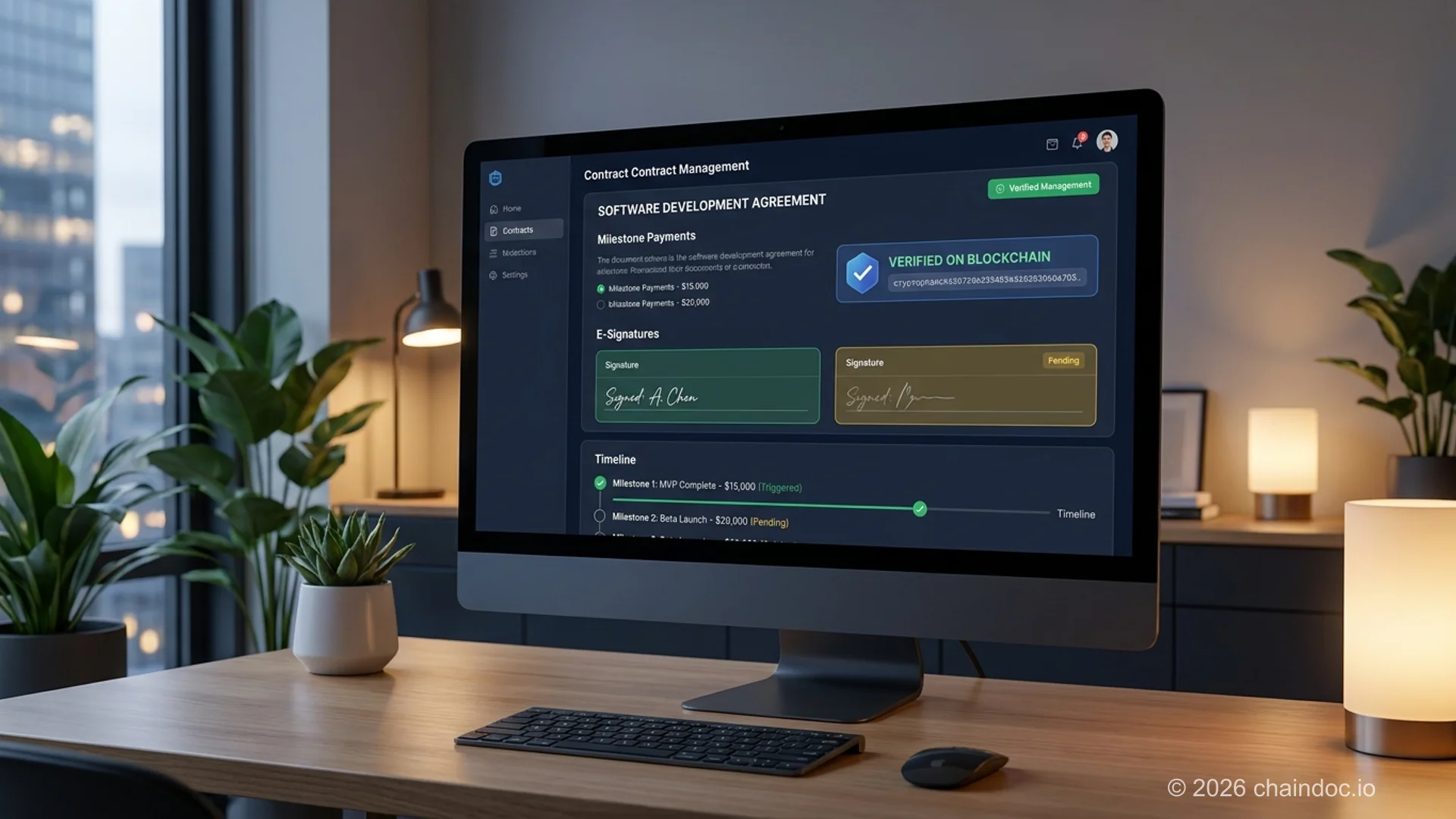
[Document management for IT companies](https://chaindoc.io/it-companies) typically runs multiple SDAs, SOWs, and NDAs simultaneously. A purpose-built workflow prevents the version-control nightmare that comes with email-based signing:
1. Upload the finalized SDA to a contract management platform
2. Add each signer's email address and signing order
3. Each party receives a secure signing link — no account required to sign
4. Signatures are applied; the platform generates a certificate of completion with timestamps, IP addresses, and the document hash
5. Both parties automatically receive the fully executed document
6. The audit trail is stored immutably, accessible for future reference or dispute resolution
When a developer delivers a milestone and the client signs the acceptance form, the payment trigger fires automatically. For teams managing [contract-linked payments](https://chaindoc.io/payments), this removes the gap between acceptance and billing.
For a full pricing breakdown of contract management plans, [Chaindoc's pricing page](https://chaindoc.io/pricing) covers what's included at each tier.
---
### FAQ
**What is a software development agreement?**
A software development agreement (SDA) is a legally binding contract between a client and a software developer or development company. It defines the project scope, deliverables, payment schedule, IP ownership, confidentiality obligations, acceptance testing criteria, and termination conditions. Without one, disputes over who owns the code, what was promised, and when payment is due become very difficult to resolve.
**Who owns the code after a software development project?**
That depends entirely on what your agreement says. Under US copyright law, an independent contractor retains ownership of code they write unless there's a written assignment of rights. Paying for the work doesn't automatically transfer ownership. Your SDA needs an explicit IP assignment clause. Pre-existing developer tools and libraries are typically licensed to the client, not assigned.
**What's the difference between a software development agreement and a statement of work?**
A standalone SDA is a complete contract for a single project — it covers IP, payment, warranties, termination, and scope in one document. A Statement of Work (SOW) is typically used alongside a Master Service Agreement (MSA): the MSA sets the long-term legal framework, and each SOW defines a specific project's deliverables. For one-off projects, use a standalone SDA. For ongoing relationships, the MSA + SOW structure is more efficient.
**What is an MSA in software development?**
An MSA (Master Service Agreement) is the baseline legal contract governing a long-term relationship between a client and a development partner. It covers IP ownership defaults, liability limits, confidentiality, governing law, and dispute resolution. Once signed, individual projects are documented in Statements of Work that reference the MSA's terms. You negotiate the MSA once rather than renegotiating core legal terms for every project.
**Can I use a free software development agreement template?**
Yes, with important caveats. A free template is a solid starting point for straightforward domestic projects. For international outsourcing, complex multi-phase builds, or projects involving significant IP, have a software attorney review the IP, warranty, and limitation of liability sections before signing. The cost of a legal review is almost always less than the cost of a dispute.
**How do you handle changes to scope after signing?**
Through a signed Change Order — not a Slack message or email thread. The Change Order should document the scope addition, the impact on timeline and total fee, and new milestone dates. No out-of-scope work should start until both parties sign. The SDA should also specify who has authority to approve Change Orders.
**Is an electronic signature valid on a software development agreement?**
Yes. Under the ESIGN Act and UETA in the United States, and eIDAS in the European Union, electronic signatures have full legal force for commercial contracts including SDAs. Cryptographic signatures that bind the signer's identity to the document's hash provide the strongest legal protection because any post-signature alteration invalidates the hash.
**What acceptance testing clause should a software development agreement include?**
At minimum: a defined review window (10 business days is standard), written notice requirement for defects, a remedy period for the developer, objective pass/fail criteria in the attached specifications, and a deemed-acceptance clause. Without deemed acceptance, a client can delay payment indefinitely — which is a common tactic in disputed projects.
---
### Service Links
- [Document Management for IT Companies](https://chaindoc.io/it-companies)
- [Contract-Linked Payments](https://chaindoc.io/payments)
- [Chaindoc Pricing](https://chaindoc.io/pricing)
- [Electronic Document Signing](https://chaindoc.io/signing)
- [Related: How to Create a Secure NDA](https://chaindoc.io/blog/how-to-create-secure-nda)
- [Related: Contractor NDA for Software Companies](https://chaindoc.io/blog/contractor-nda-for-software-companies)
- [Related: Contract vs. Agreement](https://chaindoc.io/blog/contract-vs-agreement)
---
## [The Ultimate Guide to Choosing a Secure eSignature Platform in 2026](https://chaindoc.io/md/locales/en/blog/articles/ultimate-guide-secure-esignature-platform-2026.md)
## The Ultimate Guide to Choosing a Secure eSignature Platform in 2026
### Introduction
A secure eSignature platform makes every digital contract legally binding, auditable, and tamper-proof — but not every platform delivers on all three. In 2026, most teams sign contracts, NDAs, and approval forms digitally every day, yet the majority of tools still treat signing as a one-click action rather than a legally defensible workflow.
The risk is real. When a dispute arises over a signed contract, a simple timestamp is not enough. Courts and auditors need to know who signed, how their identity was verified, what exactly was signed (via a document hash), and that the record has never been altered. That chain of evidence — known as **non-repudiation** — is the defining feature of a genuinely secure eSignature platform.
This guide covers what separates compliant, enterprise-grade eSignature platforms from lightweight signing tools: the security architecture, legal framework (ESIGN Act, eIDAS, UETA), PKI infrastructure, blockchain audit trails, and how to choose the right platform for your specific use case.
> E-signatures are legally binding under the U.S. ESIGN Act (2000), UETA, the EU eIDAS Regulation (910/2014), and equivalent laws in the UK and Australia — but legal validity depends on whether the platform captures identity, intent, and an unalterable audit trail.
### Security Foundations Every Secure eSignature Platform Must Have
Before comparing vendors or pricing, teams must understand what security level a secure eSignature platform must achieve in 2026. Most tools in use today secure only the final click — not the full lifecycle of the document.
Real security is **systemic**. Encryption, identity verification, access control, and audit history must all work together. If any layer is missing, even a signed document can be challenged in court.
#### AES-256 Encryption: The Minimum, Not the Differentiator
Enterprise-grade eSignature platforms encrypt files at rest and in transit using **AES-256**, the same standard used by financial institutions and government agencies. But encryption alone secures the container — not the behavior inside it.
**What AES-256 encryption cannot prevent:**
- A recipient copying and forwarding a document after opening it
- Screenshots or offline exports beyond the platform's control
- Unauthorized post-signing modifications if version control is absent
For teams creating and signing collaborative documents, encryption is a prerequisite, not a differentiator. The real question is whether the platform controls what happens after the file is decrypted.
#### Identity Verification: What Makes a Signature Legally Trustworthy
Email access is still treated as proof of identity by many tools — even though shared inboxes and compromised accounts are widespread. A secure eSignature platform requires **signer authentication** that goes beyond a link click.
Strong identity verification ensures:
- Each signer's identity is confirmed before document access is granted
- Every signature is cryptographically tied to a verified individual
- The authentication method is defensible in disputes and audits
Without effective identity verification, a signed document may lack the evidentiary weight needed to enforce a contract. The **identity of the signer is the trust anchor** of the entire signing process.
#### Role-Based Access Control (RBAC) and Principle of Least Privilege
A secure eSignature platform enforces **role-based access control (RBAC)**, separating who can view, edit, approve, and sign. The principle of least privilege means each user receives only the minimum permissions required for their role — no more.
**What effective RBAC delivers:**
- Isolated roles: view-only, sign-only, and manage
- No silent modification of contract terms between draft and signature
- Every action linked to a specific, verified user identity
Without role separation, there can be no tamper-proof signature records. Audit-ready document workflows demand clear permission boundaries, especially when teams operate across jurisdictions or departments.
### Non-Repudiation: The Legal Backbone of a Secure eSignature Platform
**Non-repudiation** is the legal principle that prevents a signer from later denying their participation in a signed agreement. It is the single most important security property of a legally defensible eSignature workflow — and it is absent from most lightweight signing tools.
For a secure eSignature platform to guarantee non-repudiation, three mechanisms must work together:
1. **Identity verification before signing.** The platform must confirm who the signer is — through email OTP, phone verification, government ID check, or KYC — before granting document access. This establishes the WHO.
2. **SHA-256 document hash at signing.** When a signature is applied, the platform generates a **SHA-256 cryptographic hash** — a unique digital fingerprint of the document at that exact moment. If a single character changes after signing, the hash changes, making any tampering immediately detectable. This establishes the WHAT and protects document integrity.
3. **Blockchain timestamp via a Time-stamping Authority (TSA).** The signed document hash is recorded on an immutable blockchain ledger with a timestamp from a certified **Time-stamping Authority (TSA)**. This creates a permanent, independently verifiable record of WHEN the document was signed — one that cannot be retroactively altered.
Together, these three mechanisms — powered by **PKI (Public Key Infrastructure)** and a **Certificate Authority (CA)** — produce a **certificate of completion** that serves as the legal record of the signed agreement.
#### What Non-Repudiation Protects Against
In practice, non-repudiation is the difference between a defensible contract and an unenforceable one:
- A signer cannot claim "I never signed that" because their identity was verified and linked to the document hash
- A party cannot claim "the document was altered" because the SHA-256 hash detects any post-signing change
- An auditor can independently verify the signing timeline without relying on the platform vendor's logs
- HR, legal, and compliance teams can produce court-ready evidence without manual reconstruction
For enterprise teams using a secure eSignature platform in regulated industries — healthcare (HIPAA), finance (SOC 2), or EU-regulated markets (eIDAS QES) — non-repudiation is not optional. It is the legal foundation the entire signing workflow rests on.
> PKI (Public Key Infrastructure) is the cryptographic architecture that makes non-repudiation possible. The Certificate Authority (CA) issues digital certificates that cryptographically bind a signer's identity to their signature. Without PKI, an eSignature is a mark on a page — not a legally verifiable act.
### Audit Trails, Blockchain Documents, and Why History Matters More Than UI
Most teams choose an eSignature tool based on speed or interface design. But when something goes wrong — a disputed contract, a compliance audit, a regulatory inquiry — design does not protect the business. A verifiable, tamper-evident audit trail does.
A secure eSignature platform must be able to prove: who signed, when they signed, how their identity was verified, what version of the document they signed, and that the document has not been altered since.
#### Why Traditional eSignature Logs Are Not Enough
Most legacy tools record only a surface-level activity log. A single "signed at 14:32" timestamp confirms the action but cannot answer the questions a court or auditor will ask.
**Critical gaps in traditional eSignature audit logs:**
- No record of identity verification method used before signing
- No document hash to prove the signed version has not been altered
- No access history showing who viewed the document before signing
- No tamper-detection mechanism if the log itself is modified
This is precisely where legal disputes originate. In cross-border or cross-department work, teams cannot defend legally binding digital signatures without **full online document verification** — not just a signed PDF.
#### Blockchain Documents as Tamper-Proof Proof, Not Storage
Blockchain documents are not a different way to store files. They are a mechanism for creating an **immutable, independently verifiable record of actions**.
When Chaindoc records a signing event on the blockchain, every view, approval, and signature is written to a cryptographically linked chain of records. Because each block contains the SHA-256 hash of the previous block, altering any historical record would require recalculating every subsequent block — computationally infeasible and immediately detectable.
This is what makes Chaindoc's blockchain documents useful for audit purposes: the integrity proof is independent of the platform. Partners, auditors, and legal teams can verify the document's history without relying on Chaindoc's internal logs.
#### Contract Lifecycle Management (CLM) Integration
For enterprise teams, a secure eSignature platform must connect to the broader **contract lifecycle management (CLM)** workflow — from template creation and collaborative drafting through negotiation, signing, and post-execution obligations tracking. Standalone signing tools that operate outside the CLM process create gaps in the audit trail and require manual handoffs that introduce errors.
Platforms that integrate eSignature directly into CLM workflows deliver a **single source of truth**: one document, one timeline, one system of record — from first draft to final archive.
| Capability | Traditional eSignature Log | Blockchain Document Audit Trail |
|---|---|---|
| Tamper detection | None — logs can be edited | SHA-256 hash detects any post-signing change |
| Identity verification proof | Email link click only | Cryptographic certificate tied to verified identity |
| Timestamp integrity | Platform-generated, mutable | Time-stamping Authority (TSA) — independently verifiable |
| Third-party auditability | Requires platform vendor access | Independently verifiable without vendor |
| Legal weight | Limited — can be challenged | Non-repudiation — legally defensible |
### Legal Compliance Across Jurisdictions: ESIGN Act, eIDAS, and Beyond
Yes, e-signatures are legally binding in all major global jurisdictions — but legal validity depends on the platform meeting the specific requirements of each framework. A secure eSignature platform must support cross-border compliance without requiring teams to restructure workflows per country.
#### Is a Secure eSignature Platform Legally Binding?
E-signatures signed on a compliant platform are legally binding under:
- **U.S. ESIGN Act (2000):** Federal law recognizing electronic signatures as legally equivalent to handwritten signatures for most commercial and consumer contracts
- **UETA (Uniform Electronic Transactions Act):** Adopted by 49 U.S. states; provides state-level legal recognition complementing the ESIGN Act
- **EU eIDAS Regulation (910/2014):** EU-wide framework covering three signature tiers — Simple Electronic Signature (SES), Advanced Electronic Signature (AES), and Qualified Electronic Signature (QES) — the latter having the same legal effect as a handwritten signature across all EU member states
- **UK Electronic Communications Act 2000 (ECA):** Post-Brexit UK framework maintaining e-signature legal validity
- **Australia Electronic Transactions Act (1999):** Federal law granting legal recognition to e-signatures and electronic records
#### Jurisdiction Compliance Table
| Jurisdiction | Governing Law | E-Signature Standard | Blockchain Recognition |
|---|---|---|---|
| United States | ESIGN Act (2000) + UETA | Electronic signature = legal equivalent of handwritten | Blockchain timestamps accepted as evidence in most states |
| European Union | eIDAS Regulation 910/2014 | SES / AES / QES tiers; QES = handwritten equivalent | QES-level signatures on compliant blockchain recognized |
| United Kingdom | Electronic Communications Act 2000 | E-signatures valid; QES recommended for deeds | Courts accept blockchain audit trails as evidence |
| Australia | Electronic Transactions Act 1999 | Electronic signature legally recognized for most contracts | Blockchain records accepted as admissible evidence |
### Secure eSignature Platform Comparison 2026
Choosing the right secure eSignature platform requires comparing platforms on the dimensions that matter for legal defensibility, workflow integration, and team scale — not just interface design.
| Platform | Starting Price | Non-Repudiation / PKI | Blockchain Audit Trail | Best For |
|---|---|---|---|---|
| Chaindoc | Free (no credit card required) | Yes — SHA-256 hash + TSA timestamp + blockchain record | Yes — immutable on-chain audit trail | Teams requiring blockchain-backed legal defensibility |
| DocuSign | From $15/user/month | Yes — PKI-based digital certificates | No native blockchain; centralized audit logs | Enterprise sales and legal teams; CLM integration |
| Adobe Acrobat Sign | From $22.99/month | Yes — Adobe CDS certificates; AES/QES support | No blockchain; centralized logs | Adobe ecosystem users; regulated industries (eIDAS QES) |
| Dropbox Sign (HelloSign) | From $15/user/month | Basic — tamper-evident seal; no full PKI chain | No blockchain; platform-hosted logs | SMBs; simple signing workflows; Dropbox users |
| SignNow | From $8/user/month | Basic — SSL + audit log; limited PKI depth | No blockchain; centralized audit logs | Budget-conscious teams; straightforward contracts |
### eSignature Platform Pricing: What to Expect in 2026
eSignature platform pricing in 2026 ranges from free tiers for individuals to enterprise plans exceeding $50/user/month for full CLM, QES compliance, and API access. Understanding the pricing tiers helps teams avoid paying for features they do not need — or underbuying and losing legal defensibility.
| Tier | Typical Price | Key Features | Best For |
|---|---|---|---|
| Free | $0 (no credit card required) | Basic signing, limited documents/month, standard audit log | Individuals; freelancers; occasional signing |
| Professional | $10–$20/user/month | Unlimited documents, custom branding, signer authentication, basic API | SMBs; sales teams; regular contract workflows |
| Business | $20–$40/user/month | Advanced workflows, sequential signing, RBAC, CLM integrations, SSO | Growing teams; compliance-sensitive industries; multi-party contracts |
| Enterprise | $40–$80+/user/month (custom) | QES/AES compliance, PKI certificates, blockchain audit trail, dedicated CSM, SLA | Enterprise legal, finance, healthcare; regulated industries; eIDAS QES requirements |
> Chaindoc offers a free plan with no credit card required — including blockchain-backed audit trails and SHA-256 document integrity verification. Paid plans start from the Professional tier for teams needing advanced signing order, RBAC, and CLM integrations.
### How to Choose the Right Secure eSignature Platform for Your Use Case
Choosing a secure eSignature platform in 2026 is not about the speed of the signing experience. It is about whether the platform can defend the signed contract months or years later — in a dispute, an audit, or a regulatory review.
#### Use-Case Verdict: Which Platform Is Right for You?
| Use Case | Recommended Tier | Key Requirement |
|---|---|---|
| Individual / freelancer | Free or Professional | Basic audit trail + signer authentication |
| SMB / startup | Professional | Unlimited documents + custom branding + RBAC |
| Sales team | Business | Sequential signing + CRM integration + CLM |
| Enterprise / legal | Enterprise | PKI certificates + QES + blockchain audit trail |
| Developer / API-first | Business or Enterprise | e-signature API + webhook support |
#### Questions to Ask Before Committing to a Platform
- **Non-repudiation:** Can the platform produce a SHA-256 document hash and a TSA-certified timestamp that proves the exact document version that was signed and when?
- **Identity verification:** Does the platform verify signer identity through a method beyond an email link — OTP, government ID, or biometric?
- **Audit trail independence:** Is the audit trail stored in a way that is verifiable without relying on the platform vendor's internal systems?
- **Access control:** Can you restrict access by role (view, sign, manage) without slowing down the signing workflow?
- **Compliance coverage:** Does the platform explicitly support ESIGN Act, UETA, eIDAS (SES/AES/QES), and your industry's specific regulations (HIPAA, SOC 2, GDPR)?
#### Red Flags That Signal a Platform Is Not Truly Secure
- Audit trails that exist only as internal platform logs (editable by the vendor)
- Identity verification limited to "email access" or a magic link
- No SHA-256 document hash or equivalent tamper-detection mechanism
- Version management that occurs outside the signing workflow (external drives, email threads)
- Compliance claims in marketing materials not reflected in actual workflow controls
### Secure eSignature Platform Checklist (2026)
#### 1. Identity and Authentication
- Signer identity verified before document access (OTP, government ID, or equivalent)
- Email link alone is NOT accepted as identity proof
- Two-factor authentication (2FA) available for admin and signing accounts
- Access restricted by role (view / sign / approve) — RBAC enforced
- No open links or forwarded files that bypass identity verification
#### 2. Document Integrity
- SHA-256 document hash generated at the moment of signing
- Hash is stored in an independently verifiable record (blockchain or TSA-certified log)
- One document = one active version — no silent parallel versions
- Finalized documents cannot be altered without detection
- Certificate of completion issued after all parties sign
#### 3. Audit Trail and Proof
- Full activity history: every view, access grant, approval, and signature timestamped
- Timestamps certified by a Time-stamping Authority (TSA) — not just platform metadata
- Audit history cannot be edited, deleted, or accessed by the vendor without a verifiable log entry
- Evidence exportable as a court-ready document without manual reconstruction
#### 4. Workflow Security
- Signing happens inside a controlled, verified environment — not via email attachment
- Sequential signing / signing order enforced for multi-party contracts
- Collaboration does not require external tools that create gaps in the audit trail
- Bulk sending supported for high-volume workflows
#### 5. Compliance Readiness
- ESIGN Act + UETA compliance (United States)
- eIDAS SES / AES / QES support (European Union)
- GDPR-compliant data processing and storage
- SOC 2 / ISO 27001 certification or equivalent
- Cross-border signing supported without per-country workflow redesign
- Compliance is embedded in the default workflow — not a manual add-on
### Conclusion
The most secure eSignature platforms in 2026 are not defined by their feature count or interface polish. They are defined by the strength of their legal defensibility infrastructure: SHA-256 document hashing, PKI-backed signer identity, blockchain-anchored audit trails, and non-repudiation that holds up in court.
**Real security works invisibly.** When a platform is built correctly — with ESIGN Act and eIDAS compliance, RBAC, tamper-evident audit trails, and certificate of completion as defaults — teams do not think about compliance. They just sign. The evidence is captured automatically, without adding friction to the workflow.
Choosing a secure eSignature platform in 2026 means asking not just "how fast can we sign?" but "can we prove, six months from now, exactly who signed what, when, and that nothing has changed since?" The platforms that answer yes to both questions are the ones that protect businesses when it matters most.
### FAQ
**Q: What makes a secure eSignature platform legally binding?**
E-signatures are legally binding when a platform satisfies the requirements of applicable law — the U.S. ESIGN Act and UETA, the EU eIDAS Regulation, or equivalent frameworks in the UK and Australia. Legal bindingness requires: (1) evidence of signer intent, (2) verified signer identity, (3) an unalterable record of the signed document version (via SHA-256 hash), and (4) a tamper-evident audit trail.
**Q: What is non-repudiation and why does it matter for eSignature platforms?**
Non-repudiation is the legal principle that prevents a signer from denying they signed a document. It is achieved through three mechanisms: (1) identity verification before signing; (2) SHA-256 document hash at signing — proves what was signed and detects any post-signing alteration; (3) blockchain timestamp from a TSA — proves when the document was signed with a tamper-proof record.
**Q: What is the difference between the ESIGN Act, UETA, and eIDAS?**
The ESIGN Act (2000) is U.S. federal law granting e-signatures the same legal status as handwritten signatures. UETA is the complementary state-level law adopted by 49 states. eIDAS (EU Regulation 910/2014) establishes three signature tiers — SES, AES, and QES — where QES has the legal equivalent of a handwritten signature across all EU member states.
**Q: Does a secure eSignature platform need blockchain to be legally valid?**
No — blockchain is not required for legal validity. However, blockchain significantly strengthens legal defensibility by providing an audit trail that is independently verifiable without relying on the platform vendor's internal systems. For teams in regulated industries or those anticipating disputes, blockchain-backed audit trails represent the highest available standard of evidence.
**Q: How does PKI work in eSignature platforms?**
PKI (Public Key Infrastructure) is the cryptographic architecture that makes AES and QES possible. A Certificate Authority (CA) issues a digital certificate that cryptographically binds the signer's verified identity to their public key. When a document is signed, the private key creates a digital signature that can only be verified with the corresponding public key — mathematically proving the signature came from that specific verified identity.
**Q: What should I look for in an eSignature platform's audit trail?**
A legally defensible audit trail must include: (1) SHA-256 document hash generated at signing; (2) timestamps certified by a TSA; (3) complete access history showing who viewed, commented, and approved before signing; (4) identity verification proof for each signer; (5) ability to export the full audit trail as a court-ready document without platform vendor involvement.
**Q: What is the difference between a simple e-signature and a QES?**
A simple electronic signature (SES) is any electronic mark indicating intent — a typed name or a click. An Advanced Electronic Signature (AES) is uniquely linked to the signer and detects data changes — achieved via PKI certificates. A Qualified Electronic Signature (QES) meets the highest eIDAS standard and has the legal equivalent of a handwritten signature across all EU member states.
**Q: How do I know if an eSignature platform is GDPR-compliant?**
A GDPR-compliant platform must: process personal data only for the purpose of facilitating the signing workflow; provide a Data Processing Agreement (DPA); store personal data within the EU or in a country with an adequacy decision; enable data subject rights; and limit data retention to the legally required period.
**Q: Which secure eSignature platform is best for small businesses?**
For small businesses, Chaindoc's free plan includes blockchain-backed audit trails and SHA-256 document integrity at no cost. For teams needing CRM integration and unlimited documents, a Professional tier plan ($10–$20/user/month) covers most SMB needs. For regulated industries, a Business or Enterprise tier with PKI certificates and QES support is required regardless of company size.
---
## [Wet Signature: Meaning, Legal Status and When US Law Still Requires One (2026)](https://chaindoc.io/md/locales/en/blog/articles/wet-signature.md)
### Is a wet signature a legal requirement or a preference?
A wet signature is a signature made by hand, in ink, on paper. The name comes from the ink being wet at the moment of signing. No US statute defines the phrase, and no federal law requires one for ordinary business agreements.
Someone has asked you for a wet signature. Maybe it was a bank, maybe a county clerk, maybe the other side's counsel. The request sounds official, which raises the obvious question: is this the law talking, or is it a preference?
Most of the time it is a preference.
This guide covers what the term means, the short list of documents where American law still insists on paper, and the widely repeated claim about three states that stopped being true years ago.
> "Wet signature" is industry shorthand, not a legal term. The phrase appears nowhere in the ESIGN Act or in the Uniform Electronic Transactions Act. Both statutes speak of signatures and electronic signatures, and treat them as equal for almost every transaction.
### What a Wet Signature Actually Means
A wet signature is the mark you make with a pen on a physical page. Ink, paper, your own hand. People also say wet ink signature, and the two phrases mean the same thing.
The term exists only because of the contrast. Before documents moved onto screens, nobody needed a word for signing on paper. That was simply signing.
What qualifies is broader than most people assume. Courts have accepted initials, an X, and signatures nobody could read. What matters is that a person made the mark themselves and intended it to stand for their agreement. A wet signature example can be as plain as a scrawl at the foot of a page.
The physical act carries no magic of its own. Its value shows up later, in a dispute, because the original sheet holds evidence that a copy does not: pen pressure, stroke order, indentation, the specific ink. A document examiner can work with all of that. That is the real difference, and it matters in exactly one situation, when somebody denies signing at all.
### Wet Signature vs Electronic Signature: What the Law Says
The federal rule fits in a single sentence. Under the [ESIGN Act, 15 U.S.C. § 7001(a)](https://www.law.cornell.edu/uscode/text/15/7001), a signature or contract "may not be denied legal effect, validity, or enforceability solely because it is in electronic form."
The word doing the work there is *solely*. ESIGN removes one objection, the form. It does not rescue an agreement that would have failed for any other reason.
The same statute says what counts as a signature. Under 15 U.S.C. § 7006(5), an electronic signature is "an electronic sound, symbol, or process, attached to or logically associated with a contract or other record and executed or adopted by a person with the intent to sign the record."
That definition mentions no certificates, no biometrics, no cryptography. A typed name at the end of an email can satisfy it. What the law asks for is intent, plus a link between the signature and the record it belongs to.
Subsection 7001(b) draws the boundary from the other side. ESIGN changes no substantive rule of law beyond requirements that a contract be written, signed or in non-electronic form. If a statute demands notarization, ESIGN leaves that alone. If a court rule demands an original, ESIGN leaves that alone too.
So the honest answer on wet signature vs electronic signature: for an ordinary contract the two carry the same weight under federal law. The exceptions are narrow, and Congress listed them by name.
### When a Wet Signature Is Still Required
[15 U.S.C. § 7003(a)](https://www.law.cornell.edu/uscode/text/15/7003) carves specific categories out of ESIGN. These are the documents where paper still governs:
- **Wills, codicils and testamentary trusts.** No exception anywhere.
- **Family law matters**, including adoption, divorce and other domestic relations documents.
- **The Uniform Commercial Code**, except Article 2 on sales and Article 2A on leases, which stay inside ESIGN.
- **Court documents.** Pleadings, notices, motions and orders answer to court rules rather than to ESIGN.
- **Certain consumer notices**, listed in § 7003(b): cancellation of utility service, default or foreclosure on a primary residence, termination of health or life insurance benefits, and recall of a product that affects health or safety.
That is the federal list, and it is shorter than people expect. An NDA can be signed electronically. So can a seven-figure supply agreement.
A second category trips people up more often. Notarization, real estate recording and court filing frequently require ink, and not because of ESIGN. They require it because of state notary statutes, county recorder practice and local court rules written for paper, some of which have never been updated. ESIGN does not override them and was never meant to: they sit outside the narrow question of whether a contract must be written or signed.
This distinction is worth holding on to. When someone tells you the law requires a wet signature, the useful follow-up is which law. Nine times out of ten the answer is a county office's own procedure, not a statute.
### The Three-States Myth, and What Is True in 2026
Search this topic and the same line comes back from a dozen vendor blogs: three states never adopted UETA, namely New York, Illinois and Washington. It was accurate once. It is out of date now.
- **Washington** repealed its Electronic Authentication Act and adopted UETA, effective 2020.
- **Illinois** replaced the Electronic Commerce Security Act of 1998 with its own version of UETA, effective 1 January 2022.
- **New York** has still not adopted it. The state runs the Electronic Signatures and Records Act, known as ESRA, under Article I of the State Technology Law.
So the count is one, not three.
Does it change the outcome? Rarely. ESRA gives an electronic signature the same force and effect as one made by hand, which is where UETA lands as well. What changes is the authority you cite. Drafting for a New York matter and quoting UETA section numbers will make a careful reader wonder what else you did not check.
### How to Handle a Wet Signature on a PDF
The request usually arrives worded like this: please return a wet signature on the attached PDF. Taken literally that cannot be done. A PDF holds no ink.
What the sender wants is one of three things:
1. **Print, sign, scan.** You print the document, sign it in ink, scan it back. The signed original now lives on paper in your drawer. What you send is a photograph of it.
2. **A drawn signature.** You sign with a finger, stylus or trackpad and the software drops the drawing into the file. It looks like ink. Legally it is an electronic signature.
3. **A signature with a record behind it**, capturing signer identity, timestamps, IP address and a hash of the exact file that was signed.
Option one deserves a second thought. The moment you scan a signed page, what you are sending stops being a wet signature. It becomes an image of one, which is why the term facsimile signature exists. The evidentiary properties change with it. Nobody can measure pen pressure on a JPEG, and an image can be lifted out of one document and dropped into another in about four seconds.
That is the quiet problem with print-sign-scan. It feels more careful than signing electronically, and it usually proves less. A scanned page carries no record of who scanned it or when. A signature captured with identity checks and a [tamper-evident audit trail](https://chaindoc.io/signing) carries both, and the recipient can [verify afterwards that the file was never altered](https://chaindoc.io/pdf-verify).
> If someone insists on a scan of an ink signature, keep the paper. The scan is the copy; the sheet in your drawer is the evidence. Throw it away and you have given up the single advantage a wet signature had over a typed name.
### Wet, Electronic and Facsimile Signatures Compared
| | Wet signature | Electronic signature | Facsimile signature |
|---|---|---|---|
| What it physically is | Ink applied by hand to paper | A symbol or process attached to a record with intent to sign | A reproduction of a signature: scan, image, rubber stamp |
| What it proves on its own | That someone signed this exact sheet | Depends entirely on the evidence captured alongside it | Very little; the image proves only that the image exists |
| How it is challenged | Handwriting analysis of the original | Audit trail, identity checks, timestamps, document hash | Almost impossible to defend without other proof |
| Where it is accepted | Everywhere, including the § 7003 exceptions | Everywhere except the § 7003 exceptions | Where a specific statute or the parties allow it |
| Cost of one signature | Print, sign, scan, post, file | Seconds, no paper | Seconds, no paper |
The row worth studying is the second. A wet signature and an electronic signature both prove something on their own, and a scanned image proves almost nothing on its own. Yet the scan is the one people reach for when they want to be careful.
### What This Means in Practice
Three things are worth taking away.
First, the phrase carries no legal weight. When a counterparty asks for a wet signature they are usually expressing a habit, and a polite question about which requirement they are working from often ends the discussion.
Second, the genuine exceptions are listed in § 7003 and they are narrow. Wills, family law, most of the UCC, court filings and a handful of consumer notices. If your document is not on that list, federal law treats ink and electronic as equal.
Third, the reflex to print and scan works against you. It produces a file with weaker evidentiary standing than either alternative while feeling like the cautious choice. If the concern is proving later that a particular person agreed to a particular document, the answer is a record, not ink.
### FAQ
**Q: Is a wet signature more legally binding than an electronic one?**
No. Under the ESIGN Act a signature cannot be denied legal effect solely because it is electronic, so for ordinary contracts the two carry equal weight. The difference is evidentiary rather than legal: each proves what happened in a different way, through handwriting analysis on one side and an audit trail on the other.
**Q: Does a scanned wet signature still count as a wet signature?**
No. Once scanned it is an image of a signature, sometimes called a facsimile signature. The paper original remains the wet signature, which is why keeping it matters. If you send only the scan and later throw the paper away, you are left with a file that carries less evidentiary value than a properly recorded electronic signature.
**Q: Can a company require a wet signature even when the law allows electronic?**
Yes. ESIGN sets a floor, not a ceiling. Any party is free to insist on paper as a condition of doing business, and lenders, insurers and government offices often do. It is a contractual or procedural choice on their part, not a legal requirement.
**Q: Which documents still need wet ink in 2026?**
Section 7003 of the ESIGN Act excludes wills, codicils and testamentary trusts, family law matters such as adoption and divorce, most of the Uniform Commercial Code apart from Articles 2 and 2A, court documents, and specific consumer notices including foreclosure and utility cancellation. Separately, many notary, recording and court-filing procedures still expect paper under their own rules.
**Q: Is a wet signature required for notarization?**
It depends on the state. Remote online notarization is now authorised in most states, and there the signature and the notarial act are both electronic. Where it is not authorised, the requirement comes from that state's notary statute rather than from ESIGN, which explicitly leaves notarization rules untouched.
**Q: What is the difference between a wet signature and a digital signature?**
A wet signature is ink on paper. A digital signature is a specific cryptographic technique that binds a signer's certificate to a document and detects any later change to it. Electronic signature is the broad legal category that covers both digital signatures and simpler methods such as a typed name.
**Q: Do all US states treat electronic signatures the same way?**
Almost. Forty-nine states have adopted the Uniform Electronic Transactions Act. New York is the exception and applies its own Electronic Signatures and Records Act, which reaches the same result through different wording. Washington adopted UETA in 2020 and Illinois in 2022, so older articles naming three holdout states are out of date.
**Q: Does a wet signature expire or need re-signing?**
A signature does not expire. What can lapse is the underlying agreement, if it carries a term or a renewal date. Ink itself does fade and paper degrades, which is a practical argument for keeping a scanned copy alongside the original rather than relying on the sheet alone for decades.
### References & Further Reading
- [ESIGN Act, 15 U.S.C. § 7001 (Cornell LII)](https://www.law.cornell.edu/uscode/text/15/7001)
- [ESIGN Act exceptions, 15 U.S.C. § 7003 (Cornell LII)](https://www.law.cornell.edu/uscode/text/15/7003)
- [Digital signature vs electronic signature](https://chaindoc.io/blog/digital-signature-vs-electronic-signature)
- [Is DocuSign legally binding](https://chaindoc.io/blog/is-docusign-legally-binding)
- [Document signing with audit trail](https://chaindoc.io/signing)
- [Verify a signed PDF](https://chaindoc.io/pdf-verify)